Best Computer Monitors for Excel
The best computer monitors for Excel make it easier to view detailed spreadsheets, compare data, and work across multiple windows. A larger screen, sharp resolution, and clear text can help you keep track of rows and columns, while adjustable positioning supports a comfortable setup. Explore the monitors below, ranked by user review ratings, to find the right fit for your workspace.
What to look for in computer monitors for Excel
1. Screen Size and Resolution
2. Aspect Ratio and Workspace
3. Text Clarity and Viewing Comfort
4. Connectivity and Ergonomics
-
1
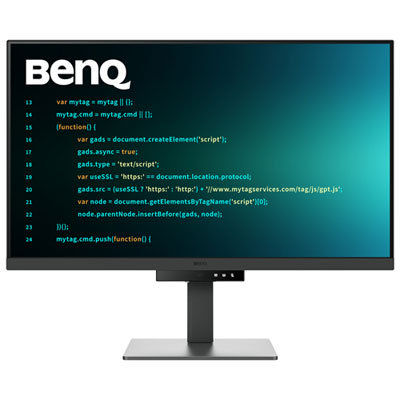
BenQ 31.5" 4K UHD IPS LCD Monitor (RD320U) - 98% P3 - Metallic Grey
About this product
A metallic grey 31.5" 4K IPS monitor with low-reflection panel and eye-friendly coding modes.
(4)$899.99 Your price for this item is $899.99 -
2
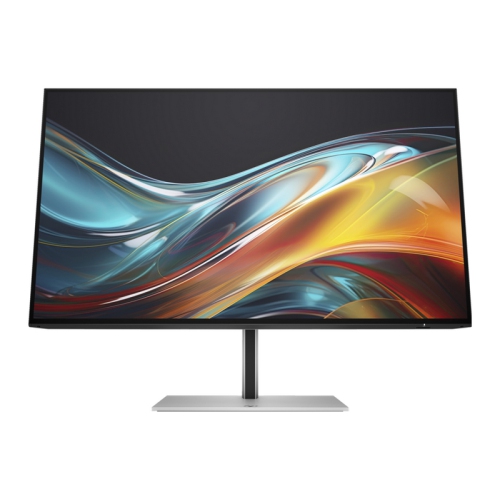
HP 724Pn 24" Wuxga Ips Lcd Monitor (8X534Aa#aba)
About this product
A high-resolution IPS monitor with 1920 x 1200 display, HDMI, DisplayPort, and built-in USB hub.
(4)$370.37Your price for this item is $370.37SAVE $37 -
3
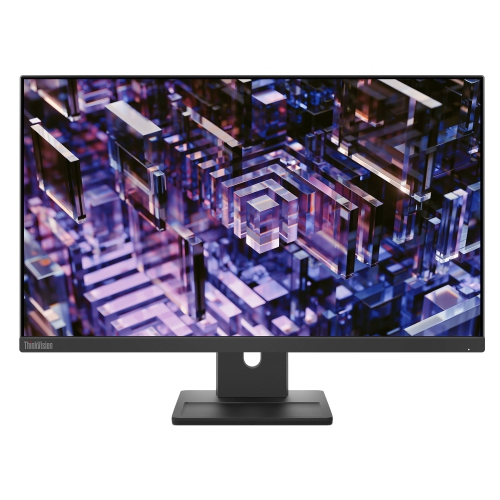
LENOVO Thinkvision 23.8 Inch Ips Qhd 100Hz Monitor - E24Q-30
About this product
A high-resolution 23.8-inch monitor delivering sharp visuals, ideal for work or entertainment setups.
(3)$300.68Your price for this item is $300.68SAVE $30 -
4
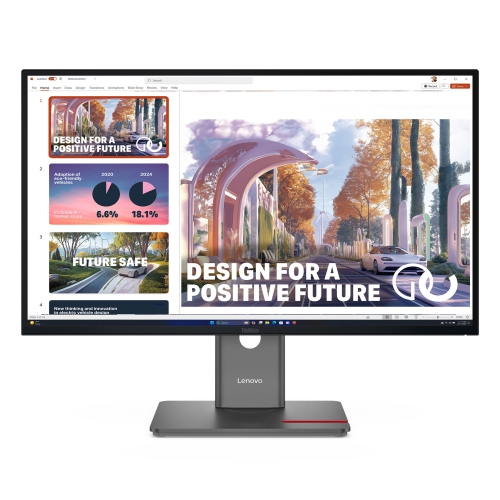
LENOVO Thinkvision 27" 1440P Qhd Monitor (P27Qd-40) - Low Light - 120Hz In Blue
About this product
A 27-inch monitor delivering sharp visuals, ideal for professional and everyday computing tasks.
(1)$500.00Your price for this item is $500SAVE $50 -
5
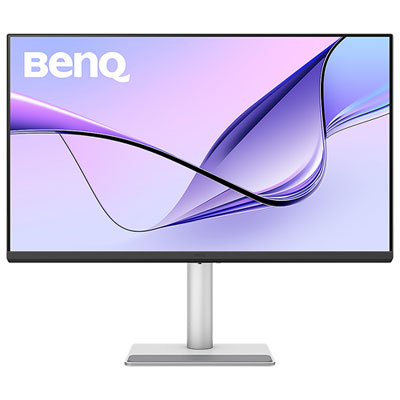
BenQ 31.5" 4K UHD IPS LCD Monitor for MacBook (MA320U) - Silver
About this product
A silver IPS LCD monitor offering 4K Ultra HD resolution, 60Hz refresh rate, and Mac colour tuning.
(5)$779.99 Your price for this item is $779.99 -
6
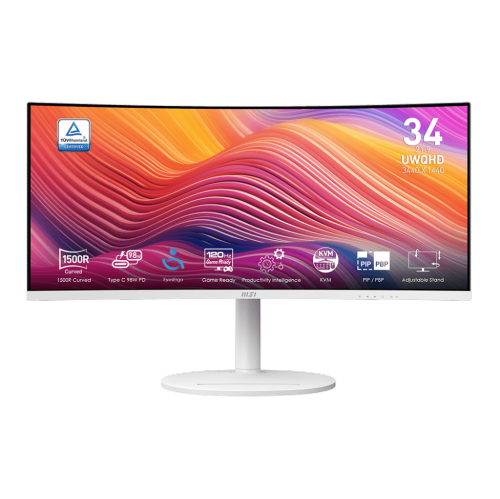
MSI Modern 34" Ultrawide Curved Uwqhd Va Led Monitor (Md342Cqpw) - 120Hz - HDr Ready - Freesync Premium - In White
About this product
A white curved UWQHD monitor with 120Hz refresh rate, 1ms response, USB-C 98W power delivery, and speakers.
(5)$399.99Your price for this item is $399.99SAVE $90 -
7
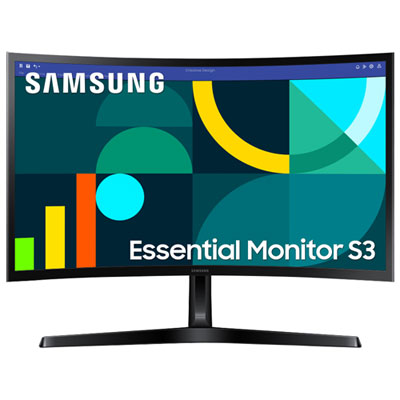
Samsung Essential S3 24" Curved 1080p HD VA LED Monitor (LS24D368GANXZA) - Flicker-Free/Blue Light - 100Hz
About this product
A black curved VA LED monitor delivering Full HD visuals, 100Hz refresh rate, and eye comfort features.
What customers like
(110)$159.99 Your price for this item is $159.99 -
8

BenQ 27" 4K UHD IPS LCD Monitor for MacBook (MA270U) - Silver
About this product
A silver IPS LCD monitor offering 4K Ultra HD resolution, 60Hz refresh rate, and MacBook compatibility.
(13)$629.99 Your price for this item is $629.99 -
9
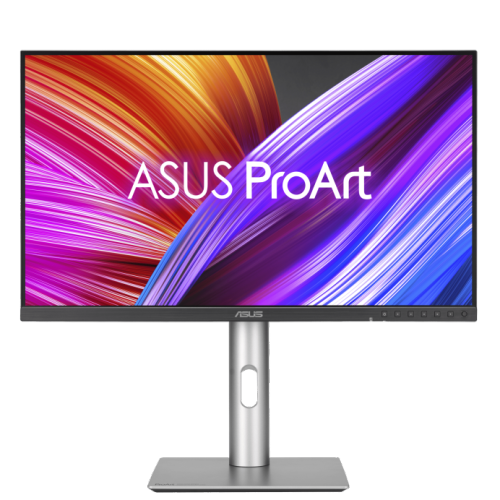
ASUS Proart 27" 1440P Qhd Ips Creator Monitor (Pa278Cfrv) - Displayhdr 400 - 95% Dci-P3 - 100Hz
About this product
A professional 27-inch QHD IPS monitor with 100Hz refresh rate, 95% DCI-P3, and ergonomic stand.
(3)$499.00 Your price for this item is $499 -
10
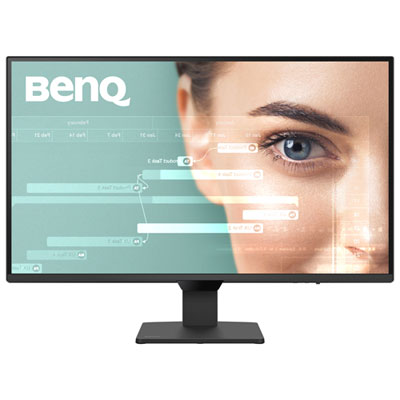
BenQ 27" 1440p QHD IPS LCD Monitor (GW2790Q) - 100Hz
About this product
A 27-inch black monitor with 1080p resolution and 100Hz refresh rate for vibrant, smooth visuals.
(4)$199.99 Your price for this item is $199.99
FAQ
Resolution is the number of pixels a monitor displays. Higher resolutions can show more spreadsheet content at once or provide sharper text when display scaling is applied. Your computer’s graphics capabilities and scaling settings also influence how Excel appears.
Common panel types include IPS, VA and TN. IPS panels generally offer consistent colours and viewing angles, VA panels typically provide higher contrast, and TN panels often prioritize fast response times. For spreadsheet-focused use, text clarity and viewing angles are useful points of comparison.
Look for connections that match your computer, such as HDMI, DisplayPort or USB-C with video support. Some USB-C monitors also support laptop charging and USB accessories through one cable. Check the monitor’s specifications and your computer’s port capabilities, as not every USB-C port supports video or charging.
Yes. With your computer set to extend the desktop, you can place separate Excel windows on different monitors or keep a spreadsheet beside another application. The number of supported displays depends on your computer, graphics hardware and any connected dock.
Matte finishes diffuse reflections, while glossy finishes tend to show more distinct reflections from windows and lights. Glossy displays can give colours a more vivid appearance under suitable lighting. When comparing finishes for spreadsheet work, consider the lighting and placement of your desk.
Top selling and popular products
Discover more categories related to Best Computer Monitors for Excel

Some products may be subject to Environmental Handling Fees (EHF) depending on your province. Learn more about EHFs.