High Refresh Rate Monitors
Experience the next level of visual performance with high refresh rate monitors, designed to provide ultra-smooth motion and stunning clarity for both work and play. Whether you're a competitive gamer seeking an edge in fast-paced action or a professional needing seamless visuals for demanding tasks, these monitors deliver exceptional fluidity and precision. Explore a wide range of options to find the perfect high refresh rate monitor that meets your needs, ensuring every frame is rendered with impeccable detail and sharpness.
Sort
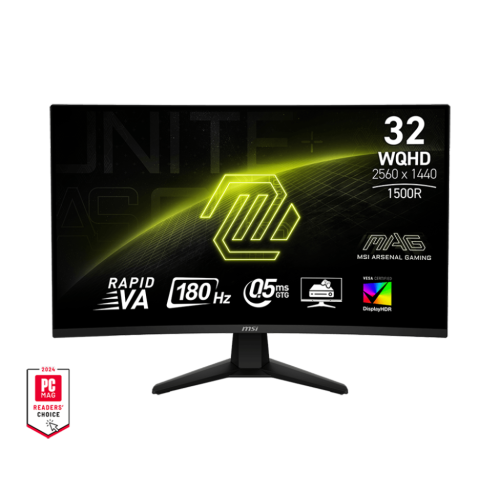
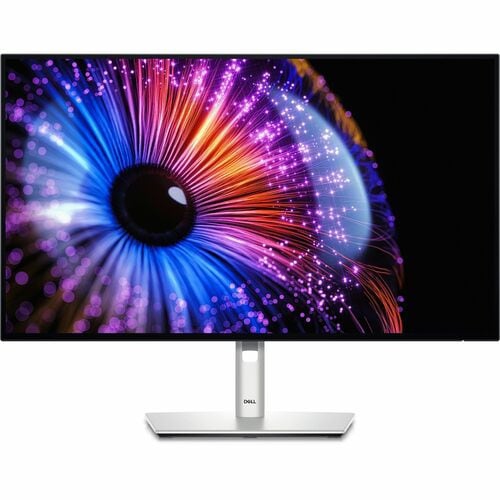
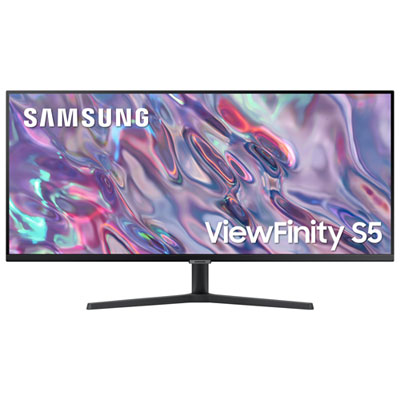
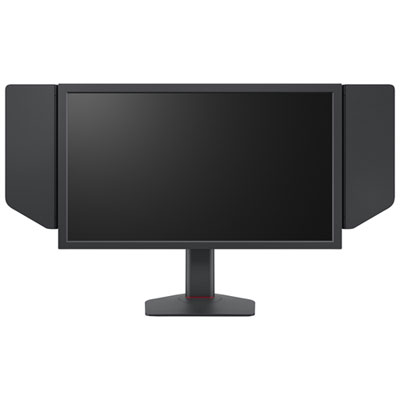
Why refresh rate matters for smoother screen performance
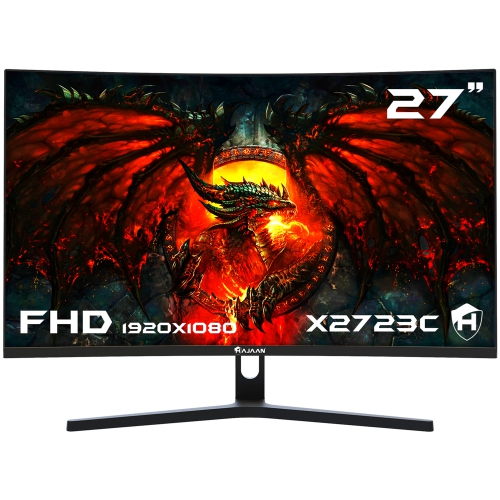
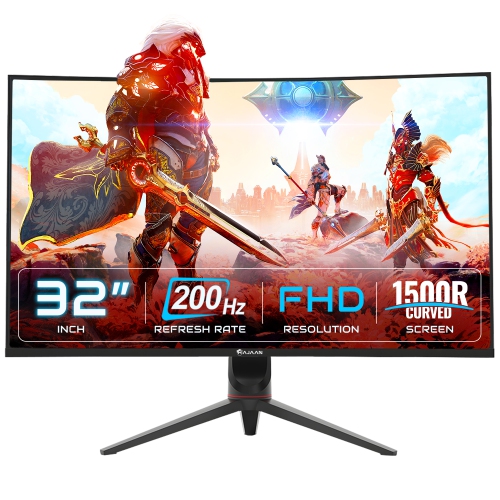
High refresh rate monitors are designed to make motion look smoother and on-screen responses feel more immediate. While a standard display may refresh at 60Hz, a high refresh rate monitor updates the image 120 times per second or more, depending on its specifications. That difference can be easy to notice when turning quickly in a game, following a fast-moving race, scrolling through a long webpage, or moving windows across the desktop. A 120Hz or 144Hz monitor is often a practical choice for everyday gaming, work, entertainment, and console use, offering fluid motion without requiring the highest-end computer hardware. Displays with refresh rates of 240Hz, 360Hz, or higher are aimed more specifically at competitive players who spend time with fast-paced shooters, racing games, fighting games, and esports titles where rapid visual feedback can be valuable. The benefit of a higher refresh rate depends on the entire setup: your computer must be capable of producing enough frames per second, and the game or application must support that performance. If a system only renders 70 frames per second, a 240Hz display cannot create additional game frames on its own, although it may still provide other useful features such as adaptive synchronization, a responsive panel, or a faster-feeling desktop experience. For smooth everyday performance, browsing the selection of 120hz Monitors can be a helpful starting point, particularly for shoppers comparing displays for gaming, streaming, homework, and general computer use.
When choosing among high refresh rate monitors, consider refresh rate alongside resolution, screen size, panel technology, response time, and connectivity. A 1080p display can make it easier for a mid-range gaming computer to reach high frame rates, while 1440p can provide a sharper image and more workspace without the greater graphics demand of 4K. A 4K monitor delivers highly detailed images and can be a strong fit for photo editing, video playback, creative work, and games with rich visual environments, but it typically requires a more powerful graphics card to take full advantage of a high refresh rate. Panel type also affects the viewing experience. IPS panels are commonly chosen for balanced colour, viewing angles, and motion performance; VA panels can provide strong contrast and deep-looking blacks; and OLED panels are known for very fast response times and striking contrast. Response time and refresh rate describe different aspects of performance: refresh rate indicates how often the screen updates, while response time describes how quickly individual pixels change colour. A monitor with a high refresh rate and a slow response time may show unwanted smearing in fast scenes, so it is worth reviewing both specifications. Adaptive sync technology can help match the monitor’s refresh cycle with the frame output from a compatible graphics card, reducing visible tearing and stuttering. Also check the available ports, including HDMI and DisplayPort, since the connection and cable can affect the maximum supported resolution and refresh rate. Built-in speakers, a height-adjustable stand, VESA mounting support, USB connections, blue-light settings, and an anti-glare finish can add convenience, especially when the monitor doubles as a home office or study display.
High refresh rate monitors can suit a wide range of people. They are a thoughtful choice for a PC gamer who wants smoother movement, a student who spends long sessions researching and writing, or a remote worker who appreciates clearer scrolling and more responsive window movement. They can also be useful for a family entertainment space, where one display may be used for games, streaming, schoolwork, and occasional creative projects. For competitive players, a 240Hz or faster model may help them see more frequent updates during quick matches, provided their computer can deliver the necessary frame rates. For a console player, a 120Hz-compatible display can support smoother gameplay with compatible hardware and games, making it important to verify the console, cable, port, and in-game settings before buying. These monitors can make practical gifts for someone building a first gaming setup, upgrading a study area, or replacing an older screen that feels sluggish during fast motion. During the cooler months, when more time may be spent indoors gaming, watching films, learning, or working at a desk, a well-matched monitor can improve the feel of everyday screen time without requiring a complete equipment change. After connecting the display, remember to open the computer’s display settings and select the monitor’s highest available refresh rate; many systems default to 60Hz even when the monitor supports much more. It is also helpful to enable adaptive sync when supported, use the appropriate input port, update graphics drivers, and choose a resolution that balances sharpness with the frame rate your system can consistently produce. By matching the monitor to your graphics card, preferred games, viewing distance, desk space, and typical activities, you can choose high refresh rate performance that feels noticeable and useful rather than paying for specifications your setup cannot fully use.
When choosing among high refresh rate monitors, consider refresh rate alongside resolution, screen size, panel technology, response time, and connectivity. A 1080p display can make it easier for a mid-range gaming computer to reach high frame rates, while 1440p can provide a sharper image and more workspace without the greater graphics demand of 4K. A 4K monitor delivers highly detailed images and can be a strong fit for photo editing, video playback, creative work, and games with rich visual environments, but it typically requires a more powerful graphics card to take full advantage of a high refresh rate. Panel type also affects the viewing experience. IPS panels are commonly chosen for balanced colour, viewing angles, and motion performance; VA panels can provide strong contrast and deep-looking blacks; and OLED panels are known for very fast response times and striking contrast. Response time and refresh rate describe different aspects of performance: refresh rate indicates how often the screen updates, while response time describes how quickly individual pixels change colour. A monitor with a high refresh rate and a slow response time may show unwanted smearing in fast scenes, so it is worth reviewing both specifications. Adaptive sync technology can help match the monitor’s refresh cycle with the frame output from a compatible graphics card, reducing visible tearing and stuttering. Also check the available ports, including HDMI and DisplayPort, since the connection and cable can affect the maximum supported resolution and refresh rate. Built-in speakers, a height-adjustable stand, VESA mounting support, USB connections, blue-light settings, and an anti-glare finish can add convenience, especially when the monitor doubles as a home office or study display.
High refresh rate monitors can suit a wide range of people. They are a thoughtful choice for a PC gamer who wants smoother movement, a student who spends long sessions researching and writing, or a remote worker who appreciates clearer scrolling and more responsive window movement. They can also be useful for a family entertainment space, where one display may be used for games, streaming, schoolwork, and occasional creative projects. For competitive players, a 240Hz or faster model may help them see more frequent updates during quick matches, provided their computer can deliver the necessary frame rates. For a console player, a 120Hz-compatible display can support smoother gameplay with compatible hardware and games, making it important to verify the console, cable, port, and in-game settings before buying. These monitors can make practical gifts for someone building a first gaming setup, upgrading a study area, or replacing an older screen that feels sluggish during fast motion. During the cooler months, when more time may be spent indoors gaming, watching films, learning, or working at a desk, a well-matched monitor can improve the feel of everyday screen time without requiring a complete equipment change. After connecting the display, remember to open the computer’s display settings and select the monitor’s highest available refresh rate; many systems default to 60Hz even when the monitor supports much more. It is also helpful to enable adaptive sync when supported, use the appropriate input port, update graphics drivers, and choose a resolution that balances sharpness with the frame rate your system can consistently produce. By matching the monitor to your graphics card, preferred games, viewing distance, desk space, and typical activities, you can choose high refresh rate performance that feels noticeable and useful rather than paying for specifications your setup cannot fully use.
Top selling and popular products
-
 Your price for this item is $279.97
 -
 Your price for this item is $275
 -
 Your price for this item is $299
 -
 Your price for this item is $559.68
 -
 Your price for this item is $209.99
 -
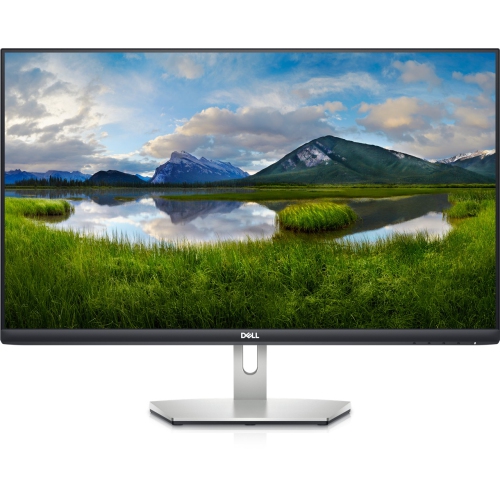 Your price for this item is $239.99
 -
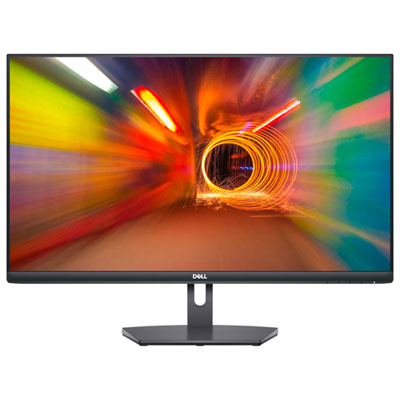 Your price for this item is $179.95
 -
 Your price for this item is $3299.99
Discover more categories related to High Refresh Rate Monitors

Top Collections:
Pokemon Centers, Kindle Devices, Best Budget Office Chairs, Apple iPhones 16, Best Laptops for Writers, iPhone 15 Apple, Canon G7X Cameras, Refurbished Apple Laptops, Alarm Clock, Motorola Razr Phones
Some products may be subject to Environmental Handling Fees
(EHF) depending on your province.
Learn more about EHFs.