Studio Monitors for Video Editing
Studio Monitors for Video Editing are essential for achieving accurate sound reproduction during post-production work. Whether you’re a professional editor or a content creator, choosing the right studio monitors can make a significant difference in your workflow. Explore options designed to help you fine-tune audio tracks, balance sound levels, and enhance your overall editing experience. Find the perfect fit for your studio setup and elevate your video projects with reliable sound clarity.
Sort
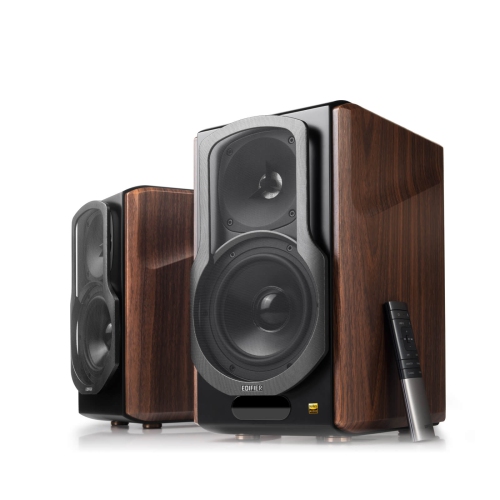
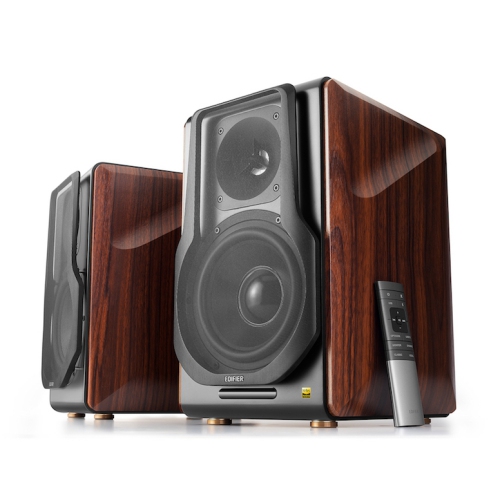
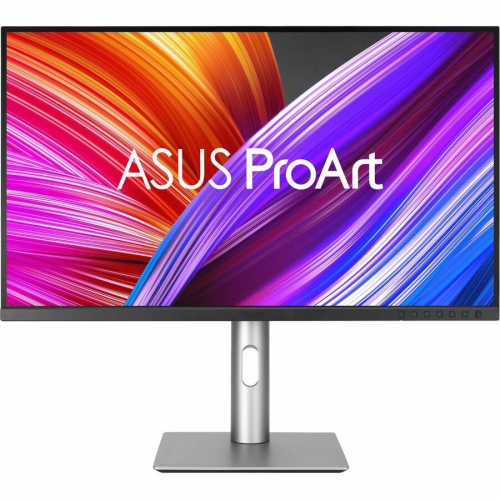
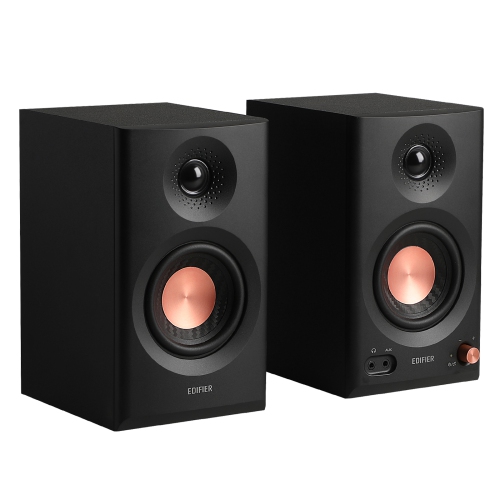
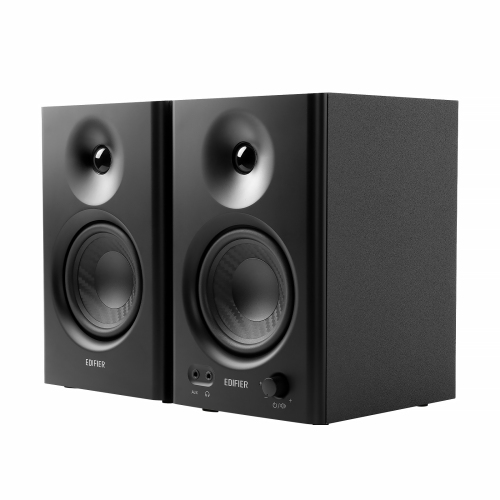
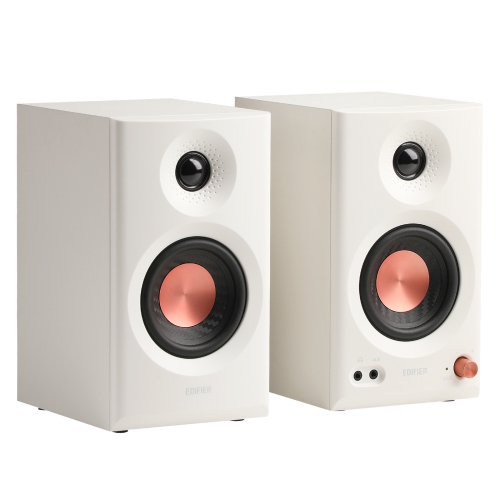
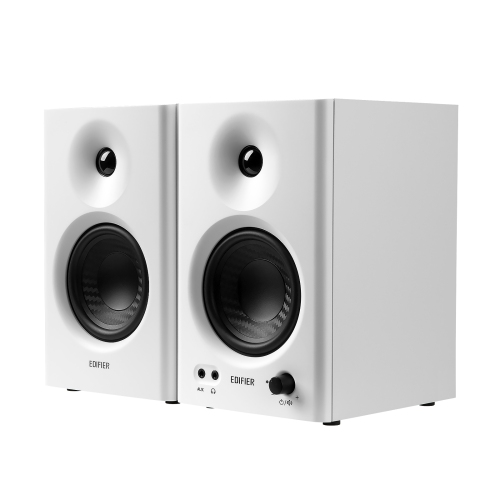
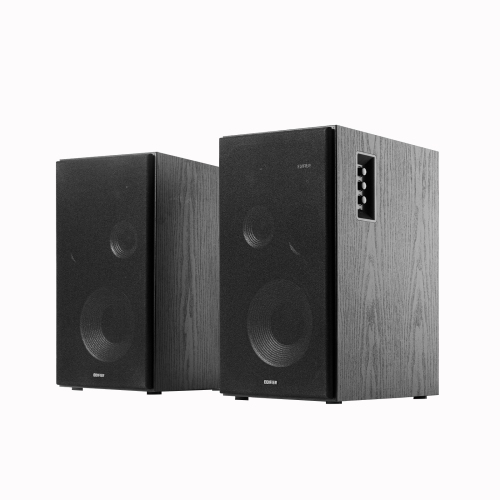
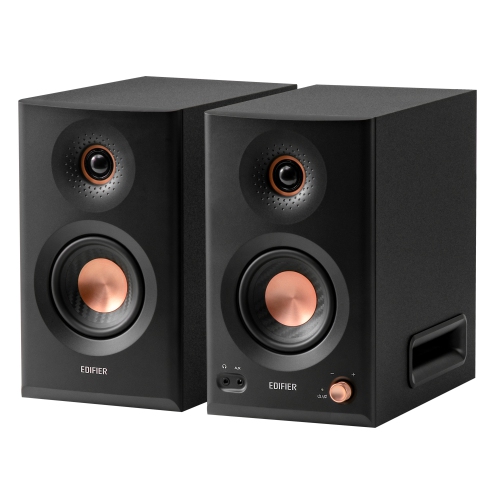
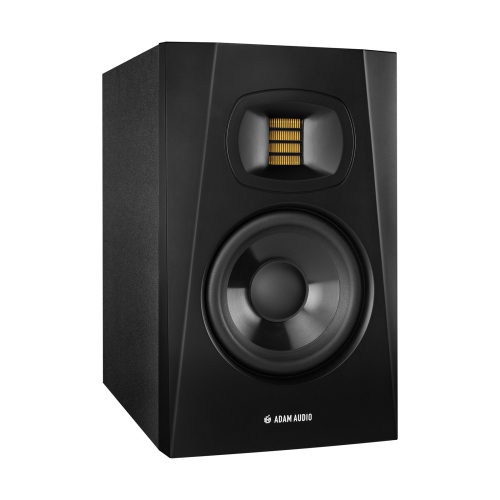
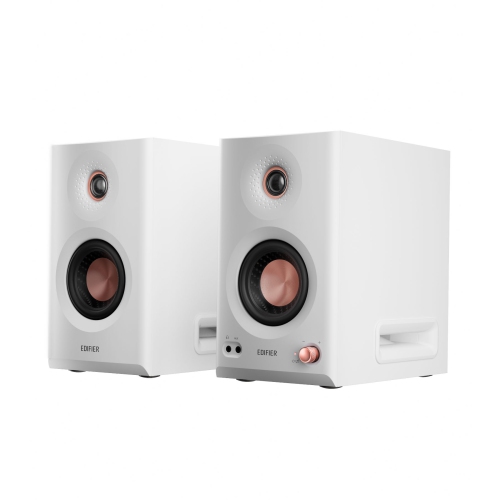
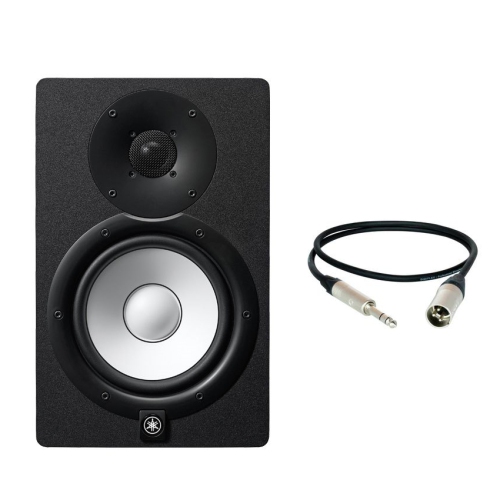
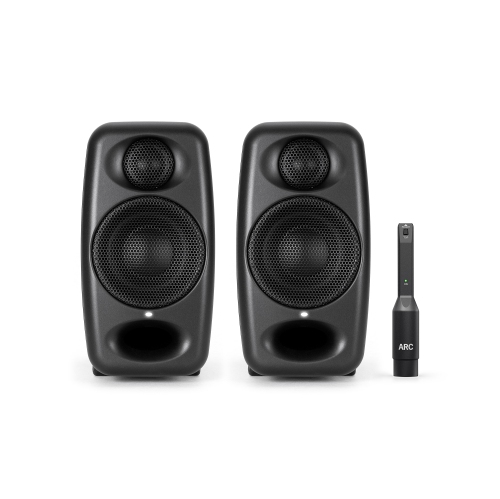
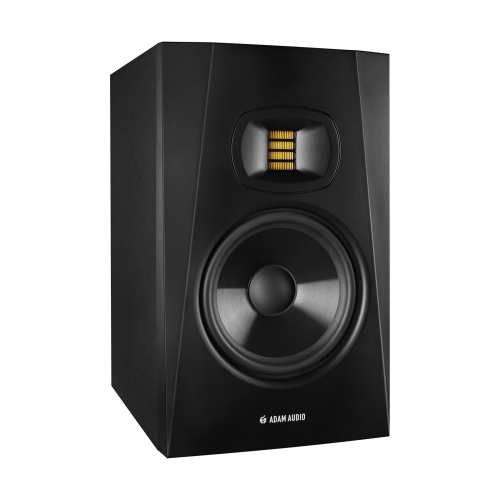
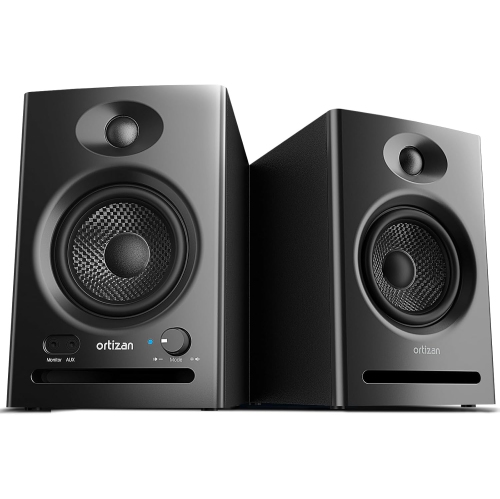
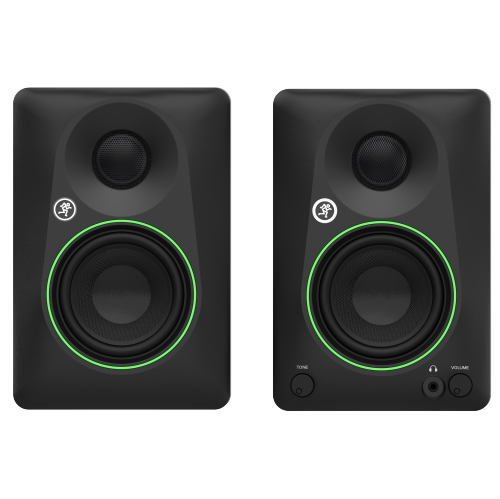
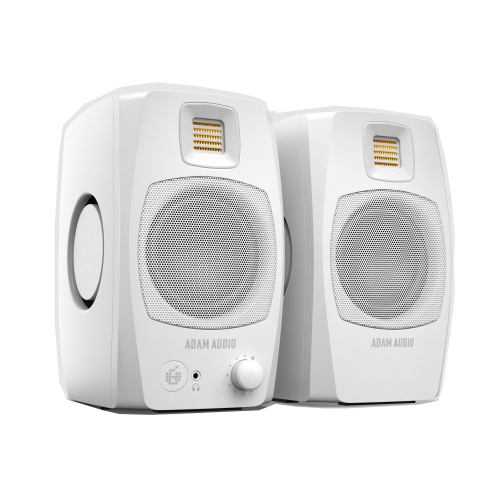
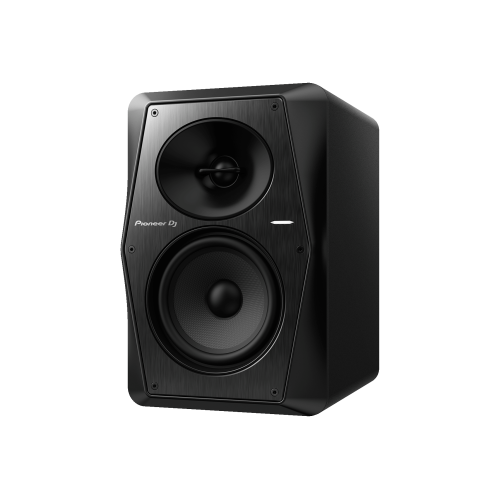
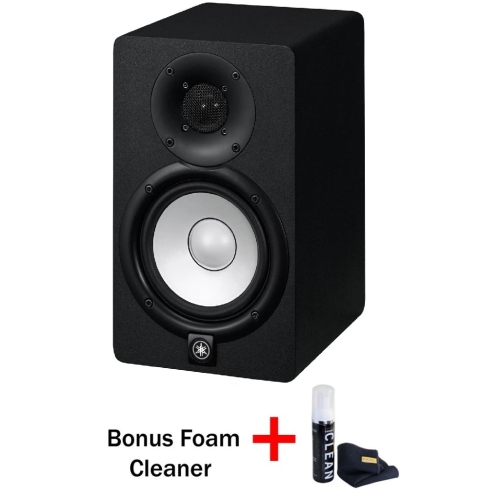
Hear every dialogue, effect, and musical detail accurately
When it comes to video editing, the accuracy and clarity of your audio playback can make all the difference in achieving a polished final product. Studio monitors are designed to deliver a flat, uncoloured sound profile, allowing editors to hear every nuance in dialogue, music, and effects without the enhancements or distortions common in consumer speakers. Whether you’re working in a home office, a compact edit suite, or a larger studio, choosing the right set of studio monitors is essential for ensuring your edits translate well across all playback systems. Many professionals and hobbyists alike appreciate active, nearfield monitors for their built-in amplification and straightforward setup, making them a practical choice for those who want to focus on creativity rather than complex wiring. As February brings quieter, introspective days and longer hours spent indoors, it’s an ideal time to upgrade your audio setup and immerse yourself in your editing projects with renewed precision.
Selecting studio monitors for video editing involves considering both your workspace and your workflow. Smaller rooms often benefit from monitors with 5-inch woofers, which offer a balanced mix of detail and bass response without overwhelming the space, while larger rooms might allow for 7-inch or even 8-inch drivers for deeper low-end extension. Placement also plays a key role: front-ported models are more forgiving when positioned near walls, making them suitable for tight setups, whereas rear-ported designs require a bit of breathing room to avoid unwanted bass buildup. Connectivity is another important factor—many modern monitors support a range of inputs, including XLR and TRS, ensuring compatibility with audio interfaces and editing workstations. Investing in quality stands or isolation pads can further enhance clarity by reducing unwanted vibrations, and some editors opt for acoustic treatment to refine the listening environment even further. These thoughtful touches can turn a basic editing nook into a space where every sonic detail is revealed, helping you make confident decisions during the post-production process.
Studio monitors also make a thoughtful gift for aspiring filmmakers, content creators, or anyone passionate about audio and video production. They’re a practical addition to any creative workspace, supporting everything from YouTube videos and podcasts to independent films and commercial projects. When shopping for studio monitors, consider the recipient’s experience level and available space, as well as any additional accessories they might appreciate, such as balanced cables, monitor stands, or even an entry-level audio interface. For those looking to explore the full range of options, our curated selection of Monitors for Video Editing provides detailed product information and user reviews to help you find the perfect fit for your needs. No matter your project scope or skill level, having the right studio monitors can transform your editing experience, ensuring every cut, fade, and transition sounds exactly as you intend.
Selecting studio monitors for video editing involves considering both your workspace and your workflow. Smaller rooms often benefit from monitors with 5-inch woofers, which offer a balanced mix of detail and bass response without overwhelming the space, while larger rooms might allow for 7-inch or even 8-inch drivers for deeper low-end extension. Placement also plays a key role: front-ported models are more forgiving when positioned near walls, making them suitable for tight setups, whereas rear-ported designs require a bit of breathing room to avoid unwanted bass buildup. Connectivity is another important factor—many modern monitors support a range of inputs, including XLR and TRS, ensuring compatibility with audio interfaces and editing workstations. Investing in quality stands or isolation pads can further enhance clarity by reducing unwanted vibrations, and some editors opt for acoustic treatment to refine the listening environment even further. These thoughtful touches can turn a basic editing nook into a space where every sonic detail is revealed, helping you make confident decisions during the post-production process.
Studio monitors also make a thoughtful gift for aspiring filmmakers, content creators, or anyone passionate about audio and video production. They’re a practical addition to any creative workspace, supporting everything from YouTube videos and podcasts to independent films and commercial projects. When shopping for studio monitors, consider the recipient’s experience level and available space, as well as any additional accessories they might appreciate, such as balanced cables, monitor stands, or even an entry-level audio interface. For those looking to explore the full range of options, our curated selection of Monitors for Video Editing provides detailed product information and user reviews to help you find the perfect fit for your needs. No matter your project scope or skill level, having the right studio monitors can transform your editing experience, ensuring every cut, fade, and transition sounds exactly as you intend.
Top selling and popular products
-
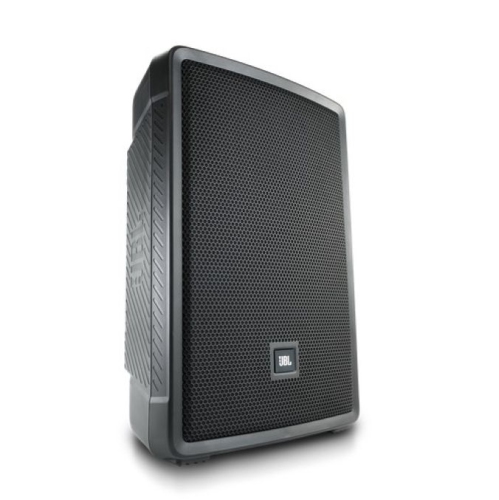 Your price for this item is $719.99
 -
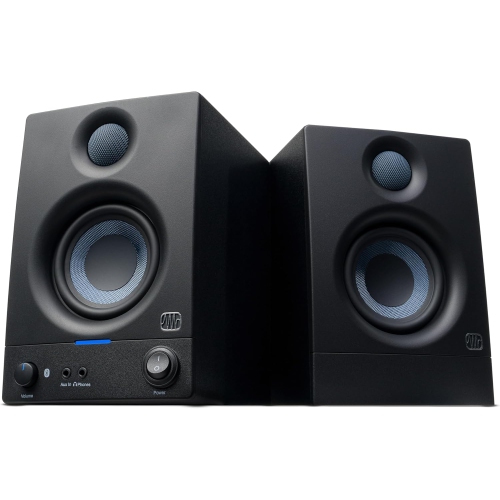 Your price for this item is $199
 -
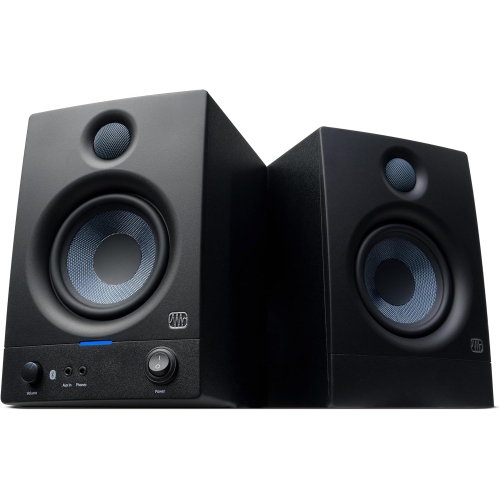 Your price for this item is $249
 -
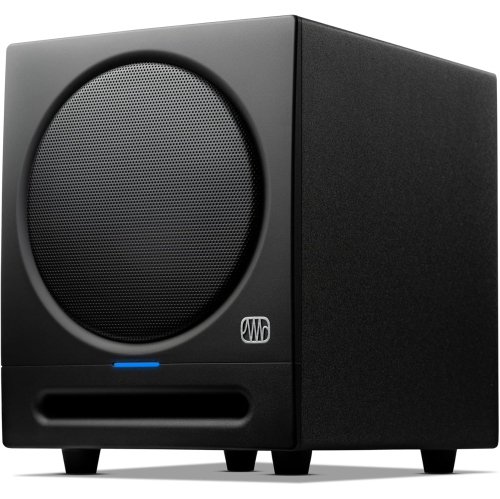 Your price for this item is $199
 -
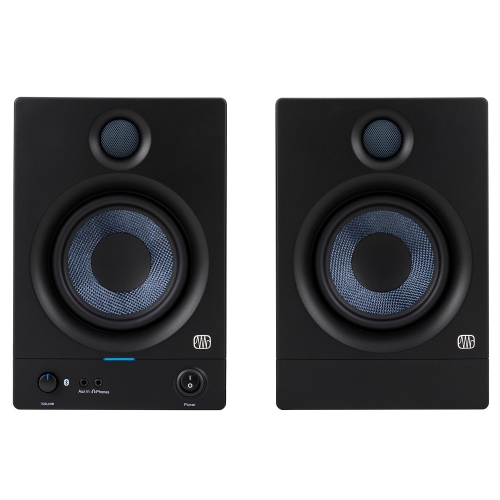 Your price for this item is $299
 -
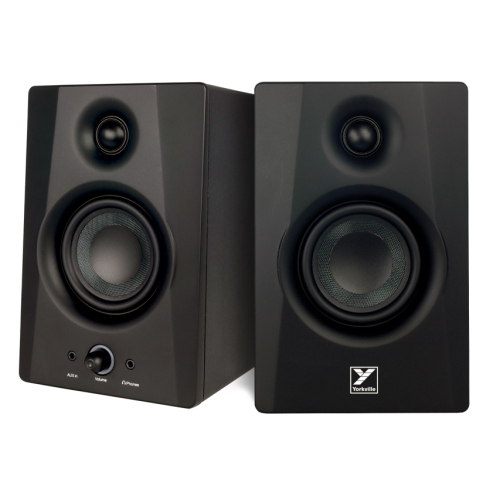 Your price for this item is $169
 -
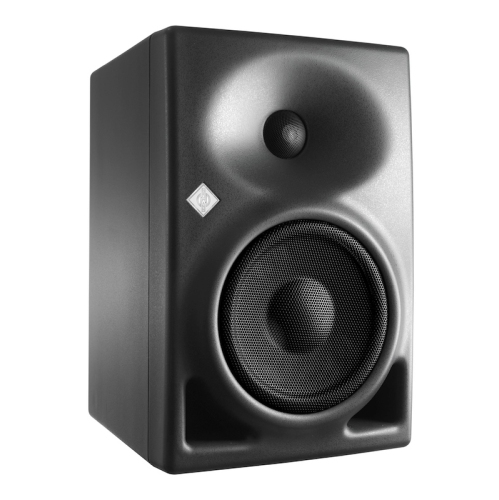 Your price for this item is $899
 -
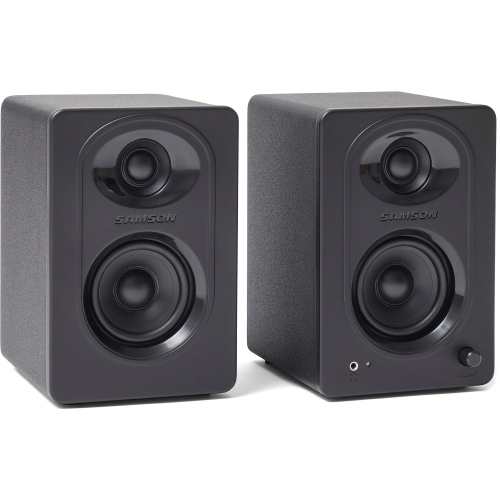 Your price for this item is $149.99
Discover more categories related to Studio Monitors for Video Editing
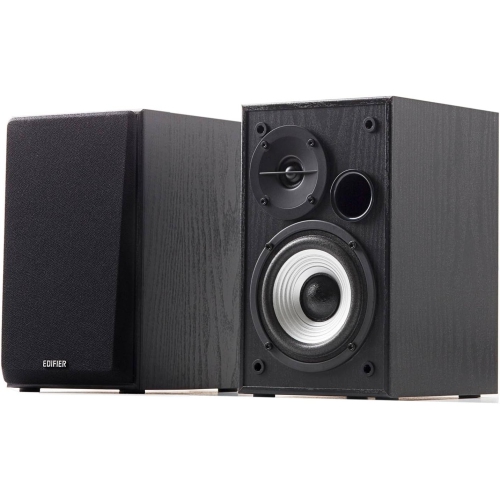
Top Collections:
Pokemon Centers, Kindle Devices, Best Budget Office Chairs, Apple iPhones 16, Best Laptops for Writers, iPhone 15 Apple, Canon G7X Cameras, Refurbished Apple Laptops, Alarm Clock, Motorola Razr Phones
Some products may be subject to Environmental Handling Fees
(EHF) depending on your province.
Learn more about EHFs.