Monitors for Video Editing
Monitors for video editing are essential tools for creators aiming to bring their visual projects to life with precision and clarity. Whether you're a professional filmmaker or an aspiring YouTuber, choosing the right display can make all the difference in your workflow. High-resolution screens, accurate color representation, and ample screen real estate are just a few of the features that can enhance your editing process. Explore our selection of monitors designed specifically for video editing to find the perfect match for your creative needs and elevate your post-production experience.
Sort
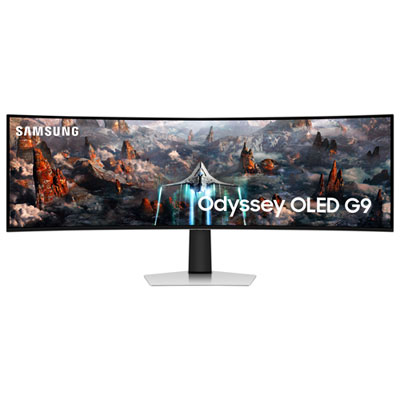
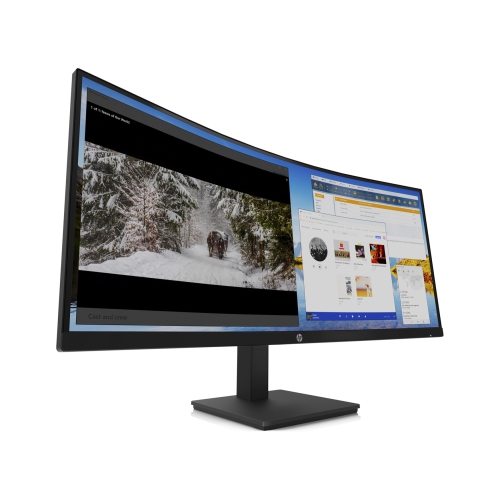
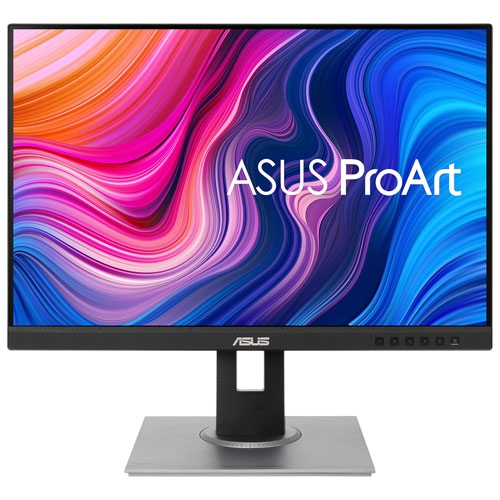
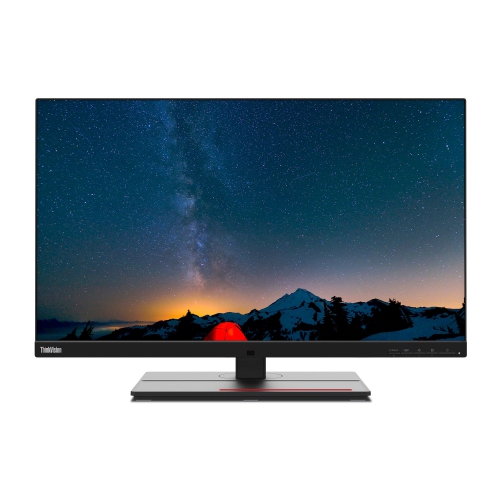
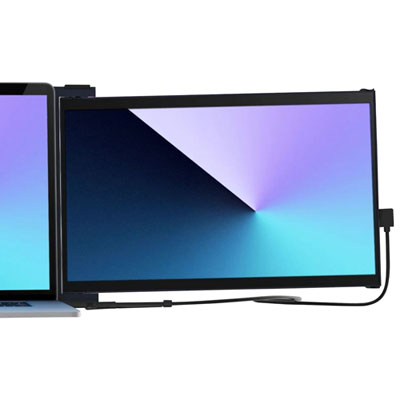
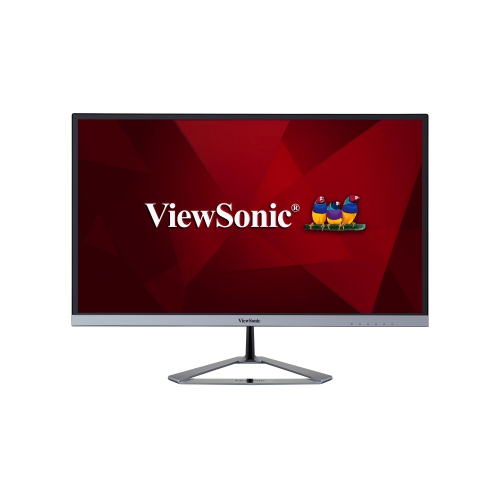
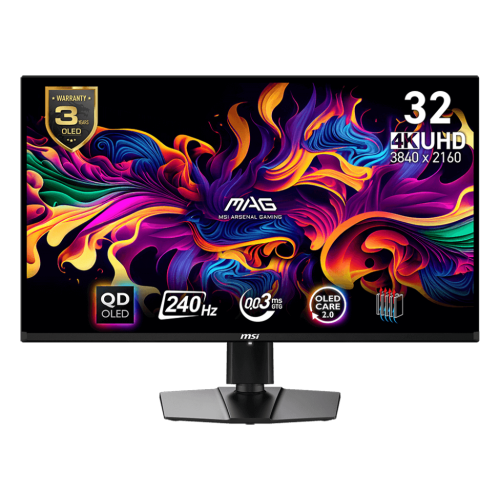
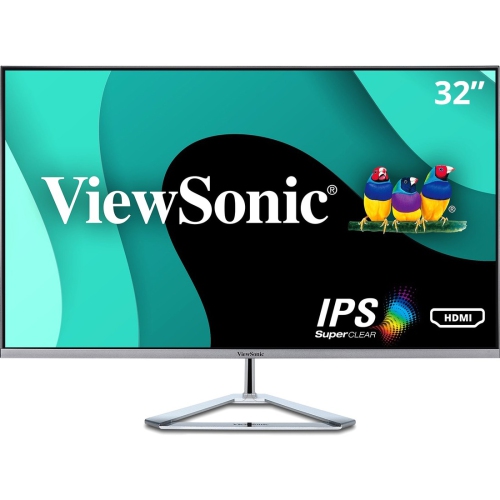
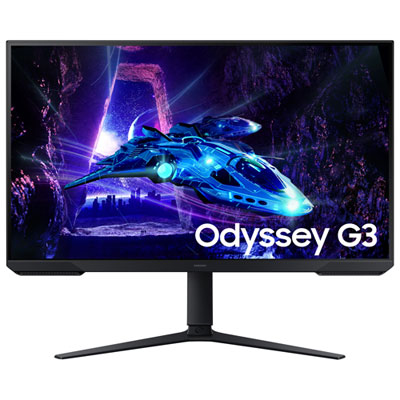
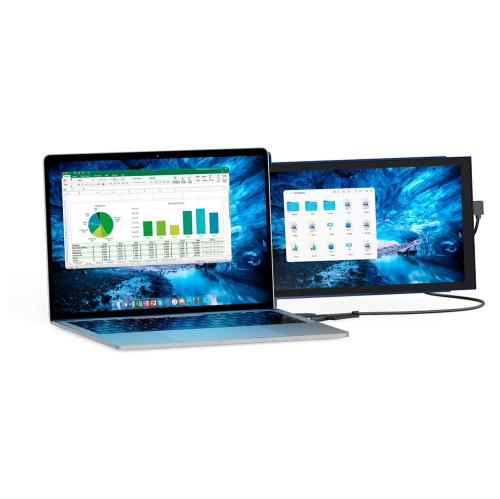
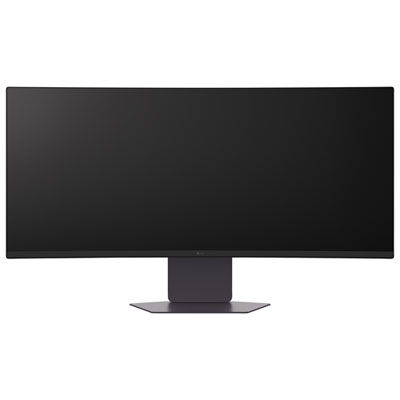
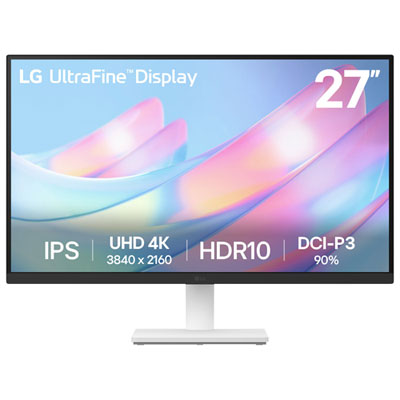
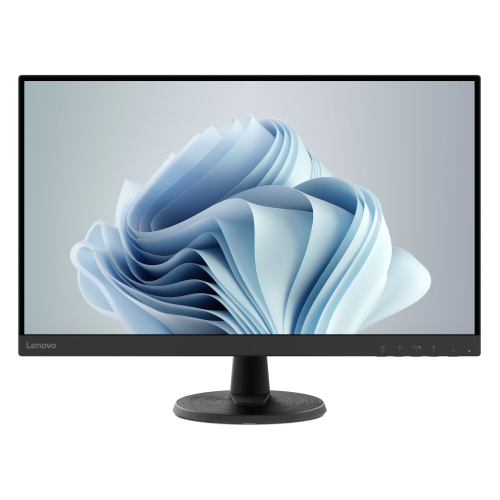
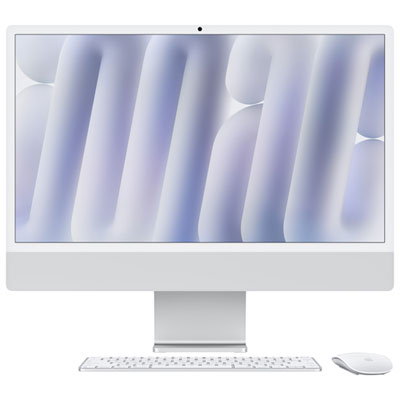
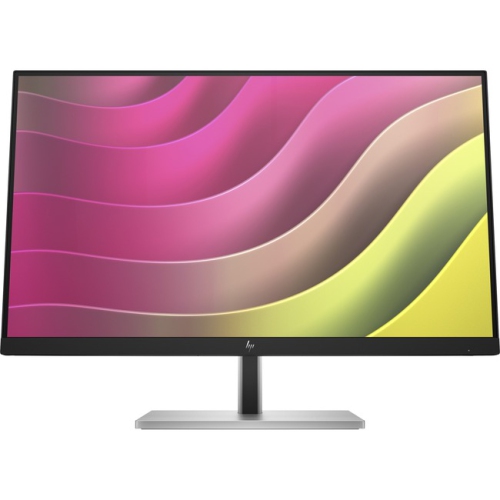
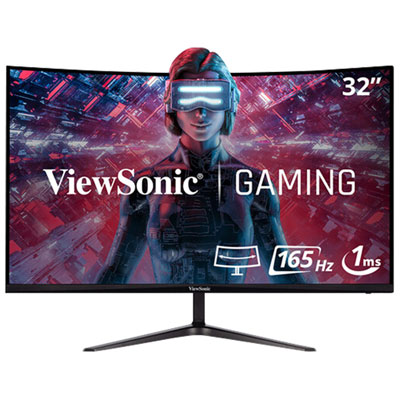
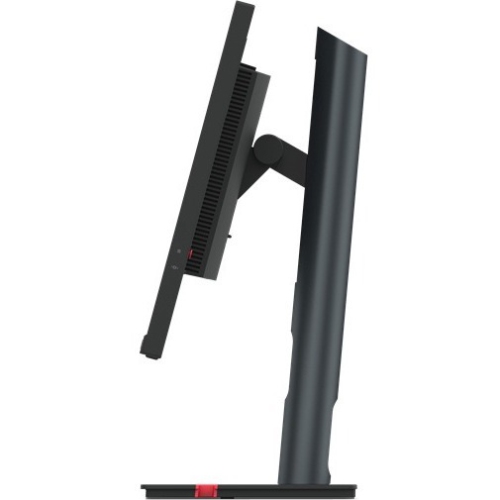
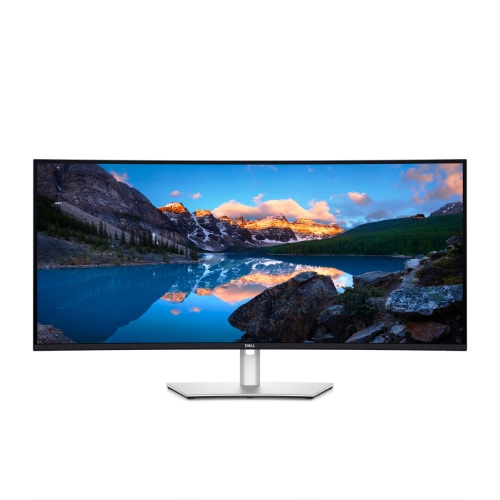
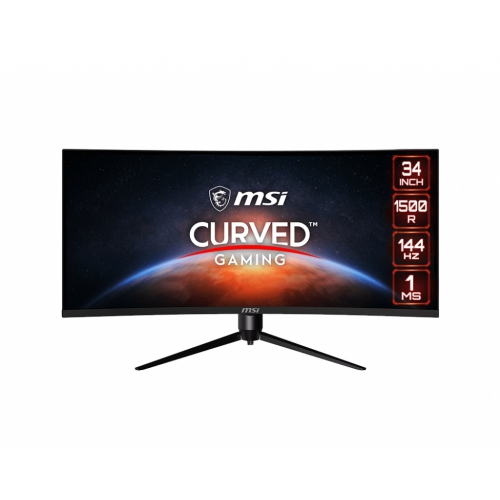
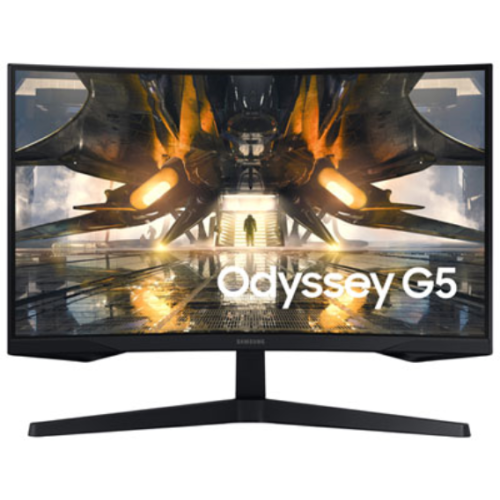
Colour accuracy and workspace for demanding editing workflows
Monitors for video editing are designed to make every frame easier to assess, from the subtle shift in skin tone under soft window light to the fine texture in a dark landscape shot. Unlike a general-purpose display, an editing monitor should provide a dependable view of colour, contrast, detail, and motion while leaving enough room for timelines, scopes, bins, and tool panels. Resolution is one of the first considerations. A 4K UHD monitor with a 3840 x 2160 resolution can display 4K footage at its native size, allowing you to inspect sharpness and fine detail without relying entirely on scaling. It also gives you more workspace for editing software, which is helpful when you are trimming a long interview, arranging multiple camera angles, or comparing a finished sequence with reference footage. A 27-inch screen is a practical choice for many desks because it offers a detailed image without taking over the room, while a 32-inch monitor can make long sessions more comfortable by giving your preview window and editing controls more breathing room. Ultrawide displays can be useful for wide timelines and side-by-side windows, although their shape and resolution should suit the footage and software you use. For a closer look at displays built around demanding creator workflows, browse Professional Video Editing Monitors.
Colour performance is at the heart of choosing monitors for video editing. A display with broad colour coverage can help you see the tones your camera and editing software are capable of producing, but the most appropriate colour space depends on where your finished videos will be viewed. sRGB is common for web content and everyday digital viewing, while Rec. 709 remains a familiar standard for many HD and broadcast-oriented projects. DCI-P3 is valuable for wider-gamut content and many modern video workflows, and Adobe RGB may matter when your work crosses between video, photography, and print. Look for clear coverage ratings rather than assuming that a wider gamut automatically makes a monitor the right fit; consistent, predictable colour is more useful than a vivid but inaccurate image. Factory calibration can provide a reliable starting point, particularly when you want to begin editing without spending time correcting the display. Hardware calibration support is worth considering for professional work because it can maintain accuracy through a compatible calibration device and software. A monitor with a low Delta E rating has been measured for colour difference against a reference, but viewing conditions still matter. Keep the screen away from direct sunlight, avoid strong coloured lights behind or beside it, and use a neutral room light so your eyes are not constantly adapting. IPS panels are popular for editing because they generally offer consistent colour across the screen and wide viewing angles, which is useful when reviewing footage with a client or collaborator. HDR support can add brighter highlights and deeper shadow detail, but check the monitor’s actual brightness, contrast performance, local dimming, and supported formats rather than treating an HDR label as a guarantee of professional results. A hood or glare-reducing finish may also help in a bright room, while a glossy screen can make images look rich but may reveal reflections from windows and lamps.
The best monitor setup also fits the way you work at your desk. USB-C connectivity with power delivery can simplify a laptop-based editing station by carrying video, data, and charging through one cable, provided the computer supports the required standard. HDMI and DisplayPort are useful for desktop workstations, external video cards, docking stations, and multi-monitor arrangements, while a built-in USB hub can keep a card reader, storage drive, keyboard, or calibration device within easy reach. Confirm the available ports, cable requirements, and power-delivery rating before buying, especially if you move between a laptop and a desktop computer. Height adjustment, tilt, swivel, and a pivot function can make a noticeable difference during a long colour pass; the top of the screen should sit close to eye level, with the display positioned far enough away that you can see the full image without leaning forward. Some editors prefer one large, highly accurate monitor for a clean workspace, while others use a primary colour-critical display beside a second screen for bins, scripts, audio controls, or browser windows. Refresh rate is usually less important than colour accuracy and resolution for traditional editing, though a smoother refresh rate can make scrubbing and motion previews feel more responsive and may suit creators who also review fast-moving footage or play games. When selecting a display for a home studio, school media room, freelance workspace, or production suite, consider the camera footage, delivery platform, desk dimensions, computer connections, and calibration habits together. These monitors can also make a thoughtful gift for a filmmaker, photographer, content creator, or student who is moving beyond a small laptop screen, particularly when their projects involve detailed colour work or long editing sessions. During the warmer and cooler parts of the year alike, a well-matched monitor can turn a crowded desk into a more focused creative space, helping editors notice the details that give a scene its intended mood and polish.
Colour performance is at the heart of choosing monitors for video editing. A display with broad colour coverage can help you see the tones your camera and editing software are capable of producing, but the most appropriate colour space depends on where your finished videos will be viewed. sRGB is common for web content and everyday digital viewing, while Rec. 709 remains a familiar standard for many HD and broadcast-oriented projects. DCI-P3 is valuable for wider-gamut content and many modern video workflows, and Adobe RGB may matter when your work crosses between video, photography, and print. Look for clear coverage ratings rather than assuming that a wider gamut automatically makes a monitor the right fit; consistent, predictable colour is more useful than a vivid but inaccurate image. Factory calibration can provide a reliable starting point, particularly when you want to begin editing without spending time correcting the display. Hardware calibration support is worth considering for professional work because it can maintain accuracy through a compatible calibration device and software. A monitor with a low Delta E rating has been measured for colour difference against a reference, but viewing conditions still matter. Keep the screen away from direct sunlight, avoid strong coloured lights behind or beside it, and use a neutral room light so your eyes are not constantly adapting. IPS panels are popular for editing because they generally offer consistent colour across the screen and wide viewing angles, which is useful when reviewing footage with a client or collaborator. HDR support can add brighter highlights and deeper shadow detail, but check the monitor’s actual brightness, contrast performance, local dimming, and supported formats rather than treating an HDR label as a guarantee of professional results. A hood or glare-reducing finish may also help in a bright room, while a glossy screen can make images look rich but may reveal reflections from windows and lamps.
The best monitor setup also fits the way you work at your desk. USB-C connectivity with power delivery can simplify a laptop-based editing station by carrying video, data, and charging through one cable, provided the computer supports the required standard. HDMI and DisplayPort are useful for desktop workstations, external video cards, docking stations, and multi-monitor arrangements, while a built-in USB hub can keep a card reader, storage drive, keyboard, or calibration device within easy reach. Confirm the available ports, cable requirements, and power-delivery rating before buying, especially if you move between a laptop and a desktop computer. Height adjustment, tilt, swivel, and a pivot function can make a noticeable difference during a long colour pass; the top of the screen should sit close to eye level, with the display positioned far enough away that you can see the full image without leaning forward. Some editors prefer one large, highly accurate monitor for a clean workspace, while others use a primary colour-critical display beside a second screen for bins, scripts, audio controls, or browser windows. Refresh rate is usually less important than colour accuracy and resolution for traditional editing, though a smoother refresh rate can make scrubbing and motion previews feel more responsive and may suit creators who also review fast-moving footage or play games. When selecting a display for a home studio, school media room, freelance workspace, or production suite, consider the camera footage, delivery platform, desk dimensions, computer connections, and calibration habits together. These monitors can also make a thoughtful gift for a filmmaker, photographer, content creator, or student who is moving beyond a small laptop screen, particularly when their projects involve detailed colour work or long editing sessions. During the warmer and cooler parts of the year alike, a well-matched monitor can turn a crowded desk into a more focused creative space, helping editors notice the details that give a scene its intended mood and polish.
Top selling and popular products
-
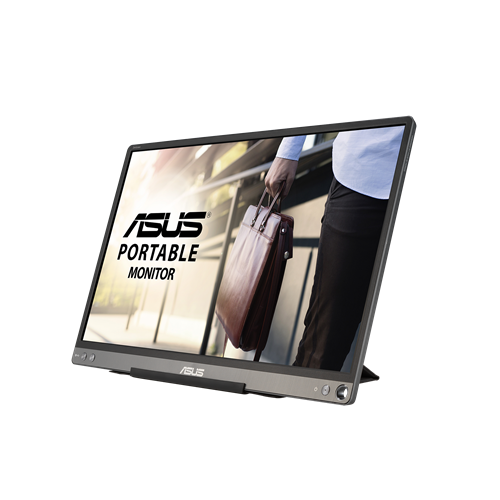 Your price for this item is $299
 -
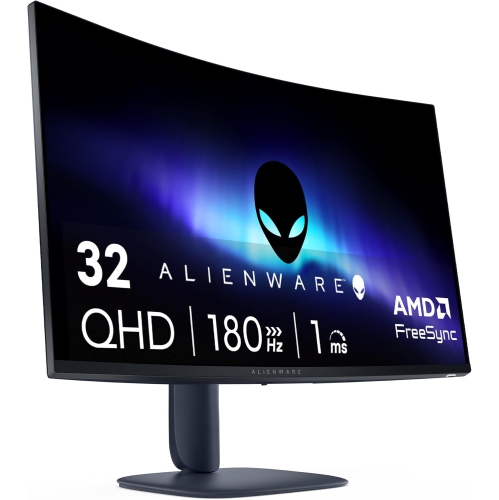 Your price for this item is $599
 -
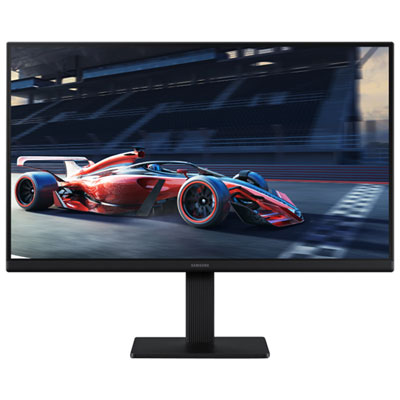 Your price for this item is $94.99
 -
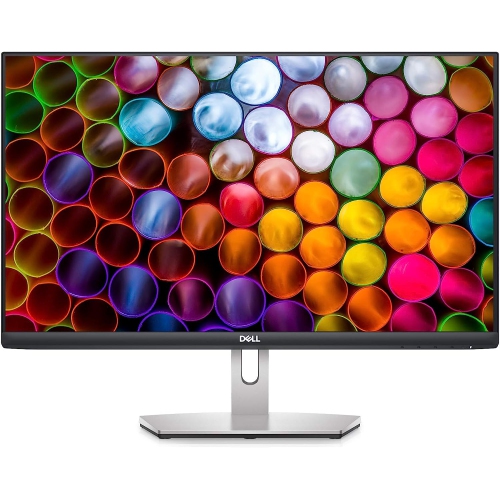 Your price for this item is $329.99
 -
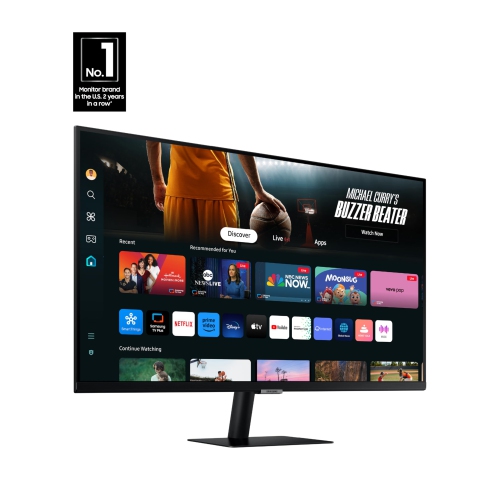 Your price for this item is $499
 -
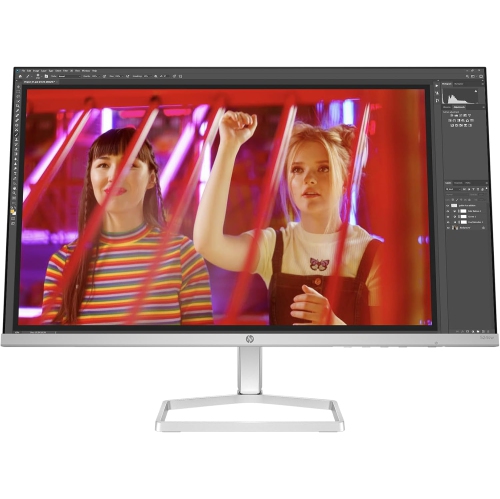 Your price for this item is $265.99
 -
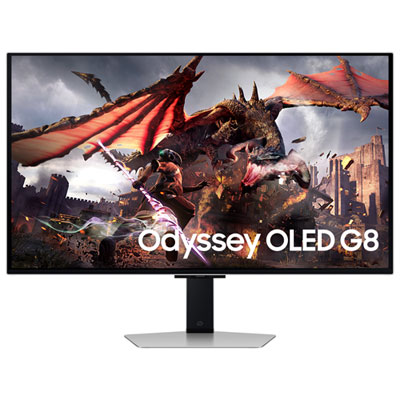 Your price for this item is $1299.97
 -
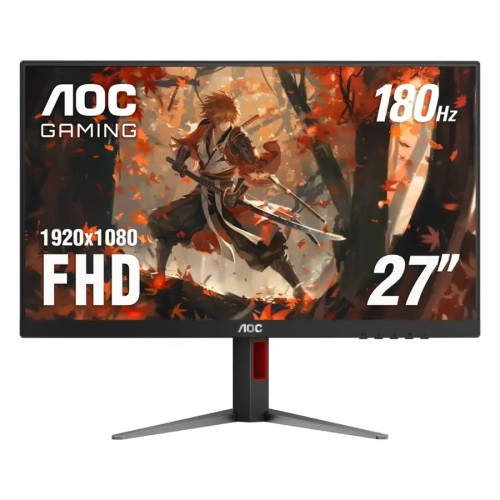 Your price for this item is $249.99
Discover more categories related to Monitors for Video Editing
Top Collections:
Pokemon Centers, Kindle Devices, Best Budget Office Chairs, Apple iPhones 16, Best Laptops for Writers, iPhone 15 Apple, Canon G7X Cameras, Refurbished Apple Laptops, Alarm Clock, Motorola Razr Phones
Some products may be subject to Environmental Handling Fees
(EHF) depending on your province.
Learn more about EHFs.