Best Standing Desks Under $1000

Find the best standing desks under $1000 to create a comfortable, flexible workspace without stretching your budget. Ranked by user review ratings, this selection makes it easy to explore highly rated options for your home office or study area. Compare height adjustment features, desktop space, and styles to find a desk that fits your setup and helps you switch between sitting and standing throughout the day.

Read More

What to look for in standing desks under $1000

1. Height Adjustment

Check that the desk’s height range supports comfortable typing while sitting and standing, with your elbows near a right angle. Electric models offer push-button adjustment, while programmable presets make it easier to return to your preferred heights.

2. Desktop Size and Shape

Choose a desktop with enough room for your monitors, keyboard and other essentials without crowding your space. Check the depth as well as the width so you can position your screen at a comfortable viewing distance.

3. Stability and Weight Capacity

Look for a sturdy frame that stays steady at standing height. Confirm that the stated weight capacity can support your equipment, including monitor arms and other accessories, and check whether it includes the desktop’s weight.

4. Features and Overall Value

Compare cable management, controls and warranty coverage to decide which features matter most within your $1000 budget. Check whether the price includes both the frame and desktop, and account for any delivery or assembly charges.
Citrus catapult arrow
  1. 1

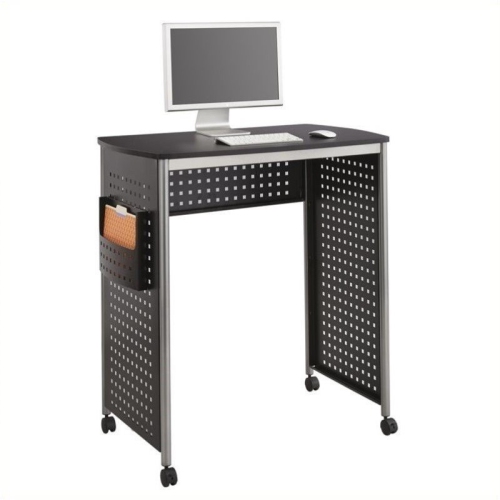
    PEMBERLY ROW Standing Desk Workstation In In Black

    About this product

    A black standing desk workstation featuring a unique hole-pattern design and a convenient side pocket for storage.

    $875.91
    SAVE $169
    Your price for this item is $875.91
  2. 2

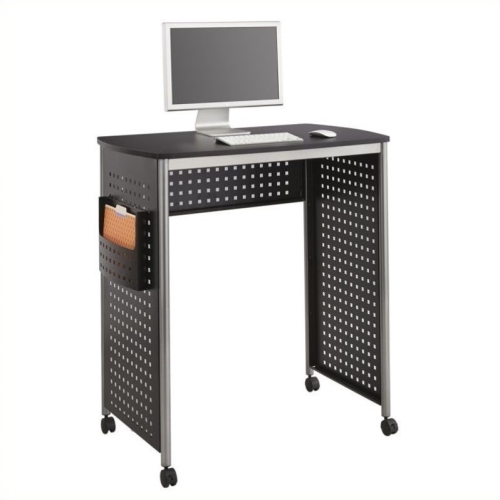
    SAFCO Scoot Standing Desk Workstation In In Black

    About this product

    A stylish black standing desk workstation featuring a unique hole-pattern design and convenient side storage pocket.

    $800.41
    SAVE $245
    Your price for this item is $800.41
  3. 3

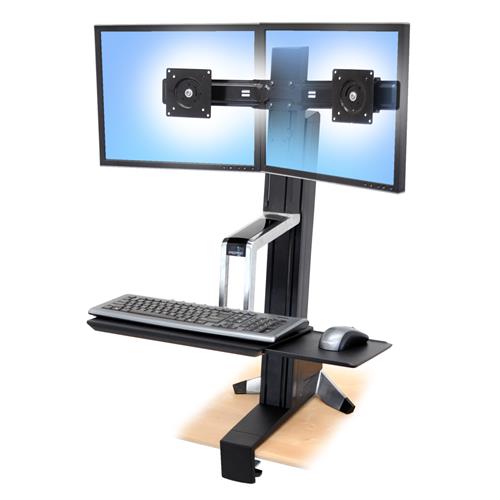
    ERGOTRON Workfit-S, Dual Monitor Sit-Stand Workstation

    About this product

    A dual monitor sit-stand workstation that promotes ergonomic comfort and productivity in your workspace.

    $946.99
    SAVE $175
    Your price for this item is $946.99
  4. 4

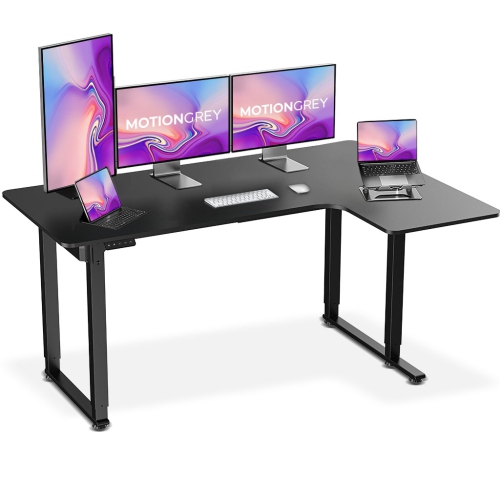
    MOTIONGREY Ergo2 Pro L Shaped 63"x43" Adjustable Electric Corner Standing Desk Ergonomic Chair Desk for Home And Commercial Office Top Frame - w

    About this product

    An ergonomic black L-shaped electric standing desk with memory settings, high-quality laminated top, and 80kg capacity.

    (8)
    $299.99
    SAVE $220
    Your price for this item is $299.99
  5. 5

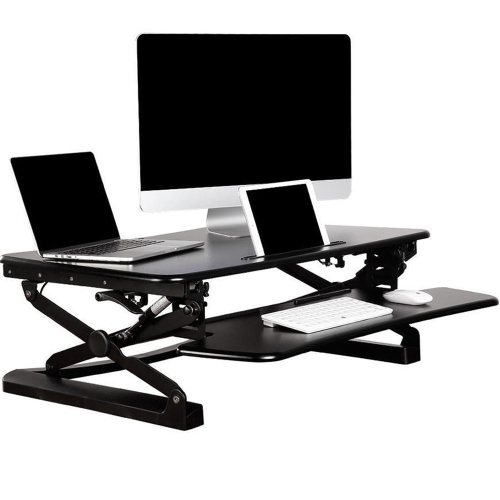
    PRIMECABLES Height Adjustable 35 Inches Sit Stand Desk Converter, Stand Up Dual Monitor Desk Riser Laptop Desktop Computer Worksation - In Black

    About this product

    A height-adjustable black desk converter designed for sit-stand use with dual monitors or laptops.

    (1)
    $239.99 Your price for this item is $239.99
  6. 6

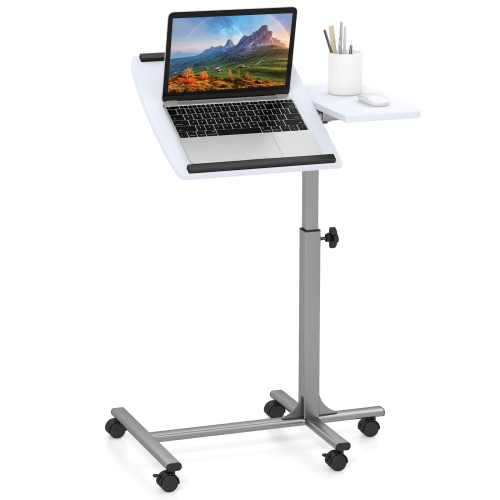
    COSTWAY Mobile Standing Desk Height Adjustable Sit to Stand Laptop Desk

    About this product

    A height adjustable mobile desk for laptops that allows you to sit or stand while working.

    (1)
    $78.99
    SAVE $81
    Your price for this item is $78.99
  7. 7

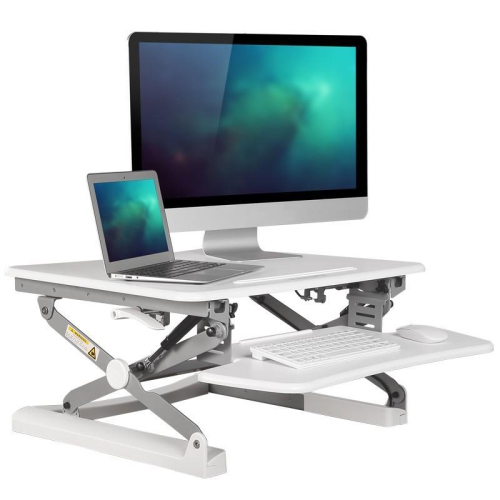
    PRIMECABLES Height Adjustable 35 Inches Sit Stand Desk Converter, Stand Up Dual Monitor Desk Riser Laptop Desktop Computer Worksation-White

    About this product

    A height-adjustable white desk converter designed for sit-stand work with dual monitors or laptops.

    $239.99 Your price for this item is $239.99
  8. 8

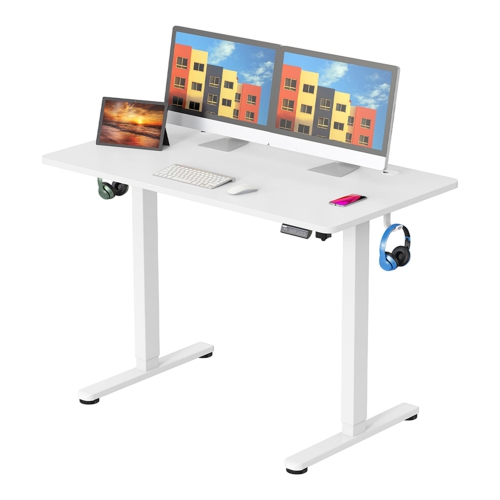
    PRIMECABLES Height Adjustable Sit Stand Desk, 43" X 24" Electric Standing Desk Computer Desk w Hanging Hooks And Cable Management(Whole-Piece

    About this product

    An electric sit-stand desk with seamless height adjustment, hanging hooks, and integrated cable management.

    $179.99 Your price for this item is $179.99
  9. 9

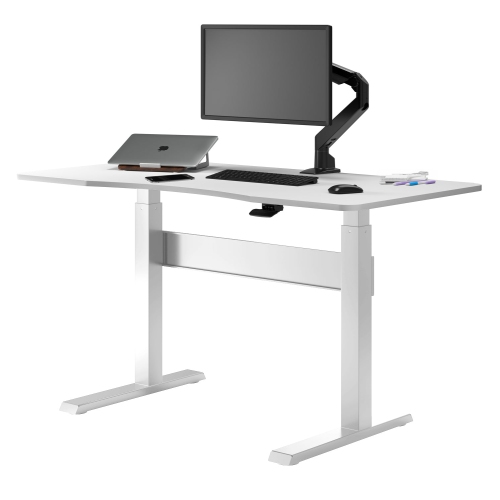
    DESKY Air-Lift Zero Sit-Stand Desk – 47.2" × 26.6" Top, Pneumatic Lift Frame In White

    About this product

    A pneumatic sit-stand desk in black with a scratch-resistant particle board top and sturdy steel frame.

    $424.35 Your price for this item is $424.35
  10. 10

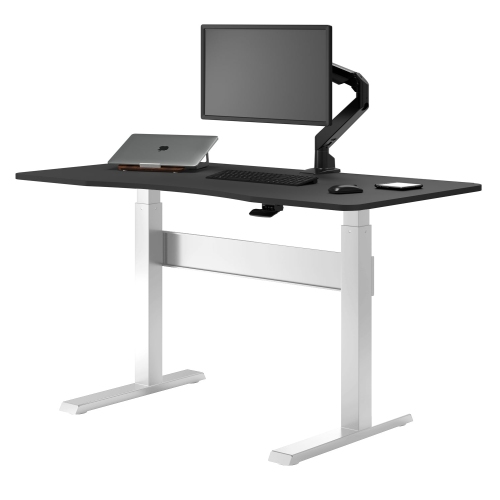
    DESKY Air-Lift Zero Sit-Stand Desk – 47.2" × 26.6" Black Top, Pneumatic Lift Frame In White

    About this product

    A pneumatic sit-stand desk in white with a scratch-resistant particle board top and sturdy steel frame.

    $424.35 Your price for this item is $424.35

Why standing desk comfort depends on more than height

Standing desks bring flexibility to a workspace by allowing the desktop to move between seated and standing heights while keeping everyday essentials within reach. For home offices, shared workspaces, study corners, and gaming setups, the most useful designs combine a suitable height range, a stable frame, enough usable surface area, and controls that feel straightforward during a busy day. An electric standing desk uses a powered lifting system to raise or lower the work surface, while a manual design typically relies on a hand crank or another mechanical adjustment. Electric controls can be especially convenient for someone who changes position several times throughout the day, and programmable height settings make it easier to return to familiar seated and standing positions without repeated fine-tuning. A desk’s height range matters more than its maximum height alone: the lowest position needs to suit seated typing, and the upper range needs to accommodate the user comfortably when standing. In either position, relaxed shoulders, elbows held near the body, and a keyboard within easy reach are useful signs of a workable fit. Taller users may need more lift, while shorter users may find that a lower minimum height makes a greater difference to daily comfort. For a shared desk, memory settings can simplify the transition between people as well as positions. Standing desks are not intended to make standing all day the goal; their appeal is the freedom to vary posture while continuing a task. A morning of spreadsheet work, an afternoon video call, and an evening course can each call for a slightly different arrangement. The best standing desk for a particular workspace is therefore not necessarily the largest or the one with the most controls. It is the one that fits the person, the room, and the equipment without making routine adjustments feel like extra work. Quiet operation, accessible buttons, and an uncluttered surface can all help those adjustments become a natural part of the day.

Desktop dimensions shape how comfortably a standing desk works in a real room. A compact surface can accommodate a laptop, a notebook, and a task light without overwhelming a bedroom office, whereas a wider top gives multiple monitors, a full-size keyboard, and reference materials room to sit side by side. Depth is just as important as width. A deeper desktop can provide more space between the user and a large display, along with room to rest the forearms without pushing the keyboard against the front edge. The frame footprint also deserves attention, since feet may extend beyond the desktop supports and affect where a chair, storage cabinet, or footrest can go. Enough clearance around the desk allows the surface to travel without catching a windowsill, shelf, or nearby furniture. Materials contribute to both appearance and everyday care. Laminate and melamine surfaces are often practical for workspaces where pens, mugs, and computer accessories move around frequently; their finish is generally easy to wipe, although seams and edges still benefit from protection against moisture. Wood veneer provides the appearance of a wood surface over a supporting core, while solid wood brings natural variation in grain and may require care suited to its particular finish. A desk pad can help protect the work area from friction, and coasters keep condensation away from the top. Rounded corners and smooth front edges can make a noticeable difference in a tight room or during long stretches of keyboard work. Underneath, frame construction, leg design, secure connections, and properly adjusted levelling feet all influence how settled the desk feels. Stability is particularly important at standing height, where movement can become more noticeable through a monitor arm or a large screen. Stated load capacity should account for everything supported by the desk, including displays, mounts, speakers, and accessories, with the manufacturer’s specifications clarifying whether the desktop itself is included. A sturdy-looking frame or a dual-motor label alone does not establish how a desk will perform with a particular setup.

Thoughtful details make a standing desk easier to live with after the initial assembly. Cable trays, attachment points, and desktop openings can keep leads organized, but every cable still needs enough slack for the full height adjustment. A monitor cable that reaches neatly at seated height may pull tight when the surface rises, especially if the computer tower remains on the floor. Keeping cords clear of moving joints and routing them away from the feet helps maintain a tidier workspace. Some electric desks include obstacle detection that stops or reverses movement when resistance is sensed; this is a useful feature, but the travel path should still stay clear of chairs, drawers, pets, and children. Lockable controls may also be helpful in shared household spaces. For video meetings or focused work, motor noise and the smoothness of movement can matter as much as lifting speed. A smooth height change is less disruptive when a webcam, microphone, or drink is on the surface. Monitor arms can free up room, provided the desktop thickness, edge shape, and mounting requirements are compatible. Under-desk drawers and keyboard trays also need careful placement so they do not reduce legroom or interfere with the frame. Assembly requirements vary, and larger desktops may be easier to position with another person’s help. Once assembled, care usually involves wiping the surface with a soft cloth, avoiding excessive moisture, and checking fasteners as directed by the manufacturer. Warranty terms and support for the lifting mechanism are worth considering alongside the desktop finish, particularly for a workstation used every day. Standing desks can suit remote workers, students, designers, and people who divide their time between computer tasks and hands-on projects. As a gift, they are most practical when the recipient’s room measurements, preferred finish, and equipment needs are already known. For another focused collection, explore Best Standing Desks Under $400. Across different workspace sizes, the lasting appeal comes from a dependable surface that accommodates changing tasks, keeps equipment supported, and makes switching positions uncomplicated.
Read More

FAQ

Some products may be subject to Environmental Handling Fees (EHF) depending on your province. Learn more about EHFs.