Office Chairs for Back Pain
Finding the right office chair can make a significant difference for those experiencing back pain. Our selection of office chairs for back pain is designed to provide ergonomic support and enhance comfort during long work hours. Whether you're working from home or in an office setting, these chairs offer solutions that help alleviate discomfort and promote better posture. Explore our range of options to discover the ideal chair that meets your needs and supports a healthier, more productive work environment.
Sort
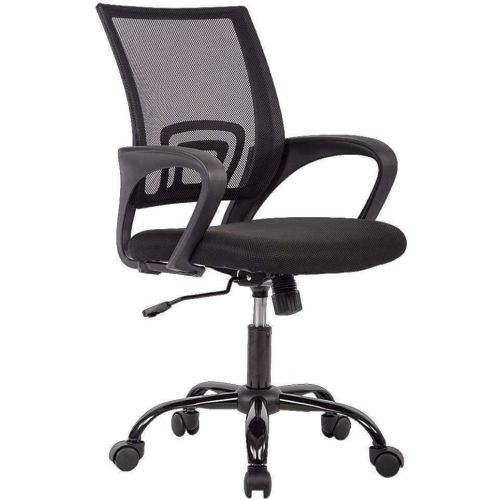
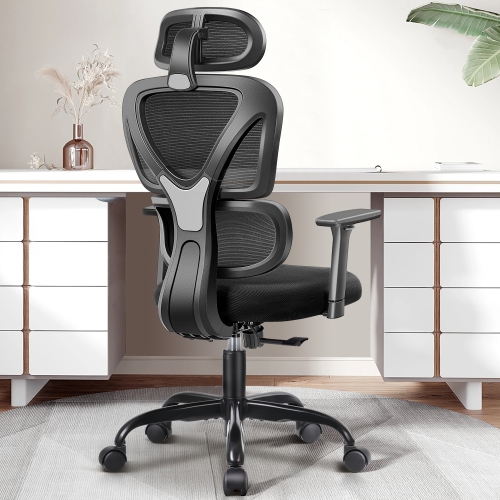
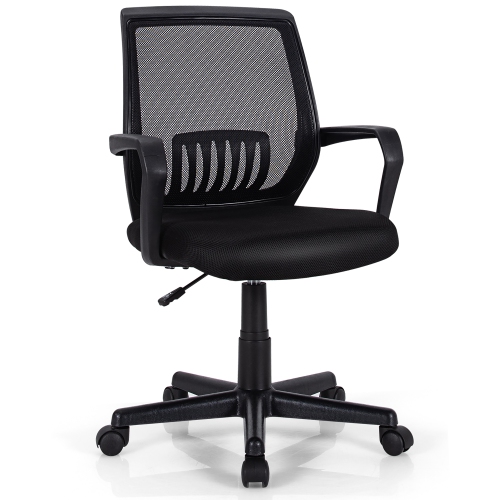
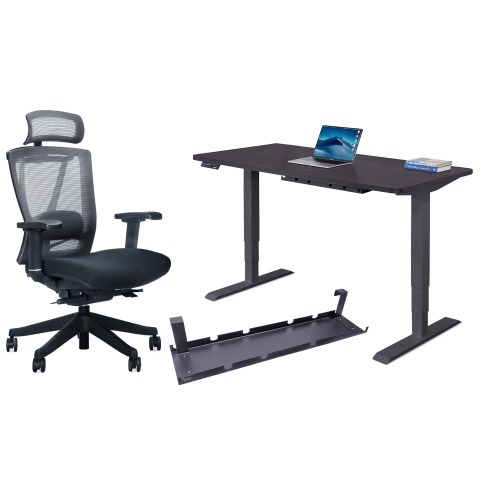
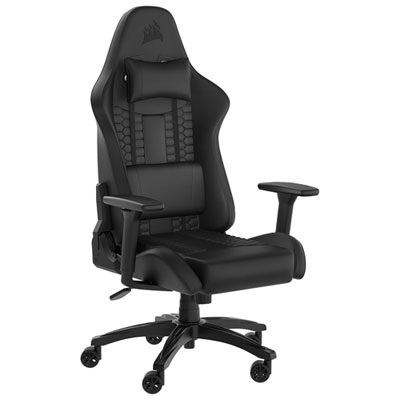
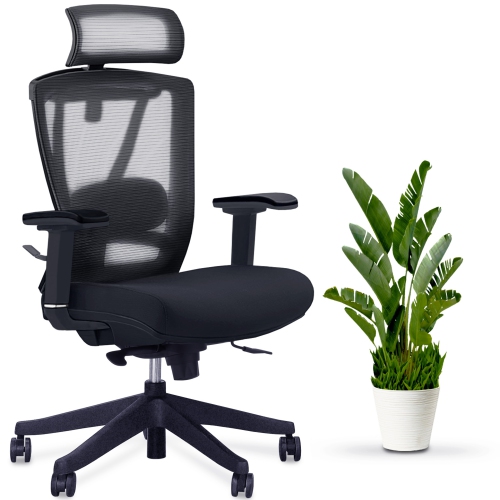
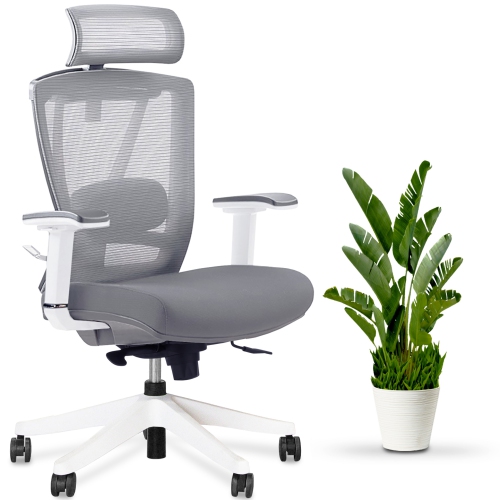
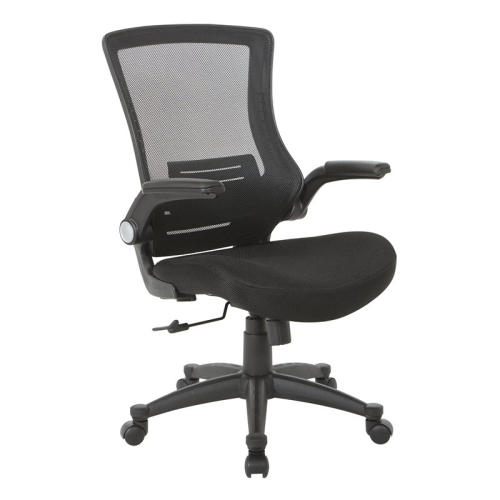
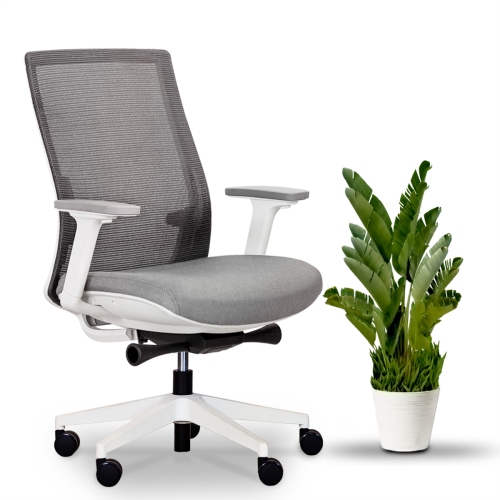
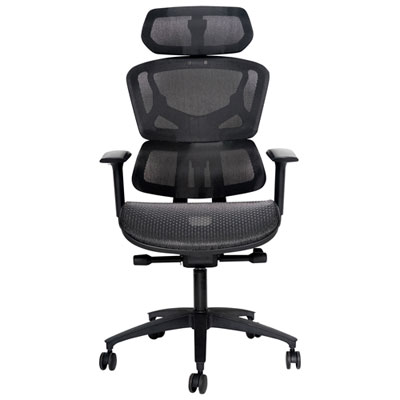
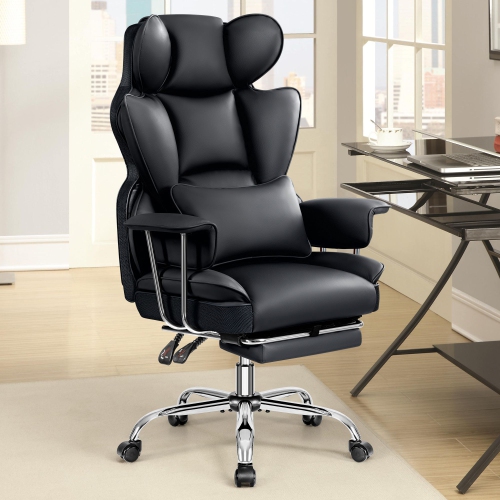

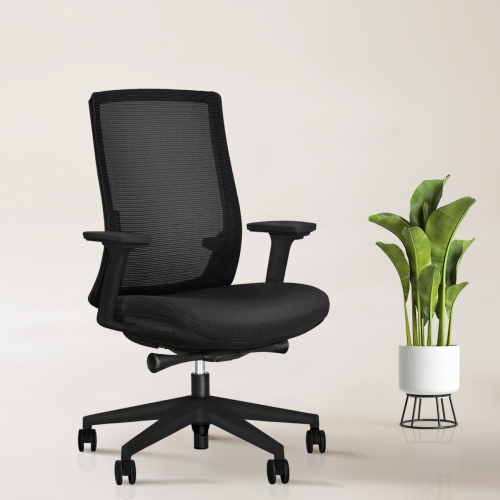
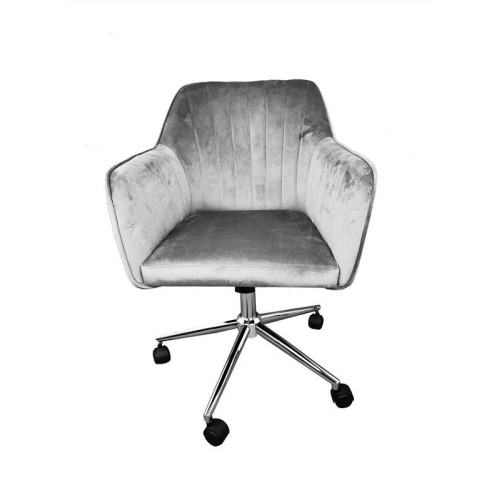
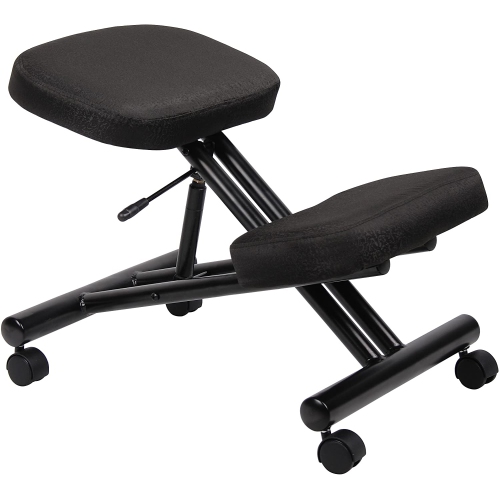
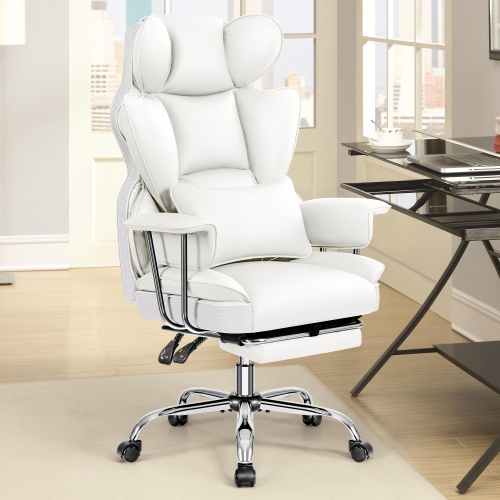
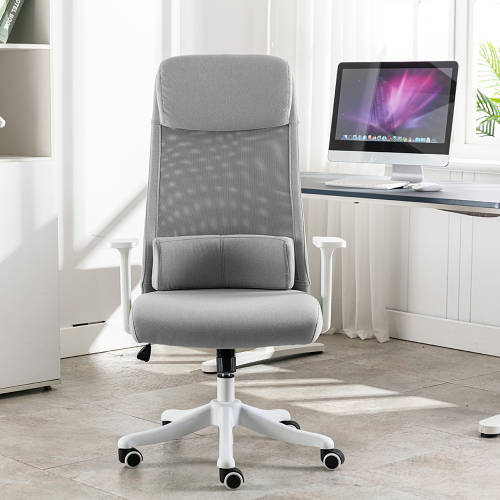
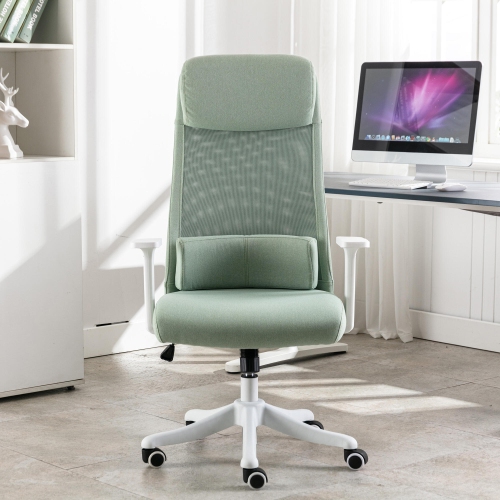
Adjustable support helps your chair fit longer work sessions
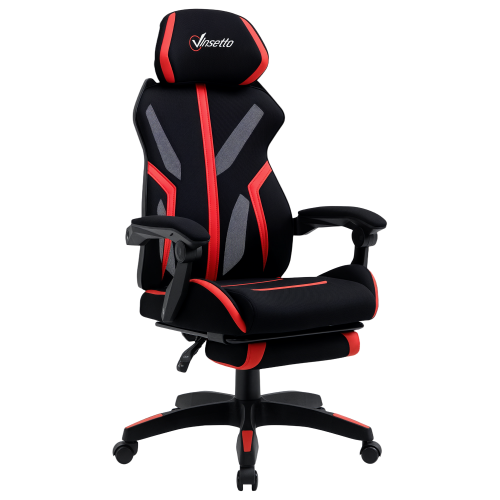
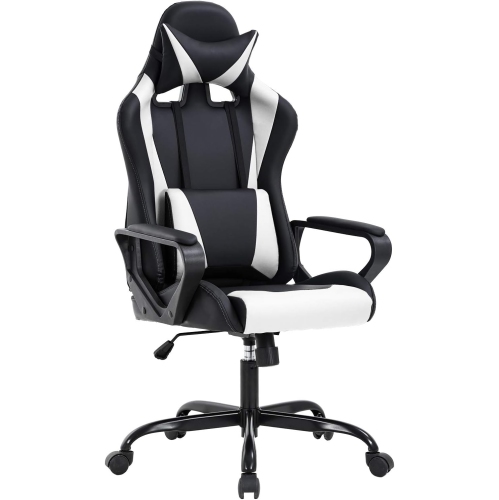
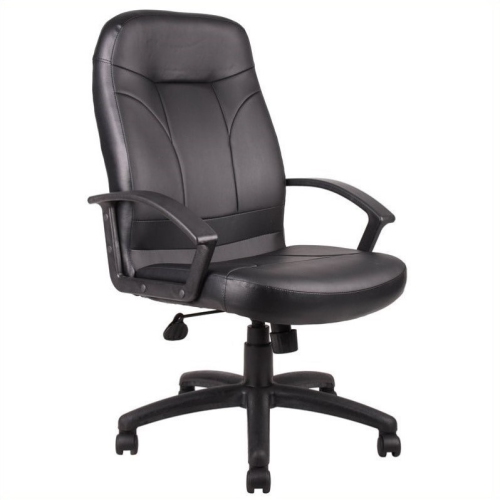
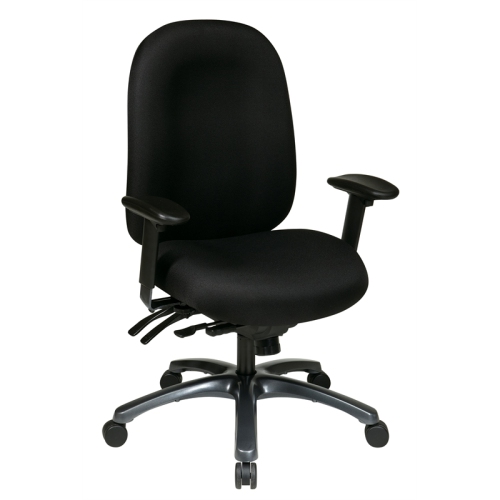
Choosing an office chair for back pain starts with finding support that suits the way you actually sit and work. A chair that feels comfortable for a few minutes in a showroom may feel very different after a full day of video calls, studying, gaming, paperwork, or creative work, so adjustability is one of the most important features to consider. Look for lumbar support that can be moved up and down to meet the natural curve of your lower back, with some designs also allowing the support to move forward or backward for a more personalised fit. The goal is not to force your spine into one rigid position, but to provide steady support while allowing you to shift naturally throughout the day. A dynamic recline function can make a meaningful difference for people who spend long hours at a desk because it lets the backrest move with you when you lean back, read, make a phone call, or pause to think. Adjustable armrests can help keep the shoulders relaxed by bringing the arms to a comfortable height, while a stable five-point base and smooth casters make it easier to move without twisting or reaching. Seat height should allow your feet to rest flat on the floor or on a footrest, with your knees at roughly hip level. Seat depth matters as well: when you sit fully back, there should generally be about two to three inches between the front edge of the seat and the backs of your knees. This leaves room for circulation without pressing into the legs. Since body shapes, desk heights, and sitting habits vary, chairs with several independent adjustments are often easier to fine-tune than chairs with a one-size-fits-all design.
The seat material and overall feel are also worth considering. Breathable mesh can help air circulate during long work sessions and may suit people who prefer a supportive, slightly flexible surface. Cushioned seats can provide a softer feel and may be appealing to anyone who changes positions often or prefers a more traditional chair design. Pay attention to the density and shape of the cushion rather than choosing based on softness alone; an overly soft seat can allow the hips to sink too far, while a firm, well-shaped cushion may offer more consistent support over several hours. A waterfall-style seat edge, which slopes gently downward at the front, can reduce pressure behind the knees. A backrest that reaches the upper back and shoulders may feel more supportive for taller users, while a compact frame can be a better fit for smaller workspaces or shorter users. Weight capacity, chair dimensions, recline range, and the height of the gas lift should all be checked against the person who will use the chair and the desk it will be paired with. For shared work areas, a broad adjustment range makes it easier for different people to find a comfortable setup. For a home office, consider how the chair fits with the room, including whether the casters suit hard flooring or carpet and whether the armrests can slide beneath the desk when the chair is not in use. Anyone managing recurring or significant discomfort should treat an office chair as one part of a broader comfort routine and seek advice from a qualified healthcare professional when appropriate. Regular movement, brief standing breaks, and changing positions can complement a supportive seating setup, since even a well-adjusted chair is not intended to keep the body completely still all day.
Office chairs designed with back support can be useful for remote workers, students, professionals, streamers, and anyone who spends extended periods at a computer. They can also make a thoughtful gift for someone setting up a first home office, returning to school, or replacing an old chair that has become worn or uncomfortable. During the cooler months, when more work and study may take place indoors, a supportive chair can help make a desk area feel more comfortable for concentrated tasks, quiet reading, or evening projects. Before choosing, think about how many hours the user typically spends sitting, whether they prefer mesh or cushioning, how much room is available, and which adjustments they are most likely to use. Someone who frequently leans forward to type may value responsive lumbar support and a seat that keeps the pelvis stable, while someone who alternates between meetings and independent work may prefer a generous recline and adjustable armrests. Users who experience tension higher in the back or shoulders may also want to explore seating options in Office Chairs for Neck Pain. A carefully chosen chair should feel supportive without being restrictive, encourage a balanced sitting position, and make everyday desk work easier to manage. Take time to adjust the seat height, depth, lumbar position, armrests, and recline tension after delivery, then reassess the setup after several working sessions as your body settles into the new chair. Small changes, such as moving the chair closer to the desk or raising the monitor to eye level, can make the entire workstation feel more natural.
The seat material and overall feel are also worth considering. Breathable mesh can help air circulate during long work sessions and may suit people who prefer a supportive, slightly flexible surface. Cushioned seats can provide a softer feel and may be appealing to anyone who changes positions often or prefers a more traditional chair design. Pay attention to the density and shape of the cushion rather than choosing based on softness alone; an overly soft seat can allow the hips to sink too far, while a firm, well-shaped cushion may offer more consistent support over several hours. A waterfall-style seat edge, which slopes gently downward at the front, can reduce pressure behind the knees. A backrest that reaches the upper back and shoulders may feel more supportive for taller users, while a compact frame can be a better fit for smaller workspaces or shorter users. Weight capacity, chair dimensions, recline range, and the height of the gas lift should all be checked against the person who will use the chair and the desk it will be paired with. For shared work areas, a broad adjustment range makes it easier for different people to find a comfortable setup. For a home office, consider how the chair fits with the room, including whether the casters suit hard flooring or carpet and whether the armrests can slide beneath the desk when the chair is not in use. Anyone managing recurring or significant discomfort should treat an office chair as one part of a broader comfort routine and seek advice from a qualified healthcare professional when appropriate. Regular movement, brief standing breaks, and changing positions can complement a supportive seating setup, since even a well-adjusted chair is not intended to keep the body completely still all day.
Office chairs designed with back support can be useful for remote workers, students, professionals, streamers, and anyone who spends extended periods at a computer. They can also make a thoughtful gift for someone setting up a first home office, returning to school, or replacing an old chair that has become worn or uncomfortable. During the cooler months, when more work and study may take place indoors, a supportive chair can help make a desk area feel more comfortable for concentrated tasks, quiet reading, or evening projects. Before choosing, think about how many hours the user typically spends sitting, whether they prefer mesh or cushioning, how much room is available, and which adjustments they are most likely to use. Someone who frequently leans forward to type may value responsive lumbar support and a seat that keeps the pelvis stable, while someone who alternates between meetings and independent work may prefer a generous recline and adjustable armrests. Users who experience tension higher in the back or shoulders may also want to explore seating options in Office Chairs for Neck Pain. A carefully chosen chair should feel supportive without being restrictive, encourage a balanced sitting position, and make everyday desk work easier to manage. Take time to adjust the seat height, depth, lumbar position, armrests, and recline tension after delivery, then reassess the setup after several working sessions as your body settles into the new chair. Small changes, such as moving the chair closer to the desk or raising the monitor to eye level, can make the entire workstation feel more natural.
Top selling and popular products
-
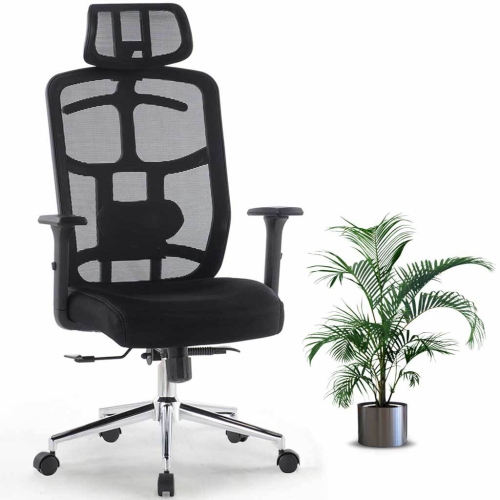 Your price for this item is $114.99
 -
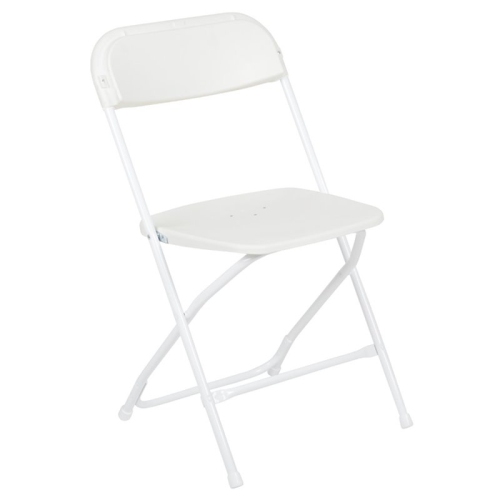 Your price for this item is $123
 -
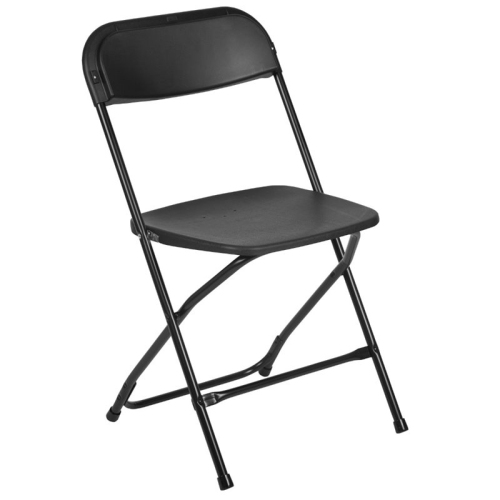 Your price for this item is $139.99
 -
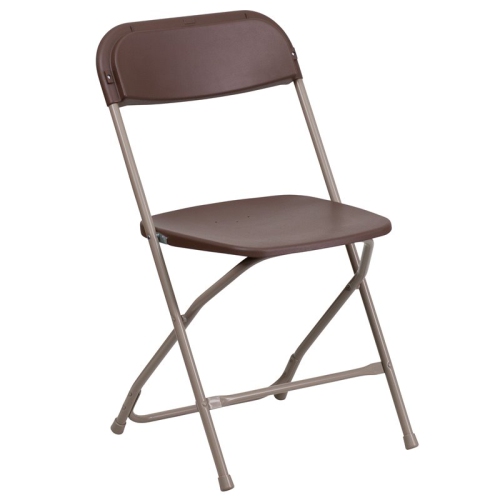 Your price for this item is $139.99
 -
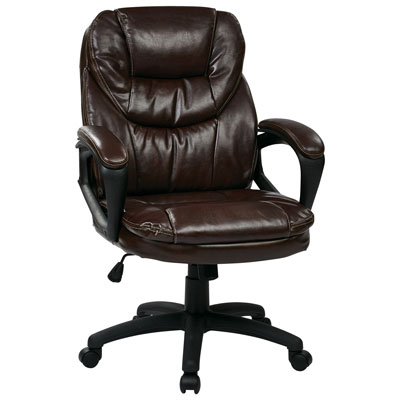 Your price for this item is $203.98
 -
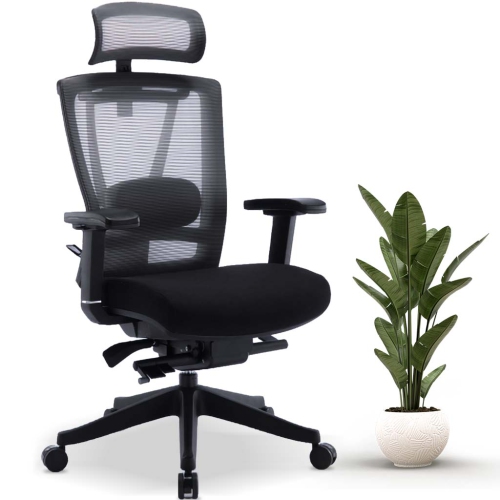 Your price for this item is $379.99
 -
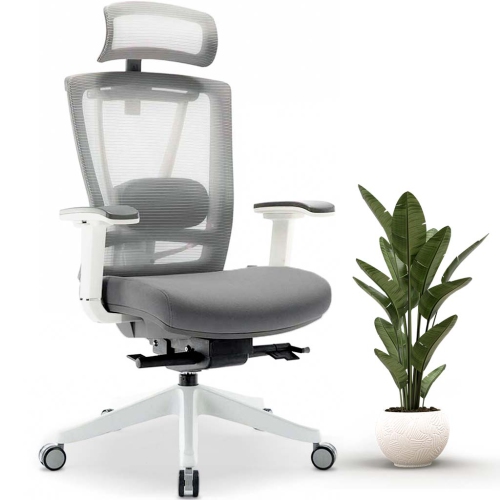 Your price for this item is $379.99
 -
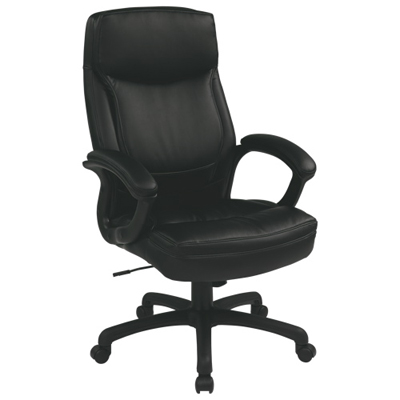 Your price for this item is $594.99
Discover more categories related to Office Chairs for Back Pain
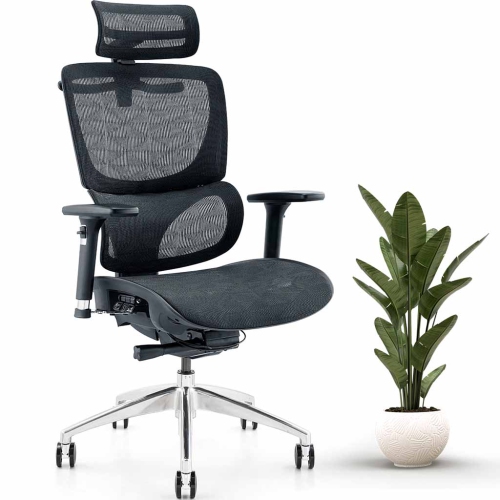
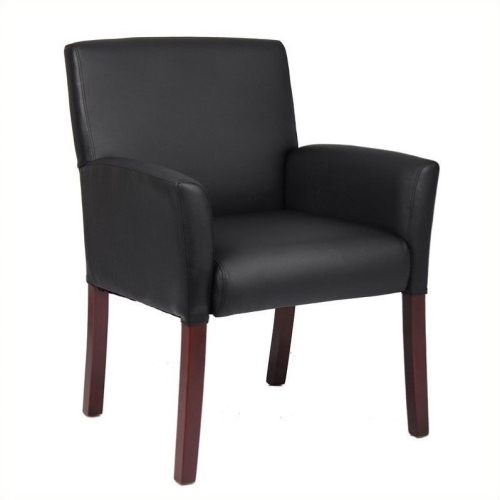
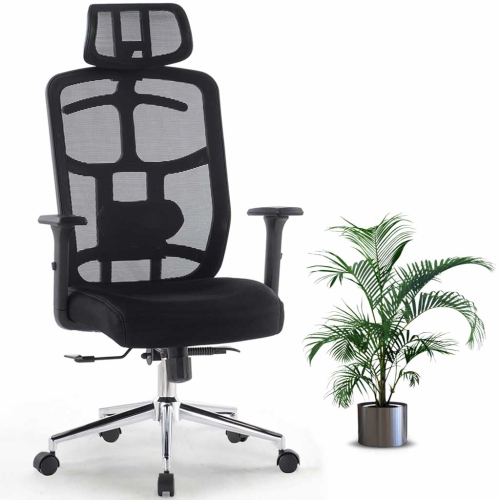
Top Collections:
Pokemon Centers, Kindle Devices, Best Budget Office Chairs, Apple iPhones 16, Best Laptops for Writers, iPhone 15 Apple, Canon G7X Cameras, Refurbished Apple Laptops, Alarm Clock, Motorola Razr Phones
Some products may be subject to Environmental Handling Fees
(EHF) depending on your province.
Learn more about EHFs.