Office Chair Support for Back Pain
If you're looking for a chair that will help you maintain good posture, support your back, and keep you comfortable all day, an office chair is a way to go. But with so many options on the market, how do you know which one is right for you? We've rounded up some of the best office chairs for back pain relief.
Sort
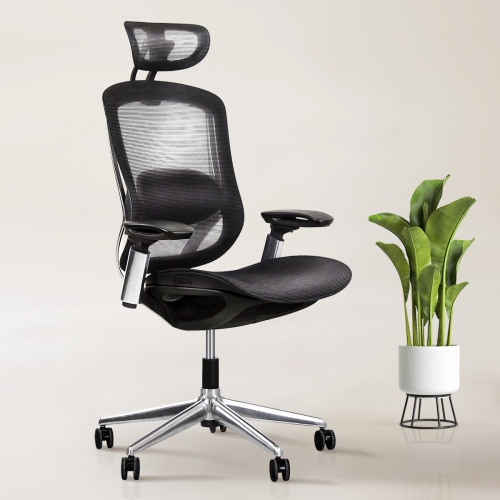
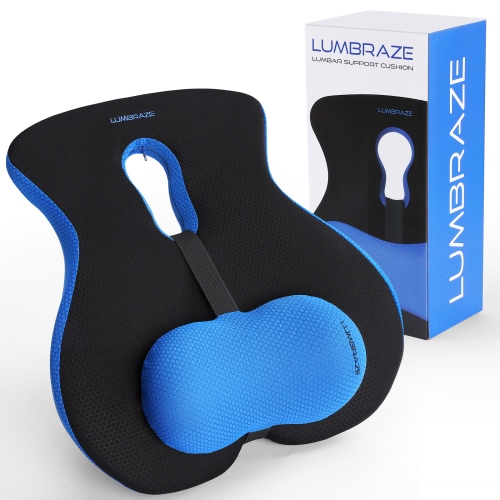
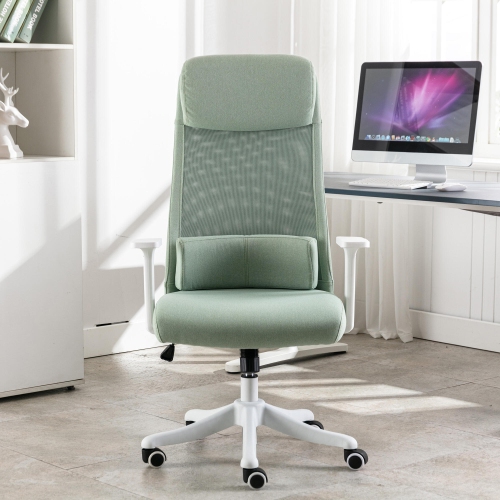
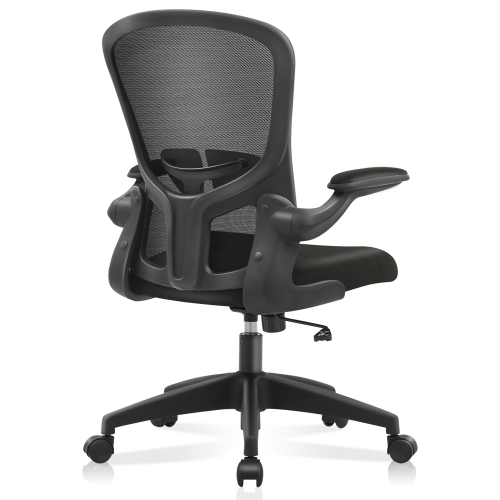
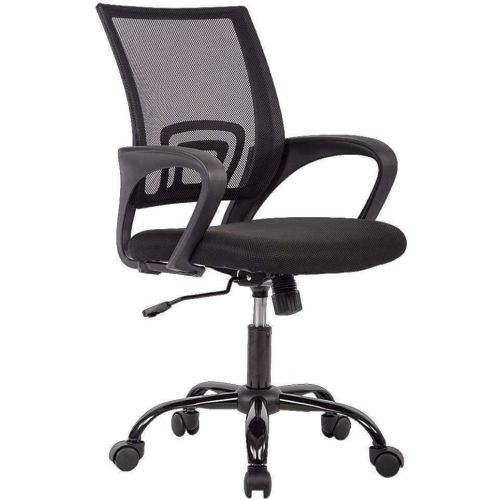
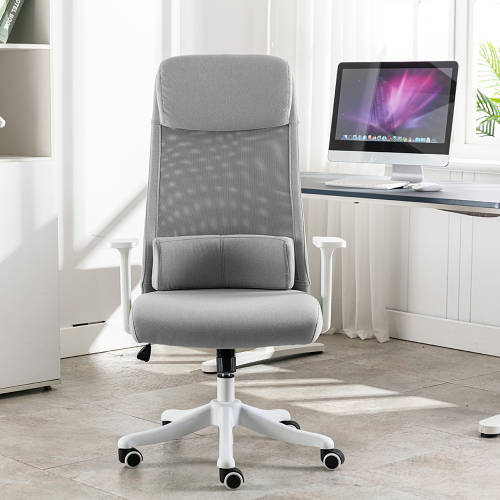
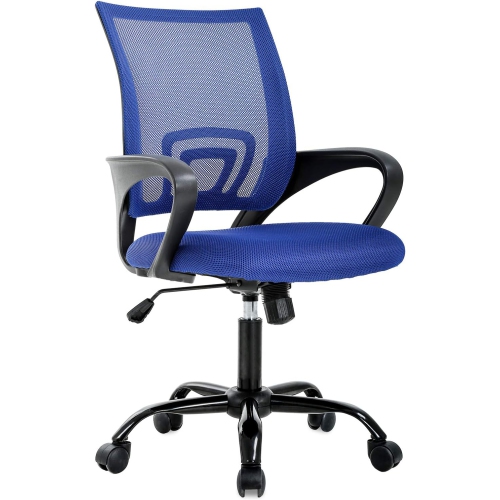
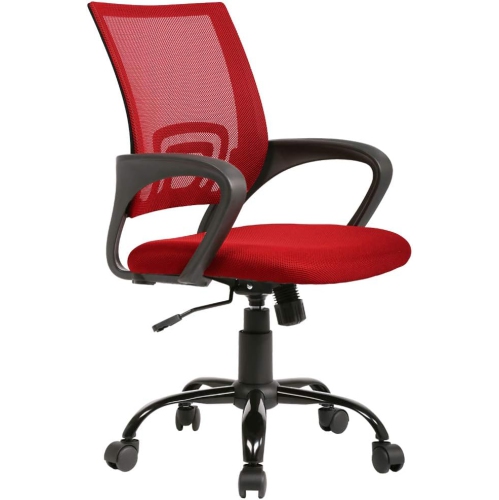
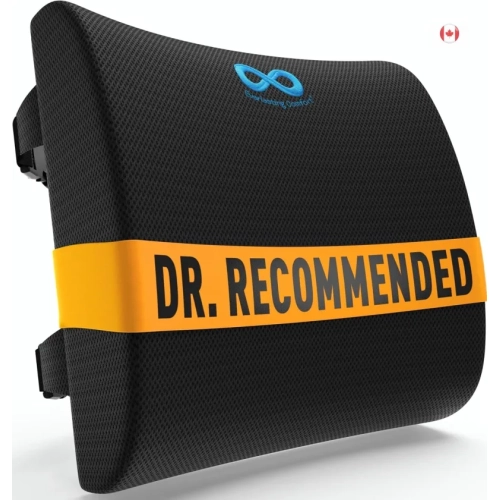
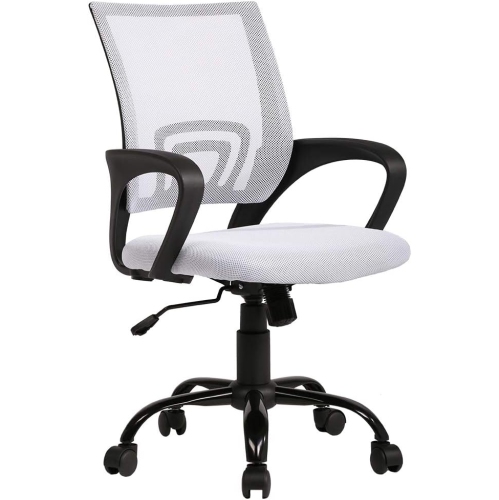
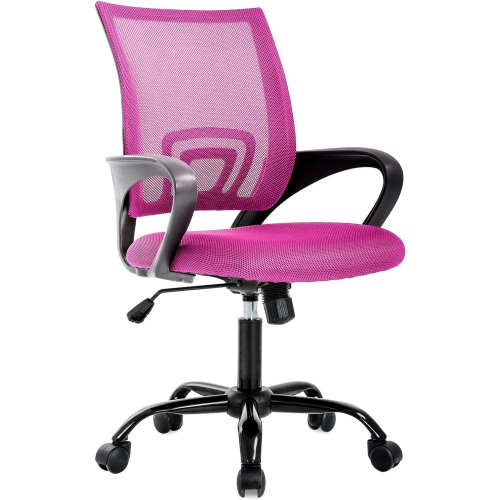

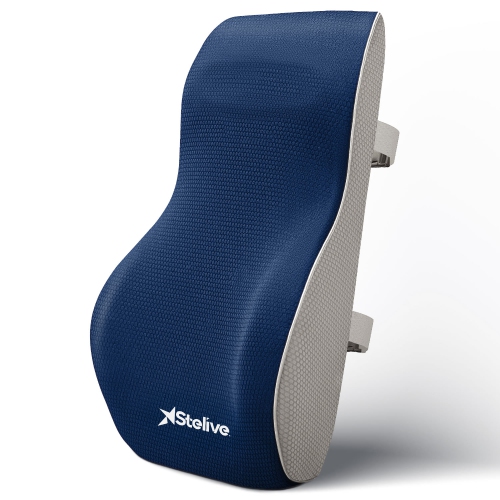
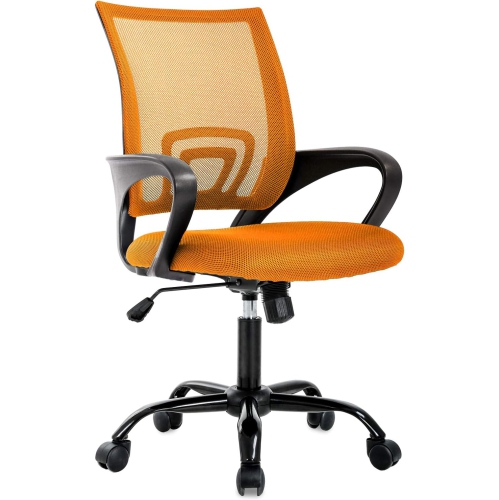
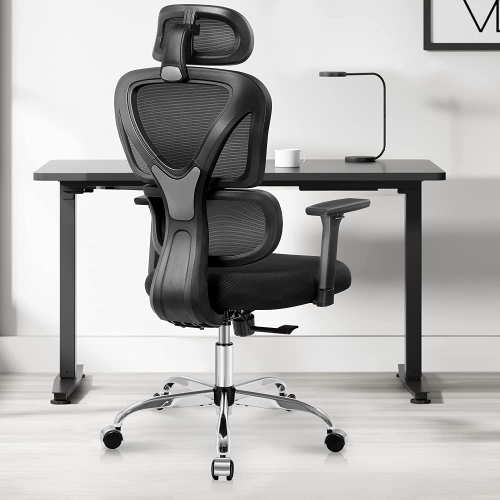
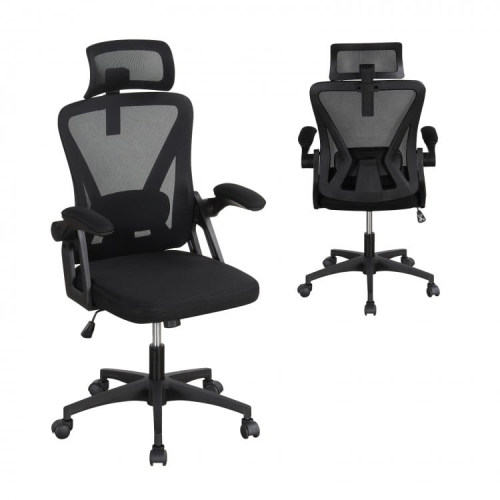
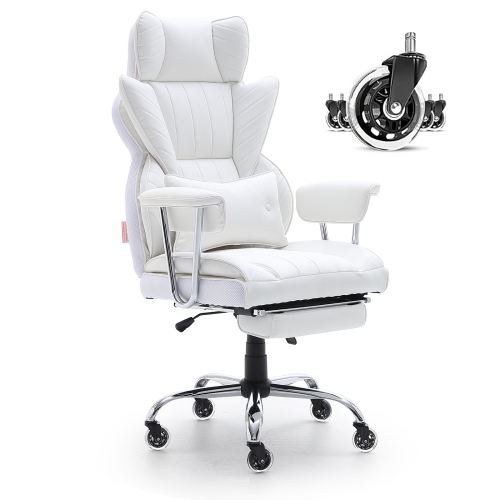
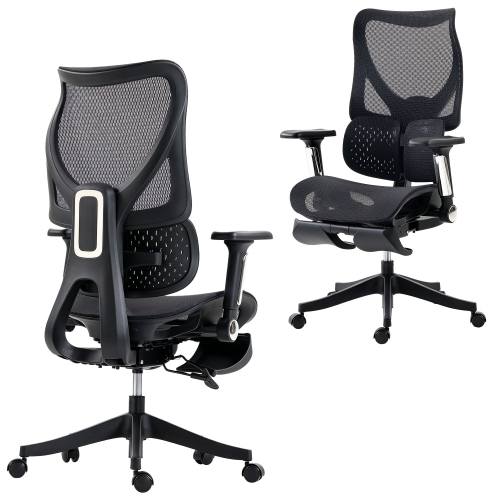
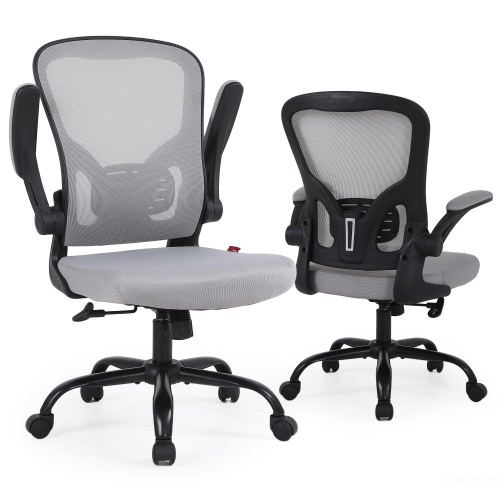
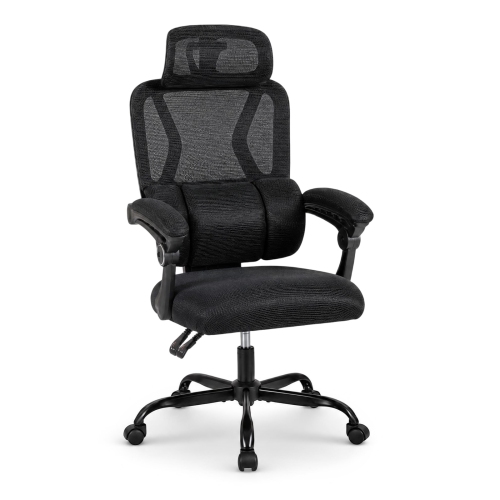
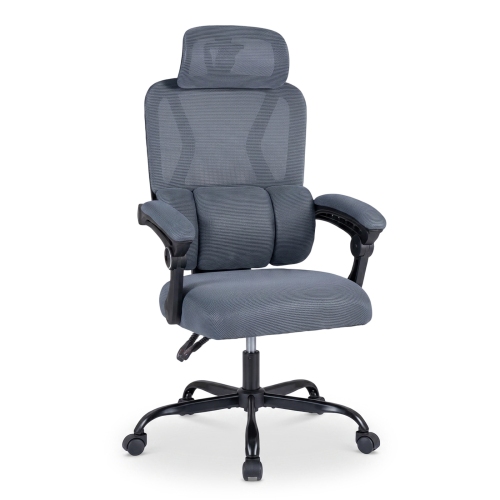
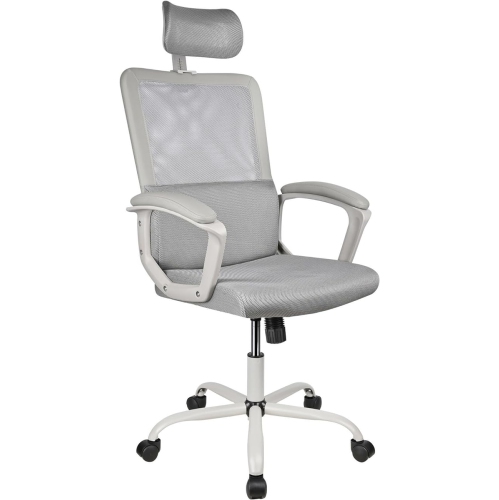
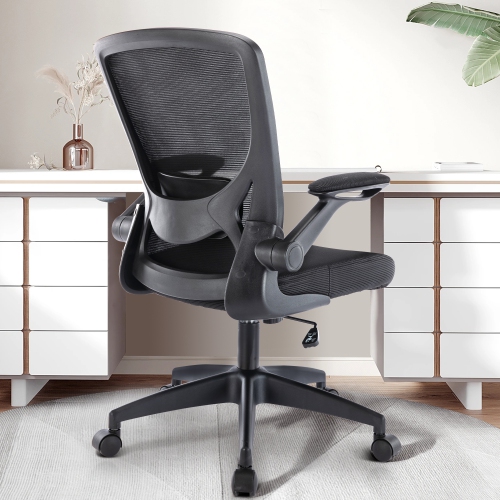

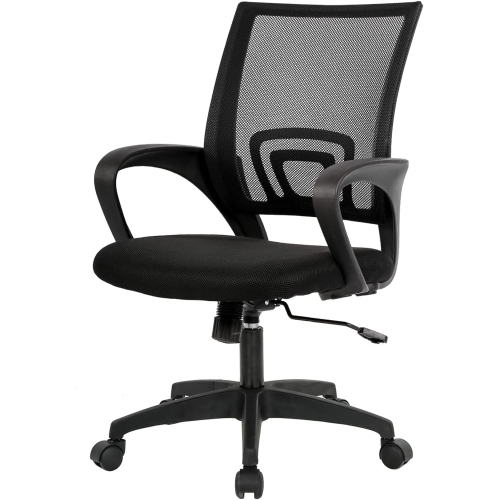
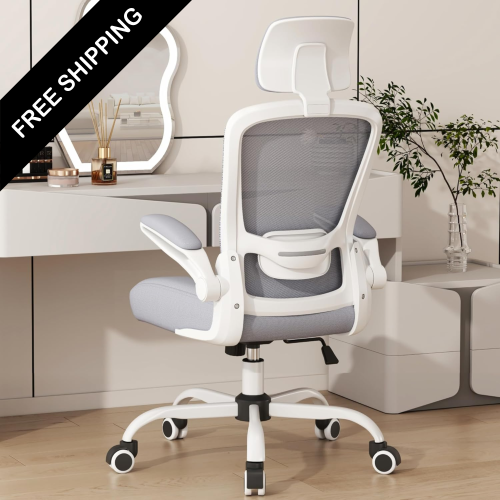
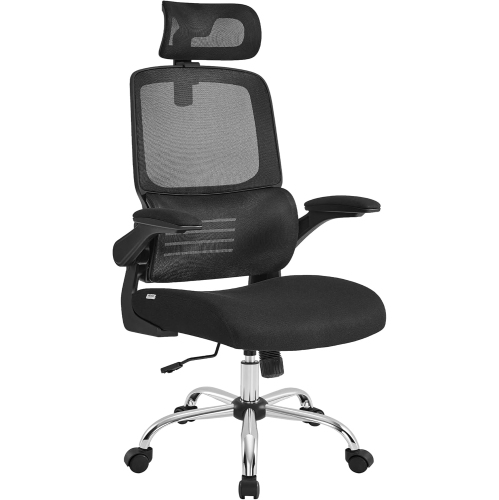
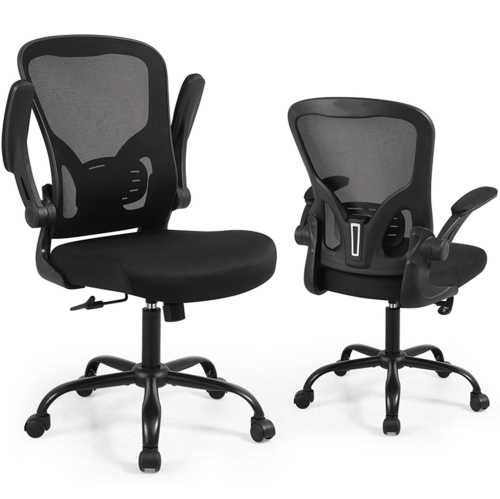
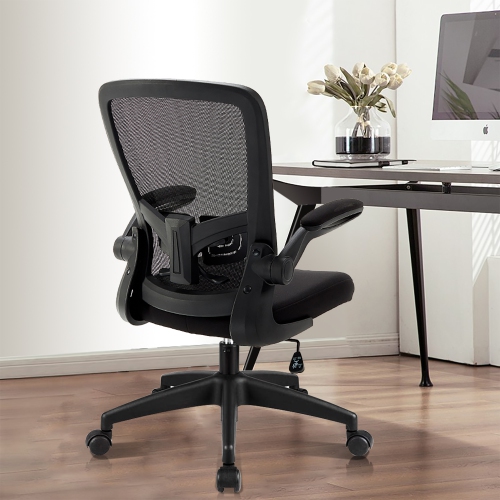
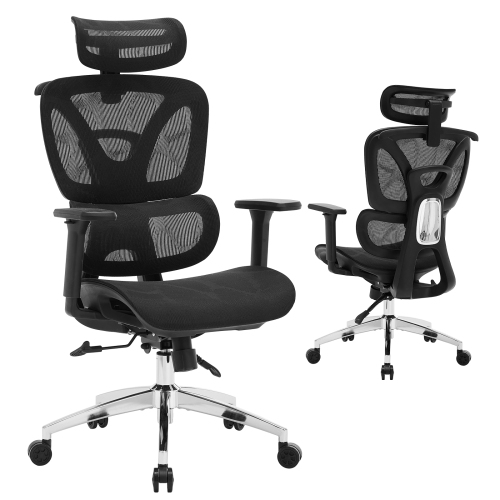
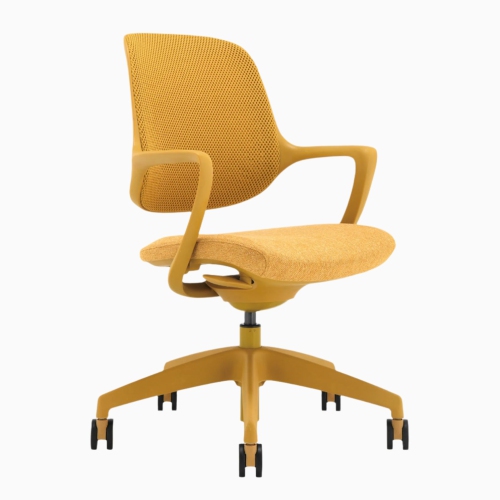
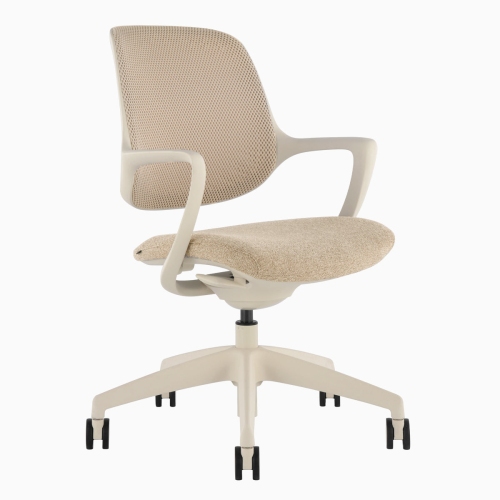
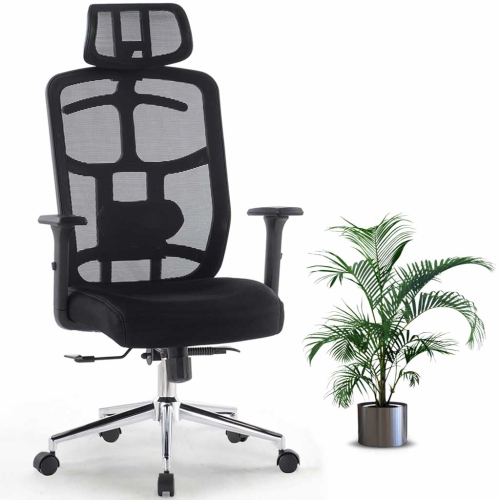
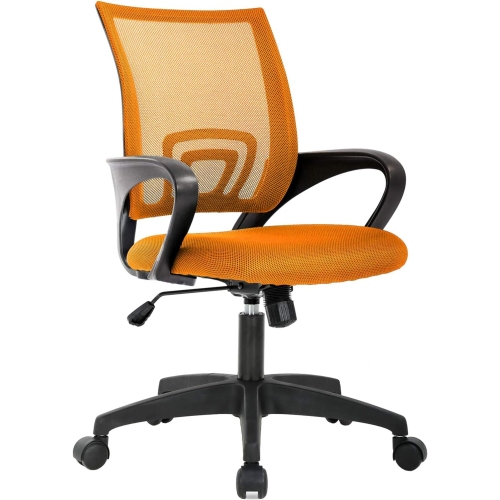
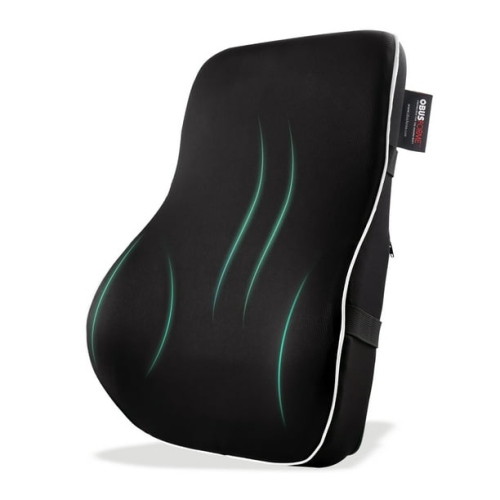
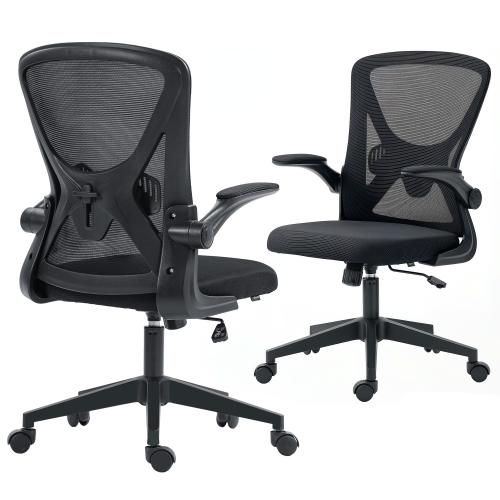
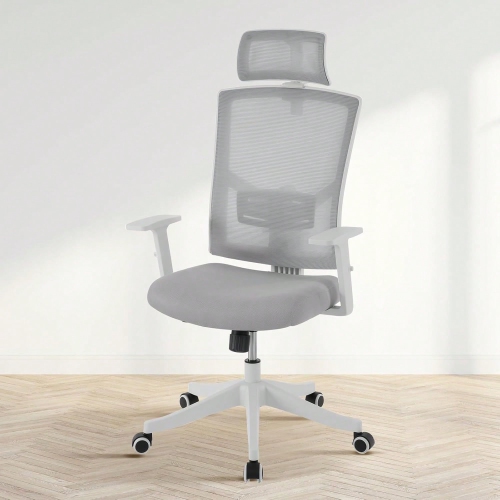
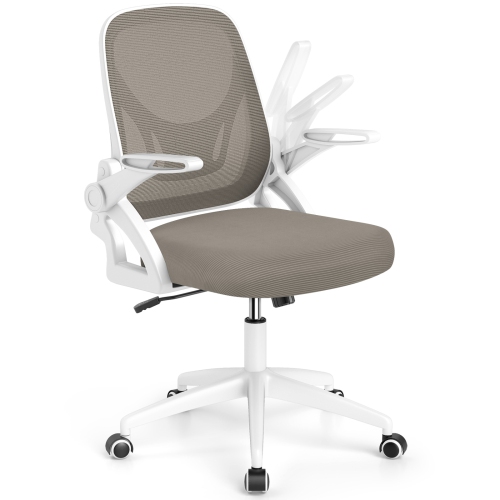
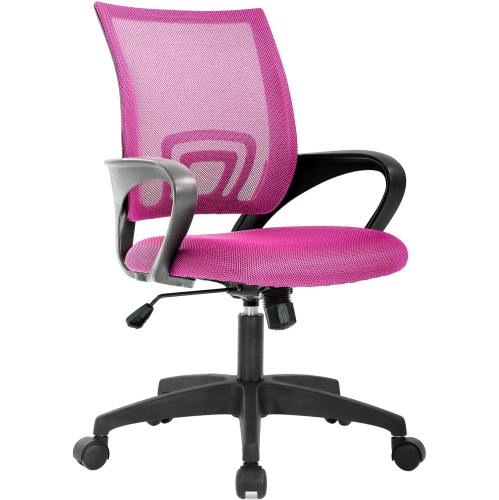
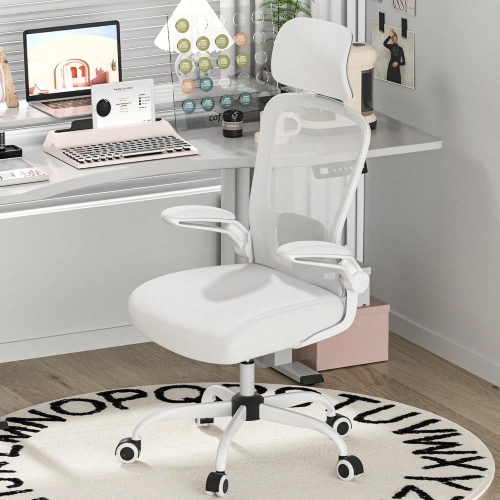

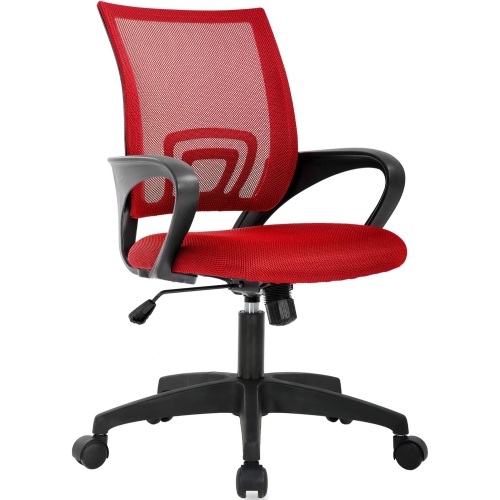
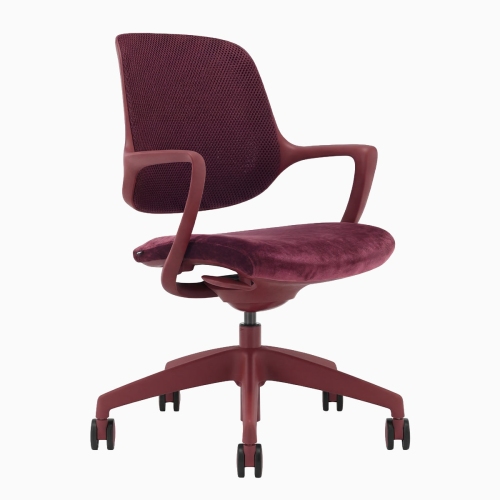
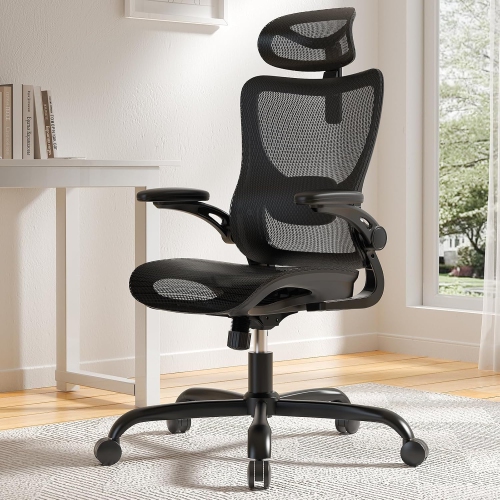
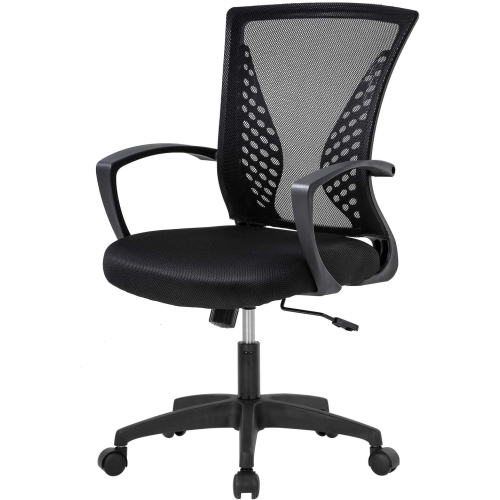
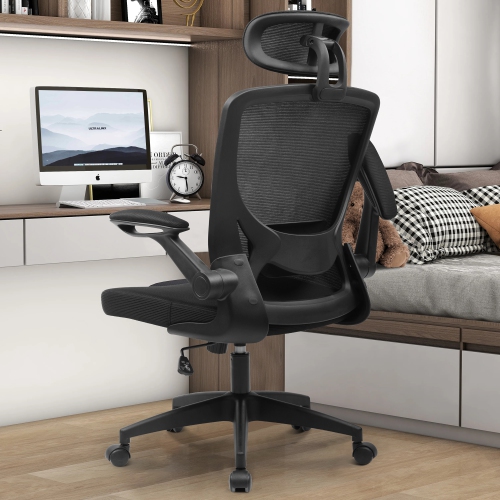
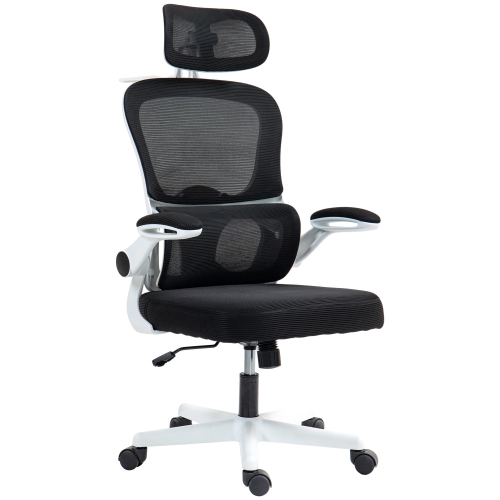

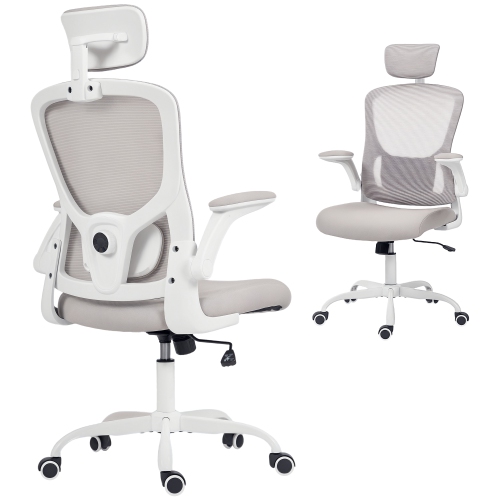
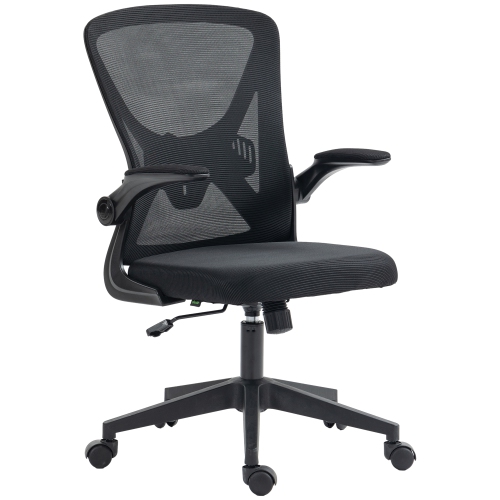
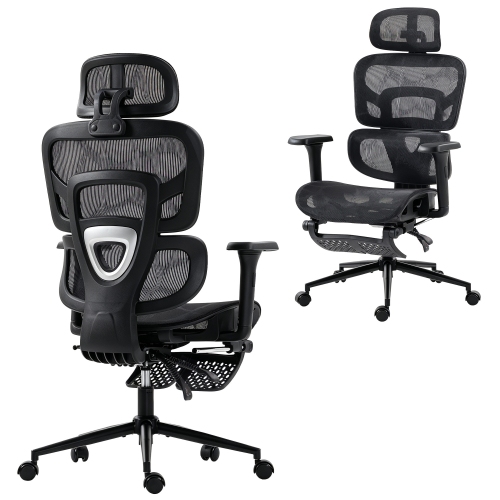
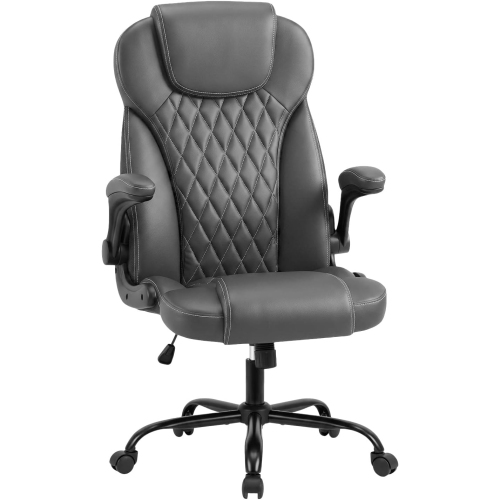
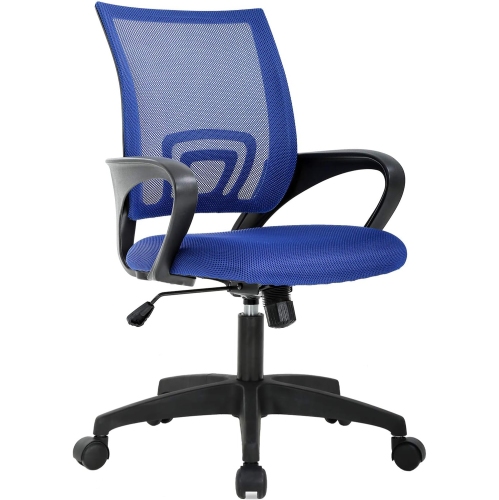
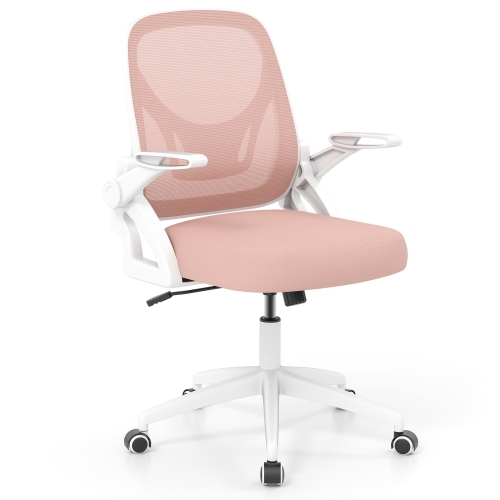
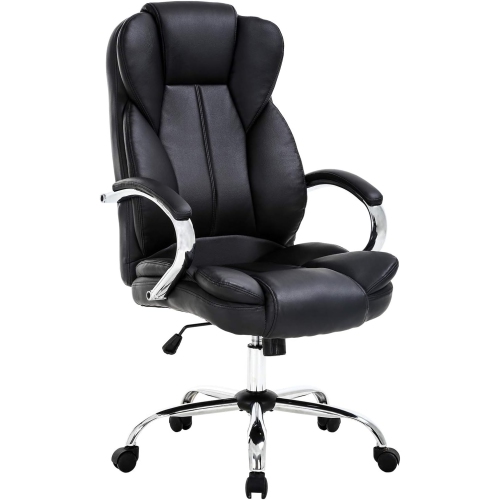
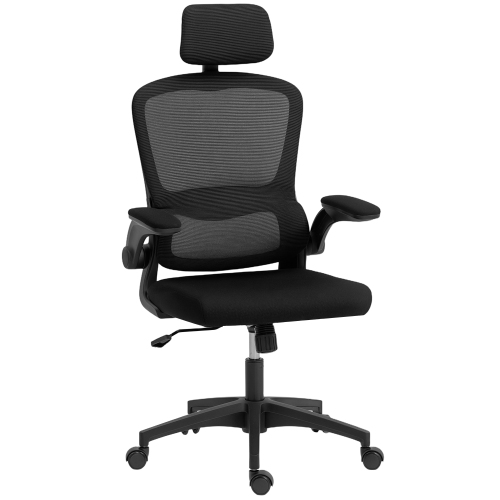
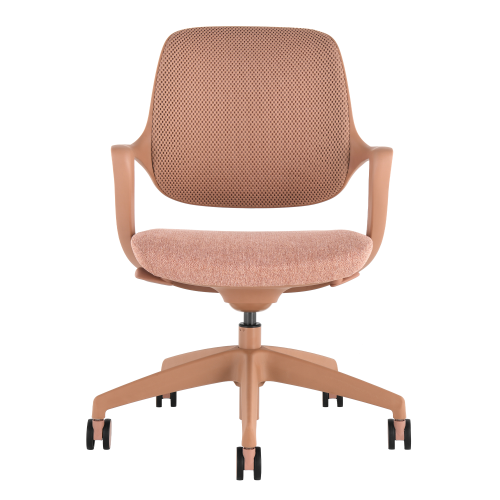
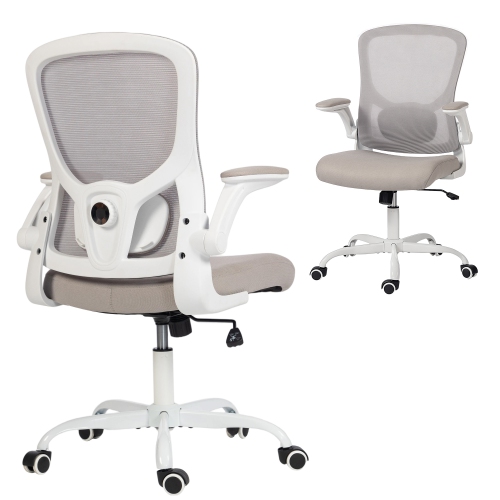
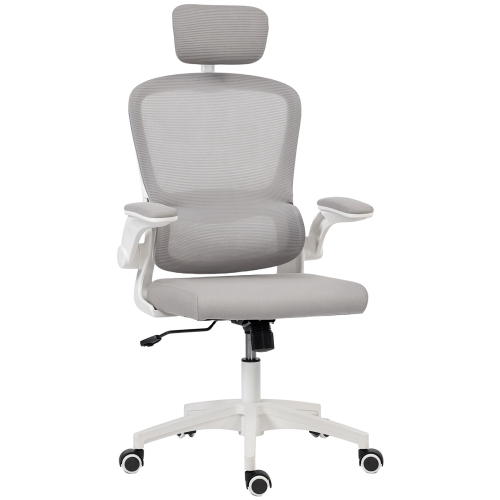
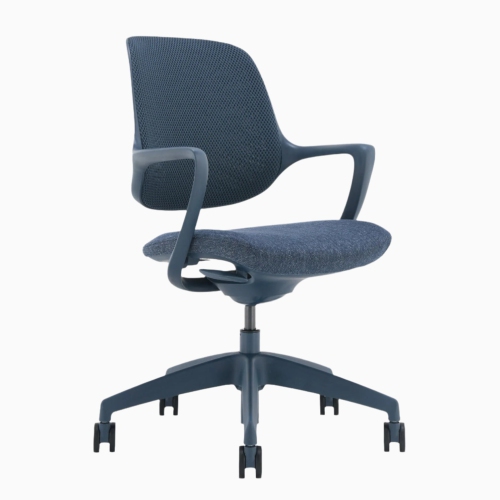
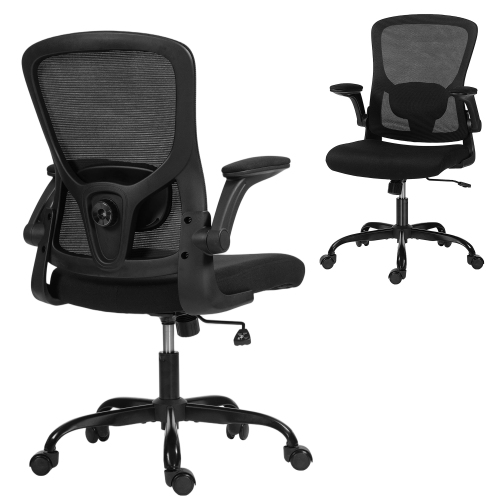
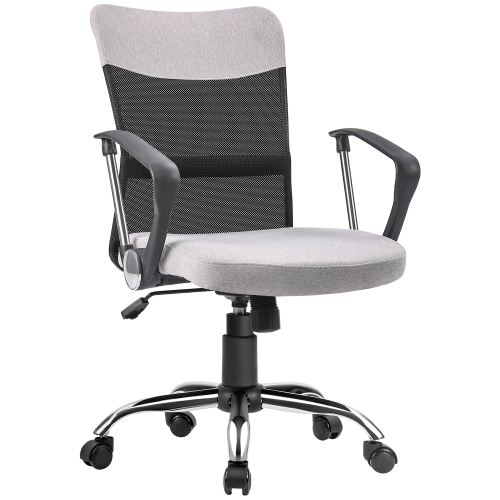
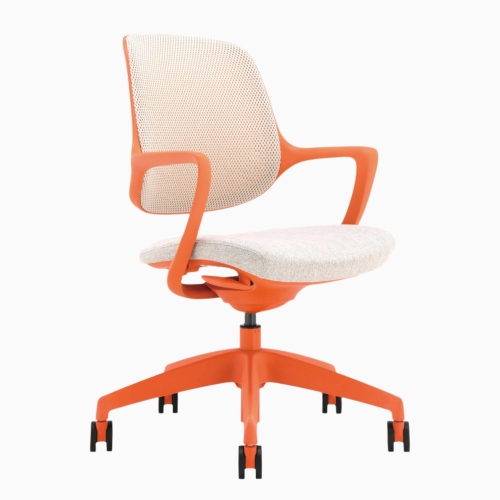
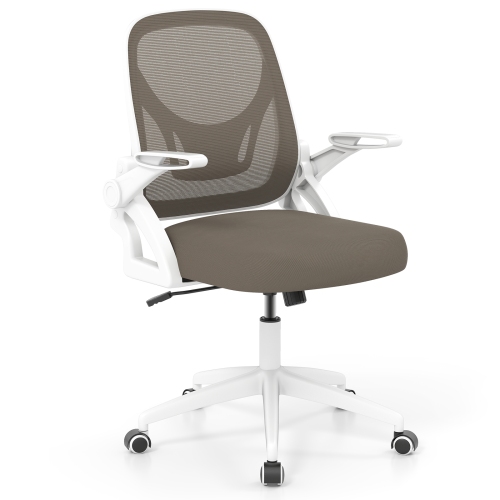
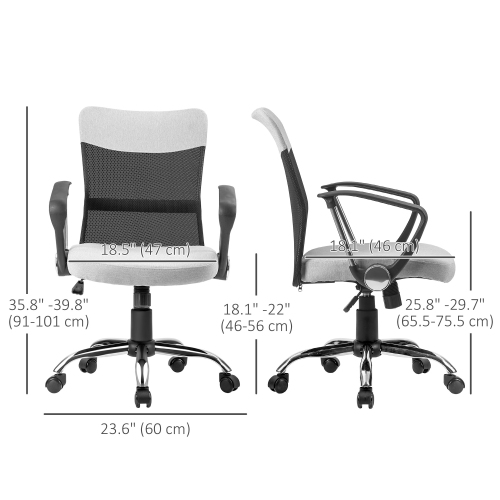
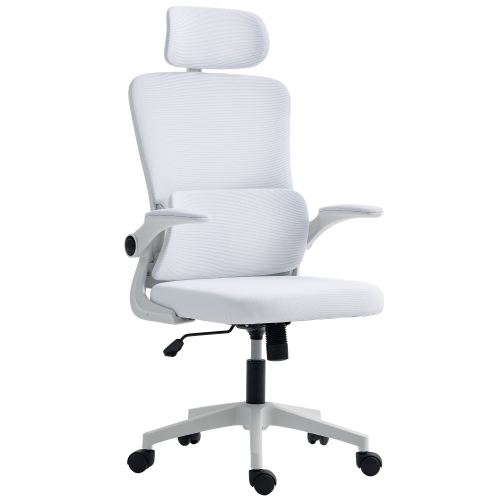
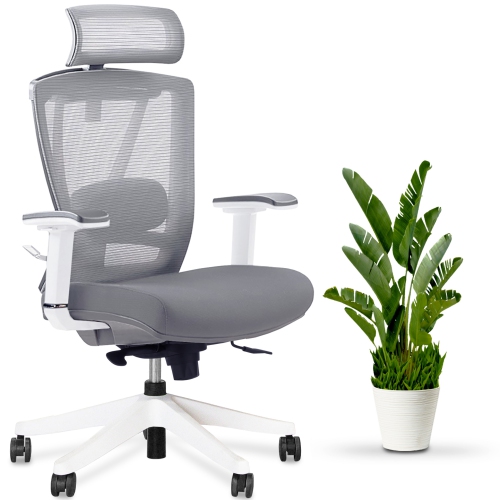
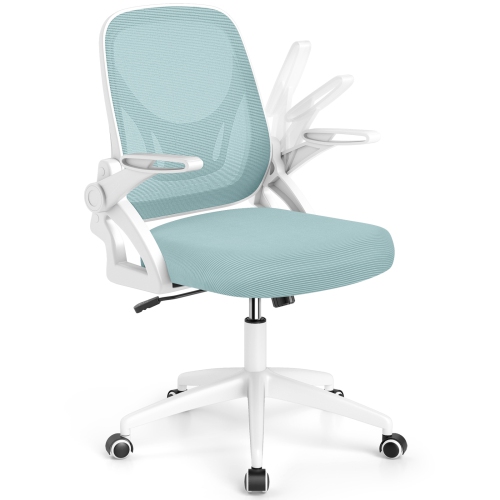
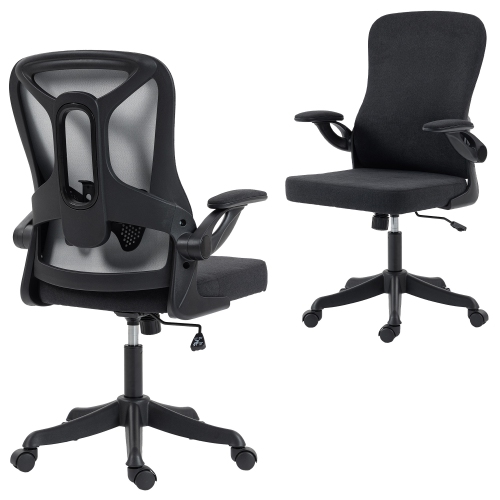
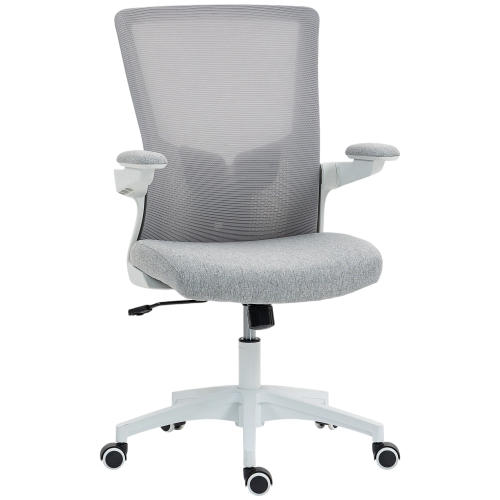
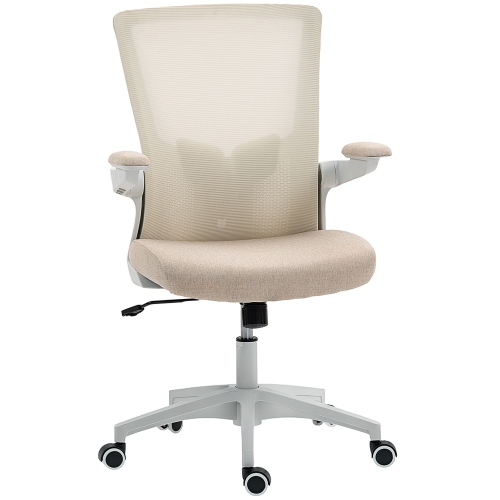
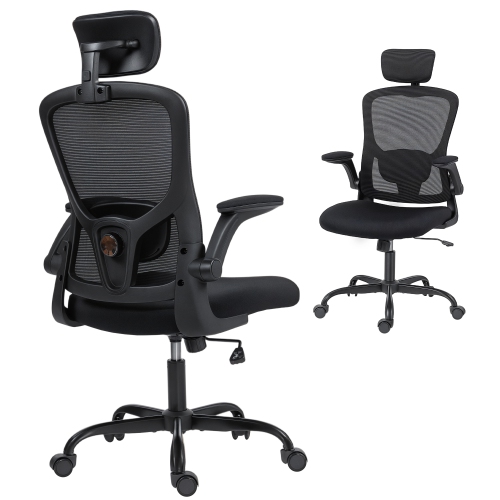
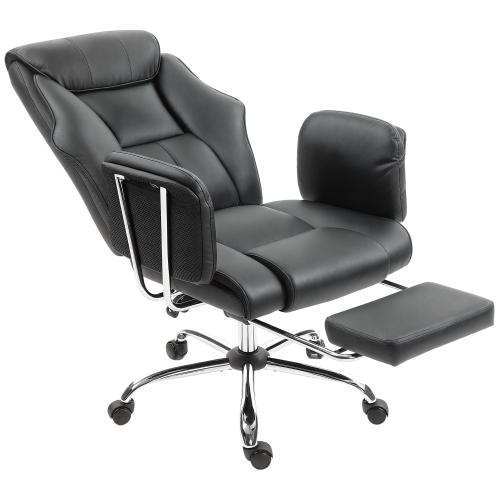
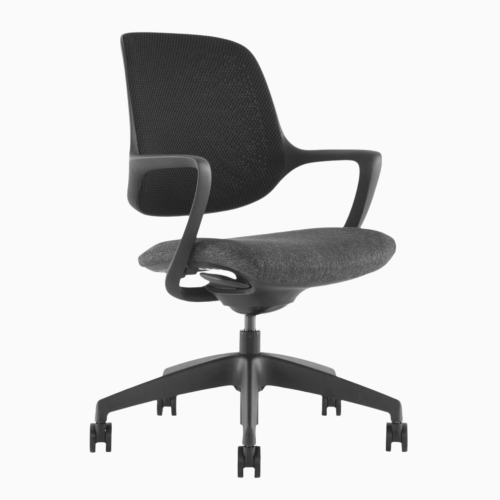
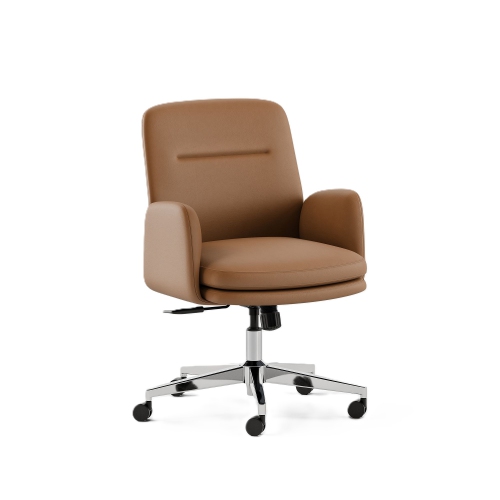

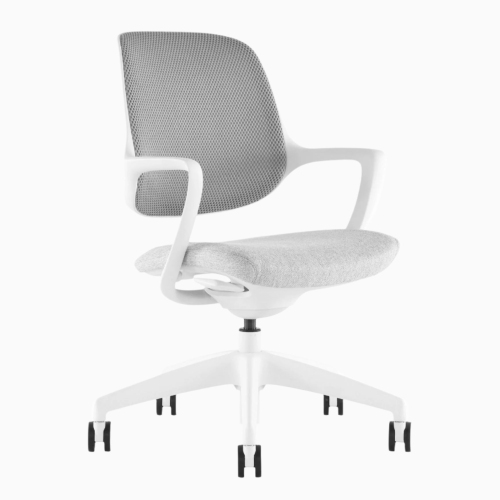
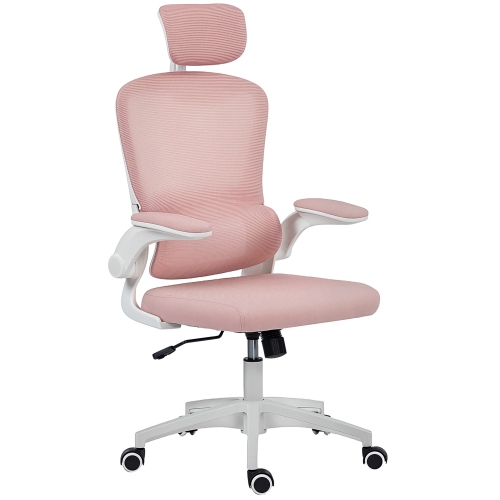
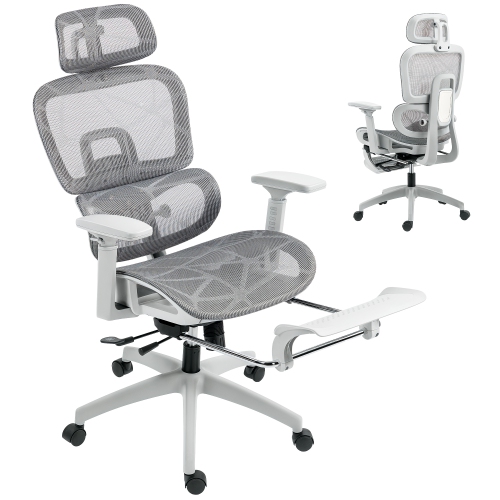
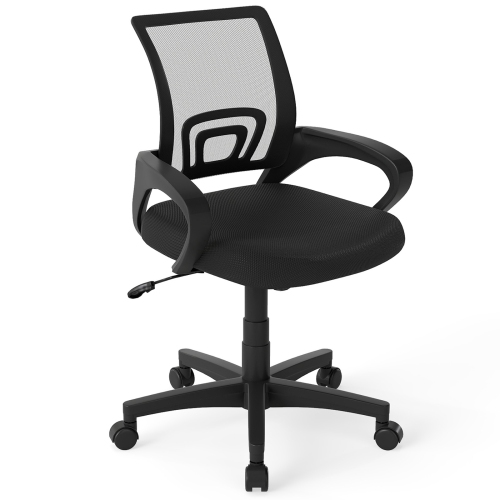
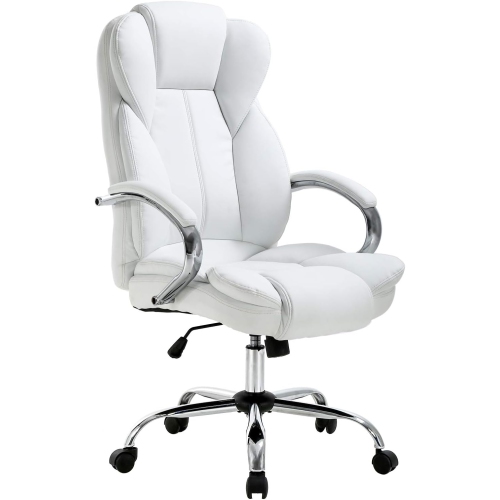
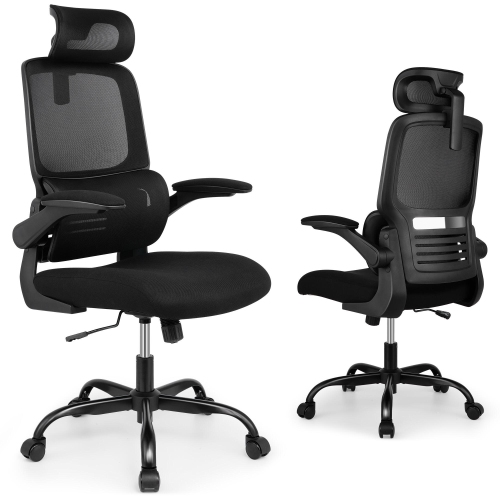
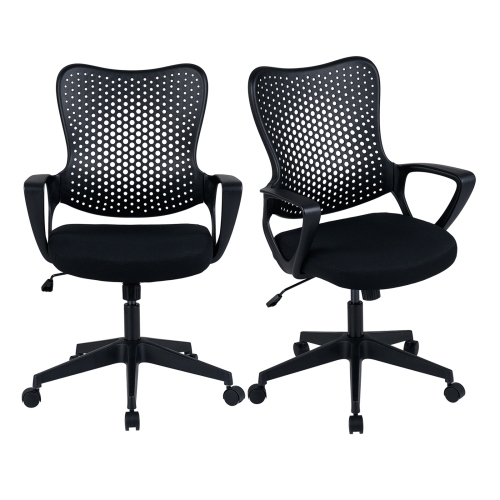
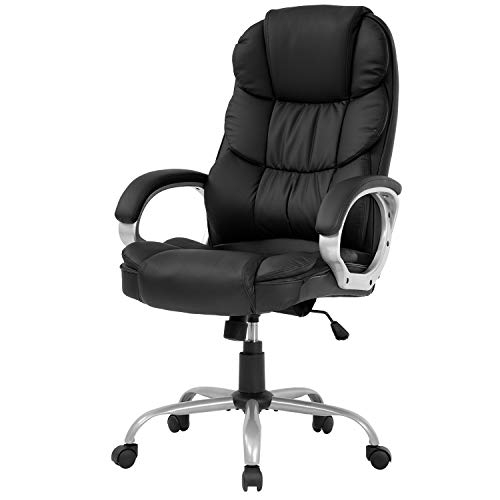
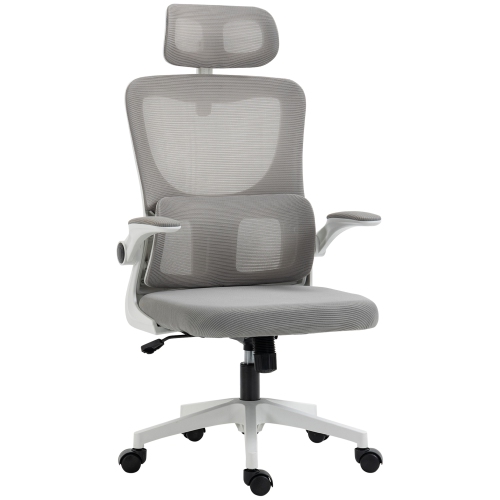
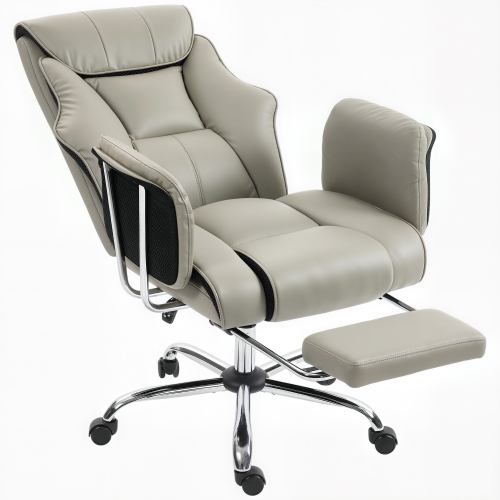
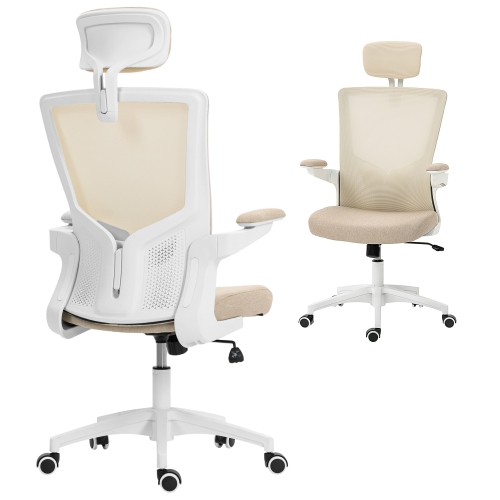
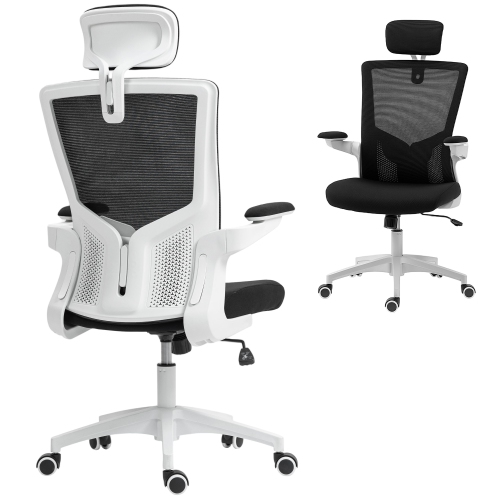
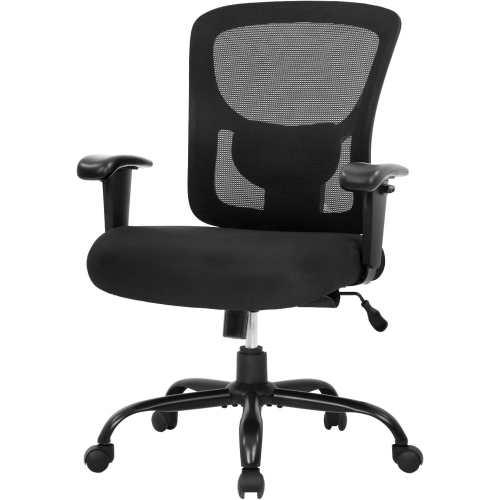
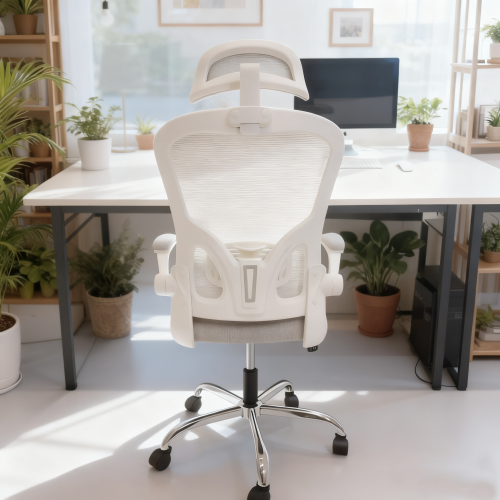
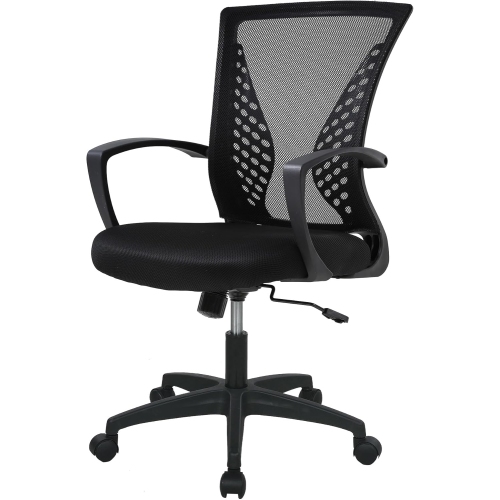
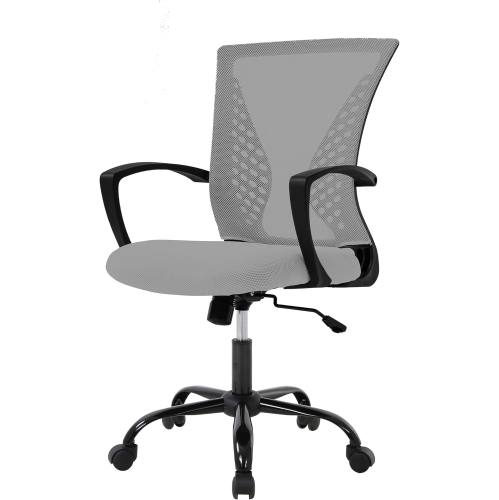
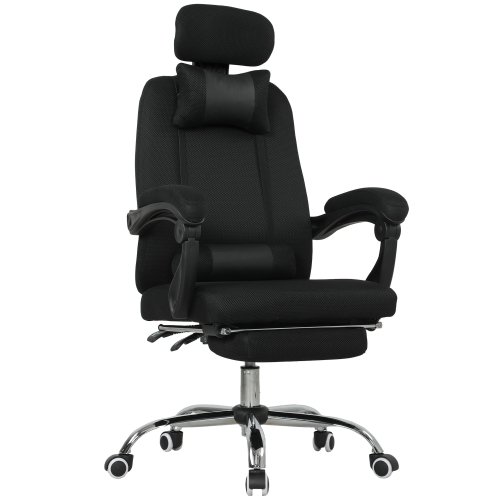
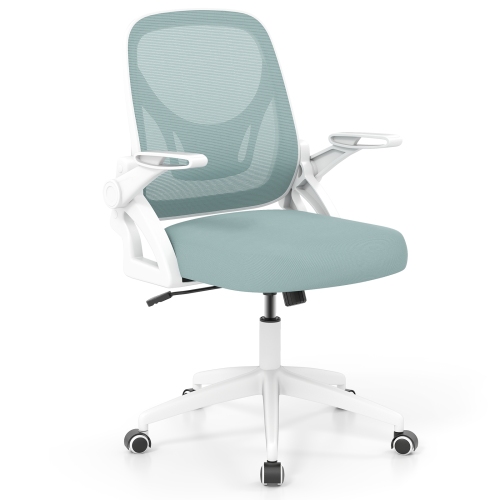
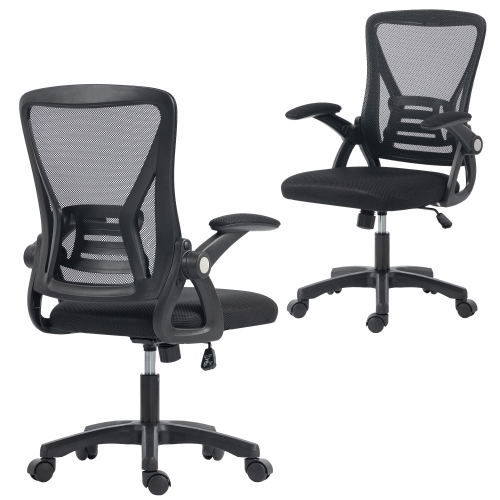
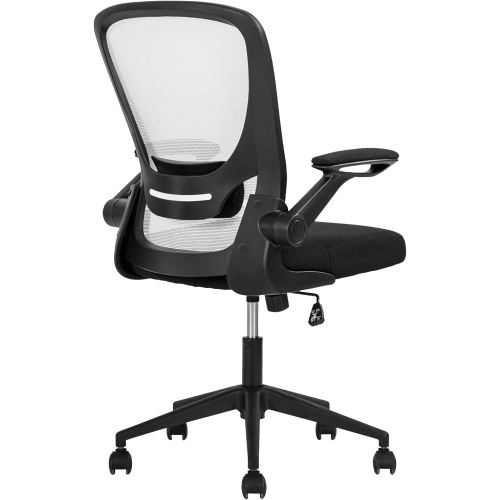
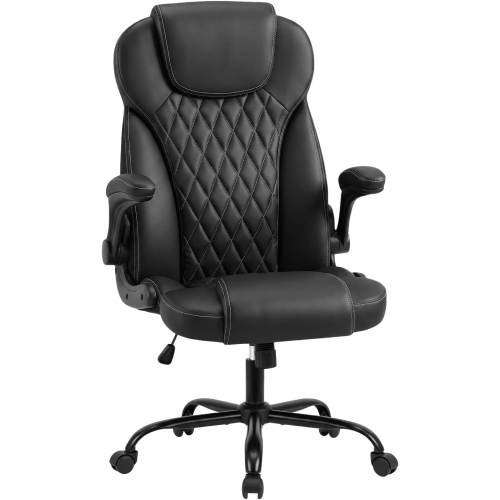
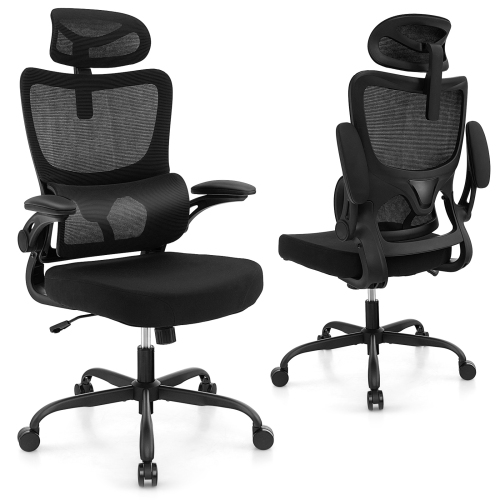
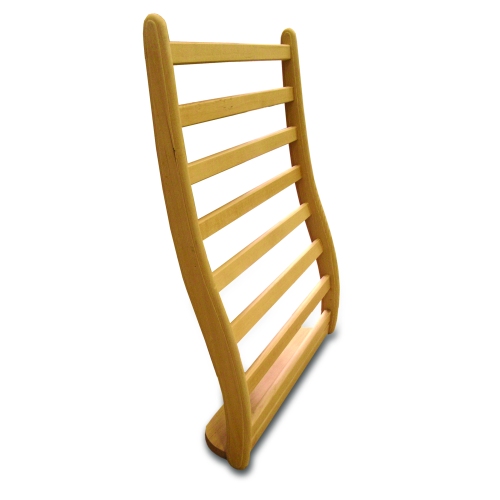
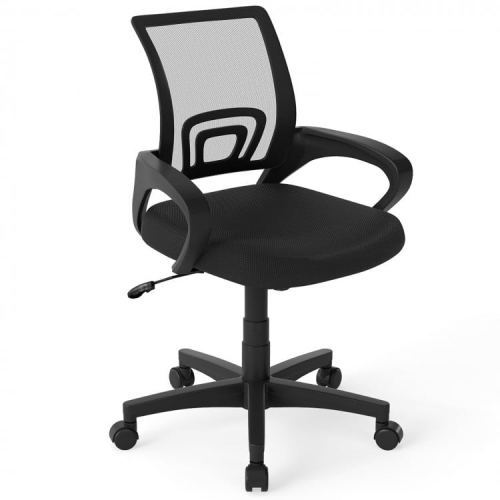
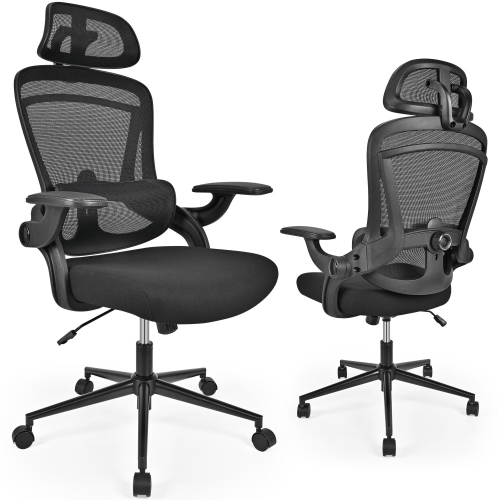
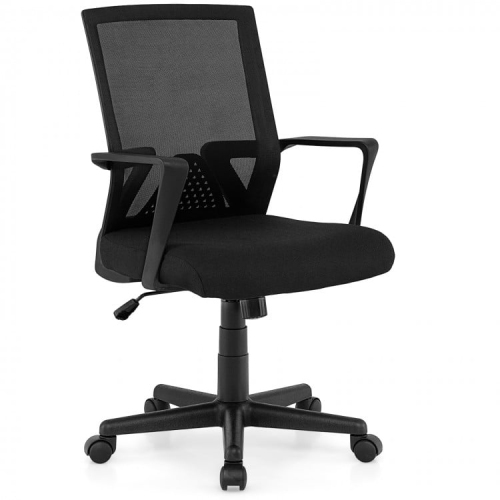
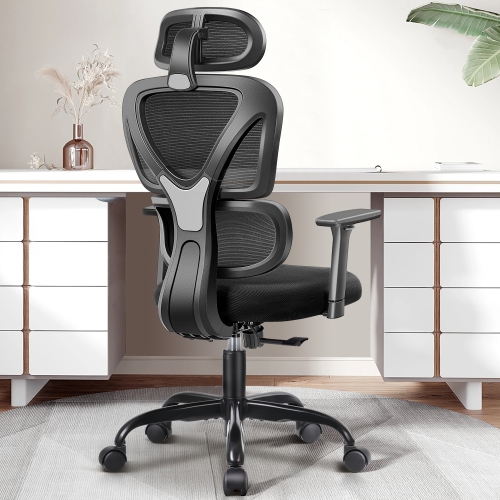
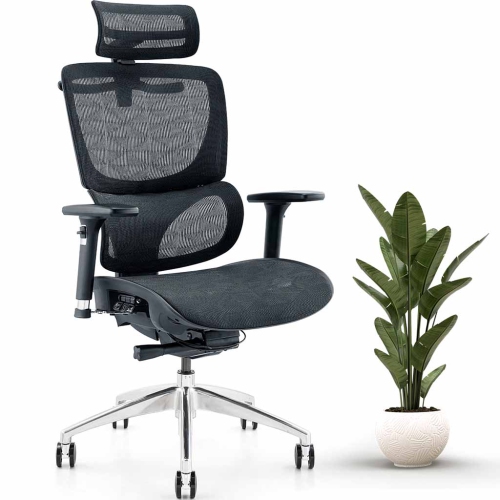
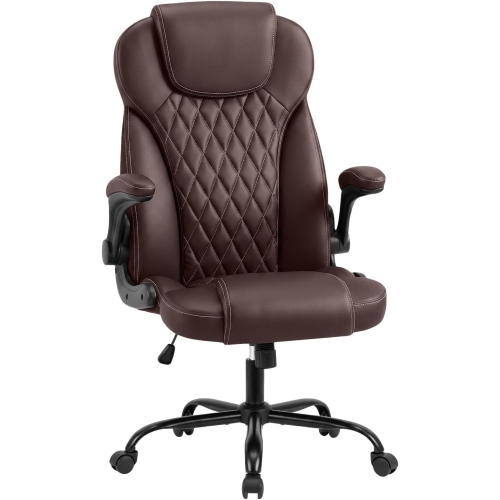
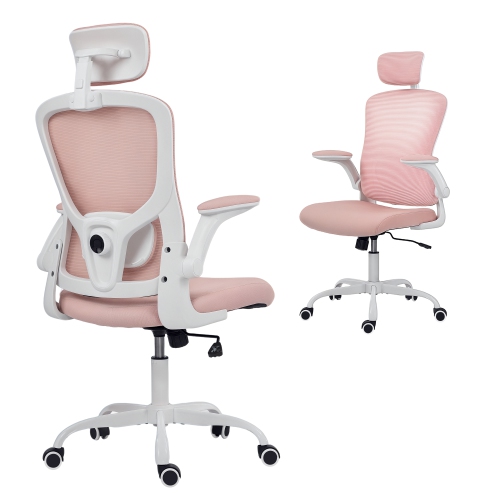
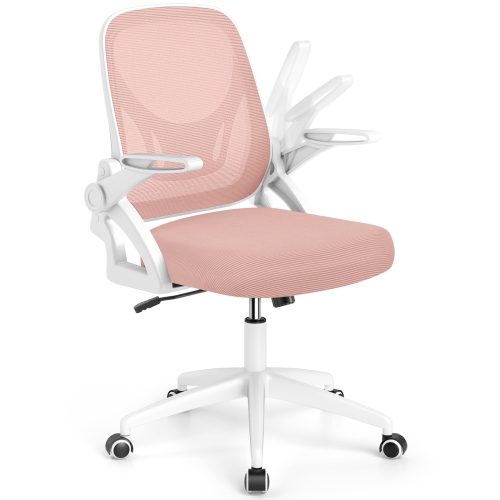
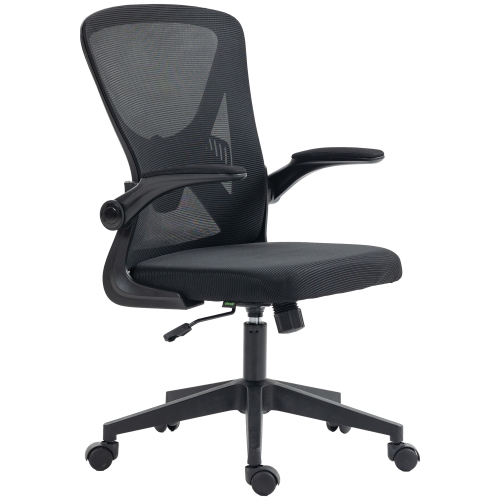
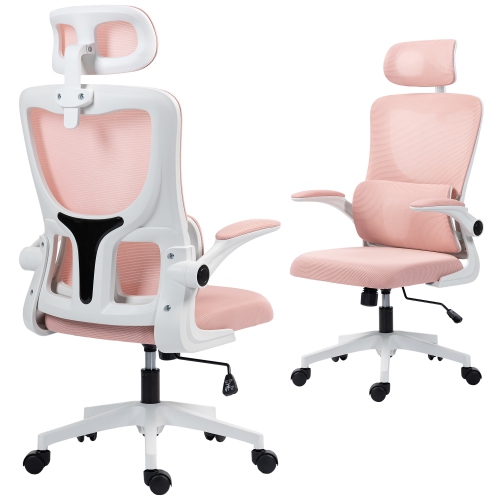
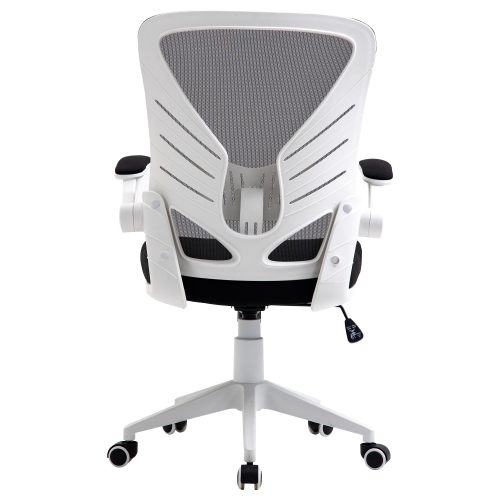
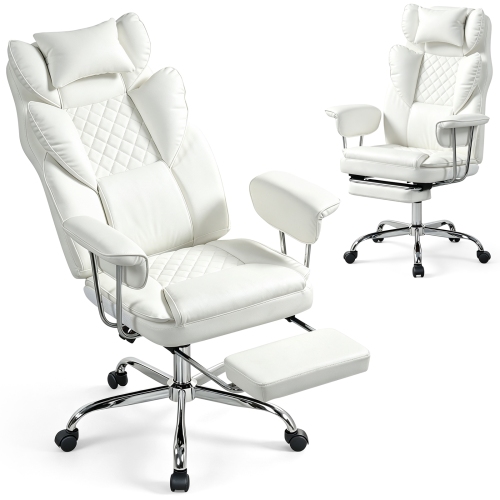
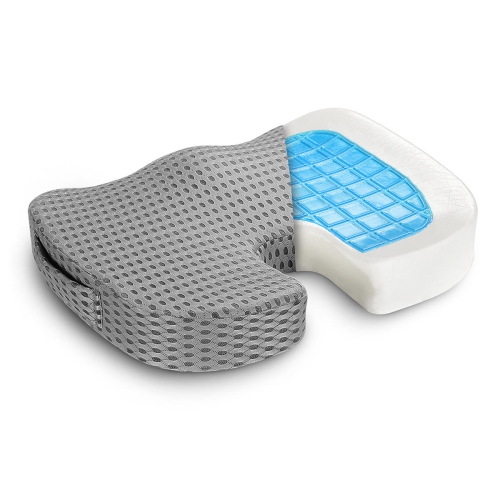
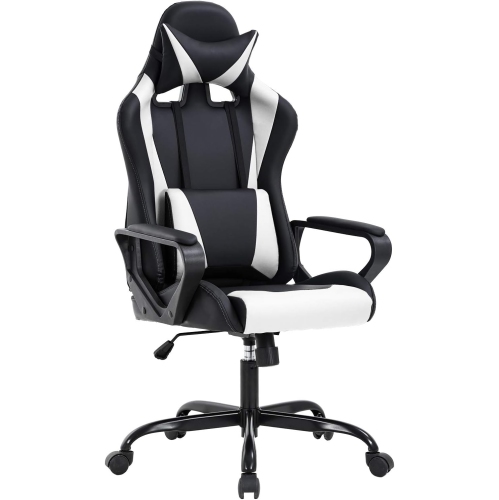
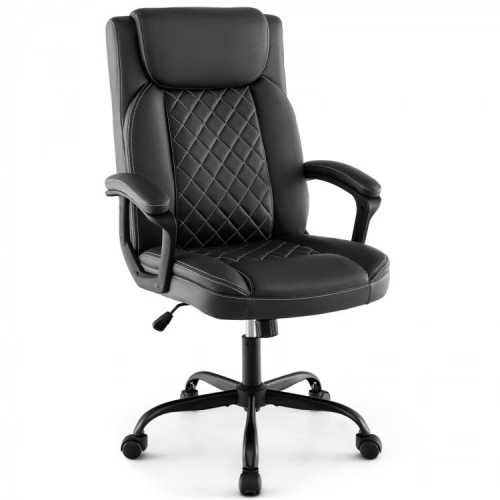
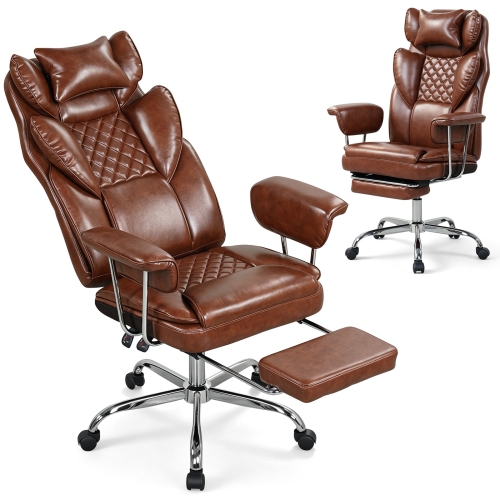
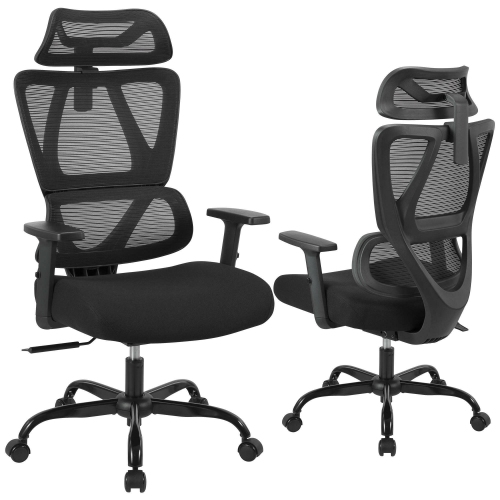
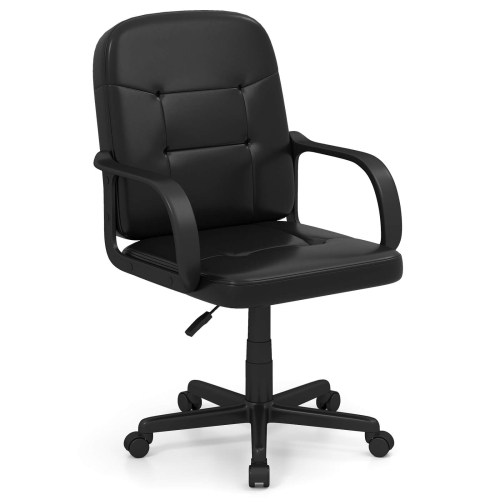
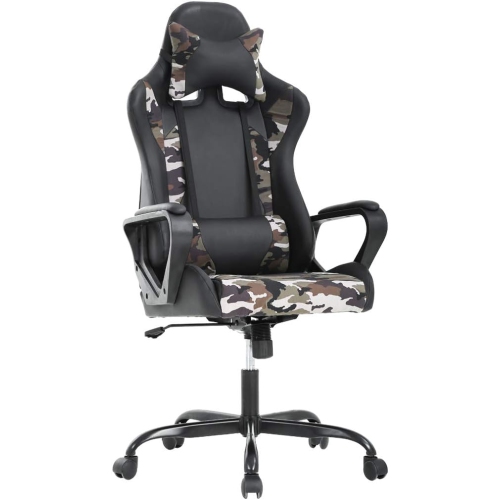
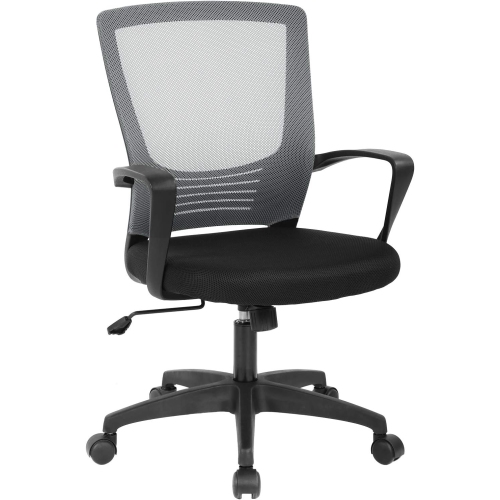
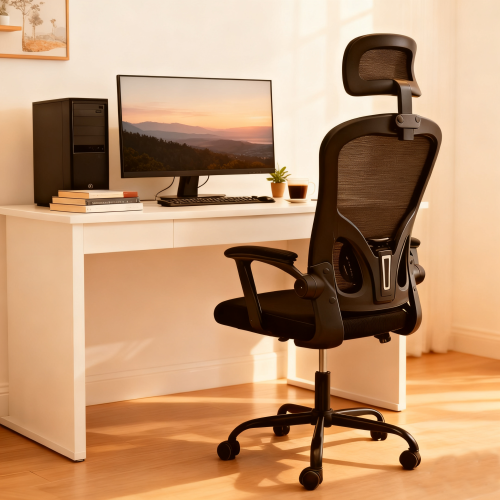
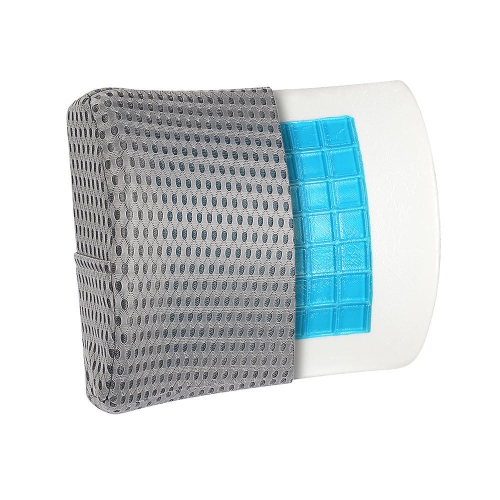
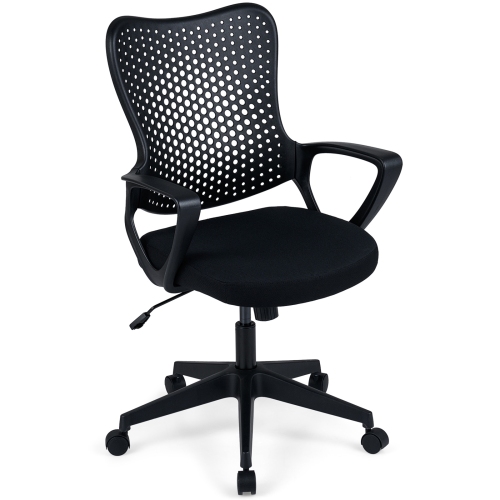
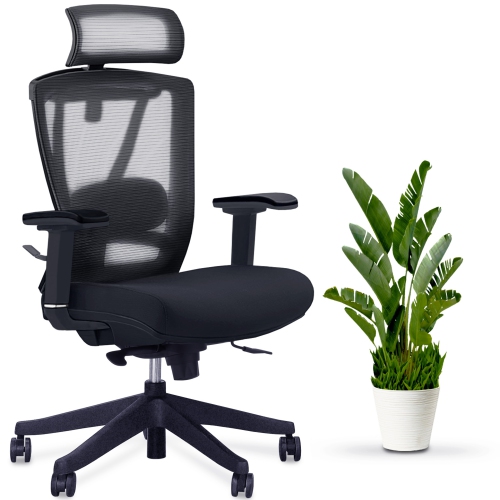
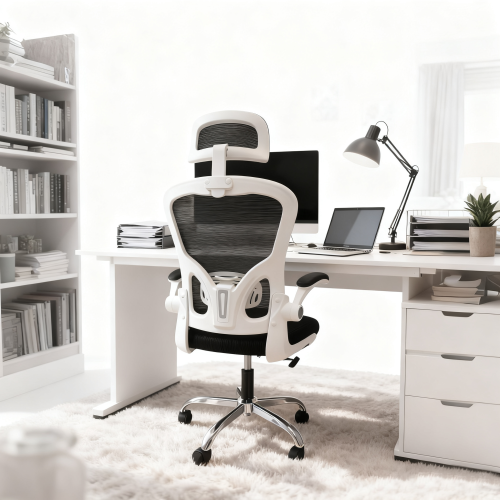
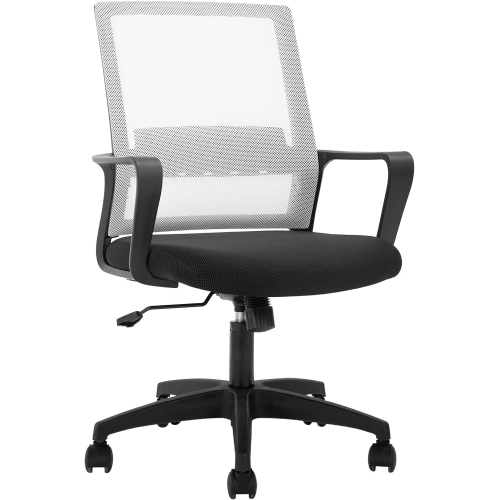
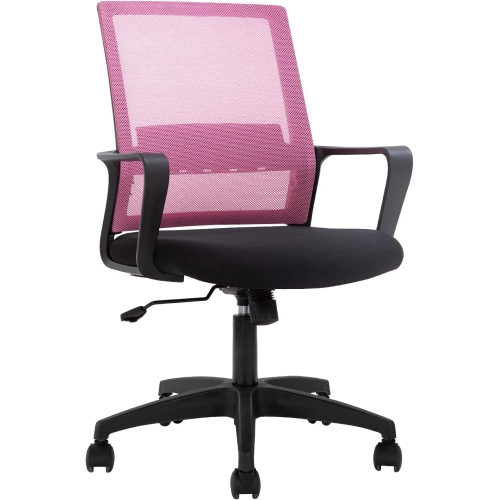
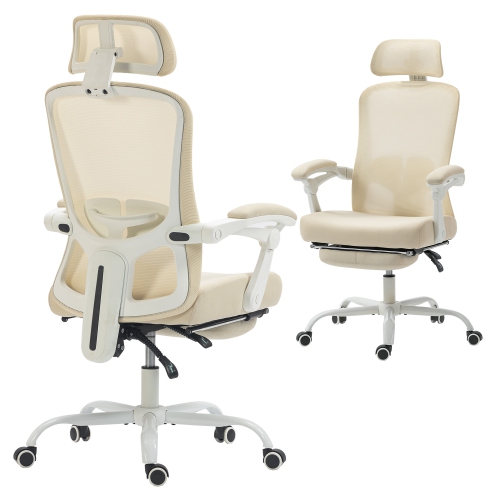
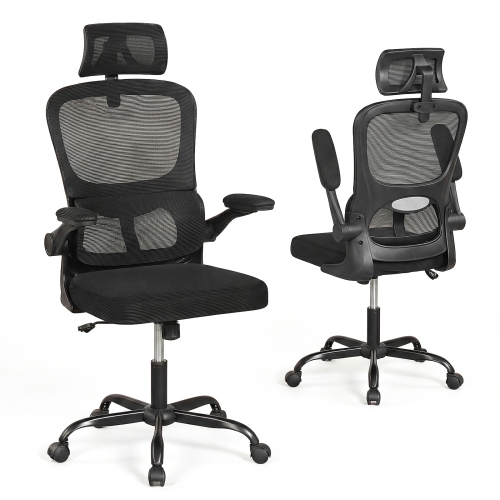

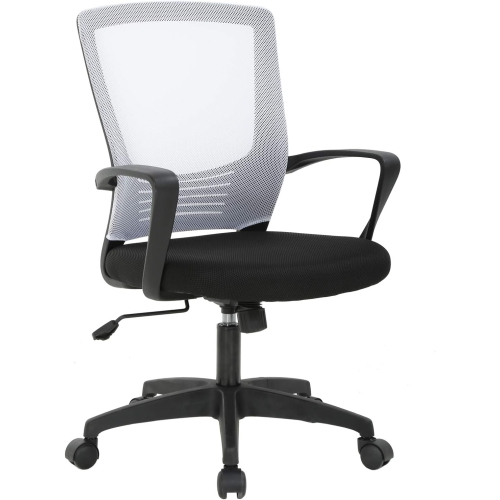
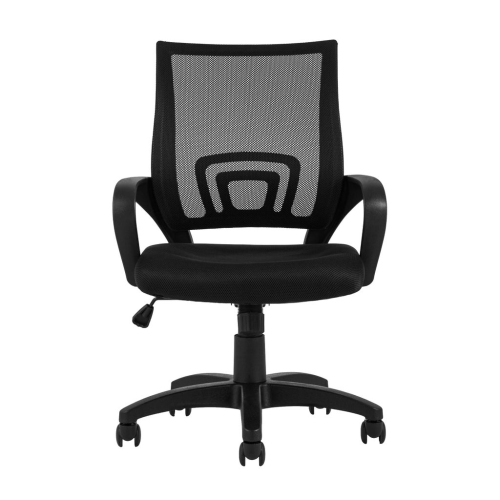
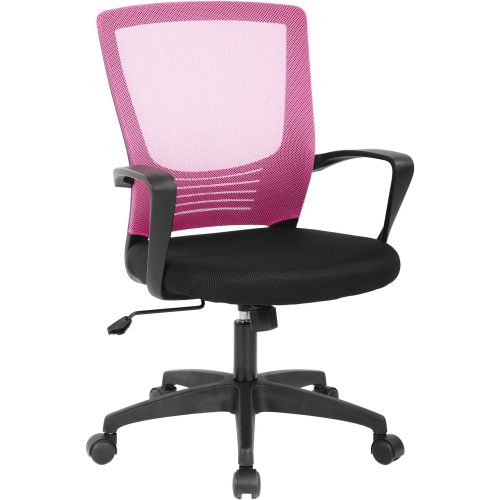
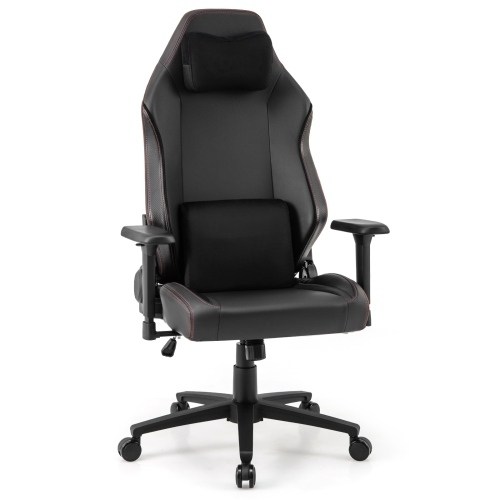
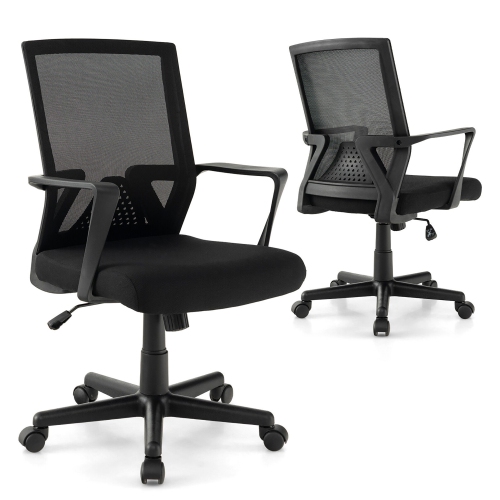

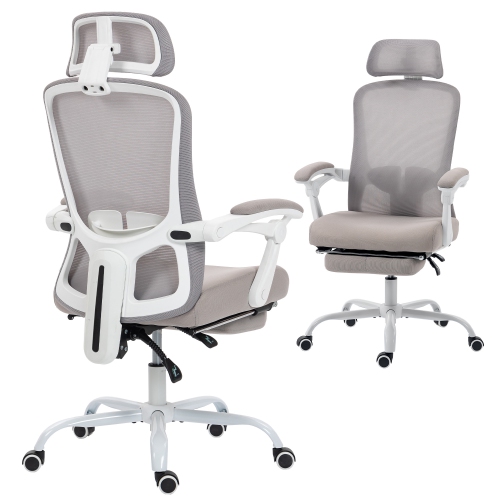
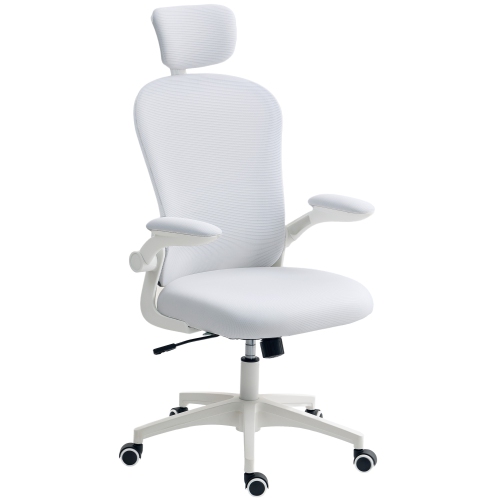
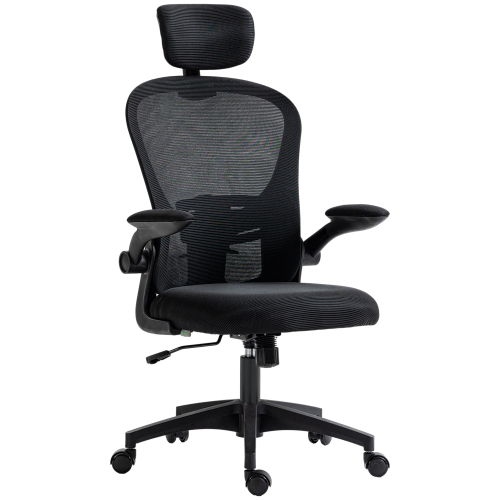
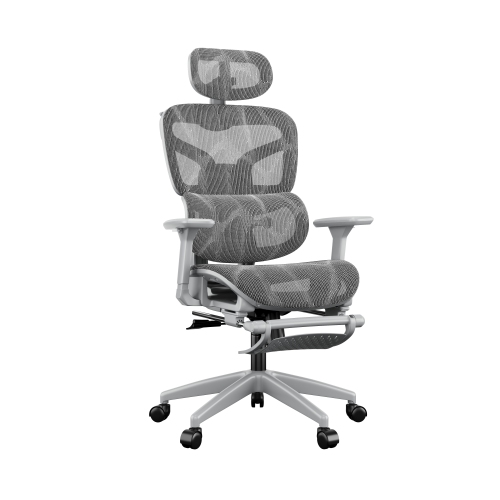
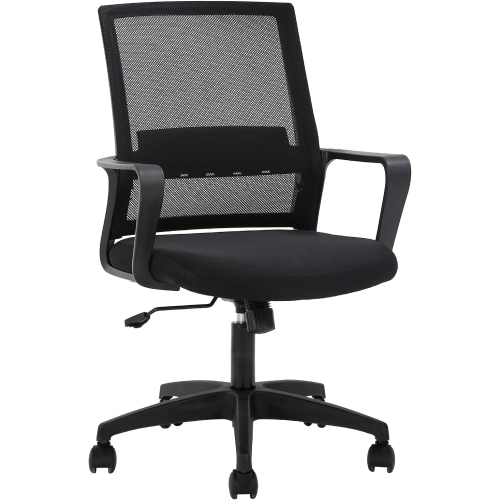
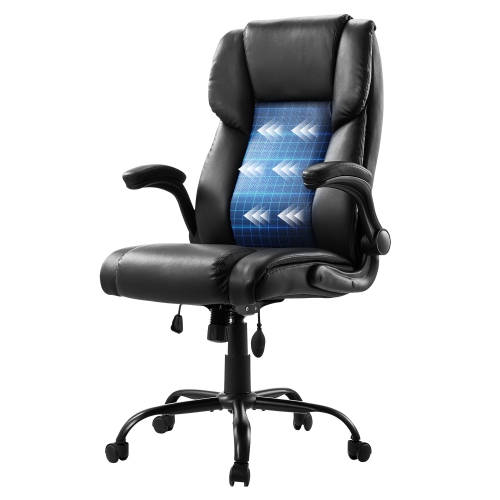
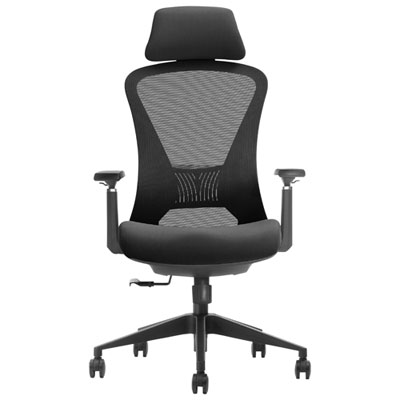
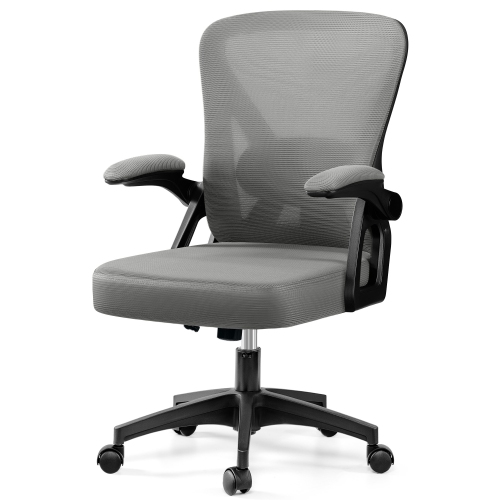
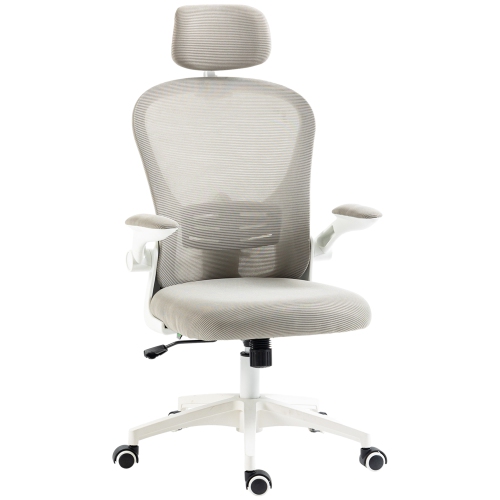
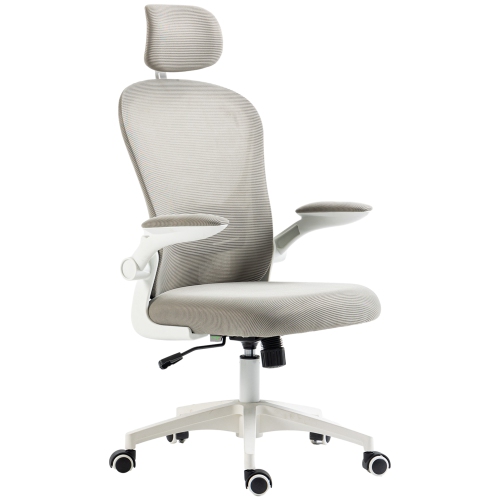
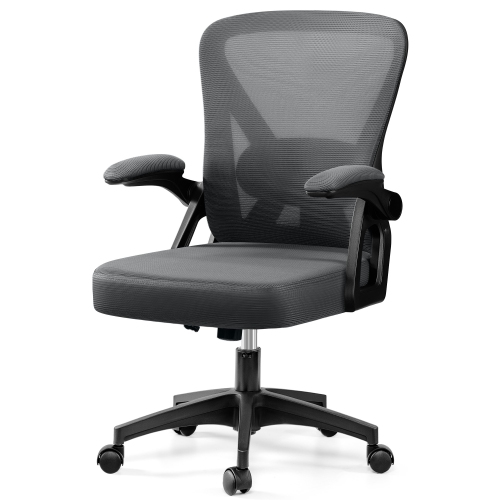
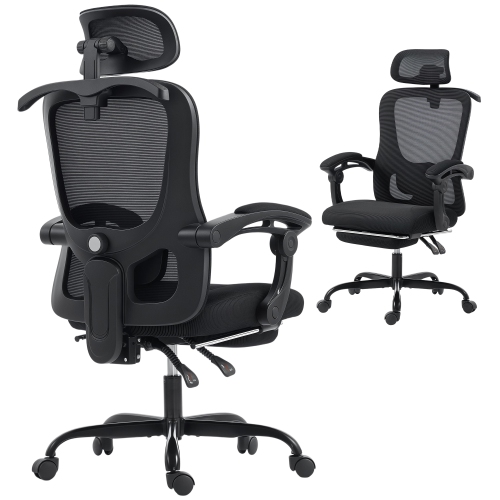
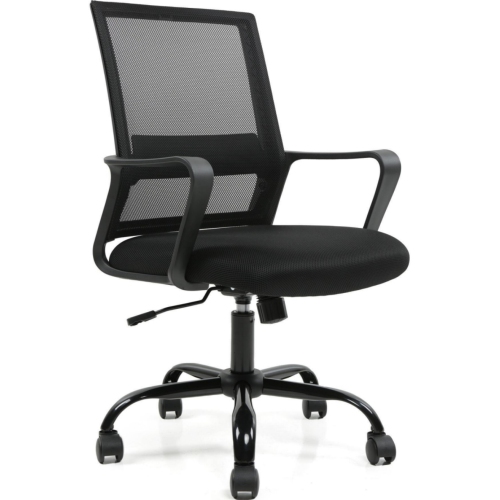
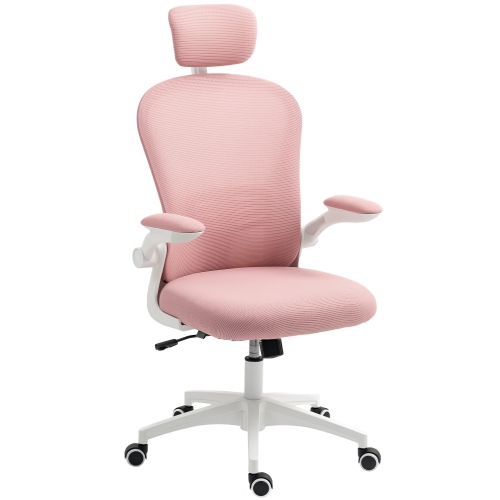
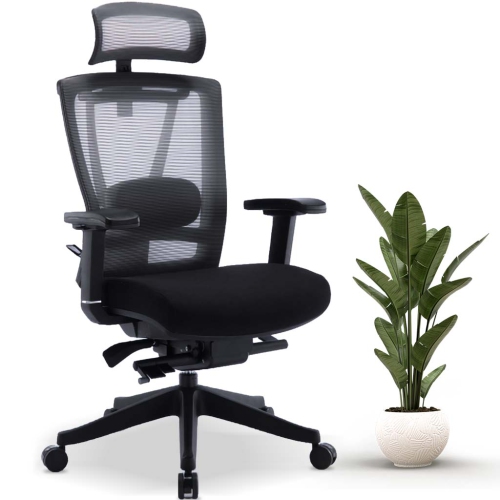
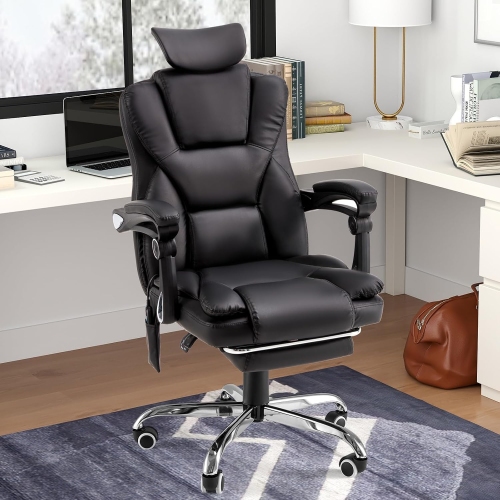
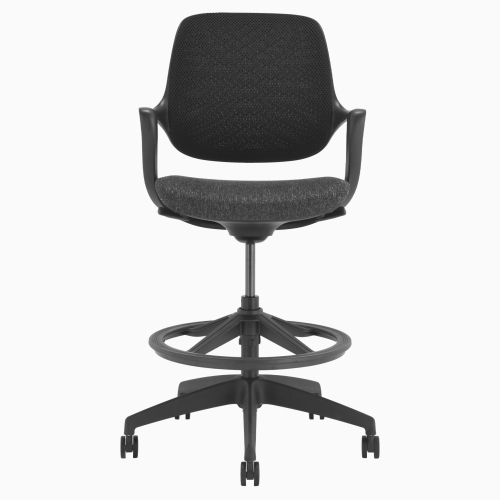

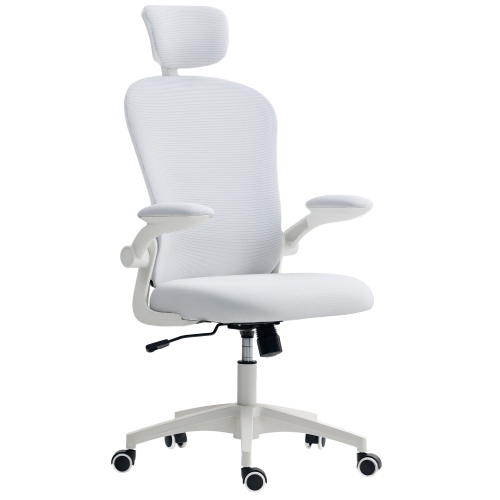
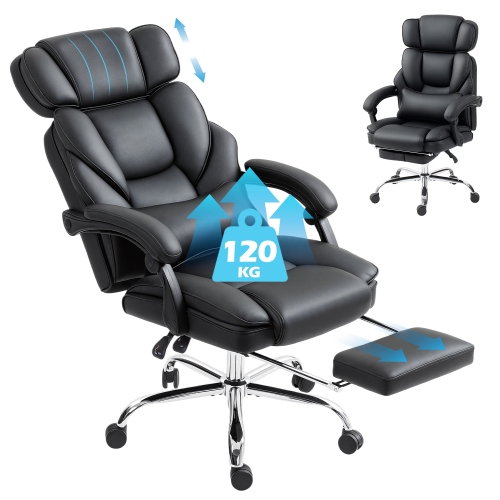
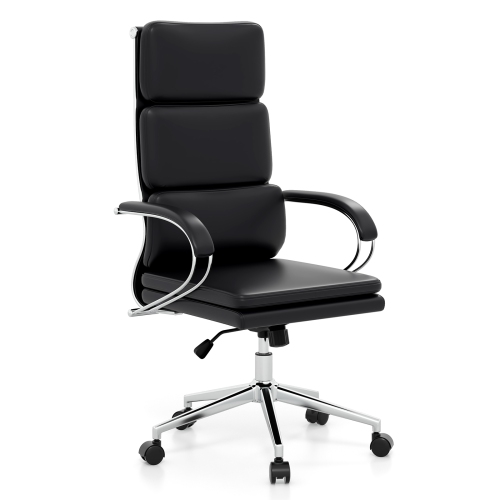
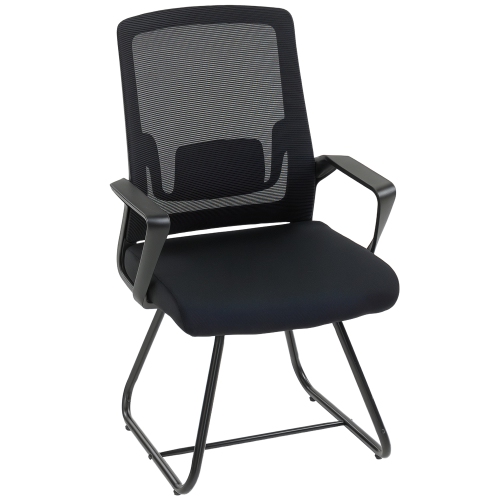
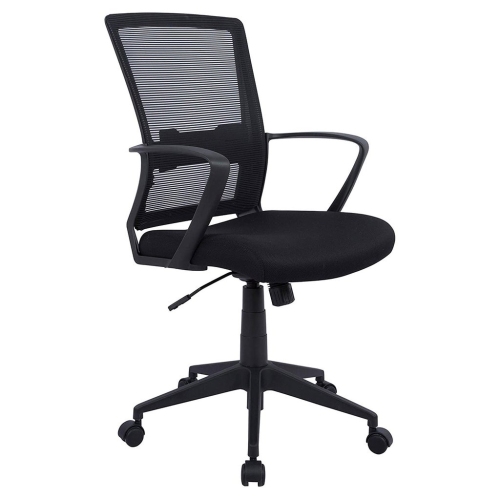
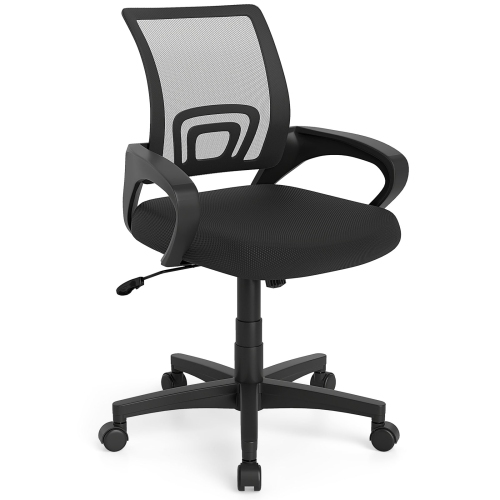
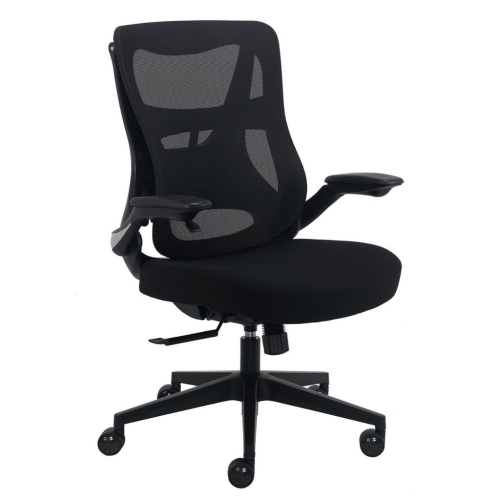

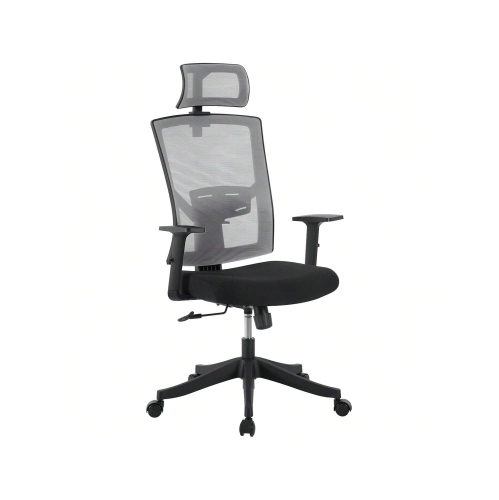
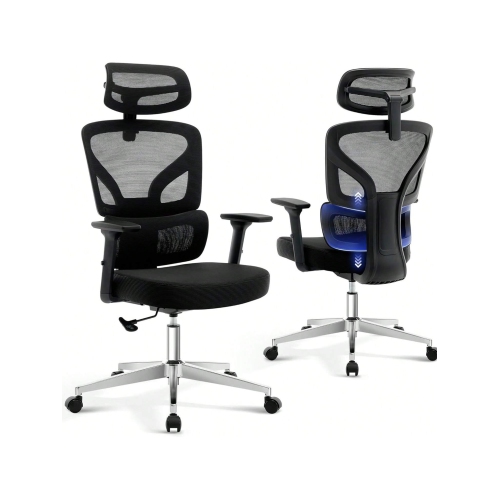
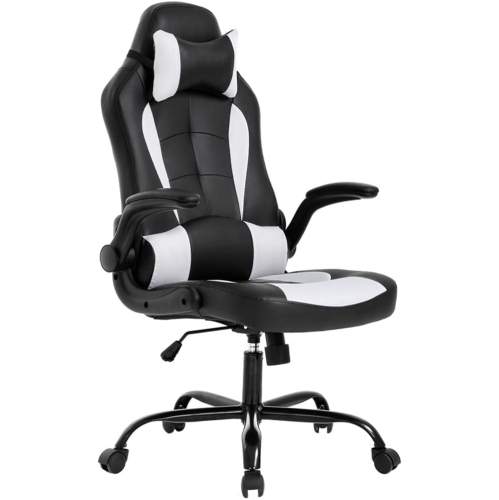
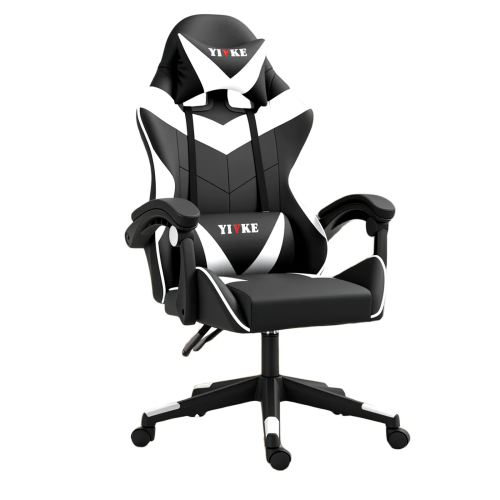
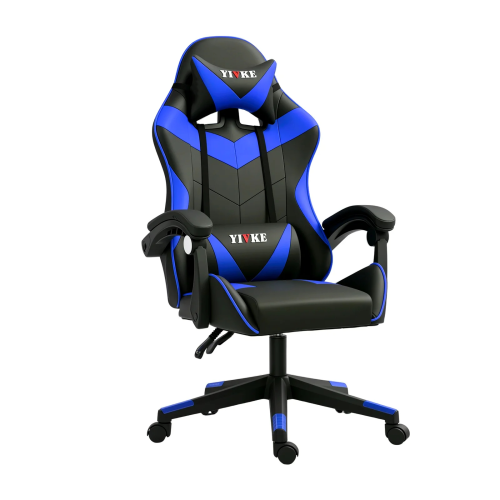
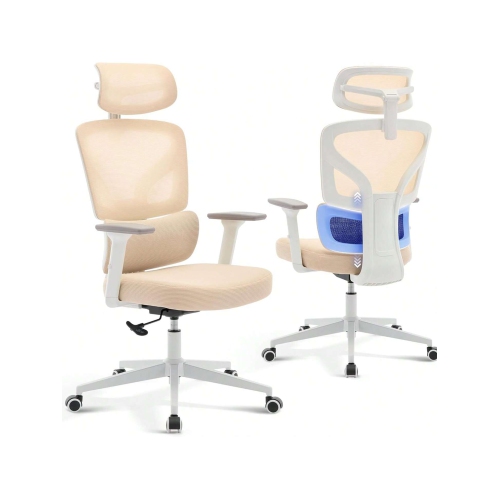
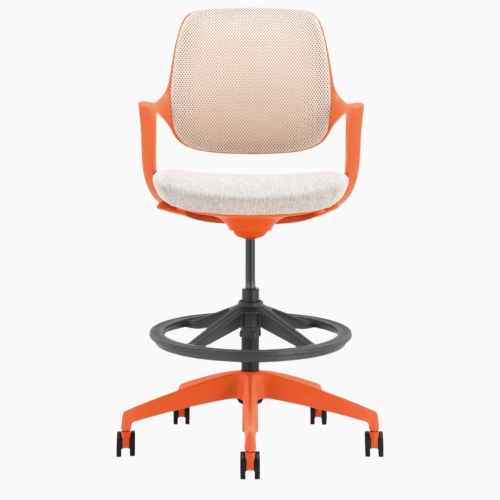
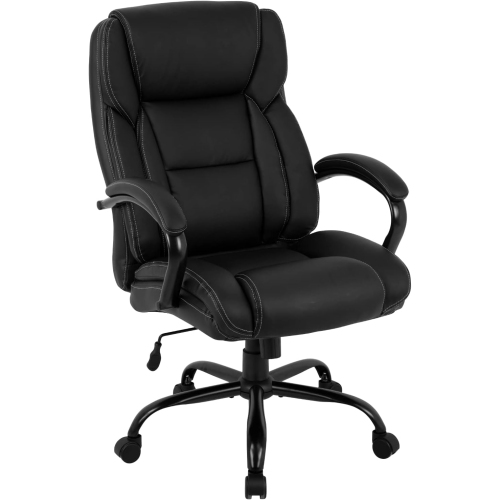
Adjustable support and regular movement can ease desk strain
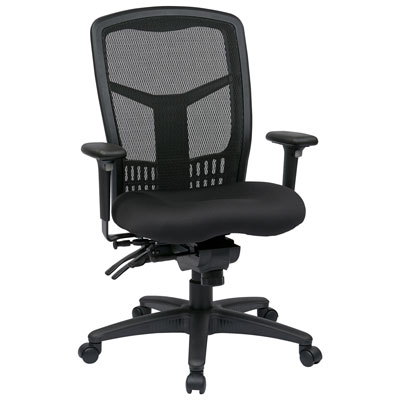
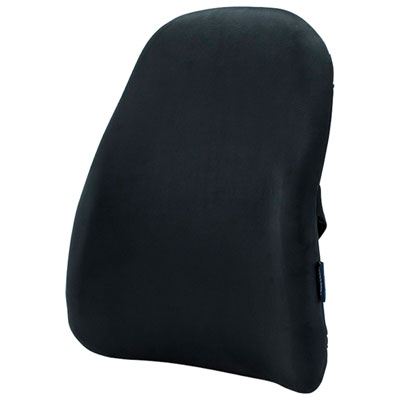
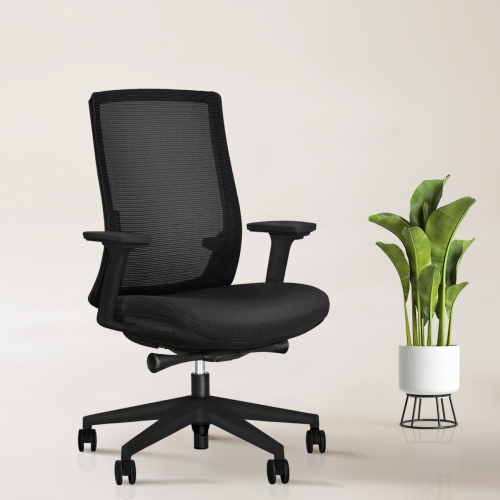
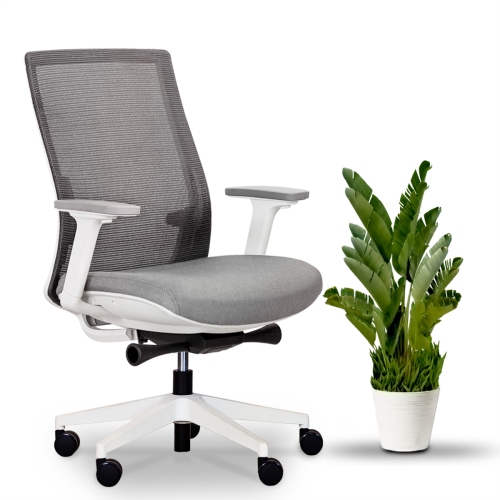
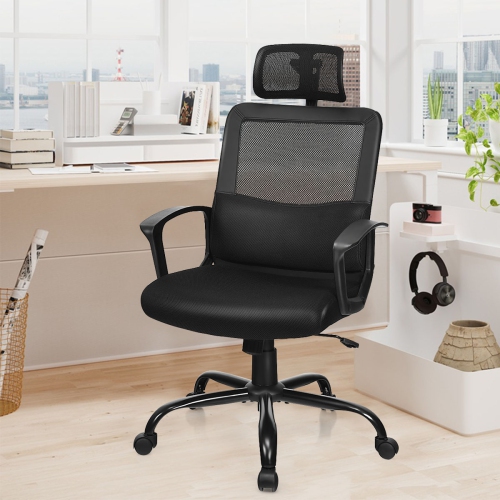
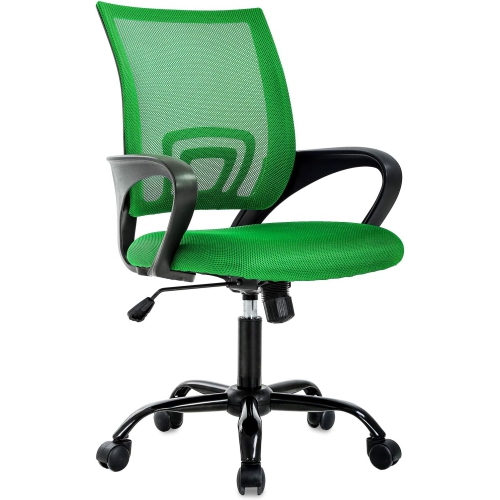
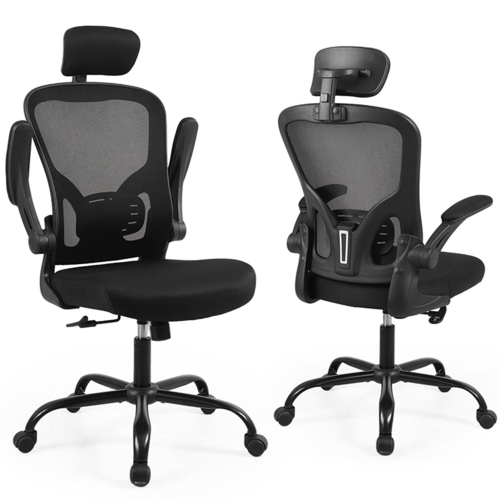
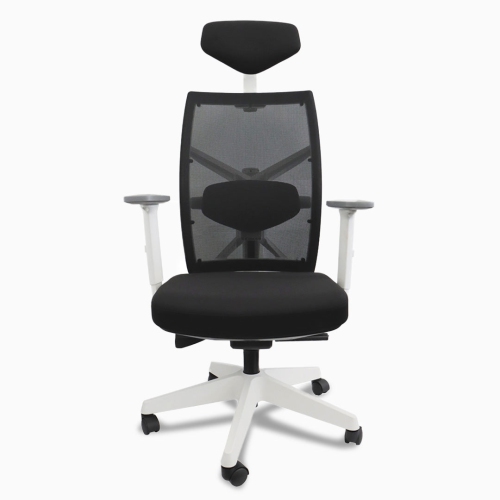
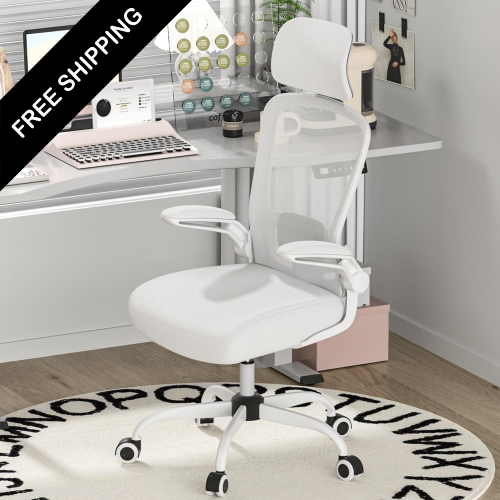
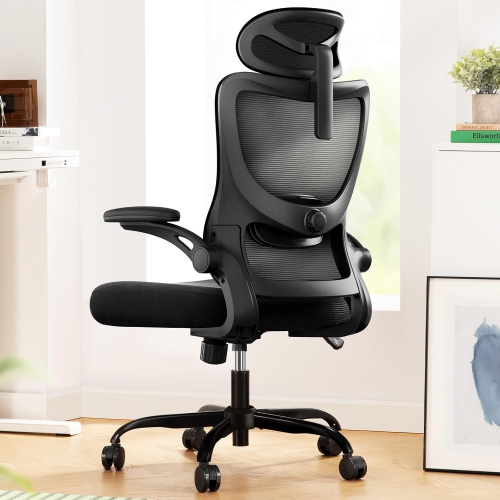
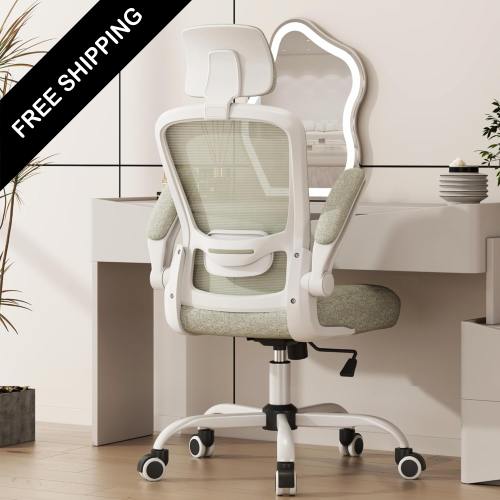
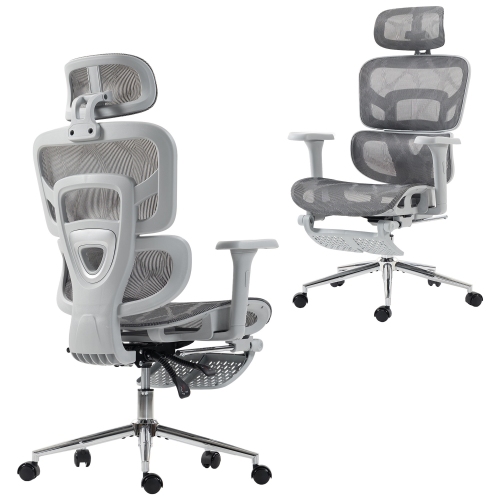
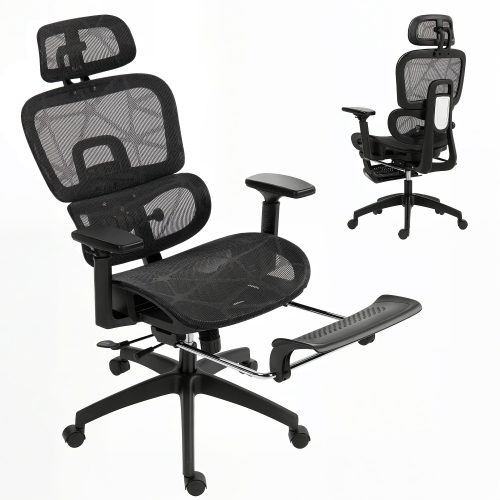
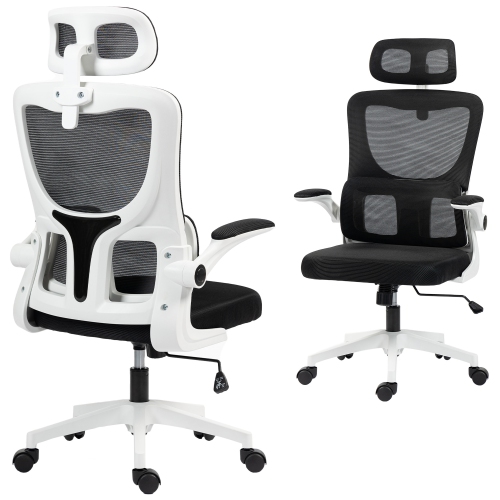
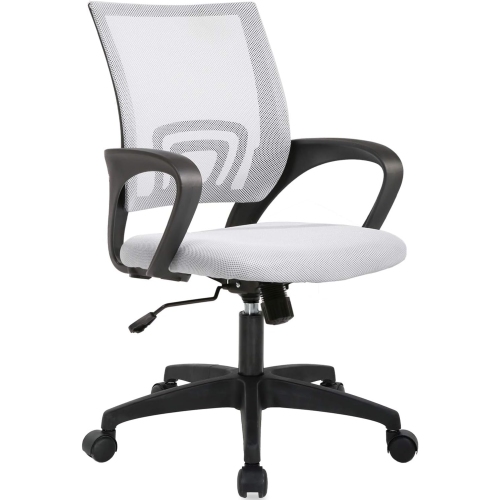
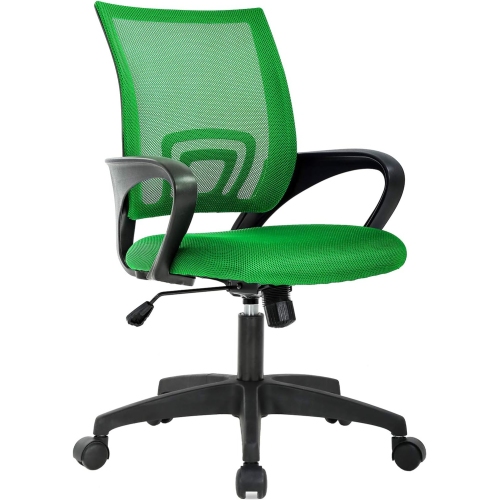
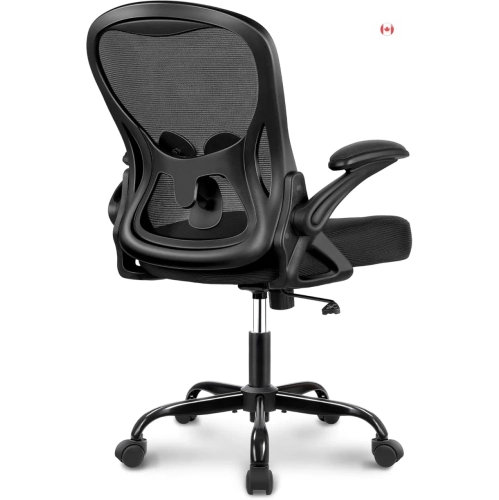
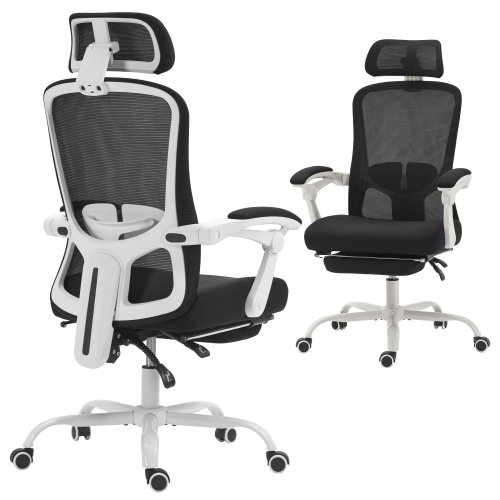
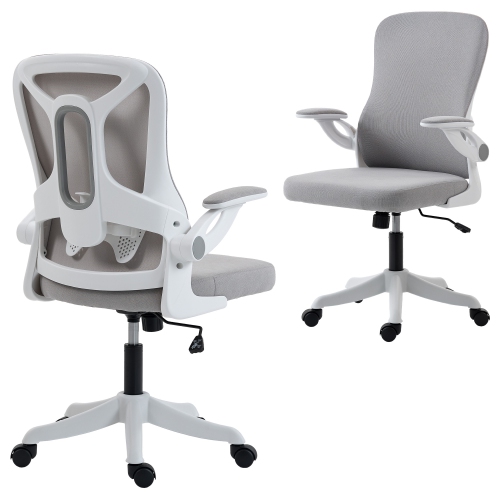
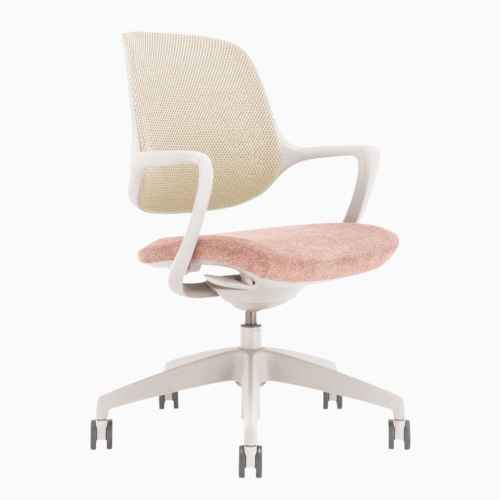
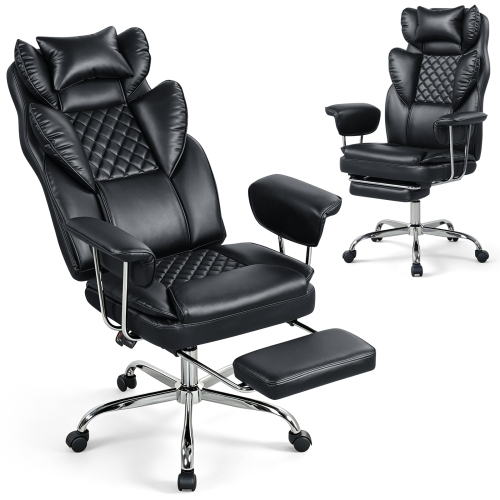
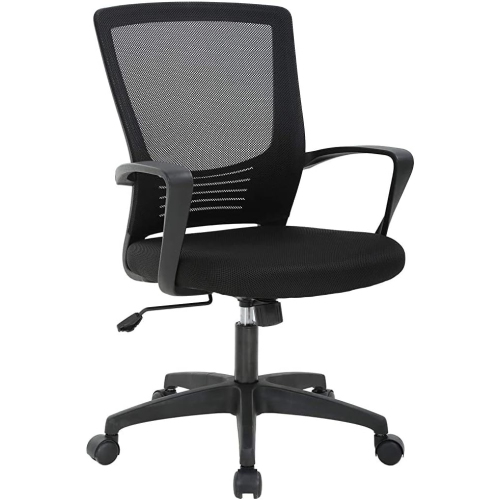
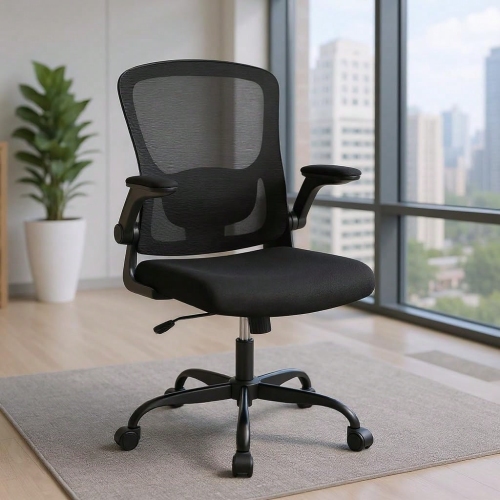
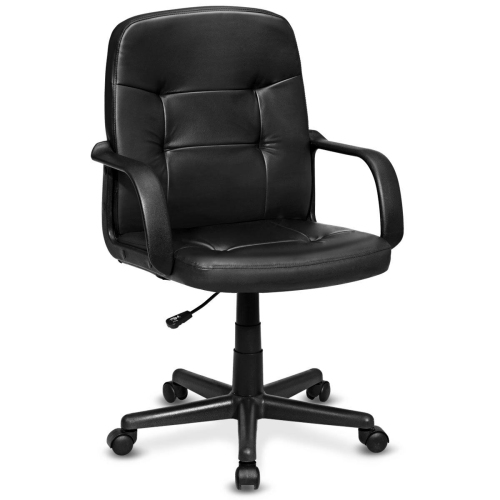
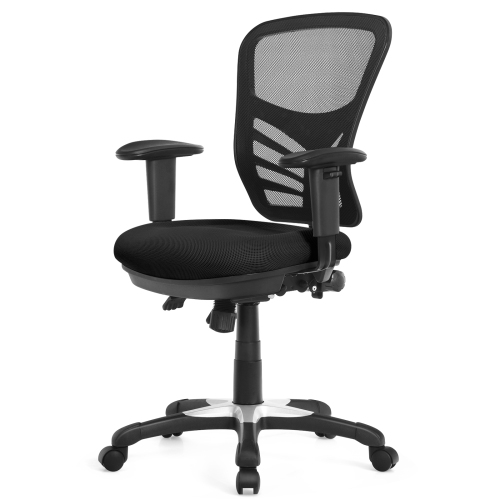
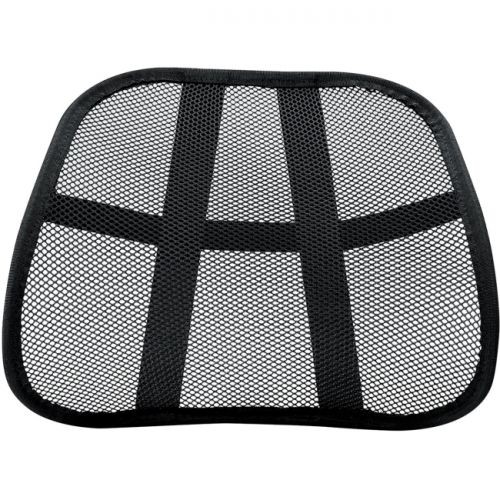
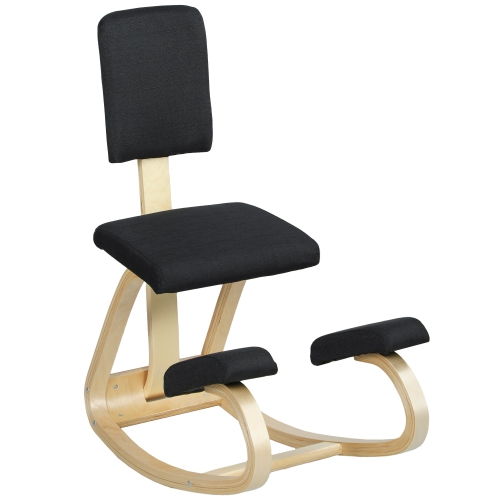
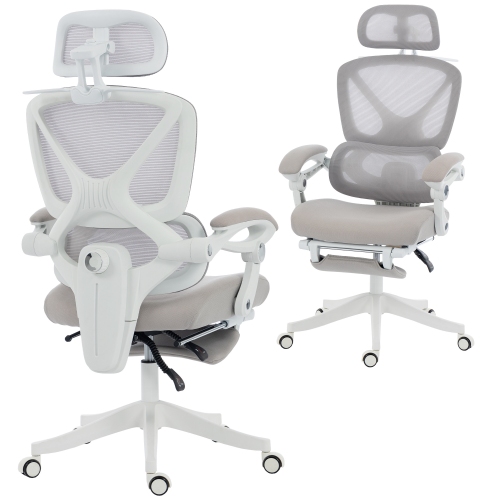
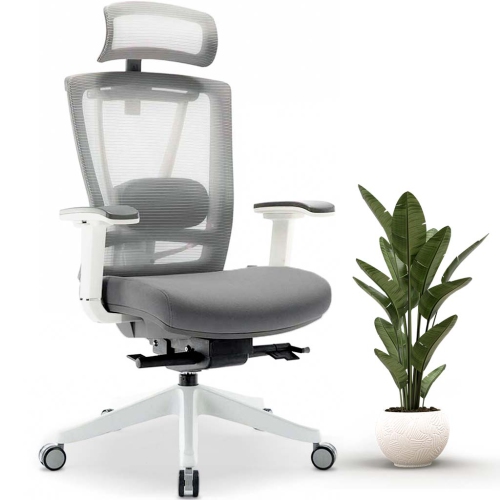
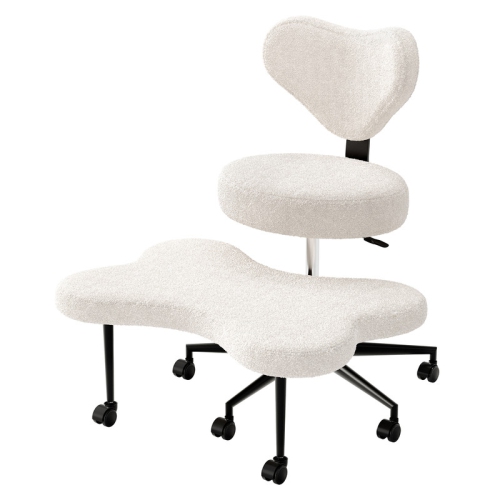
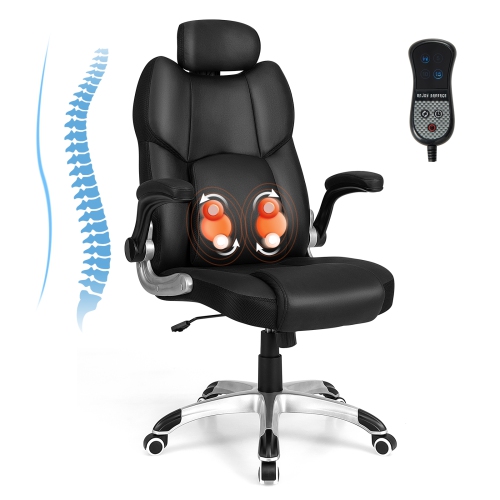
Choosing office chair support for back pain starts with finding a seating setup that helps keep your spine in a neutral, comfortable position throughout the workday. The right chair cannot replace movement, stretching, strengthening exercises, or advice from a qualified health professional, but thoughtful support and adjustability can help reduce the strain associated with prolonged sitting. Look for adjustable lumbar support that can move up and down to align with the natural curve of your lower back, and, when available, adjust forward and backward to provide the right amount of contact without pushing your posture too far forward. A supportive backrest should follow your body as you sit upright and recline, rather than leaving a gap behind your lower back or forcing you into a rigid position. Dynamic recline is useful because changing the angle of your torso can redistribute your weight and reduce pressure on the lower back; a recline range of approximately 100 to 110 degrees or more can offer a comfortable position for reading, video calls, and focused work. Seat height is equally important. When properly adjusted, your feet should rest flat on the floor, your knees should sit at roughly hip level, and your thighs should be supported without pressure behind the knees. Seat depth matters as well: leave about two to three fingers of space between the front edge of the seat and the backs of your knees. A seat that is too deep may encourage slouching, while one that is too shallow may not provide enough thigh support. Adjustable armrests can help keep your elbows close to a 90-degree angle, easing tension through the shoulders, neck, and upper back. Four-dimensional armrests or other multi-directional designs may allow height, width, depth, and angle adjustments, making it easier to position your arms comfortably whether you are typing, using a mouse, or taking notes. A breathable backrest, padded seat, and smooth height and tilt controls can also make it easier to maintain a comfortable position during long sessions at a desk.
These products may suit people who work from home, study, manage a home office, play computer games, or spend extended periods at a desk for creative and administrative tasks. They can also be a practical gift for someone setting up a first workspace, replacing an older chair, or making a dedicated office more comfortable during the cooler months when more time is spent indoors. Fit should be considered carefully before choosing a chair, since a design that works well for one person may not suit another person’s height, build, desk, or preferred sitting position. Check the chair’s adjustment range, weight capacity, seat dimensions, backrest height, and the amount of room available beneath your desk. Taller users may benefit from a higher backrest, deeper seat, and greater height range, while shorter users may need a lower minimum seat height and a shallower seat to keep their feet firmly supported. If the chair will be shared, prioritise a broad range of independent adjustments so each person can set the lumbar support, seat, armrests, and recline tension to their own needs. A firm, stable base and smooth casters are helpful for making small position changes without twisting or reaching, especially on a suitable floor mat or office surface. Before settling in, adjust the chair so your hips are level with or slightly higher than your knees, position the lumbar support in the hollow of your lower back, and bring your keyboard and mouse close enough that your shoulders can remain relaxed. Keep your monitor near eye level to avoid bending your neck forward, and use the recline function instead of perching on the edge of the seat. Resources such as Best Office Chairs for Lower Back Pain can help narrow the options by highlighting features that support a more personalised workstation.
Even a well-adjusted chair works best as part of a varied routine. Remaining in one position for hours can leave the lower back, hips, shoulders, and legs feeling stiff, so build in brief changes of position throughout the day. Stand while reviewing a document, walk during an audio call when practical, stretch gently between tasks, or alternate between upright and reclined seating. Imagine a typical afternoon at a desk: after several hours of typing, the shoulders have crept upward, the feet have tucked beneath the chair, and the lower back is no longer touching the backrest. A quick reset can make the workstation feel noticeably better—place both feet on the floor, slide the hips back into the seat, adjust the lumbar support, lower the shoulders, and bring the screen and input devices within easy reach. Supportive accessories may also complement a chair, including a footrest for users whose feet do not reach the floor comfortably, a seat cushion for additional comfort, or a floor mat that allows the chair to move smoothly. These additions should improve alignment and comfort rather than compensate for a chair that is the wrong size. When comparing options, consider how often the chair will be used, the types of tasks performed, the available space, and which adjustments are most likely to be used every day. For someone dealing with persistent, severe, or worsening pain, numbness, weakness, or other concerning symptoms, professional medical guidance is more appropriate than relying on office furniture alone. With the right fit, regular movement, and a setup tailored to the user, office chair support for back pain can create a more comfortable foundation for work, study, and everyday computer use.
These products may suit people who work from home, study, manage a home office, play computer games, or spend extended periods at a desk for creative and administrative tasks. They can also be a practical gift for someone setting up a first workspace, replacing an older chair, or making a dedicated office more comfortable during the cooler months when more time is spent indoors. Fit should be considered carefully before choosing a chair, since a design that works well for one person may not suit another person’s height, build, desk, or preferred sitting position. Check the chair’s adjustment range, weight capacity, seat dimensions, backrest height, and the amount of room available beneath your desk. Taller users may benefit from a higher backrest, deeper seat, and greater height range, while shorter users may need a lower minimum seat height and a shallower seat to keep their feet firmly supported. If the chair will be shared, prioritise a broad range of independent adjustments so each person can set the lumbar support, seat, armrests, and recline tension to their own needs. A firm, stable base and smooth casters are helpful for making small position changes without twisting or reaching, especially on a suitable floor mat or office surface. Before settling in, adjust the chair so your hips are level with or slightly higher than your knees, position the lumbar support in the hollow of your lower back, and bring your keyboard and mouse close enough that your shoulders can remain relaxed. Keep your monitor near eye level to avoid bending your neck forward, and use the recline function instead of perching on the edge of the seat. Resources such as Best Office Chairs for Lower Back Pain can help narrow the options by highlighting features that support a more personalised workstation.
Even a well-adjusted chair works best as part of a varied routine. Remaining in one position for hours can leave the lower back, hips, shoulders, and legs feeling stiff, so build in brief changes of position throughout the day. Stand while reviewing a document, walk during an audio call when practical, stretch gently between tasks, or alternate between upright and reclined seating. Imagine a typical afternoon at a desk: after several hours of typing, the shoulders have crept upward, the feet have tucked beneath the chair, and the lower back is no longer touching the backrest. A quick reset can make the workstation feel noticeably better—place both feet on the floor, slide the hips back into the seat, adjust the lumbar support, lower the shoulders, and bring the screen and input devices within easy reach. Supportive accessories may also complement a chair, including a footrest for users whose feet do not reach the floor comfortably, a seat cushion for additional comfort, or a floor mat that allows the chair to move smoothly. These additions should improve alignment and comfort rather than compensate for a chair that is the wrong size. When comparing options, consider how often the chair will be used, the types of tasks performed, the available space, and which adjustments are most likely to be used every day. For someone dealing with persistent, severe, or worsening pain, numbness, weakness, or other concerning symptoms, professional medical guidance is more appropriate than relying on office furniture alone. With the right fit, regular movement, and a setup tailored to the user, office chair support for back pain can create a more comfortable foundation for work, study, and everyday computer use.
Top selling and popular products
-
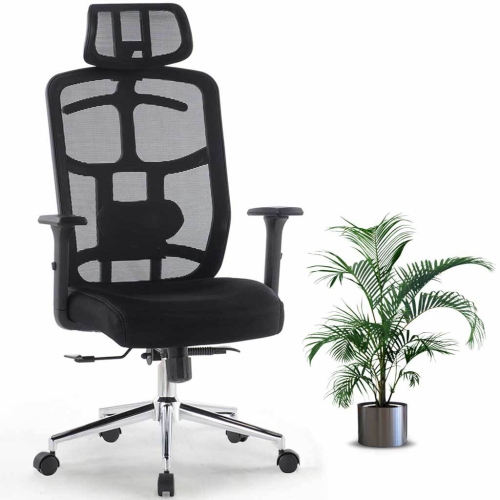 Your price for this item is $143.99
 -
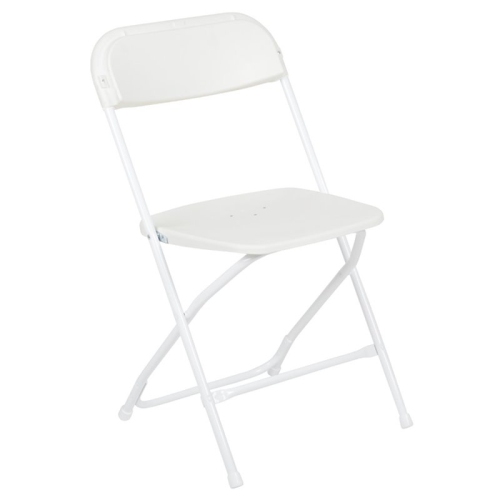 Your price for this item is $123
 -
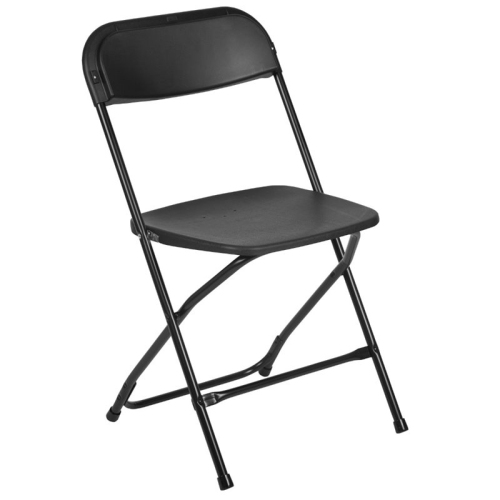 Your price for this item is $139.99
 -
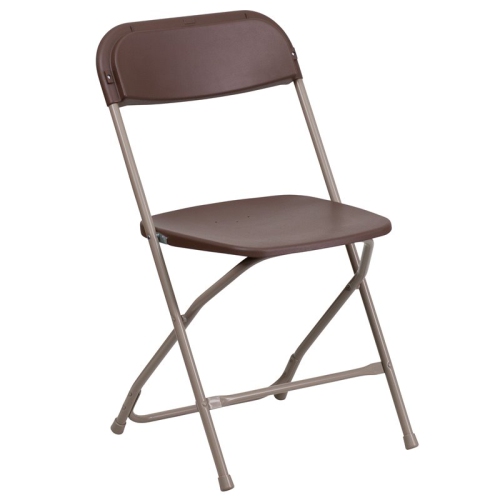 Your price for this item is $139.99
 -
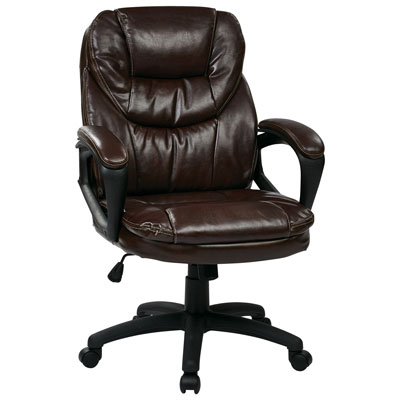 Your price for this item is $203.98
 -
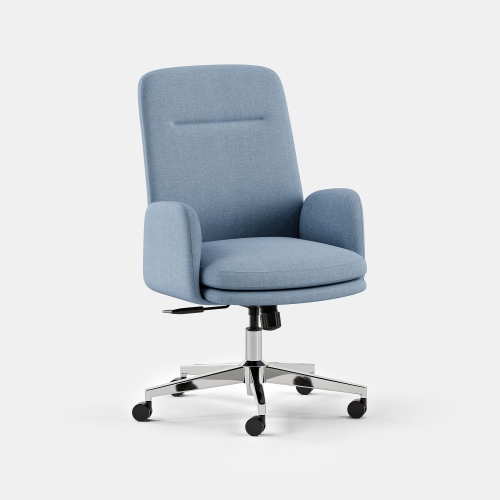 Your price for this item is $429
 -
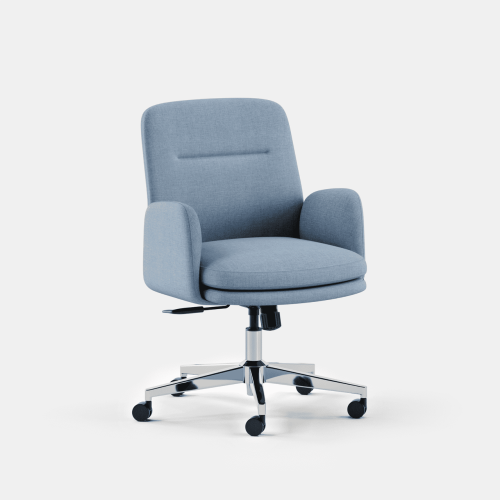 Your price for this item is $379
 -
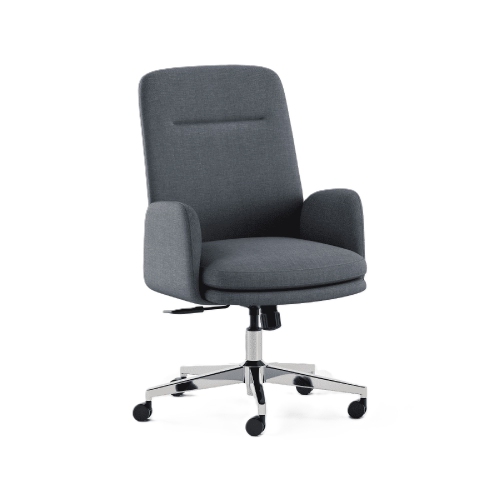 Your price for this item is $429
Discover more categories related to Office Chair Support for Back Pain
Top Collections:
Pokemon Centers, Best Cameras for Sports Photography, Kindle Devices, Samsung Galaxy Phones, Canon G7X Cameras, Pokémon 30th Celebration Cards, Refurbished Apple Laptops, iPhone 15 Apple, Laptops for Students, Budget Smartphones
Some products may be subject to Environmental Handling Fees
(EHF) depending on your province.
Learn more about EHFs.