Standing Desks Under $300
A standing desk is a great way to improve your health, and it's also a great way to save space. If you're looking for a desk that will help you get more done in less time while also helping you avoid the expensive health problems that come with sitting too long, a standing desk is your best bet. Here's our list of the best standing desks under $300.
Sort
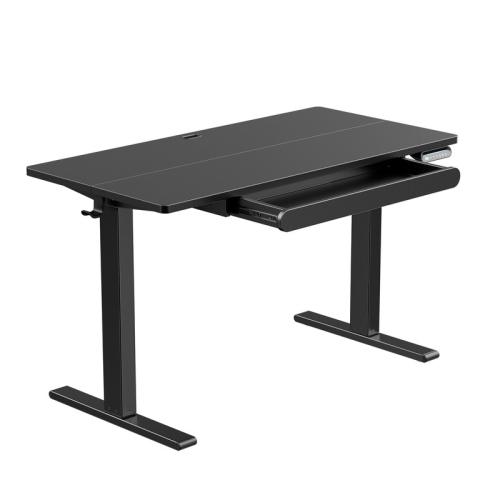
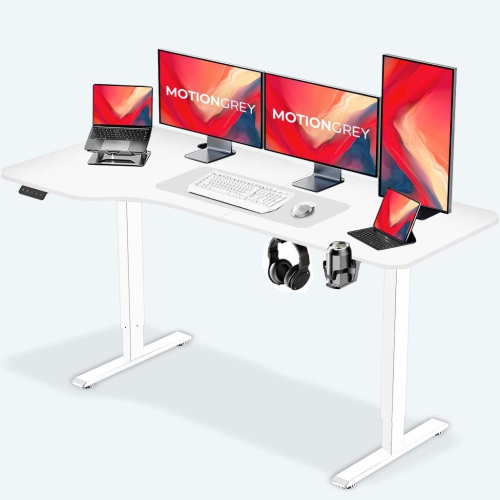
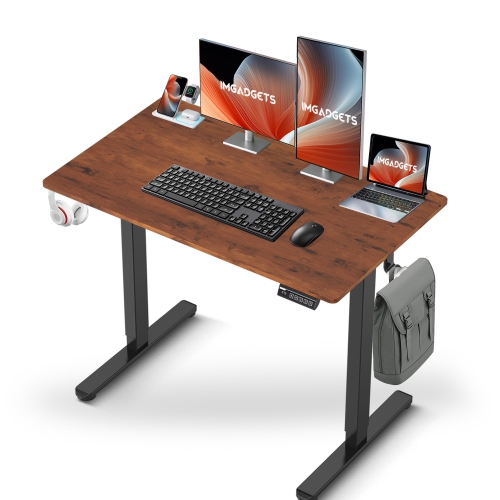
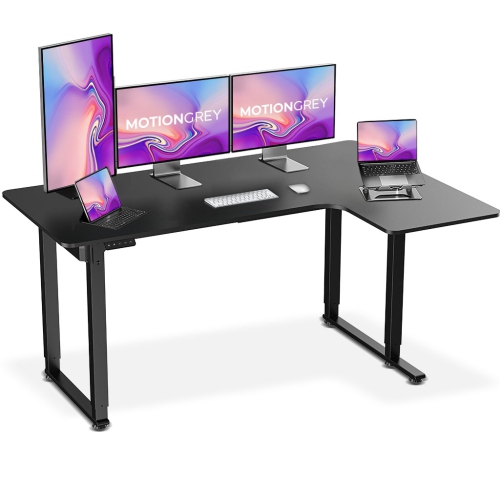
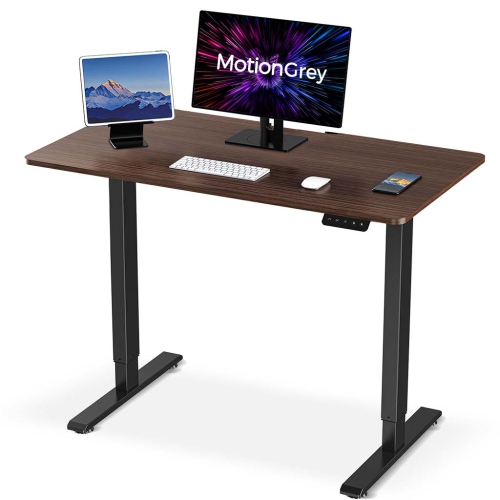
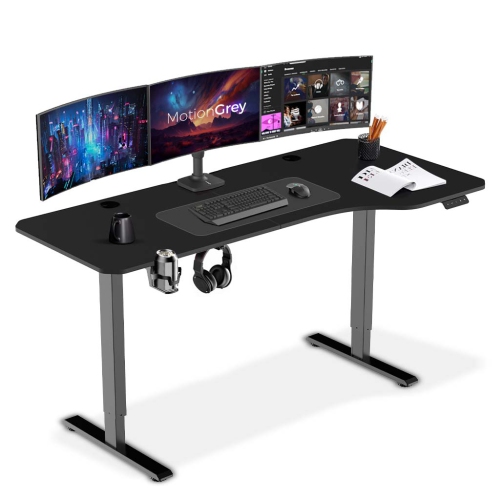
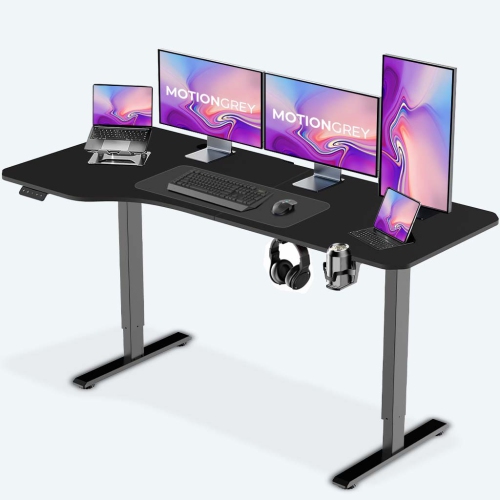
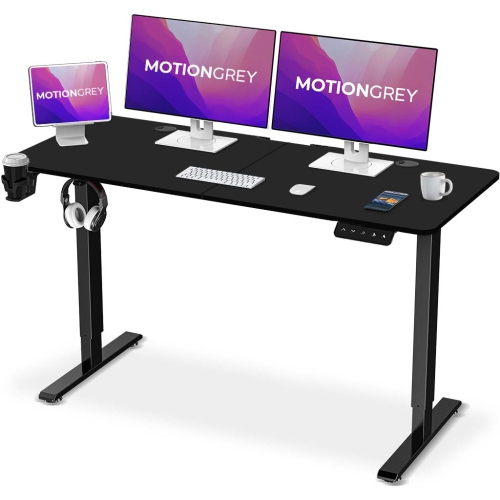
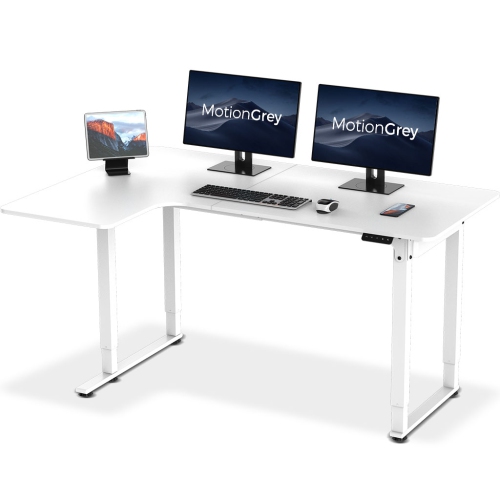
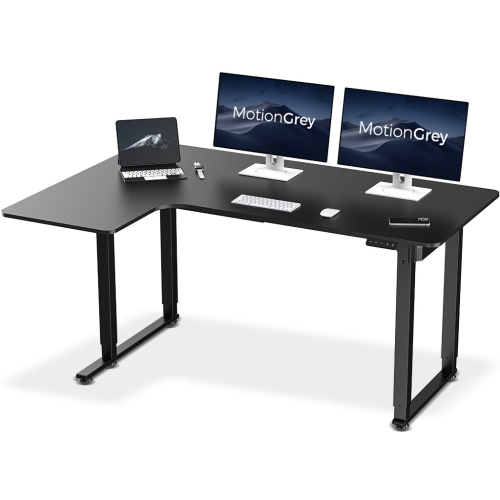
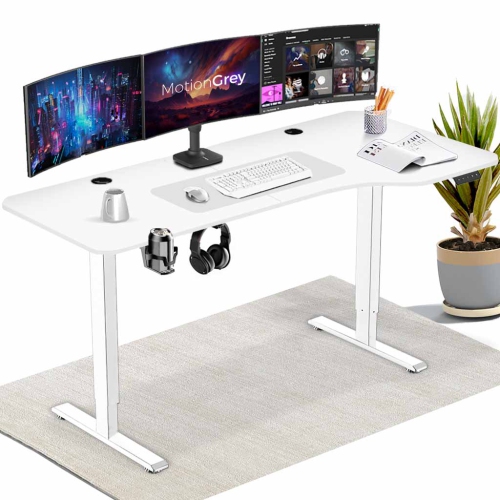
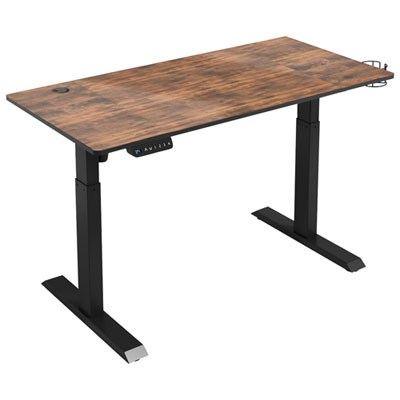

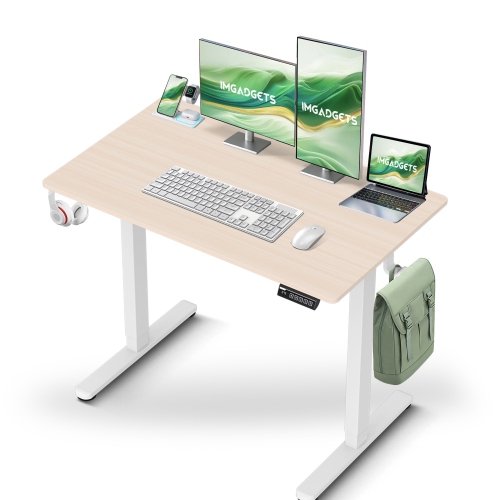
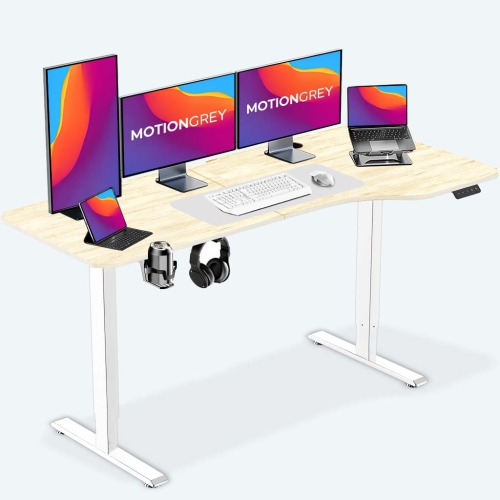
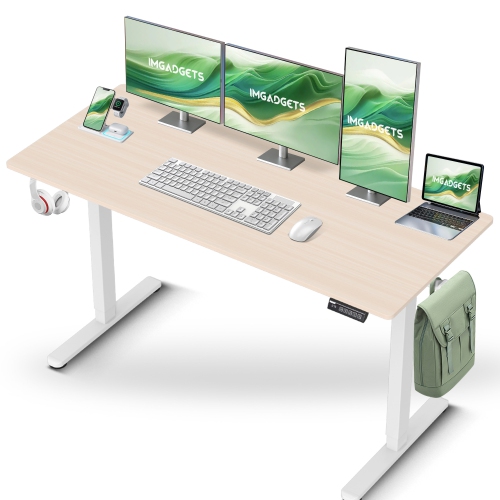
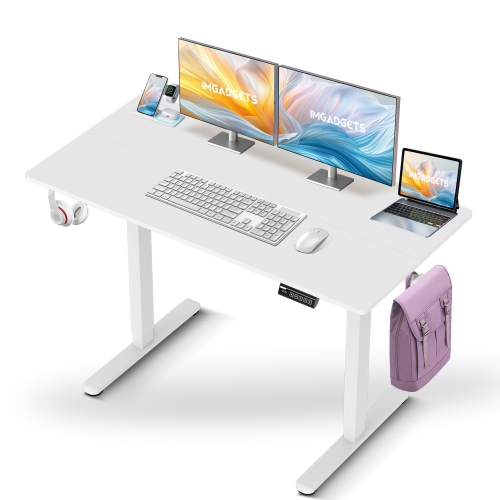
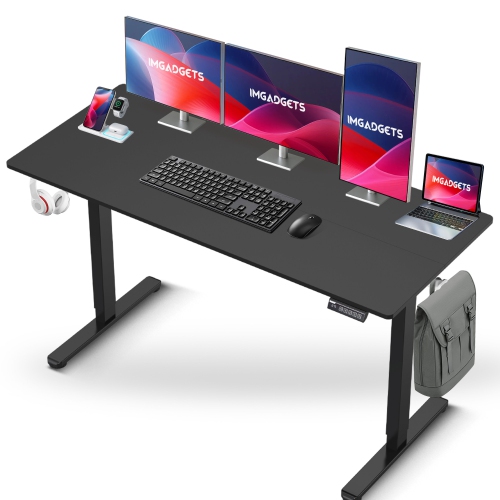
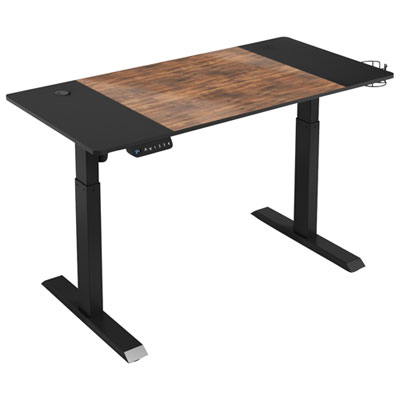
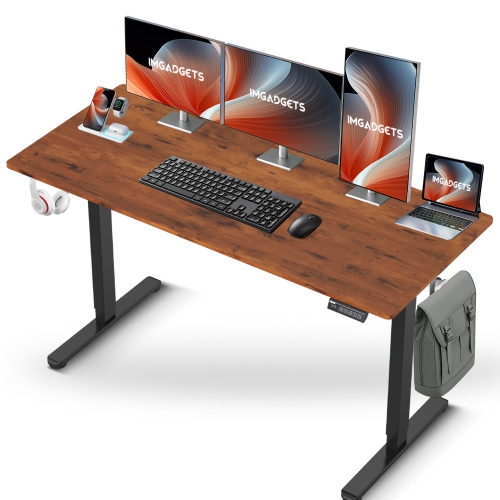
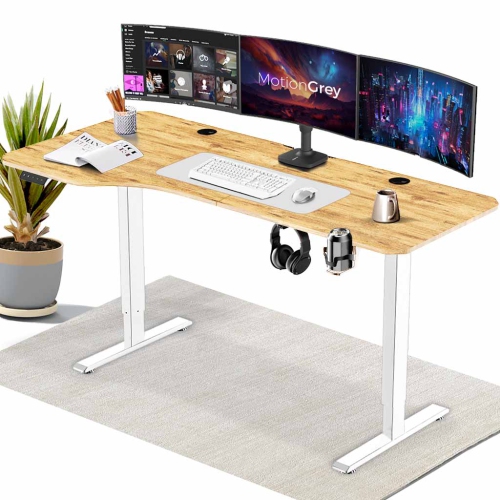


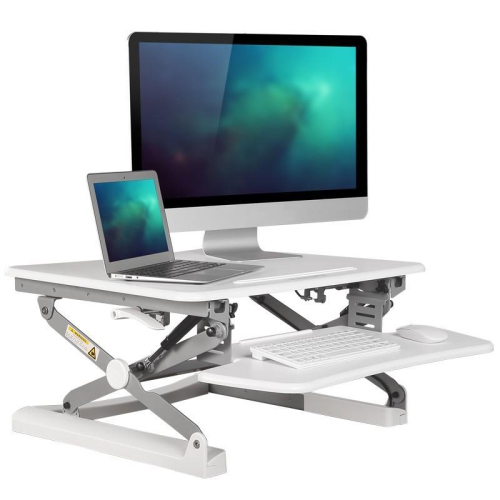
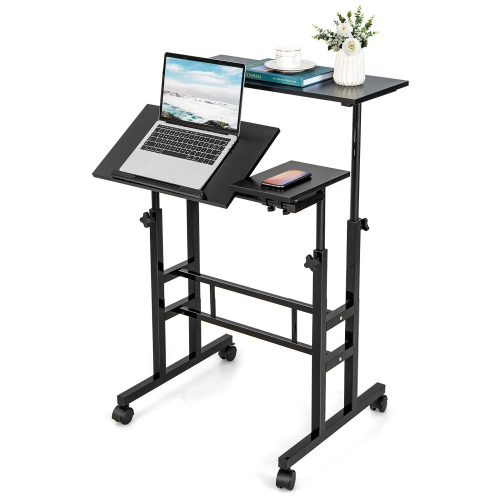
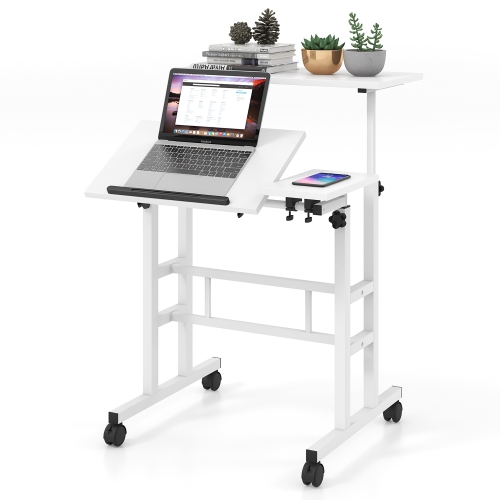
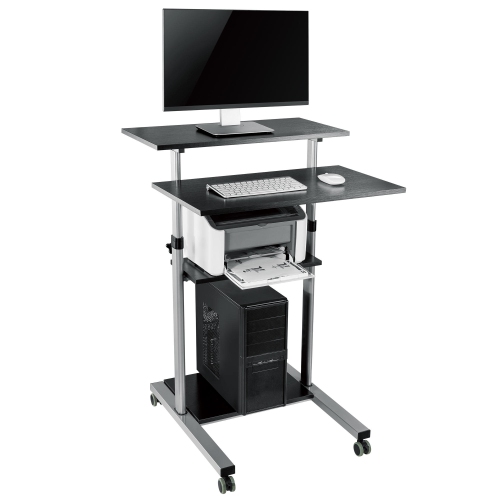
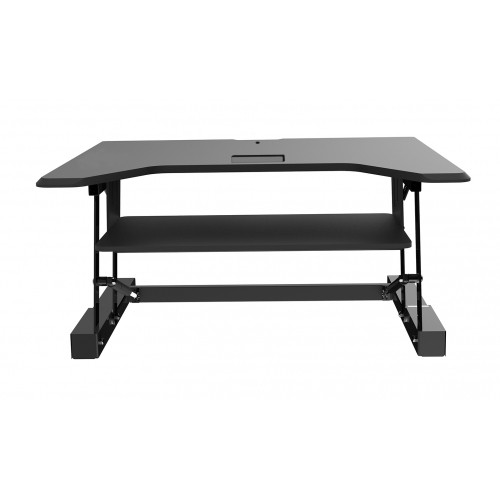
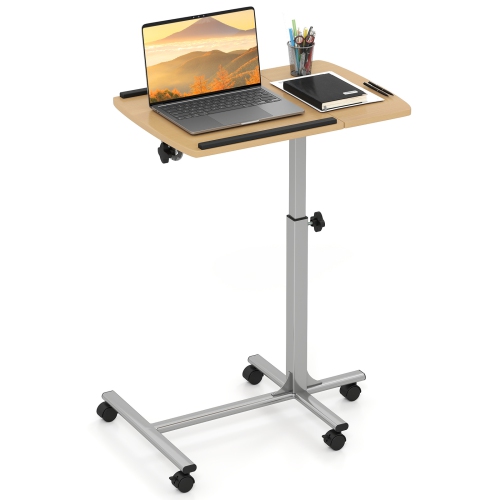
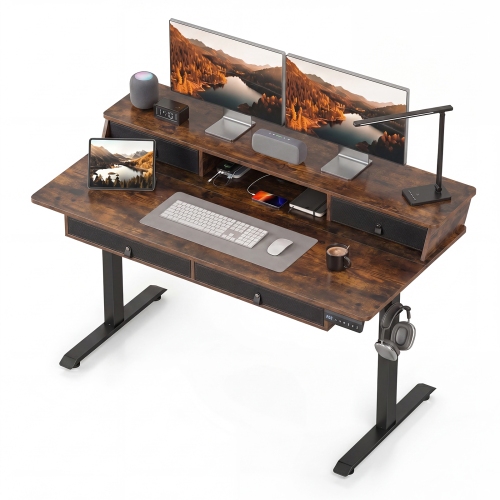
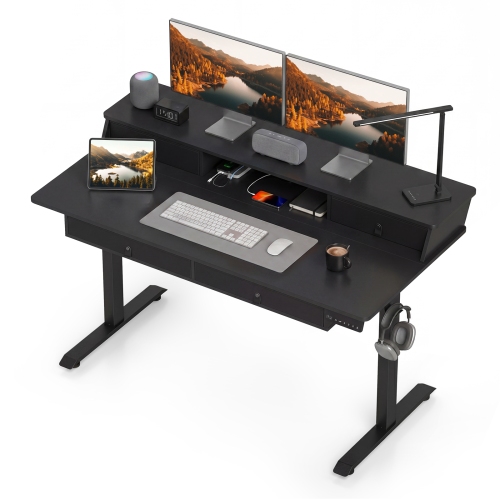
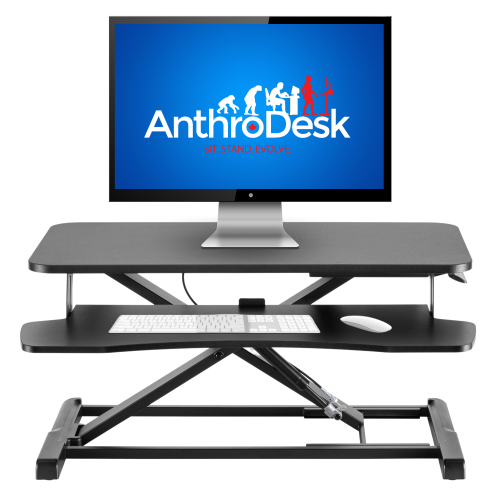
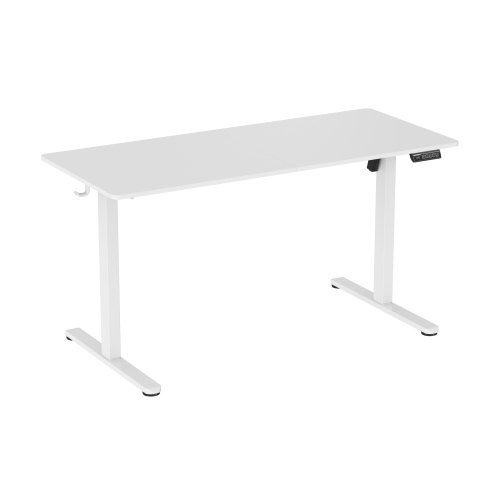
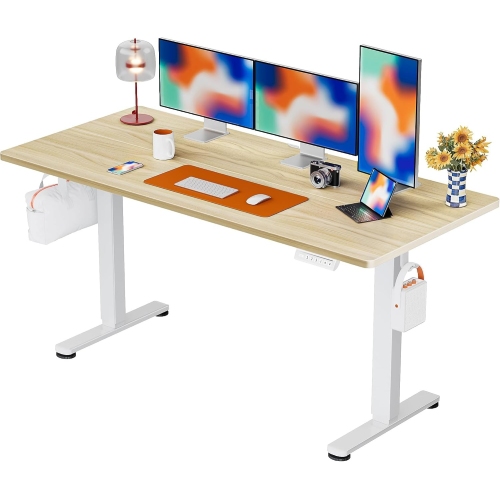
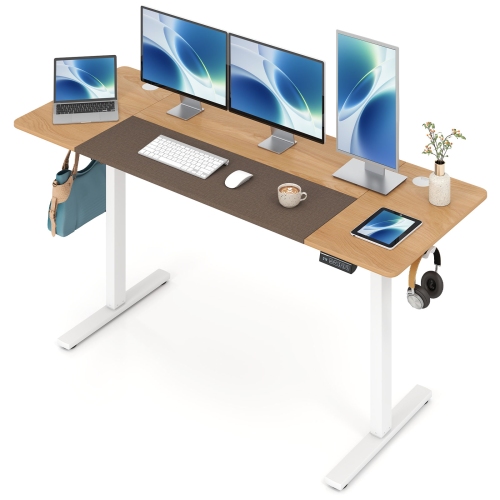

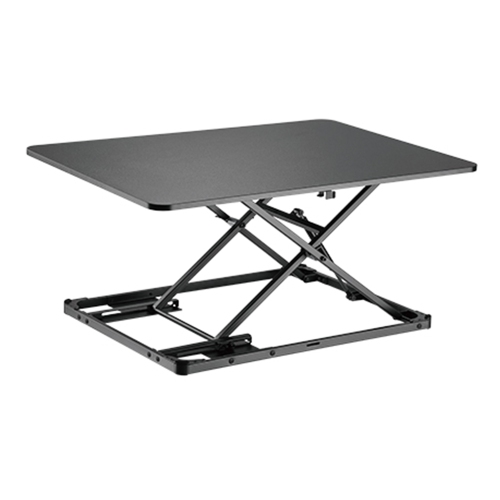
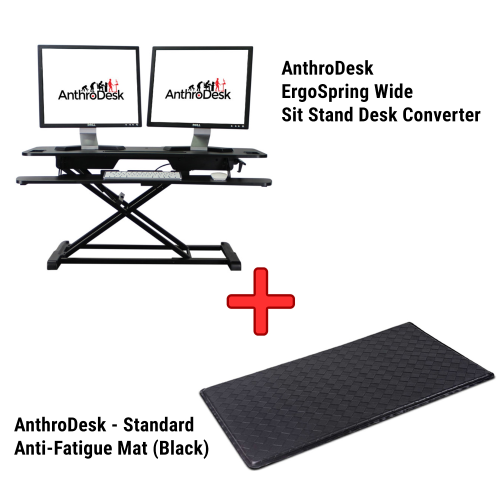
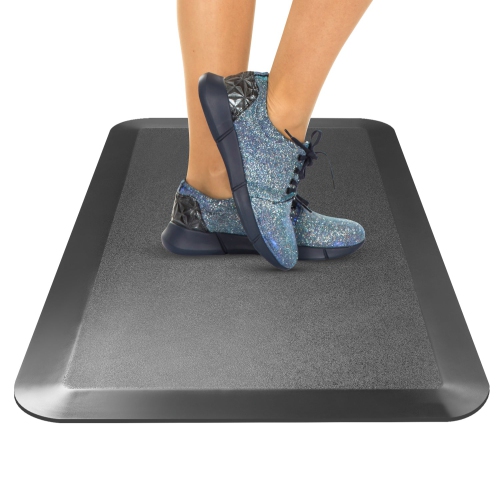
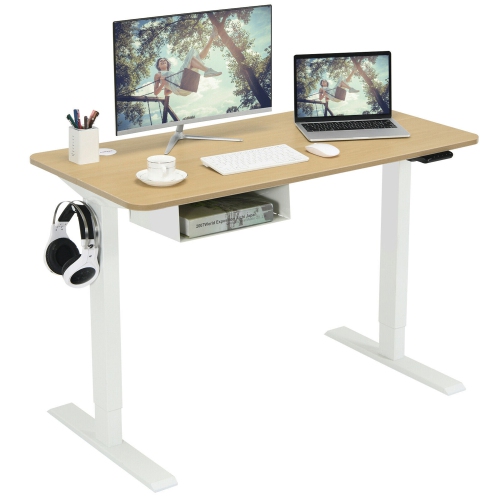
The right desk fit goes beyond adjustable height
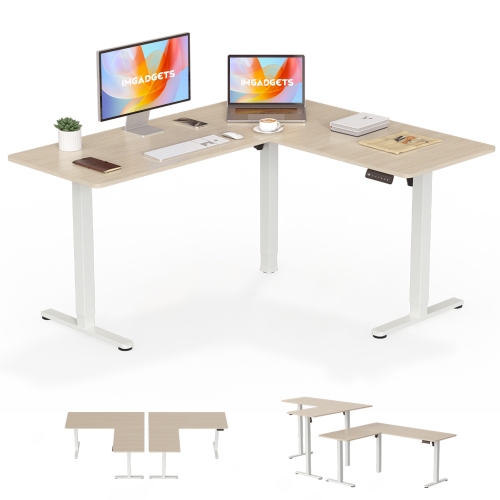
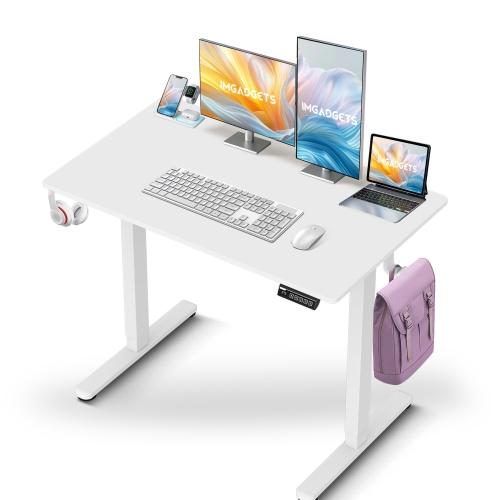
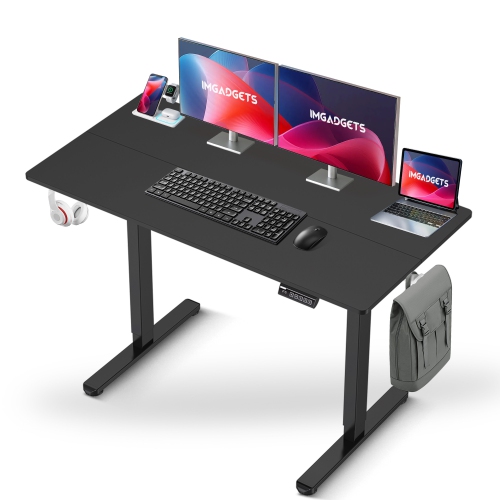
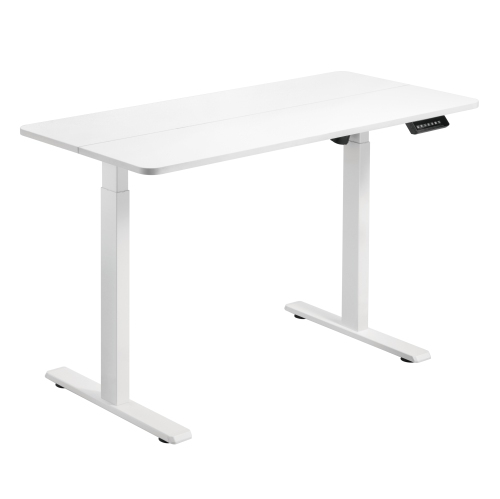
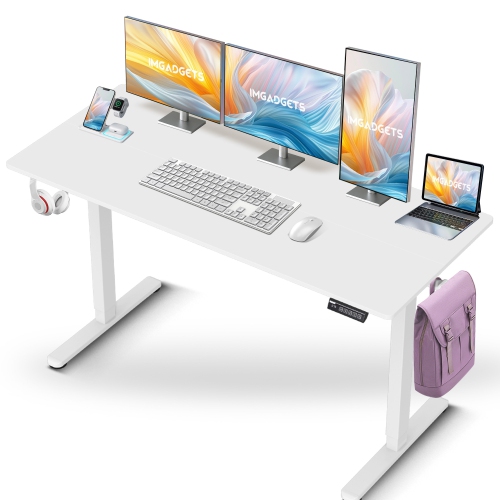
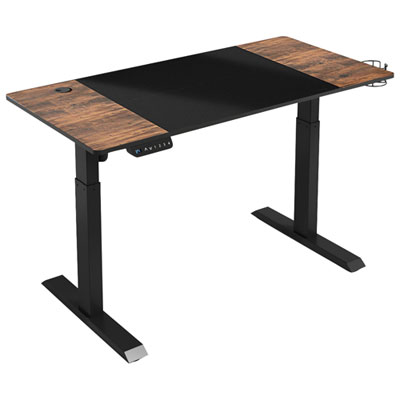
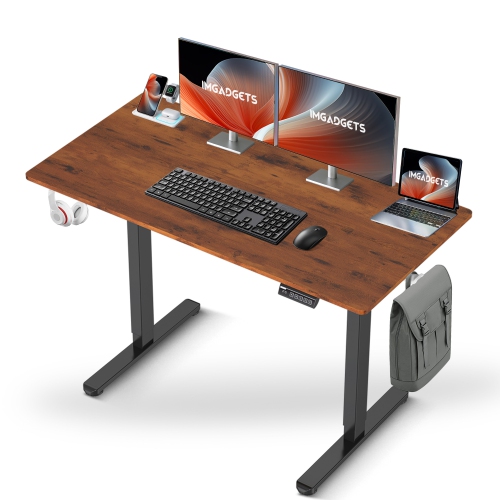
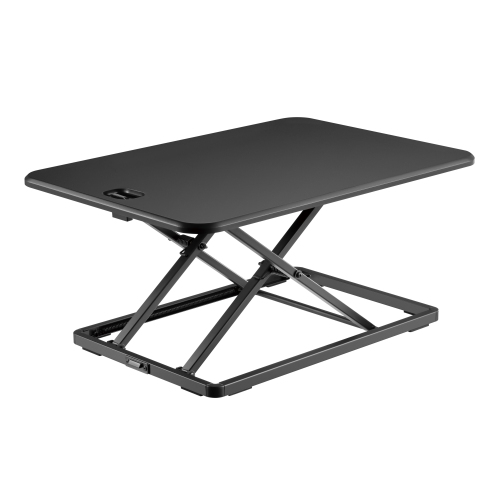
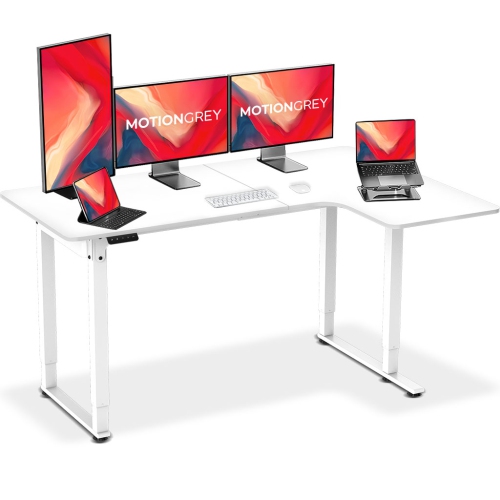
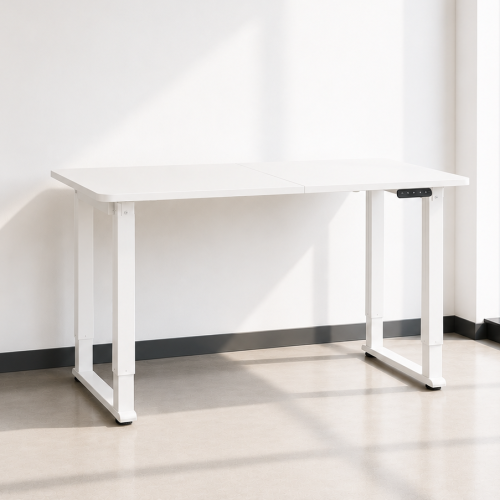
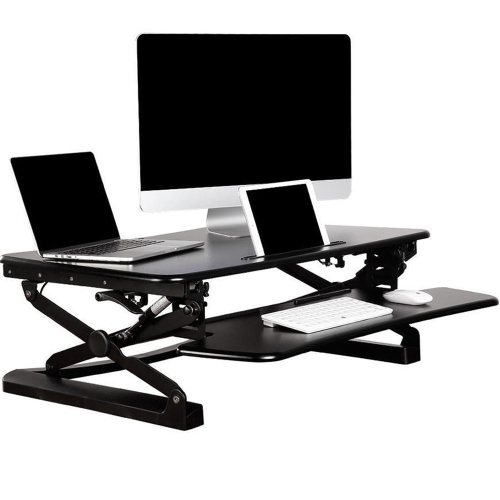
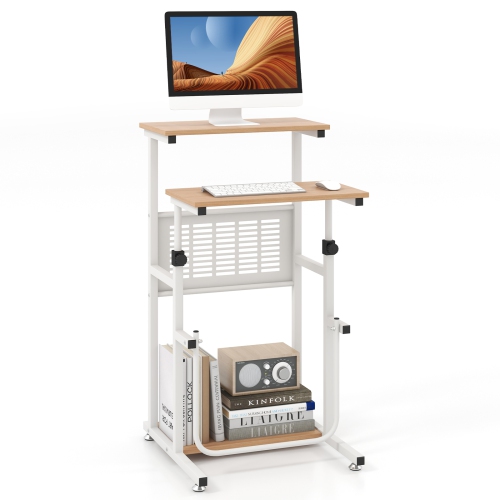
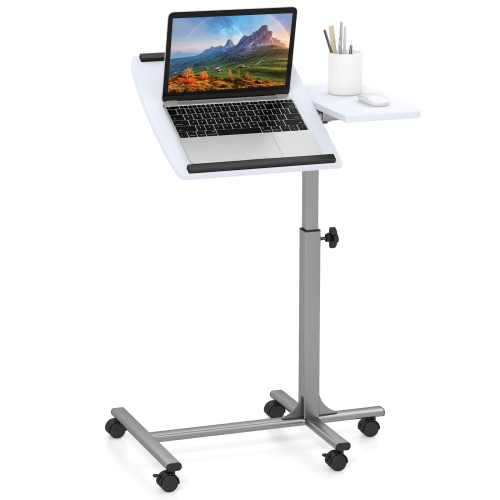
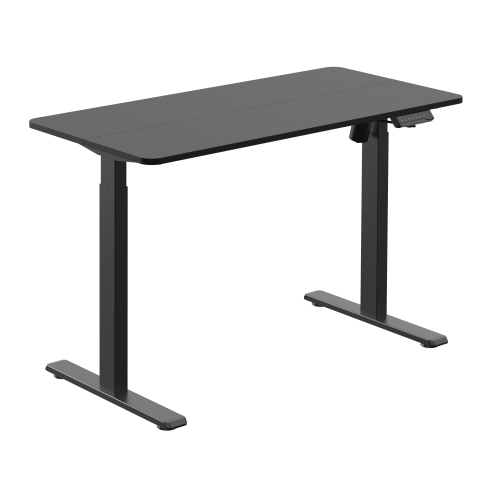
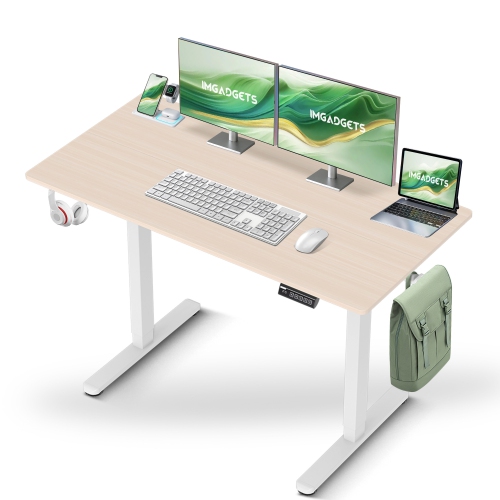
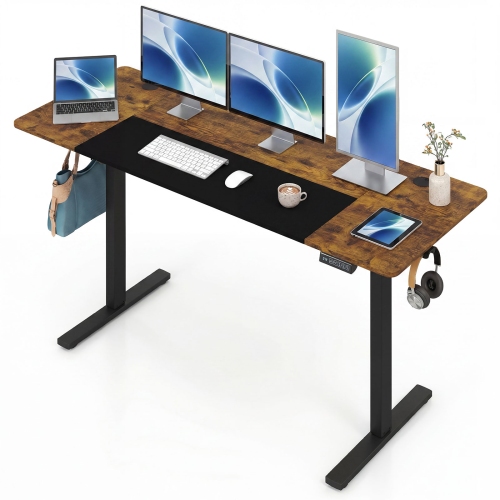
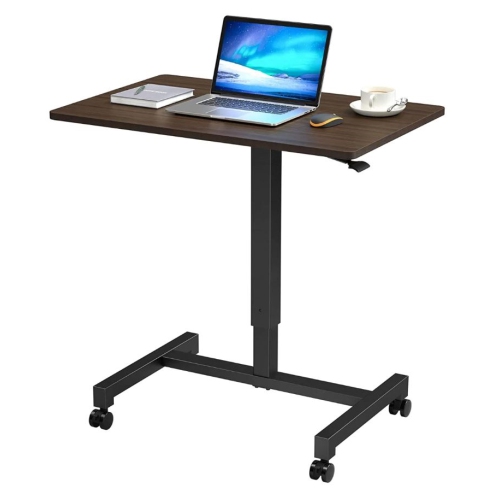
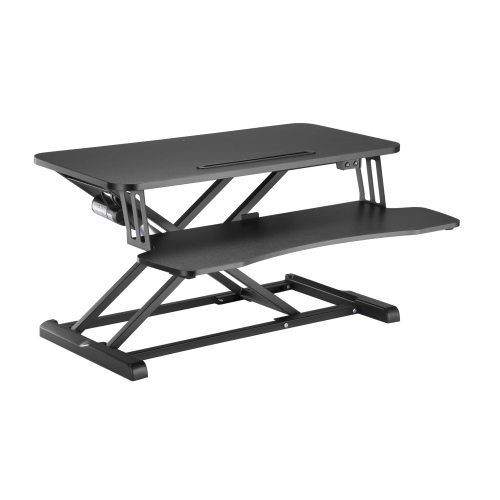
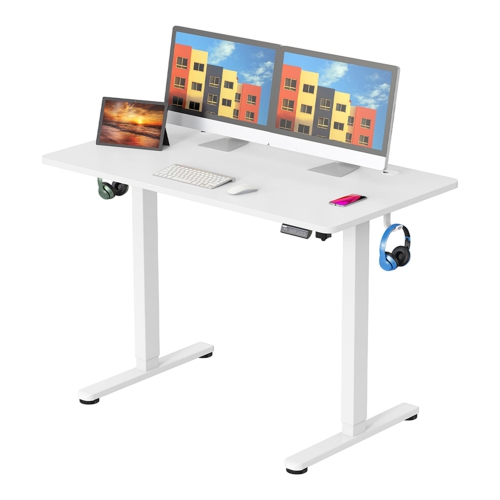
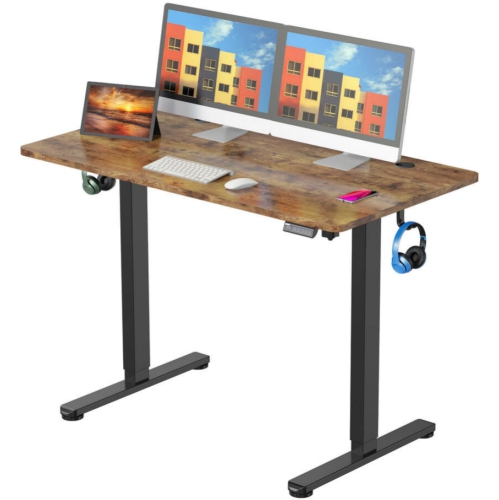
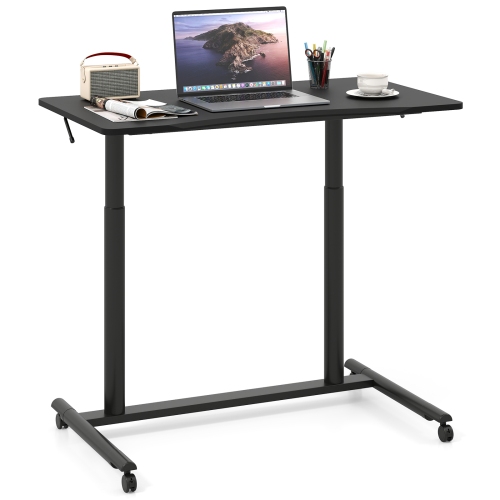
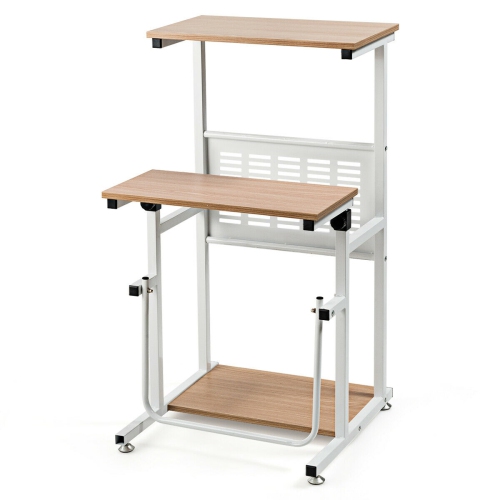
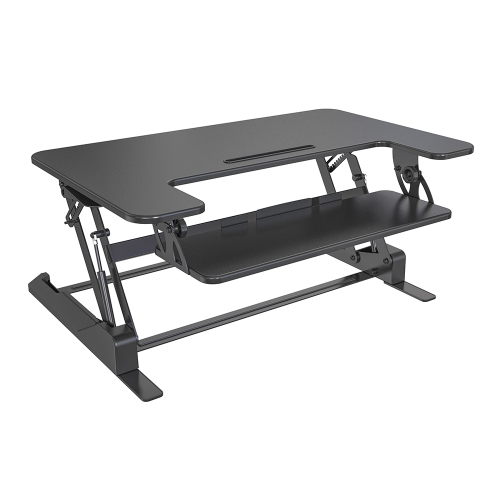
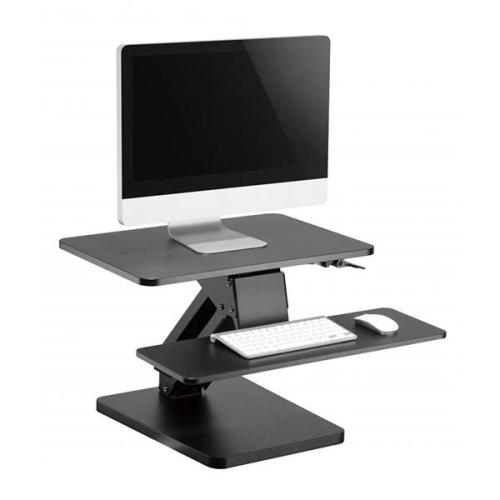
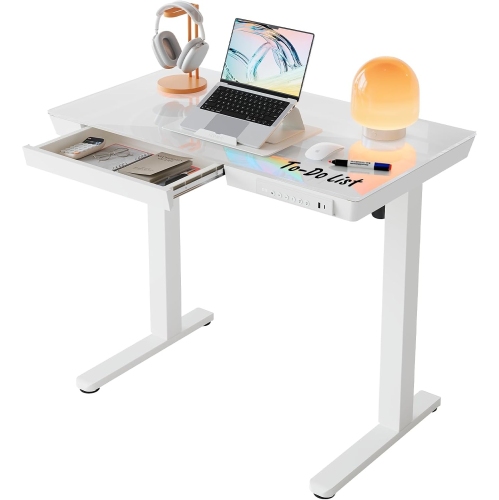
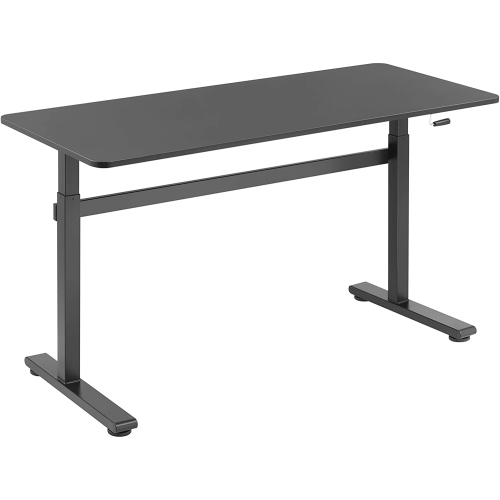
Standing desks bring a useful degree of flexibility to a home office, study nook, or shared workspace by allowing the work surface to move between seated and standing positions. Rather than making standing an all-day commitment, a height-adjustable desk makes it easier to change position between tasks, such as sitting for detailed spreadsheet work and standing during a short video call. Electric standing desks use powered lifting mechanisms controlled by buttons, while manual designs may use a hand crank or another adjustment mechanism. On models with memory presets, saved height settings help different users return to familiar positions without repeating small adjustments each time. The most useful adjustment range is one that suits the person using the desk at both ends: low enough for relaxed shoulders when seated, and high enough to keep the keyboard near elbow height when standing. Overall height alone does not tell the whole story, since chair height, footwear, and individual proportions also affect fit. A desk that works comfortably for one adult may not lower sufficiently for a shorter student or rise far enough for a taller user. Desktop dimensions matter just as much. A compact surface can suit a laptop and notebook, while a wider, deeper top gives separate monitors, a keyboard, and reference materials more breathing room. Depth is particularly important when a monitor stand takes up space behind the keyboard, leaving less room for forearms and everyday writing. For a desk tucked into a bedroom corner, enough clearance for a chair to roll back can make the difference between a practical setup and a cramped one. Standing desks can also make thoughtful gifts for students, remote workers, or someone setting up a dedicated workspace, provided their room measurements and preferred working heights are known. For another closely related selection, browse Standing Desks Under $200 and compare the dimensions, adjustment ranges, and construction details that suit the intended space.
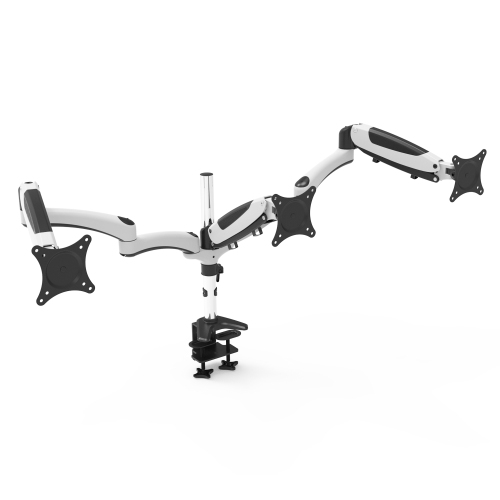
Materials and frame construction influence how a standing desk looks, feels, and holds up to everyday use. Many desktops use engineered wood with a laminate or similar finished surface, offering a smooth area for typing, writing, and moving a mouse. Surface thickness, edge finishing, and the quality of the joins can affect durability as much as the material name. A desktop made from multiple sections may have a visible seam, so its placement matters if the desk will also be used for sketching or handwritten notes. Metal frames provide the supporting structure, with leg design, cross supports, and properly tightened hardware all contributing to stability. Some movement can become more noticeable as a desk rises, particularly with a heavy monitor positioned near an edge. A level floor and correctly adjusted feet help the frame sit evenly, although they cannot compensate for loads beyond the stated capacity. Weight limits should account for everything resting on or attached to the desktop, including displays, monitor arms, speakers, books, and computer equipment. A monitor arm may free up surface space, but its clamp also needs a compatible edge, sufficient desktop thickness, and clearance beneath the top. Under-desk drawers, cable trays, and frame rails can interfere with that fit, making the underside worth checking as carefully as the visible surface. Assembly is another practical consideration, especially in a smaller home where the desk may need to be built near its final position. Larger tops and frames can be awkward to turn over safely, so having another adult help with lifting can protect both the furniture and the floor. For routine care, a soft cloth and cleaning products suitable for the surface finish are generally preferable to abrasive pads. Spills should be wiped up promptly, particularly near seams and exposed edges. Coasters, a desk mat, and periodic hardware checks can help limit everyday wear without adding much upkeep. When relocating the desk, lifting it as directed rather than dragging the frame helps protect its joints, feet, and lifting components.
Everyday convenience often comes down to details that are easy to overlook until the desk is in use. An electric model needs access to a suitable outlet, and all connected cables need enough slack to travel through the full adjustment range without pulling on plugs or equipment. A laptop charger that reaches comfortably while seated may become taut once the desktop rises, especially if the outlet sits behind a cabinet. Cable trays and clips can help keep cords away from feet and moving parts, but their placement should still allow the desk to move freely. The desktop also needs a clear path above and below it, away from window ledges, shelves, chair arms, and storage units. Where included, obstacle-detection features may help interrupt movement, but they do not replace keeping hands, children, pets, and objects clear of the lifting mechanism. Control placement matters in a tight space: buttons should be easy to reach without being pressed accidentally when a chair moves close to the edge. Motor sound may also matter in a shared room or during calls, while a manual adjustment system needs enough clearance to operate its handle comfortably. For computer work, a separate keyboard and mouse can make it easier to position a laptop screen higher without raising the hands at the same time. A larger screen should be placed at a comfortable viewing distance, with its position adjusted to avoid tilting the head for long stretches. Standing is most useful as one option within a varied routine, alongside sitting and taking brief movement breaks, rather than as a fixed posture to maintain for hours. Supportive footwear or a suitable standing mat may add comfort, provided the mat does not obstruct the chair or create a trip hazard. In a multipurpose room, a restrained finish and neatly managed cables can help the workspace blend with surrounding furniture. The result is a desk setup that supports ordinary tasks, from focused study to shared household paperwork, with adjustments that fit naturally into the day.
Materials and frame construction influence how a standing desk looks, feels, and holds up to everyday use. Many desktops use engineered wood with a laminate or similar finished surface, offering a smooth area for typing, writing, and moving a mouse. Surface thickness, edge finishing, and the quality of the joins can affect durability as much as the material name. A desktop made from multiple sections may have a visible seam, so its placement matters if the desk will also be used for sketching or handwritten notes. Metal frames provide the supporting structure, with leg design, cross supports, and properly tightened hardware all contributing to stability. Some movement can become more noticeable as a desk rises, particularly with a heavy monitor positioned near an edge. A level floor and correctly adjusted feet help the frame sit evenly, although they cannot compensate for loads beyond the stated capacity. Weight limits should account for everything resting on or attached to the desktop, including displays, monitor arms, speakers, books, and computer equipment. A monitor arm may free up surface space, but its clamp also needs a compatible edge, sufficient desktop thickness, and clearance beneath the top. Under-desk drawers, cable trays, and frame rails can interfere with that fit, making the underside worth checking as carefully as the visible surface. Assembly is another practical consideration, especially in a smaller home where the desk may need to be built near its final position. Larger tops and frames can be awkward to turn over safely, so having another adult help with lifting can protect both the furniture and the floor. For routine care, a soft cloth and cleaning products suitable for the surface finish are generally preferable to abrasive pads. Spills should be wiped up promptly, particularly near seams and exposed edges. Coasters, a desk mat, and periodic hardware checks can help limit everyday wear without adding much upkeep. When relocating the desk, lifting it as directed rather than dragging the frame helps protect its joints, feet, and lifting components.
Everyday convenience often comes down to details that are easy to overlook until the desk is in use. An electric model needs access to a suitable outlet, and all connected cables need enough slack to travel through the full adjustment range without pulling on plugs or equipment. A laptop charger that reaches comfortably while seated may become taut once the desktop rises, especially if the outlet sits behind a cabinet. Cable trays and clips can help keep cords away from feet and moving parts, but their placement should still allow the desk to move freely. The desktop also needs a clear path above and below it, away from window ledges, shelves, chair arms, and storage units. Where included, obstacle-detection features may help interrupt movement, but they do not replace keeping hands, children, pets, and objects clear of the lifting mechanism. Control placement matters in a tight space: buttons should be easy to reach without being pressed accidentally when a chair moves close to the edge. Motor sound may also matter in a shared room or during calls, while a manual adjustment system needs enough clearance to operate its handle comfortably. For computer work, a separate keyboard and mouse can make it easier to position a laptop screen higher without raising the hands at the same time. A larger screen should be placed at a comfortable viewing distance, with its position adjusted to avoid tilting the head for long stretches. Standing is most useful as one option within a varied routine, alongside sitting and taking brief movement breaks, rather than as a fixed posture to maintain for hours. Supportive footwear or a suitable standing mat may add comfort, provided the mat does not obstruct the chair or create a trip hazard. In a multipurpose room, a restrained finish and neatly managed cables can help the workspace blend with surrounding furniture. The result is a desk setup that supports ordinary tasks, from focused study to shared household paperwork, with adjustments that fit naturally into the day.
Top selling and popular products
-
 Your price for this item is $304.99
 -
 Your price for this item is $93.99
 -
 Your price for this item is $248.99
 -
 Your price for this item is $83.99
 -
 Your price for this item is $108.99
 -
 Your price for this item is $94.99
 -
 Your price for this item is $74.97
 -
 Your price for this item is $83.95
Discover more categories related to Standing Desks Under $300
Top Collections:
Pokemon Centers, Kindle Devices, Best Budget Office Chairs, Apple iPhones 16, Best Laptops for Writers, iPhone 15 Apple, Canon G7X Cameras, Refurbished Apple Laptops, Alarm Clock, Motorola Razr Phones
Some products may be subject to Environmental Handling Fees
(EHF) depending on your province.
Learn more about EHFs.