4x6 Thermal Label Printers
Looking for a reliable and efficient way to print labels? Look no further than our collection of 4x6 thermal label printers. These versatile devices are designed to streamline your labeling process, making it easier than ever to create professional-quality labels for shipping, inventory management, and more. With their high-speed printing capabilities and user-friendly features, these thermal label printers are perfect for businesses of all sizes. Whether you're a small online retailer or a large warehouse operation, our selection of 4x6 thermal label printers has you covered.
Sort
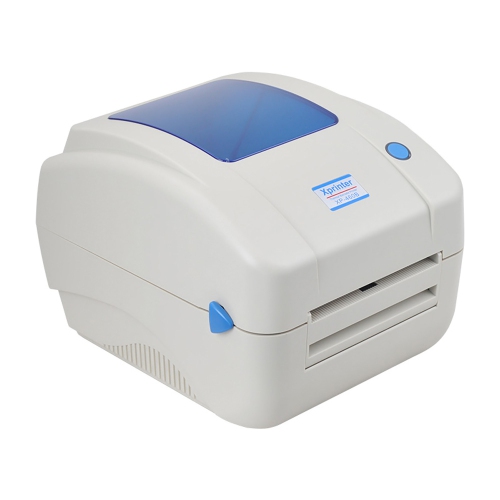
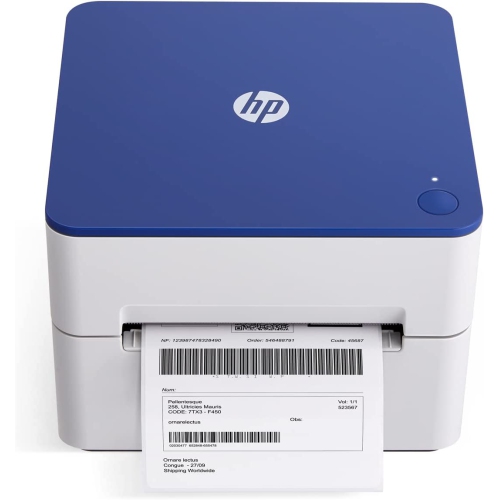
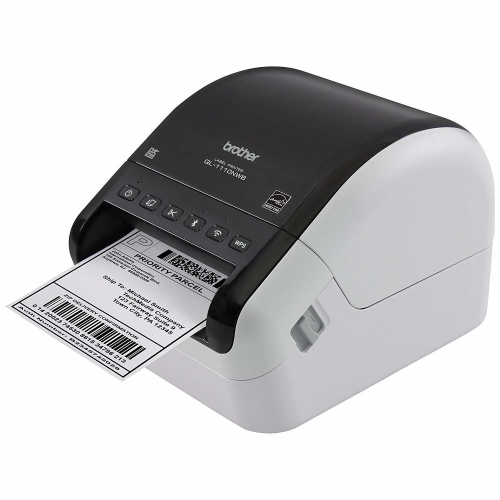


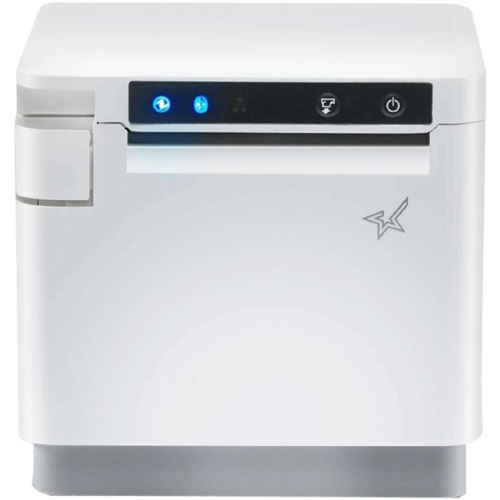
Shipping labels without the trimming and taping
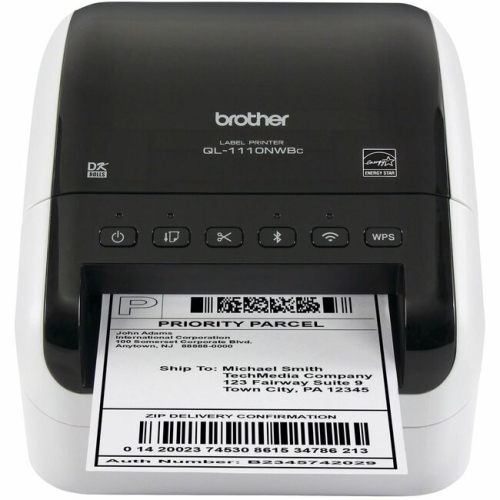
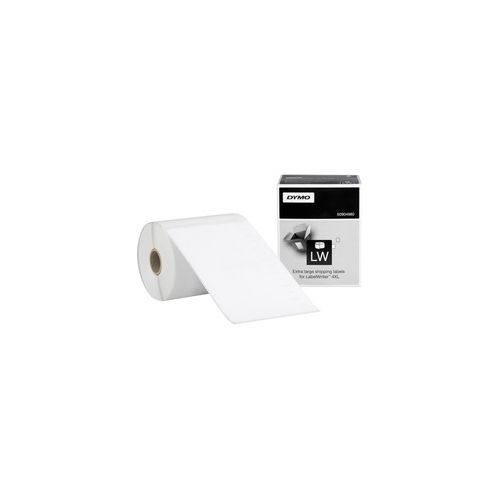
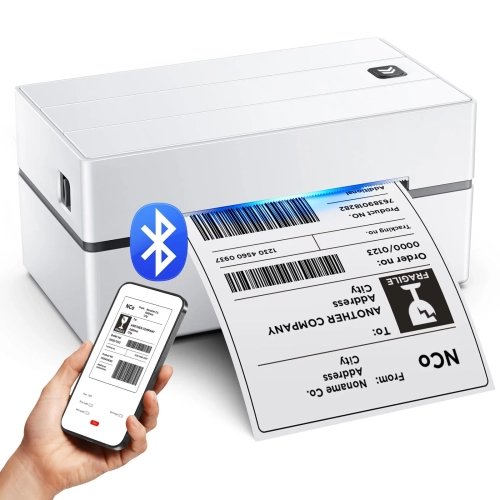
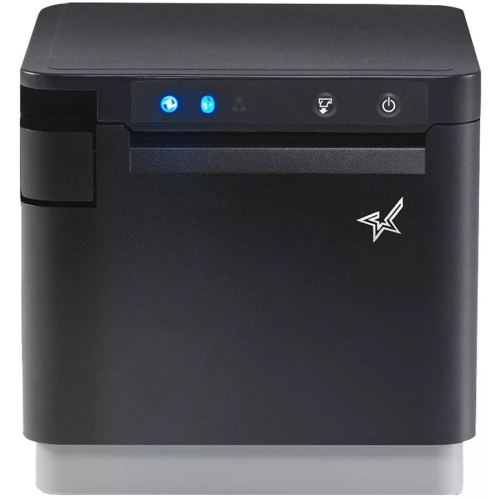
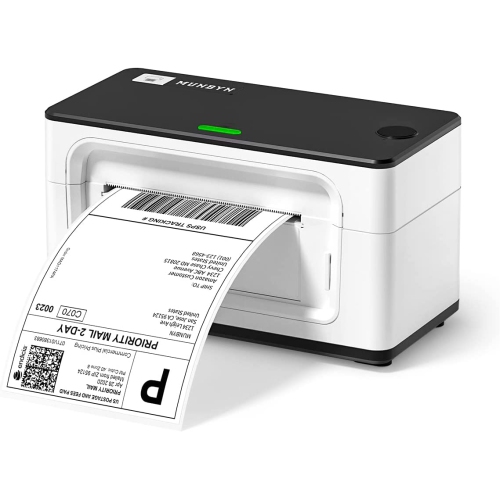
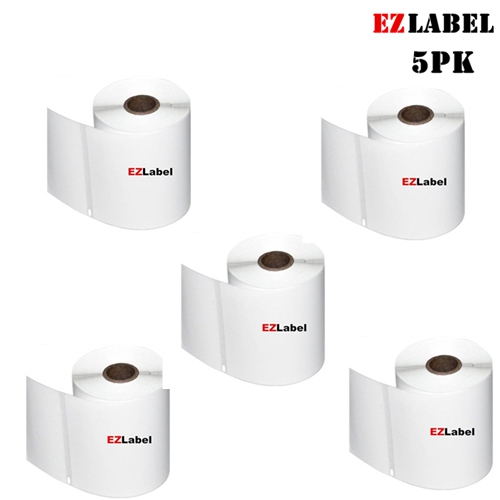
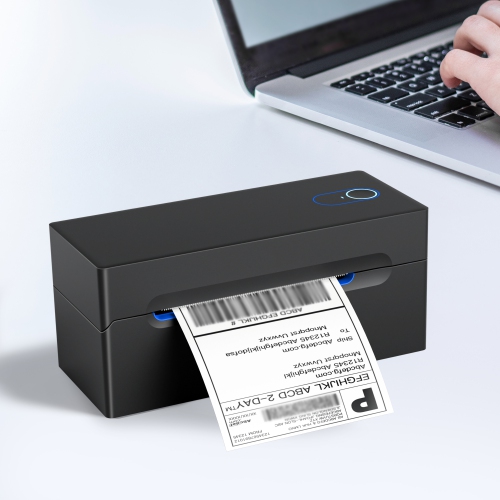
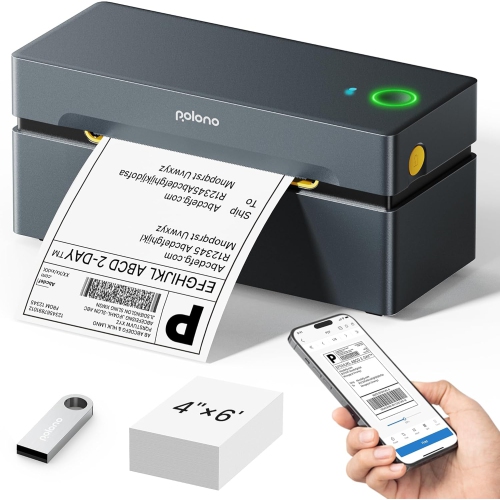
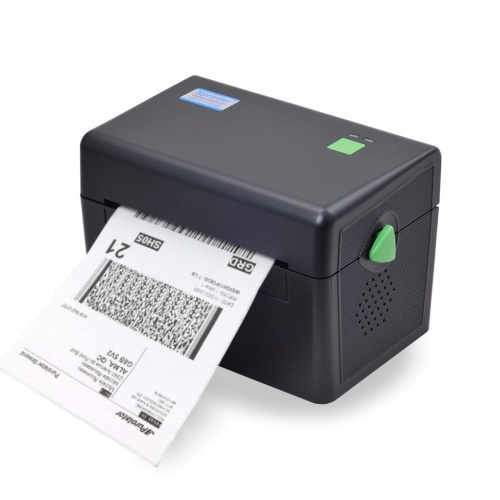
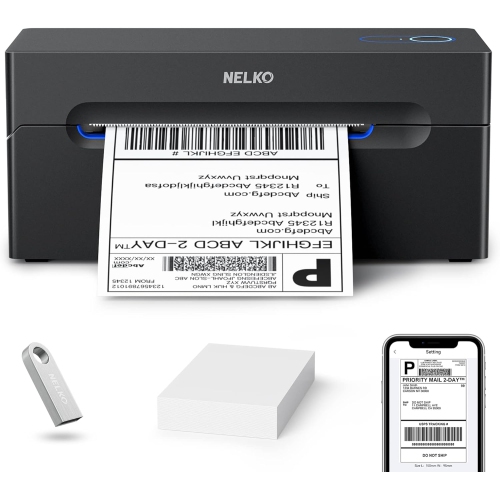
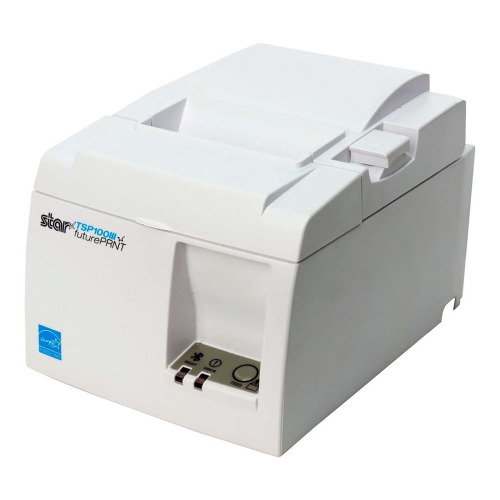
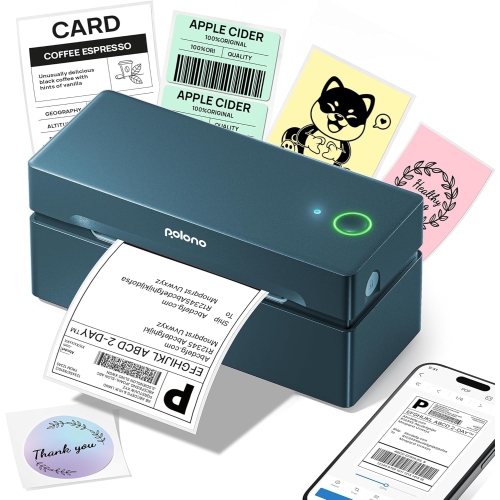
4x6 thermal label printers are designed to print 4 x 6 inch labels, a common format for parcel shipping that leaves room for delivery addresses, tracking barcodes, routing information, and postage details. They suit online sellers, home-based businesses, busy shipping desks, and households that regularly send parcels or print return labels. Most compact printers in this category use direct thermal technology: a printhead applies heat to specially coated label paper, producing text and images without ink cartridges, toner, or a ribbon. Thermal transfer printers work differently, using a ribbon with compatible label material, so the printing method matters when choosing supplies. For everyday parcel preparation, a dedicated direct thermal printer keeps the task straightforward. Instead of printing an address on a full sheet of paper, trimming it, and attaching it with tape, the sender can print an adhesive label, peel it from its backing, and press it onto the package. The familiar 4 x 6 inch format is particularly useful when a shipping service provides a label file at that exact size. It preserves the layout without squeezing barcodes or address lines into a smaller space. These printers generally produce monochrome output rather than full-colour graphics, making them practical tools for clear shipping information rather than photographic labels or colourful packaging artwork. Their usefulness also extends beyond outgoing orders: compatible layouts can support warehouse identification, larger storage labels, and other organizational tasks, provided the printer supports the required media and dimensions. A compact unit can fit beside a laptop on a home packing table, while a setup with space for a larger label supply may better suit repeated batches of parcels. For someone building a small business, a label printer can also be a thoughtful practical gift, especially when its connection options and compatible supplies match the recipient’s existing workspace. The strongest fit comes from matching the printer to the actual task: occasional returns, several daily orders, or sustained packing sessions each place different demands on the equipment.
Print quality, device compatibility, and connection type help distinguish one 4x6 thermal label printer from another. Resolution is measured in dots per inch, or dpi. A 203 dpi printer is commonly suitable for standard shipping labels with appropriately sized text and barcodes, while 300 dpi can provide finer detail for small lettering, compact graphics, and denser label layouts. Higher resolution alone does not guarantee a readable shipping label; a correctly sized source file, suitable media, and appropriate print settings are just as important. A sharp barcode printed at its intended size is more useful than a higher-resolution image that has been stretched, clipped, or reduced. USB connectivity suits a dedicated workstation where the printer stays beside the same computer. Bluetooth can be convenient for printing from a phone or tablet, although it may depend on a particular app and supported operating system. Wi-Fi can offer more flexible placement and, where supported, access from multiple devices on the same network. Wireless capability does not automatically mean that every mobile printing feature or application will work, so compatibility should cover the exact computer, phone, or tablet being used, along with any required software. The shipping workflow deserves the same attention. Some services provide a ready-to-print 4 x 6 inch PDF, while others place a label within a larger document that needs a supported cropping or formatting process. A printer that accepts the right file through the intended app can make the difference between a smooth packing session and repeated adjustments. Print speed matters most for batches, but the advertised speed is only part of the picture: file processing, connection stability, label feeding, and time spent separating finished labels also affect the pace. For workplaces handling several label formats, Thermal Printers for Mailing Labels provides a related category to explore alongside the dedicated 4 x 6 inch format. Adjustable guides and a clearly stated supported label-width range are useful when the same printer will handle both parcel labels and smaller mailing tasks.
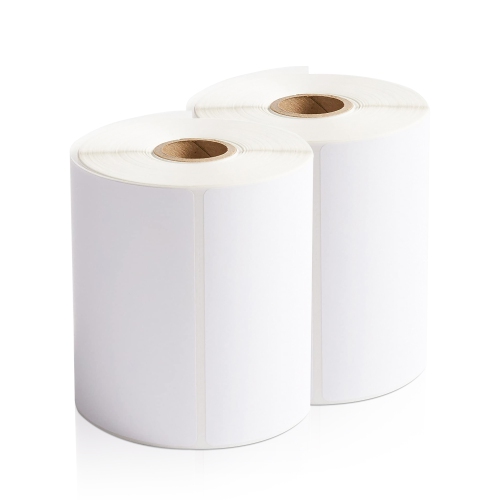
Label materials, feed design, and routine care influence how reliably a thermal label printer performs after the first few prints. Direct thermal printers need compatible heat-sensitive media; ordinary paper and labels intended only for other printing methods will not produce the intended result. Paper labels are widely used for cardboard parcels, while compatible synthetic media may offer added resistance to moisture or tearing where the application calls for it. Adhesive performance matters too. A label that holds securely on a clean cardboard box may behave differently on a textured mailer, a curved container, or a dusty surface. Matching the adhesive to the packaging helps keep corners from lifting and tracking information from separating from the parcel. Roll-fed and fanfold supplies have different space requirements. An internal roll keeps the supply contained but limits roll size to the printer’s capacity. An external roll holder or a stack of fanfold labels needs additional room and a clear feed path, so the printer’s footprint is not the only measurement worth considering. There should also be enough space at the front for printed labels to exit without folding against a wall or catching on nearby packing materials. Sensors that detect gaps or black marks must match the chosen media, and calibration helps the printer identify where each label starts and ends. Consistent alignment reduces skipped labels and printing across the backing between them. Over time, paper dust and adhesive residue can affect feeding and print clarity, making cleaning according to the manufacturer’s directions an important part of care. The printhead and feed roller require gentle handling and approved cleaning materials rather than scraping or improvised solvents. Direct thermal output can darken or fade with exposure to heat, strong light, friction, or certain chemicals, so it is better suited to shipping and other limited-duration identification than to records intended for long-term preservation. For a dependable packing routine, the printer, label coating, adhesive, file layout, and package surface all need to work together. That combination supports legible addresses, scannable tracking details, and neatly finished parcels without adding unnecessary steps to the shipping desk.
Print quality, device compatibility, and connection type help distinguish one 4x6 thermal label printer from another. Resolution is measured in dots per inch, or dpi. A 203 dpi printer is commonly suitable for standard shipping labels with appropriately sized text and barcodes, while 300 dpi can provide finer detail for small lettering, compact graphics, and denser label layouts. Higher resolution alone does not guarantee a readable shipping label; a correctly sized source file, suitable media, and appropriate print settings are just as important. A sharp barcode printed at its intended size is more useful than a higher-resolution image that has been stretched, clipped, or reduced. USB connectivity suits a dedicated workstation where the printer stays beside the same computer. Bluetooth can be convenient for printing from a phone or tablet, although it may depend on a particular app and supported operating system. Wi-Fi can offer more flexible placement and, where supported, access from multiple devices on the same network. Wireless capability does not automatically mean that every mobile printing feature or application will work, so compatibility should cover the exact computer, phone, or tablet being used, along with any required software. The shipping workflow deserves the same attention. Some services provide a ready-to-print 4 x 6 inch PDF, while others place a label within a larger document that needs a supported cropping or formatting process. A printer that accepts the right file through the intended app can make the difference between a smooth packing session and repeated adjustments. Print speed matters most for batches, but the advertised speed is only part of the picture: file processing, connection stability, label feeding, and time spent separating finished labels also affect the pace. For workplaces handling several label formats, Thermal Printers for Mailing Labels provides a related category to explore alongside the dedicated 4 x 6 inch format. Adjustable guides and a clearly stated supported label-width range are useful when the same printer will handle both parcel labels and smaller mailing tasks.
Label materials, feed design, and routine care influence how reliably a thermal label printer performs after the first few prints. Direct thermal printers need compatible heat-sensitive media; ordinary paper and labels intended only for other printing methods will not produce the intended result. Paper labels are widely used for cardboard parcels, while compatible synthetic media may offer added resistance to moisture or tearing where the application calls for it. Adhesive performance matters too. A label that holds securely on a clean cardboard box may behave differently on a textured mailer, a curved container, or a dusty surface. Matching the adhesive to the packaging helps keep corners from lifting and tracking information from separating from the parcel. Roll-fed and fanfold supplies have different space requirements. An internal roll keeps the supply contained but limits roll size to the printer’s capacity. An external roll holder or a stack of fanfold labels needs additional room and a clear feed path, so the printer’s footprint is not the only measurement worth considering. There should also be enough space at the front for printed labels to exit without folding against a wall or catching on nearby packing materials. Sensors that detect gaps or black marks must match the chosen media, and calibration helps the printer identify where each label starts and ends. Consistent alignment reduces skipped labels and printing across the backing between them. Over time, paper dust and adhesive residue can affect feeding and print clarity, making cleaning according to the manufacturer’s directions an important part of care. The printhead and feed roller require gentle handling and approved cleaning materials rather than scraping or improvised solvents. Direct thermal output can darken or fade with exposure to heat, strong light, friction, or certain chemicals, so it is better suited to shipping and other limited-duration identification than to records intended for long-term preservation. For a dependable packing routine, the printer, label coating, adhesive, file layout, and package surface all need to work together. That combination supports legible addresses, scannable tracking details, and neatly finished parcels without adding unnecessary steps to the shipping desk.
Top selling and popular products
-
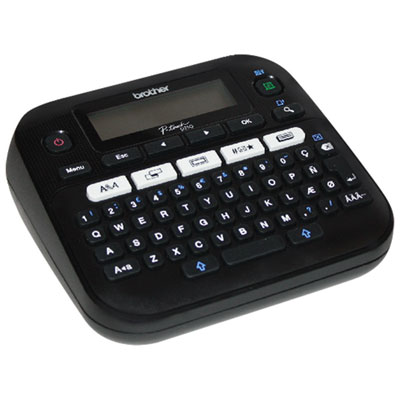 Your price for this item is $44.99
 -
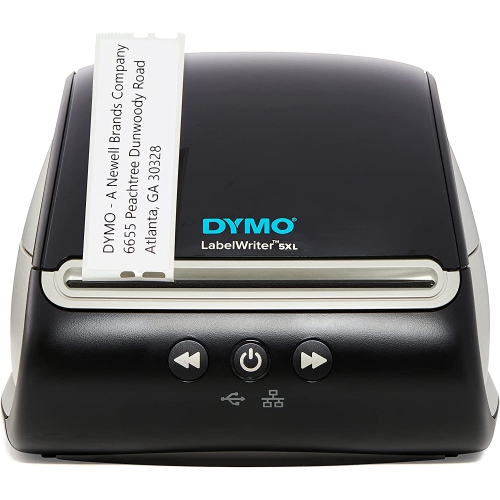 Your price for this item is $370.68
 -
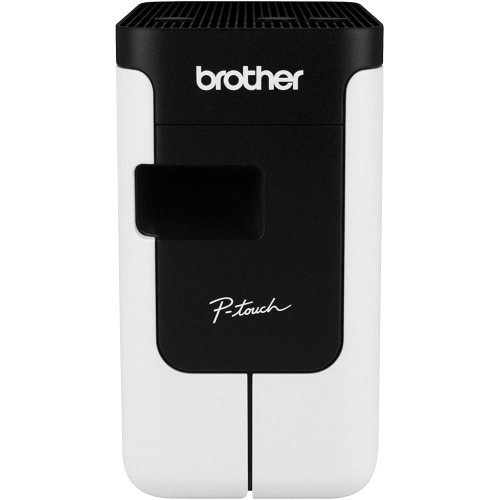 Your price for this item is $149.99
 -
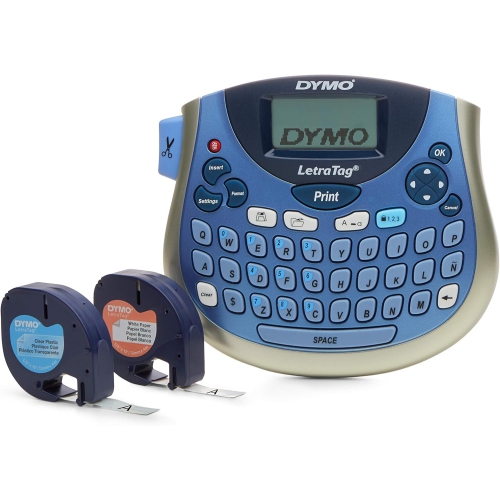 Your price for this item is $69.9
 -
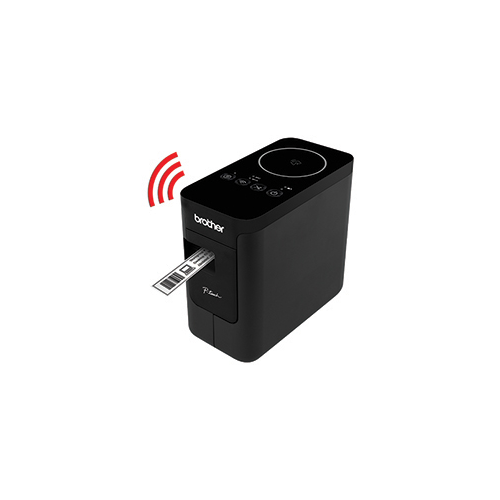 Your price for this item is $158.99
 -
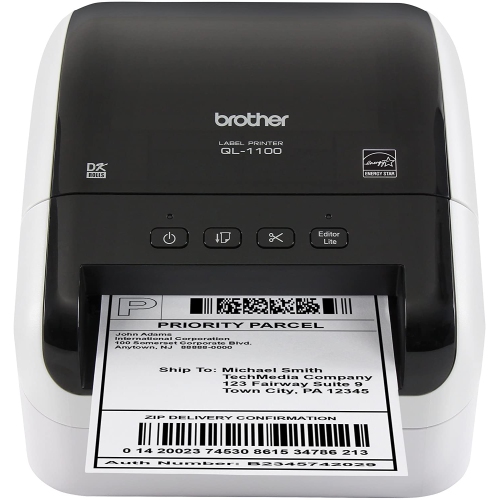 Your price for this item is $395
 -
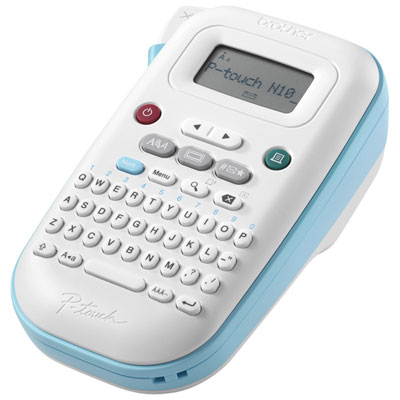 Your price for this item is $39.99
 -
 Your price for this item is $27.99
Discover more categories related to 4x6 Thermal Label Printers
Top Collections:
Pokemon Centers, Kindle Devices, Best Budget Office Chairs, Apple iPhones 16, Best Laptops for Writers, iPhone 15 Apple, Canon G7X Cameras, Refurbished Apple Laptops, Alarm Clock, Motorola Razr Phones
Some products may be subject to Environmental Handling Fees
(EHF) depending on your province.
Learn more about EHFs.