Back To School Laser Pointers for Academic Presentations & Speeches
Find back-to-school laser pointers for academic presentations and speeches to help direct attention to key details on slides, charts, and classroom displays. Browse pointers for highlighting information during class talks, lectures, and group projects, and compare available options to suit your presentation setup.
FAQ
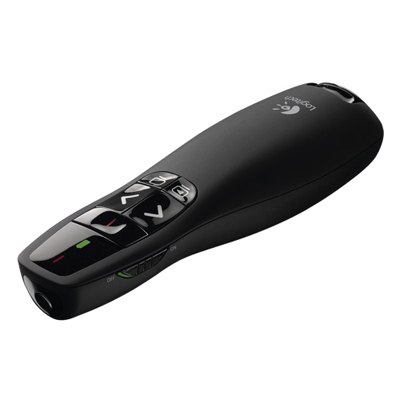
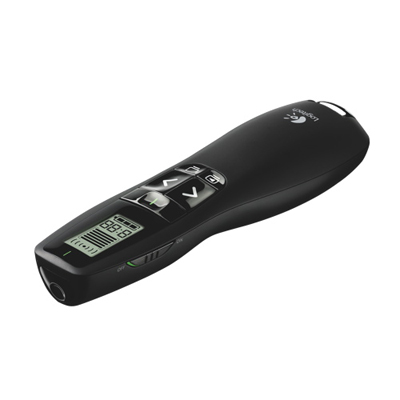
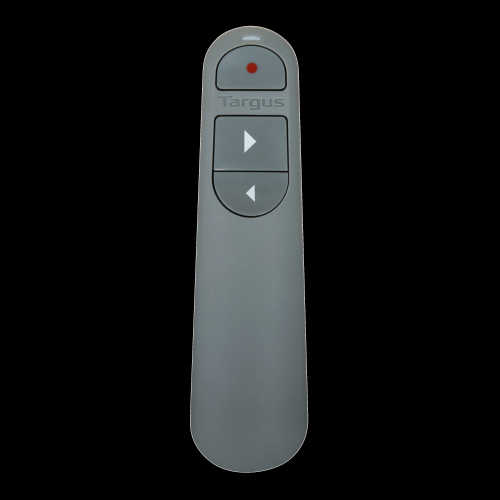
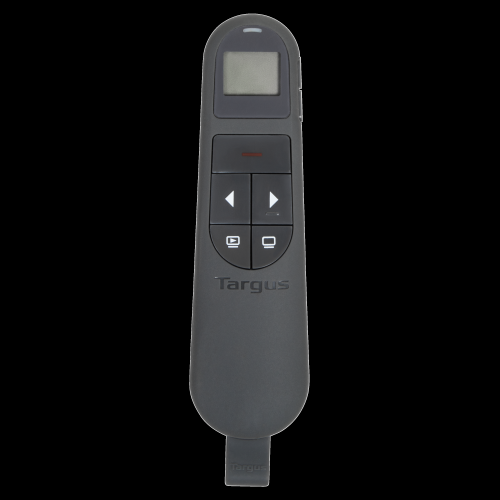
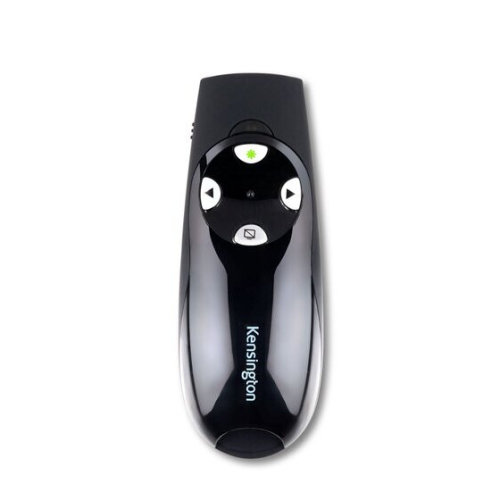
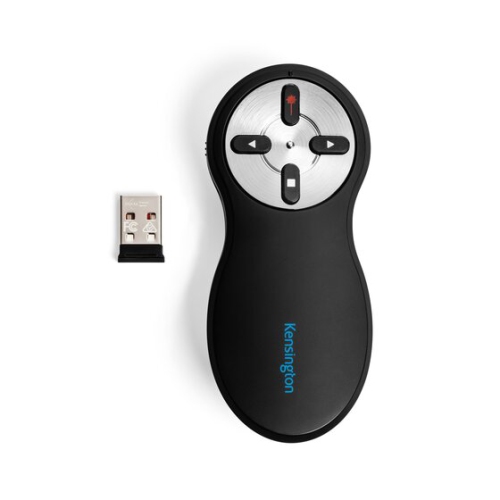
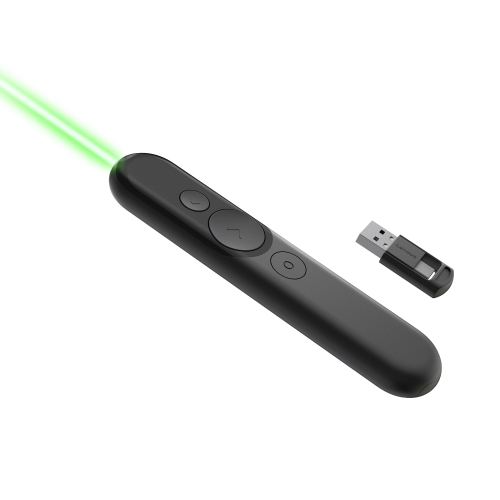
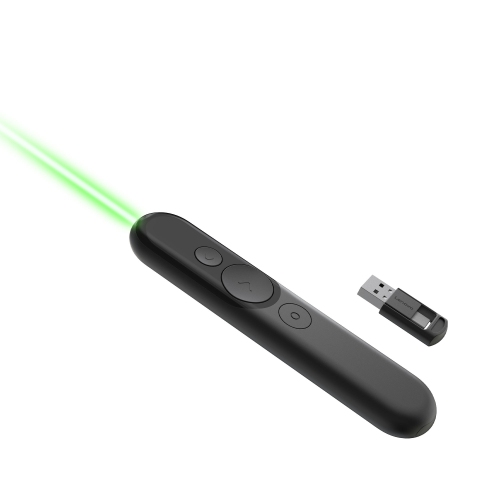
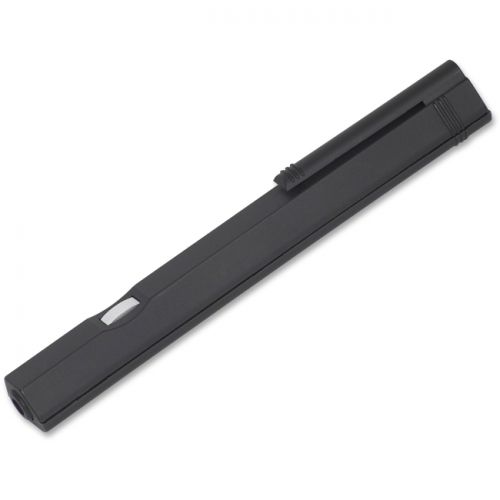
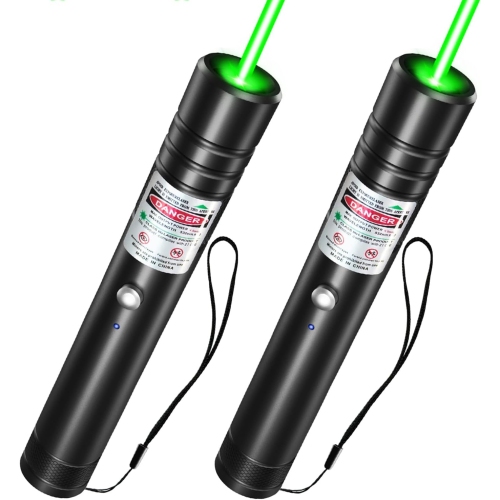
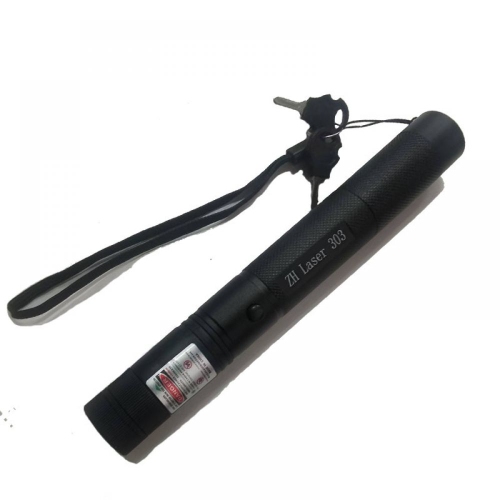
A standalone laser pointer projects a visible dot and typically works independently of a computer. A presentation remote controls slides through a wireless connection and may include a built-in laser pointer. Some remotes use a digital on-screen pointer instead of a laser.
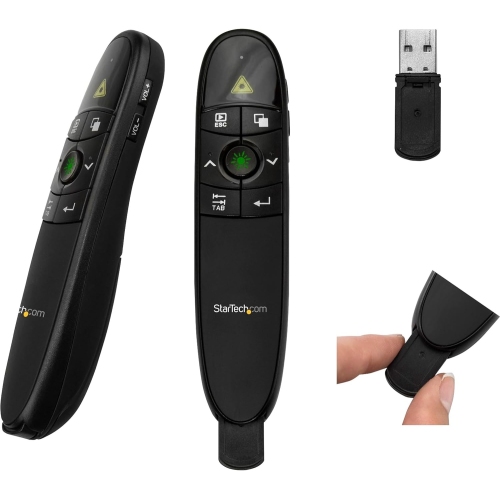
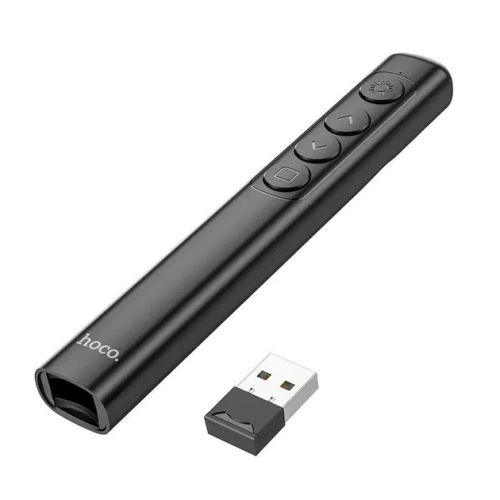
Depending on the model, controls may include next and previous slide buttons, a laser pointer button, a blank-screen function, and a slideshow start button. Some presentation remotes also offer programmable buttons or vibration alerts for timing a speech.
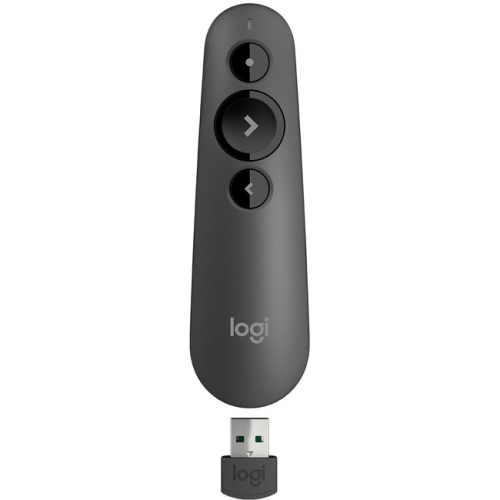
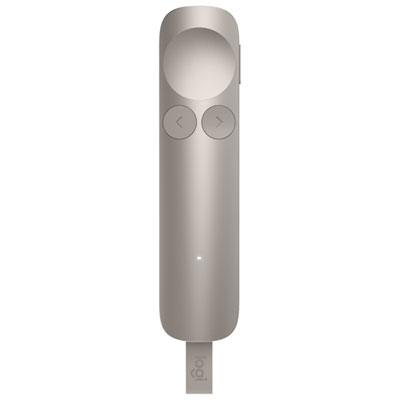
Presentation remotes commonly connect through a USB receiver or Bluetooth. Receiver-based models require a compatible USB port, while Bluetooth models require pairing with the computer. A standalone laser pointer does not need a computer connection.
Many presentation remotes support slide navigation in apps such as Microsoft PowerPoint, Google Slides, and Apple Keynote. Compatibility varies by remote, operating system, and app. Advanced controls may require additional software, so check compatibility details if you plan to use a shared classroom or lecture hall computer.
Laser pointers and presentation remotes may use replaceable batteries or built-in rechargeable batteries. Rechargeable models typically charge through a USB cable, while replaceable-battery models require the battery type specified by the manufacturer. Some models include a battery indicator or an automatic sleep function.
Top selling and popular products
Discover more categories related to Back To School Laser Pointers for Academic Presentations & Speeches
Some products may be subject to Environmental Handling Fees (EHF) depending on your province. Learn more about EHFs.