Brother HL 2140 Toners
Looking for high-quality toners to keep your Brother HL 2140 printer running smoothly? You've come to the right place! Our extensive selection of toners is designed to deliver sharp, professional prints every time. Whether you're printing important documents for work or vibrant photos for personal use, we have the perfect toner options to meet your needs. With our wide range of choices, you'll find the ideal toner that ensures optimal performance and exceptional print quality. Shop now and discover the best toners for your Brother HL 2140 printer at Best Buy.
Sort






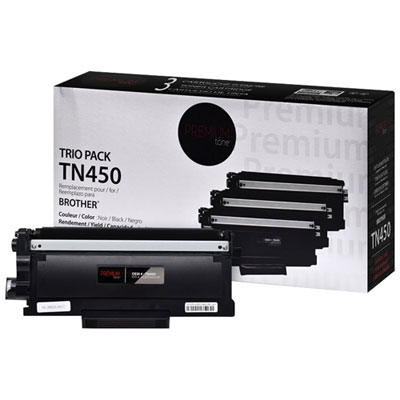
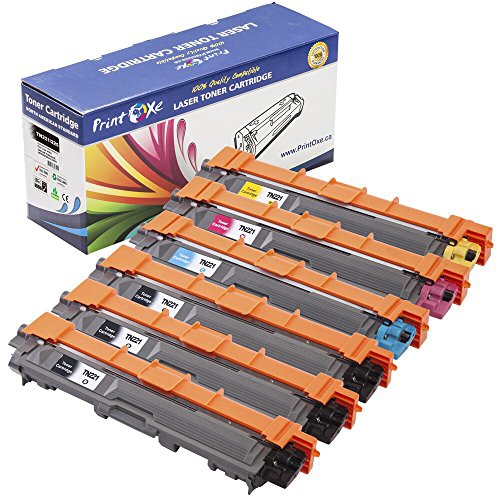
What to know about yields and cartridge compatibility
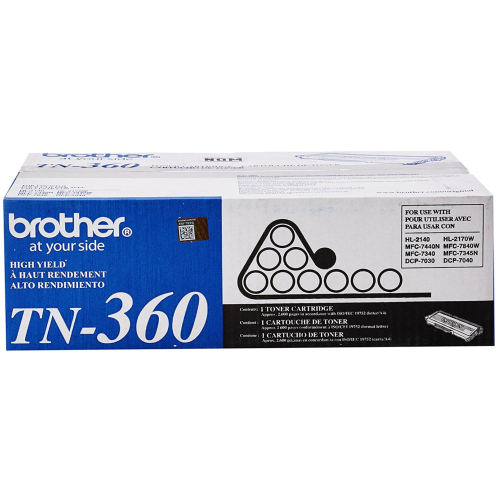
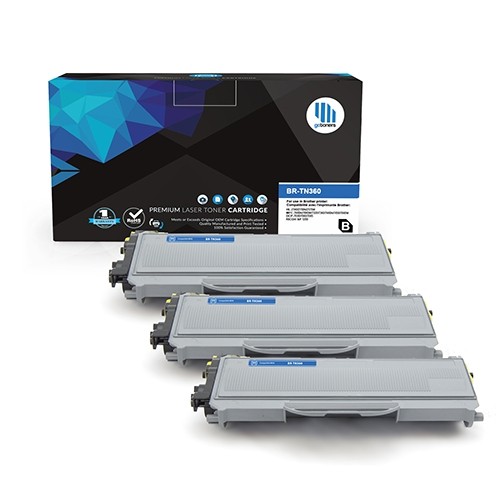
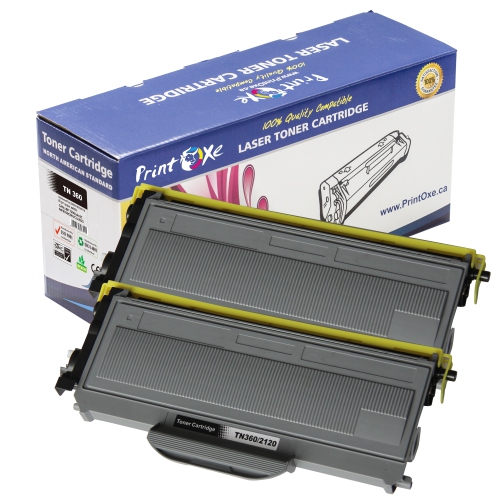
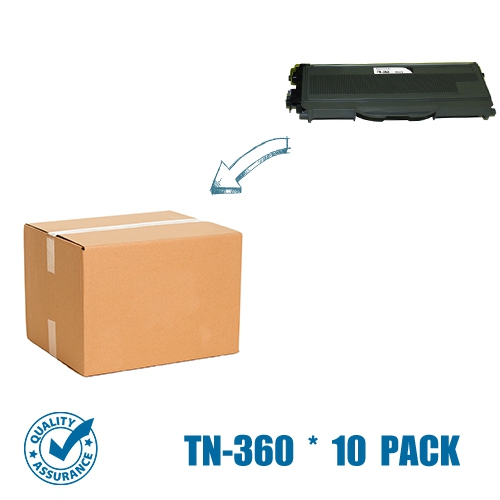
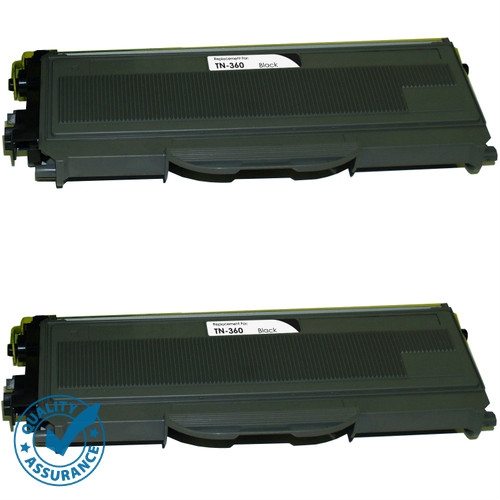
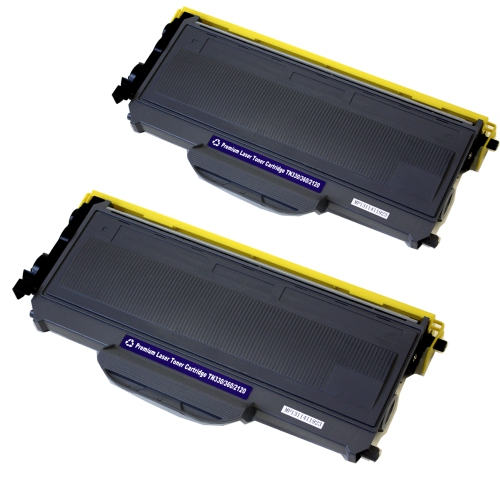
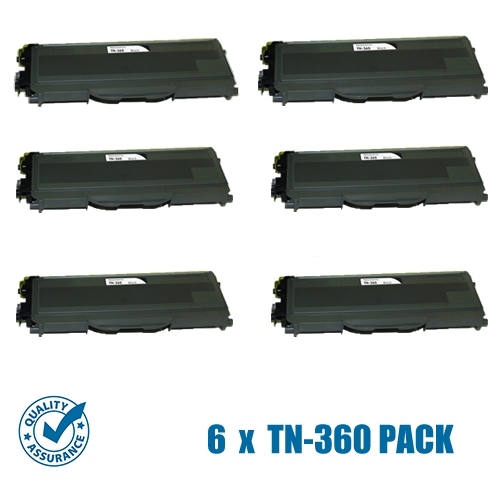
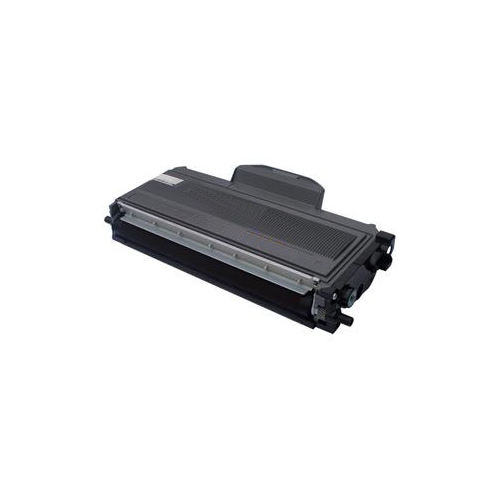
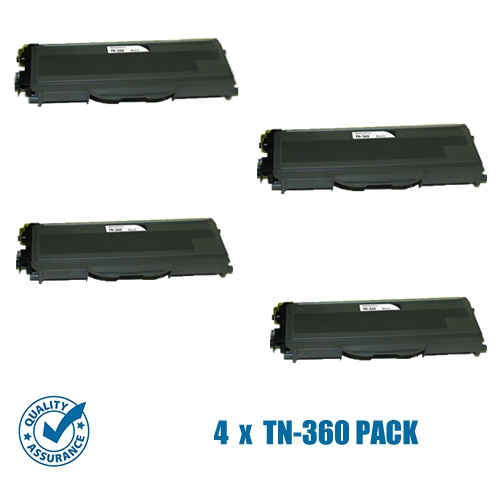
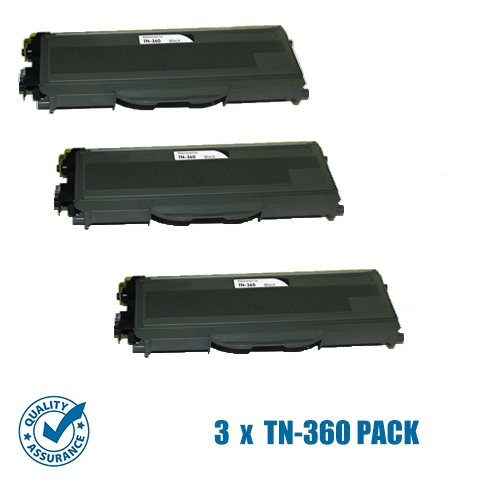
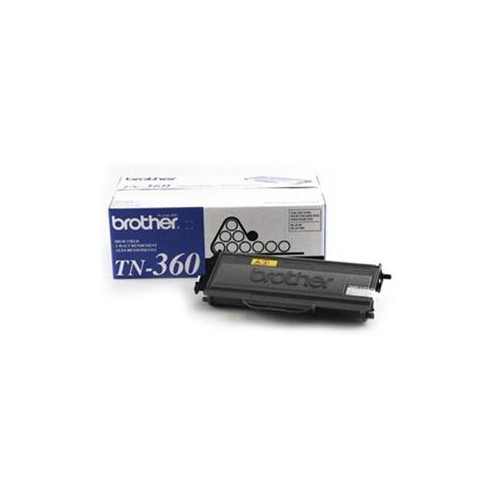
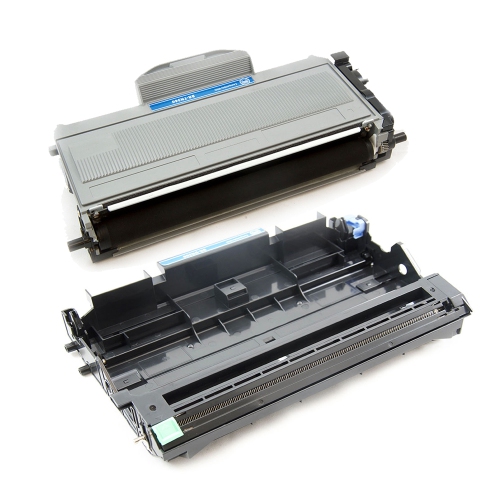
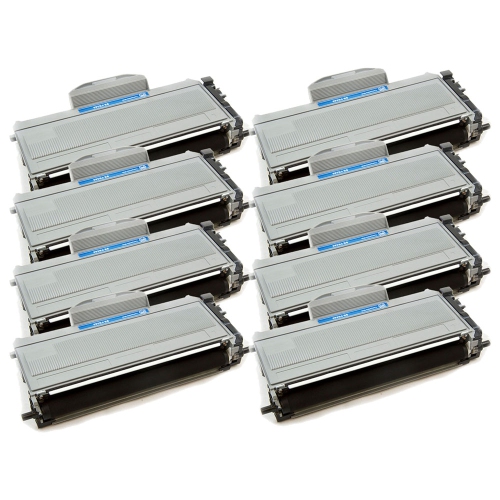
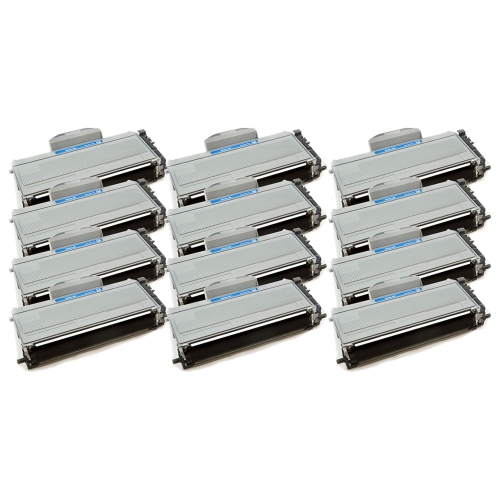
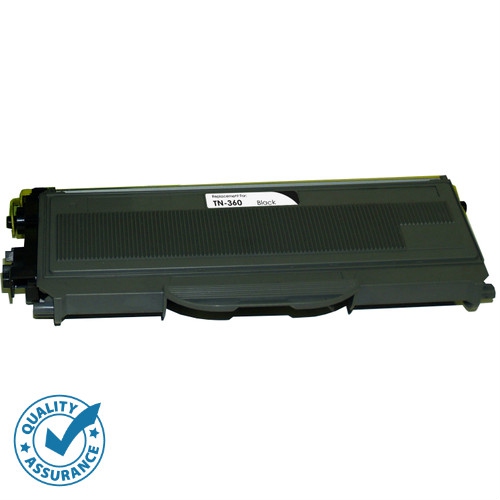
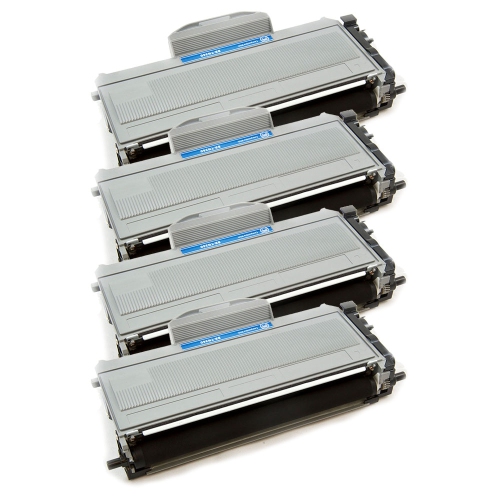
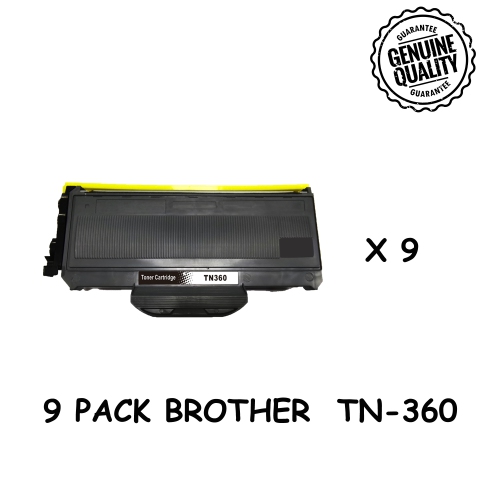
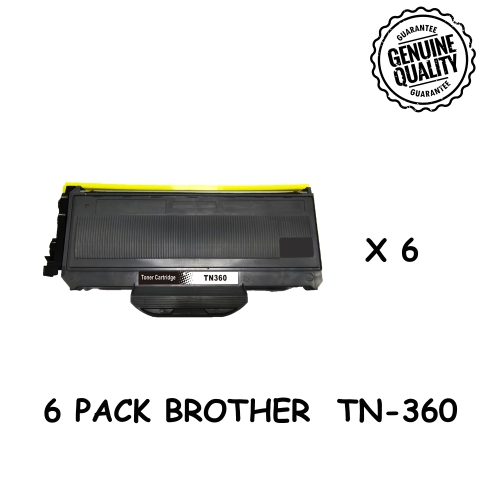
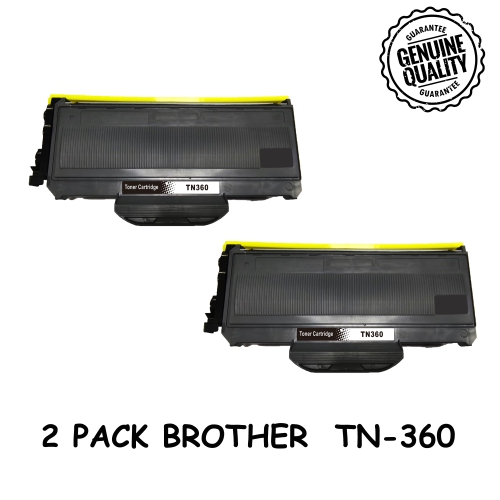
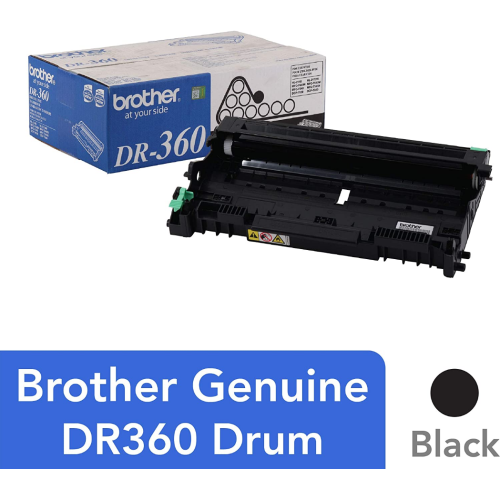
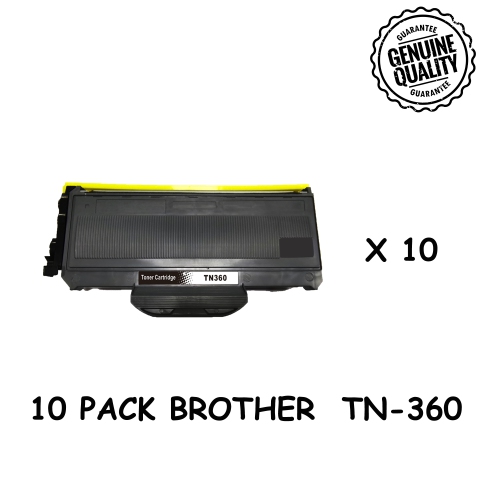
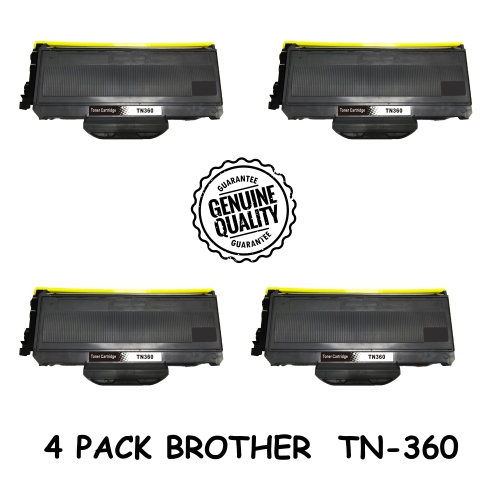
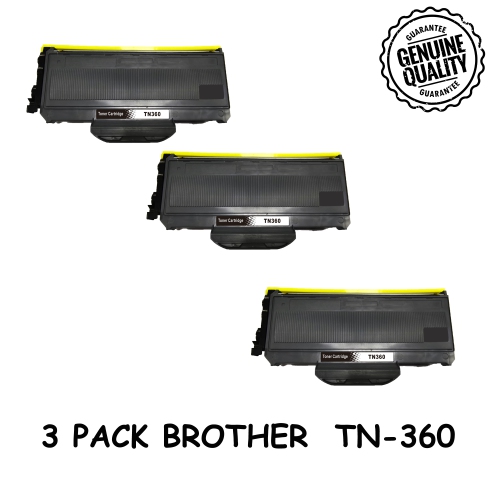
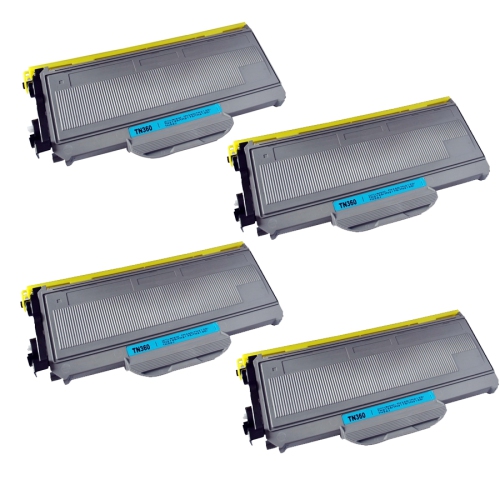
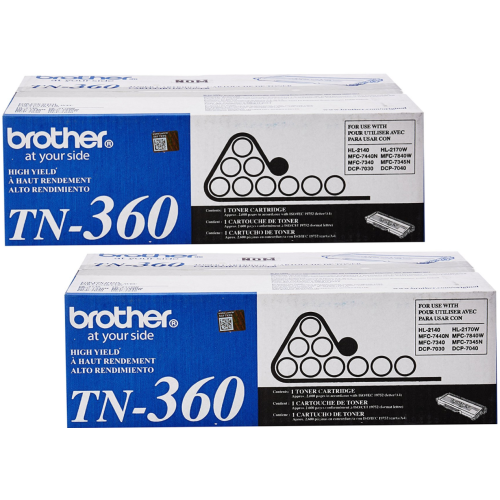
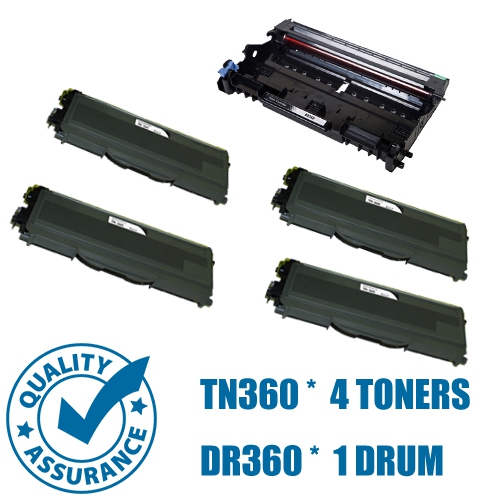
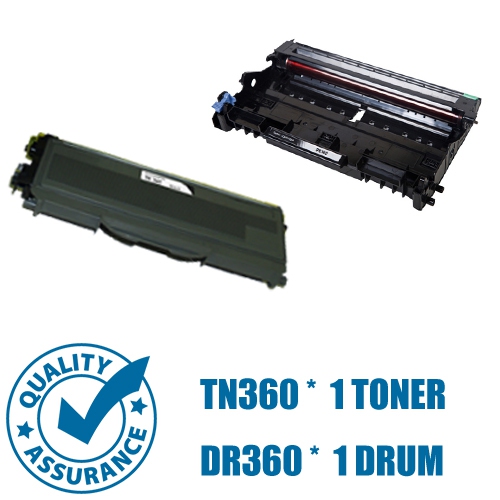
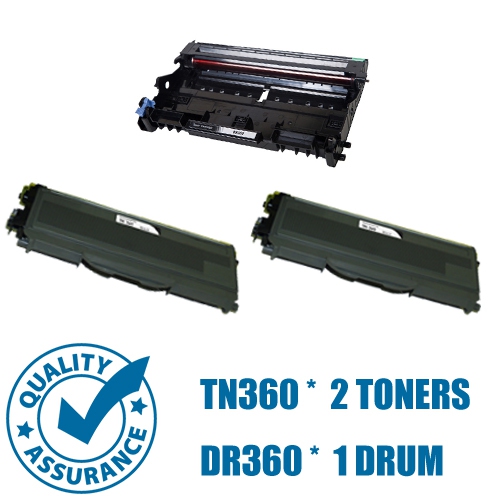
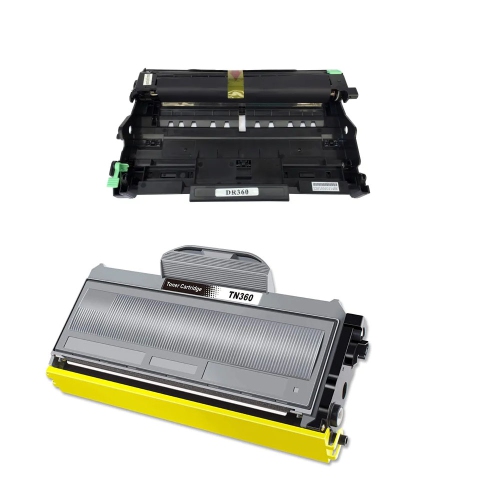
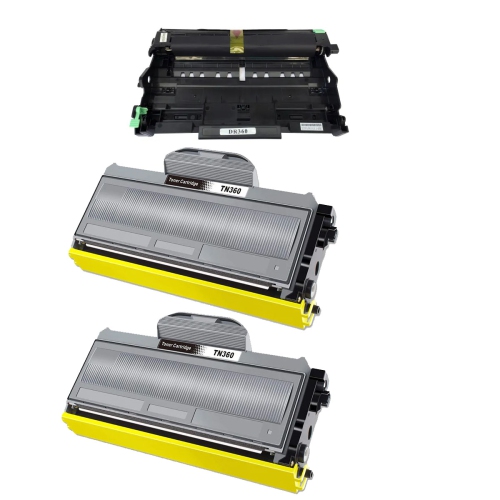
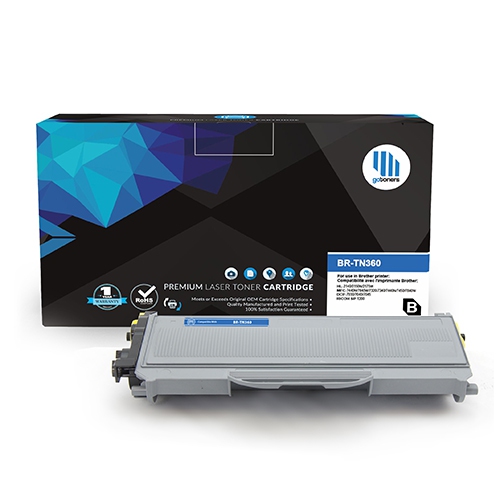
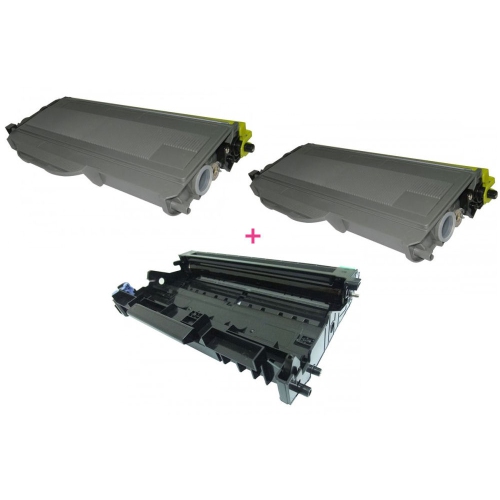
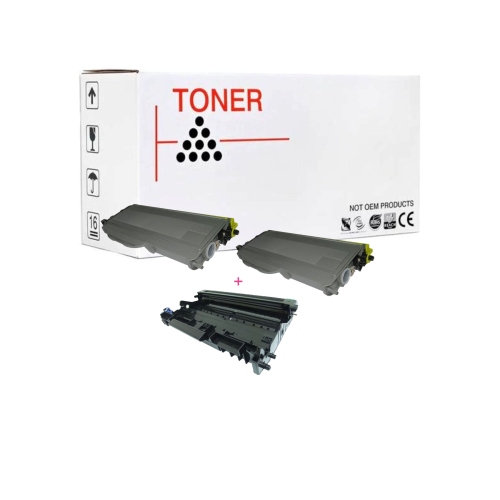
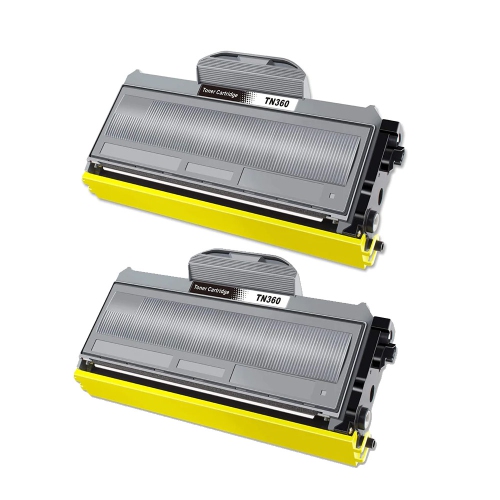
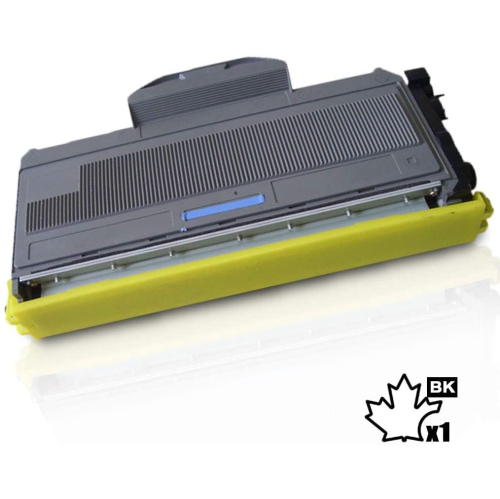
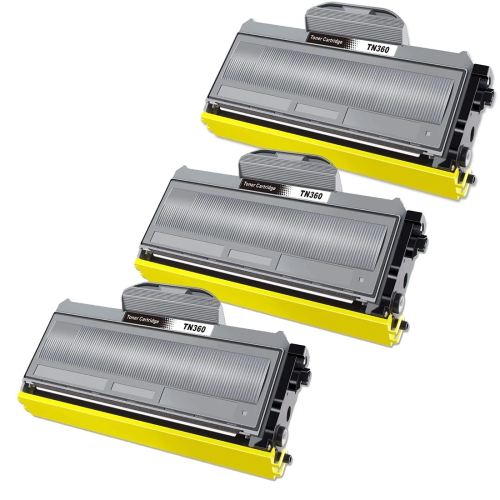
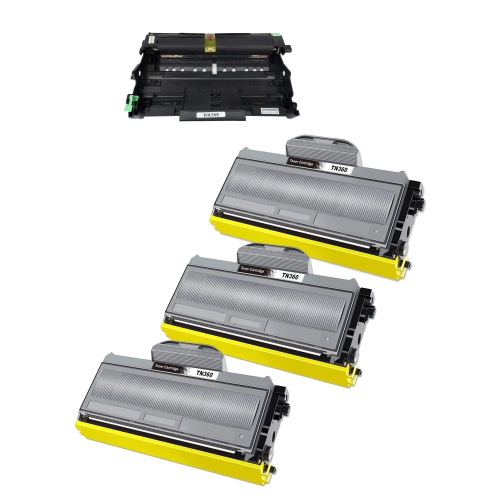
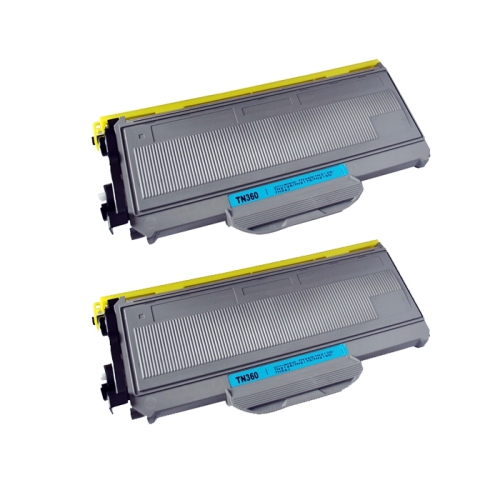
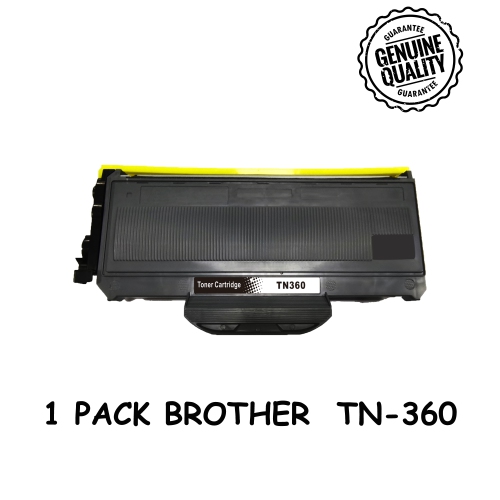
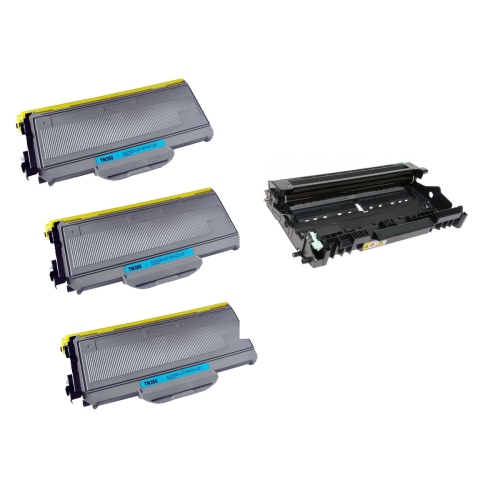
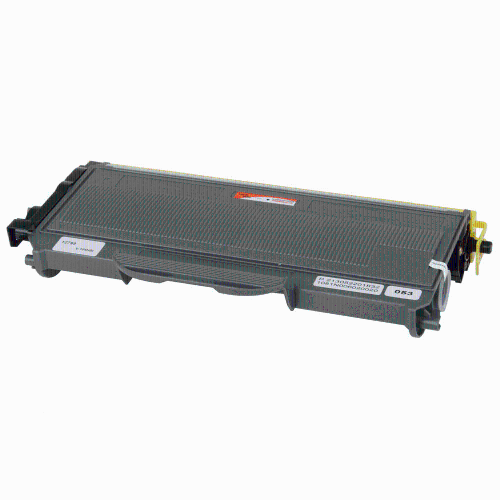
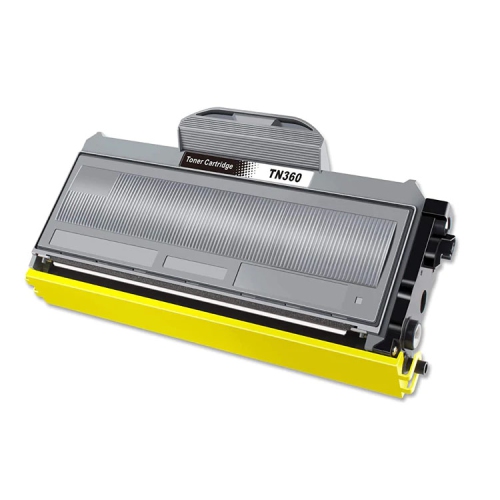
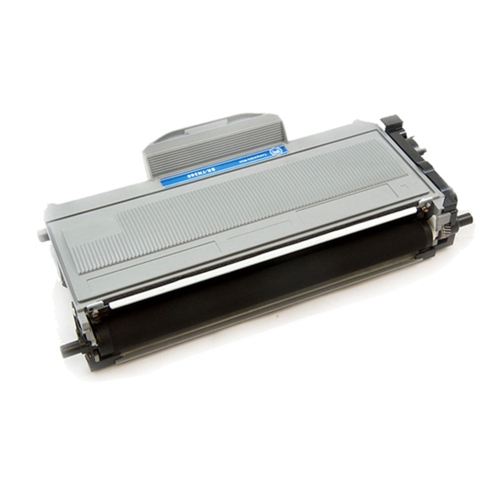
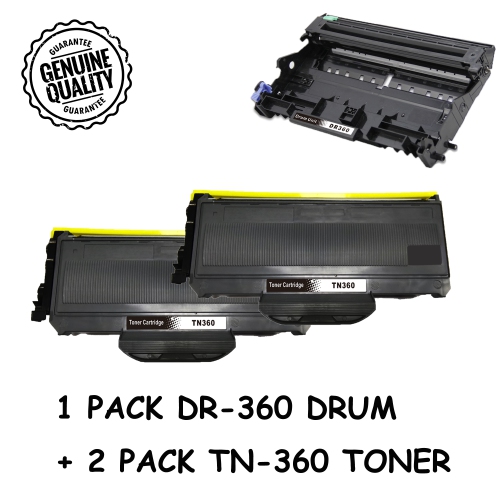
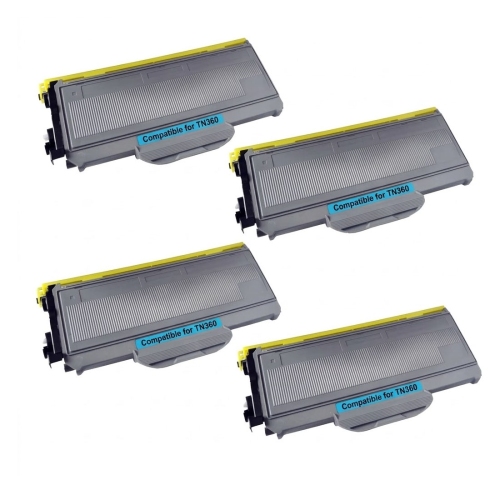
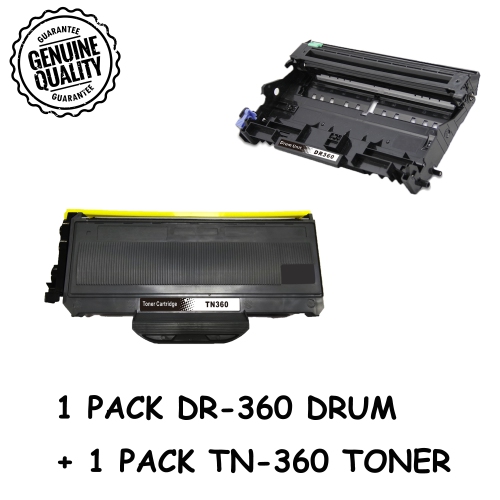
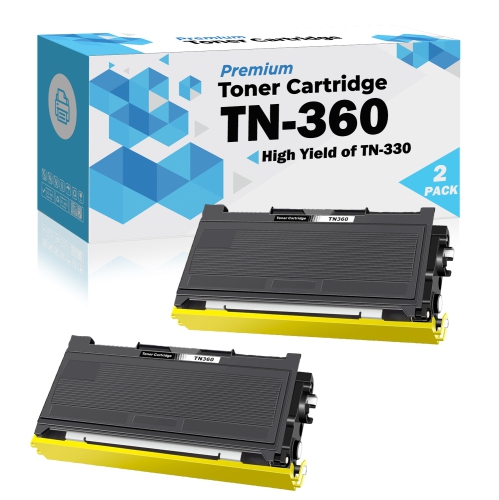
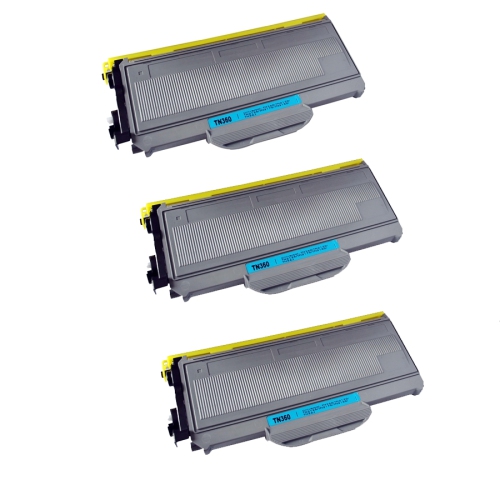
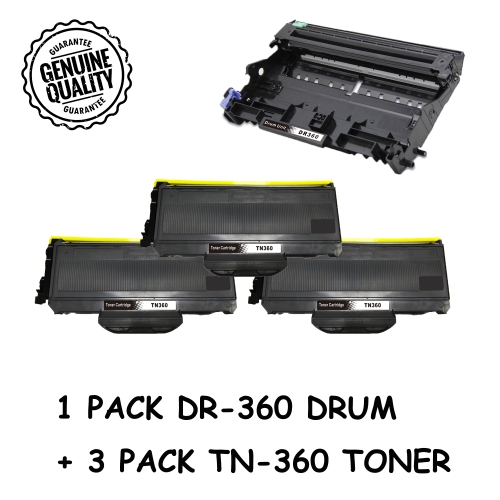
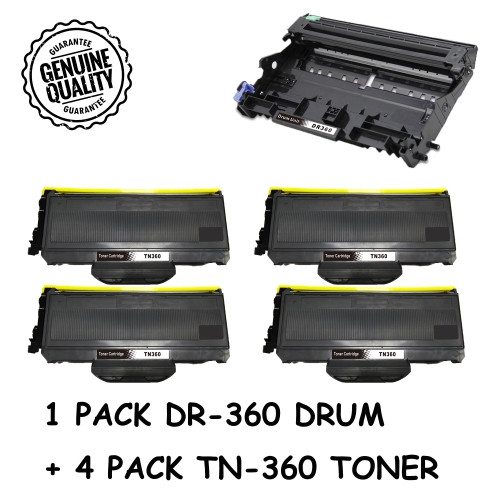
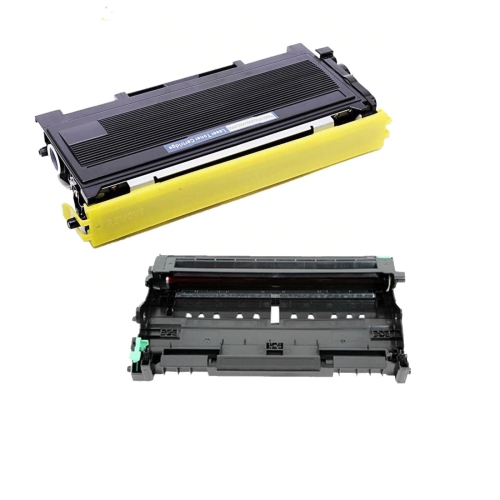
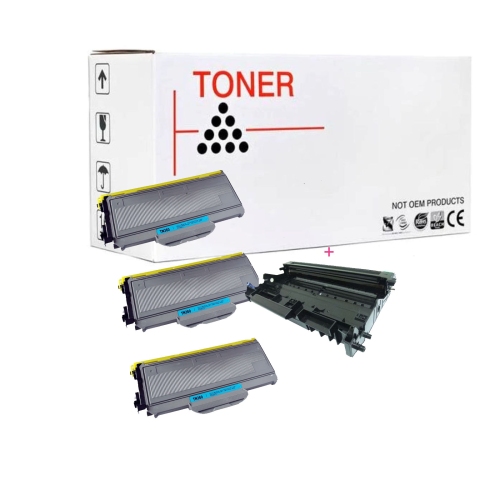
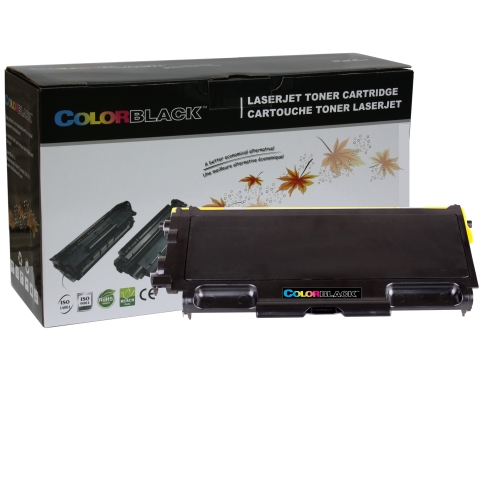
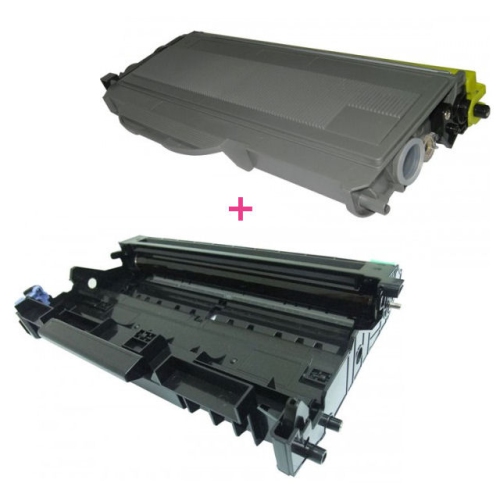
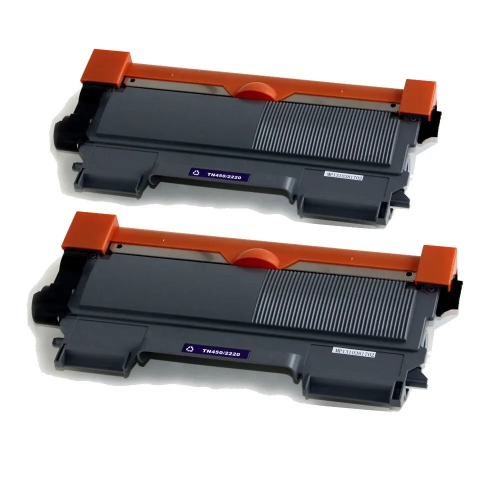
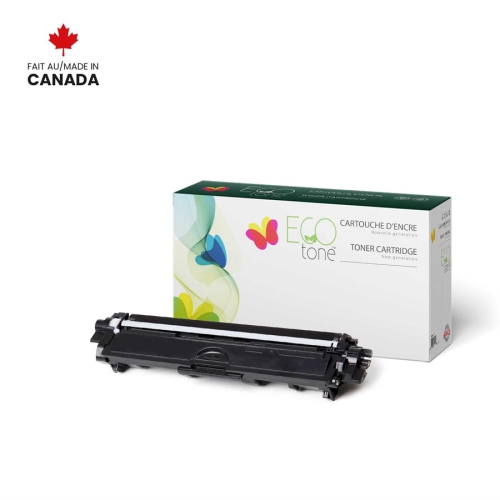
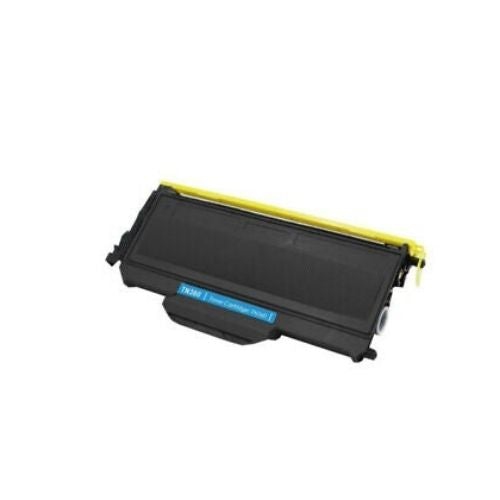
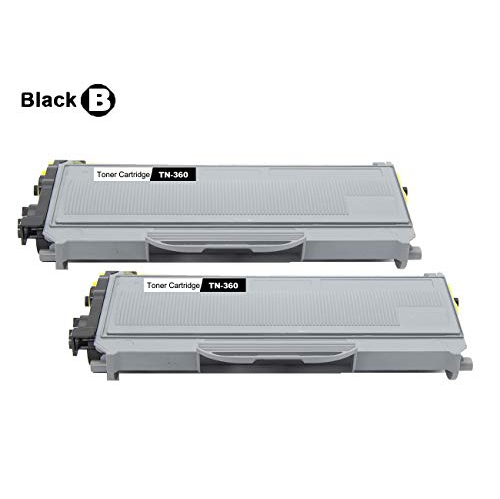
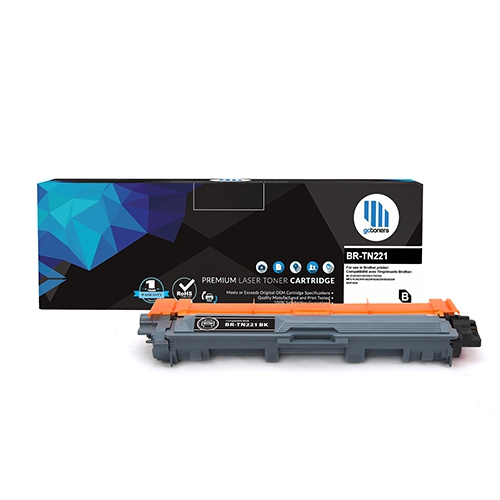
Finding the right toner for a Brother HL-2140 printer starts with confirming compatibility, cartridge type, and expected page yield. This monochrome laser printer uses a separate toner cartridge and drum unit, so the toner is replaced independently from the drum. The standard-yield TN-330 cartridge is designed to print approximately 1,500 pages, while the high-yield TN-360 cartridge can produce approximately 2,600 pages under standard testing conditions. These figures provide a useful point of comparison, although actual results can vary depending on the amount of text, graphics, shading, and other coverage on each page. A home office that prints occasional invoices, school assignments, shipping labels, or letters may find standard yield suitable, particularly when the printer is used only a few times each week. A busy household, small business, community group, or shared office may prefer high yield to reduce interruptions and keep a dependable supply available for longer stretches. Before ordering, check the printer label or existing cartridge packaging, and compare the cartridge number carefully rather than choosing based only on appearance. The toner cartridge is designed to fit into the printer’s DR-360 drum assembly, and the two components serve different purposes. Toner supplies the fine black powder used to create text and images, while the drum transfers that image onto the page. Replacing toner will not correct every print-quality concern, so faded output, repeated marks, grey backgrounds, or lines that remain after installing a fresh cartridge may indicate that the drum or another internal component needs attention. For shoppers comparing original and compatible options, look for clear information about printer compatibility, page yield, package contents, and return support. A well-matched cartridge should install smoothly, produce crisp black text, and allow the printer to recognize the supply without unnecessary adjustments. It is also helpful to keep the printer on a stable, level surface and protect spare cartridges from excessive heat, moisture, and direct sunlight. Leaving a cartridge sealed until it is needed helps prevent dust or handling damage, while storing it flat or according to the package instructions helps keep the toner evenly distributed.
Toner for the HL-2140 is a practical choice for people who rely on printed documents and prefer the sharp, consistent look of monochrome laser output. It can support a range of everyday tasks, from preparing forms and business correspondence to printing recipes, study notes, workshop instructions, return labels, and records that are easier to file on paper. Small offices often keep a spare cartridge in a supply drawer so an empty cartridge does not bring an important print run to a halt. In a home, a replacement cartridge can be a thoughtful and useful gift for a student, remote worker, landlord, volunteer coordinator, or family member who still manages regular paperwork. The most suitable yield depends on printing habits rather than printer ownership alone. Someone who prints only a few pages at a time may value a lower initial commitment, while someone who regularly produces multi-page documents may save time by choosing the higher-capacity option. Think about how often the printer is used, whether several people share it, and whether large batches are common during the cooler months when home administration, schoolwork, and indoor projects may take up more time. When installing a replacement, turn off the printer if the instructions recommend doing so, open the front cover carefully, remove the toner-and-drum assembly, and follow the supplied directions for separating the used toner from the drum. Avoid touching the drum surface, as fingerprints or scratches can affect output. Prepare the new cartridge as directed, gently distribute the toner if the instructions call for it, and slide the assembly back into place until it is secure. A short test print can confirm that text is dark and even before a larger job begins. If pages remain pale, check that the cartridge is seated correctly and that any protective material has been removed. For additional browsing within the same printer-supply category, visit Brother 9340 Toners. Keeping the printer model, cartridge number, and drum information together in your records makes future reordering easier, especially when the original packaging has been discarded. With the correct toner on hand and a little care during installation, the HL-2140 can continue producing clean, readable black-and-white pages for household, school, and workplace needs.
Toner for the HL-2140 is a practical choice for people who rely on printed documents and prefer the sharp, consistent look of monochrome laser output. It can support a range of everyday tasks, from preparing forms and business correspondence to printing recipes, study notes, workshop instructions, return labels, and records that are easier to file on paper. Small offices often keep a spare cartridge in a supply drawer so an empty cartridge does not bring an important print run to a halt. In a home, a replacement cartridge can be a thoughtful and useful gift for a student, remote worker, landlord, volunteer coordinator, or family member who still manages regular paperwork. The most suitable yield depends on printing habits rather than printer ownership alone. Someone who prints only a few pages at a time may value a lower initial commitment, while someone who regularly produces multi-page documents may save time by choosing the higher-capacity option. Think about how often the printer is used, whether several people share it, and whether large batches are common during the cooler months when home administration, schoolwork, and indoor projects may take up more time. When installing a replacement, turn off the printer if the instructions recommend doing so, open the front cover carefully, remove the toner-and-drum assembly, and follow the supplied directions for separating the used toner from the drum. Avoid touching the drum surface, as fingerprints or scratches can affect output. Prepare the new cartridge as directed, gently distribute the toner if the instructions call for it, and slide the assembly back into place until it is secure. A short test print can confirm that text is dark and even before a larger job begins. If pages remain pale, check that the cartridge is seated correctly and that any protective material has been removed. For additional browsing within the same printer-supply category, visit Brother 9340 Toners. Keeping the printer model, cartridge number, and drum information together in your records makes future reordering easier, especially when the original packaging has been discarded. With the correct toner on hand and a little care during installation, the HL-2140 can continue producing clean, readable black-and-white pages for household, school, and workplace needs.
Top selling and popular products
-
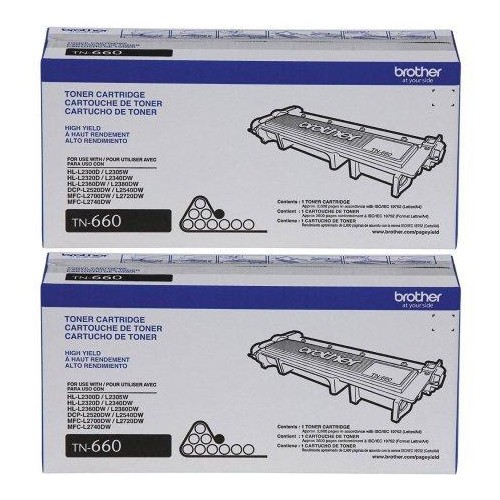 Your price for this item is $157.94
 -
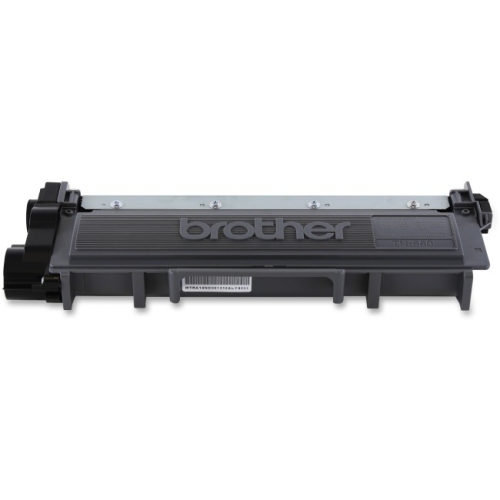 Your price for this item is $74.99
 -
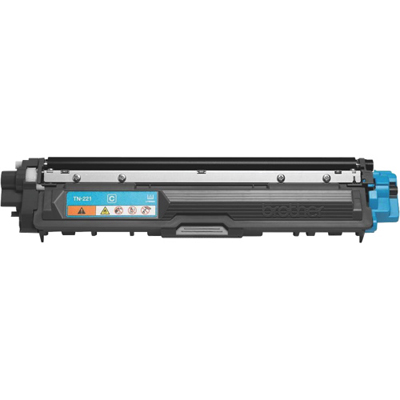 Your price for this item is $102.99
 -
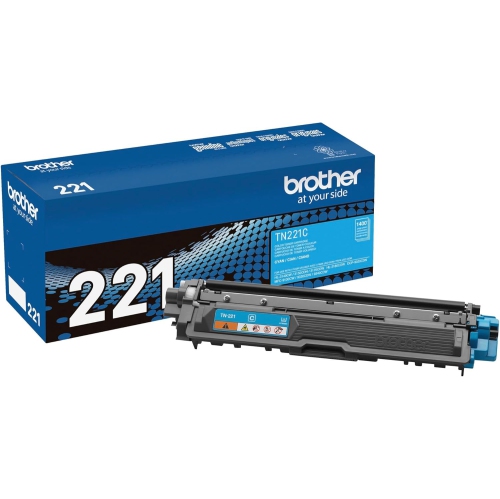 Your price for this item is $115.02
 -
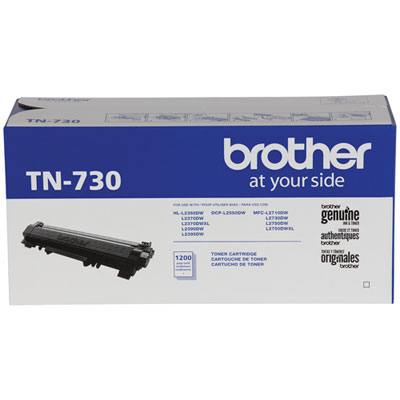 Your price for this item is $72.99
 -
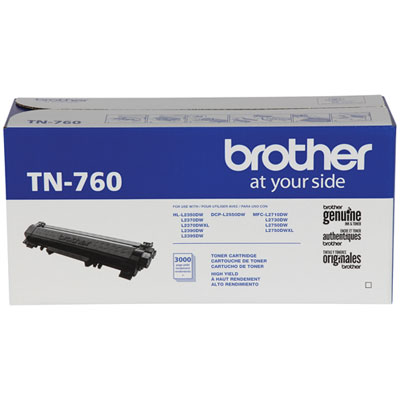 Your price for this item is $115.99
 -
 Your price for this item is $72.99
 -
 Your price for this item is $85.57
Discover more categories related to Brother HL 2140 Toners

Top Collections:
Pokemon Centers, Kindle Devices, Best Cameras for Sports Photography, Samsung Galaxy Phones, Laptops for Business Work, Canon G7X Cameras, Pokémon 30th Celebration Cards, Refurbished Apple Laptops, iPhone 15 Apple, Cordless Dyson Vacuums
Some products may be subject to Environmental Handling Fees
(EHF) depending on your province.
Learn more about EHFs.