Brother MFC L2710DW
Upgrade your workspace with the Brother MFC L2710DW, designed to support your productivity and efficiency. Ideal for both home offices and small businesses, this versatile machine offers reliable performance for all your printing, scanning, copying, and faxing needs. Explore a range of options and discover how the Brother MFC L2710DW can streamline your daily tasks while delivering consistent results.
Sort

![INKFIRST [Chip Included] 2 High Yield Compatible Toner Cartridges Tn-760 Tn760 Replacement for Brother Tn-760 Mfc-L2710Dw](https://multimedia.bbycastatic.ca/multimedia/products/500x500/138/13895/13895192.jpeg)
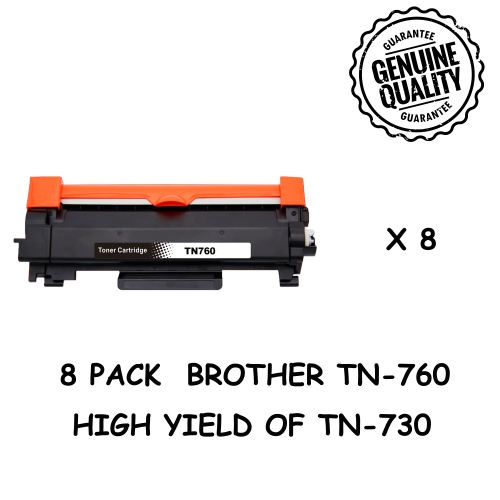
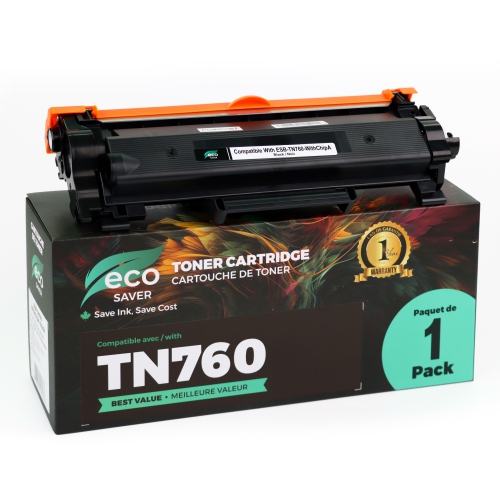
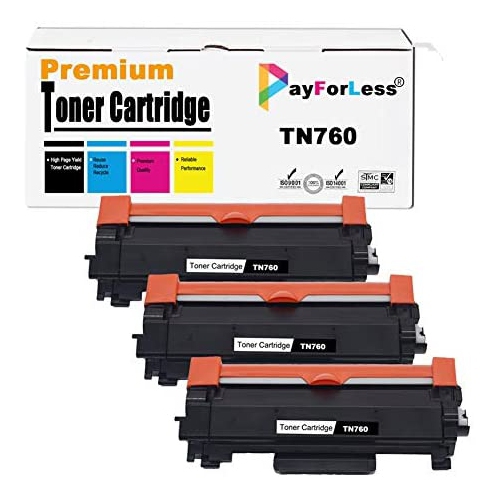
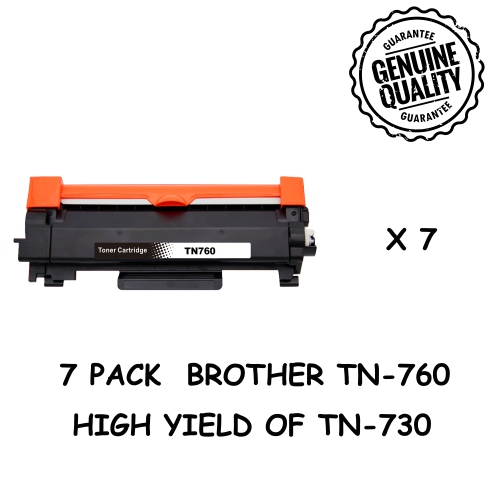
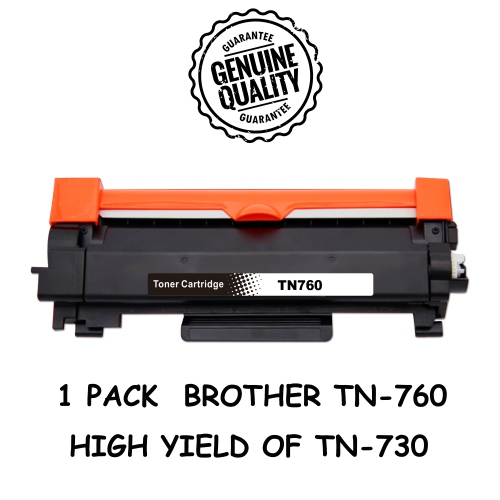
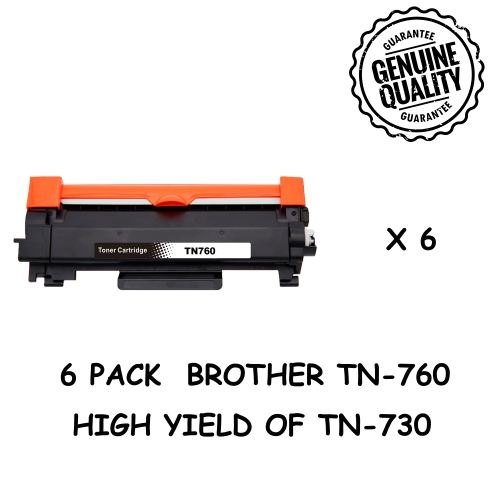
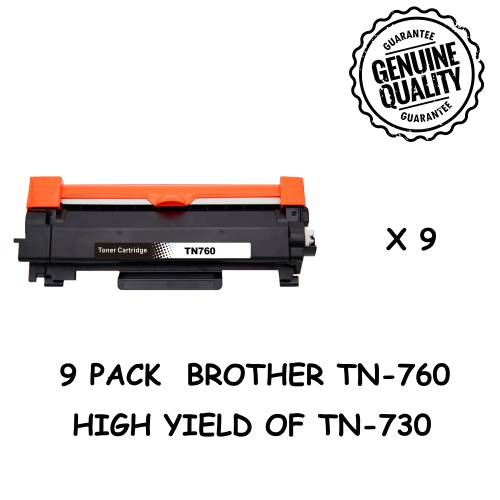
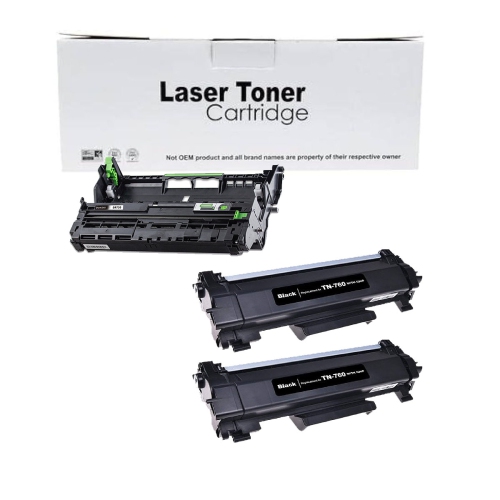
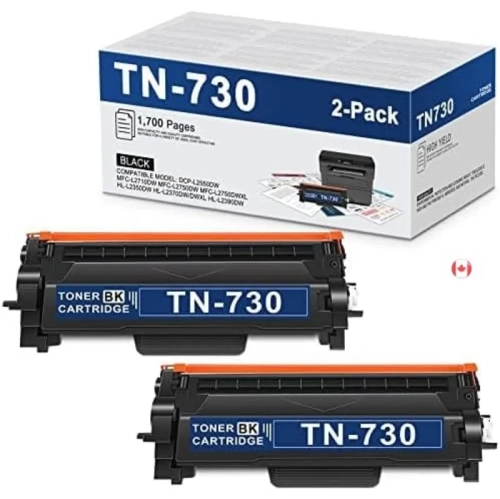
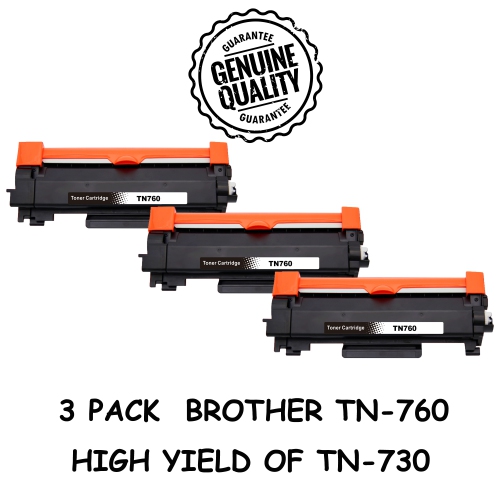
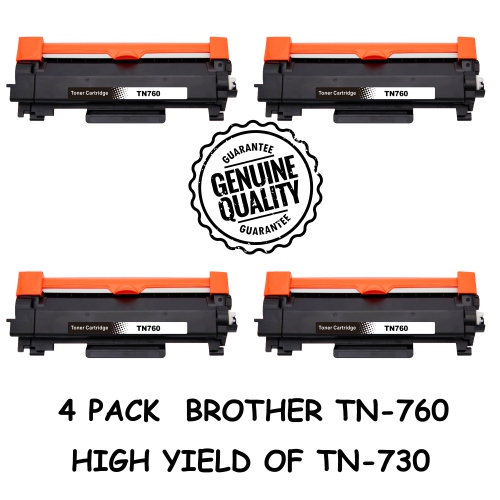
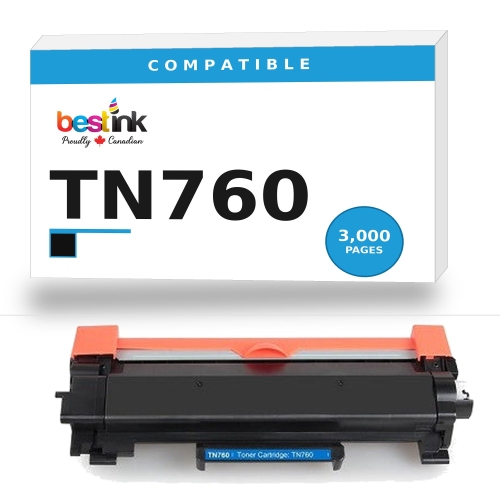
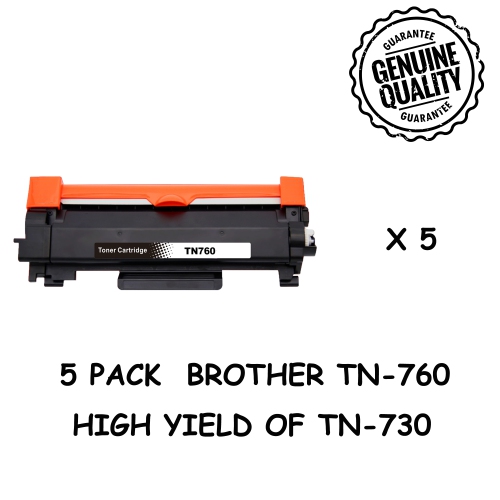
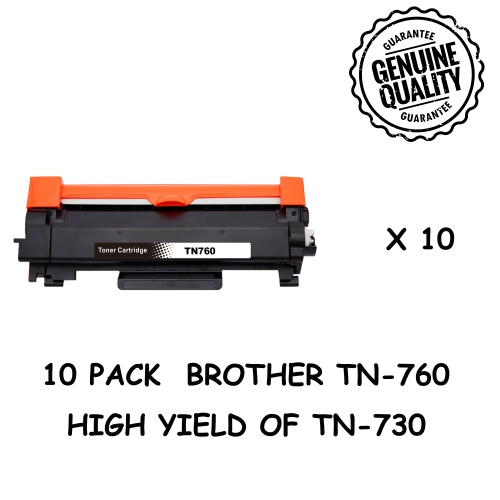
Crisp text and all-in-one convenience for everyday paperwork
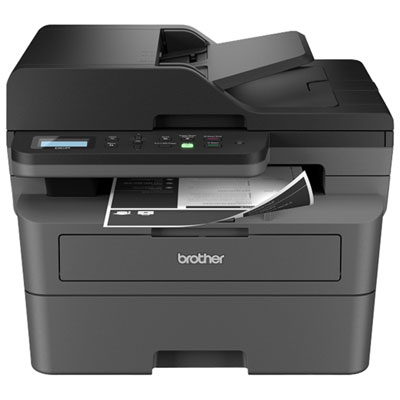
A monochrome laser all-in-one printer combines black-and-white document printing with copying, scanning and, on fax-equipped configurations, faxing in one desktop device. This type of printer suits home offices, small businesses and shared workspaces where most output consists of invoices, forms, shipping documents, reports or school assignments. Laser printing uses powdered toner rather than liquid ink, producing crisp text that stays easy to read in small type, detailed tables and document footnotes. Black-and-white output is particularly practical when information matters more than colour, such as a contract with signature lines or a stack of meeting agendas. Colour photographs and colour-coded presentation materials call for different printing capabilities, although many monochrome multifunction printers can still scan documents in colour. Features such as automatic two-sided printing, a 250-sheet main paper tray and a 50-sheet automatic document feeder support regular office work without requiring a separate machine for each task. A feeder can move a multipage agreement through the scanner while the flatbed accommodates an identification card, a book page or a fragile original that should not pass through rollers. Print speeds of up to 32 pages per minute can help with longer text documents, but actual completion time also depends on the file, connection, print settings and time needed for the first page. The physical fit matters just as much as the feature list: a compact footprint still needs clearance for opening the scanner lid, loading paper and accessing the output tray. A sturdy desk or cabinet provides a better base than a narrow shelf, especially when several people collect documents throughout the day. Letter and legal paper support can be useful for mixed administrative work, while a manual feed slot provides a separate path for supported envelopes or heavier media. Paper size, weight and finish must remain within the printer’s stated limits, since not every cardstock or label sheet is suitable for laser printing. For a small office handling mostly text, this combination of functions keeps everyday document work centred around one familiar machine.
Connectivity determines how easily an all-in-one printer fits into an existing routine. Wi-Fi allows compatible computers and mobile devices to reach a printer without a direct cable, making it practical to position the machine on a cabinet rather than beside a laptop. Ethernet offers a wired network connection for offices that prefer a fixed link, while USB suits a straightforward connection to one computer. These connection types serve different needs, so compatibility with the intended computer, operating system and network remains important. Mobile printing support can make everyday tasks more convenient: a signed form received by email or a PDF stored on a phone can move to paper without first being transferred to a desktop computer. AirPrint support and Wi-Fi Direct are useful features to look for, but they are not interchangeable; one works through compatible Apple printing workflows, while the other can provide a direct wireless connection between supported devices and the printer. Scanning adds another layer of usefulness beyond producing paper copies. Receipts, handwritten notes and signed pages can become digital files for organized folders or email attachments, with colour scanning preserving highlighted sections and coloured markings where supported. An automatic document feeder is convenient for a packet of loose sheets, whereas the flatbed keeps delicate originals stationary. Automatic two-sided printing does not necessarily mean automatic two-sided scanning, an important distinction for anyone handling double-sided agreements or application packages. Fax capability remains relevant for organizations that accept or require faxed paperwork, although sending and receiving depend on an appropriate telephone connection and service compatibility. Shared households and small teams may also value a clear control panel, understandable status messages and accessible paper handling. A printer that is easy to reach and operate is more comfortable to use when a customer is waiting for a receipt or a form needs a quick copy. Connection options and document handling are most useful when they match the work performed regularly, rather than adding features that rarely become part of the routine.
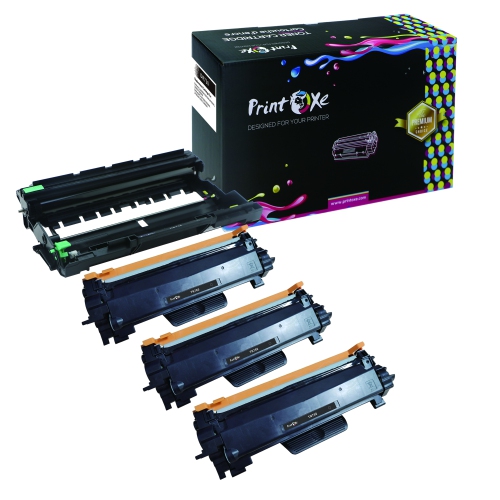
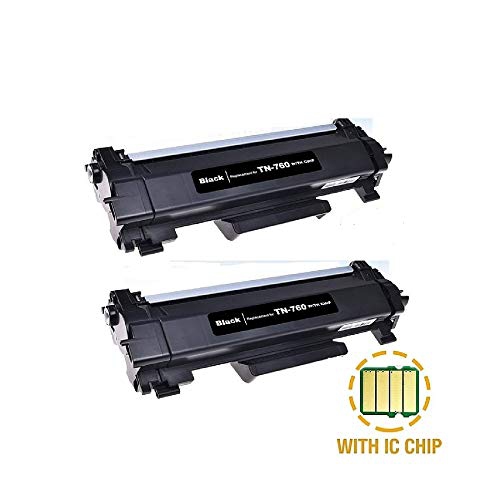
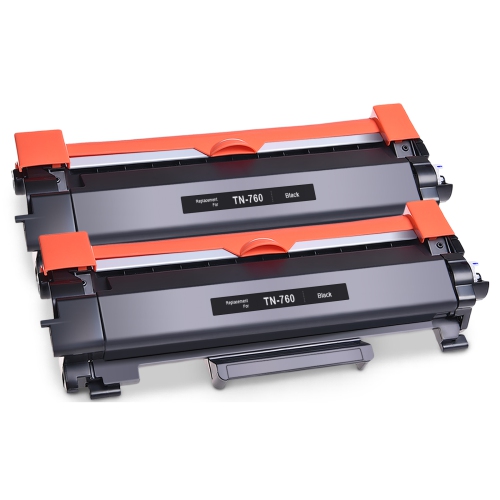
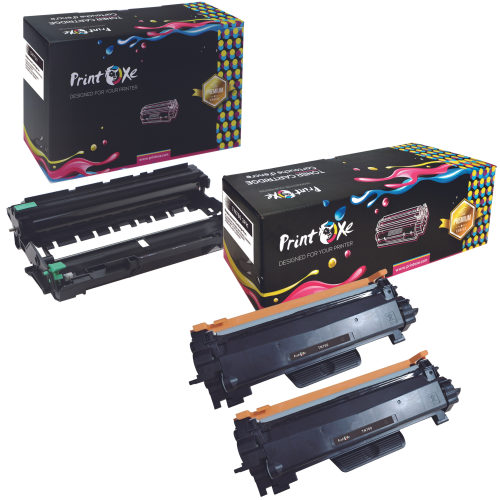
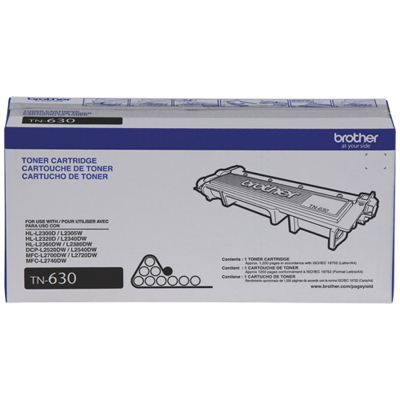
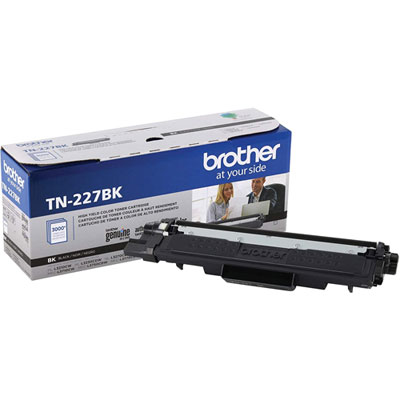
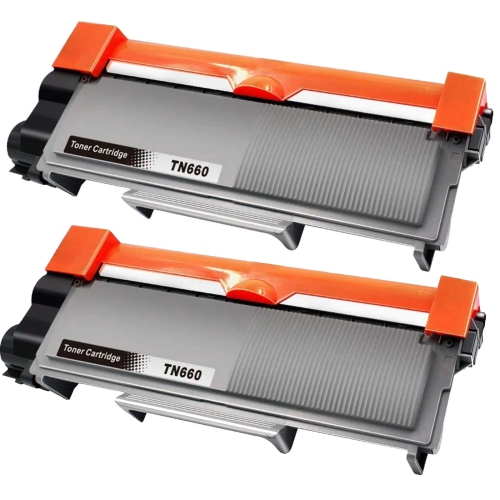
Toner and drum compatibility are central to keeping a monochrome laser printer working reliably. The toner cartridge supplies the black powder used to form text and images, while the drum is a separate imaging component on designs that use individual toner and drum units. Replacing toner does not automatically mean the drum needs replacing, and each component must match the printer’s exact compatibility requirements. Standard-yield and high-yield cartridges can suit different printing volumes, but quoted page yields are estimates based on defined testing conditions, not a promise for every document. Dense graphics, large areas of black and frequent short print jobs can affect how long a cartridge lasts. Someone printing occasional forms has a different supply routine from a business producing multipage invoices every day. Durable outer housings and accessible service areas help with ordinary handling, while long-term reliability also depends on paper quality, correct loading and routine care. Dry, flat paper within the supported specifications feeds more predictably than curled sheets or mixed stacks of different weights. Keeping loose objects away from the paper path and allowing space around ventilation openings helps the machine function as intended. Exterior cleaning generally calls for a soft cloth and the method specified in the manufacturer’s documentation; internal rollers, the drum surface and heated components need their own handling precautions. Laser-compatible labels and envelopes are important because printing involves heat, and unsuitable adhesives or coatings can cause trouble inside the machine. For workspaces that also need colour charts or presentation handouts, Brother MFC L3710CW offers a related comparison. Monochrome output remains well suited to text-heavy tasks, where clear lettering, orderly page handling and dependable scanning matter more than photographic detail. The strongest fit comes from matching paper capacity, connection options, document features and compatible supplies to the people using the printer, whether that means one person managing household paperwork or a small team sharing daily administrative work.
Connectivity determines how easily an all-in-one printer fits into an existing routine. Wi-Fi allows compatible computers and mobile devices to reach a printer without a direct cable, making it practical to position the machine on a cabinet rather than beside a laptop. Ethernet offers a wired network connection for offices that prefer a fixed link, while USB suits a straightforward connection to one computer. These connection types serve different needs, so compatibility with the intended computer, operating system and network remains important. Mobile printing support can make everyday tasks more convenient: a signed form received by email or a PDF stored on a phone can move to paper without first being transferred to a desktop computer. AirPrint support and Wi-Fi Direct are useful features to look for, but they are not interchangeable; one works through compatible Apple printing workflows, while the other can provide a direct wireless connection between supported devices and the printer. Scanning adds another layer of usefulness beyond producing paper copies. Receipts, handwritten notes and signed pages can become digital files for organized folders or email attachments, with colour scanning preserving highlighted sections and coloured markings where supported. An automatic document feeder is convenient for a packet of loose sheets, whereas the flatbed keeps delicate originals stationary. Automatic two-sided printing does not necessarily mean automatic two-sided scanning, an important distinction for anyone handling double-sided agreements or application packages. Fax capability remains relevant for organizations that accept or require faxed paperwork, although sending and receiving depend on an appropriate telephone connection and service compatibility. Shared households and small teams may also value a clear control panel, understandable status messages and accessible paper handling. A printer that is easy to reach and operate is more comfortable to use when a customer is waiting for a receipt or a form needs a quick copy. Connection options and document handling are most useful when they match the work performed regularly, rather than adding features that rarely become part of the routine.
Toner and drum compatibility are central to keeping a monochrome laser printer working reliably. The toner cartridge supplies the black powder used to form text and images, while the drum is a separate imaging component on designs that use individual toner and drum units. Replacing toner does not automatically mean the drum needs replacing, and each component must match the printer’s exact compatibility requirements. Standard-yield and high-yield cartridges can suit different printing volumes, but quoted page yields are estimates based on defined testing conditions, not a promise for every document. Dense graphics, large areas of black and frequent short print jobs can affect how long a cartridge lasts. Someone printing occasional forms has a different supply routine from a business producing multipage invoices every day. Durable outer housings and accessible service areas help with ordinary handling, while long-term reliability also depends on paper quality, correct loading and routine care. Dry, flat paper within the supported specifications feeds more predictably than curled sheets or mixed stacks of different weights. Keeping loose objects away from the paper path and allowing space around ventilation openings helps the machine function as intended. Exterior cleaning generally calls for a soft cloth and the method specified in the manufacturer’s documentation; internal rollers, the drum surface and heated components need their own handling precautions. Laser-compatible labels and envelopes are important because printing involves heat, and unsuitable adhesives or coatings can cause trouble inside the machine. For workspaces that also need colour charts or presentation handouts, Brother MFC L3710CW offers a related comparison. Monochrome output remains well suited to text-heavy tasks, where clear lettering, orderly page handling and dependable scanning matter more than photographic detail. The strongest fit comes from matching paper capacity, connection options, document features and compatible supplies to the people using the printer, whether that means one person managing household paperwork or a small team sharing daily administrative work.
Top selling and popular products
-
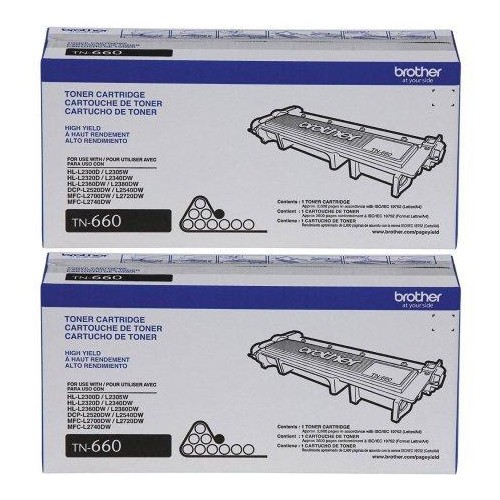 Your price for this item is $157.94
 -
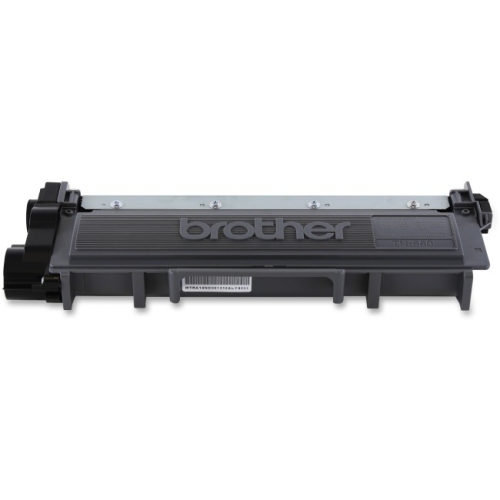 Your price for this item is $74.99
 -
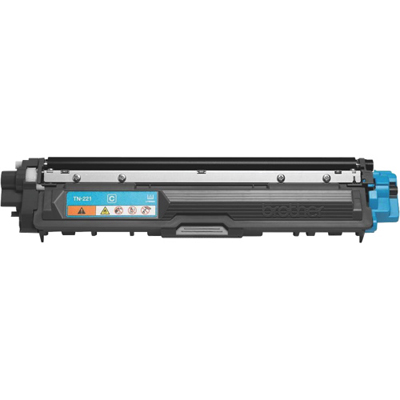 Your price for this item is $102.99
 -
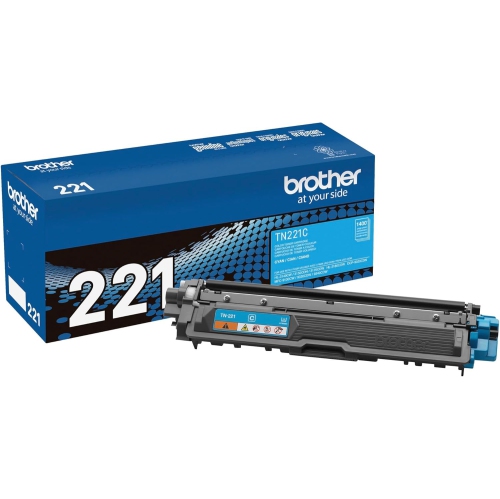 Your price for this item is $115.02
 -
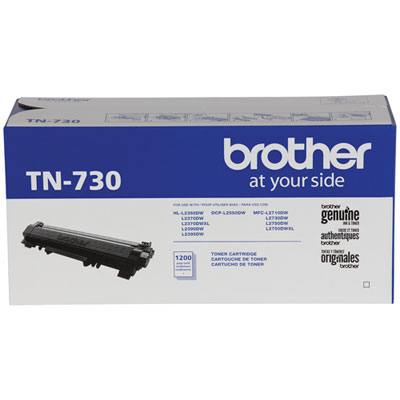 Your price for this item is $72.99
 -
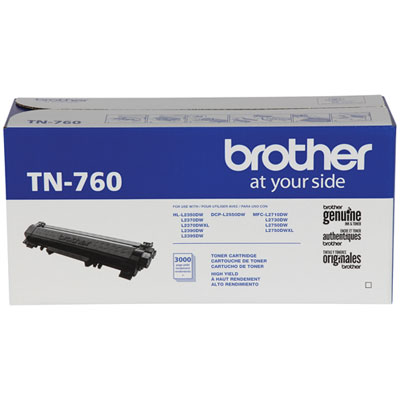 Your price for this item is $115.99
 -
 Your price for this item is $72.99
 -
 Your price for this item is $85.57
Discover more categories related to Brother MFC L2710DW
Top Collections:
Pokemon Centers, Kindle Devices, Best Cameras for Sports Photography, Samsung Galaxy Phones, Laptops for Business Work, Canon G7X Cameras, Pokémon 30th Celebration Cards, Refurbished Apple Laptops, iPhone 15 Apple, Cordless Dyson Vacuums
Some products may be subject to Environmental Handling Fees
(EHF) depending on your province.
Learn more about EHFs.