Brother TN 221
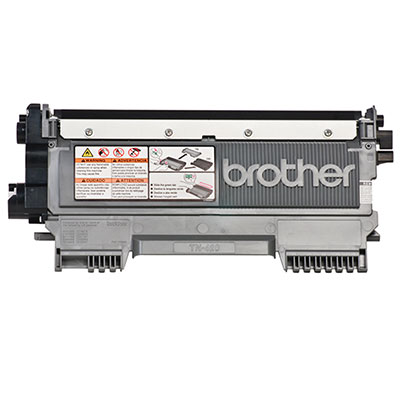
Are you looking for high-quality toner cartridges to keep your printer running smoothly? Look no further than the Brother TN 221 series. These reliable and efficient cartridges are designed to deliver crisp and clear prints, ensuring professional-looking documents every time. Whether you need to print important business reports, school assignments, or personal projects, the Brother TN 221 series provides exceptional performance and value. With easy installation and compatibility with a wide range of printers, these toner cartridges are a must-have for any printing needs. Upgrade your printing experience with a Brother TN 221 series today!
Sort
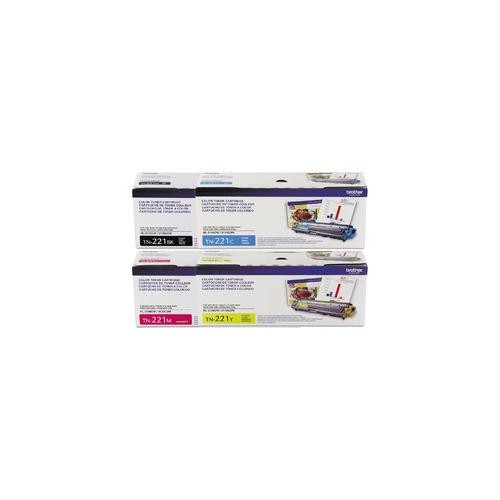
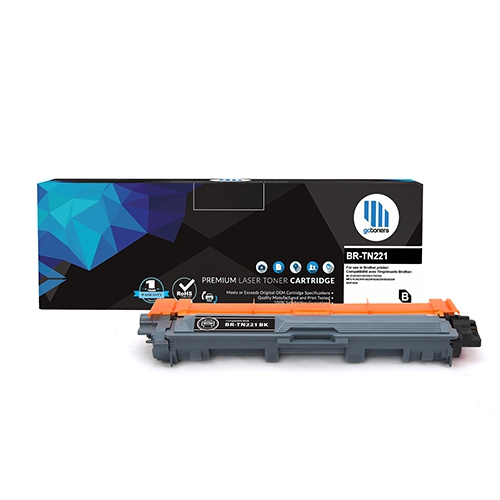
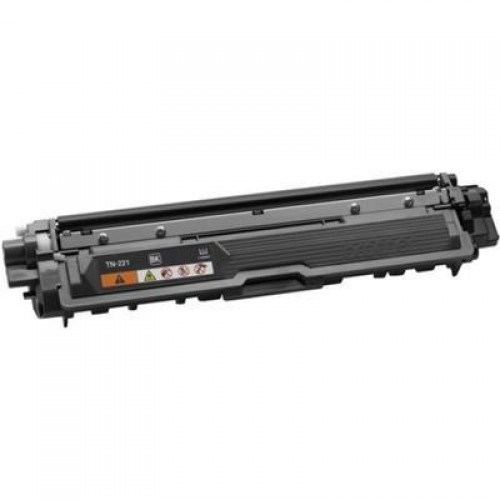
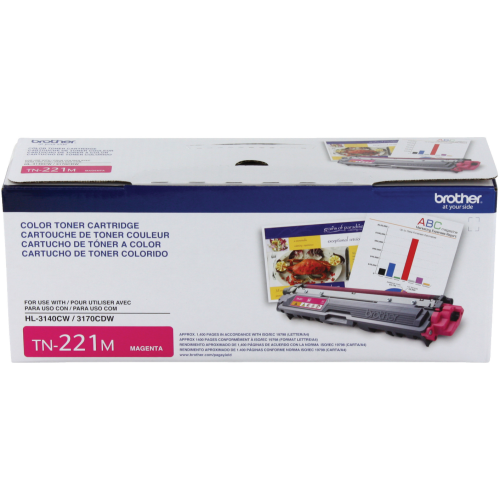
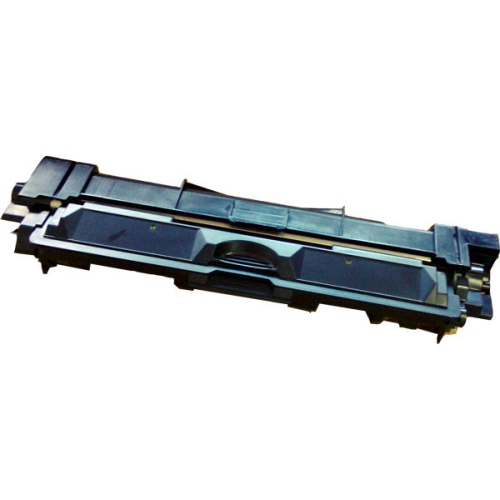
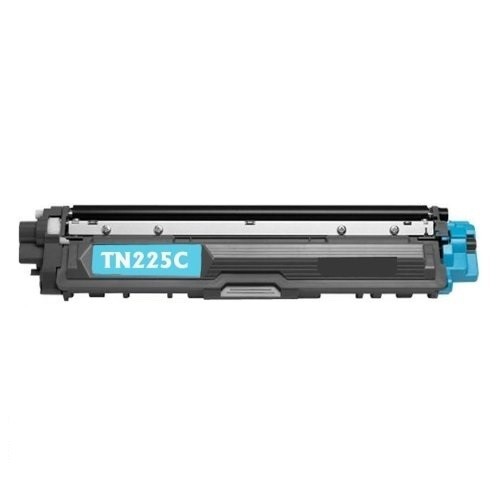
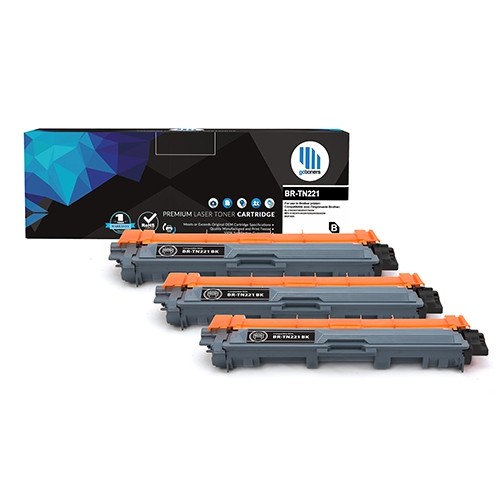
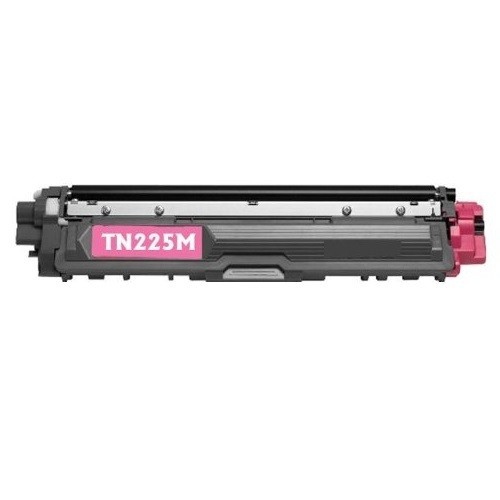
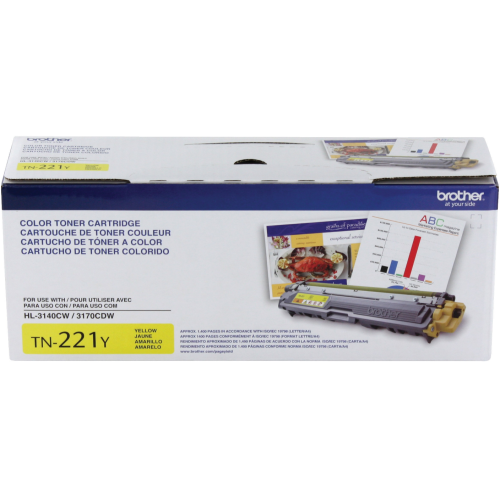
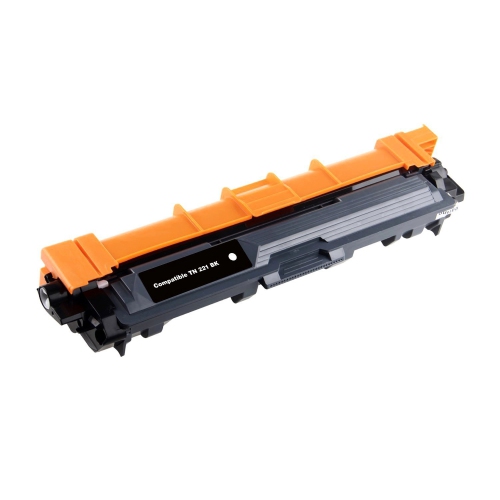
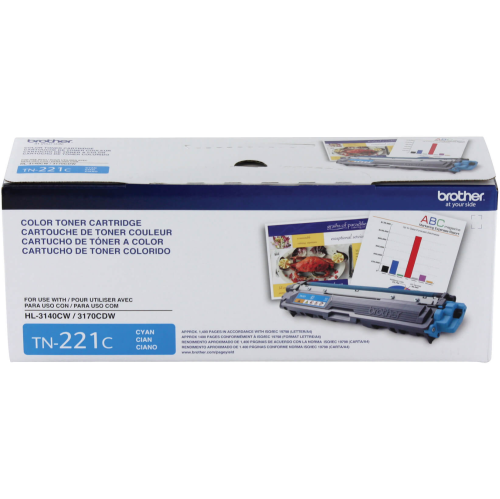
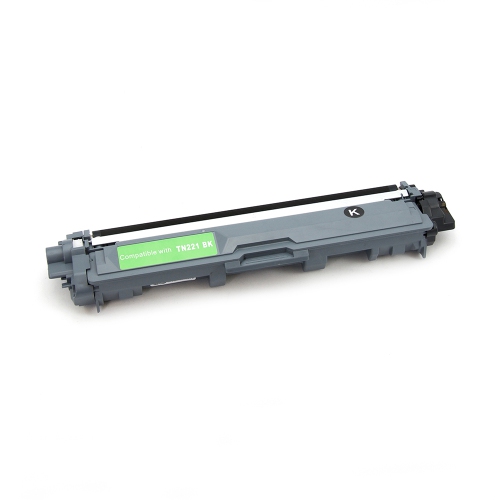
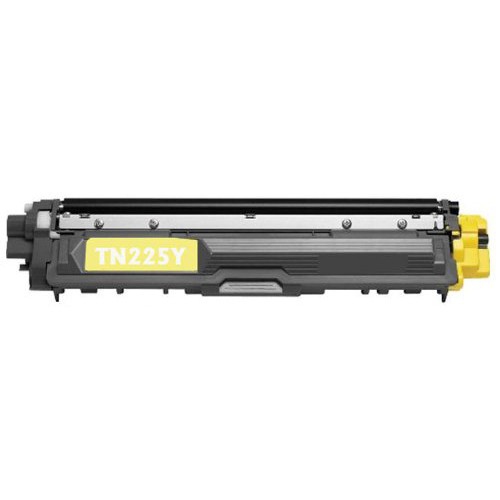

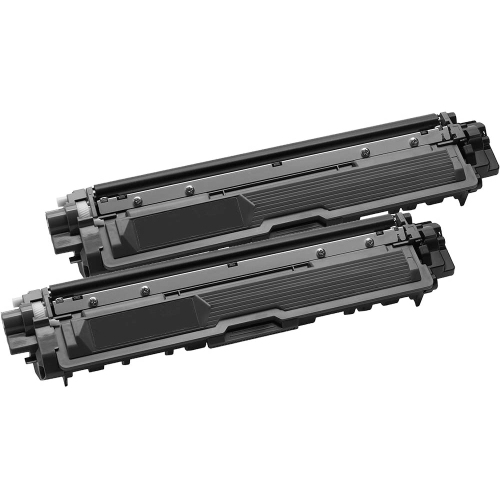
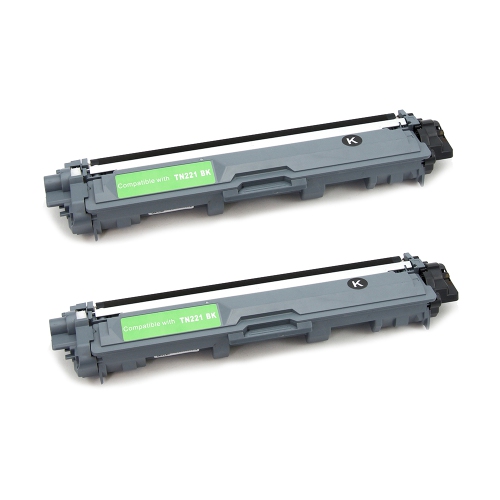
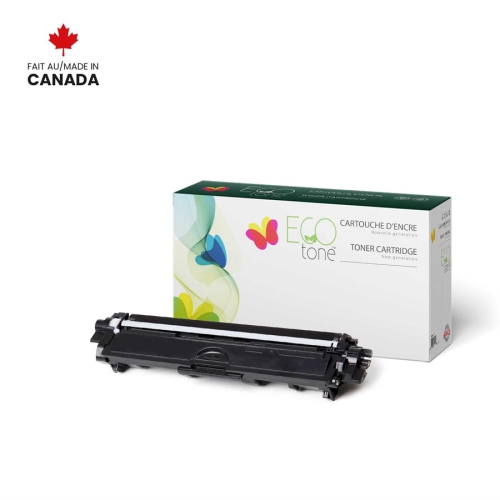
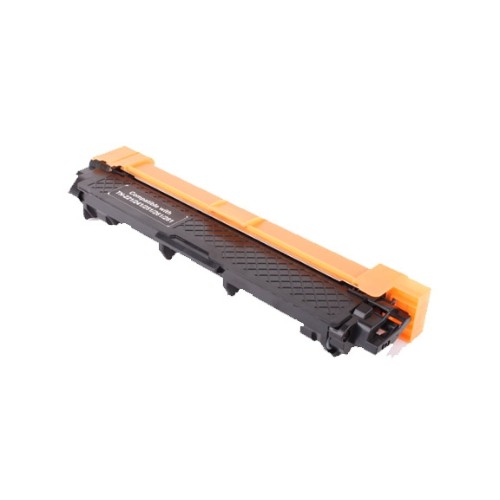
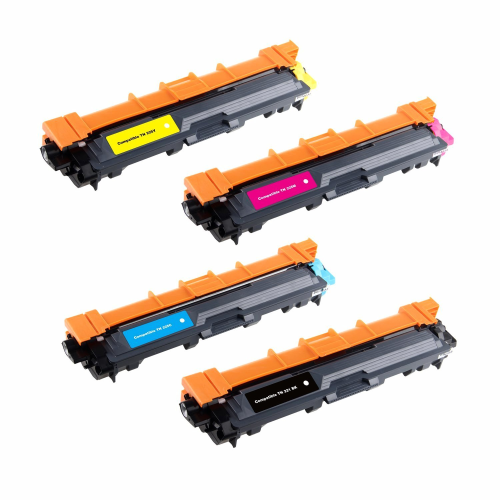
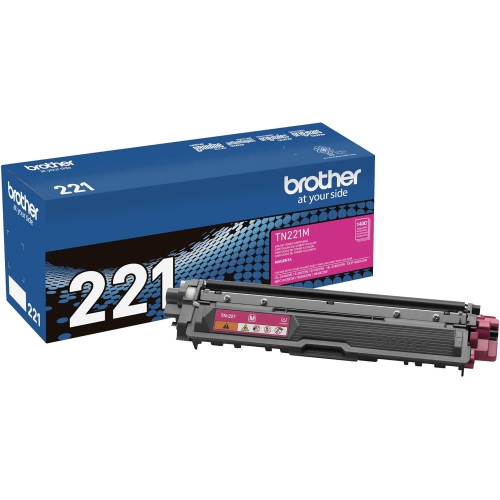
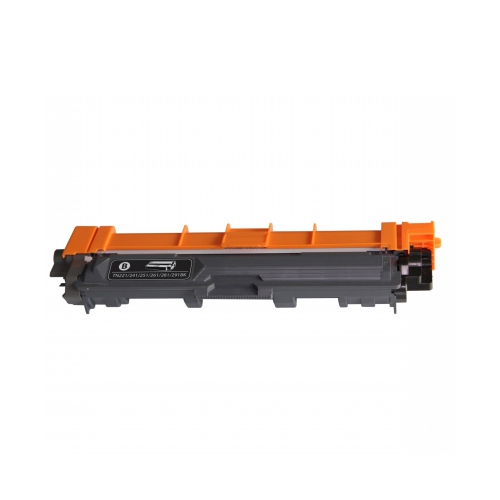
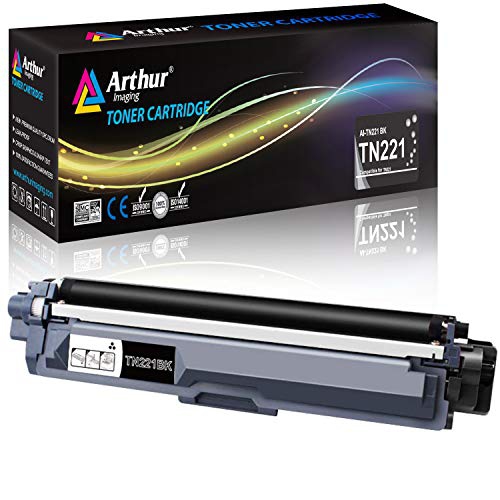
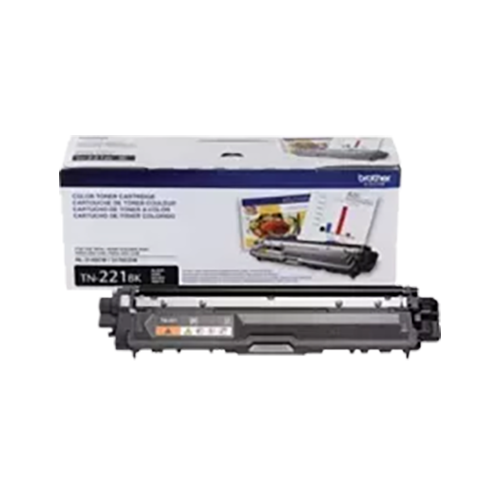
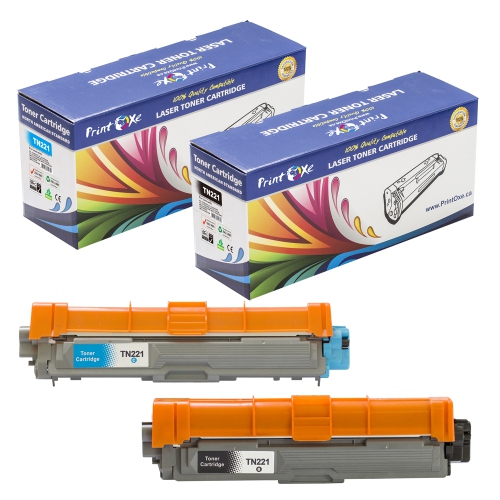
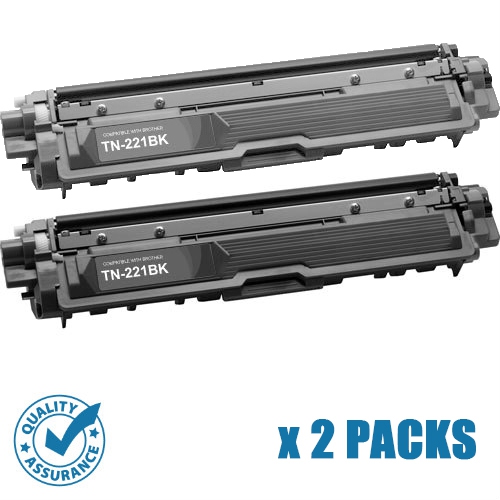
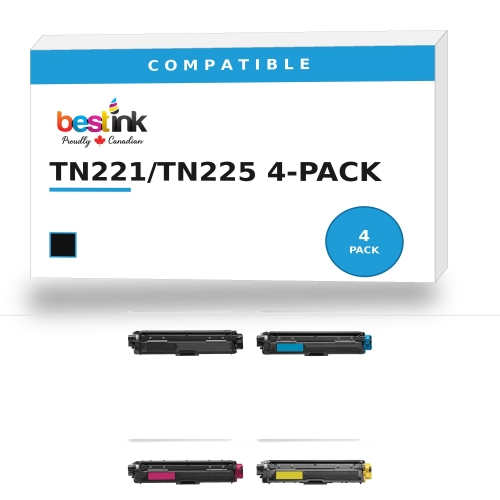
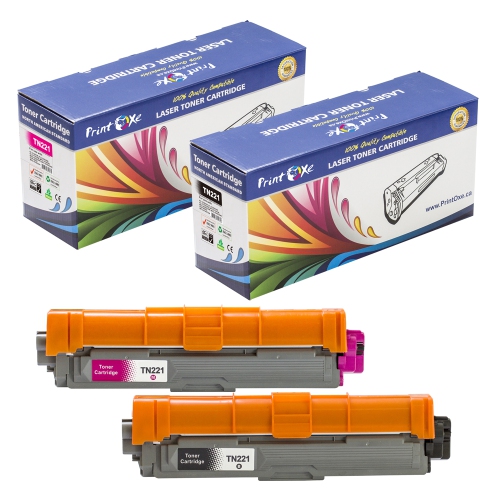
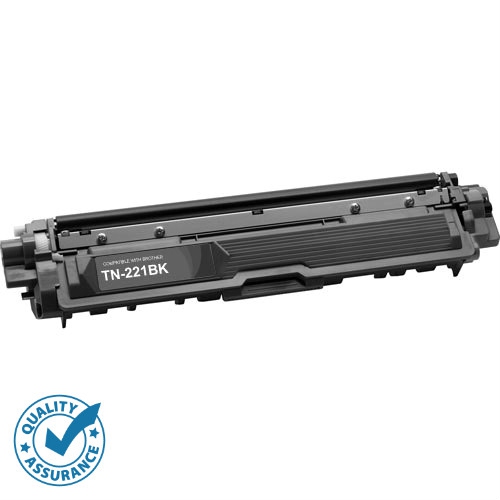
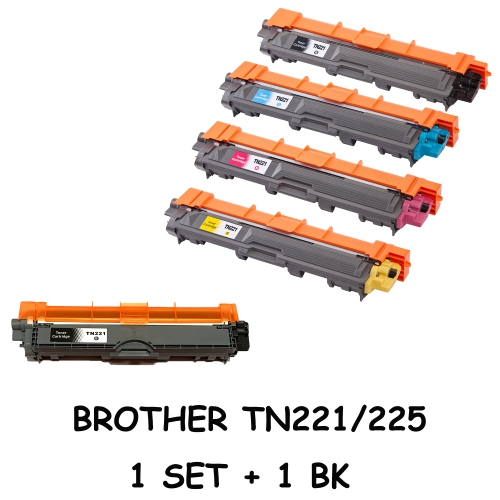
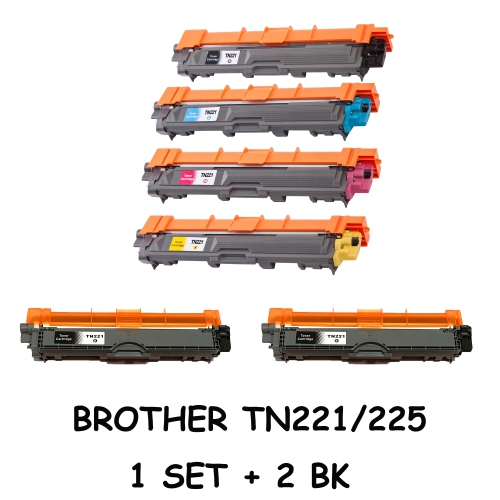
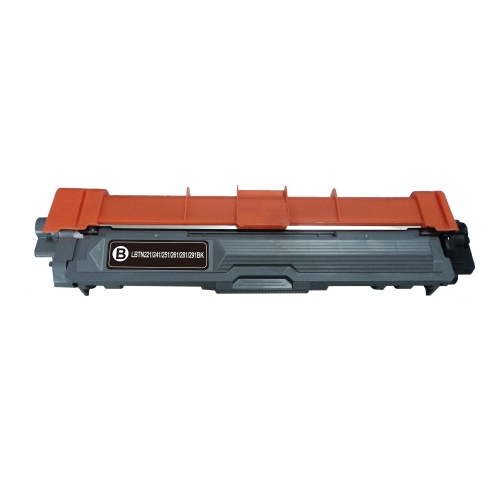
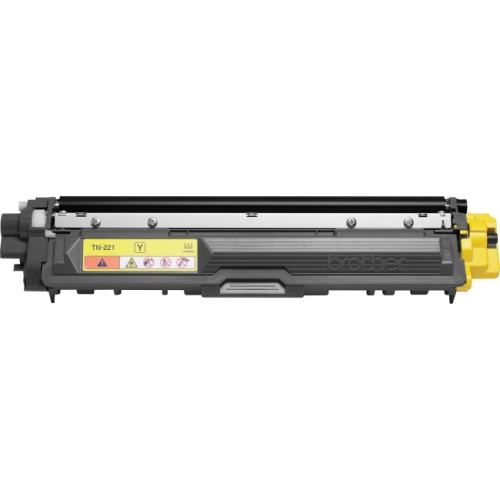
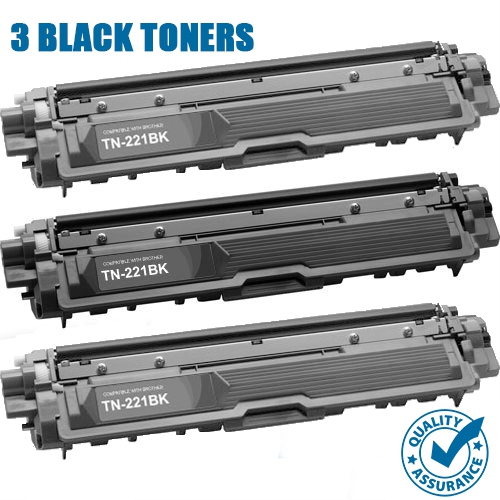
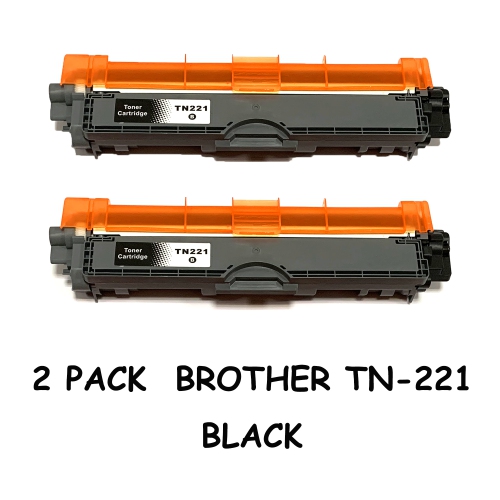
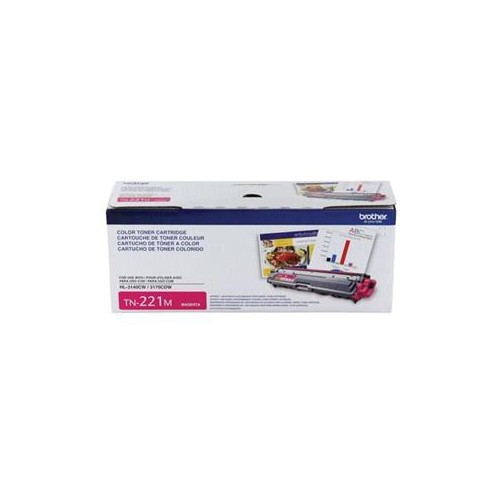
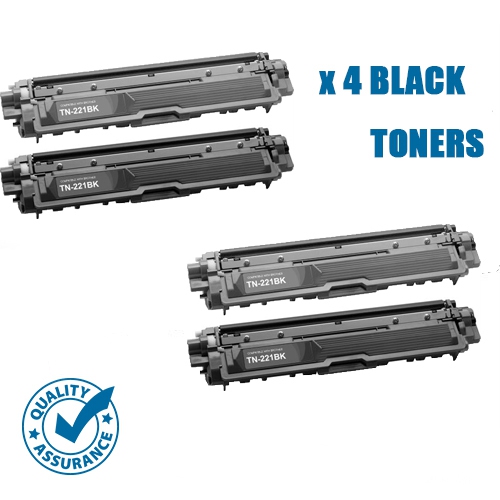
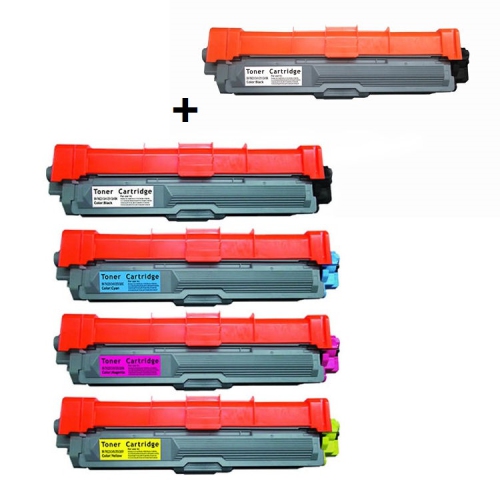
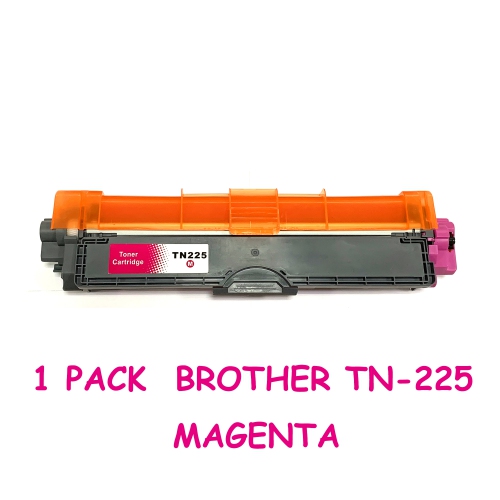
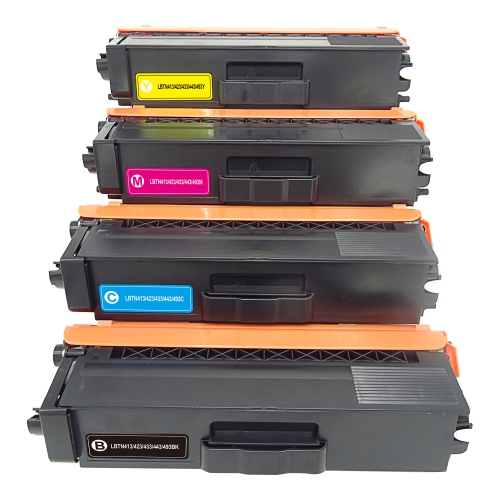
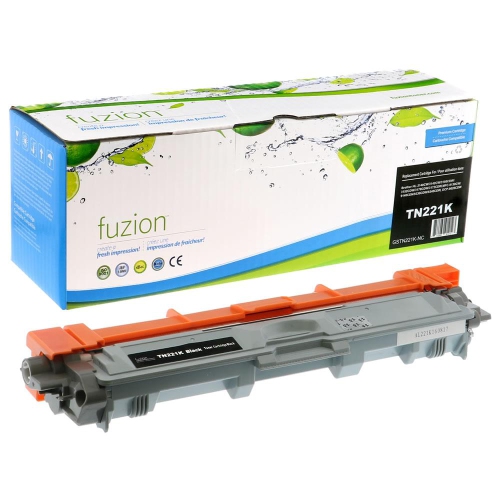
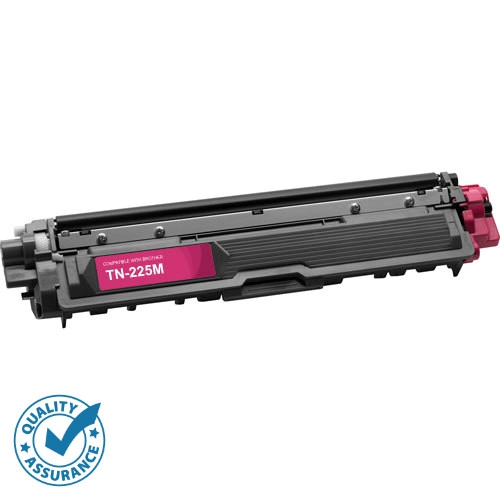
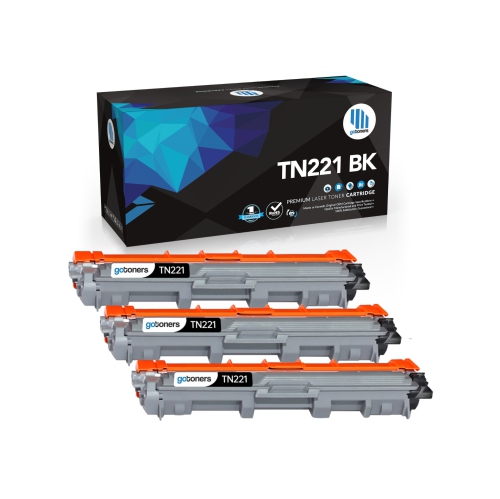
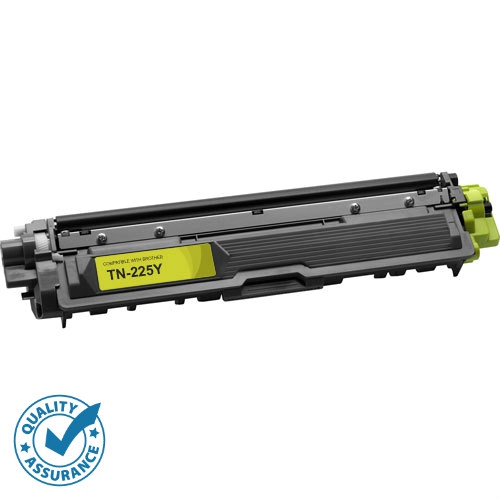
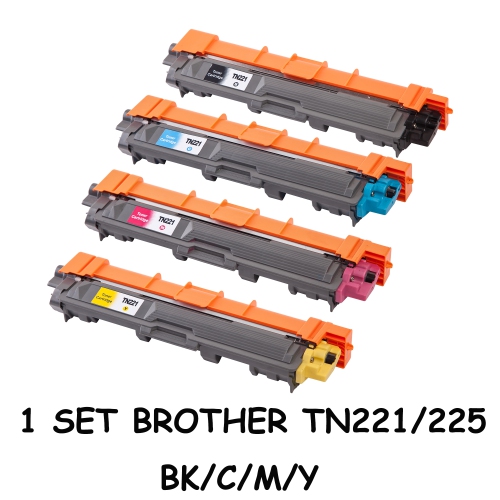
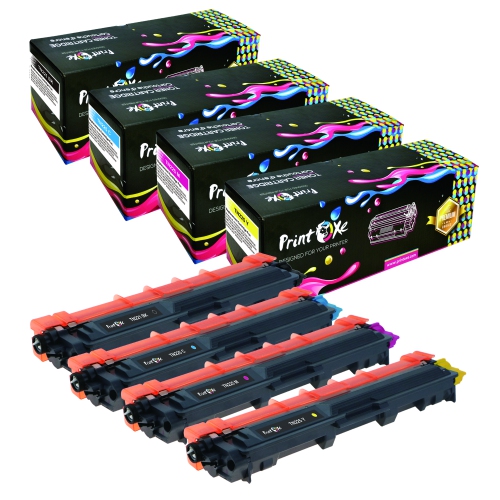
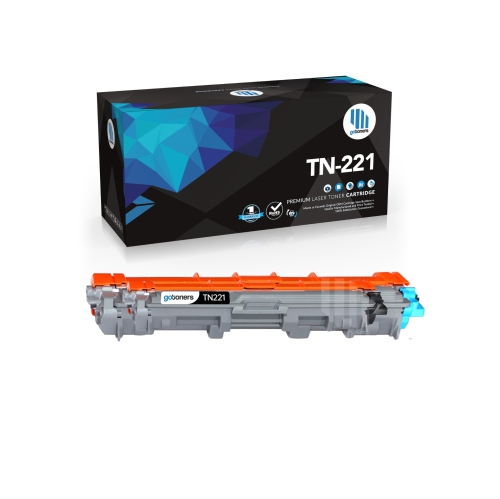
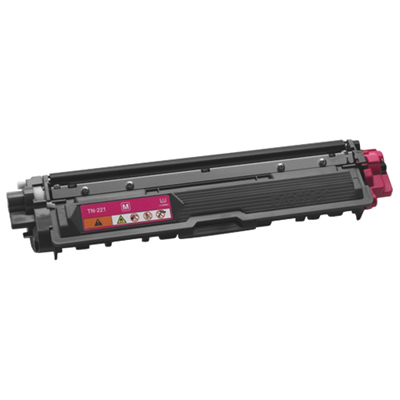
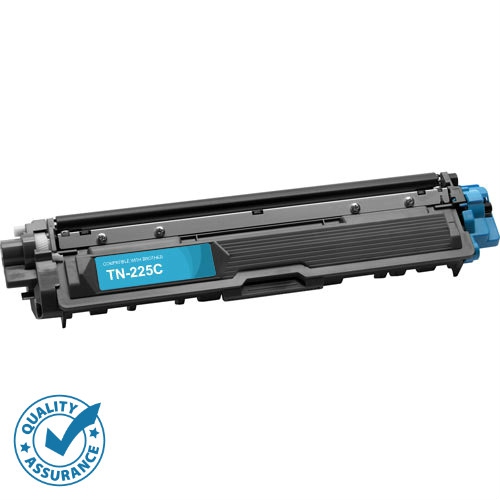

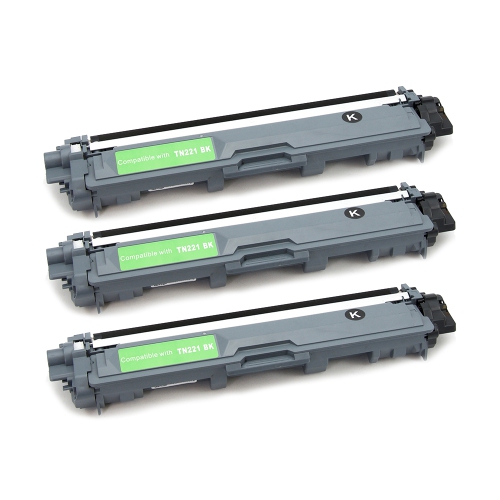
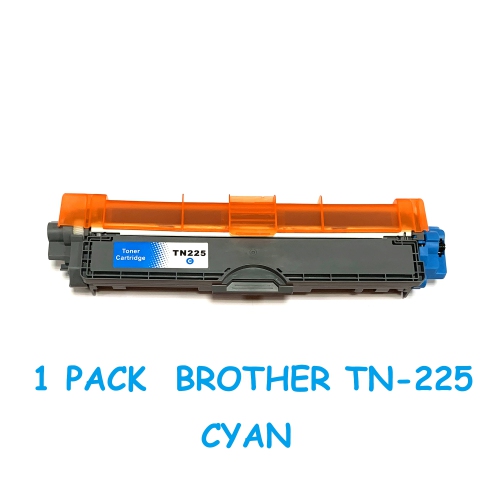
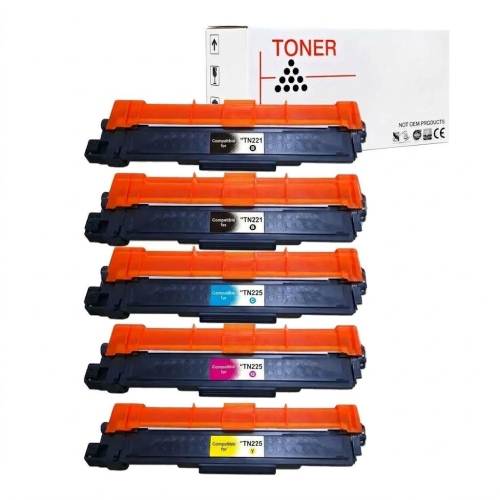
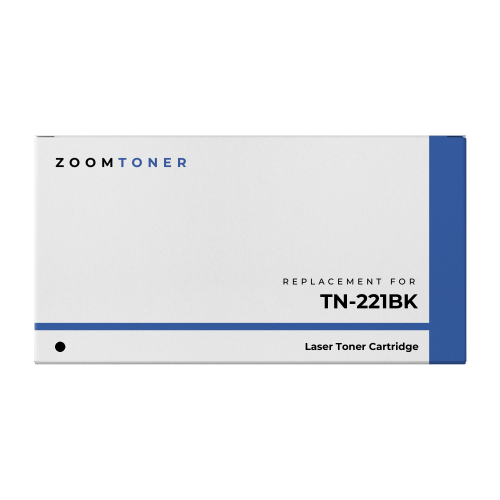
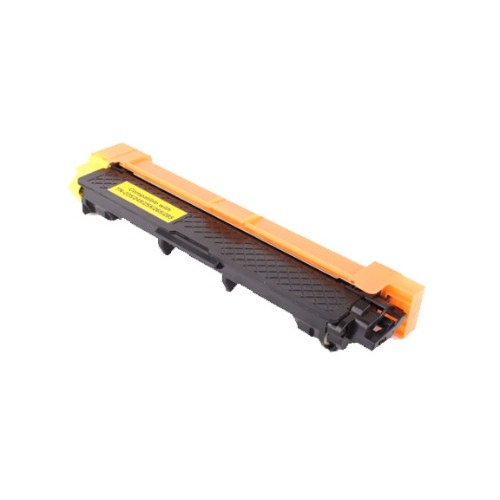
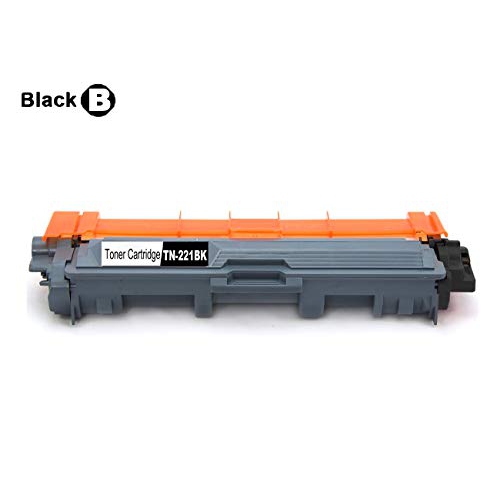
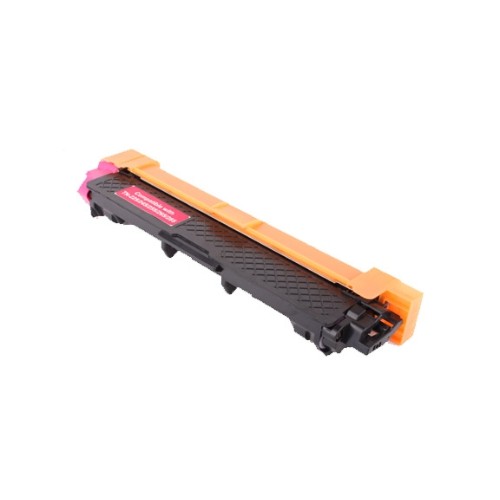
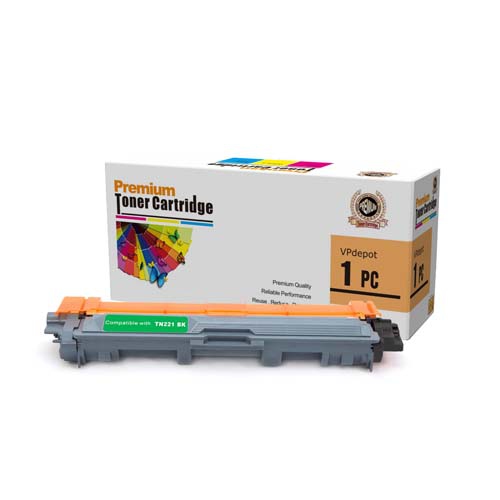
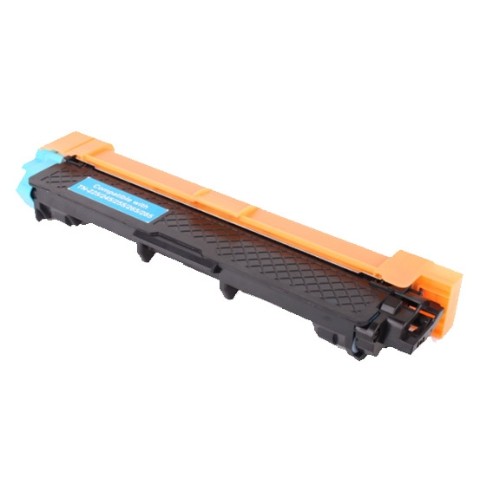
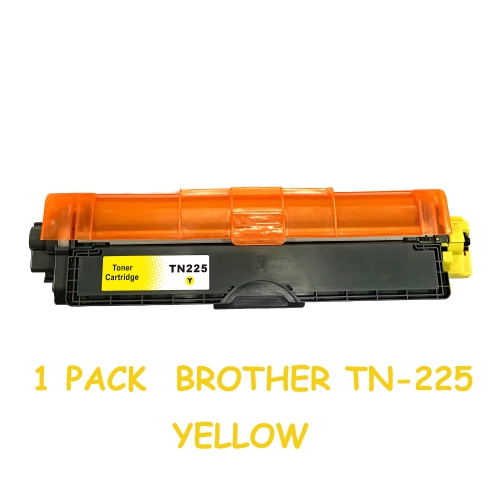
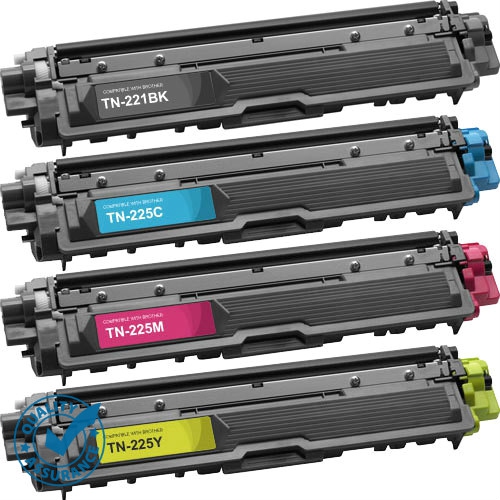
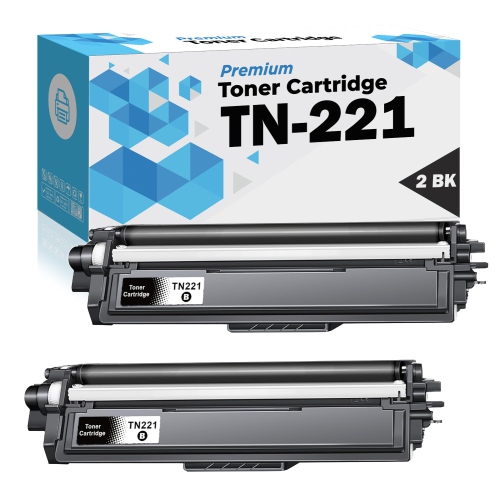

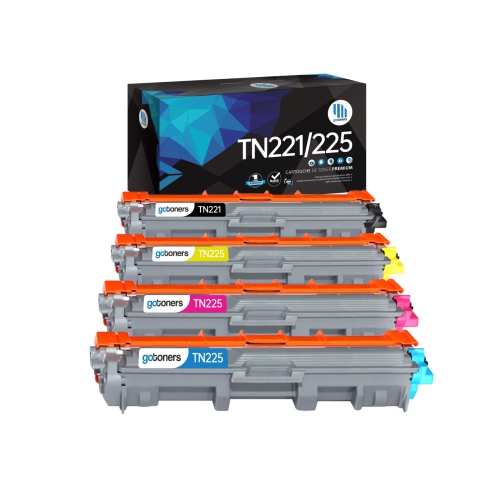
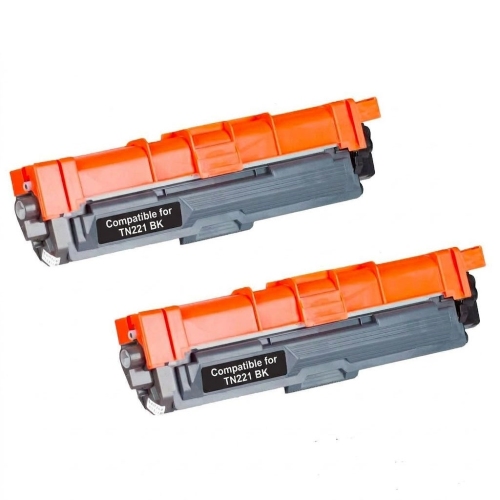

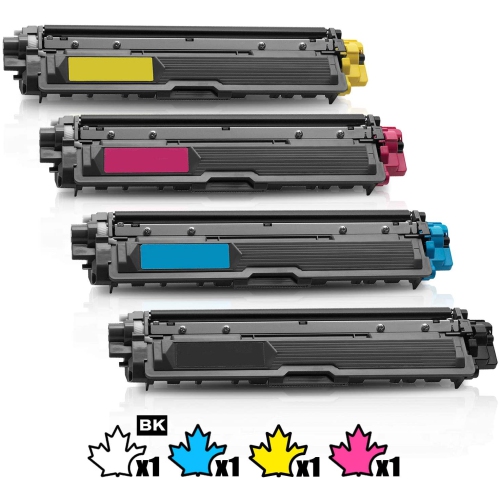
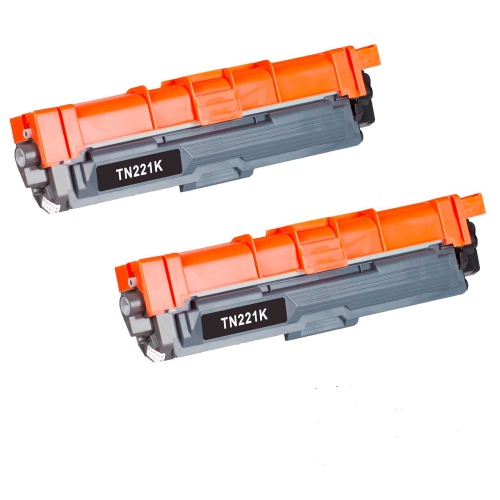
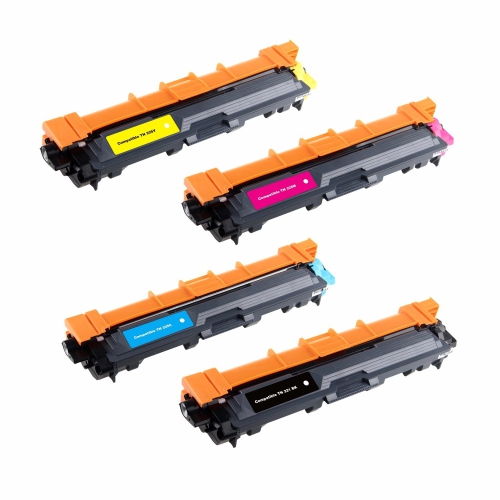
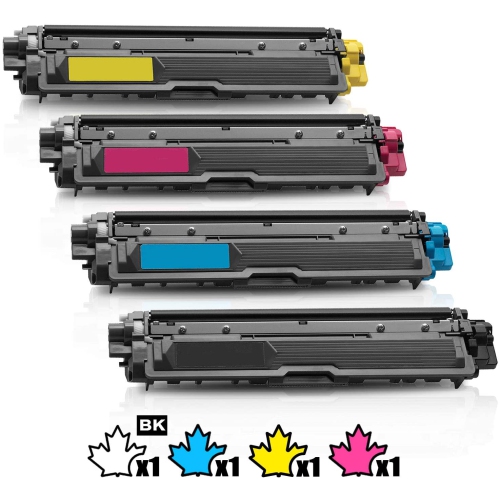
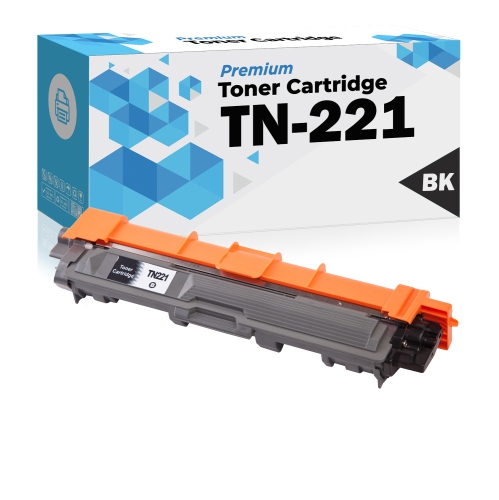
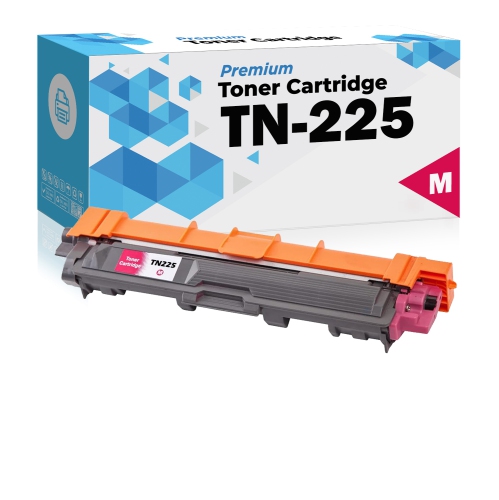
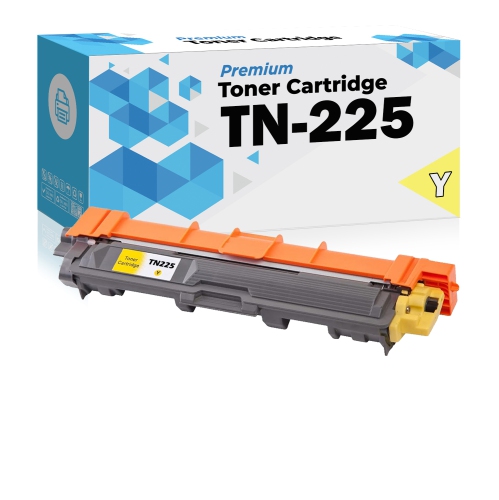
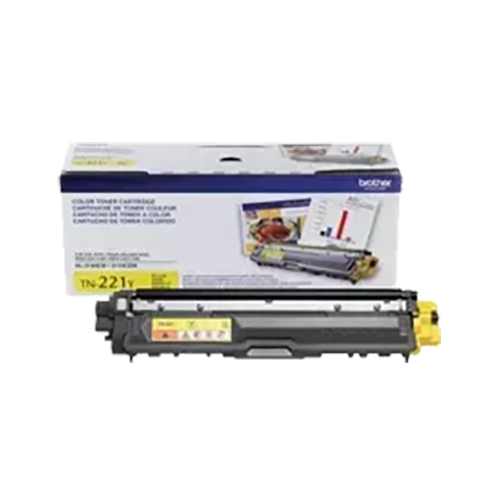


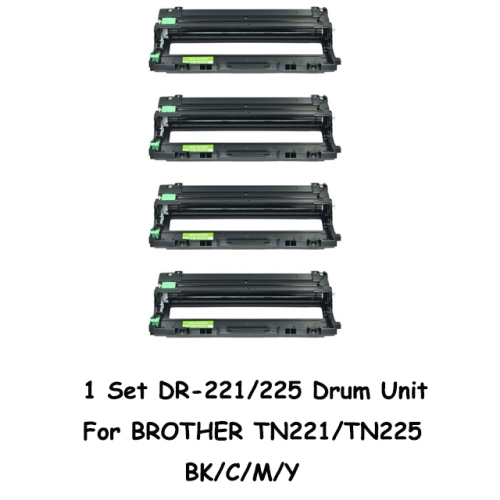
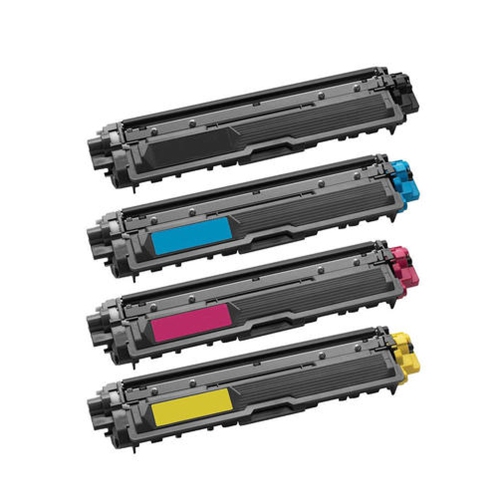


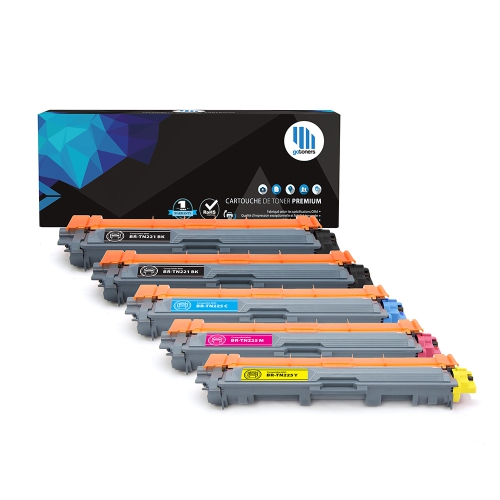
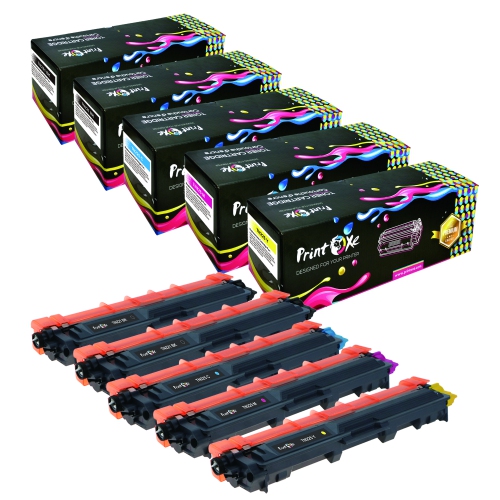
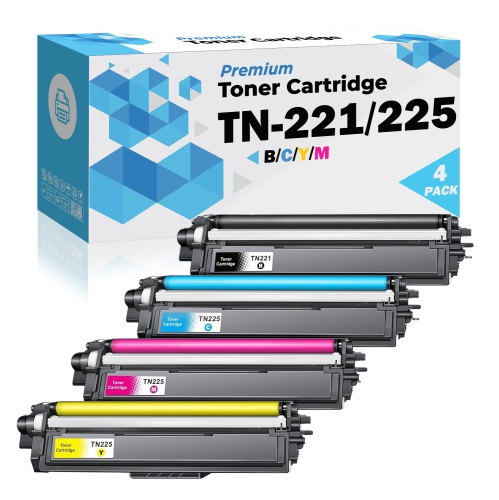
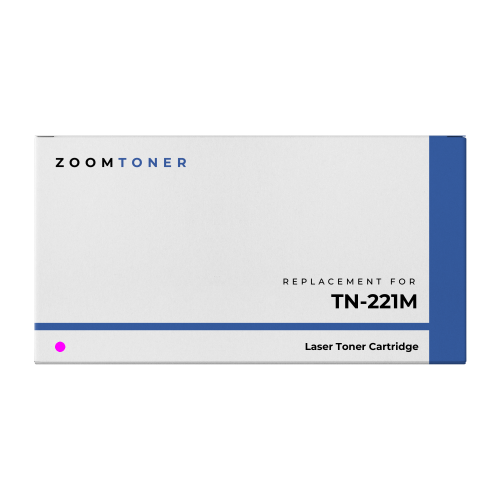
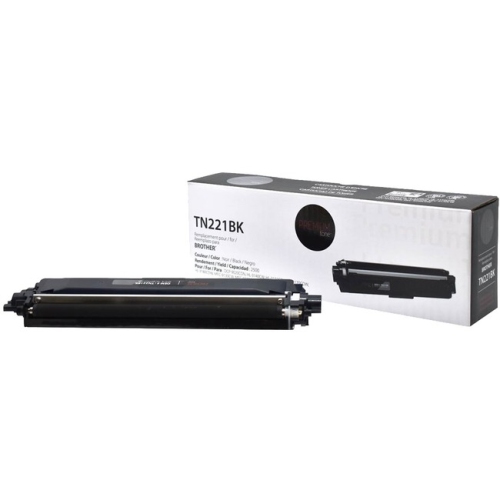
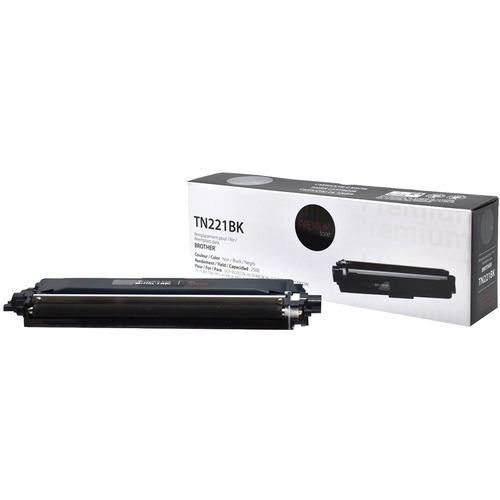
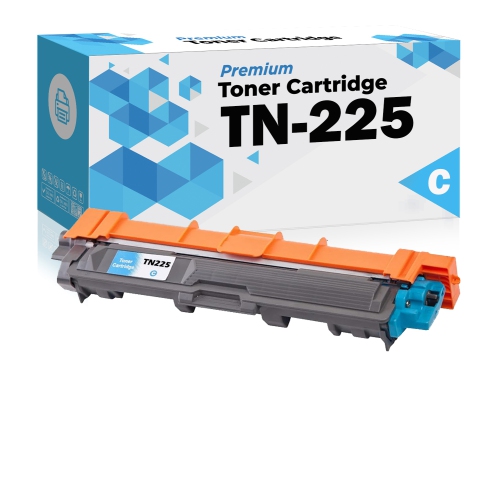
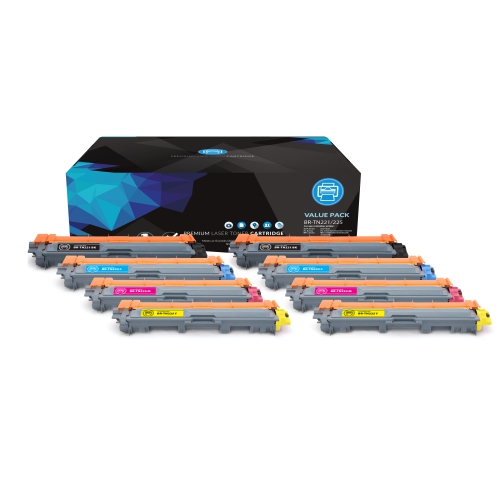
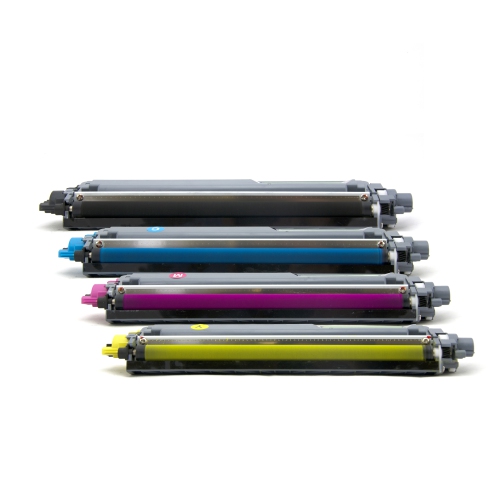
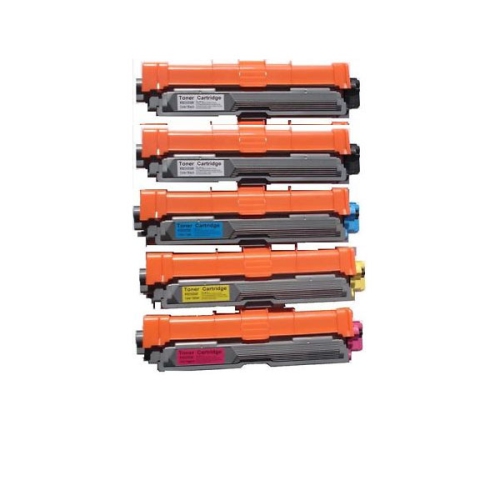
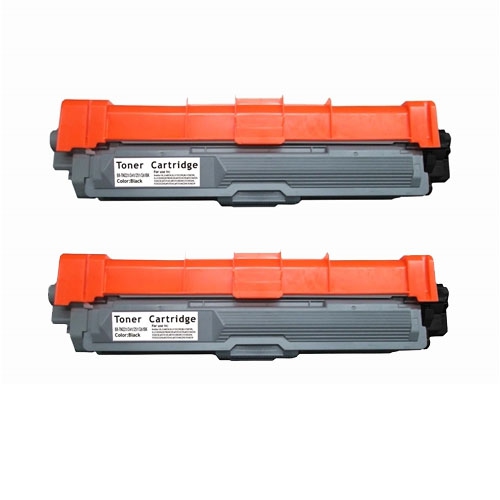
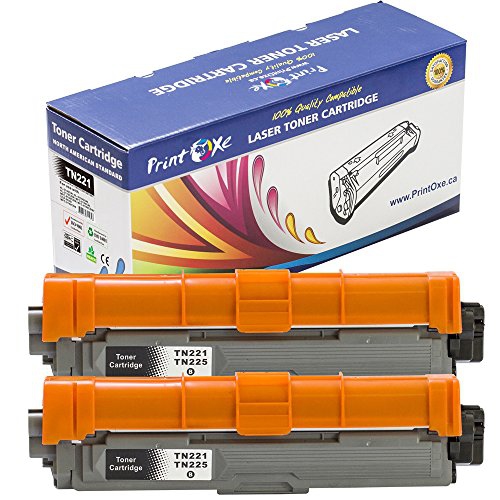

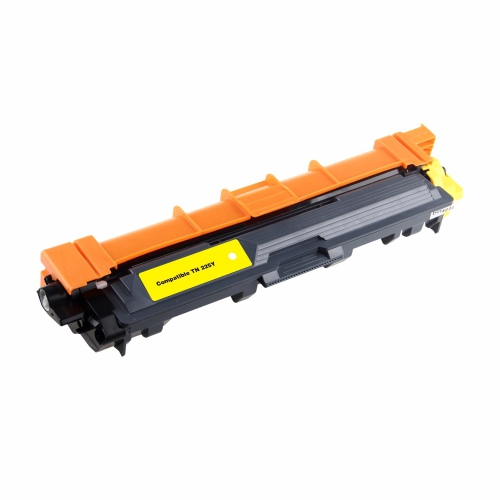

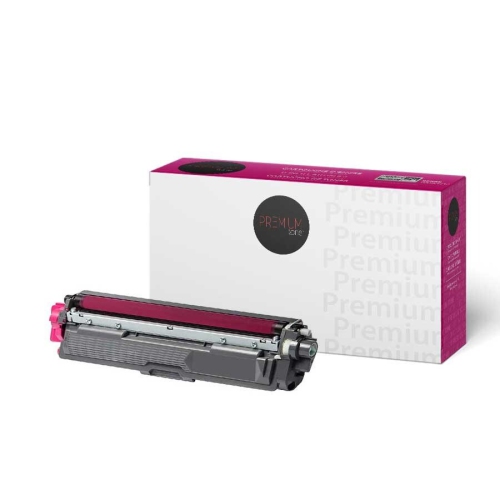
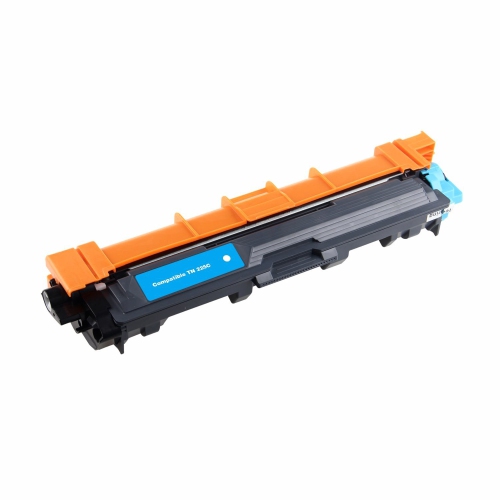
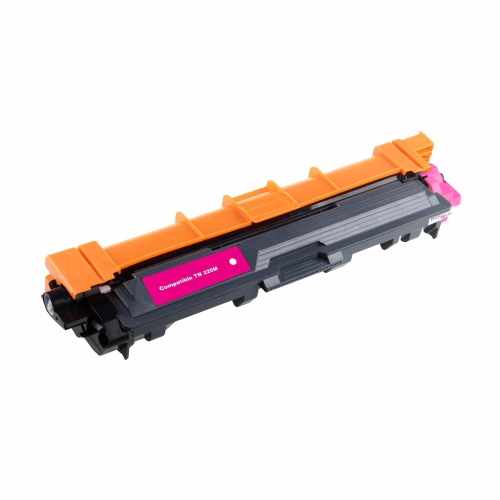
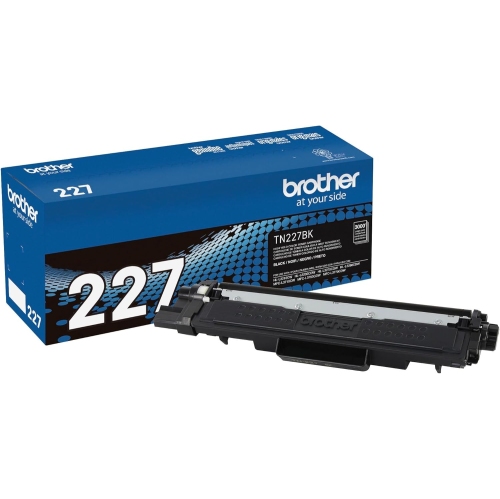
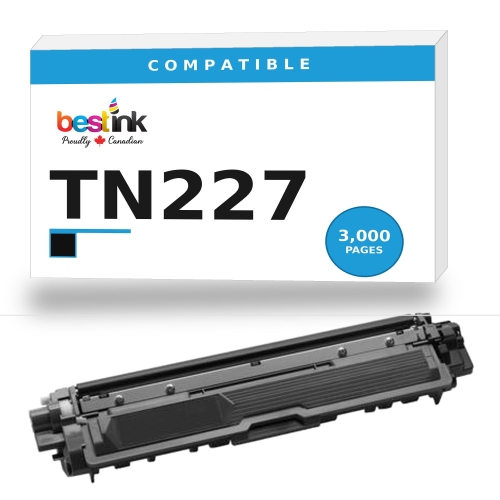
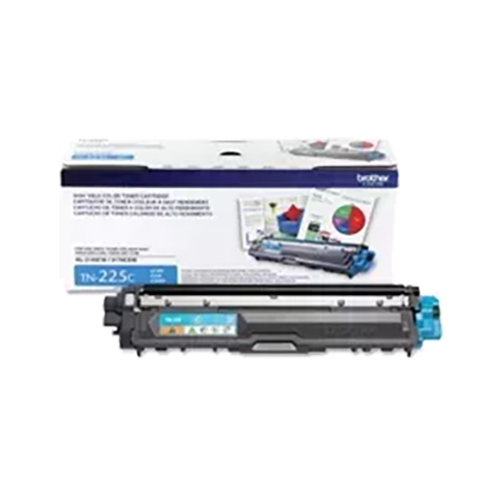
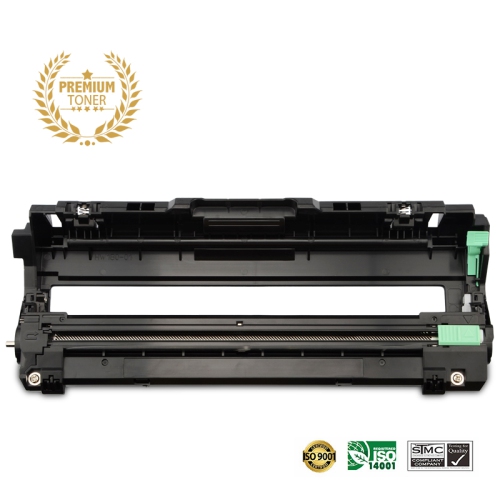
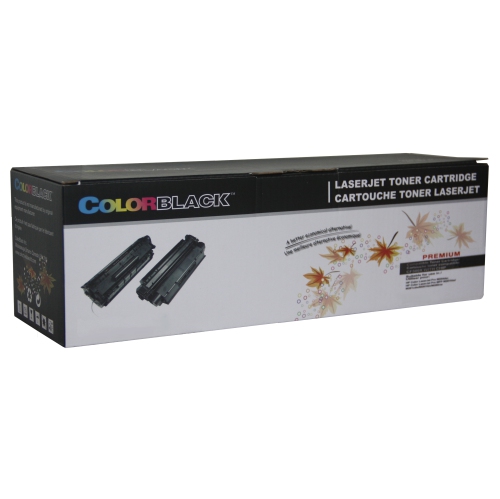
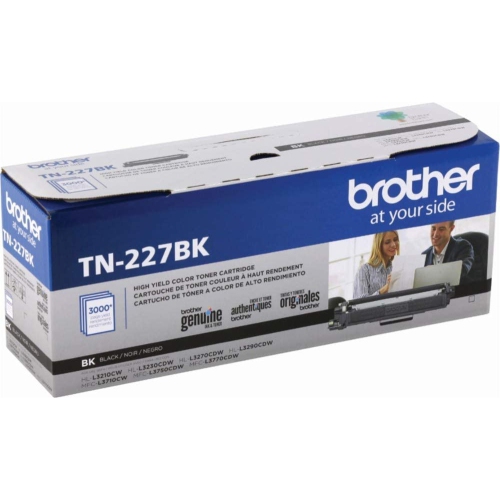
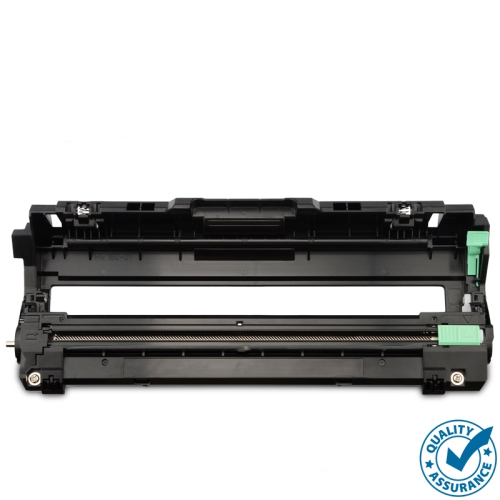

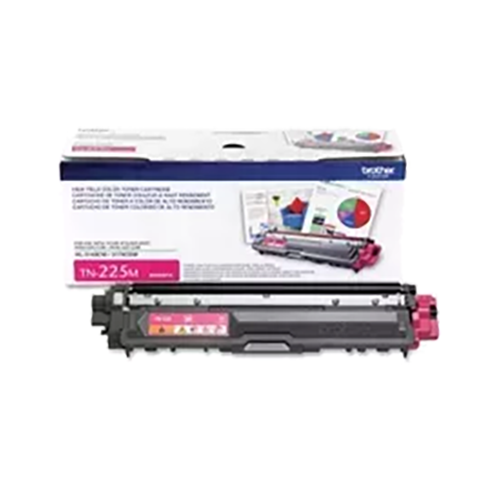
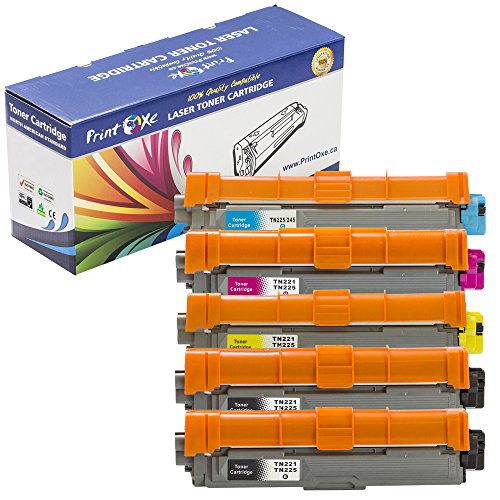
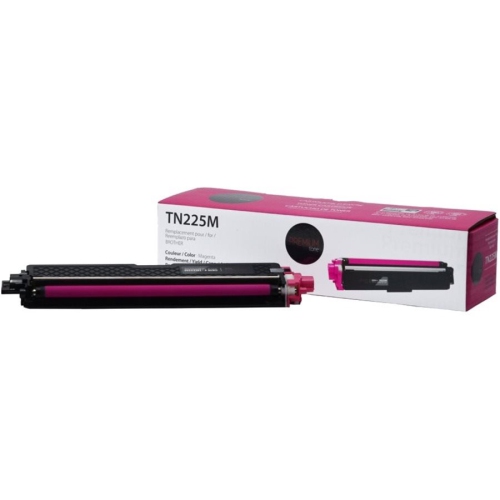
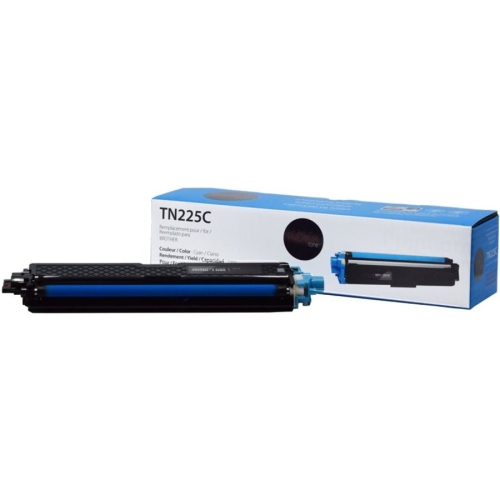
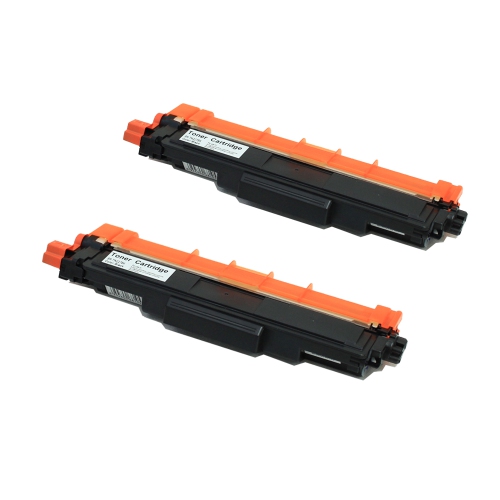
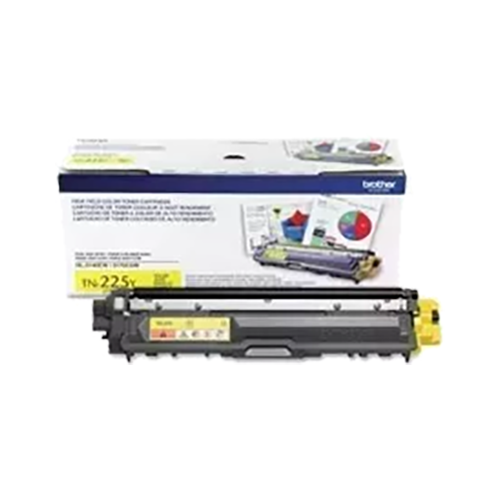
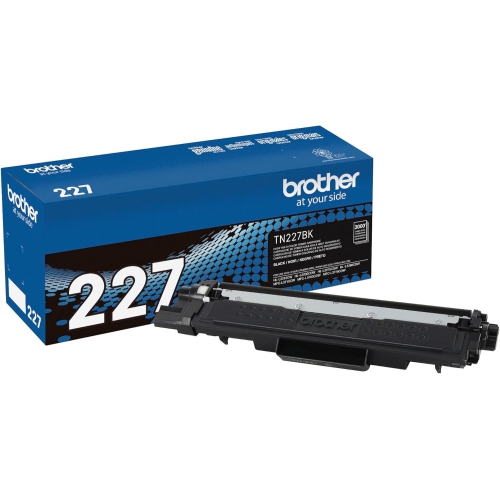
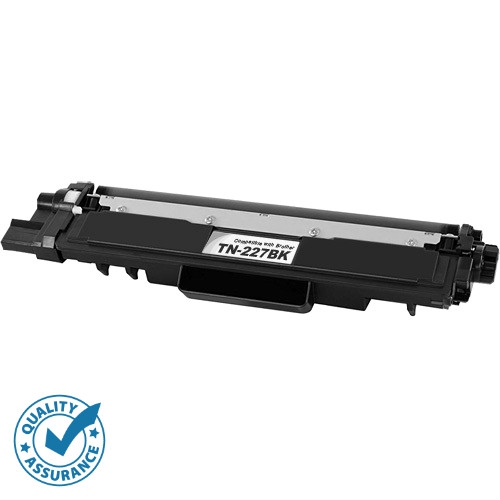
Everyday colour printing with individually replaceable toner cartridges
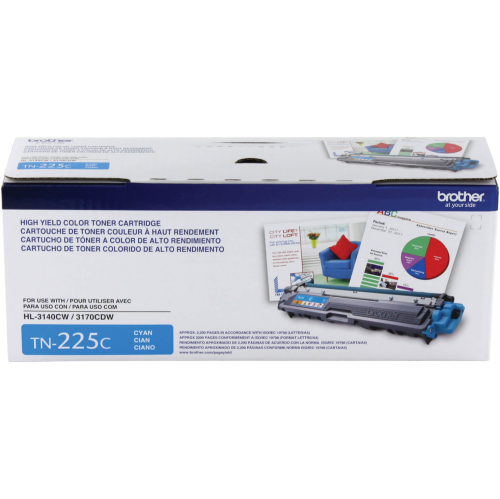
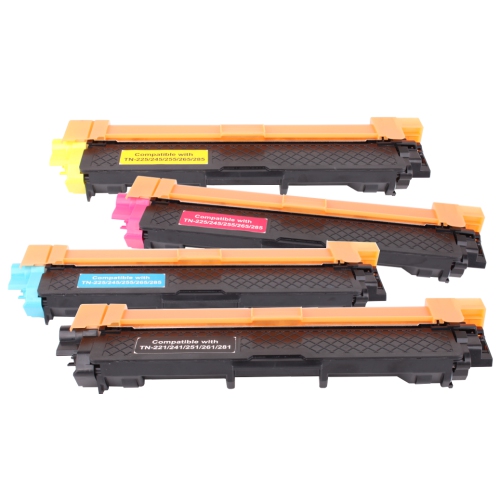
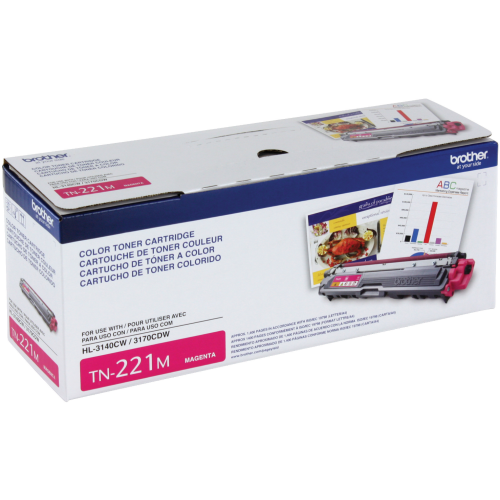
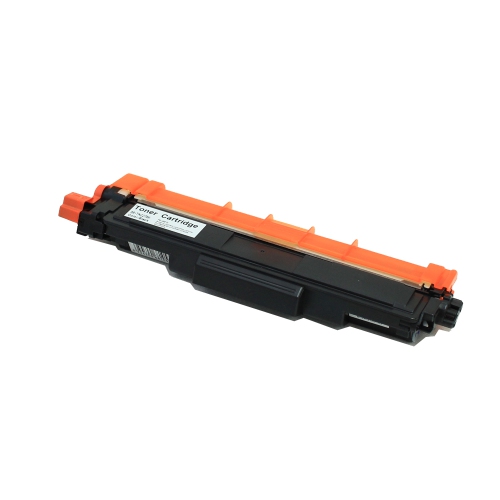
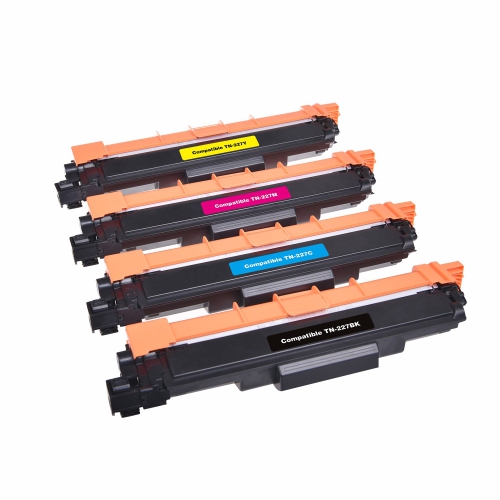
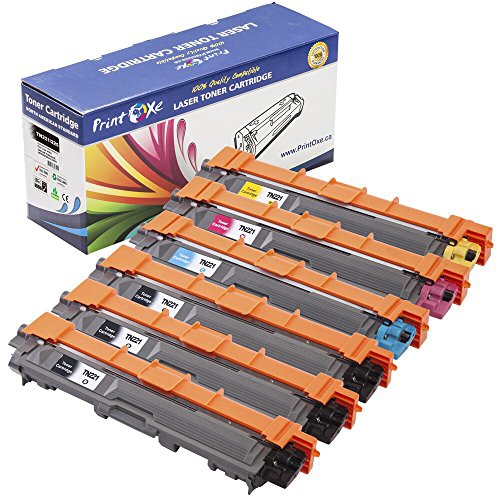
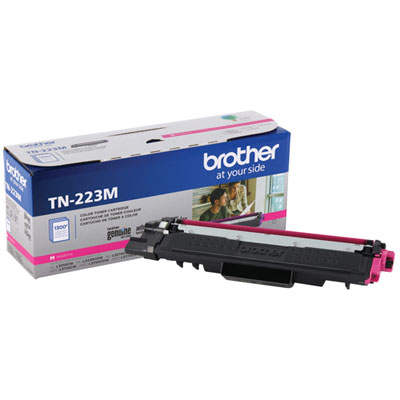
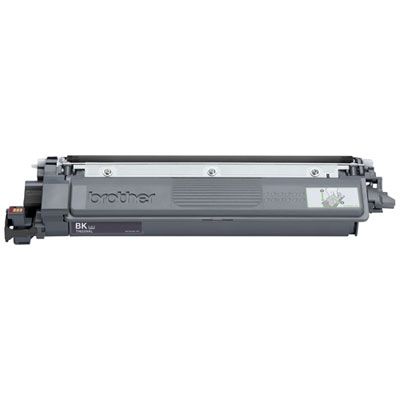
Standard-yield colour laser toner cartridges support everyday printing that needs clear text, distinct graphics, and dependable colour on plain paper. This toner family uses separate black, cyan, magenta, and yellow cartridges, allowing each colour to be replaced individually rather than changing an entire set when just one runs low. Approximate rated yields are 2,500 pages for black and 1,400 pages per colour cartridge under standardized testing conditions. Those figures provide a useful comparison point, but they are not a promise that every cartridge will produce that many finished documents. Actual output depends on page coverage, print settings, job length, and the balance of text and images. A page of meeting notes with a small colour logo uses toner differently from a full-page classroom poster or a presentation filled with shaded charts. Standard-yield toner is well suited to moderate printing in home offices, shared household workspaces, and small businesses where colour matters but large print runs are not a daily requirement. Teachers may use it for worksheets with colour-coded sections, students for reports with diagrams, and business owners for invoices, appointment information, or customer handouts. Black toner handles much of the text, while cyan, magenta, and yellow combine to create a broad range of colours for illustrations and visual details. Colour printing generally draws on more than one cartridge, so a document dominated by a particular shade does not necessarily use only the matching toner colour. Unlike liquid ink, toner consists of fine powder, typically containing resin and colouring agents, which the printer transfers to paper and bonds with heat during printing. The resulting pages are ready to handle without waiting for liquid ink to dry. For routine documents, that makes toner a practical choice when a stack of forms needs to move straight from the output tray into folders, envelopes, or a meeting room.
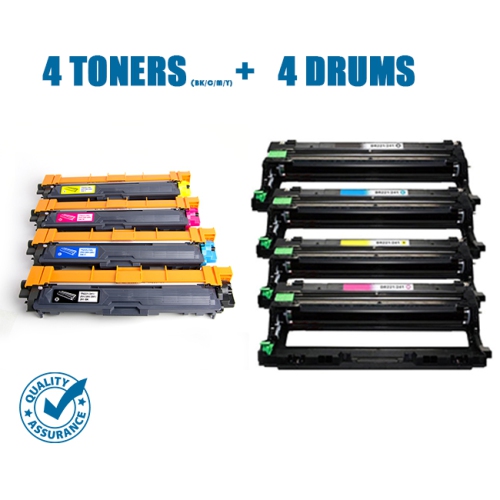
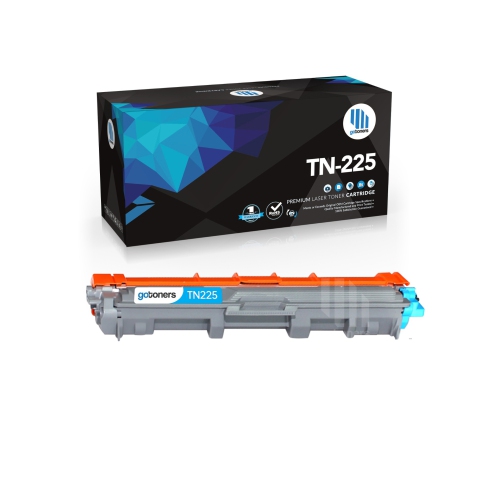
Compatibility is the most important distinction between cartridges that look similar on a screen. Toner fit depends on the exact printer model, not simply the manufacturer, the cartridge colour, or the fact that a machine prints with laser technology. This family is intended for select colour laser and LED printers and multifunction machines; it is not interchangeable with every colour printer. A full model number from the printer label or settings menu provides a more reliable match than the name of a broad printer range. Cartridge housings, drive components, and recognition features must work with the printer’s internal design, and a close visual resemblance does not establish compatibility. The toner cartridge and drum unit also perform different jobs. Toner supplies the powder used to form the printed image, while the drum helps transfer that image during the printing process. On machines with separate toner and drum components, replacing toner does not automatically replace the drum, and a drum-related message may require different attention from a low-toner message. Individual cartridges make sense when one colour is depleted while the others still have usable toner; a set can be convenient when several colours need replacement together. Genuine cartridges and third-party alternatives may differ in their construction, stated yield, printer recognition, and support terms, so those details matter alongside fit. Higher-yield colour toner can also be relevant for compatible machines used more frequently. The Brother TN225 Toners page offers a related category for comparing higher-yield colour options, with exact printer compatibility still worth confirming before choosing. Yield describes the cartridge’s rated printing capacity, not an improvement in print resolution or an expansion of the printer’s supported paper types. For a household that prints occasional assignments and administrative paperwork, standard yield may suit the workload. A shared office producing frequent colour reports may place greater value on longer intervals between cartridge changes, particularly when several people rely on the same machine throughout the day.
Print quality also depends on how toner, paper, and printer settings work together. Smooth paper intended for laser printing helps support crisp lettering and even areas of colour, while the correct paper setting allows the machine to handle the selected media appropriately. Labels, envelopes, heavier sheets, and coated papers need to be approved for the printer and its heat-based printing process; paper intended only for inkjet use is not automatically suitable. A simple black-text form has different demands from a customer-facing brochure with fine lines and pale background colours. Draft settings can be adequate for internal checks, while final copies may benefit from the printer’s normal quality settings and paper suited to the document. Printed colours can differ from those shown on a display because a screen produces light while paper reflects it. That distinction is especially noticeable in bright blues, deep shadows, and subtle gradients, making a sample page useful before a larger run of presentation materials. Toner cartridges are enclosed components designed for straightforward replacement, but careful handling helps protect the cartridge and nearby imaging parts. Unopened cartridges are best kept in their original packaging in a clean, dry place away from direct light, and protective covers should remain in place until installation. Any preparation, including removing seals or gently distributing toner, should follow the cartridge’s supplied directions. Touching exposed drum surfaces or forcing a cartridge into position can cause problems that a fresh toner supply will not solve. Streaks, repeated marks, or faded areas may come from low toner, paper, a drum, or another part of the print path, so the printer’s maintenance messages help distinguish between them. For everyday use, the most useful match is a cartridge with confirmed fit, a suitable yield, and the right colour for the work being printed. Those fundamentals support readable text, recognizable chart details, and consistent documents, whether the finished pages are destined for a classroom binder, a client folder, or the household filing cabinet.
Compatibility is the most important distinction between cartridges that look similar on a screen. Toner fit depends on the exact printer model, not simply the manufacturer, the cartridge colour, or the fact that a machine prints with laser technology. This family is intended for select colour laser and LED printers and multifunction machines; it is not interchangeable with every colour printer. A full model number from the printer label or settings menu provides a more reliable match than the name of a broad printer range. Cartridge housings, drive components, and recognition features must work with the printer’s internal design, and a close visual resemblance does not establish compatibility. The toner cartridge and drum unit also perform different jobs. Toner supplies the powder used to form the printed image, while the drum helps transfer that image during the printing process. On machines with separate toner and drum components, replacing toner does not automatically replace the drum, and a drum-related message may require different attention from a low-toner message. Individual cartridges make sense when one colour is depleted while the others still have usable toner; a set can be convenient when several colours need replacement together. Genuine cartridges and third-party alternatives may differ in their construction, stated yield, printer recognition, and support terms, so those details matter alongside fit. Higher-yield colour toner can also be relevant for compatible machines used more frequently. The Brother TN225 Toners page offers a related category for comparing higher-yield colour options, with exact printer compatibility still worth confirming before choosing. Yield describes the cartridge’s rated printing capacity, not an improvement in print resolution or an expansion of the printer’s supported paper types. For a household that prints occasional assignments and administrative paperwork, standard yield may suit the workload. A shared office producing frequent colour reports may place greater value on longer intervals between cartridge changes, particularly when several people rely on the same machine throughout the day.
Print quality also depends on how toner, paper, and printer settings work together. Smooth paper intended for laser printing helps support crisp lettering and even areas of colour, while the correct paper setting allows the machine to handle the selected media appropriately. Labels, envelopes, heavier sheets, and coated papers need to be approved for the printer and its heat-based printing process; paper intended only for inkjet use is not automatically suitable. A simple black-text form has different demands from a customer-facing brochure with fine lines and pale background colours. Draft settings can be adequate for internal checks, while final copies may benefit from the printer’s normal quality settings and paper suited to the document. Printed colours can differ from those shown on a display because a screen produces light while paper reflects it. That distinction is especially noticeable in bright blues, deep shadows, and subtle gradients, making a sample page useful before a larger run of presentation materials. Toner cartridges are enclosed components designed for straightforward replacement, but careful handling helps protect the cartridge and nearby imaging parts. Unopened cartridges are best kept in their original packaging in a clean, dry place away from direct light, and protective covers should remain in place until installation. Any preparation, including removing seals or gently distributing toner, should follow the cartridge’s supplied directions. Touching exposed drum surfaces or forcing a cartridge into position can cause problems that a fresh toner supply will not solve. Streaks, repeated marks, or faded areas may come from low toner, paper, a drum, or another part of the print path, so the printer’s maintenance messages help distinguish between them. For everyday use, the most useful match is a cartridge with confirmed fit, a suitable yield, and the right colour for the work being printed. Those fundamentals support readable text, recognizable chart details, and consistent documents, whether the finished pages are destined for a classroom binder, a client folder, or the household filing cabinet.
Top selling and popular products
-
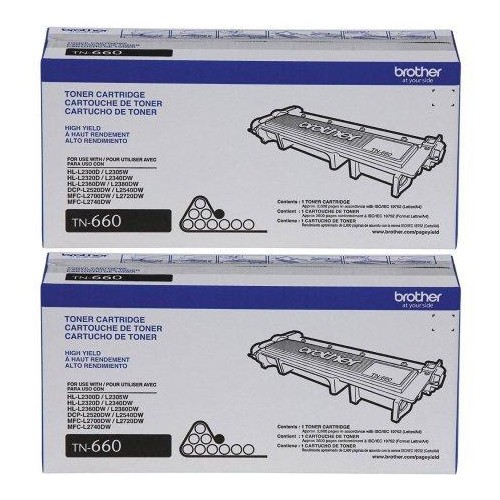 Your price for this item is $157.94
 -
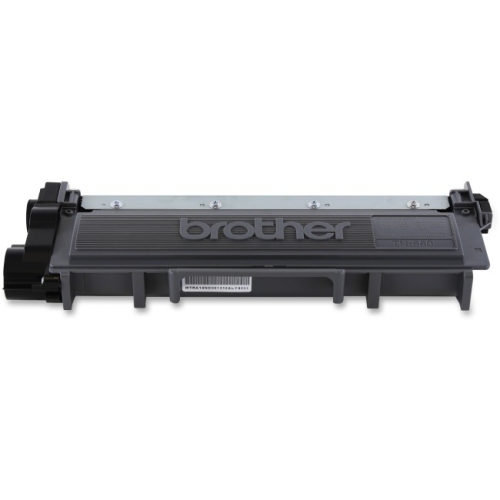 Your price for this item is $74.99
 -
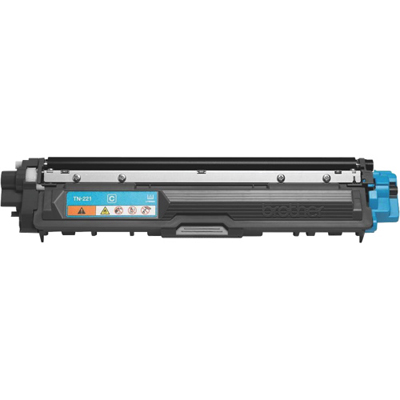 Your price for this item is $102.99
 -
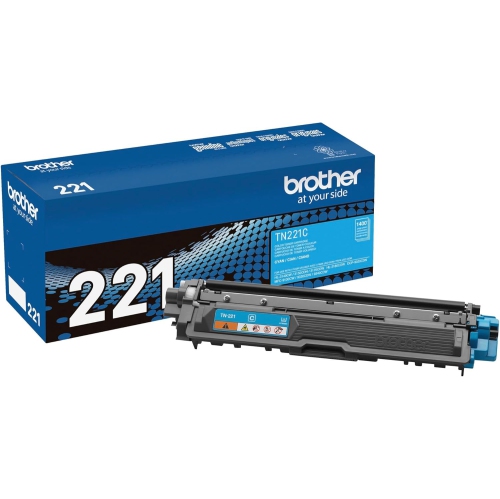 Your price for this item is $115.02
 -
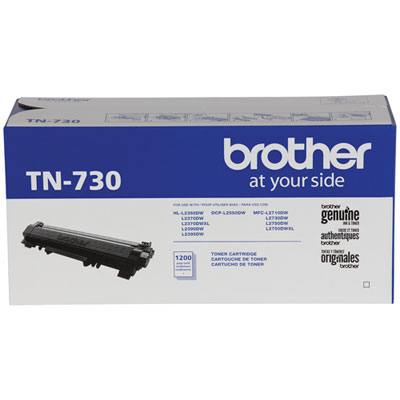 Your price for this item is $72.99
 -
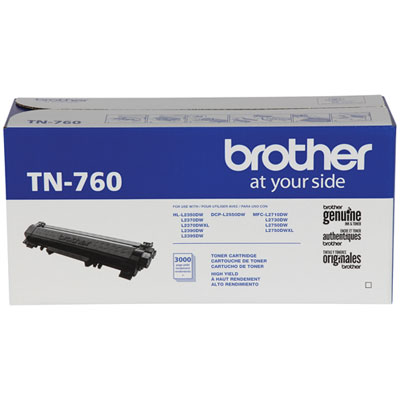 Your price for this item is $115.99
 -
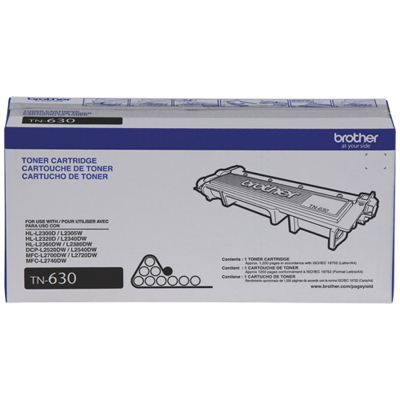 Your price for this item is $72.99
 -
 Your price for this item is $85.57
Discover more categories related to Brother TN 221
Top Collections:
Pokemon Centers, Kindle Devices, Best Budget Office Chairs, Canon G7X Cameras, Apple iPhones 16, Samsung Galaxy Phones, Refurbished Apple Laptops, Laptops for Students, iPhone 15 Apple, Budget Smartphones
Some products may be subject to Environmental Handling Fees
(EHF) depending on your province.
Learn more about EHFs.