Brother TN420
Brother TN420 toner cartridges deliver reliable performance for your printing needs. Find options that help keep your printer running smoothly, whether you're working from home or managing a busy office. Explore a selection of Brother TN420 cartridges designed to provide consistent results and support your daily tasks. Shop with confidence and discover the right Brother TN420 solution to keep your documents looking sharp and professional.
Sort
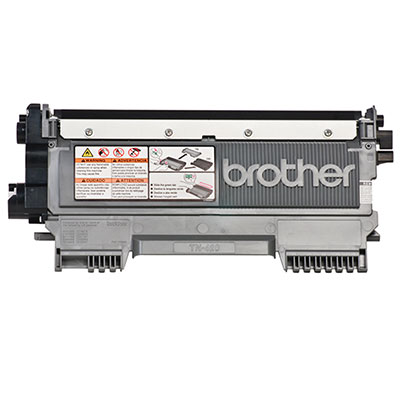
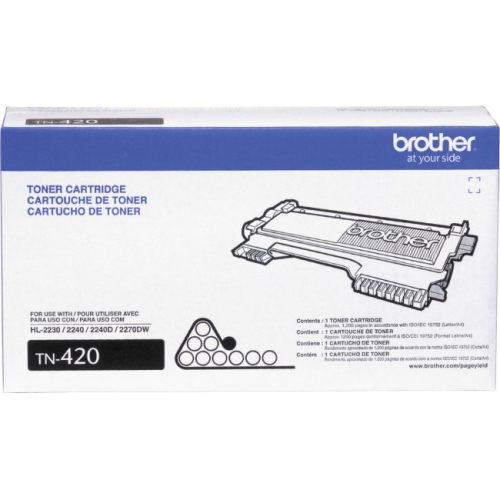
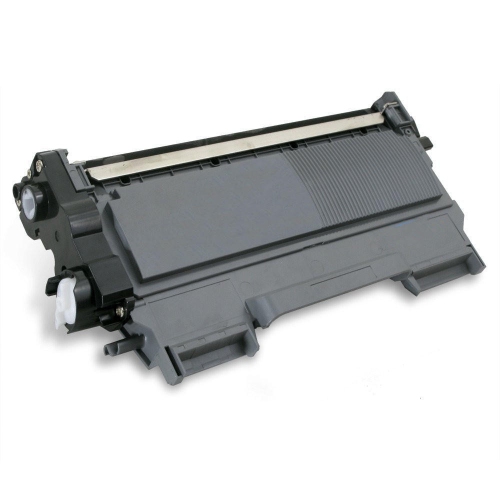

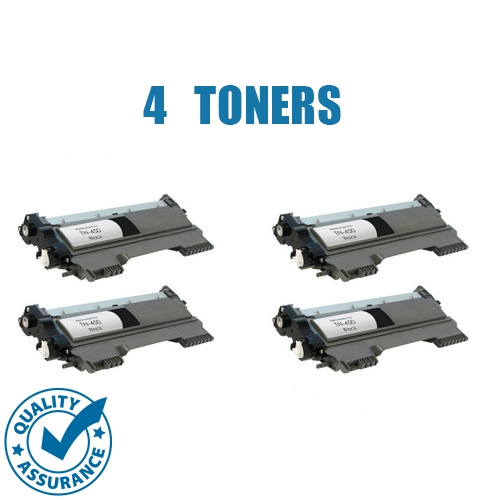
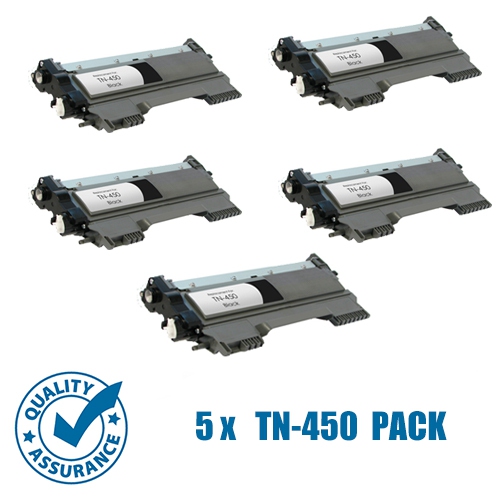
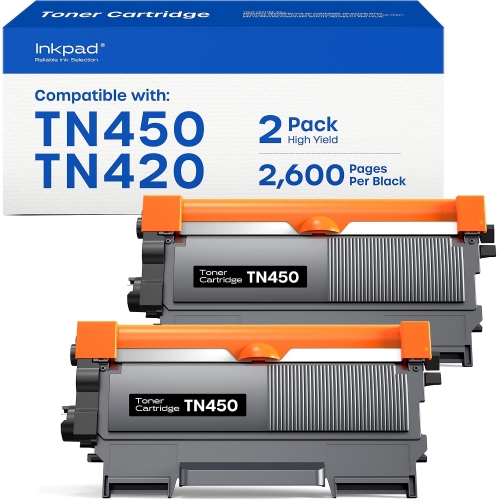
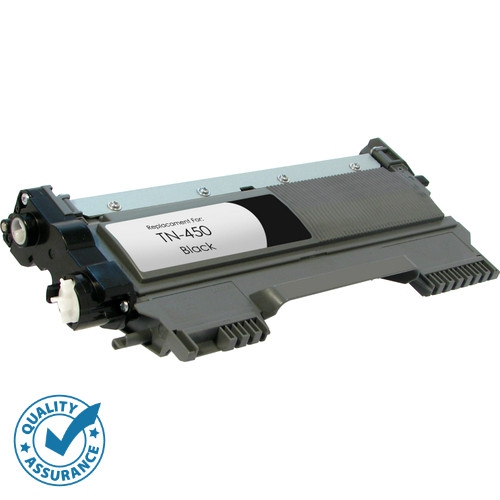
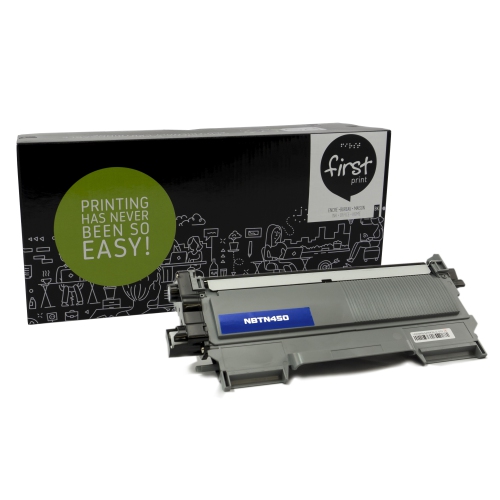

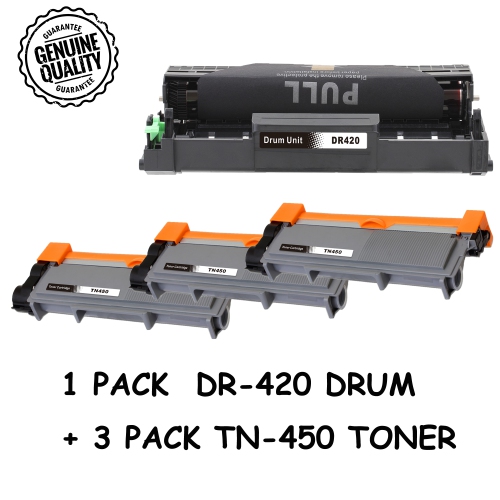
Clear everyday printing starts with the right toner
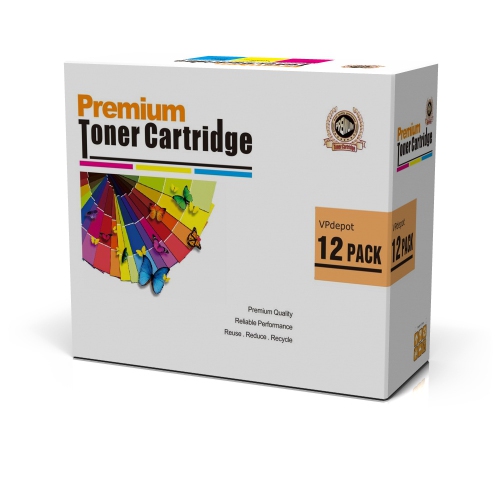
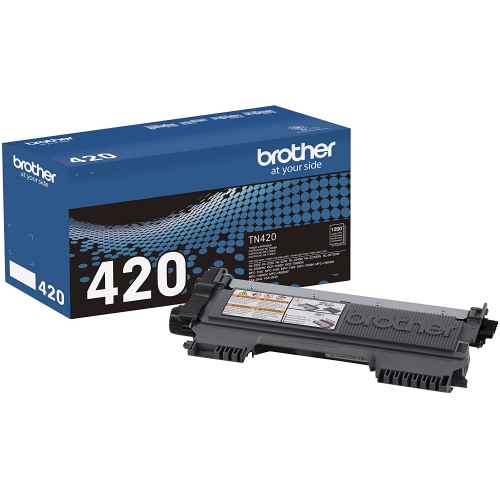
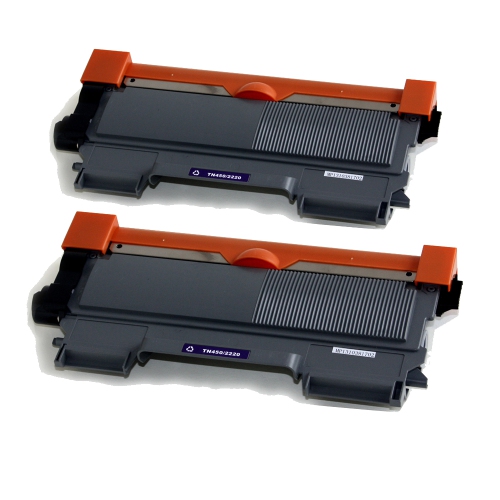
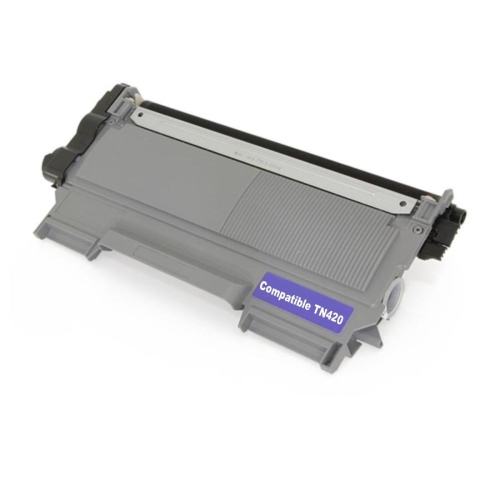
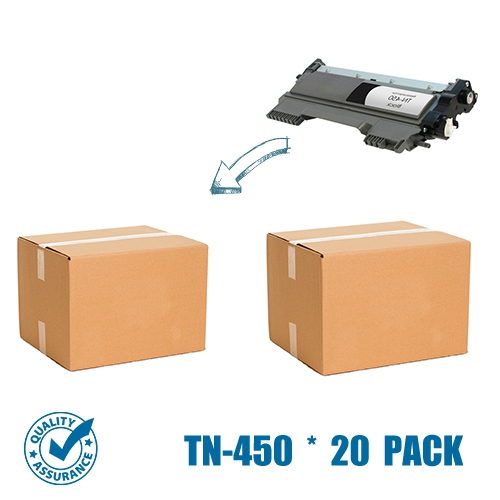
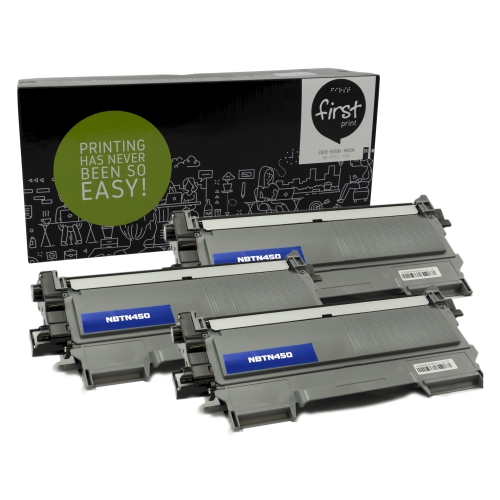
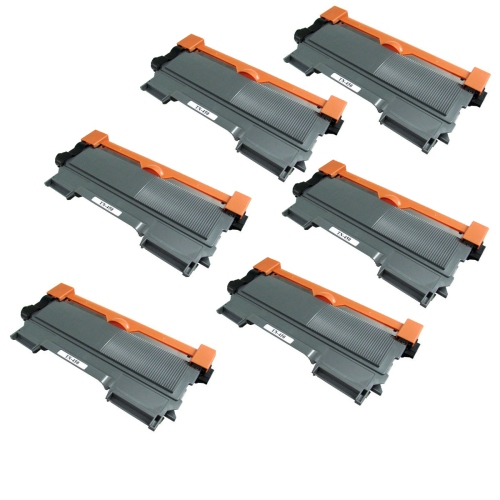
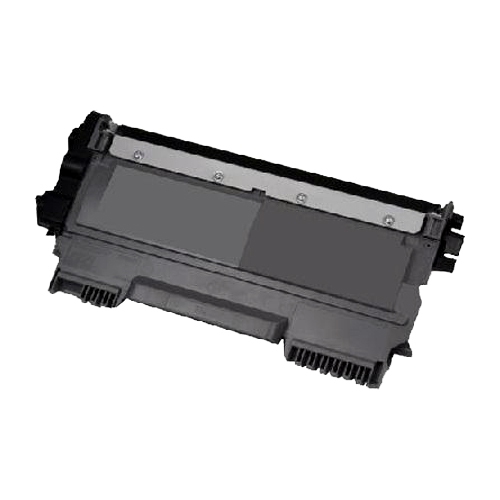
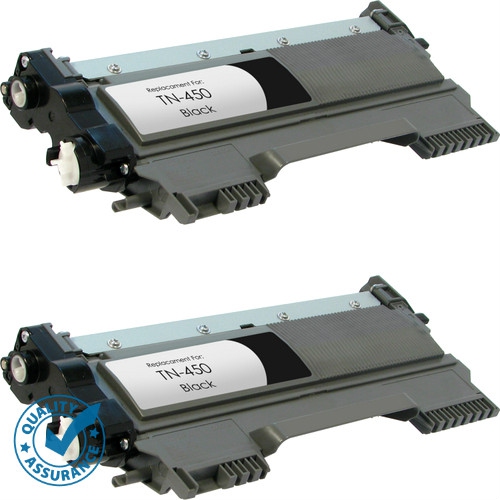
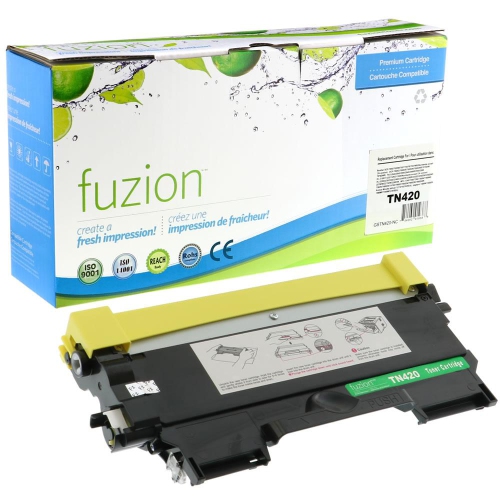
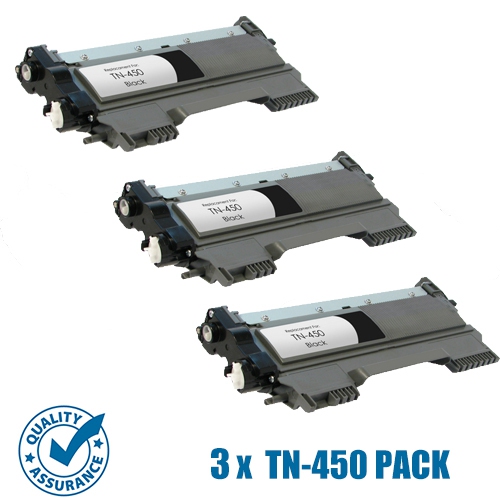
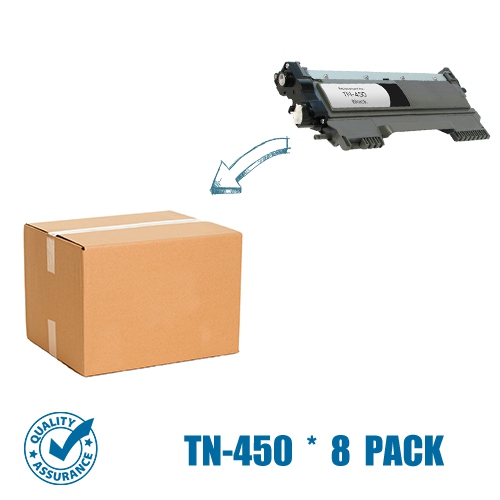
Standard-yield black toner cartridges supply the fine powder used by compatible monochrome laser printers and multifunction machines to produce text and images. They are intended for everyday documents such as invoices, shipping labels, school assignments, application forms, and reference notes, where clear black lettering matters more than colour reproduction. Unlike liquid ink, toner is transferred to the paper and bonded to its surface using heat and pressure inside the printer. This makes it well suited to text-heavy printing, from a single return label to a stack of meeting handouts. For a cartridge rated at approximately 1,200 pages, the stated yield provides a reference point rather than a guaranteed total for every workload. Published page yields are measured under standardized test conditions; actual results depend on page coverage, document design, print settings, and printing habits. A page containing a few paragraphs uses less toner than one filled with dark graphics, shaded tables, or large black areas. Someone printing occasional forms may therefore have a different replacement schedule from a small office producing detailed reports every day. Standard-yield cartridges generally hold less toner than higher-yield alternatives designed for the same compatible equipment, making the distinction useful when matching cartridge capacity to printing volume. The key consideration is how much printing the household or workplace actually does, rather than how many sheets sit in the paper tray. Home offices, students, administrative teams, and small businesses can all use this type of cartridge when their equipment supports it. Black toner is particularly practical for documents that need to remain easy to scan, photocopy, annotate, or file. It is not a substitute for colour printing when a chart depends on colour-coded information or a photograph needs accurate colour reproduction. For everyday paperwork, however, a properly matched cartridge helps deliver consistent lettering, readable numbers, and fine lines without adding capabilities that a monochrome printer was not designed to provide.
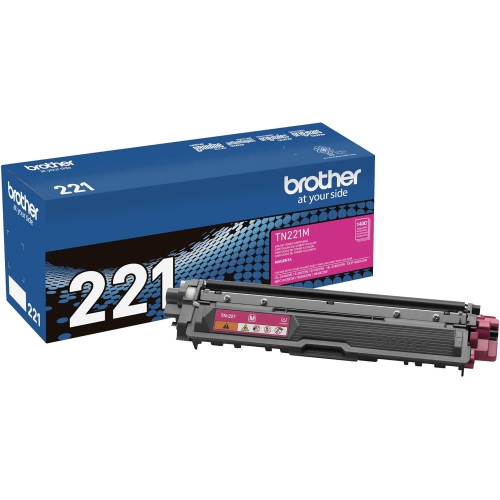
Compatibility is the most important detail when choosing replacement laser toner. A cartridge must match the printer’s supported cartridge family, not simply resemble the unit already installed. Check the complete printer model shown on the machine’s label or in its settings, including any letters at the end, and compare it with the compatibility information supplied for the cartridge. Similar printer names can refer to different hardware, while cartridges with similar names may have different shapes, mechanical fittings, or operating requirements. Other cartridge families, including Brother TN 221, have their own compatibility requirements and should not be treated as interchangeable substitutes. It also helps to distinguish the toner cartridge from the drum unit. In printers that use separate components, the cartridge supplies toner while the drum helps transfer the image onto the paper; replacing one does not automatically replace the other. A toner message and a drum message can therefore call for different maintenance steps. Original-manufacturer, third-party compatible, and remanufactured cartridges may also differ in construction, testing, included components, and installation requirements, so those details deserve attention alongside the supported printer list. The cartridge’s moulded housing must seat correctly in the intended assembly, and any protective covers or shipping seals must be removed as directed before installation. Keep the replacement sealed until it is needed, and handle it by the designated grip rather than touching exposed rollers or imaging surfaces. If the printer uses a separate drum, follow its handling directions and avoid leaving sensitive surfaces exposed to light unnecessarily. For a shared office machine, keeping the printer model and cartridge family in an accessible supply note can prevent confusion when different people handle replacements. Clear identification is more useful than relying on a photograph of the casing, particularly when several printers in the same workspace use different supplies.
Careful handling and suitable paper help a toner cartridge perform as intended throughout its working life. Store an unopened cartridge in its original packaging in a dry, clean location, protected from moisture, direct sunlight, and accidental knocks. Toner does not dry out in the same way as liquid ink, but that does not make the cartridge immune to damage or poor storage. A cracked housing, damaged seal, or contaminated roller can affect print quality even when toner remains inside. During installation, follow the printer’s directions for distributing the toner, seating the cartridge, and closing access panels; avoid forcing a part that does not slide or lock into place as expected. Once installed, a short test document can help confirm that text is dark, lines are complete, and the page is free from unexpected marks. Faint printing, repeated spots, streaks, or toner that rubs off can have several causes, including cartridge condition, drum wear, unsuitable paper, or an incorrect media setting. Those symptoms do not always mean that the toner cartridge alone needs replacement. Paper intended for laser printing and the correct setting for its weight or finish are especially important for labels, envelopes, and heavier sheets, provided the printer supports those materials. For routine drafts, a lighter print setting may be sufficient, while documents with small text or fine detail may need the normal quality setting for comfortable reading. In a home office, that might mean printing a working copy of a report differently from a signed form that will be scanned and submitted. In a small business, it may mean checking that invoice numbers and barcodes remain sharply defined before printing a larger batch. Keeping the paper path clean according to the printer’s maintenance instructions and responding to the correct supply message can help avoid unnecessary replacements. The best fit is a cartridge that matches the equipment precisely, supports the expected volume of black-and-white documents, and can be installed and maintained without disrupting everyday printing.
Compatibility is the most important detail when choosing replacement laser toner. A cartridge must match the printer’s supported cartridge family, not simply resemble the unit already installed. Check the complete printer model shown on the machine’s label or in its settings, including any letters at the end, and compare it with the compatibility information supplied for the cartridge. Similar printer names can refer to different hardware, while cartridges with similar names may have different shapes, mechanical fittings, or operating requirements. Other cartridge families, including Brother TN 221, have their own compatibility requirements and should not be treated as interchangeable substitutes. It also helps to distinguish the toner cartridge from the drum unit. In printers that use separate components, the cartridge supplies toner while the drum helps transfer the image onto the paper; replacing one does not automatically replace the other. A toner message and a drum message can therefore call for different maintenance steps. Original-manufacturer, third-party compatible, and remanufactured cartridges may also differ in construction, testing, included components, and installation requirements, so those details deserve attention alongside the supported printer list. The cartridge’s moulded housing must seat correctly in the intended assembly, and any protective covers or shipping seals must be removed as directed before installation. Keep the replacement sealed until it is needed, and handle it by the designated grip rather than touching exposed rollers or imaging surfaces. If the printer uses a separate drum, follow its handling directions and avoid leaving sensitive surfaces exposed to light unnecessarily. For a shared office machine, keeping the printer model and cartridge family in an accessible supply note can prevent confusion when different people handle replacements. Clear identification is more useful than relying on a photograph of the casing, particularly when several printers in the same workspace use different supplies.
Careful handling and suitable paper help a toner cartridge perform as intended throughout its working life. Store an unopened cartridge in its original packaging in a dry, clean location, protected from moisture, direct sunlight, and accidental knocks. Toner does not dry out in the same way as liquid ink, but that does not make the cartridge immune to damage or poor storage. A cracked housing, damaged seal, or contaminated roller can affect print quality even when toner remains inside. During installation, follow the printer’s directions for distributing the toner, seating the cartridge, and closing access panels; avoid forcing a part that does not slide or lock into place as expected. Once installed, a short test document can help confirm that text is dark, lines are complete, and the page is free from unexpected marks. Faint printing, repeated spots, streaks, or toner that rubs off can have several causes, including cartridge condition, drum wear, unsuitable paper, or an incorrect media setting. Those symptoms do not always mean that the toner cartridge alone needs replacement. Paper intended for laser printing and the correct setting for its weight or finish are especially important for labels, envelopes, and heavier sheets, provided the printer supports those materials. For routine drafts, a lighter print setting may be sufficient, while documents with small text or fine detail may need the normal quality setting for comfortable reading. In a home office, that might mean printing a working copy of a report differently from a signed form that will be scanned and submitted. In a small business, it may mean checking that invoice numbers and barcodes remain sharply defined before printing a larger batch. Keeping the paper path clean according to the printer’s maintenance instructions and responding to the correct supply message can help avoid unnecessary replacements. The best fit is a cartridge that matches the equipment precisely, supports the expected volume of black-and-white documents, and can be installed and maintained without disrupting everyday printing.
Top selling and popular products
-
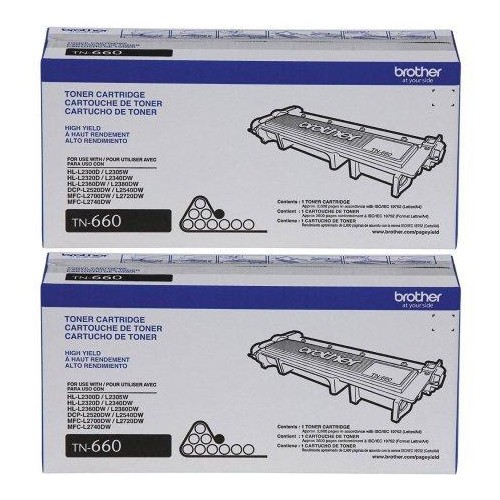 Your price for this item is $157.94
 -
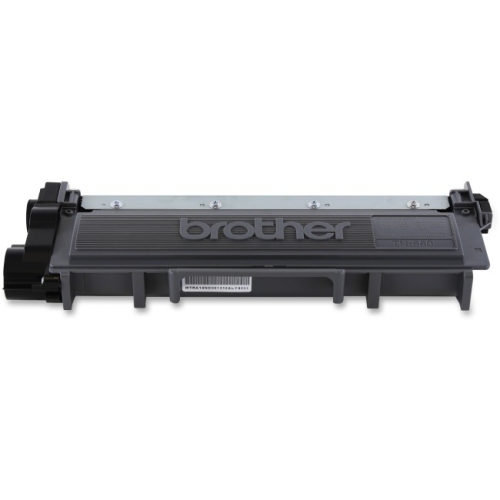 Your price for this item is $74.99
 -
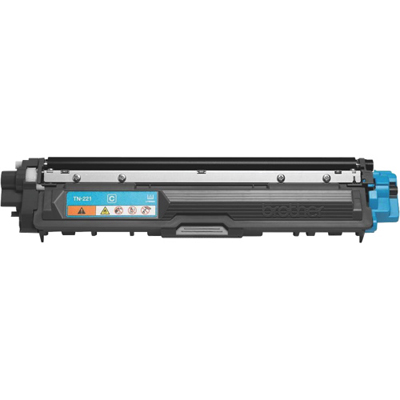 Your price for this item is $102.99
 -
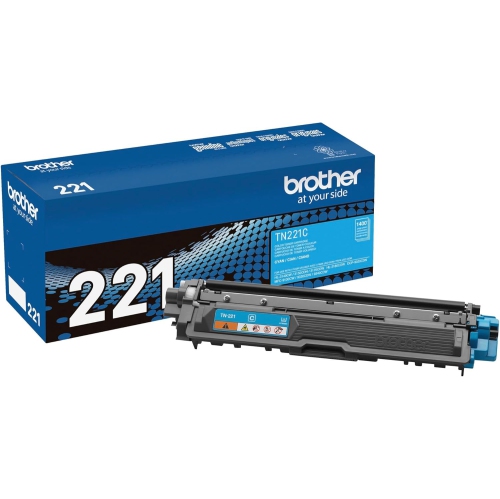 Your price for this item is $115.02
 -
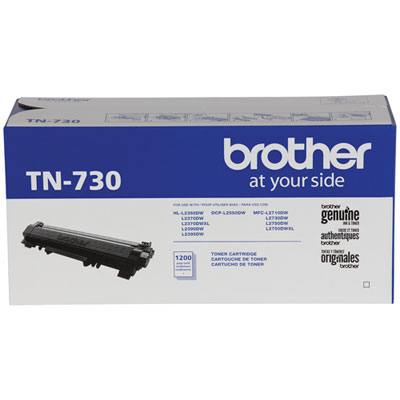 Your price for this item is $72.99
 -
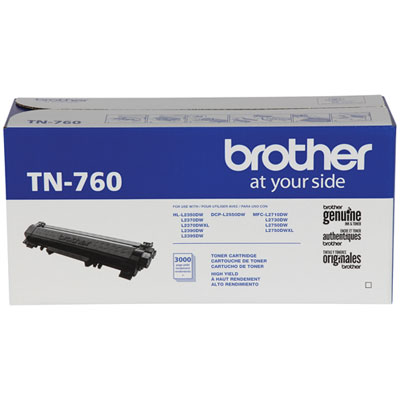 Your price for this item is $115.99
 -
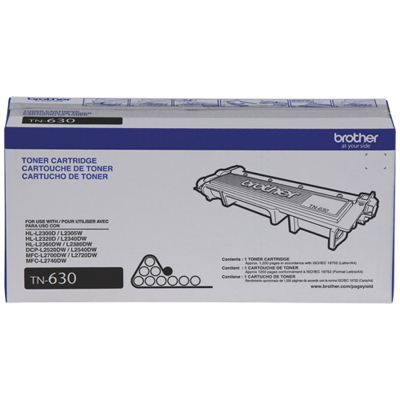 Your price for this item is $72.99
 -
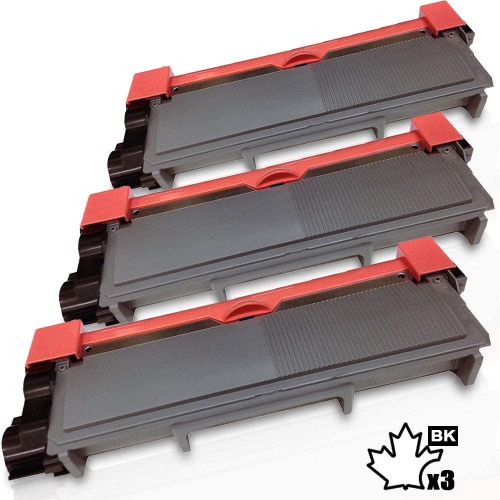 Your price for this item is $58.2
Discover more categories related to Brother TN420
Top Collections:
Pokemon Centers, Best Cameras for Sports Photography, Kindle Devices, Samsung Galaxy Phones, Canon G7X Cameras, Pokémon 30th Celebration Cards, Refurbished Apple Laptops, iPhone 15 Apple, Laptops for Students, Budget Smartphones
Some products may be subject to Environmental Handling Fees
(EHF) depending on your province.
Learn more about EHFs.