Business Card Papers
When it comes to making a lasting impression, the right business card can speak volumes about your professionalism and attention to detail. That's why having the perfect business card paper is essential for creating cards that leave a lasting impact. Whether you're looking for a sleek and smooth finish or a textured look, our wide range of business card paper options has you covered.
Sort
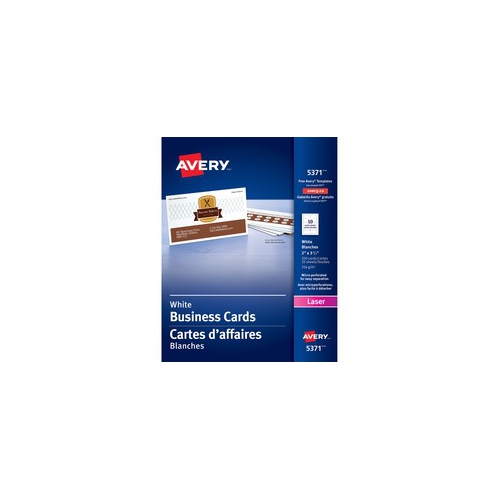
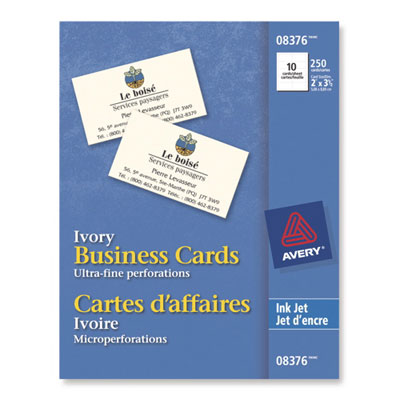

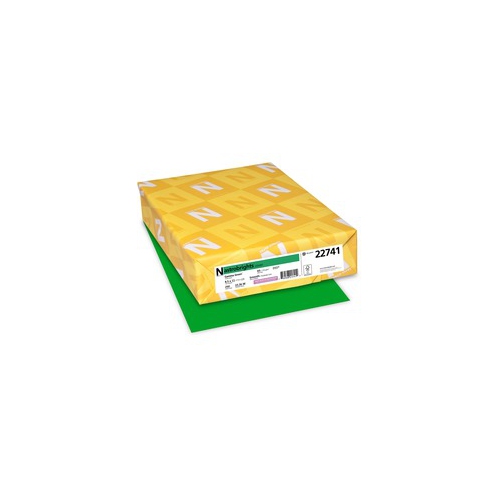
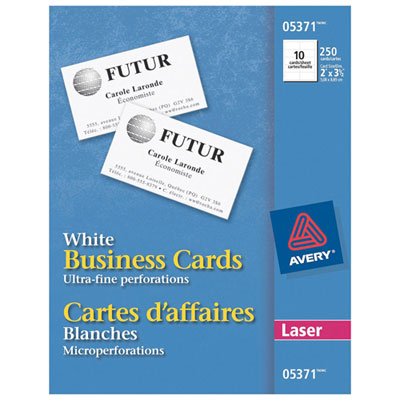
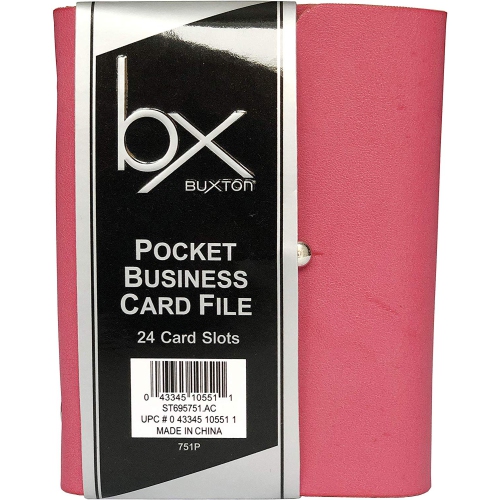
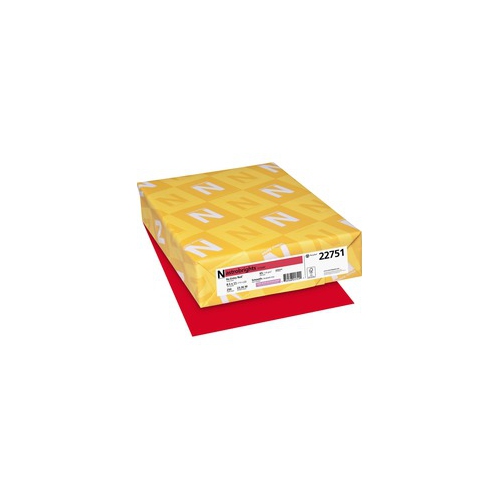

How cardstock shapes the feel of a first impression
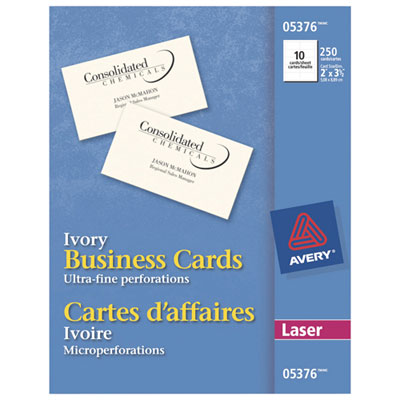
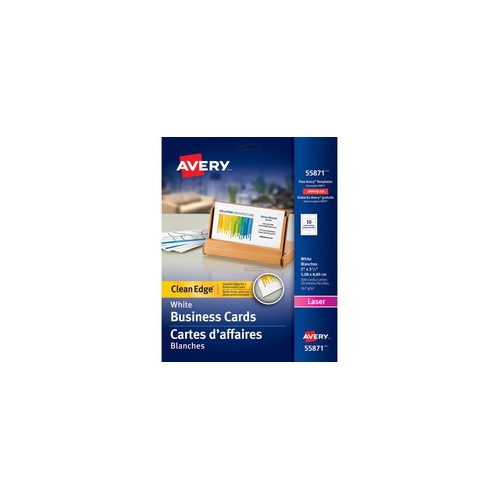
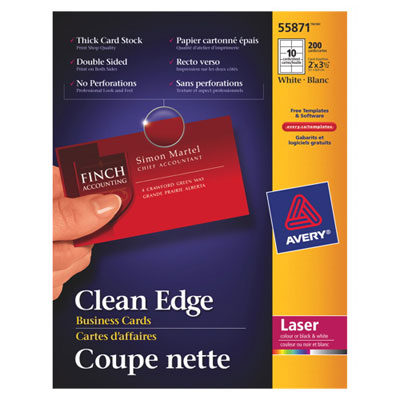
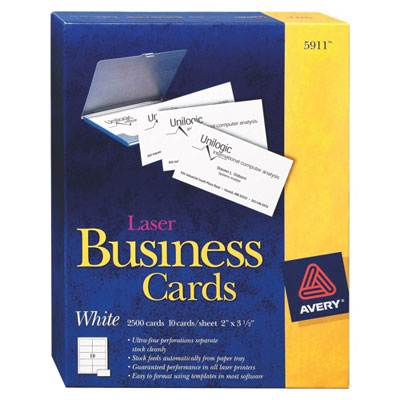
Business card paper is heavyweight cardstock made to carry contact details, logos, and other short messages in a compact, easy-to-share format. Its firmer feel distinguishes it from ordinary printer paper, helping a card hold its shape when passed across a desk, tucked into a wallet, or displayed at a reception counter. A standard business card in Canada measures 3.5 inches by 2 inches, or 88.9 mm by 50.8 mm, a familiar size that fits most card holders and wallet slots. Printable business card sheets often contain several cards arranged on a larger sheet, with perforations or separable edges that allow the finished cards to be removed after printing. Other cardstock comes as solid sheets intended for trimming with suitable cutting equipment. Paper weight is commonly expressed in GSM, meaning grams per square metre. Business card papers often fall between approximately 200 and 400 GSM, although the usable range depends on the printer and the paper’s construction. Many home and office printable sheets sit toward the lighter end of that range, while heavier papers may need equipment designed to handle thicker materials. A higher GSM generally gives a more substantial feel, but weight alone does not establish thickness or stiffness: fibre composition, surface treatment, and manufacturing also matter. Thickness may instead be listed in points, with one point equal to one thousandth of an inch; a 14-point card is therefore 0.014 inch thick. These distinctions matter for a self-employed consultant printing a small run of contact cards, a salon preparing appointment reminders, or a maker adding a branded insert to a package. The paper becomes part of the impression, whether the design is a spare black wordmark on white or a colourful layout with a photograph. Alongside Business Cards, printable papers support a range of everyday introductions and follow-ups, particularly when names, roles, or contact details need to be updated in small batches rather than committed to a large print run.
Surface finish affects both the appearance of a business card and how it can be used after printing. Matte business card paper has little shine, making it a practical match for text-focused layouts and designs that benefit from a restrained appearance. Uncoated paper leaves the surface without a coating and often works well for handwritten notes, appointment times, or stamps, although ink behaviour varies with the paper and writing tool. Matte-coated paper is not identical to uncoated paper, so a low-sheen surface does not automatically mean every pen will write cleanly on it. Glossy finishes reflect more light and can give photographs, saturated colours, and graphic elements a vivid appearance when paired with a compatible printer. They may also show fingerprints more readily, and handwritten additions can require a suitable pen and extra drying time. Textured papers, including linen-like and laid finishes, introduce a tactile pattern that can complement understated typography. Their uneven surface may affect very small lettering, fine lines, and densely printed areas, so a sample print is useful when those details carry important information. White paper gives logos and coloured text a neutral base, while cream or tinted paper contributes its own tone to the finished design. Most ordinary office printers do not print white ink, meaning white portions of a digital layout usually reveal the paper beneath them. That makes paper colour especially relevant for pale lettering, light backgrounds, and brand colours that need to remain recognizable. Single-sided and double-sided printing also place different demands on the material. A card with contact information on the front and appointment space on the back benefits from a reverse surface suited to writing; a design with graphics on both sides needs paper approved for printing on both faces. Opacity matters here, too, because show-through can make a compact layout harder to read. A sturdy sheet with an appropriate finish helps balance visual detail, comfortable handling, and the practical purpose of the card.
Printer compatibility is one of the most important considerations for business card paper used at home or in an office. Inkjet-compatible surfaces are made to receive liquid ink, while laser-compatible papers must tolerate the heat and pressure used to bond toner. Some papers support both methods, but that suitability should be stated rather than assumed, especially for coated sheets. A printer’s maximum supported paper weight, permitted media types, and feed path all affect whether a sheet can move through cleanly. A manual feed slot or a straighter paper path may support heavier cardstock on some machines, while automatic double-sided printing can have a lower weight limit than single-sided printing. Sheet size and template layout need to match as well: letter-size sheets measuring 8.5 inches by 11 inches may contain different card arrangements, margins, and spacing. Matching a design to the sheet’s exact layout helps keep a phone number away from a separating edge and a logo centred on each card. Printing at actual size rather than using a fit-to-page setting can prevent unintended scaling, and a plain-paper test can reveal alignment problems before the cardstock is used. Designs with colour extending to the edges require a layout that allows for bleed and trimming; not every perforated sheet supports that effect. For cards separated by hand, the edge construction influences the result, from a lightly perforated border to a smoother breakaway finish. Durability then depends on more than thickness. Repeated wallet use, rubbing against keys, or frequent handling can soften corners and mark printed surfaces, while an appropriately sized card case helps preserve their appearance. Unused sheets are best kept flat in their packaging, away from moisture and direct sunlight, with coated faces handled as little as practical. Freshly printed cards may need drying time before stacking or separation, according to the paper and ink requirements. Those small details make a difference when preparing cards for a networking event, setting out appointment reminders at a service desk, or including a clear, neatly finished contact card with completed work.
Surface finish affects both the appearance of a business card and how it can be used after printing. Matte business card paper has little shine, making it a practical match for text-focused layouts and designs that benefit from a restrained appearance. Uncoated paper leaves the surface without a coating and often works well for handwritten notes, appointment times, or stamps, although ink behaviour varies with the paper and writing tool. Matte-coated paper is not identical to uncoated paper, so a low-sheen surface does not automatically mean every pen will write cleanly on it. Glossy finishes reflect more light and can give photographs, saturated colours, and graphic elements a vivid appearance when paired with a compatible printer. They may also show fingerprints more readily, and handwritten additions can require a suitable pen and extra drying time. Textured papers, including linen-like and laid finishes, introduce a tactile pattern that can complement understated typography. Their uneven surface may affect very small lettering, fine lines, and densely printed areas, so a sample print is useful when those details carry important information. White paper gives logos and coloured text a neutral base, while cream or tinted paper contributes its own tone to the finished design. Most ordinary office printers do not print white ink, meaning white portions of a digital layout usually reveal the paper beneath them. That makes paper colour especially relevant for pale lettering, light backgrounds, and brand colours that need to remain recognizable. Single-sided and double-sided printing also place different demands on the material. A card with contact information on the front and appointment space on the back benefits from a reverse surface suited to writing; a design with graphics on both sides needs paper approved for printing on both faces. Opacity matters here, too, because show-through can make a compact layout harder to read. A sturdy sheet with an appropriate finish helps balance visual detail, comfortable handling, and the practical purpose of the card.
Printer compatibility is one of the most important considerations for business card paper used at home or in an office. Inkjet-compatible surfaces are made to receive liquid ink, while laser-compatible papers must tolerate the heat and pressure used to bond toner. Some papers support both methods, but that suitability should be stated rather than assumed, especially for coated sheets. A printer’s maximum supported paper weight, permitted media types, and feed path all affect whether a sheet can move through cleanly. A manual feed slot or a straighter paper path may support heavier cardstock on some machines, while automatic double-sided printing can have a lower weight limit than single-sided printing. Sheet size and template layout need to match as well: letter-size sheets measuring 8.5 inches by 11 inches may contain different card arrangements, margins, and spacing. Matching a design to the sheet’s exact layout helps keep a phone number away from a separating edge and a logo centred on each card. Printing at actual size rather than using a fit-to-page setting can prevent unintended scaling, and a plain-paper test can reveal alignment problems before the cardstock is used. Designs with colour extending to the edges require a layout that allows for bleed and trimming; not every perforated sheet supports that effect. For cards separated by hand, the edge construction influences the result, from a lightly perforated border to a smoother breakaway finish. Durability then depends on more than thickness. Repeated wallet use, rubbing against keys, or frequent handling can soften corners and mark printed surfaces, while an appropriately sized card case helps preserve their appearance. Unused sheets are best kept flat in their packaging, away from moisture and direct sunlight, with coated faces handled as little as practical. Freshly printed cards may need drying time before stacking or separation, according to the paper and ink requirements. Those small details make a difference when preparing cards for a networking event, setting out appointment reminders at a service desk, or including a clear, neatly finished contact card with completed work.
Top selling and popular products
-
 Your price for this item is $47.68
 -
 Your price for this item is $80.68
 -
 Your price for this item is $45.99
 -
 Your price for this item is $45.79
 -
 Your price for this item is $37.99
 -
 Your price for this item is $358.99
 -
 Your price for this item is $31.99
 -
 Your price for this item is $103.99
Discover more categories related to Business Card Papers

Top Collections:
Pokemon Centers, Kindle Devices, Best Budget Office Chairs, Apple iPhones 16, Best Laptops for Writers, iPhone 15 Apple, Canon G7X Cameras, Refurbished Apple Laptops, Alarm Clock, Motorola Razr Phones
Some products may be subject to Environmental Handling Fees
(EHF) depending on your province.
Learn more about EHFs.