Desktop Calculators
Whether you're a student, professional, or just need a handy tool for everyday calculations, our range of desktop calculators has got you covered. With their sleek designs and advanced features, these calculators are perfect for everything from basic arithmetic to complex financial calculations. Explore our collection and find the perfect desktop calculator to streamline your number-crunching tasks with ease.
Sort

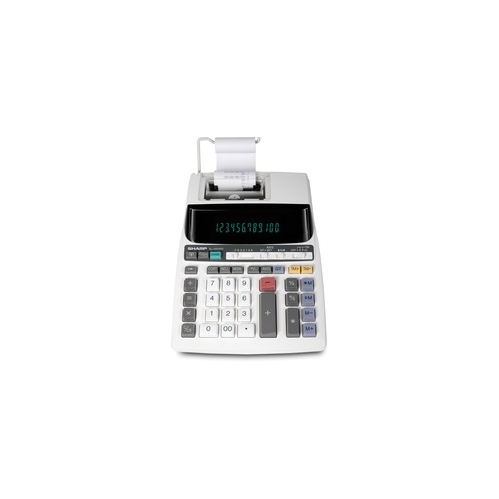
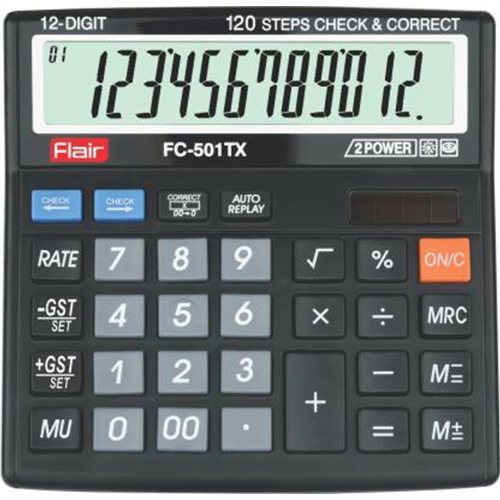
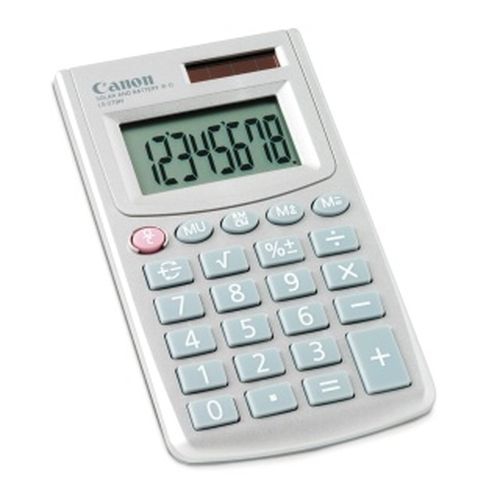
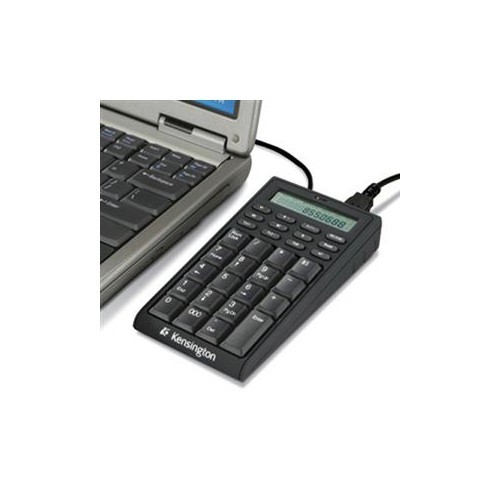
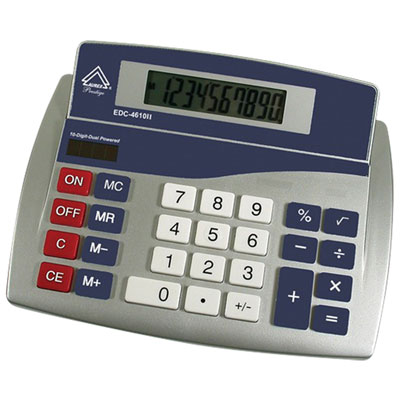
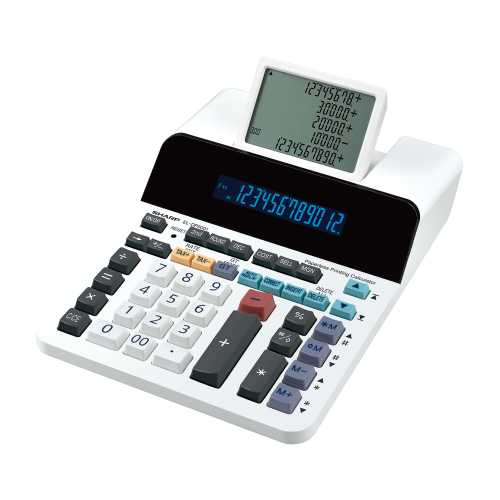
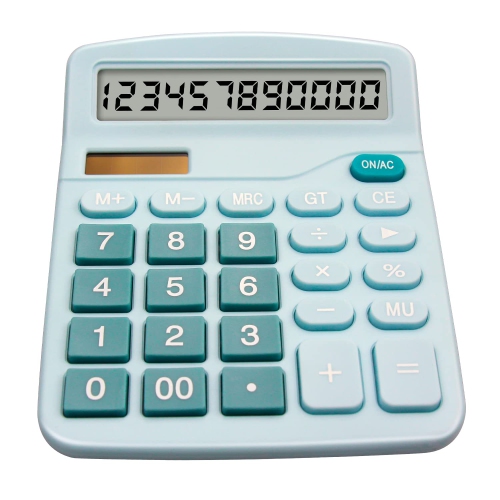
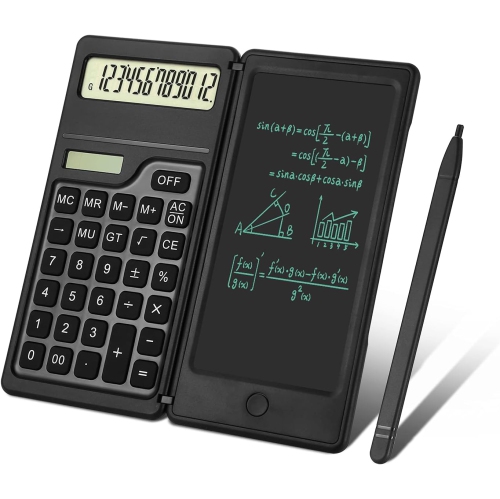
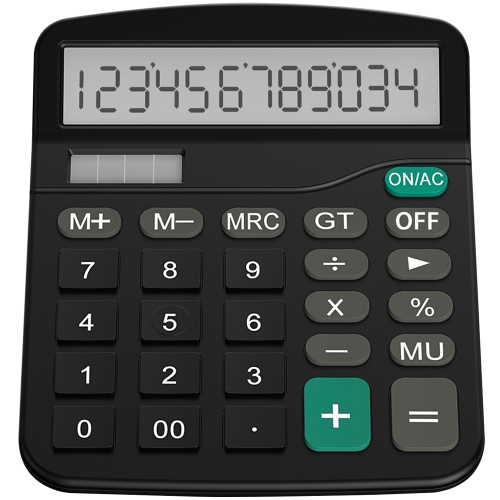
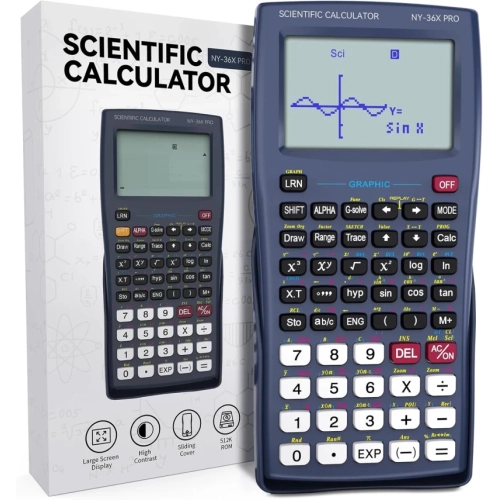
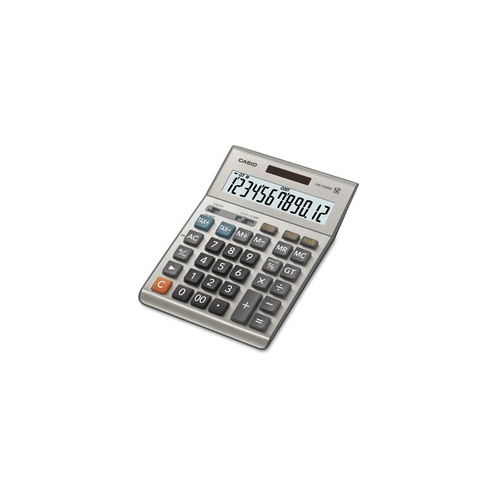
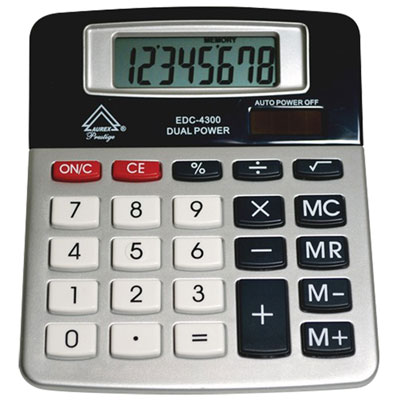
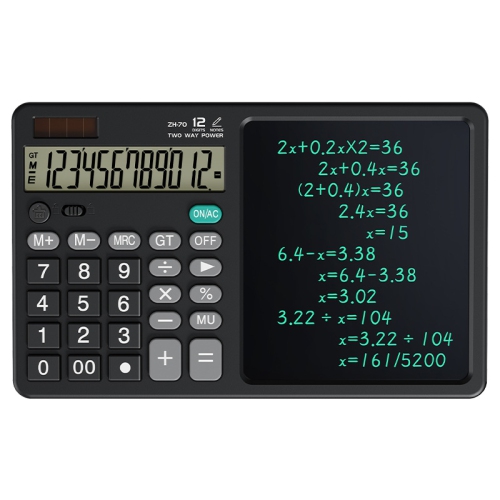
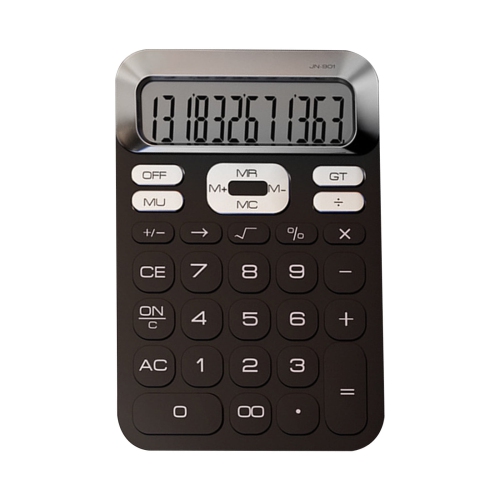
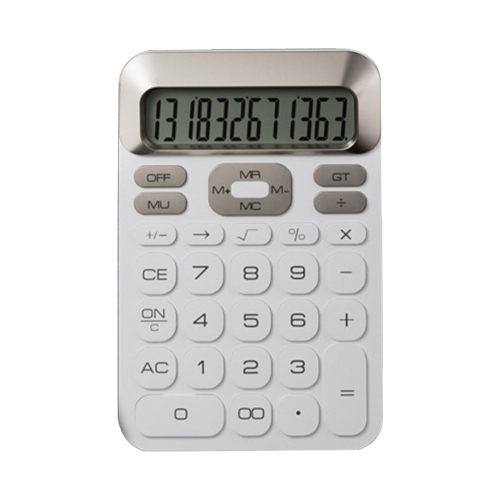
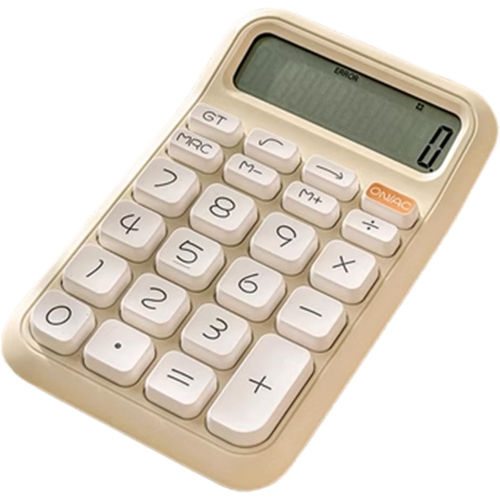
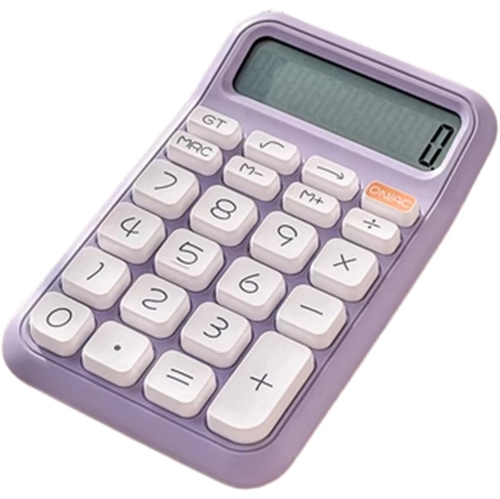
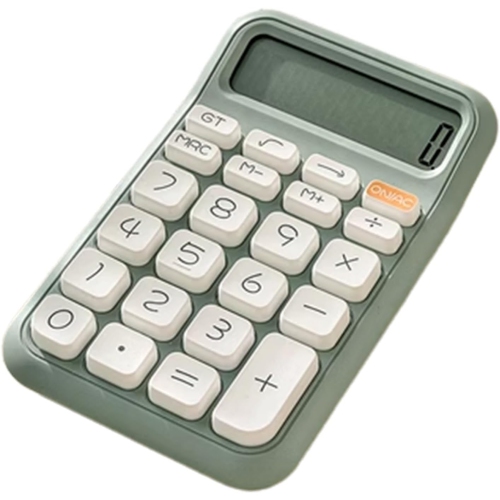
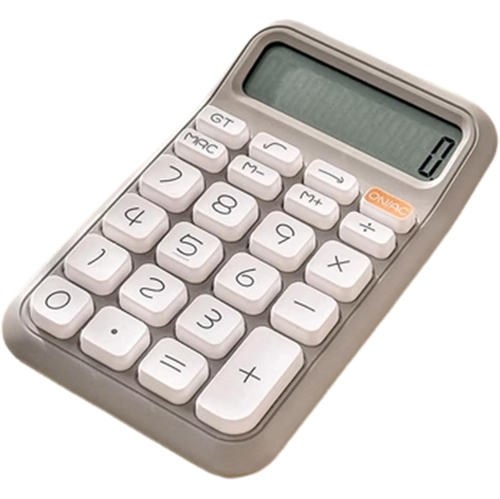
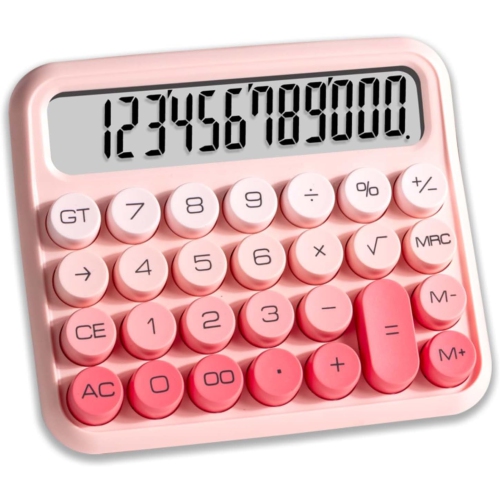
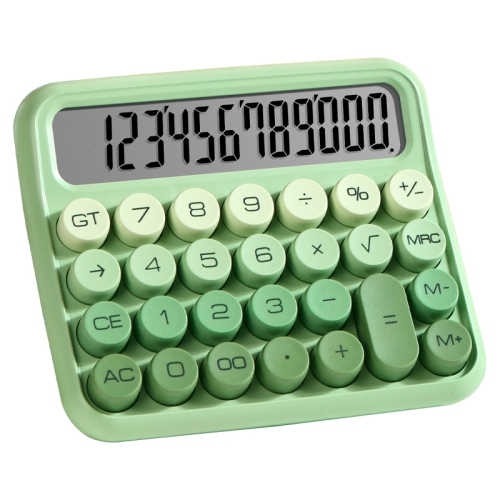
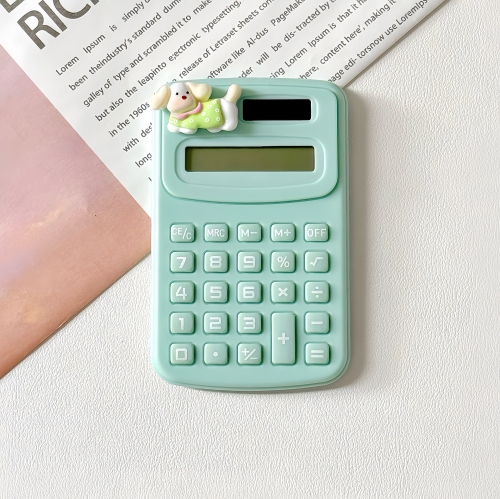
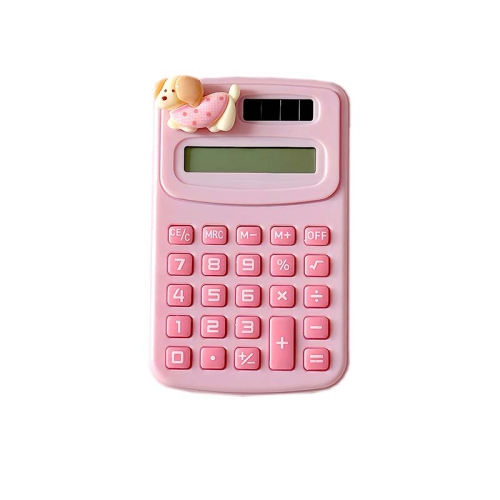
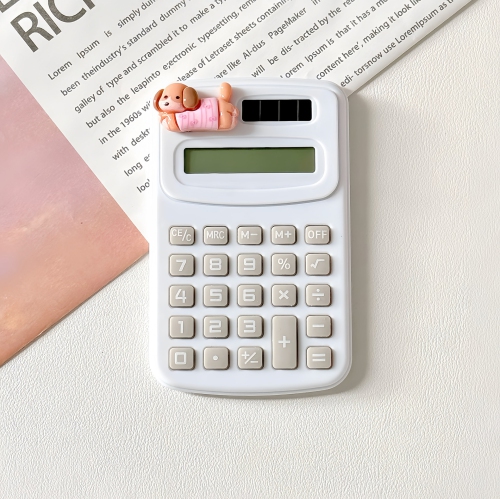
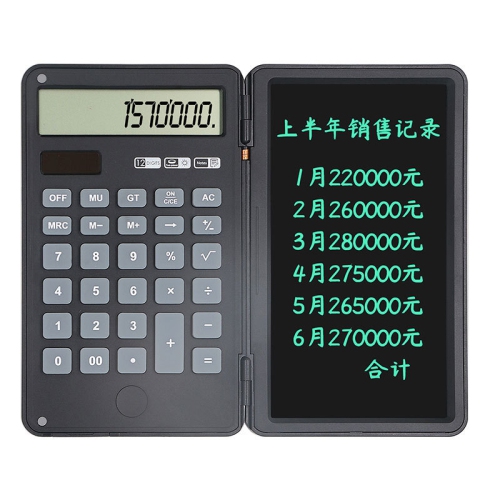
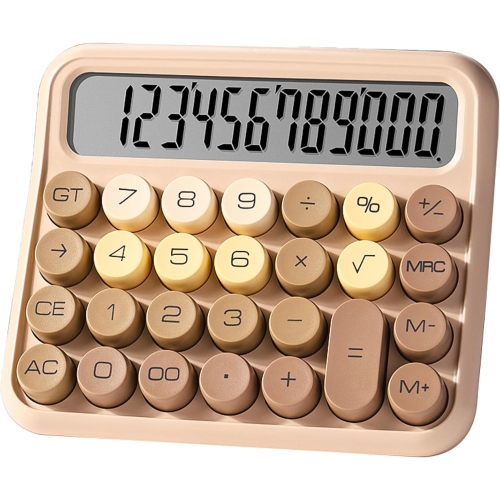
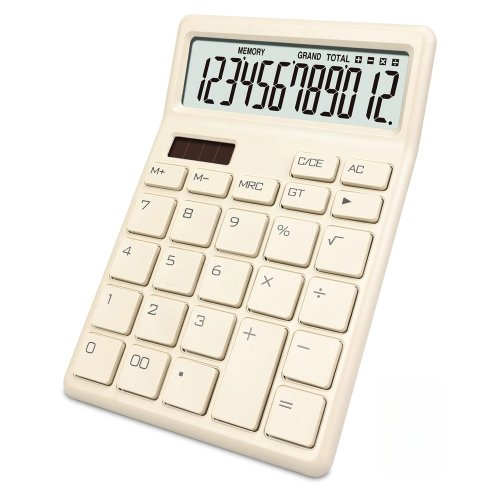
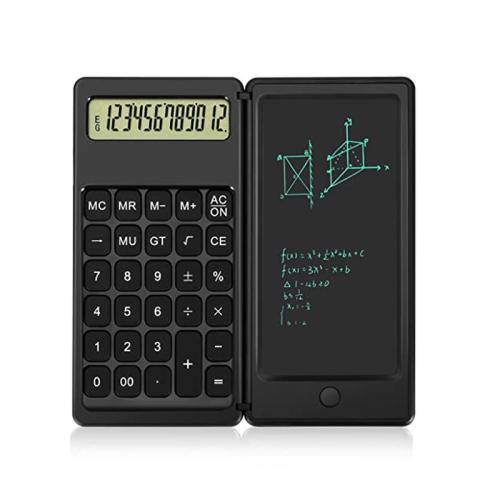
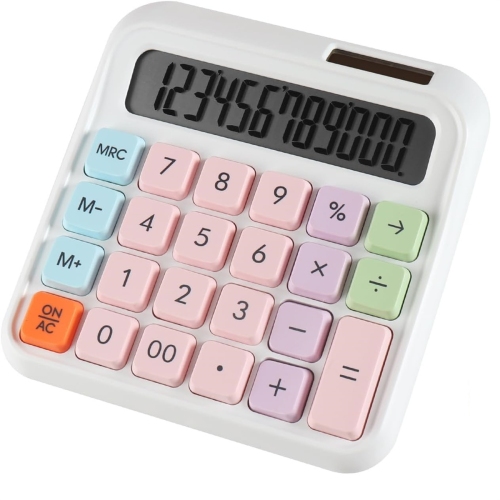
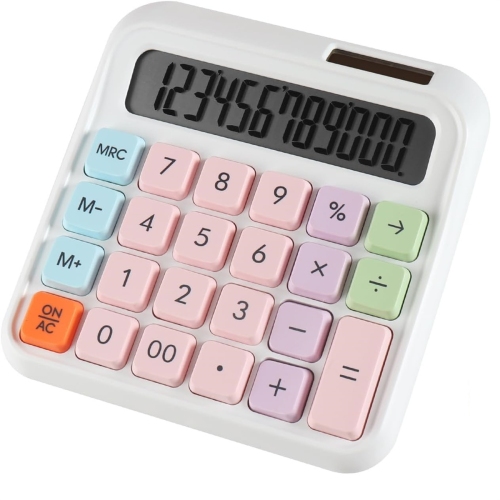
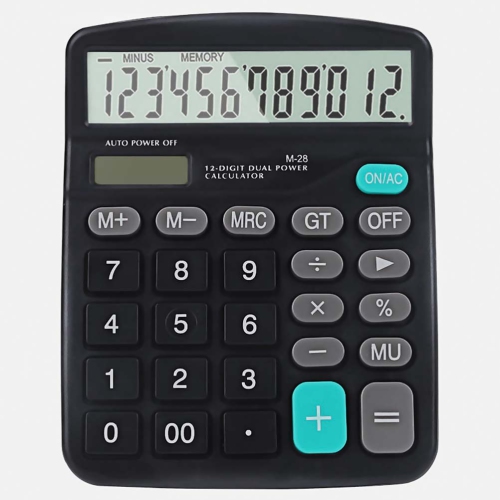
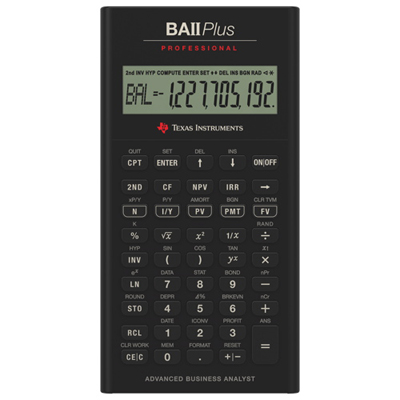
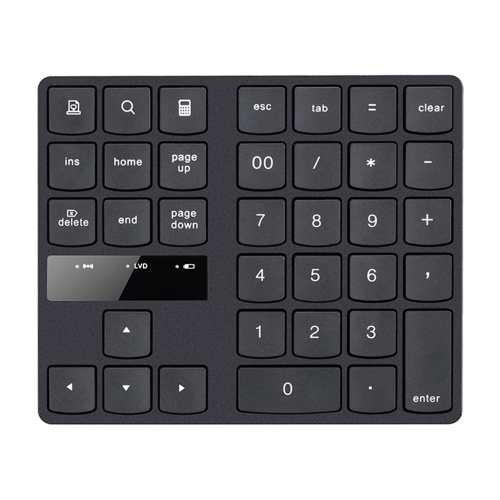
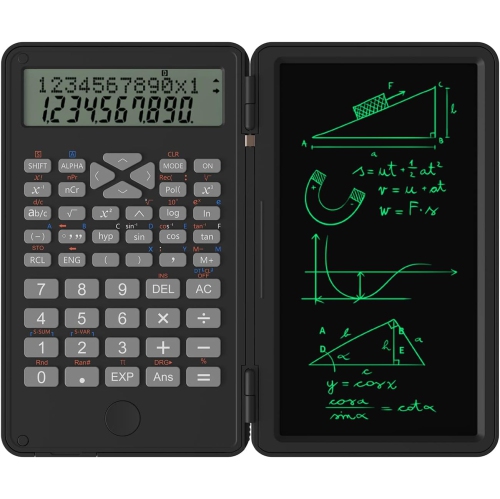
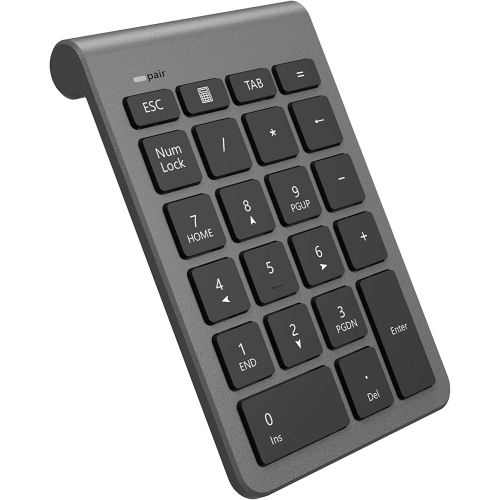
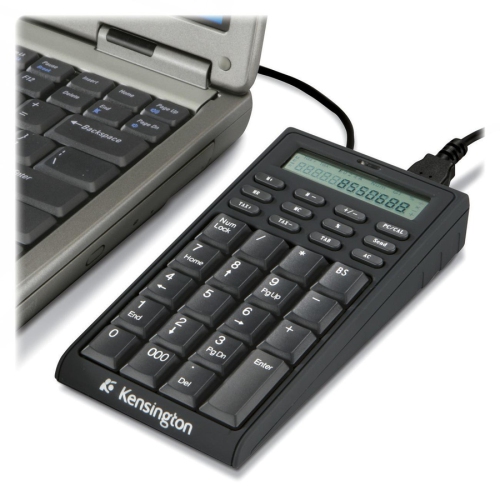
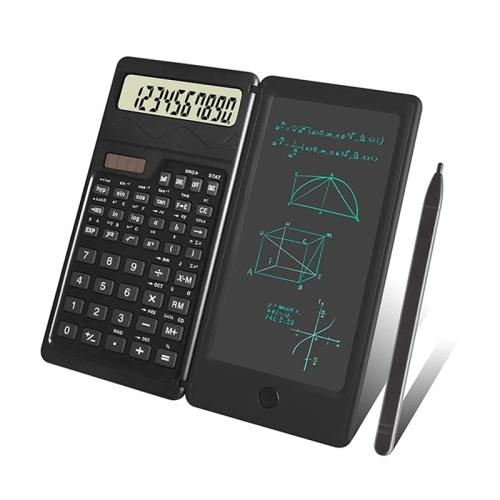
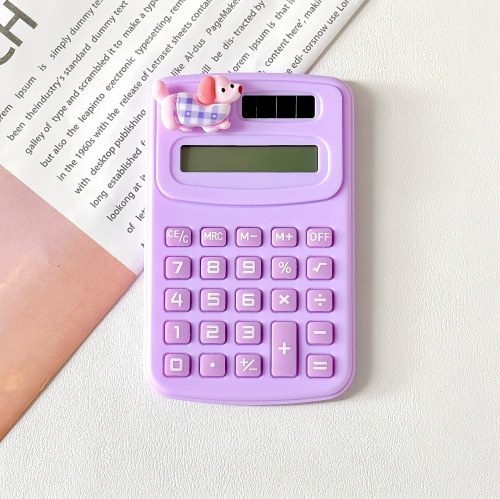
Large keys and clear displays simplify everyday number work
Desktop calculators are larger, stationary electronic calculators designed for comfortable use at a desk, counter, reception area or home workstation. Compared with compact handheld models, they typically have a wider footprint, a tilted display that is easier to read from a seated position and generous keys that help reduce missed presses during longer calculations. A desktop calculator can be useful for adding invoices, checking receipts, balancing a household budget, recording inventory, calculating discounts or reviewing figures while working with paperwork. Many models include a 12-digit display, providing enough space for larger totals, prices and measurements without requiring repeated calculations. A clear angled screen is especially helpful in bright offices, retail counters and classrooms, where the calculator may be positioned several inches away rather than held in hand. Large, high-contrast keys can also make everyday number entry more comfortable for people who prefer a tactile layout or who frequently move between a calculator, a notebook and a computer keyboard. Basic models generally cover addition, subtraction, multiplication, division, percentage calculations and memory functions, making them suitable for common arithmetic at home, school or work. Other desktop calculators include practical business functions for cost, sell and margin calculations, allowing users to enter a cost and selling price or compare figures when planning markups. Tax keys can simplify repeated tax calculations, while grand total functions help combine several subtotals without writing every figure down separately. Depending on the model, users may also find keys for double zero, correction, sign change, rounding or decimal selection. These details can make a noticeable difference when a calculator is used throughout the day, particularly for bookkeeping, point-of-sale preparation, small-business administration or purchase planning. Power options are another consideration. Some desktop calculators use batteries, while others combine battery operation with light-powered functionality and may continue working in typical indoor lighting. A dual-power design can be convenient for a calculator that stays on a desk or travels between work areas, while an automatic shut-off feature can help preserve battery life between uses. Look for a display size, key arrangement and body shape that match the intended workspace, along with a stable base that will not slide easily when several keys are pressed in succession. For users who need something lighter and easier to carry between rooms or appointments, Portable Calculators may be a better fit.
The right desktop calculator depends largely on the type of numbers being handled and the setting in which it will be used. A student completing arithmetic practice, a parent organizing a weekly budget and a receptionist adding service totals may all appreciate large keys and a readable screen, but they may not need the same advanced functions. For household use, memory keys, percentage functions and a clear 10- or 12-digit display can help with comparing prices, calculating sale reductions, tracking shared expenses and checking totals before making a purchase. A home office user may benefit from tax keys and a grand total feature when organizing invoices, receipts or recurring payments. Small-business owners, market vendors and independent professionals often look for cost, sell and margin functions because these provide a quick way to review pricing decisions without opening a spreadsheet for every calculation. In a classroom or tutoring space, a straightforward layout can keep attention on the calculation itself, while a sturdy design is useful when several people share the same equipment. Desktop calculators can also make thoughtful practical gifts for students moving into a new study space, someone setting up a first home office, a family member managing household finances or a colleague who works with receipts and order forms. They take up little room, are simple to operate and can be ready whenever a quick calculation is needed. When choosing one as a gift, consider whether the recipient is likely to use it for basic arithmetic or more specialized tasks such as tax, margin and cost calculations. A larger display may be preferable for anyone who checks figures from a standing position or keeps documents beside the calculator, while a compact desktop shape can suit a crowded counter or shared workstation. Pay attention to the key layout as well: frequently used controls should be easy to identify, and a dedicated double-zero key can speed up entries involving prices and invoices. The calculator should also be easy to reset between tasks, with memory controls that are clearly marked and a display that shows enough digits for the recipient’s typical work. Desktop calculators are particularly useful during the cooler months, when more paperwork may be handled indoors and home offices, study areas and administrative workspaces become regular parts of the daily routine. Whether it is used to total receipts at a counter, review figures beside a laptop, prepare classroom exercises or keep a household spending record, a well-chosen desktop calculator offers a dependable way to work through numbers with less clutter and fewer interruptions.
The right desktop calculator depends largely on the type of numbers being handled and the setting in which it will be used. A student completing arithmetic practice, a parent organizing a weekly budget and a receptionist adding service totals may all appreciate large keys and a readable screen, but they may not need the same advanced functions. For household use, memory keys, percentage functions and a clear 10- or 12-digit display can help with comparing prices, calculating sale reductions, tracking shared expenses and checking totals before making a purchase. A home office user may benefit from tax keys and a grand total feature when organizing invoices, receipts or recurring payments. Small-business owners, market vendors and independent professionals often look for cost, sell and margin functions because these provide a quick way to review pricing decisions without opening a spreadsheet for every calculation. In a classroom or tutoring space, a straightforward layout can keep attention on the calculation itself, while a sturdy design is useful when several people share the same equipment. Desktop calculators can also make thoughtful practical gifts for students moving into a new study space, someone setting up a first home office, a family member managing household finances or a colleague who works with receipts and order forms. They take up little room, are simple to operate and can be ready whenever a quick calculation is needed. When choosing one as a gift, consider whether the recipient is likely to use it for basic arithmetic or more specialized tasks such as tax, margin and cost calculations. A larger display may be preferable for anyone who checks figures from a standing position or keeps documents beside the calculator, while a compact desktop shape can suit a crowded counter or shared workstation. Pay attention to the key layout as well: frequently used controls should be easy to identify, and a dedicated double-zero key can speed up entries involving prices and invoices. The calculator should also be easy to reset between tasks, with memory controls that are clearly marked and a display that shows enough digits for the recipient’s typical work. Desktop calculators are particularly useful during the cooler months, when more paperwork may be handled indoors and home offices, study areas and administrative workspaces become regular parts of the daily routine. Whether it is used to total receipts at a counter, review figures beside a laptop, prepare classroom exercises or keep a household spending record, a well-chosen desktop calculator offers a dependable way to work through numbers with less clutter and fewer interruptions.
Top selling and popular products
-
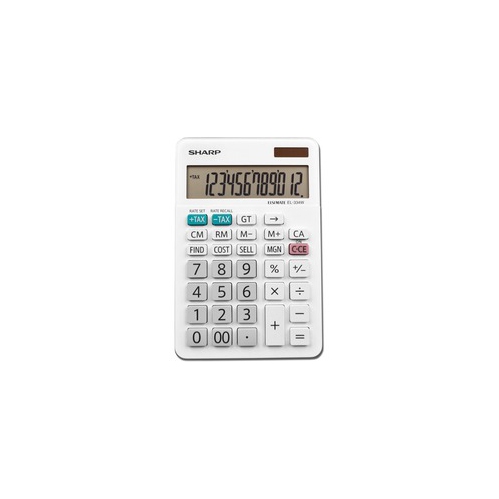 Your price for this item is $17.99
 -
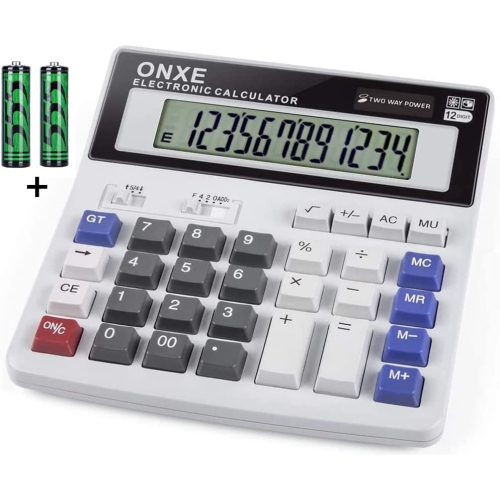 Your price for this item is $49.96
 -
 Your price for this item is $6.99
 -
 Your price for this item is $16.99
 -
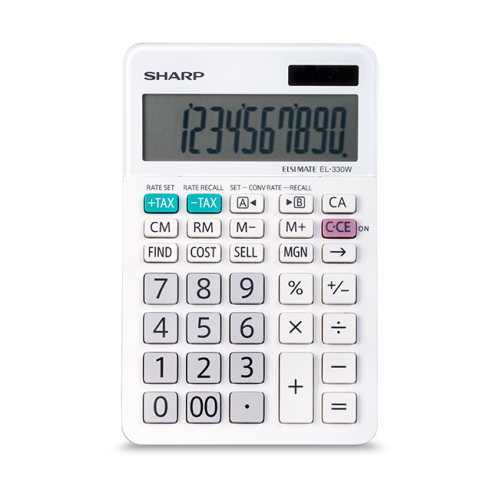 Your price for this item is $28.68
 -
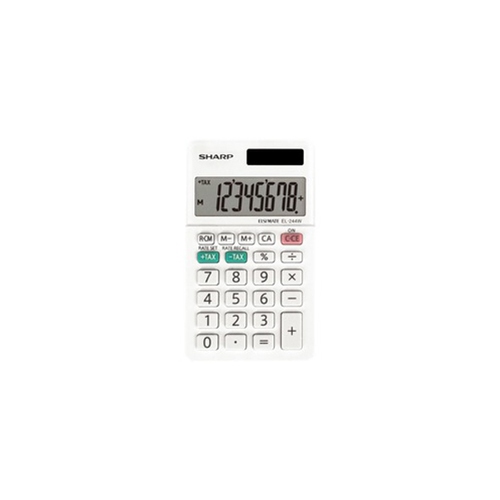 Your price for this item is $7.99
 -
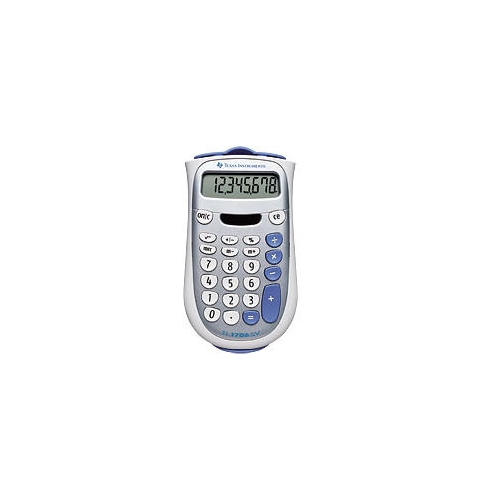 Your price for this item is $19.99
 -
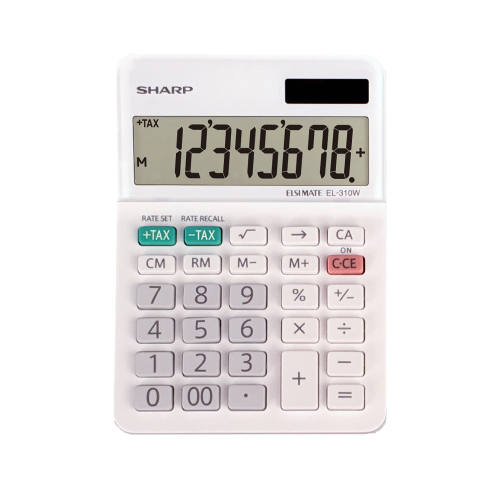 Your price for this item is $11.99
Discover more categories related to Desktop Calculators

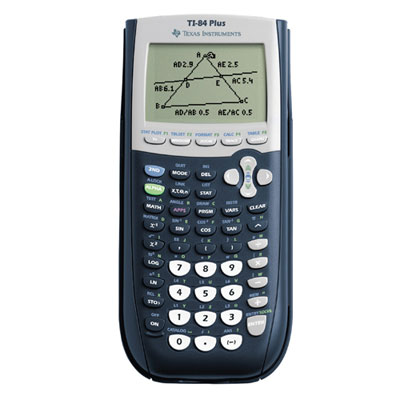
Top Collections:
Pokemon Centers, Kindle Devices, Best Budget Office Chairs, Apple iPhones 16, Best Laptops for Writers, iPhone 15 Apple, Canon G7X Cameras, Refurbished Apple Laptops, Alarm Clock, Motorola Razr Phones
Some products may be subject to Environmental Handling Fees
(EHF) depending on your province.
Learn more about EHFs.