Fellowes Shredders
Looking for a reliable and efficient shredder to keep your sensitive documents secure? Look no further than our collection of Fellowes shredders. Designed with cutting-edge technology and built to last, these shredders offer exceptional performance and peace of mind. Whether you need a compact shredder for your home office or a heavy-duty one for your business, we have the perfect Fellowes shredder to suit your needs. With their advanced features and user-friendly design, these shredders make document disposal quick, easy, and hassle-free. Explore our wide range of Fellowes Shredders today and experience the ultimate in document security.
Sort










Key features for secure, dependable document disposal
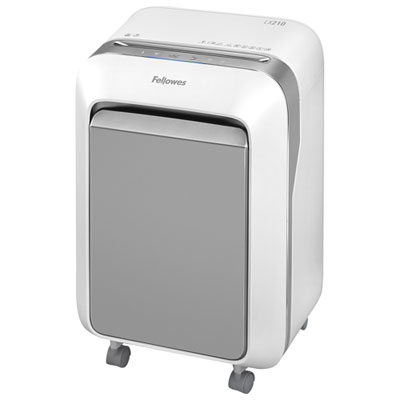
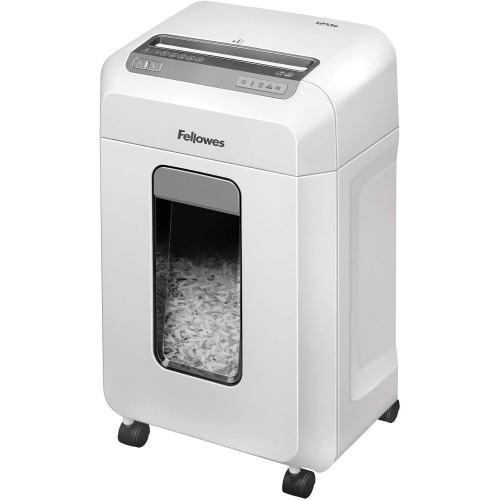
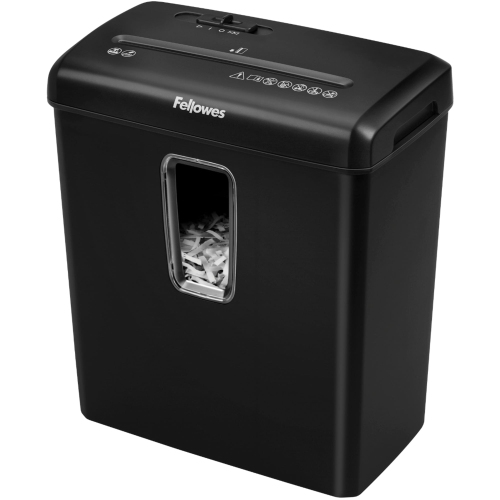
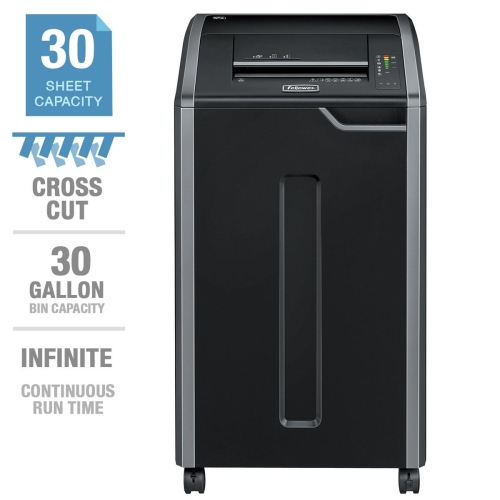
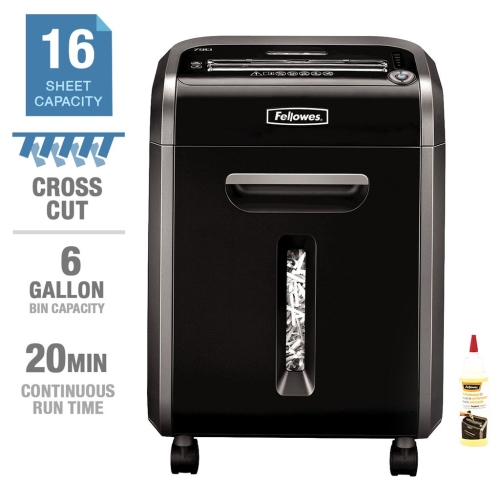
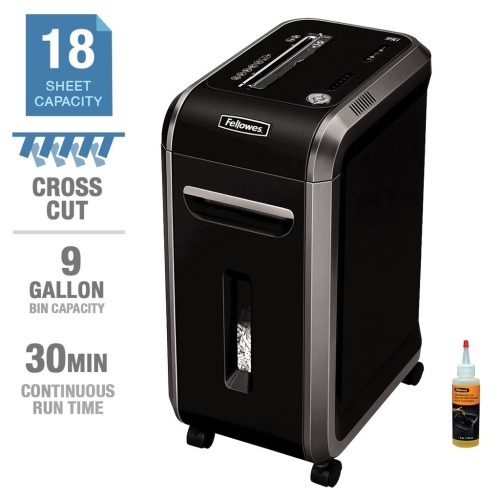
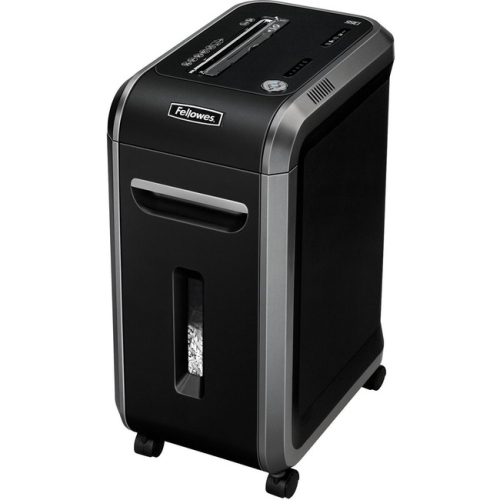
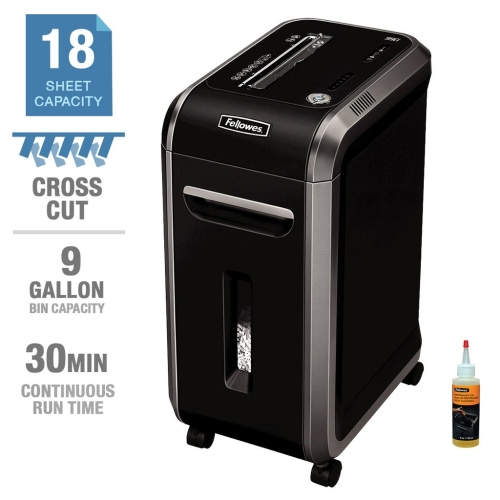
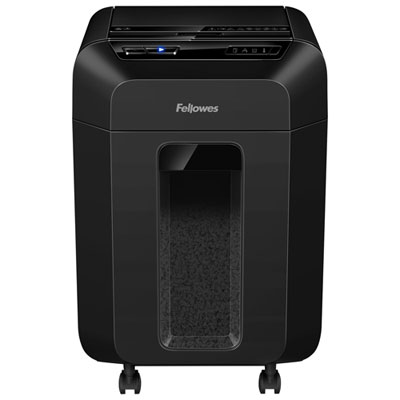
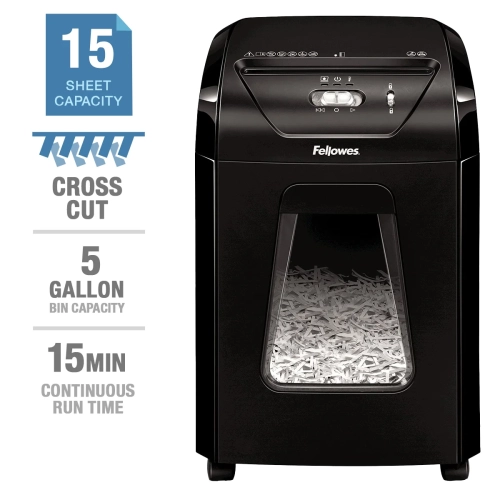
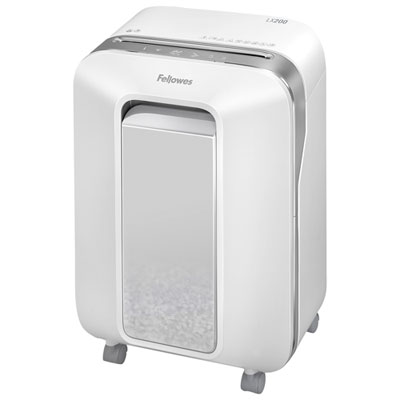
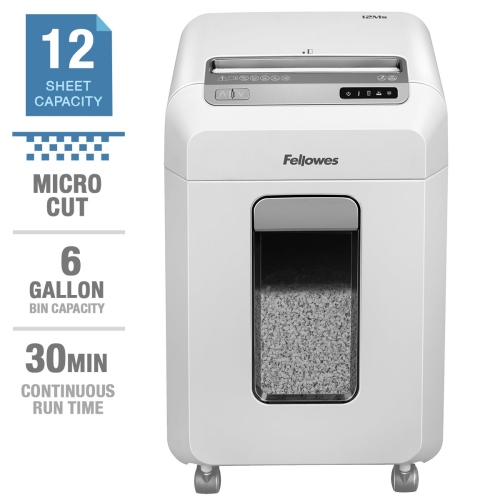
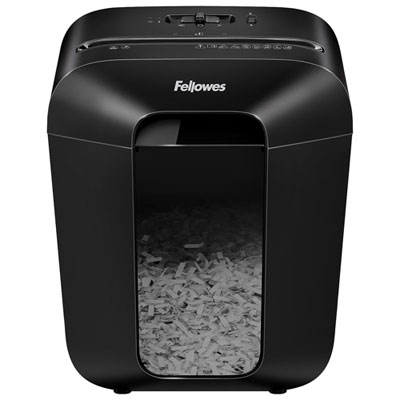
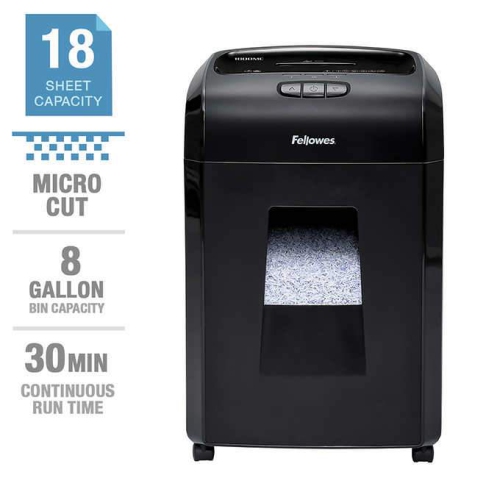
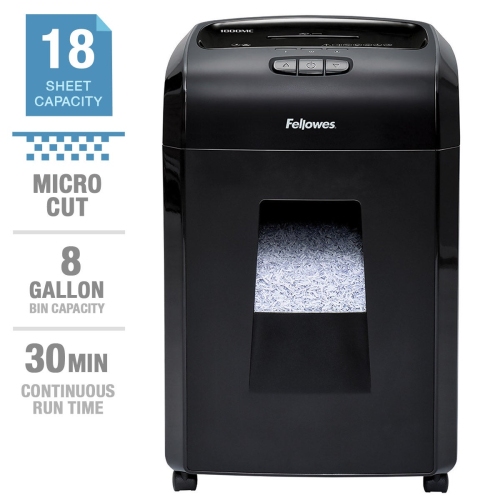
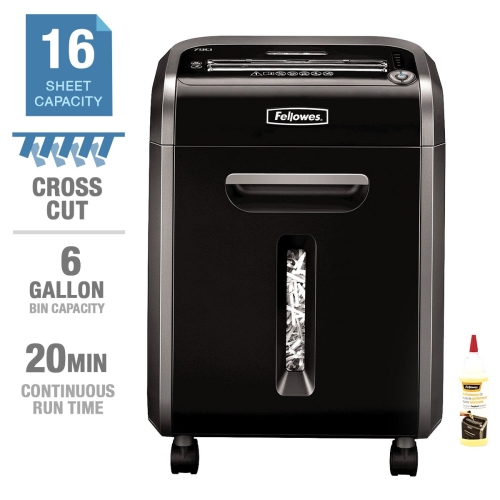
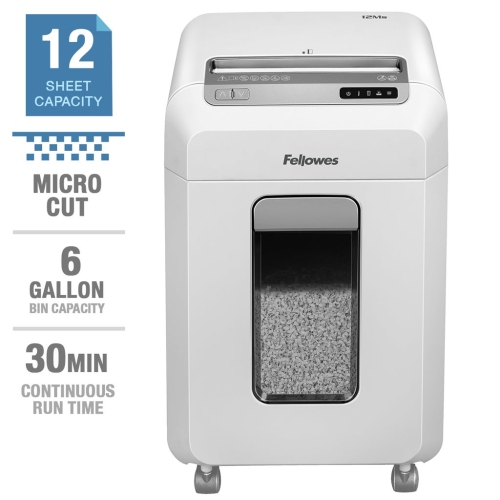
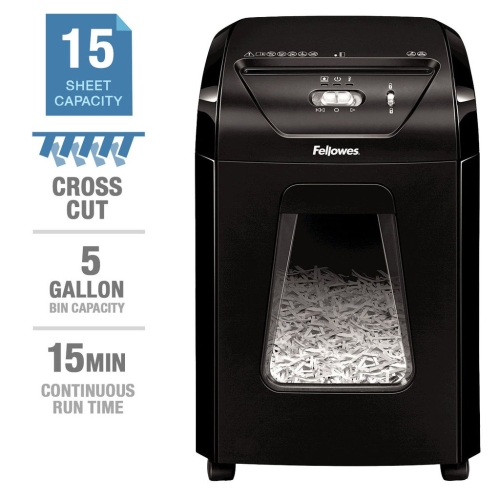
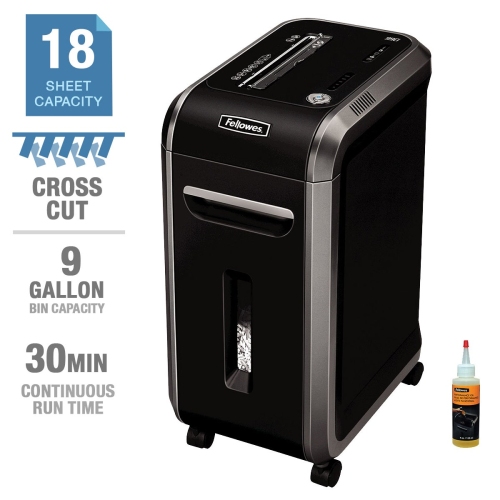
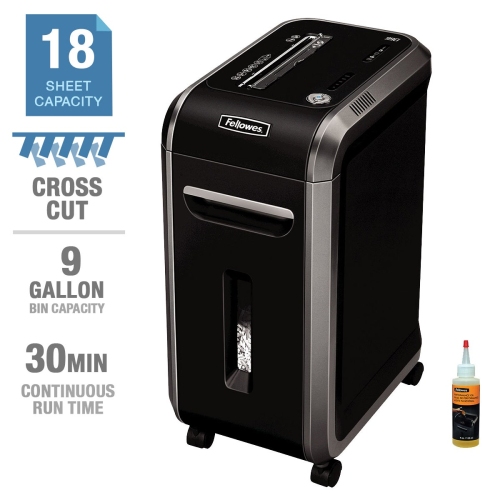
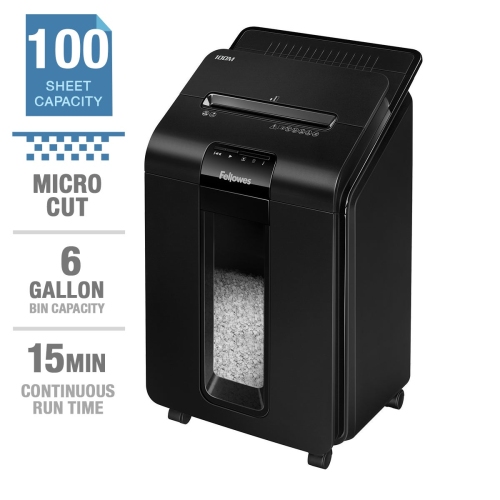
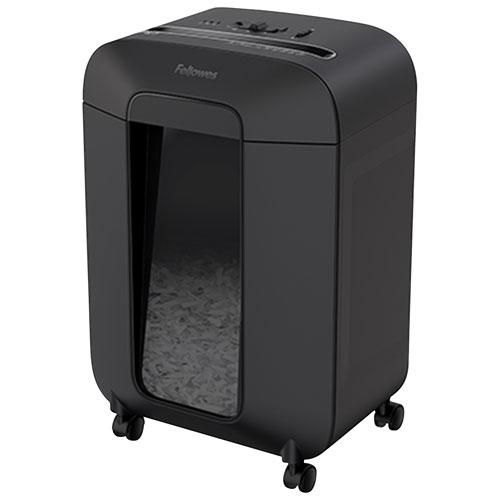
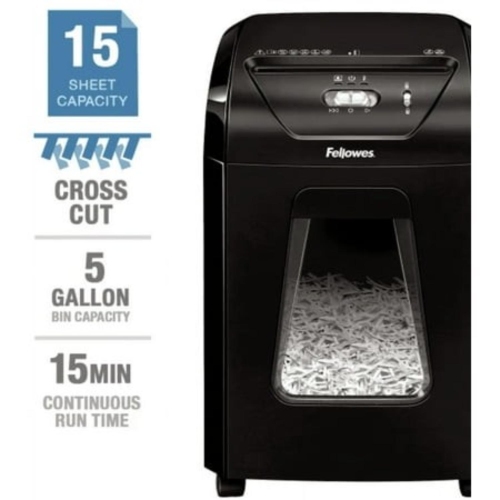
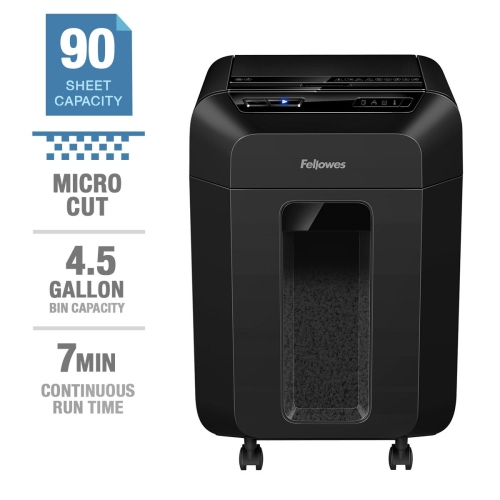
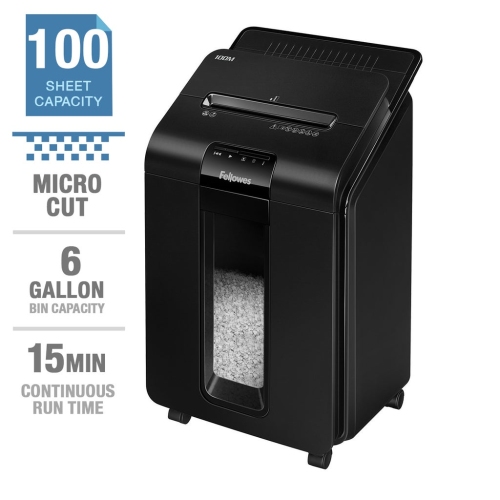
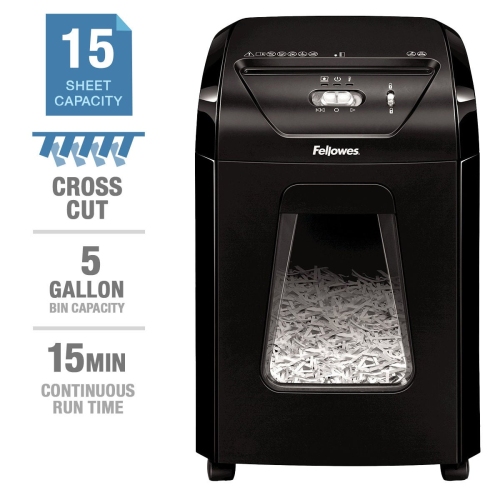
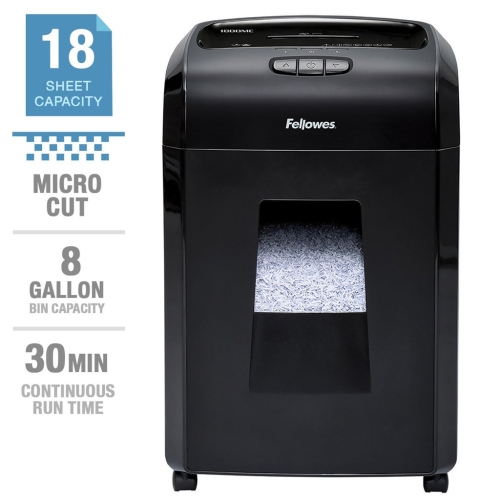
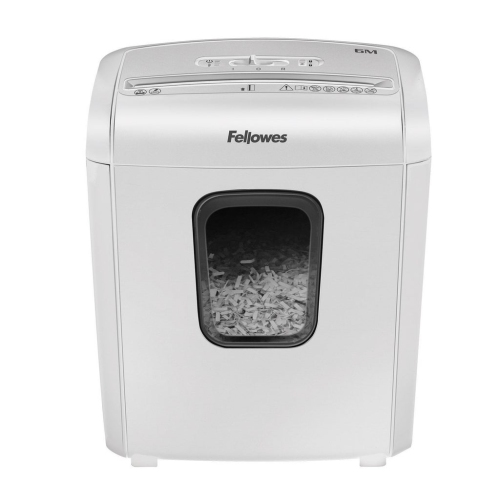
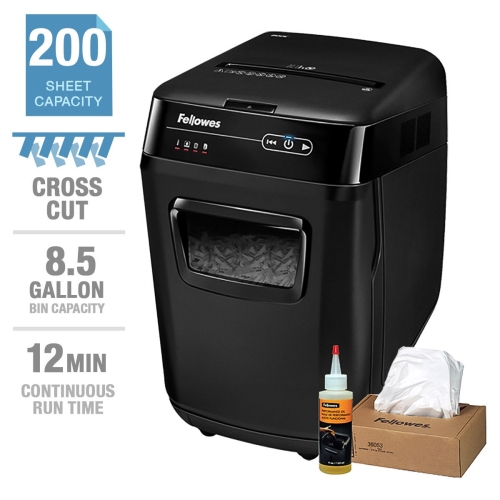
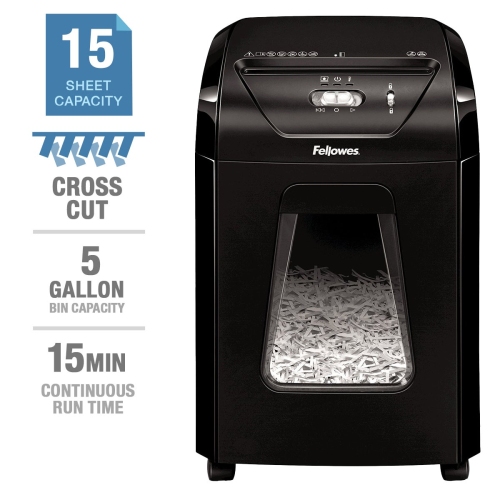
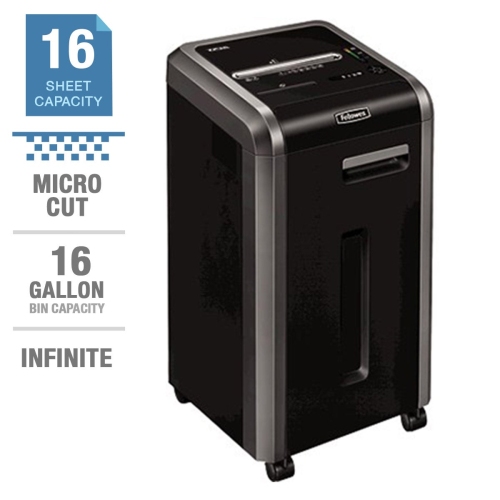
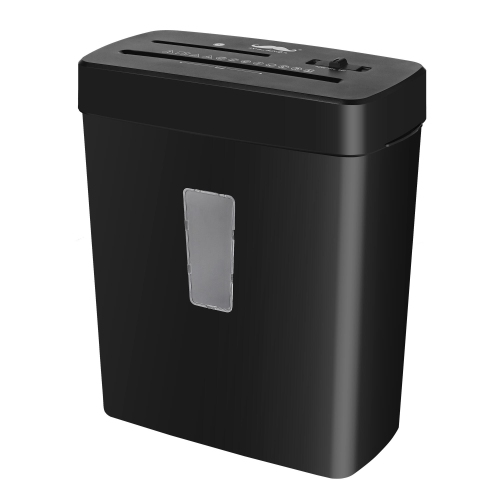
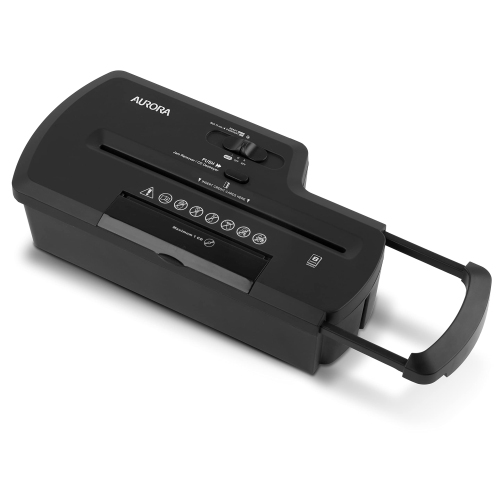
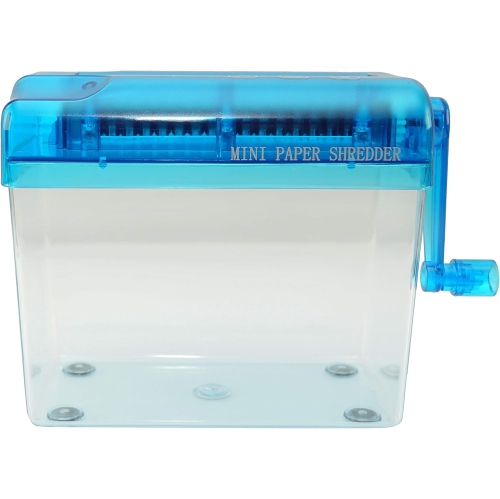
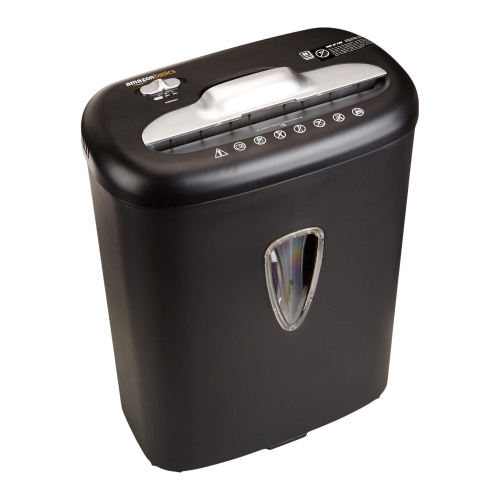
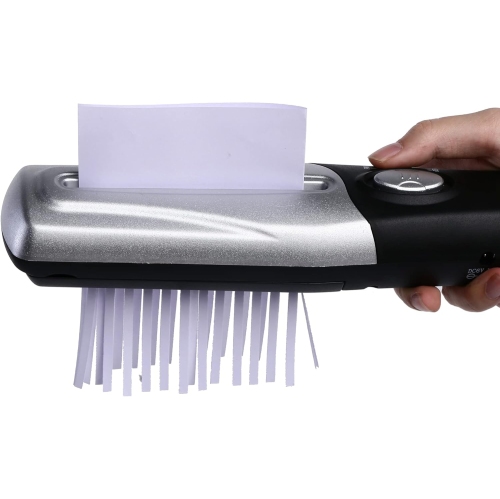
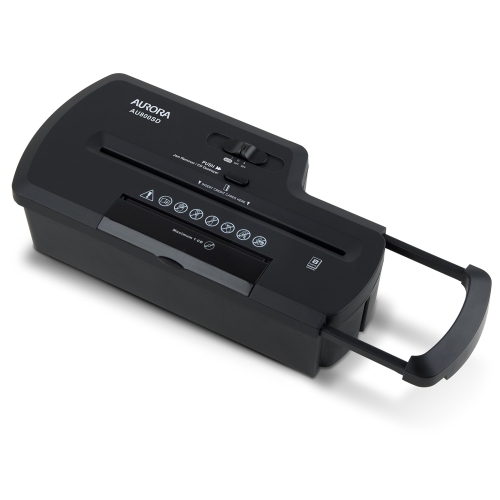
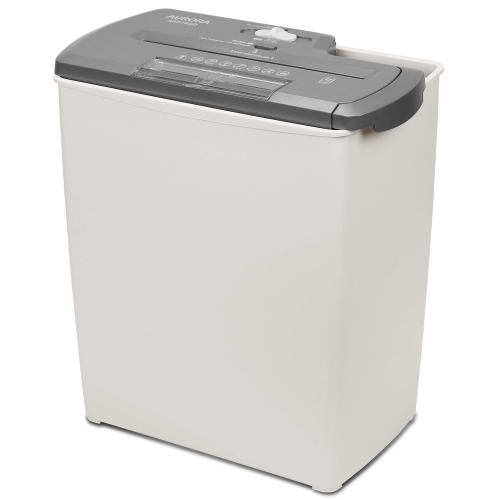
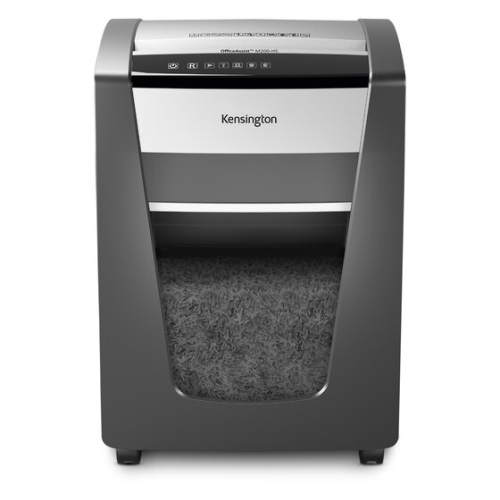
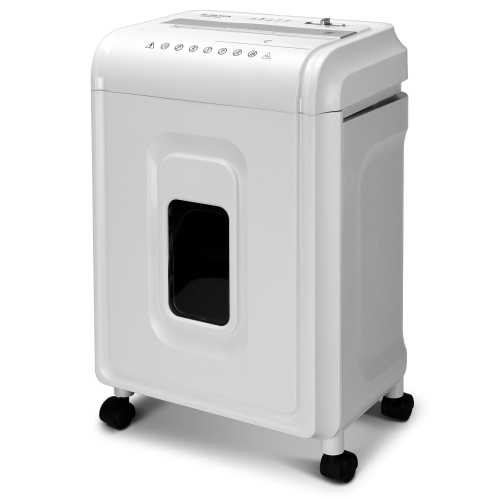
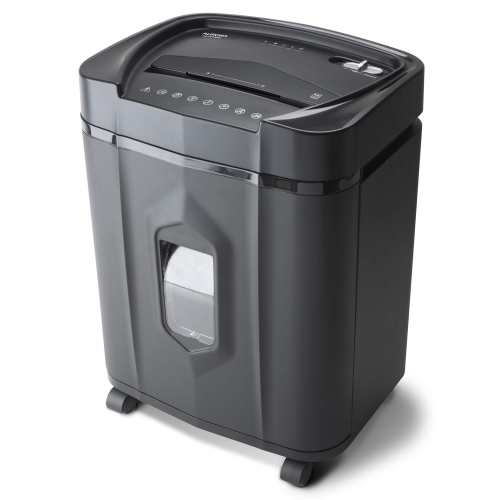
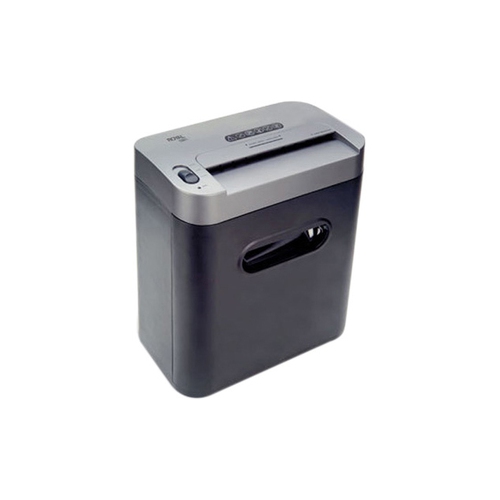
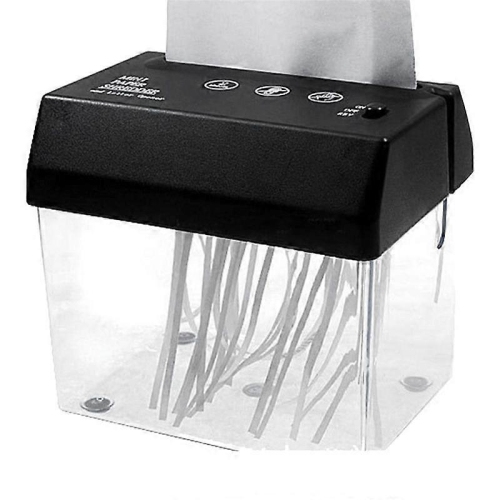
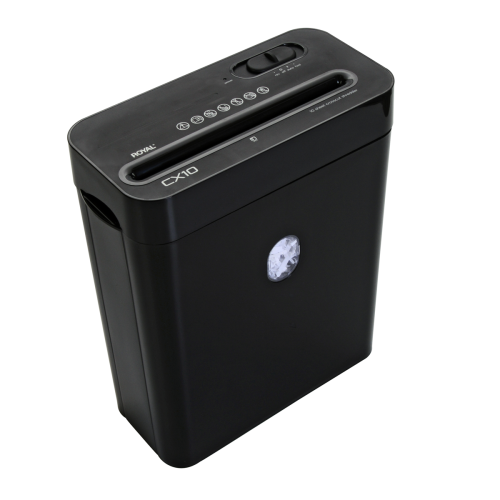
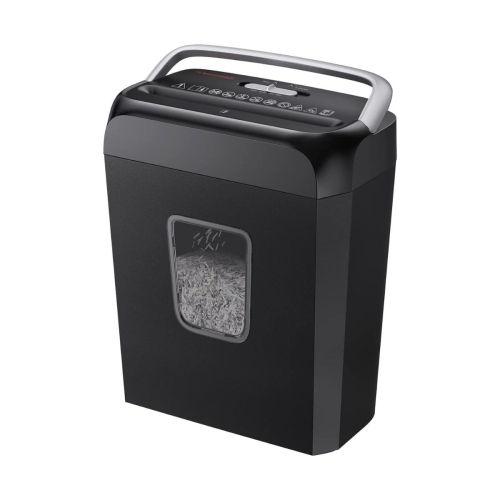
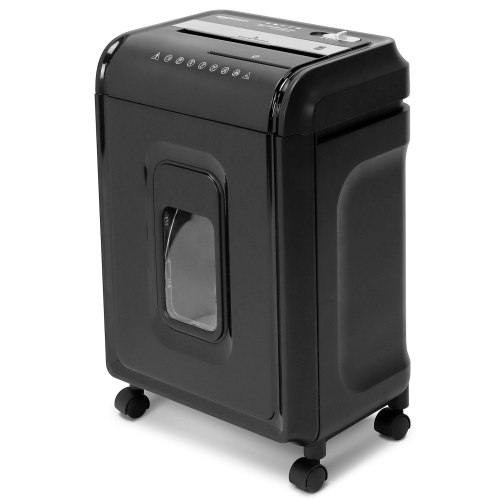
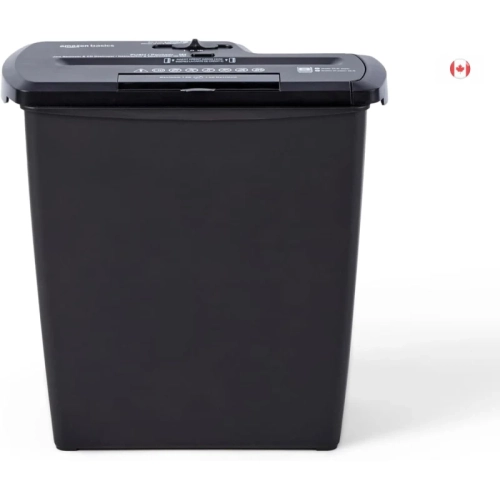
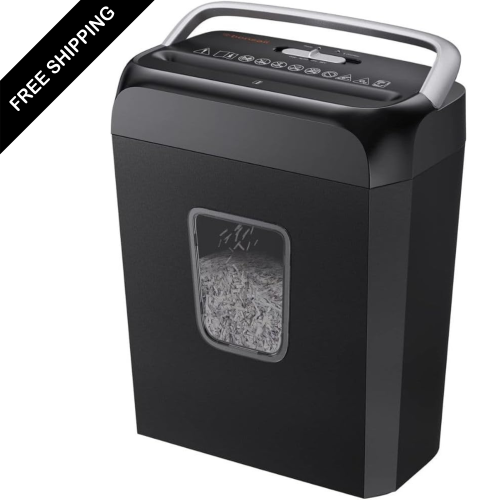
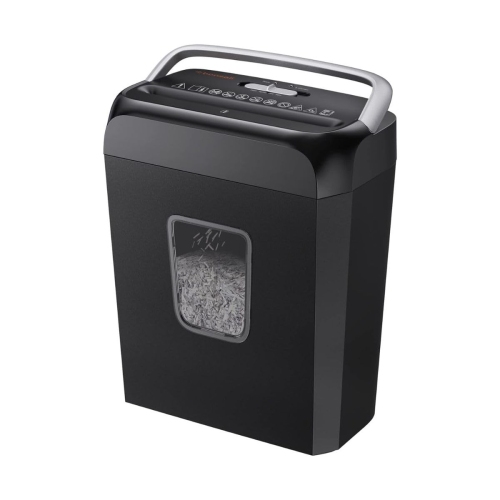
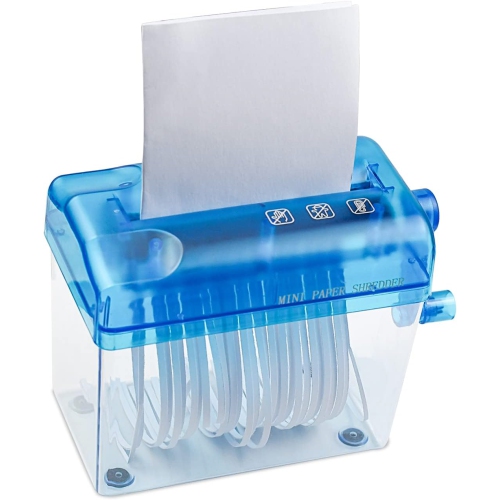
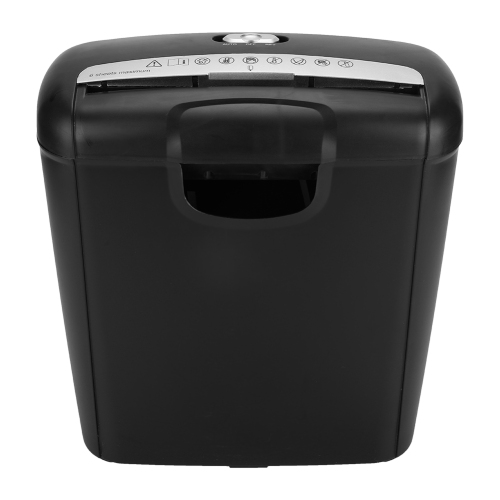
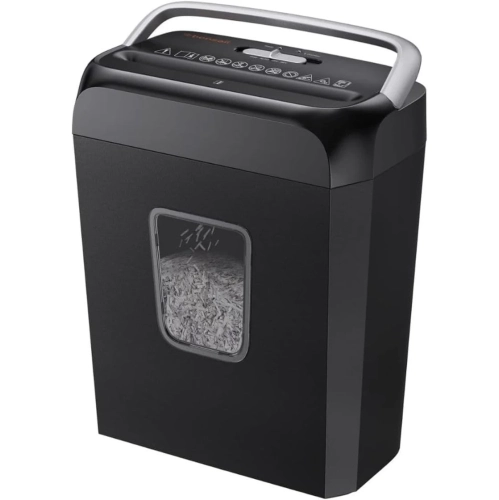
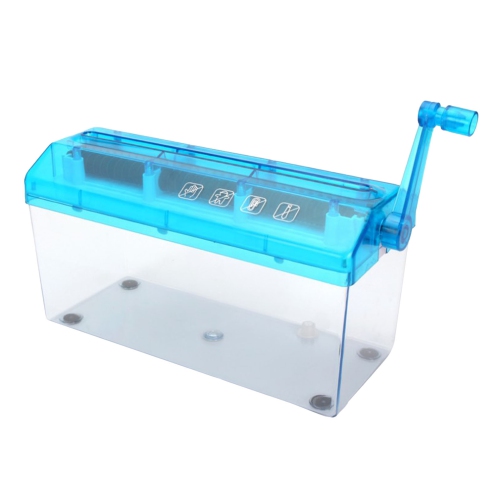
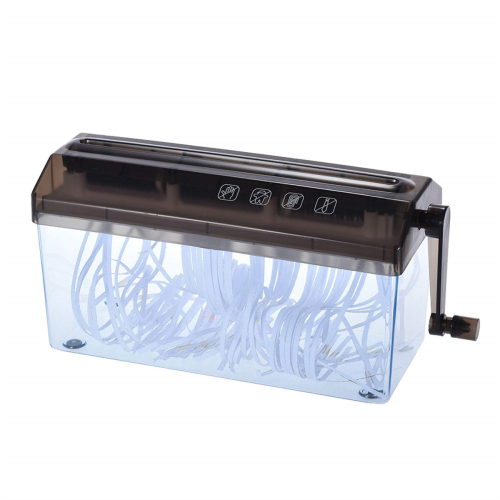
Paper shredders are a practical way to manage documents that contain personal, financial, or business information. They help turn paperwork that is no longer needed into small pieces that are much harder to read, making them useful for home offices, family workspaces, small businesses, and shared office environments. A compact personal or deskside shredder is well suited to occasional paperwork such as bank statements, expired bills, old receipts, printed forms, and mailing labels. Larger office shredders are designed for more frequent use, allowing several people to handle routine document disposal without constantly stopping to empty the bin or wait for the motor to cool. When choosing a shredder, consider how many people will use it, how often it will run, and how much paper typically builds up between clear-outs. Sheet capacity is an important starting point: personal models commonly handle roughly 6 to 9 sheets per pass, while units intended for a home office or small office may accept approximately 12 to 15 sheets. A higher sheet capacity can make a noticeable difference when sorting a stack of paperwork, although feeding fewer sheets than the maximum can help maintain smooth, consistent operation. Runtime matters as well. Smaller machines may be designed for short sessions of a few minutes, while heavier-duty models can continue working for 10 to 20 minutes or longer before requiring a cooling period. Cross-cut shredders cut pages into short strips and smaller particles, providing a useful level of security for everyday personal documents. Micro-cut machines reduce paper into even finer, confetti-like pieces and are a strong choice for highly sensitive information, such as tax records, payroll documents, medical paperwork, account details, or confidential business correspondence. For a broader selection of machines designed for regular workplace use, explore Cross Cut Office Shredders.
The materials a shredder can process are another important consideration. Many models are built to handle staples and small paper clips, which is convenient when documents arrive in a hurried stack from a filing cabinet or printer tray. Some can also shred plastic cards, such as expired membership cards or old payment cards, helping you dispose of them without leaving readable numbers behind. Always check the manufacturer’s specifications before feeding in thicker items, adhesive labels, laminated paper, envelopes, cardboard, or multiple layers of folded paper, since these materials can increase the chance of a jam. A pull-out waste bin or a clear viewing window makes it easier to see when the collection container needs attention, while a larger bin reduces the number of interruptions during a sorting session. Noise level can be especially important in a home office, apartment, reception area, or study space where a loud motor may interrupt phone calls or concentration. Features such as automatic start and stop, reverse operation, overload protection, and jam assistance can make everyday use more straightforward. Safety features are also worth prioritizing when children, pets, or several employees share the room. A safety lock can help prevent accidental activation, and touch-sensitive systems may pause the shredder when hands come too close to the paper entry. Place the machine on a stable, level surface with enough clearance around the vents, and keep loose clothing, hair, cords, and small objects away from the feed opening. It is best to remove staples and clips when practical, avoid exceeding the recommended sheet limit, and let the motor rest between sessions. These small habits help prevent overheating and keep the paper path moving cleanly, especially when a full drawer of old records needs to be sorted during the cooler months.
Regular maintenance helps preserve cutting performance and reduce frustrating stoppages. Cross-cut and micro-cut blades should be lubricated according to the care instructions, often whenever the bin is emptied for cross-cut use and more frequently for micro-cut operation. Use shredder oil or approved lubricant sheets made for the machine rather than aerosol products or petroleum-based oils, which may damage internal components or create a safety concern. If paper begins to move slowly, the motor sounds strained, or the machine reverses more often than usual, the blades may need lubrication or the feed opening may be overloaded. When a jam occurs, stop feeding paper and use the reverse function if the model provides one; gently removing accessible scraps with the power disconnected can help clear the path, but sharp tools should not be pushed into the cutters. Empty the bin before it becomes tightly packed, since compressed shreds can block the cutting mechanism and trigger an overload. A shredder can be a thoughtful practical gift for someone setting up a home office, managing household records, operating a small business, or preparing for a new school or work routine. It can also be a useful addition to a shared family workspace where paperwork tends to collect in untidy piles beside the printer. Keep the machine close to the place where documents are reviewed, with a small tray nearby for papers awaiting disposal; this makes secure shredding part of the normal filing routine rather than a task that gets postponed. Whether the need is occasional personal use, regular home-office work, or higher-volume document handling, selecting the right cut style, sheet capacity, runtime, bin size, accepted materials, and safety features can make confidential paper disposal simpler and more dependable.
The materials a shredder can process are another important consideration. Many models are built to handle staples and small paper clips, which is convenient when documents arrive in a hurried stack from a filing cabinet or printer tray. Some can also shred plastic cards, such as expired membership cards or old payment cards, helping you dispose of them without leaving readable numbers behind. Always check the manufacturer’s specifications before feeding in thicker items, adhesive labels, laminated paper, envelopes, cardboard, or multiple layers of folded paper, since these materials can increase the chance of a jam. A pull-out waste bin or a clear viewing window makes it easier to see when the collection container needs attention, while a larger bin reduces the number of interruptions during a sorting session. Noise level can be especially important in a home office, apartment, reception area, or study space where a loud motor may interrupt phone calls or concentration. Features such as automatic start and stop, reverse operation, overload protection, and jam assistance can make everyday use more straightforward. Safety features are also worth prioritizing when children, pets, or several employees share the room. A safety lock can help prevent accidental activation, and touch-sensitive systems may pause the shredder when hands come too close to the paper entry. Place the machine on a stable, level surface with enough clearance around the vents, and keep loose clothing, hair, cords, and small objects away from the feed opening. It is best to remove staples and clips when practical, avoid exceeding the recommended sheet limit, and let the motor rest between sessions. These small habits help prevent overheating and keep the paper path moving cleanly, especially when a full drawer of old records needs to be sorted during the cooler months.
Regular maintenance helps preserve cutting performance and reduce frustrating stoppages. Cross-cut and micro-cut blades should be lubricated according to the care instructions, often whenever the bin is emptied for cross-cut use and more frequently for micro-cut operation. Use shredder oil or approved lubricant sheets made for the machine rather than aerosol products or petroleum-based oils, which may damage internal components or create a safety concern. If paper begins to move slowly, the motor sounds strained, or the machine reverses more often than usual, the blades may need lubrication or the feed opening may be overloaded. When a jam occurs, stop feeding paper and use the reverse function if the model provides one; gently removing accessible scraps with the power disconnected can help clear the path, but sharp tools should not be pushed into the cutters. Empty the bin before it becomes tightly packed, since compressed shreds can block the cutting mechanism and trigger an overload. A shredder can be a thoughtful practical gift for someone setting up a home office, managing household records, operating a small business, or preparing for a new school or work routine. It can also be a useful addition to a shared family workspace where paperwork tends to collect in untidy piles beside the printer. Keep the machine close to the place where documents are reviewed, with a small tray nearby for papers awaiting disposal; this makes secure shredding part of the normal filing routine rather than a task that gets postponed. Whether the need is occasional personal use, regular home-office work, or higher-volume document handling, selecting the right cut style, sheet capacity, runtime, bin size, accepted materials, and safety features can make confidential paper disposal simpler and more dependable.
Top selling and popular products
-
 Your price for this item is $49.99
 -
 Your price for this item is $69.99
 -
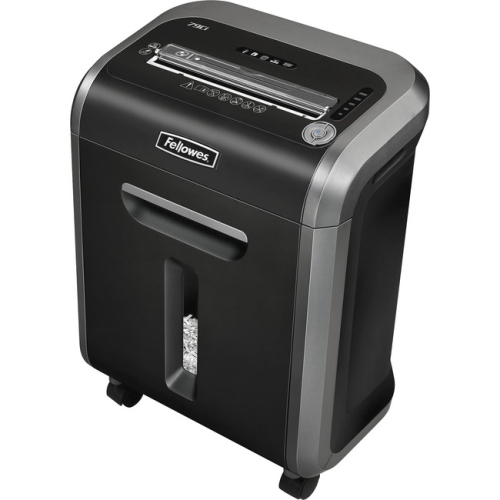 Your price for this item is $392.39
 -
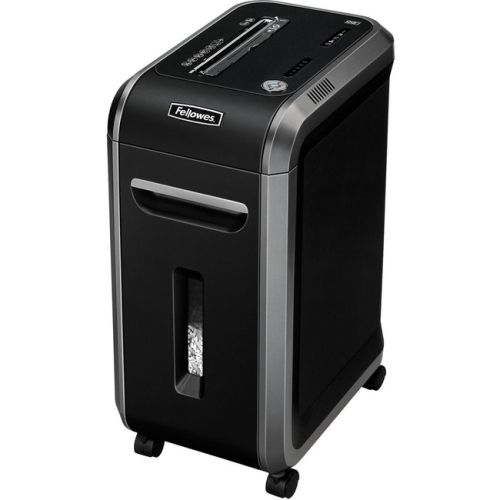 Your price for this item is $518.44
 -
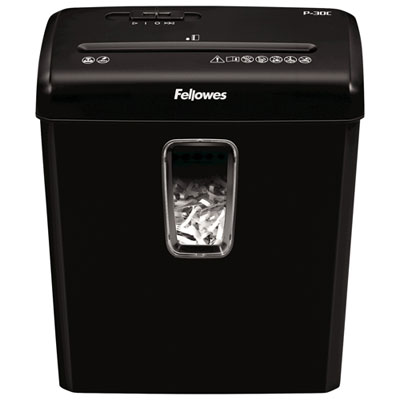 Your price for this item is $72.97
 -
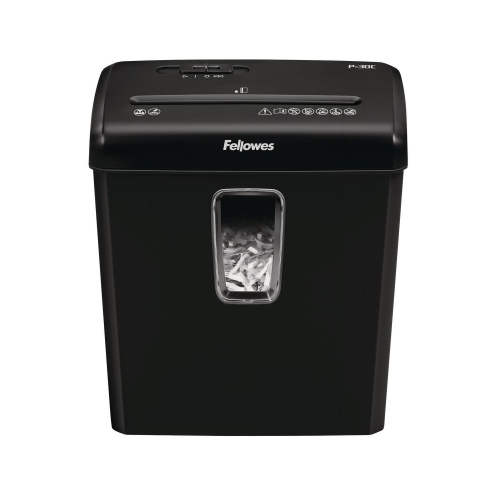 Your price for this item is $139.99
 -
 Your price for this item is $189.99
 -
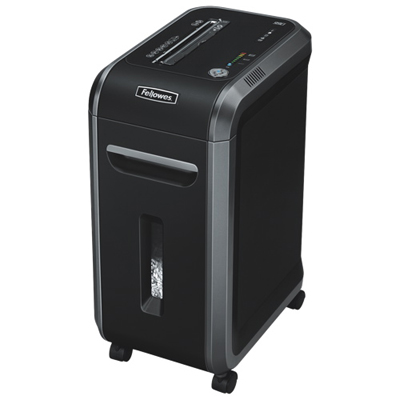 Your price for this item is $389.98
Discover more categories related to Fellowes Shredders
Top Collections:
Pokemon Centers, Best Cameras for Sports Photography, Kindle Devices, Samsung Galaxy Phones, Canon G7X Cameras, Pokémon 30th Celebration Cards, Refurbished Apple Laptops, iPhone 15 Apple, Laptops for Students, Budget Smartphones
Some products may be subject to Environmental Handling Fees
(EHF) depending on your province.
Learn more about EHFs.