High Yield Toner Cartridges
High Yield Toner Cartridges are designed for those who want to keep their printers running efficiently and minimize the frequency of replacements. Perfect for busy offices, home workspaces, or anyone with high-volume printing needs, these cartridges help ensure you stay focused on your tasks with fewer interruptions. Explore a wide selection of High Yield Toner Cartridges to find the right fit for your printer and enjoy smooth, reliable performance with every print job.
Sort
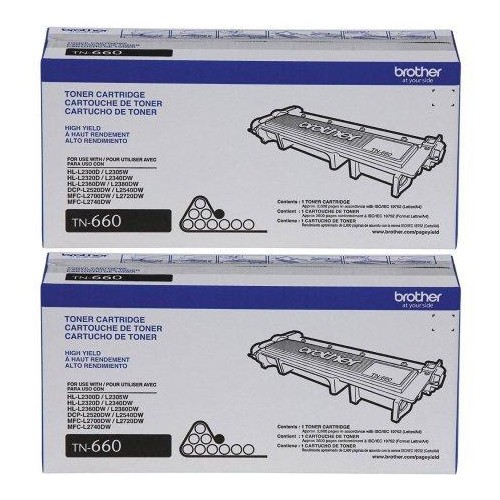
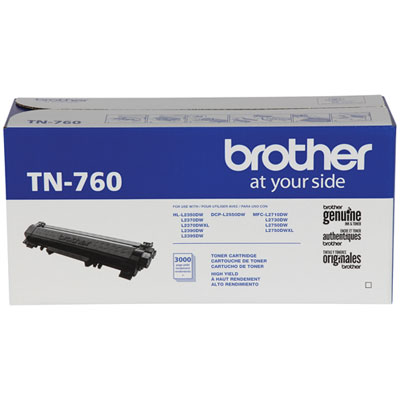
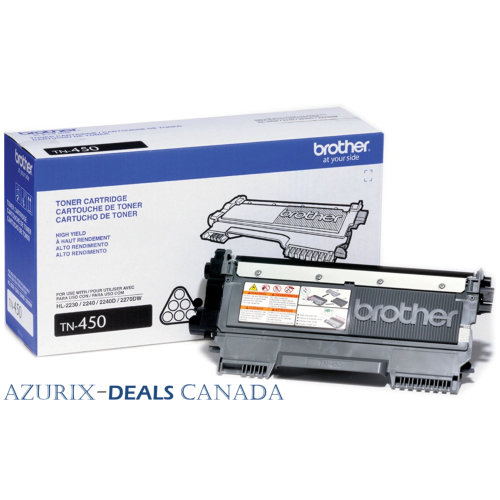
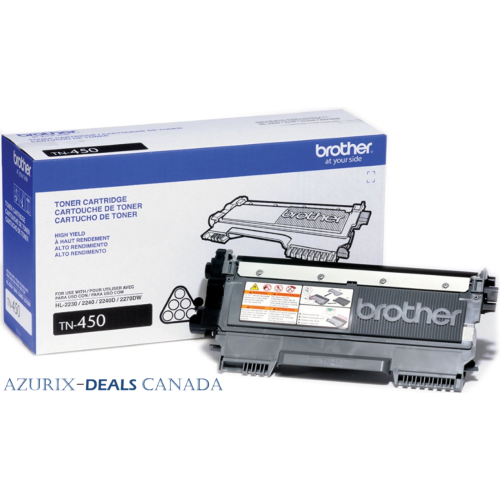
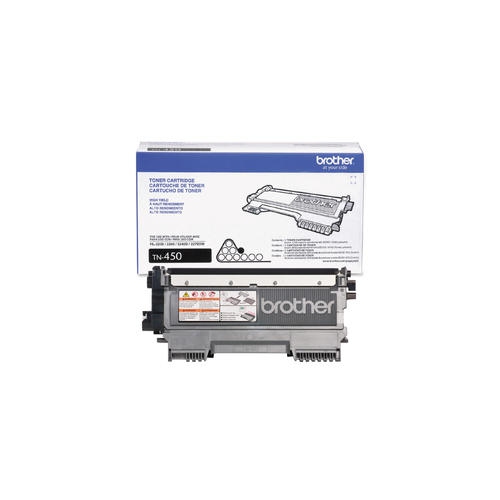
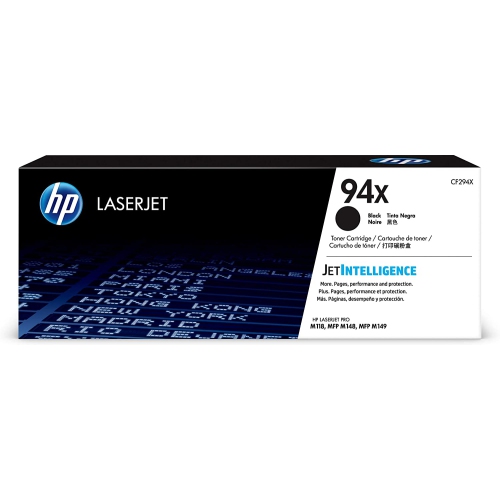
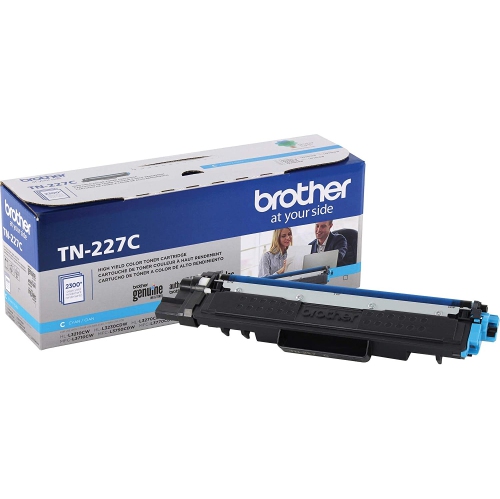
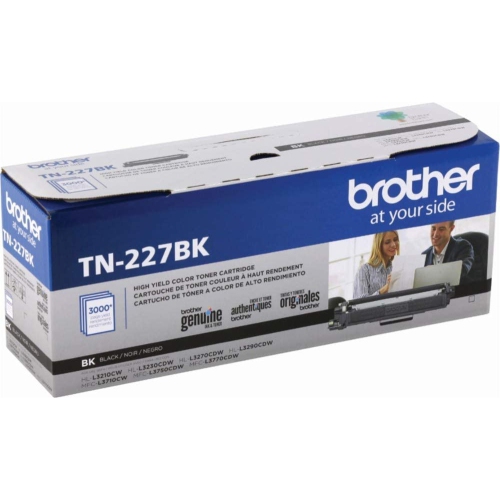
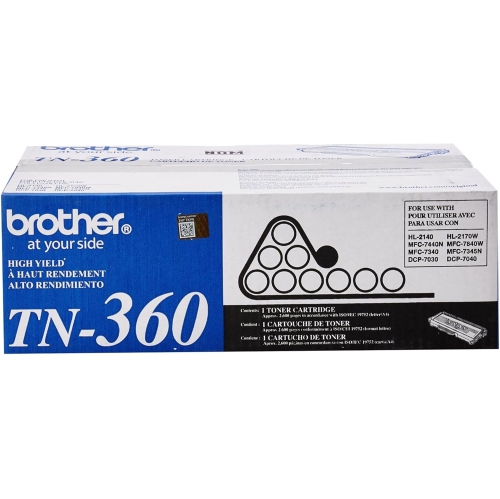
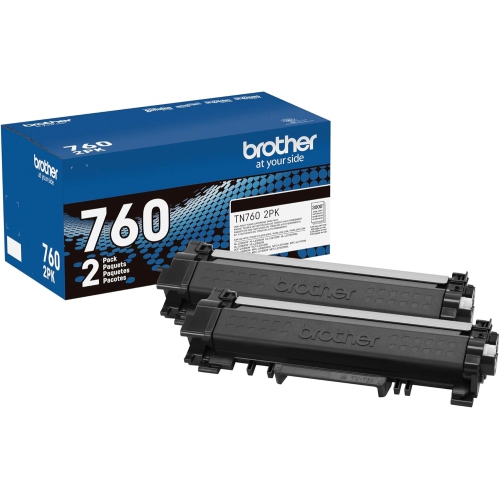
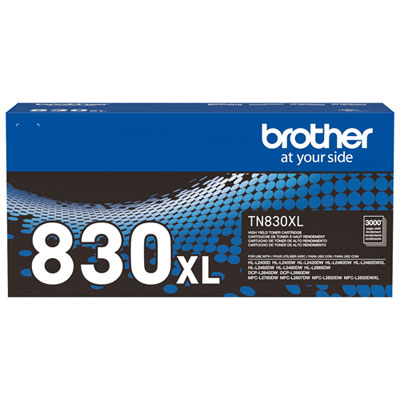
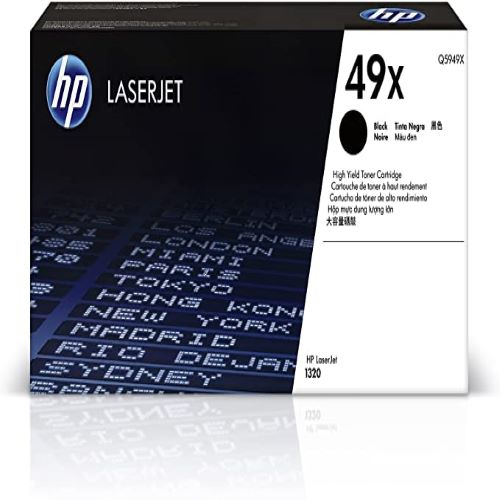

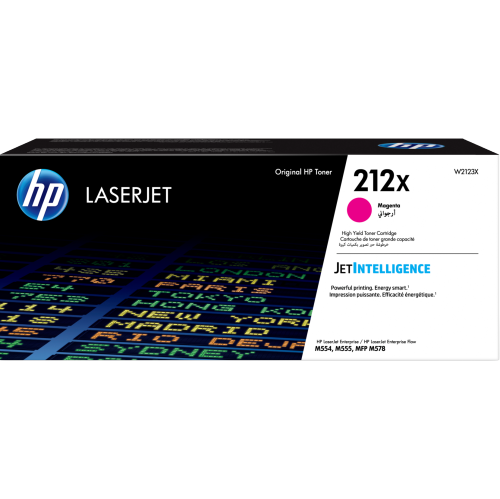
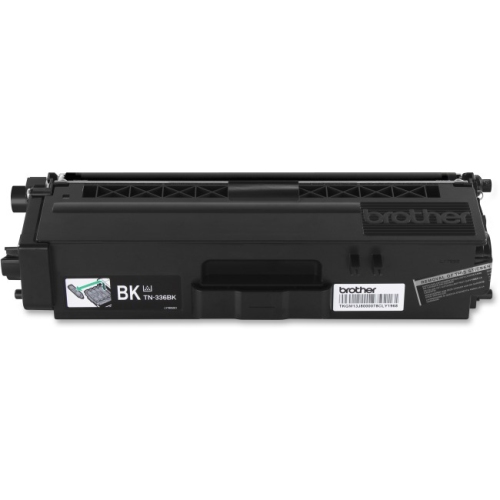
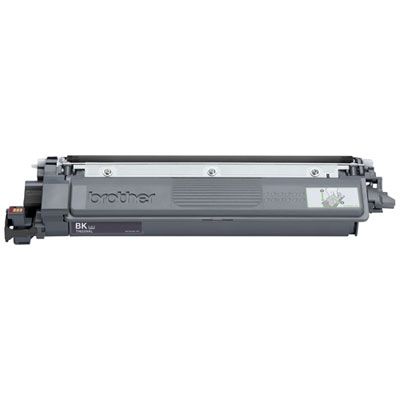
More printed pages between toner cartridge changes
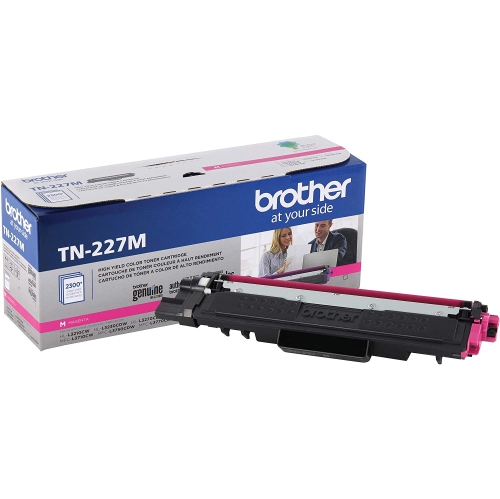
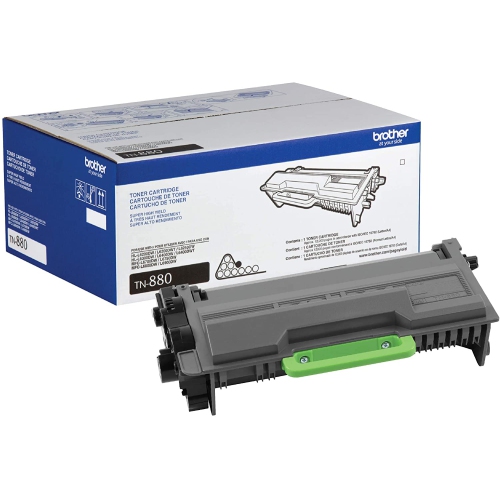
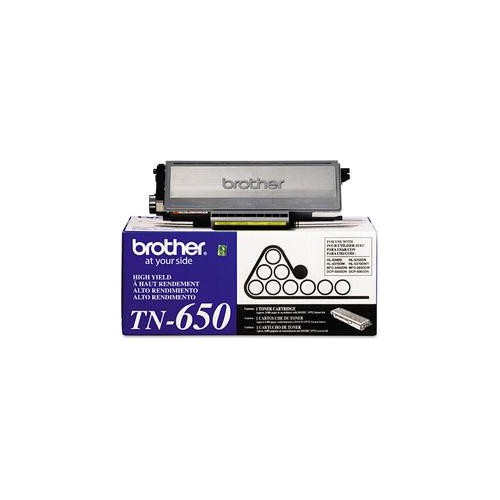
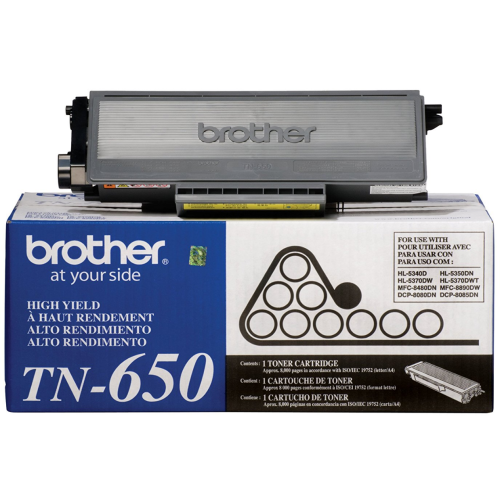
High-yield toner cartridges contain more usable toner than the corresponding standard-yield versions, allowing compatible laser printers to produce more pages before a cartridge needs replacing. Their main advantage is a longer interval between changes, especially when printing is a regular part of work, study, or household administration. A home office producing contracts and invoices, a classroom preparing reading materials, or a shared workspace printing meeting documents can all benefit from that added capacity. Toner is a fine powder, rather than the liquid ink used in inkjet printers. During laser printing, an electrical charge helps form an image that is transferred to paper, and heat and pressure fuse the toner in place. The result is well suited to crisp text, clearly defined charts, and everyday business documents. High yield describes the cartridge’s page capacity, not a separate printing technology or a guarantee of sharper output. When both versions are designed for the same printer, standard- and high-yield cartridges generally support the same print resolution and intended document quality. The difference is how much printing they can support before the toner runs low. A higher-capacity cartridge can help keep a lengthy report or a stack of training handouts moving through the printer with fewer cartridge changes, although paper refills and other maintenance still apply. For related options within this category, High Yield Laser Printer Cartridges brings the focus to higher-capacity supplies for laser printing. These cartridges are most useful when their capacity matches a steady need for printed pages, whether that means several small jobs each day or occasional batches of longer documents. Someone printing only a few forms at a time may not need the same capacity as a team preparing information packages for clients. Matching yield to actual use keeps the choice grounded in the documents that pass through the printer, rather than capacity alone.
Printer compatibility is the essential starting point because high-yield toner cartridges are not interchangeable across all laser printers. The exact printer model and supported cartridge family determine fit, even when two cartridges look similar or carry comparable yield descriptions. A compatible high-yield version is designed for the printer’s existing cartridge compartment; greater capacity does not necessarily mean a larger outer casing. However, not every printer accepts every capacity offered within a broader range, so the supported model list matters more than appearance. Labels such as high yield, extra high yield, and high capacity are relative descriptions, not universal page counts. The stated page yield provides a more useful comparison, particularly when the figures come from the same testing standard. Many laser toner yields are measured using standardized test documents and controlled conditions, often under ISO/IEC methods appropriate to monochrome or colour printing. Those figures are estimates rather than promises for every print job. A mostly text-based letter uses toner differently from a presentation filled with dark backgrounds, large photographs, and coloured graphics. Page coverage, print settings, job size, and printer maintenance routines can all affect the number of pages achieved. Printing on both sides of a sheet saves paper space, but it still creates two printed pages and uses toner on each side. Black toner is central to monochrome printing, while colour laser printers typically use separate black, cyan, magenta, and yellow supplies. Their cartridges may have different stated yields, and colours can run low at different times depending on the documents printed. A business producing mostly text may use black more quickly, while repeated printing of a colour-heavy logo or chart can place greater demand on particular colours. Some colour printers also use small amounts of colour toner during calibration or certain black-printing modes. Understanding those differences helps explain why cartridges installed together do not always need replacing together.
The cartridge’s construction and the printer’s maintenance design also influence everyday handling. Toner cartridges usually combine a rigid plastic housing with seals, gears, and other components that contain and deliver the powder. Some include the imaging drum, while others work alongside a separate drum unit that has its own service life. A higher toner yield does not extend the life of a separate drum, fuser, or other printer component, and replacing toner will not resolve every print-quality problem. Repeated marks, streaks, or faded areas can have several causes, so printer messages and the manufacturer’s maintenance information remain useful when output changes. Original-manufacturer, compatible, and remanufactured cartridges are different supply types, and high-yield versions may appear within more than one type. The capacity label alone does not establish manufacturing quality, recognition by the printer, or performance over the cartridge’s full life. Model compatibility, any cartridge-chip requirements, and the stated yield are useful details to check together. For care and storage, keep unopened cartridges in their protective packaging in a dry location away from direct sunlight and excessive heat, following the storage conditions provided by the manufacturer. Toner does not dry out in the same way as liquid ink, but that does not make a cartridge immune to poor storage or ageing. Before installation, allow a cartridge brought in from a cold delivery area to reach the conditions specified in its instructions. Remove shipping seals and protective pieces as directed, avoid touching exposed imaging surfaces or electrical contacts, and never force a cartridge into place. If the instructions call for gently redistributing the toner before fitting, use the stated method rather than vigorous shaking. The same attention to detail applies to paper and print settings: use laser-compatible media within the printer’s supported specifications, and select settings appropriate to the job. Draft output can suit an internal checklist, while a client-facing document may call for the normal quality setting. With the correct fit, sensible storage, and a capacity suited to the workload, high-yield toner cartridges support dependable document printing through busy workdays and recurring household tasks.
Printer compatibility is the essential starting point because high-yield toner cartridges are not interchangeable across all laser printers. The exact printer model and supported cartridge family determine fit, even when two cartridges look similar or carry comparable yield descriptions. A compatible high-yield version is designed for the printer’s existing cartridge compartment; greater capacity does not necessarily mean a larger outer casing. However, not every printer accepts every capacity offered within a broader range, so the supported model list matters more than appearance. Labels such as high yield, extra high yield, and high capacity are relative descriptions, not universal page counts. The stated page yield provides a more useful comparison, particularly when the figures come from the same testing standard. Many laser toner yields are measured using standardized test documents and controlled conditions, often under ISO/IEC methods appropriate to monochrome or colour printing. Those figures are estimates rather than promises for every print job. A mostly text-based letter uses toner differently from a presentation filled with dark backgrounds, large photographs, and coloured graphics. Page coverage, print settings, job size, and printer maintenance routines can all affect the number of pages achieved. Printing on both sides of a sheet saves paper space, but it still creates two printed pages and uses toner on each side. Black toner is central to monochrome printing, while colour laser printers typically use separate black, cyan, magenta, and yellow supplies. Their cartridges may have different stated yields, and colours can run low at different times depending on the documents printed. A business producing mostly text may use black more quickly, while repeated printing of a colour-heavy logo or chart can place greater demand on particular colours. Some colour printers also use small amounts of colour toner during calibration or certain black-printing modes. Understanding those differences helps explain why cartridges installed together do not always need replacing together.
The cartridge’s construction and the printer’s maintenance design also influence everyday handling. Toner cartridges usually combine a rigid plastic housing with seals, gears, and other components that contain and deliver the powder. Some include the imaging drum, while others work alongside a separate drum unit that has its own service life. A higher toner yield does not extend the life of a separate drum, fuser, or other printer component, and replacing toner will not resolve every print-quality problem. Repeated marks, streaks, or faded areas can have several causes, so printer messages and the manufacturer’s maintenance information remain useful when output changes. Original-manufacturer, compatible, and remanufactured cartridges are different supply types, and high-yield versions may appear within more than one type. The capacity label alone does not establish manufacturing quality, recognition by the printer, or performance over the cartridge’s full life. Model compatibility, any cartridge-chip requirements, and the stated yield are useful details to check together. For care and storage, keep unopened cartridges in their protective packaging in a dry location away from direct sunlight and excessive heat, following the storage conditions provided by the manufacturer. Toner does not dry out in the same way as liquid ink, but that does not make a cartridge immune to poor storage or ageing. Before installation, allow a cartridge brought in from a cold delivery area to reach the conditions specified in its instructions. Remove shipping seals and protective pieces as directed, avoid touching exposed imaging surfaces or electrical contacts, and never force a cartridge into place. If the instructions call for gently redistributing the toner before fitting, use the stated method rather than vigorous shaking. The same attention to detail applies to paper and print settings: use laser-compatible media within the printer’s supported specifications, and select settings appropriate to the job. Draft output can suit an internal checklist, while a client-facing document may call for the normal quality setting. With the correct fit, sensible storage, and a capacity suited to the workload, high-yield toner cartridges support dependable document printing through busy workdays and recurring household tasks.
Top selling and popular products
-
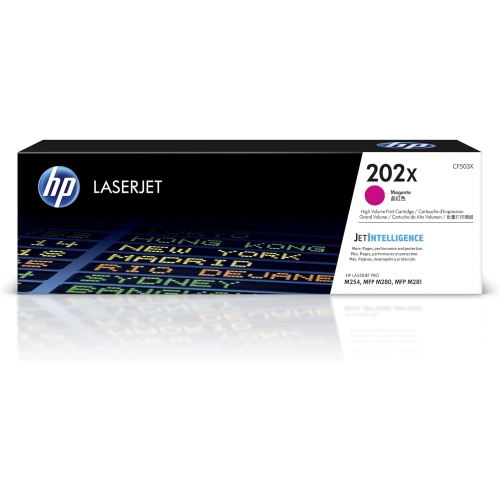 Your price for this item is $184.99
 -
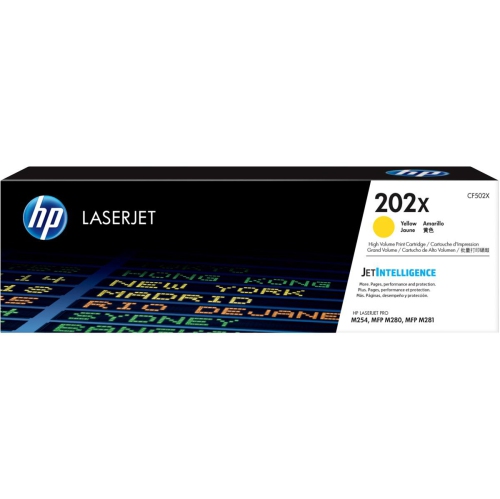 Your price for this item is $184.99
 -
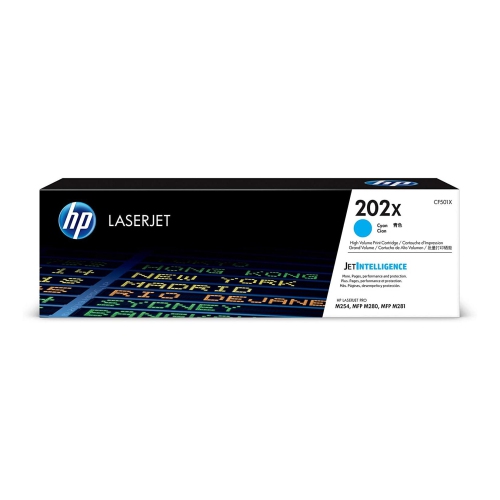 Your price for this item is $184.99
 -
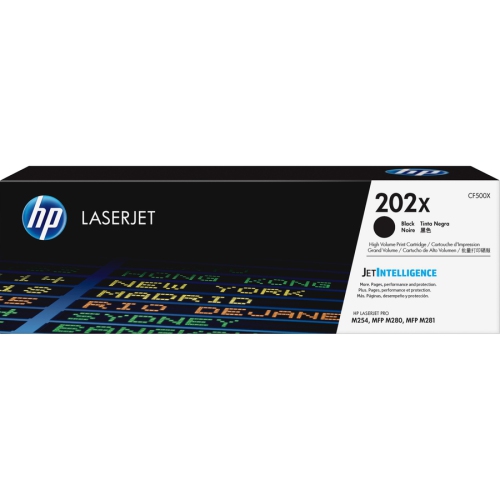 Your price for this item is $176.99
 -
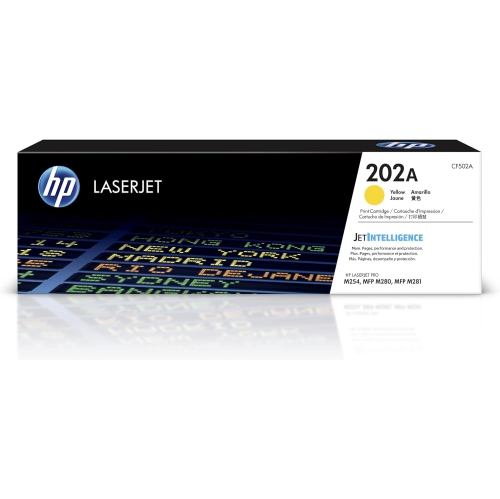 Your price for this item is $139.99
 -
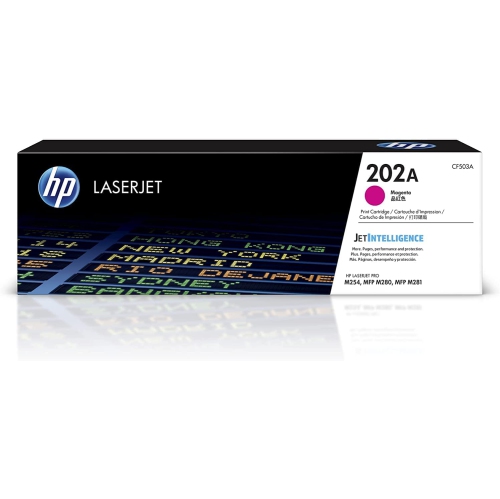 Your price for this item is $139.99
 -
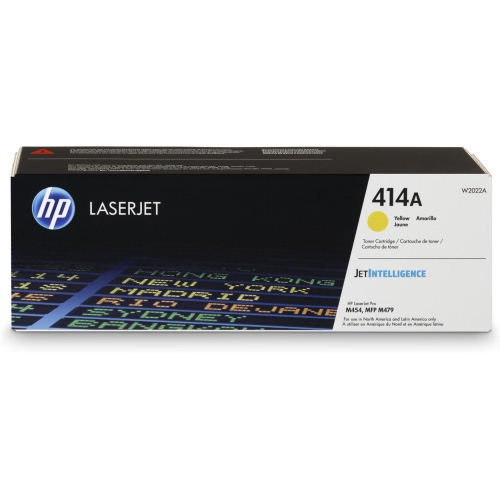 Your price for this item is $230.82
 -
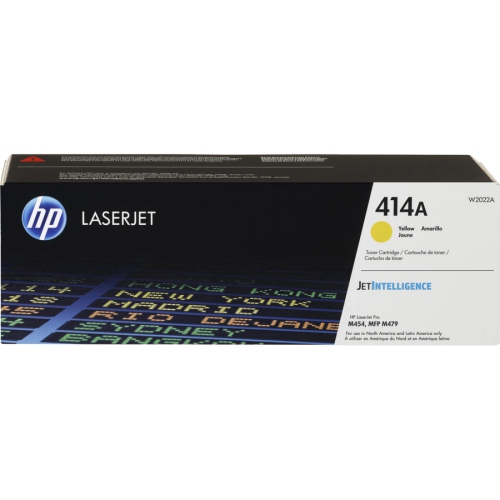 Your price for this item is $197.99
Discover more categories related to High Yield Toner Cartridges
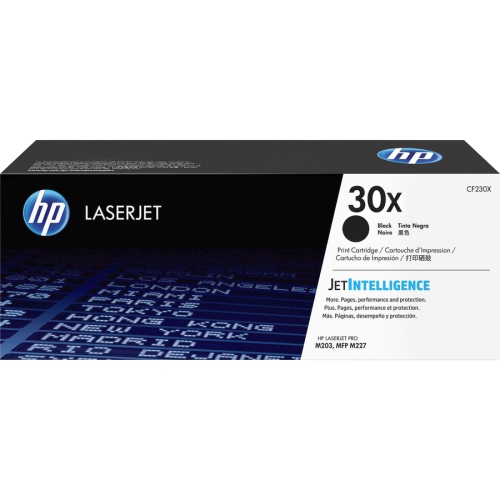
Top Collections:
Pokemon Centers, Kindle Devices, Best Budget Office Chairs, Apple iPhones 16, Canon G7X Cameras, iPhone 15 Apple, Alarm Clock, Refurbished Apple Laptops, Flip Phones, Best Laptops for Writers
Some products may be subject to Environmental Handling Fees
(EHF) depending on your province.
Learn more about EHFs.