HP 951
Discover the HP 951 collection, designed to meet your everyday printing needs with reliable performance and consistent results. Whether you're restocking your home office or upgrading your workspace, the HP 951 offers options to help keep your documents looking sharp and professional. Explore a variety of choices that make it easy to find the right fit for your printer and ensure smooth operation with every project.
Sort
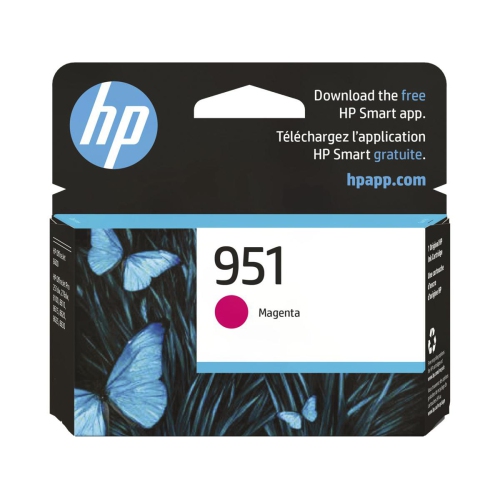
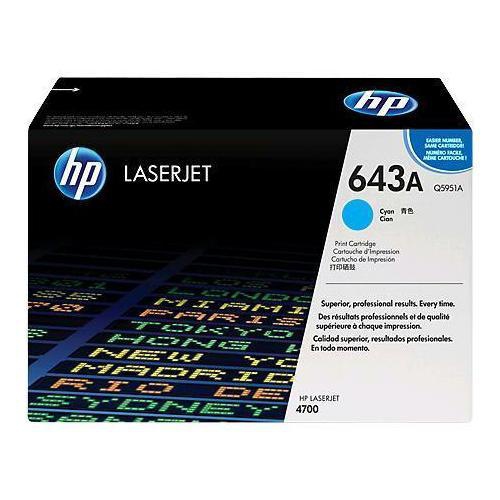
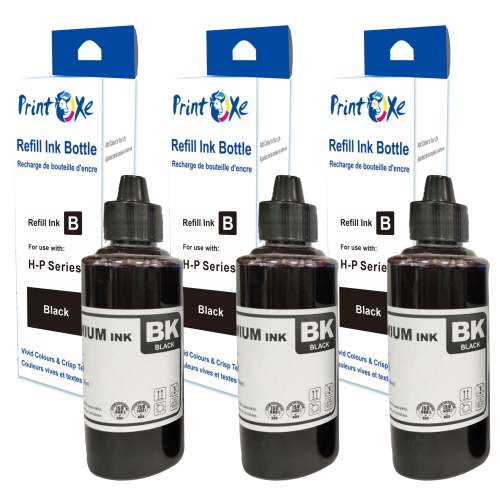

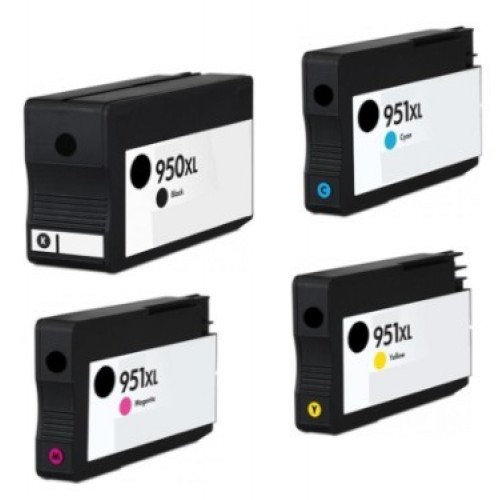
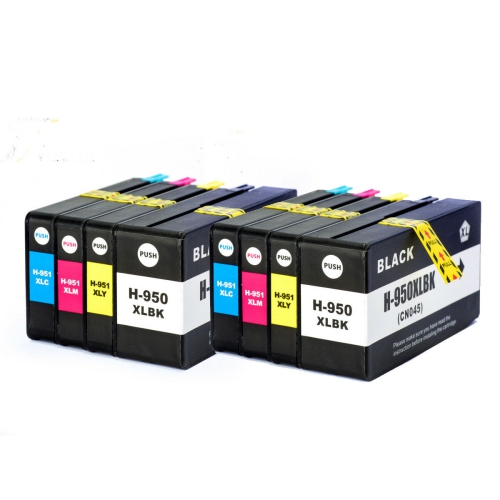
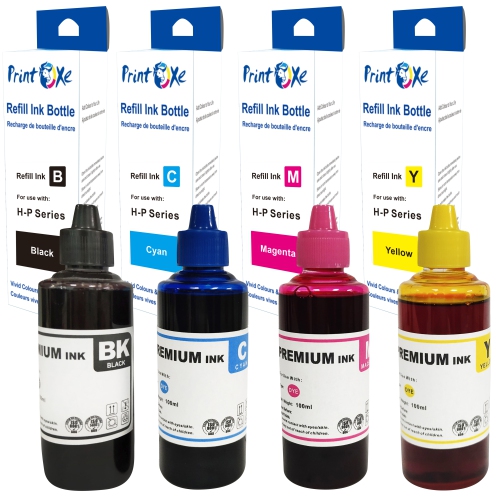
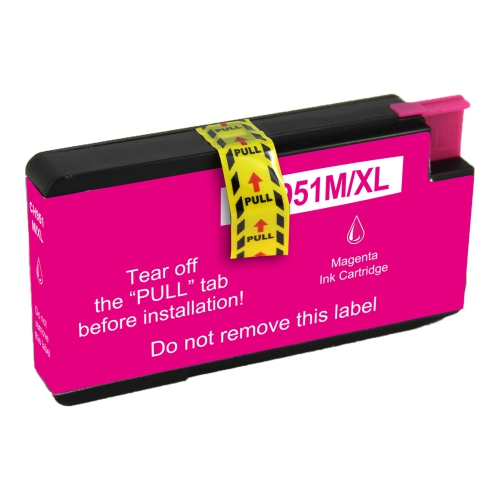
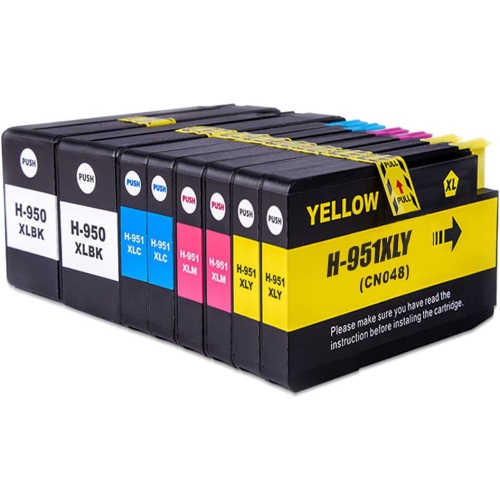
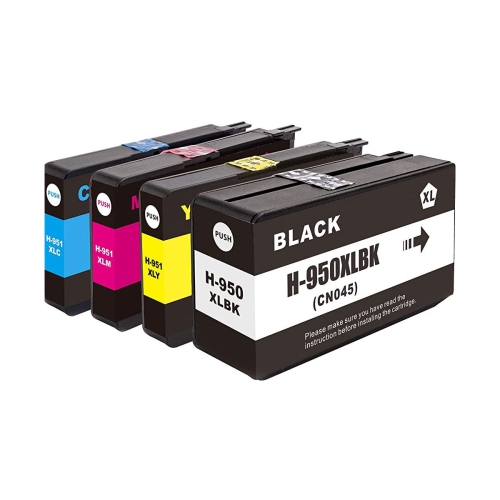
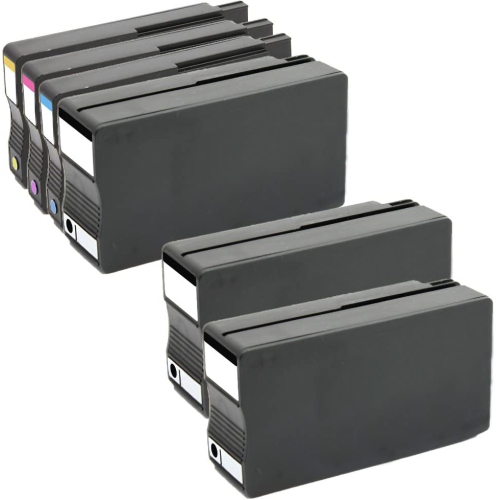
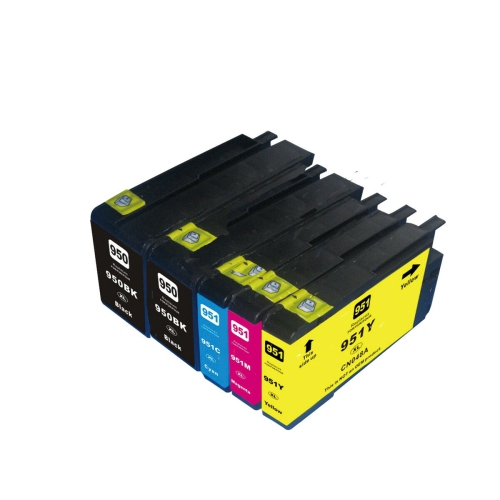
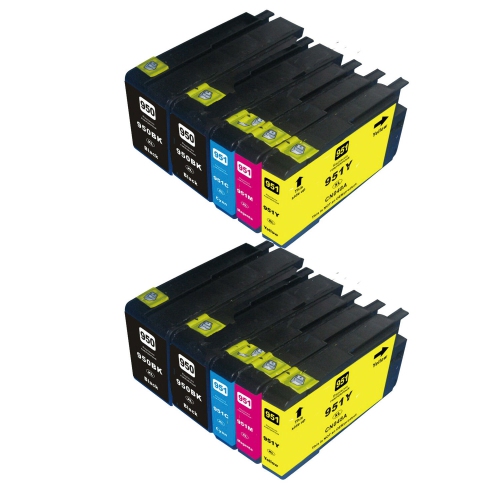
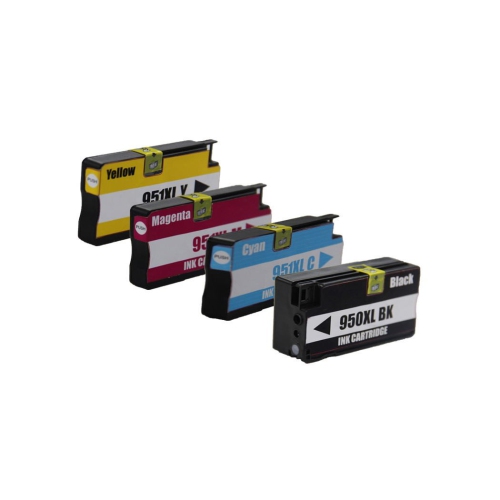
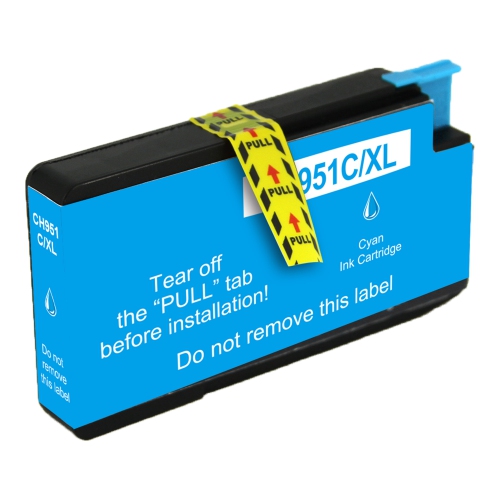
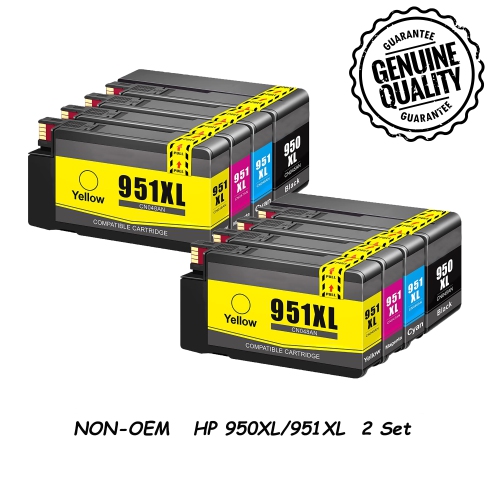
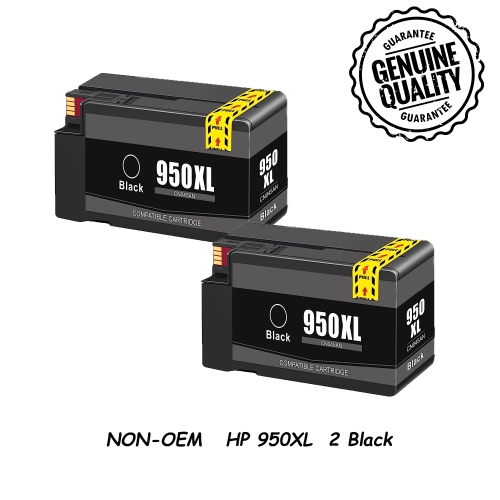
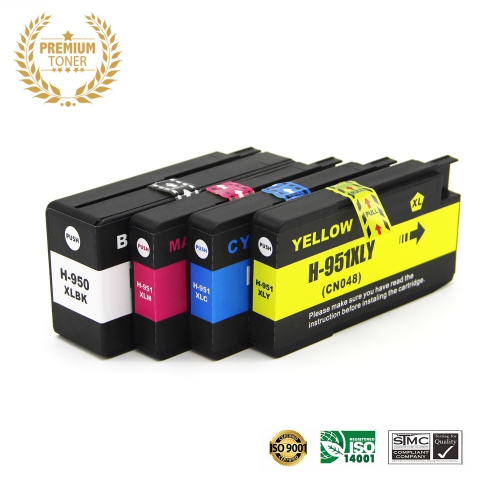
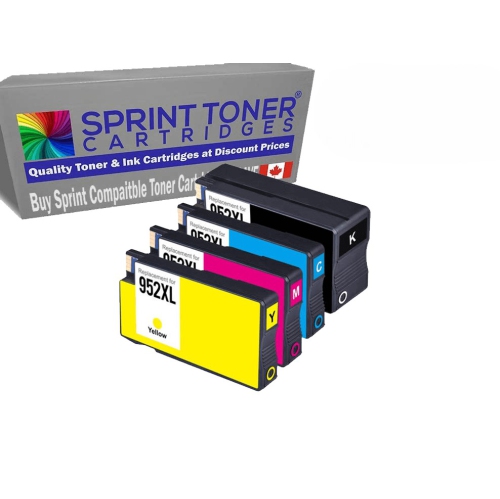
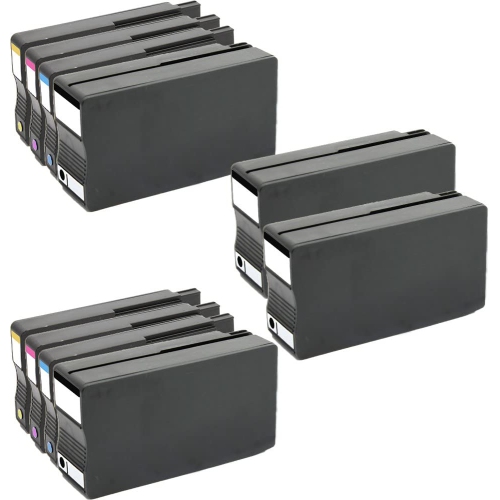
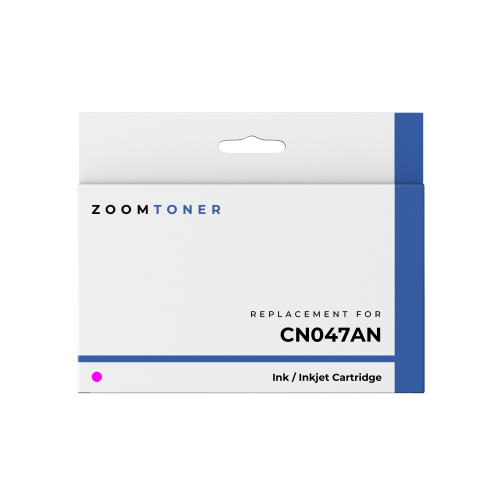

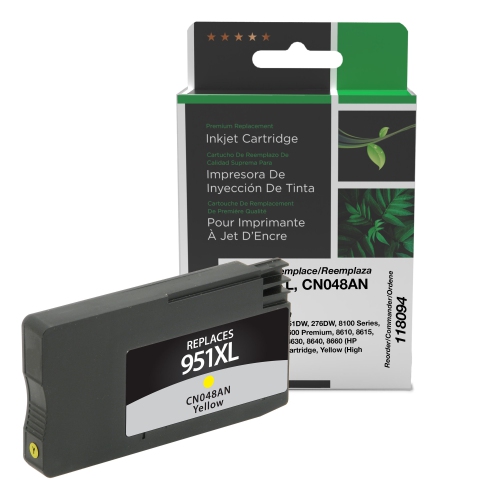
Polished office printing with individually replaceable colour cartridges
Colour ink cartridges support the everyday printing that keeps a home office, small business, or shared workspace organized, from a clearly labelled chart to a presentation with crisp graphics. This cartridge family centres on cyan, magenta, and yellow ink for compatible office inkjet printers, with each colour housed separately and used alongside a matching black cartridge. That individual-colour design means a depleted colour can be replaced without replacing the other colour cartridges at the same time. It is a practical arrangement for documents with uneven colour use: a business logo may draw heavily on cyan, while classroom illustrations or promotional flyers may use a different balance. These cartridges are intended for compatible inkjet printing systems, not laser printers, which use toner rather than liquid ink. The cartridge body holds the ink supply and connects to the printer through a precisely fitted outlet, while electronic contacts help the printer identify and monitor the cartridge. The fit is specific to the printing system, so a similar-looking cartridge is not necessarily a suitable substitute. On the page, colour ink can make spreadsheet categories easier to distinguish, bring diagrams into focus, and keep branded documents visually consistent. Teachers, students, administrators, and people working from home may all use this type of ink for materials that need more than black text alone. A property information sheet with colour photographs, a proposal with highlighted figures, or a set of labelled learning activities each places different demands on ink coverage and paper. For these uses, the final result depends on the combination of cartridge, printer settings, paper, and the original file. Sharp source images and an appropriate print setting give fine details a better chance of appearing clearly, while suitable paper helps keep small text and blocks of colour defined. Office colour ink is particularly useful when the goal is a readable, polished document that can be handed to a client, shared at a meeting, or kept in a reference folder.
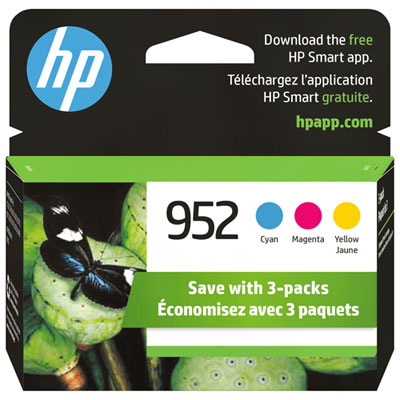
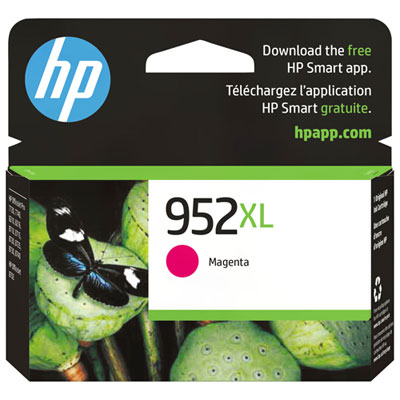
Compatibility is the main distinction between cartridge families, even when their names, packaging, or intended uses appear similar. The full printer model matters more than the broad printer series name, and the compatibility information on the cartridge packaging or listing should match that model. A model number is usually printed on the printer itself and can also be found in its settings or documentation. The number on the existing cartridge provides another useful reference, especially in a shared office where several printers sit close together. Colour position matters as well: cyan, magenta, and yellow cartridges each belong in their corresponding slot and cannot replace one another. A related family, HP 952 Ink, has its own printer compatibility requirements and is not interchangeable simply because the numbering is close. Within a compatible family, standard-capacity and high-yield formats suit different printing patterns. Standard colour cartridges in this family are commonly rated at approximately 700 pages per cartridge under standardized testing, rather than 700 pages of every possible document. A page with a small colour logo uses ink differently from a full-page photograph, a dense presentation slide, or a flyer with a coloured background. Actual output varies with coverage, print settings, maintenance activity, and how the printer is used. High-yield formats contain more ink and are generally suited to frequent printing, while standard-capacity formats may suit lighter workloads. The designation describes ink capacity, not an improvement in image resolution or a different colour. Individual cartridges suit situations where only one colour needs replacing; multi-colour packs group several cartridges for households or offices that use all three colours regularly. Pack contents still matter, since a colour pack does not necessarily include black ink. A clearly identified capacity, colour, and compatibility list makes it easier to distinguish otherwise similar choices and match the cartridge format to the documents printed most often.
Handling and paper choice help preserve the performance expected from a properly matched cartridge. Unopened cartridges are best kept in their original sealed packaging until needed, away from direct sunlight and in a clean, dry place. The protective packaging helps keep the ink outlet and contacts free of dust and accidental damage. During installation, only the protective seals or tabs identified in the manufacturer’s directions should be removed; touching the contacts or ink outlet can interfere with a clean connection or leave ink on hands and nearby surfaces. A cartridge should seat in its designated slot without being forced. If the printer requests an alignment or setup step after replacement, completing it helps establish consistent output. Regular use also matters with inkjet printing, since long gaps between print jobs can contribute to drying at the printhead. Built-in cleaning routines may help address missing lines or uneven colour, but repeated cleaning uses ink and is not a substitute for checking the cause of a persistent problem. For ordinary forms, drafts, and meeting notes, paper intended for inkjet use provides a straightforward foundation. Heavier presentation paper can give proposals and handouts a more substantial feel, while coated photo paper is better suited to image-focused projects when supported by the printer. Matching the paper setting to the loaded sheet helps the printer control ink application appropriately. Printed pages should be allowed to dry before being stacked tightly, highlighted, or placed inside sleeves, particularly when they contain large areas of colour. Resistance to smearing, moisture, and fading depends on the ink formulation, paper, and handling, so everyday office output should not automatically be treated as waterproof or archival. For a small business preparing client folders, a parent printing learning sheets, or a student assembling a presentation, dependable colour is about legibility as much as appearance. Distinct chart colours, clean headings, and readable captions make documents easier to use. The most suitable cartridge choice brings together the correct printer fit, the required colours, and an ink capacity that reflects a realistic printing routine.
Compatibility is the main distinction between cartridge families, even when their names, packaging, or intended uses appear similar. The full printer model matters more than the broad printer series name, and the compatibility information on the cartridge packaging or listing should match that model. A model number is usually printed on the printer itself and can also be found in its settings or documentation. The number on the existing cartridge provides another useful reference, especially in a shared office where several printers sit close together. Colour position matters as well: cyan, magenta, and yellow cartridges each belong in their corresponding slot and cannot replace one another. A related family, HP 952 Ink, has its own printer compatibility requirements and is not interchangeable simply because the numbering is close. Within a compatible family, standard-capacity and high-yield formats suit different printing patterns. Standard colour cartridges in this family are commonly rated at approximately 700 pages per cartridge under standardized testing, rather than 700 pages of every possible document. A page with a small colour logo uses ink differently from a full-page photograph, a dense presentation slide, or a flyer with a coloured background. Actual output varies with coverage, print settings, maintenance activity, and how the printer is used. High-yield formats contain more ink and are generally suited to frequent printing, while standard-capacity formats may suit lighter workloads. The designation describes ink capacity, not an improvement in image resolution or a different colour. Individual cartridges suit situations where only one colour needs replacing; multi-colour packs group several cartridges for households or offices that use all three colours regularly. Pack contents still matter, since a colour pack does not necessarily include black ink. A clearly identified capacity, colour, and compatibility list makes it easier to distinguish otherwise similar choices and match the cartridge format to the documents printed most often.
Handling and paper choice help preserve the performance expected from a properly matched cartridge. Unopened cartridges are best kept in their original sealed packaging until needed, away from direct sunlight and in a clean, dry place. The protective packaging helps keep the ink outlet and contacts free of dust and accidental damage. During installation, only the protective seals or tabs identified in the manufacturer’s directions should be removed; touching the contacts or ink outlet can interfere with a clean connection or leave ink on hands and nearby surfaces. A cartridge should seat in its designated slot without being forced. If the printer requests an alignment or setup step after replacement, completing it helps establish consistent output. Regular use also matters with inkjet printing, since long gaps between print jobs can contribute to drying at the printhead. Built-in cleaning routines may help address missing lines or uneven colour, but repeated cleaning uses ink and is not a substitute for checking the cause of a persistent problem. For ordinary forms, drafts, and meeting notes, paper intended for inkjet use provides a straightforward foundation. Heavier presentation paper can give proposals and handouts a more substantial feel, while coated photo paper is better suited to image-focused projects when supported by the printer. Matching the paper setting to the loaded sheet helps the printer control ink application appropriately. Printed pages should be allowed to dry before being stacked tightly, highlighted, or placed inside sleeves, particularly when they contain large areas of colour. Resistance to smearing, moisture, and fading depends on the ink formulation, paper, and handling, so everyday office output should not automatically be treated as waterproof or archival. For a small business preparing client folders, a parent printing learning sheets, or a student assembling a presentation, dependable colour is about legibility as much as appearance. Distinct chart colours, clean headings, and readable captions make documents easier to use. The most suitable cartridge choice brings together the correct printer fit, the required colours, and an ink capacity that reflects a realistic printing routine.
Top selling and popular products
-
 Your price for this item is $109.99
 -
 Your price for this item is $40.99
 -
 Your price for this item is $101.99
 -
 Your price for this item is $129.99
 -
 Your price for this item is $109.99
 -
 Your price for this item is $89.99
 -
 Your price for this item is $90.99
 -
 Your price for this item is $57.99
Discover more categories related to HP 951
Top Collections:
Pokemon Centers, Kindle Devices, Best Budget Office Chairs, Apple iPhones 16, Canon G7X Cameras, iPhone 15 Apple, Alarm Clock, Refurbished Apple Laptops, Flip Phones, Best Laptops for Writers
Some products may be subject to Environmental Handling Fees
(EHF) depending on your province.
Learn more about EHFs.