HP 651A
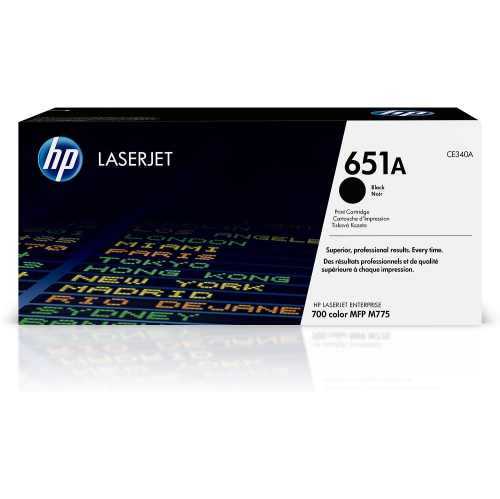
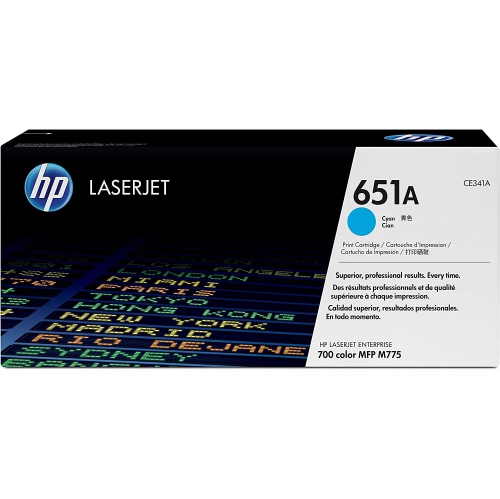
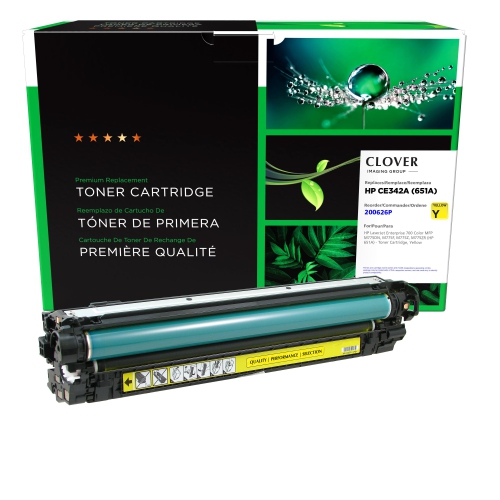
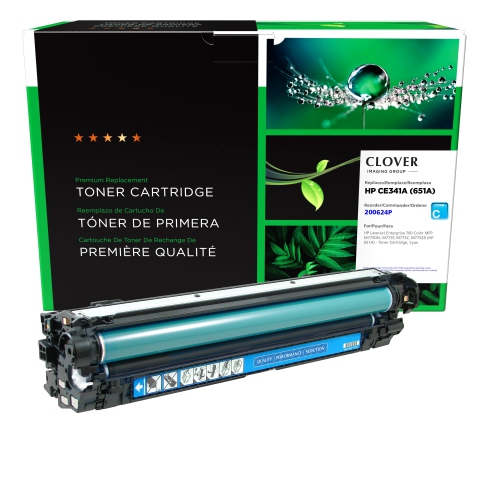
Discover a wide selection of HP 651A options designed to support your printing needs at home or in the office. Browse reliable choices that help keep your workflow smooth and efficient. Whether you’re restocking supplies or upgrading your setup, the HP 651A offers dependable performance for everyday tasks. Find the right solution to match your printer and enjoy consistent results with every use.
Sort
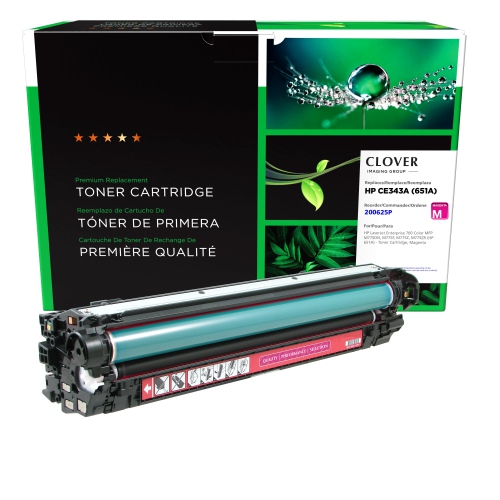
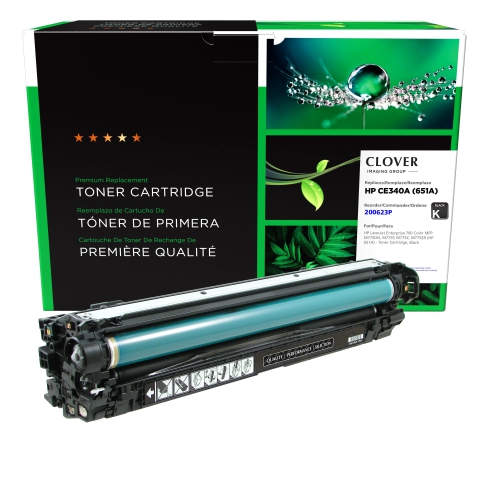
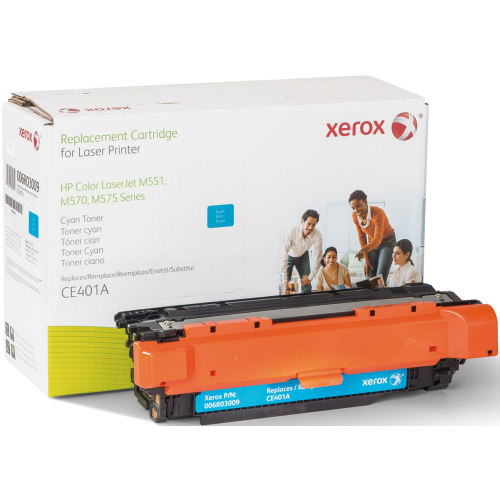
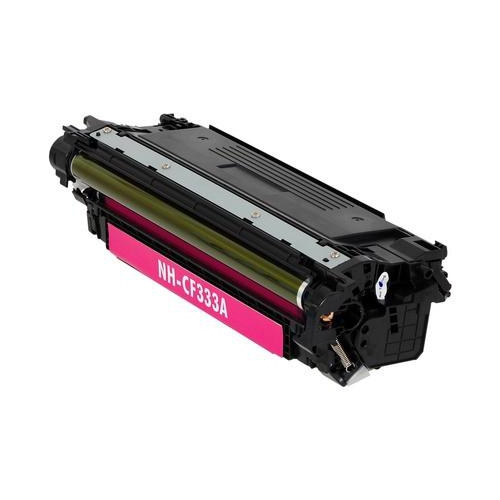
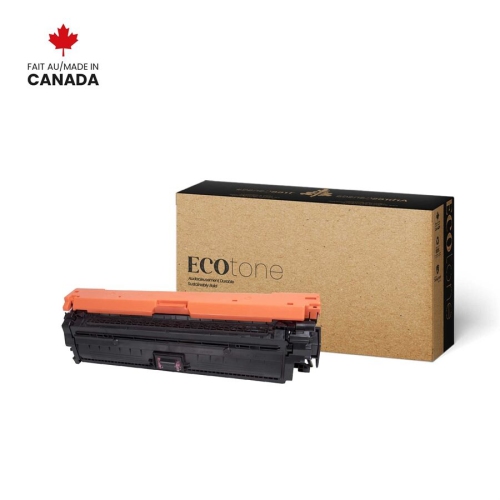





Why cartridge compatibility matters for everyday office printing
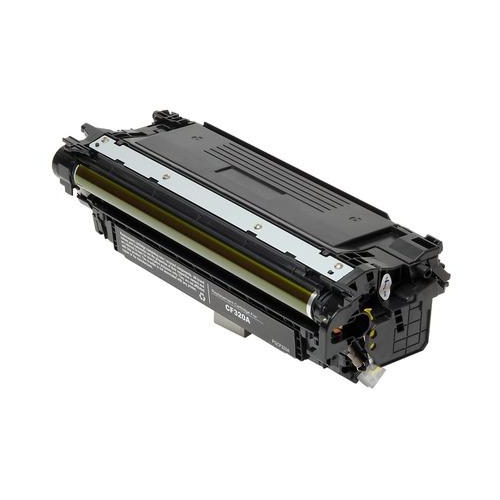
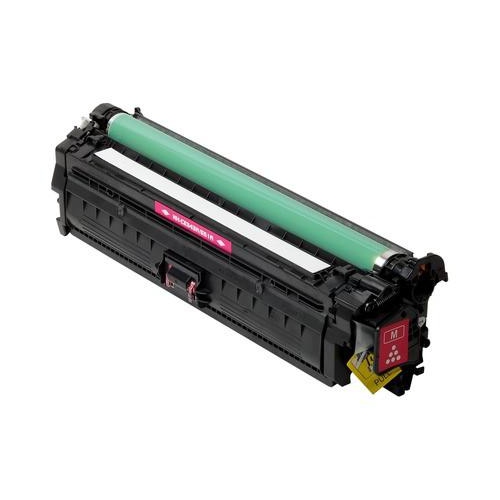
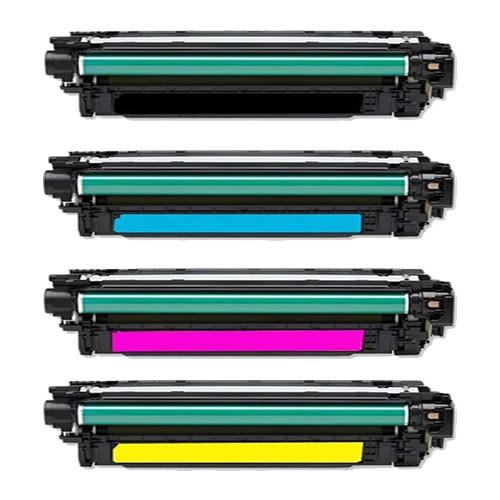
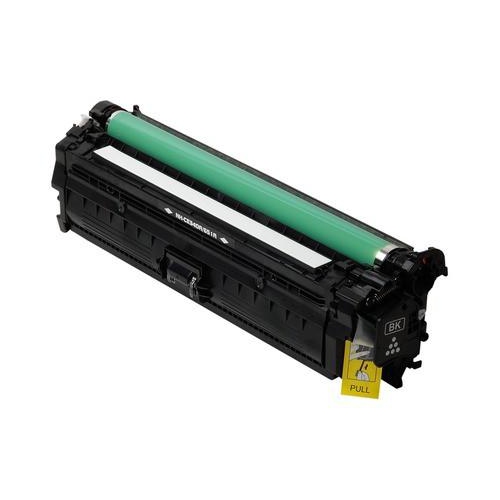
Laser toner cartridges support the steady flow of documents that keeps a busy office moving, from sharply defined invoices and shipping paperwork to colour presentations and detailed financial reports. Designed for compatible laser printers and multifunction devices, these supplies contain fine toner powder rather than liquid ink. During printing, the printer transfers toner onto paper and uses heat and pressure to fuse it to the surface, creating text and graphics that are ready to handle as they leave the output tray. Black toner handles text, line drawings, and monochrome documents, while cyan, magenta, and yellow work alongside black to produce full-colour pages. That distinction matters in workplaces where a single printer serves several departments: an administrative team may produce mostly black text, while a sales team needs colour charts, presentation handouts, and client-facing materials. The right toner family is determined by the printer’s compatibility requirements, not simply by whether the cartridge looks similar or contains the same colour. Cartridges have particular dimensions, installation features, and electronic interfaces, so a close visual match does not establish that a replacement will work. Checking the printer’s complete model designation against the cartridge’s stated compatibility is especially useful in offices with several machines that look almost identical. A cartridge intended for one enterprise device may not fit another printer from the same manufacturer. Offices comparing another cartridge family can also explore HP 414A, with compatibility checked separately for each printer. For shared workspaces, a clearly labelled record of the printer model and required cartridge family helps staff identify the correct replacement without relying on memory. This practical attention to fit is valuable for office administrators, school staff, professional services teams, and anyone responsible for keeping a departmental printer ready for everyday work. It also helps distinguish the toner needed for a large shared multifunction device from supplies designed for a compact desktop printer, even when both machines handle similar documents.
Print quality and cartridge capacity are important considerations, but they make the most sense in the context of the documents being produced. Crisp black text helps small type remain legible on contracts, forms, and densely populated spreadsheets. Consistent colour helps readers distinguish adjacent sections in a chart, follow highlighted changes in a report, or interpret a diagram without confusion. Toner performance also depends on the printer’s condition, its settings, and the paper passing through it. Smooth, laser-compatible office paper is suitable for many routine tasks, while presentation sheets, labels, and heavier media need to fall within the printer’s supported specifications. Media designed only for inkjet use may not tolerate a laser printer’s heat, and an incorrect paper setting can affect toner adhesion or the way a sheet travels through the machine. For a client presentation with solid colour blocks and photographs, both paper choice and document coverage can influence the finished result more noticeably than they would for a page of plain text. Published page yield is a useful reference for comparing cartridge capacity, but it is not a promise that every workplace will print that exact number of pages. Yield figures come from defined test conditions, and actual output varies with factors such as page coverage, print settings, and job patterns. A lightly printed letter uses toner differently from a full-page graphic, so teams producing image-heavy materials may replace cartridges at different intervals from teams printing mostly correspondence. Colour use can also be uneven: documents with prominent blue backgrounds, for example, place different demands on the colour supplies than pages built around yellow graphics. Separate colour cartridges allow the depleted colour to be replaced without automatically replacing the others, where the printer uses that arrangement. Monitoring each cartridge’s status gives a clearer picture of supply needs than looking only at the total number of pages printed. For workplaces handling longer reports or repeated batches of forms, matching cartridge capacity to normal printing volume can also reduce interruptions during a job.
Cartridge construction and handling play a part in dependable everyday use. The housing protects the toner and internal mechanisms while providing the shape needed to seat securely inside the printer. Depending on the design, sensitive imaging components may be part of the cartridge assembly or separate components within the device. Either way, exposed surfaces should be handled only as directed, since fingerprints, scratches, or unnecessary exposure to light can affect performance. Keeping an unused cartridge sealed in its original packaging until installation helps protect it from dust and incidental damage. A dry indoor storage location with a stable temperature is preferable to a windowsill, a damp storage room, or a spot beside a heater. During the cooler months, supplies arriving from an unheated vehicle may need time to reach the conditions specified in their handling instructions before being opened and installed. Replacement is generally most straightforward when the printer’s instructions are close at hand: open the correct access area, remove the used cartridge carefully, release any shipping seals or protective pieces specified for the replacement, and slide it into its designated position without forcing it. Colour markings and slot labels help prevent mix-ups in machines with multiple cartridges. Any toner spill should be addressed using the printer manufacturer’s cleaning instructions rather than improvised household cleaning methods. After installation, a test page can help confirm that text is clear, colour appears as expected, and no protective material has been left in place. Streaks, fading, or repeated marks do not always mean a new cartridge is defective; paper, calibration, or another printer component may also need attention. For a reception desk printing appointment paperwork or an operations team preparing a stack of delivery documents, dependable results come from the combination of a correctly matched cartridge, suitable media, and routine printer care. These supplies are practical workplace essentials for organizations that depend on readable, presentable documents throughout the day, whether the output is a single signed form or a meeting room’s worth of printed reports.
Print quality and cartridge capacity are important considerations, but they make the most sense in the context of the documents being produced. Crisp black text helps small type remain legible on contracts, forms, and densely populated spreadsheets. Consistent colour helps readers distinguish adjacent sections in a chart, follow highlighted changes in a report, or interpret a diagram without confusion. Toner performance also depends on the printer’s condition, its settings, and the paper passing through it. Smooth, laser-compatible office paper is suitable for many routine tasks, while presentation sheets, labels, and heavier media need to fall within the printer’s supported specifications. Media designed only for inkjet use may not tolerate a laser printer’s heat, and an incorrect paper setting can affect toner adhesion or the way a sheet travels through the machine. For a client presentation with solid colour blocks and photographs, both paper choice and document coverage can influence the finished result more noticeably than they would for a page of plain text. Published page yield is a useful reference for comparing cartridge capacity, but it is not a promise that every workplace will print that exact number of pages. Yield figures come from defined test conditions, and actual output varies with factors such as page coverage, print settings, and job patterns. A lightly printed letter uses toner differently from a full-page graphic, so teams producing image-heavy materials may replace cartridges at different intervals from teams printing mostly correspondence. Colour use can also be uneven: documents with prominent blue backgrounds, for example, place different demands on the colour supplies than pages built around yellow graphics. Separate colour cartridges allow the depleted colour to be replaced without automatically replacing the others, where the printer uses that arrangement. Monitoring each cartridge’s status gives a clearer picture of supply needs than looking only at the total number of pages printed. For workplaces handling longer reports or repeated batches of forms, matching cartridge capacity to normal printing volume can also reduce interruptions during a job.
Cartridge construction and handling play a part in dependable everyday use. The housing protects the toner and internal mechanisms while providing the shape needed to seat securely inside the printer. Depending on the design, sensitive imaging components may be part of the cartridge assembly or separate components within the device. Either way, exposed surfaces should be handled only as directed, since fingerprints, scratches, or unnecessary exposure to light can affect performance. Keeping an unused cartridge sealed in its original packaging until installation helps protect it from dust and incidental damage. A dry indoor storage location with a stable temperature is preferable to a windowsill, a damp storage room, or a spot beside a heater. During the cooler months, supplies arriving from an unheated vehicle may need time to reach the conditions specified in their handling instructions before being opened and installed. Replacement is generally most straightforward when the printer’s instructions are close at hand: open the correct access area, remove the used cartridge carefully, release any shipping seals or protective pieces specified for the replacement, and slide it into its designated position without forcing it. Colour markings and slot labels help prevent mix-ups in machines with multiple cartridges. Any toner spill should be addressed using the printer manufacturer’s cleaning instructions rather than improvised household cleaning methods. After installation, a test page can help confirm that text is clear, colour appears as expected, and no protective material has been left in place. Streaks, fading, or repeated marks do not always mean a new cartridge is defective; paper, calibration, or another printer component may also need attention. For a reception desk printing appointment paperwork or an operations team preparing a stack of delivery documents, dependable results come from the combination of a correctly matched cartridge, suitable media, and routine printer care. These supplies are practical workplace essentials for organizations that depend on readable, presentable documents throughout the day, whether the output is a single signed form or a meeting room’s worth of printed reports.
Top selling and popular products
-
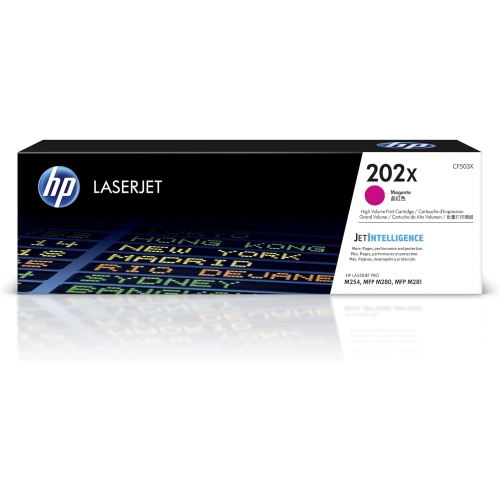 Your price for this item is $184.99
 -
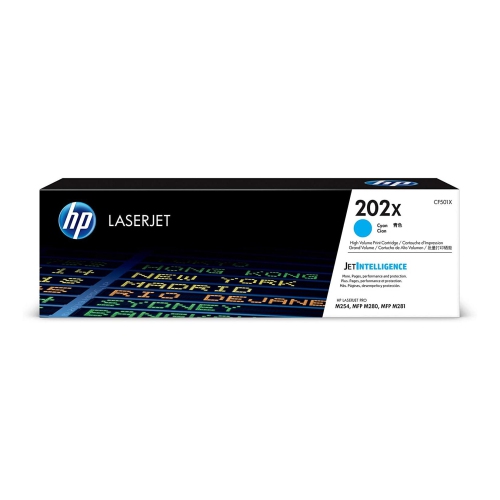 Your price for this item is $184.99
 -
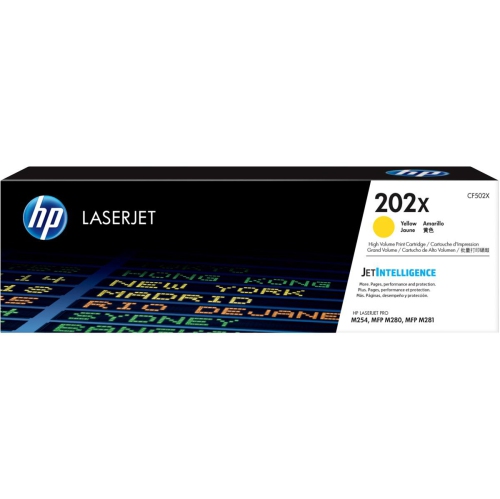 Your price for this item is $184.99
 -
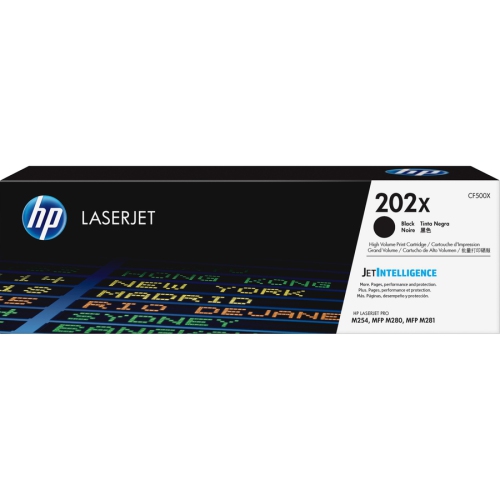 Your price for this item is $176.99
 -
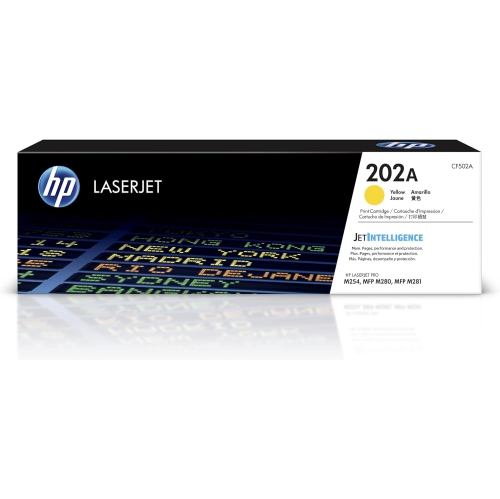 Your price for this item is $139.99
 -
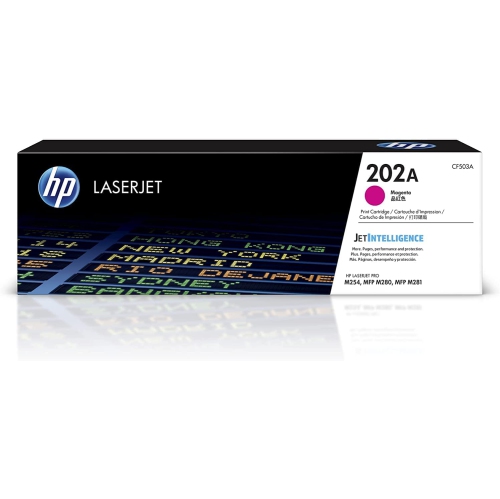 Your price for this item is $139.99
 -
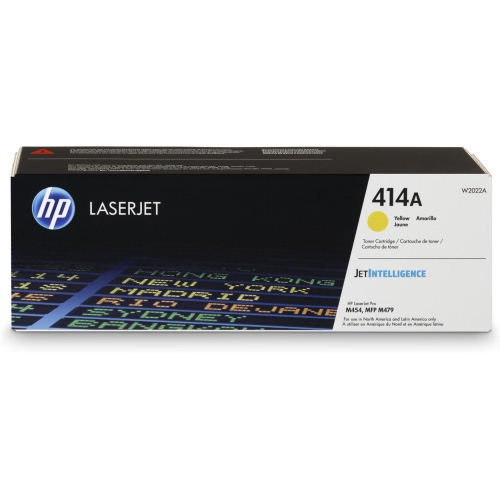 Your price for this item is $230.82
 -
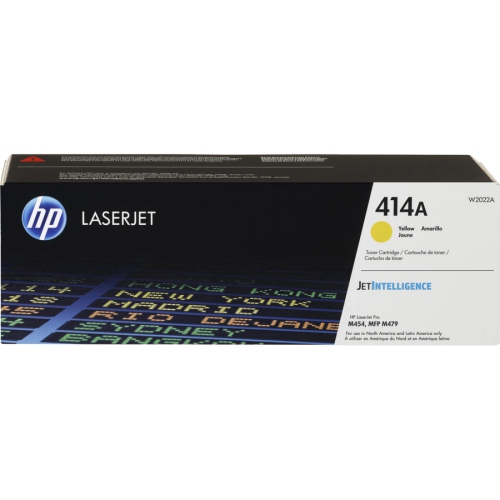 Your price for this item is $197.99
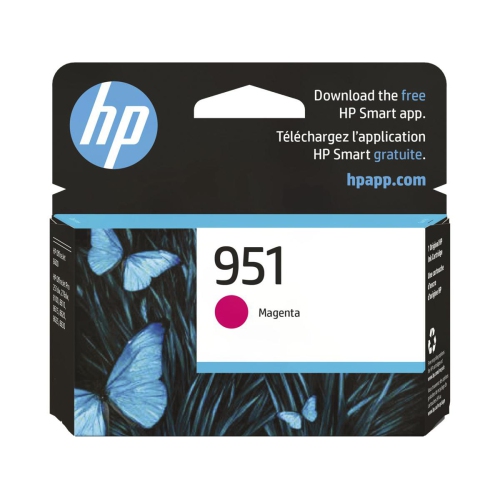
Top Collections:
Pokemon Centers, Kindle Devices, Best Budget Office Chairs, Apple iPhones 16, Canon G7X Cameras, iPhone 15 Apple, Alarm Clock, Refurbished Apple Laptops, Flip Phones, Best Laptops for Writers
Some products may be subject to Environmental Handling Fees
(EHF) depending on your province.
Learn more about EHFs.