HP 962XL
Discover the ideal printing solution with the HP 962XL, designed to keep your home or office running smoothly. Whether you’re managing daily documents or handling important projects, the right ink cartridge makes all the difference. Explore a selection of HP 962XL options to find the perfect fit for your printer and enjoy consistent, high-quality results every time you print.
Sort
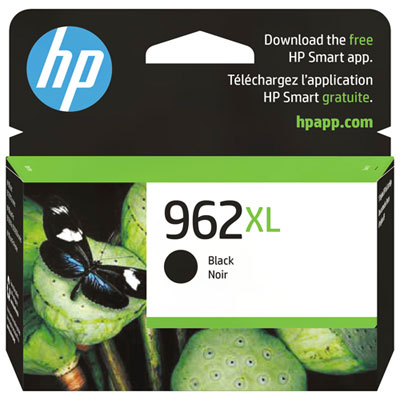
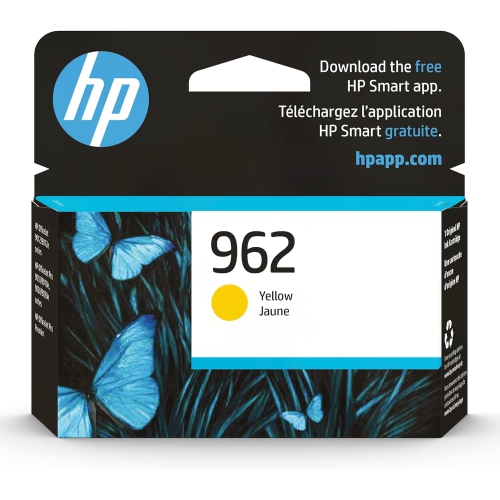
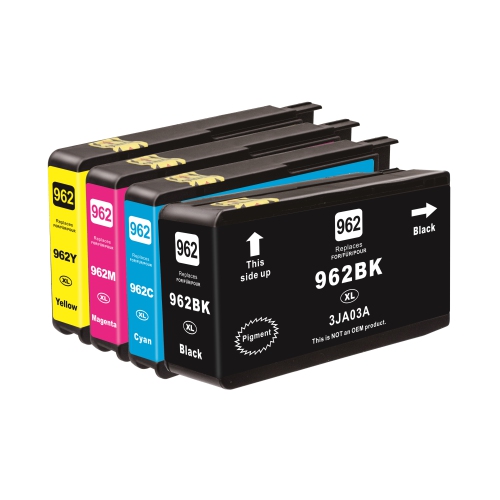
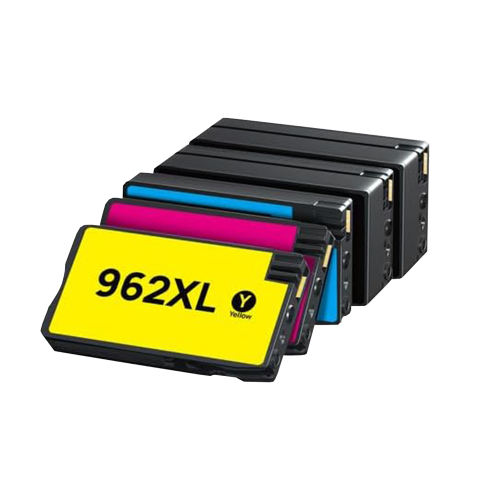
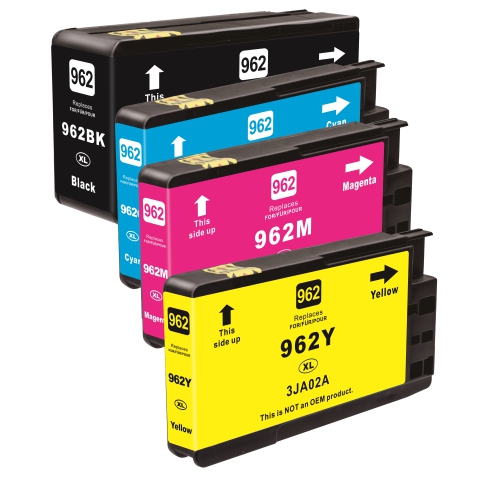
![BESTONER [New Chip] 1 Set Compatible HP 962 Xl Ink Cartridges 962Xl High Yield - HP Officejet Pro 9010 9015 9016 9018 9020 9025 9028 9019E 9022E 9013](https://multimedia.bbycastatic.ca/multimedia/products/500x500/172/17257/17257733.jpeg)
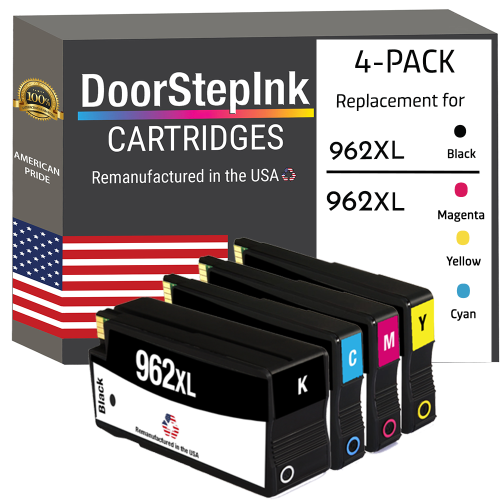
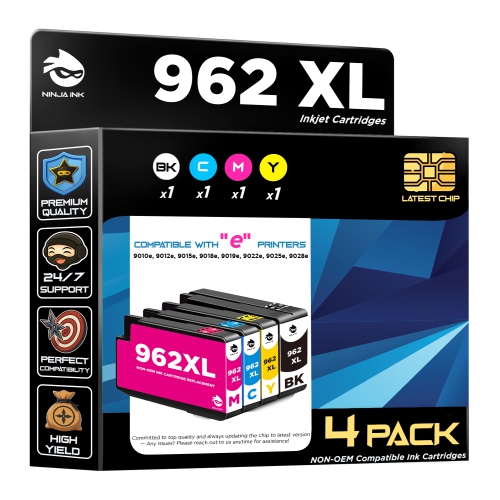
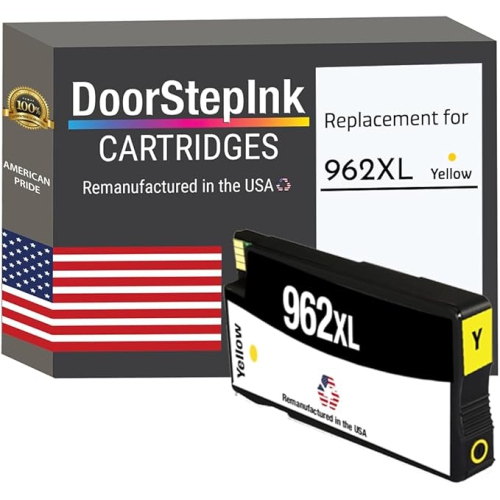
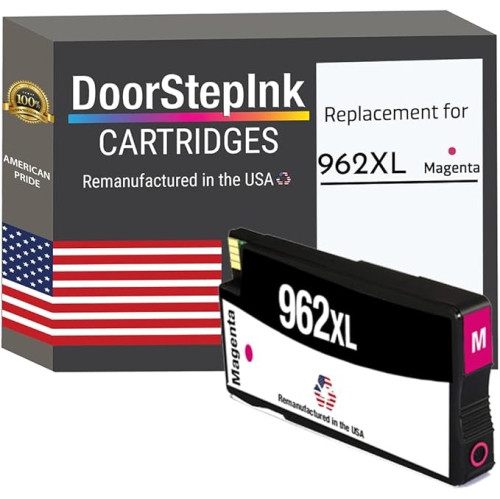
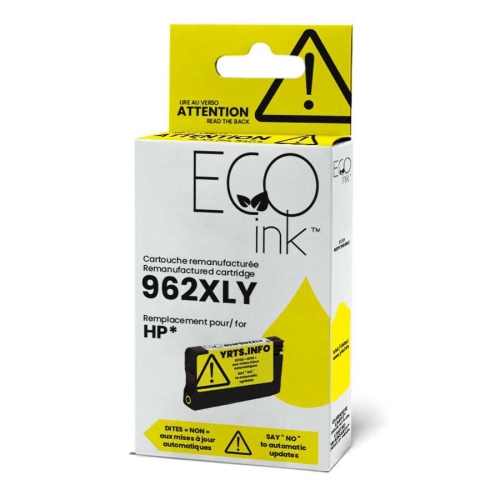
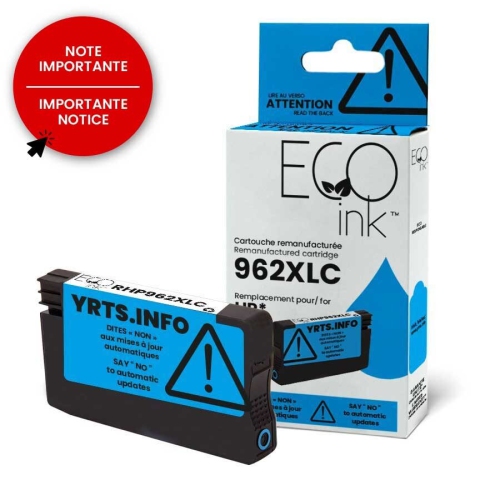
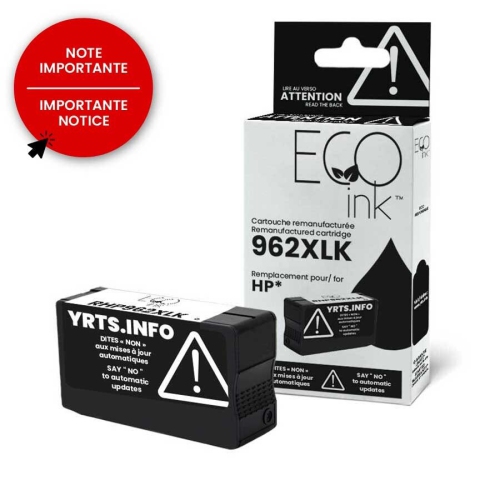
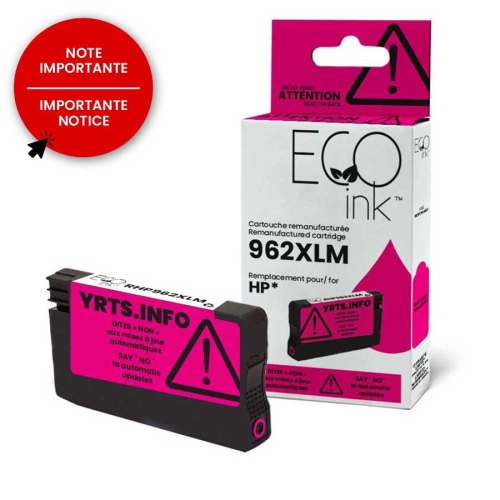


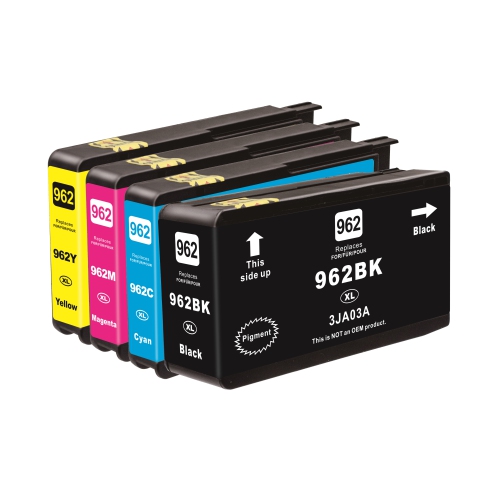
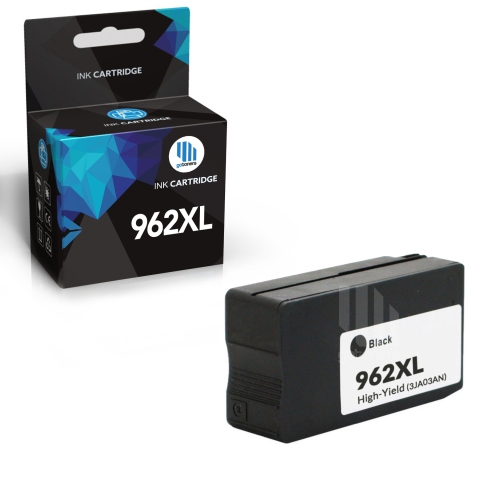
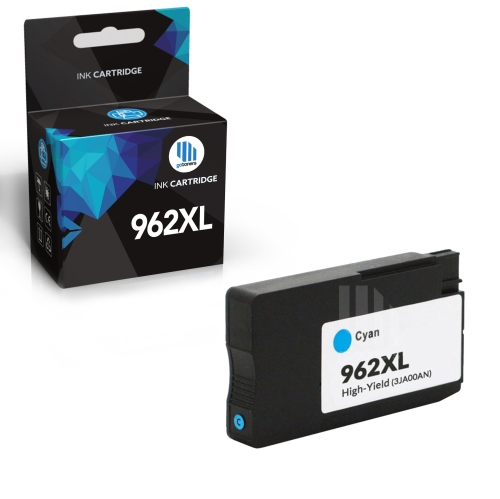
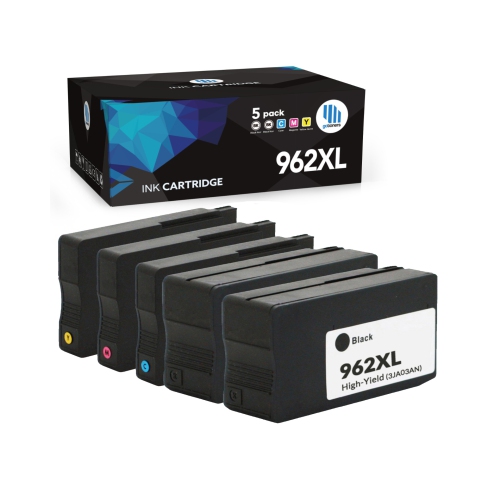
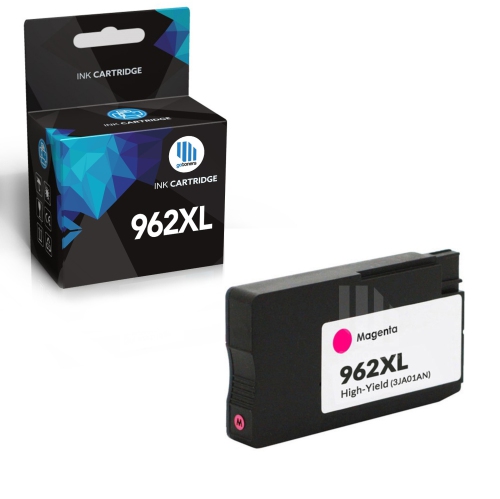
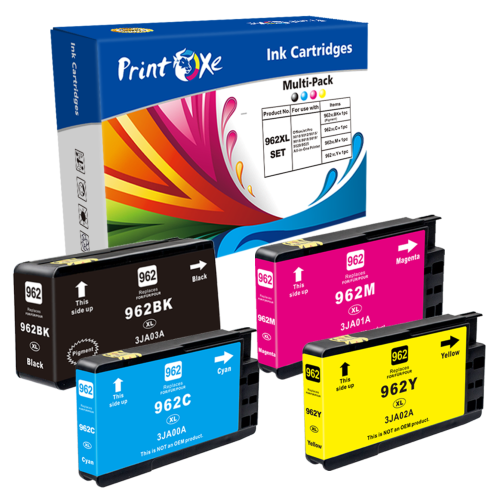
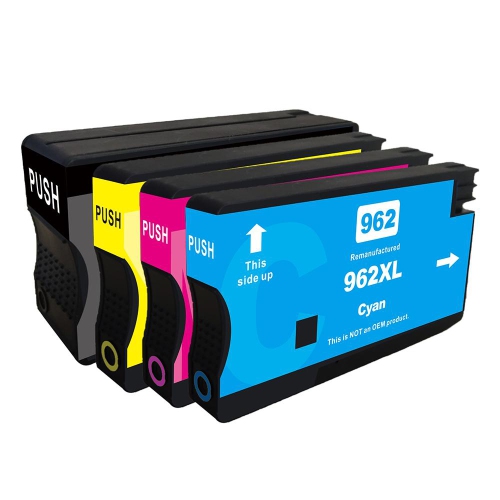
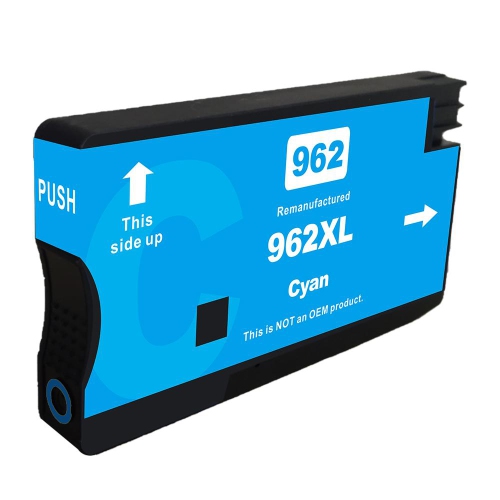
More everyday printing between cartridge changes
High-yield ink cartridges help keep everyday printing moving, whether that means invoices for a small business, reading assignments for a student, or the household paperwork that always seems to need a printed copy. Designed to hold more ink than the standard-capacity option in the same compatible family, these cartridges are particularly useful when a printer gets regular use. Their main advantage is a longer interval between replacements, rather than a change in what the printer can do. Black ink handles much of the work in text-heavy documents, from shipping labels and meeting agendas to forms that need a handwritten signature. Cyan, magenta, and yellow bring colour to presentation charts, classroom materials, and documents where visual distinctions matter. A clearly printed graph or a highlighted timetable can make information easier to follow without requiring a full-page photograph. Individual colour cartridges also let you replace the depleted colour rather than replacing every colour at once, provided your printer uses separate ink supplies. For a shared home office, that can be helpful when one person mostly prints text while another regularly produces colour handouts. During the cooler months, when schoolwork and indoor projects can add to the print queue, keeping the appropriate replacement on hand helps prevent a half-finished job from sitting in the output tray. High-yield capacity is especially worth considering for steady printing volumes, although the right choice still depends on how often you print and how much ink your documents use. A few lines of text on a letter and a densely coloured brochure place very different demands on a cartridge. Think of capacity as a way to plan your supplies around actual printing habits, not as a promise that every household or office will get the same number of pages. For someone printing frequently, fewer cartridge changes can be a practical convenience during an already busy day.
Compatibility is the first detail to confirm before choosing replacement ink. Cartridges that look similar can have different physical fittings, electronic contacts, or ink formulations, and a matching printer brand alone does not establish that a cartridge will work. Check the complete printer model against the compatibility information in the product listing, then compare the cartridge family and colour with the supplies specified for that printer. The model information on the printer itself or in its settings is generally more useful than relying on the appearance of an old cartridge box. An XL designation usually identifies a higher-capacity version within a cartridge family; it does not mean the cartridge fits every printer that accepts XL ink. Other families, including HP 564XL, have their own compatibility requirements and should not be treated as interchangeable alternatives. Once the fit is confirmed, consider whether you need black ink, a particular colour, or a pack containing several cartridges. A multipack can make sense when several ink levels are running low together, while an individual cartridge is often the more useful purchase when one colour runs out ahead of the others. Read the package contents carefully, since a pack may contain different capacities or a different combination of colours than expected. Manufacturer-original and third-party compatible options may also appear among replacement supplies. Compare their stated compatibility, yield information, and any applicable support or return terms rather than assuming that all cartridges with a similar description offer the same experience. Where a listing includes notes about printer software or cartridge recognition, those details deserve attention before purchase. For a printer shared by family members or colleagues, keeping a note of the exact model and accepted cartridge family makes repeat purchases simpler. It also gives anyone buying supplies on someone else’s behalf a reliable reference, which is more helpful than choosing by box colour or cartridge shape.
Page yield and cost per page provide useful context when comparing capacities, but both need a little interpretation. A stated yield is based on defined testing conditions, not a guarantee for every mix of documents. Full-page graphics, large blocks of colour, photographs, and higher-quality print settings can use more ink than lightly covered text pages. Routine printer maintenance can use ink as well. Black and colour cartridges may carry different yield ratings, so compare equivalent colours and capacities where possible. To estimate cartridge cost per page, divide the listed price by the stated page yield, remembering that a colour document may draw ink from several cartridges. That figure is a useful starting point, but your own printing history is often the better predictor of how frequently you will need replacements. If black ink consistently runs low while the colour levels barely move, keeping a spare black cartridge may be more practical than repeatedly buying a complete set. If you produce client proposals, learning materials, or illustrated instructions, maintaining each required colour becomes more important. Paper choice matters, too: ordinary office paper suits many forms and drafts, while a paper intended for inkjet presentations or photographs may give more suitable results for those jobs when used with the appropriate printer settings. High-yield ink alone does not turn everyday paper into photo paper or change the printer’s supported capabilities. Store spare cartridges sealed in their original packaging and follow the storage guidance on the package, keeping them away from excessive heat and direct sunlight. Avoid opening a replacement long before it is needed, and follow the printer’s installation prompts when it is time to swap cartridges. A modest supply matched to your printing pace is usually more useful than a large stockpile. Whether the printer supports a home business, a busy study space, or a family’s everyday tasks, well-matched ink keeps the focus on the finished document: readable text, useful colour, and the right pages ready when they are needed.
Compatibility is the first detail to confirm before choosing replacement ink. Cartridges that look similar can have different physical fittings, electronic contacts, or ink formulations, and a matching printer brand alone does not establish that a cartridge will work. Check the complete printer model against the compatibility information in the product listing, then compare the cartridge family and colour with the supplies specified for that printer. The model information on the printer itself or in its settings is generally more useful than relying on the appearance of an old cartridge box. An XL designation usually identifies a higher-capacity version within a cartridge family; it does not mean the cartridge fits every printer that accepts XL ink. Other families, including HP 564XL, have their own compatibility requirements and should not be treated as interchangeable alternatives. Once the fit is confirmed, consider whether you need black ink, a particular colour, or a pack containing several cartridges. A multipack can make sense when several ink levels are running low together, while an individual cartridge is often the more useful purchase when one colour runs out ahead of the others. Read the package contents carefully, since a pack may contain different capacities or a different combination of colours than expected. Manufacturer-original and third-party compatible options may also appear among replacement supplies. Compare their stated compatibility, yield information, and any applicable support or return terms rather than assuming that all cartridges with a similar description offer the same experience. Where a listing includes notes about printer software or cartridge recognition, those details deserve attention before purchase. For a printer shared by family members or colleagues, keeping a note of the exact model and accepted cartridge family makes repeat purchases simpler. It also gives anyone buying supplies on someone else’s behalf a reliable reference, which is more helpful than choosing by box colour or cartridge shape.
Page yield and cost per page provide useful context when comparing capacities, but both need a little interpretation. A stated yield is based on defined testing conditions, not a guarantee for every mix of documents. Full-page graphics, large blocks of colour, photographs, and higher-quality print settings can use more ink than lightly covered text pages. Routine printer maintenance can use ink as well. Black and colour cartridges may carry different yield ratings, so compare equivalent colours and capacities where possible. To estimate cartridge cost per page, divide the listed price by the stated page yield, remembering that a colour document may draw ink from several cartridges. That figure is a useful starting point, but your own printing history is often the better predictor of how frequently you will need replacements. If black ink consistently runs low while the colour levels barely move, keeping a spare black cartridge may be more practical than repeatedly buying a complete set. If you produce client proposals, learning materials, or illustrated instructions, maintaining each required colour becomes more important. Paper choice matters, too: ordinary office paper suits many forms and drafts, while a paper intended for inkjet presentations or photographs may give more suitable results for those jobs when used with the appropriate printer settings. High-yield ink alone does not turn everyday paper into photo paper or change the printer’s supported capabilities. Store spare cartridges sealed in their original packaging and follow the storage guidance on the package, keeping them away from excessive heat and direct sunlight. Avoid opening a replacement long before it is needed, and follow the printer’s installation prompts when it is time to swap cartridges. A modest supply matched to your printing pace is usually more useful than a large stockpile. Whether the printer supports a home business, a busy study space, or a family’s everyday tasks, well-matched ink keeps the focus on the finished document: readable text, useful colour, and the right pages ready when they are needed.
Top selling and popular products
-
 Your price for this item is $109.99
 -
 Your price for this item is $40.99
 -
 Your price for this item is $101.99
 -
 Your price for this item is $129.99
 -
 Your price for this item is $109.99
 -
 Your price for this item is $89.99
 -
 Your price for this item is $90.99
 -
 Your price for this item is $57.99
Top Collections:
Pokemon Centers, Kindle Devices, Best Budget Office Chairs, Apple iPhones 16, Canon G7X Cameras, iPhone 15 Apple, Alarm Clock, Refurbished Apple Laptops, Flip Phones, Best Laptops for Writers
Some products may be subject to Environmental Handling Fees
(EHF) depending on your province.
Learn more about EHFs.