HP 62XL
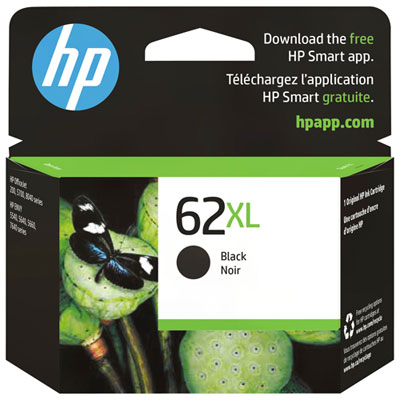
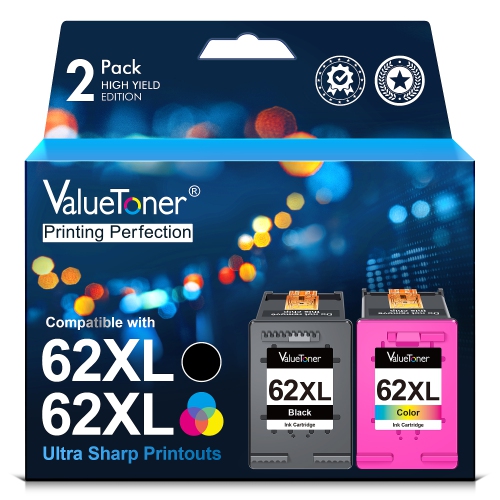
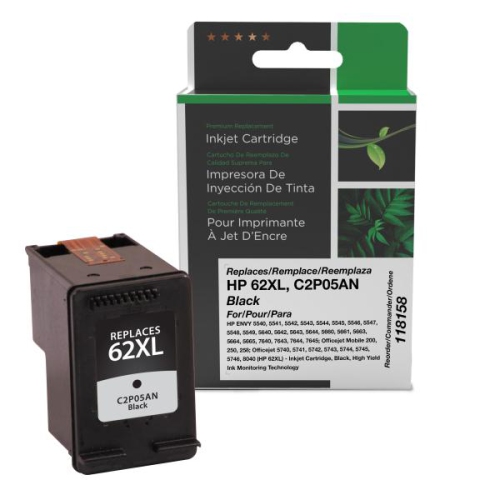
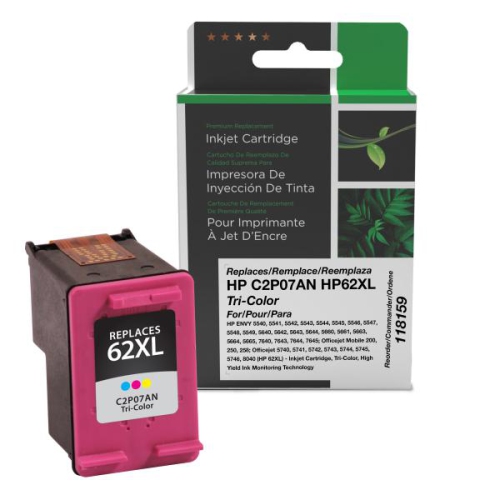
Discover the versatility and reliability of the HP 62XL, designed to keep your printing tasks running smoothly at home or in the office. Whether you’re working on important documents, school projects, or vibrant photos, the HP 62XL offers a dependable solution for consistent print quality. Find the right options to meet your needs and enjoy seamless compatibility with your printer when you choose from our selection of HP 62XL cartridges.
Sort
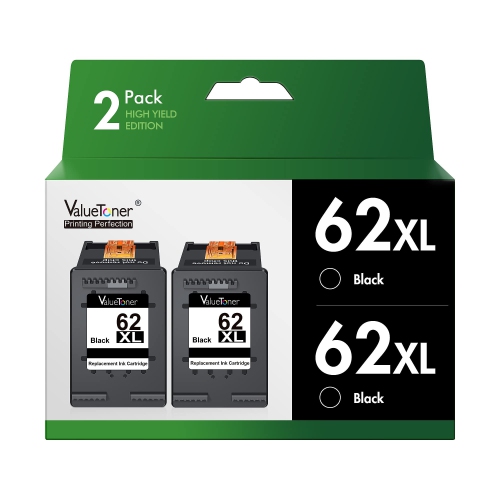
![BESTONER [High Yield] 2Bk Remanufactured Ink Cartridge Replacement for HP 62Xl HP62 Ink- HP Envy 5540, 5640, 5660, 7640 Series, HP Officejet 5740](https://multimedia.bbycastatic.ca/multimedia/products/500x500/177/17702/17702628.jpeg)

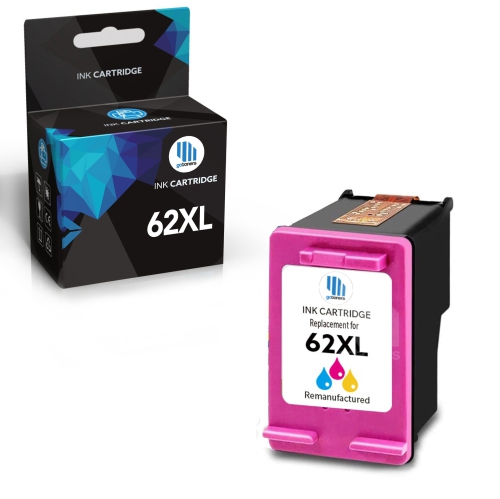
![BESTONER [High Yield] 1 Set Remanufactured Ink Cartridge Replacement for HP 62Xl HP62 Ink - HP Envy 5540 5640 5660, 7640 Series, HP Officejet 5740](https://multimedia.bbycastatic.ca/multimedia/products/500x500/177/17702/17702629.jpeg)
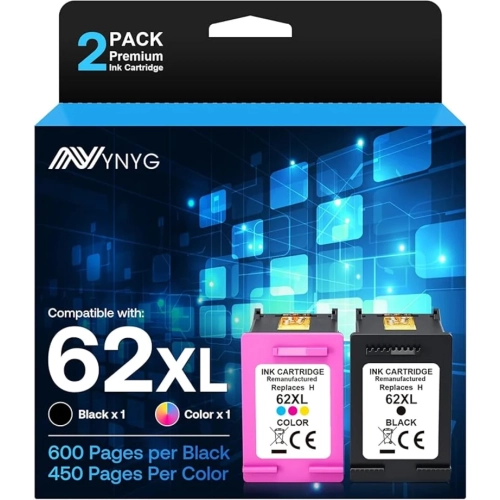
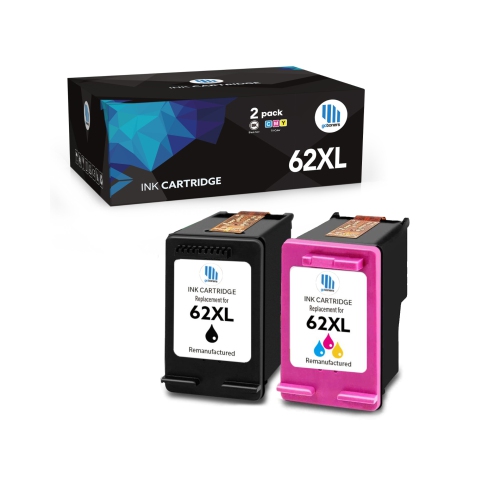
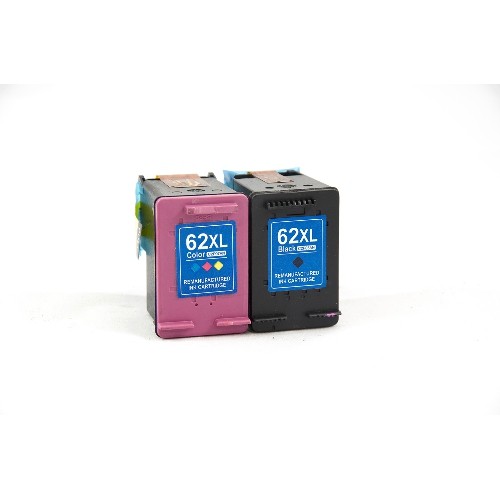
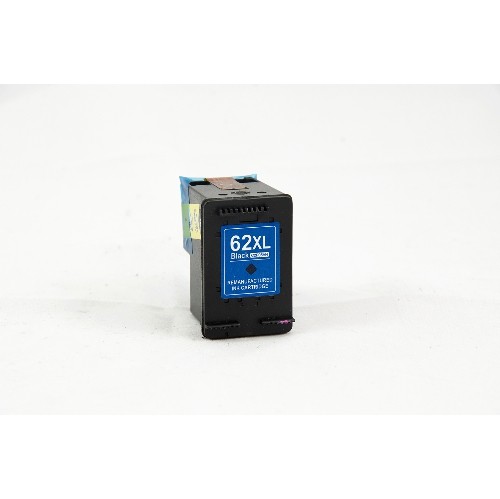
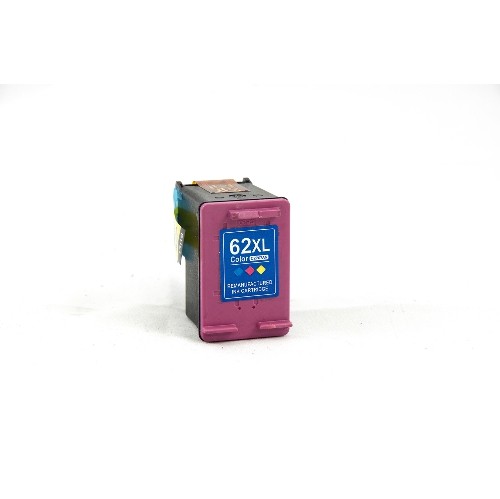
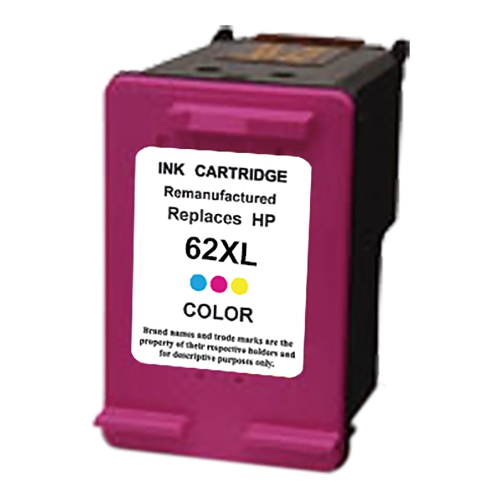
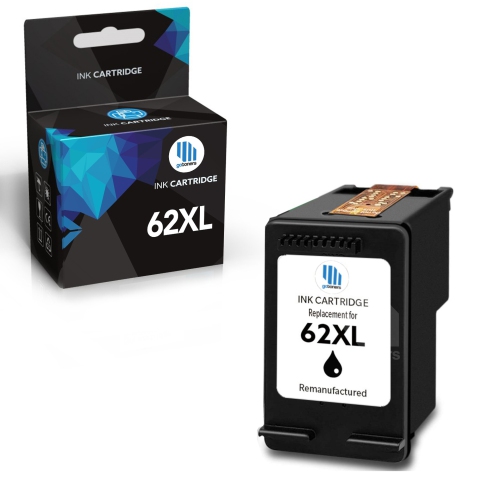
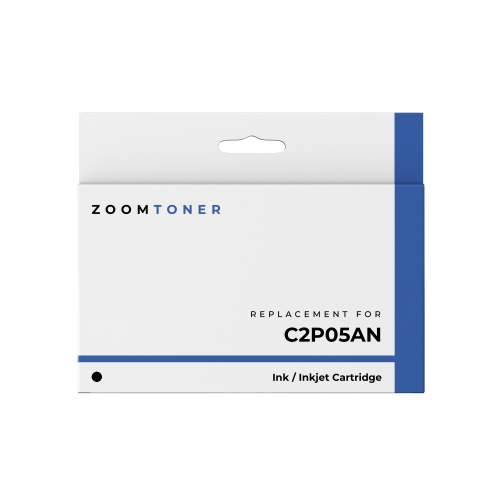
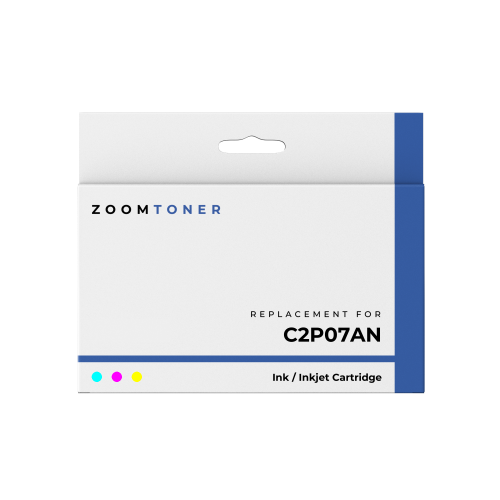
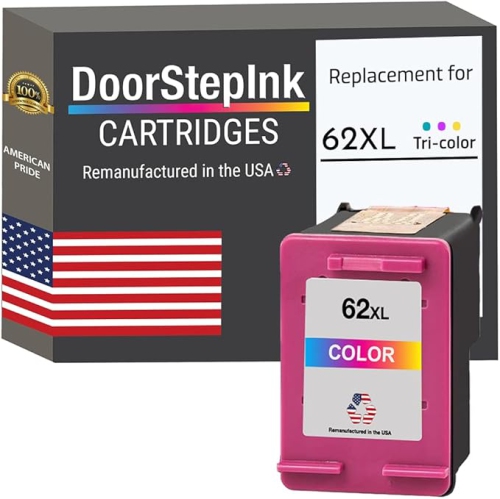
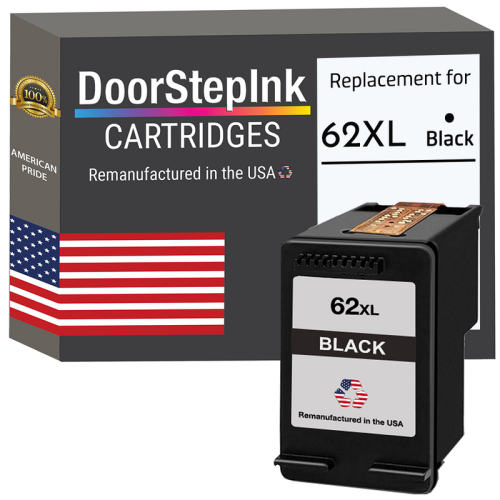
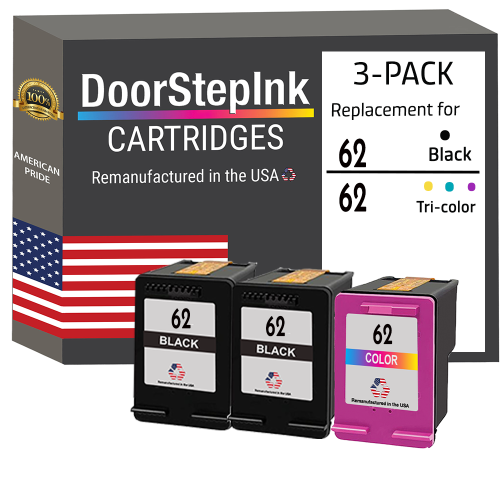
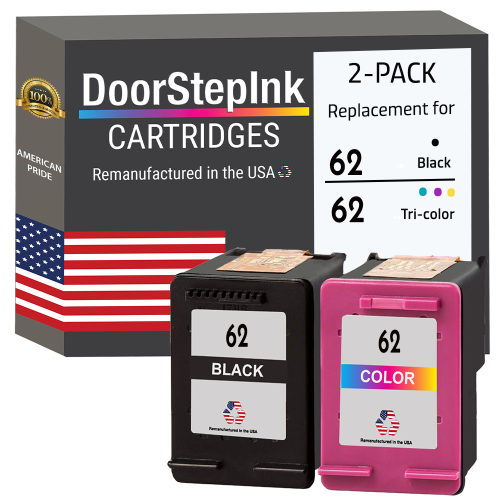
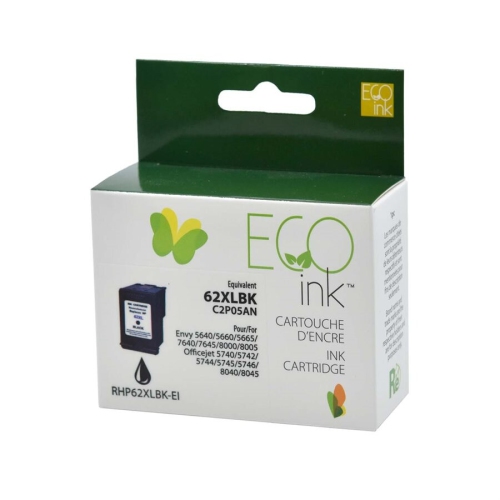
More everyday printing between ink cartridge replacements
High-yield ink cartridges support the everyday printing that keeps households, home offices, and small businesses organized, from school assignments and appointment details to invoices, presentations, and family photographs. This cartridge category includes black ink for text-heavy documents and tri-colour ink for pages that combine colour graphics, illustrations, and images. Black cartridges are especially useful for letters, shipping labels, forms, and other documents where crisp characters and readable small print matter. Tri-colour cartridges contain cyan, magenta, and yellow ink in separate chambers within one cartridge, supplying the colour used in charts, classroom projects, and photographs. A high-yield designation generally means a cartridge contains more usable ink than its standard-capacity counterpart within the same compatible family. It does not mean the cartridge fits more printers, prints on larger paper, or automatically produces sharper results. Its main benefit is a longer interval between replacements, which can be helpful when several people share a printer or when printing involves longer documents rather than an occasional page. A student preparing a research paper, a parent printing activity sheets, or a business owner assembling client paperwork may all value that added capacity. The right balance of black and colour depends on the documents passing through the printer. A household that mostly prints forms may use black ink more quickly, while illustrated worksheets and image-heavy projects can place greater demand on colour ink. Cartridge housings are typically made from moulded plastic, with internal ink storage, electrical contacts, and protective seals designed for a particular printer system. Although these components are largely hidden once installed, their precise fit helps the printer recognize the cartridge and deliver ink correctly. For shoppers comparing replacement ink, compatibility, cartridge type, and expected printing volume are more meaningful distinctions than a cartridge’s appearance alone. Together, those details help distinguish an appropriate replacement from a cartridge that looks similar but cannot serve the same purpose.
Compatibility is the first practical consideration because ink cartridges are not interchangeable simply because their names or packaging look alike. Each cartridge family is designed for selected printer models, and even printers with similar model names can require different supplies. The full model number on the printer’s identification label or in its settings provides a more reliable reference than the broad printer series alone. Matching that information against the cartridge’s stated compatibility helps confirm both the physical fit and the printer’s ability to recognize it. The number on an installed cartridge can also be useful, provided that cartridge has been working correctly in the printer. A higher-capacity version often occupies the same cartridge position as the standard-capacity version in its family, but the printer must explicitly support that family and capacity. A separate family such as Hp 63xl needs its own compatibility check rather than being treated as a substitute based on a similar name. Cartridge configuration matters as well: a black cartridge replaces the black supply, while a tri-colour cartridge replaces the combined colour supply. In a tri-colour design, using one colour heavily can lead to replacement while some ink remains in the other chambers. A run of blue illustrations, for example, can draw differently on the cartridge than a set of photographs with varied colours. Page-yield figures offer another useful point of comparison, but they describe results under standardized testing rather than a guaranteed number of pages for every household. A page with a short letter uses far less ink than a full-page photograph or a presentation covered in coloured backgrounds. Print settings, maintenance cycles, and the mix of documents also affect how long a cartridge lasts. Comparing yields is most useful when the cartridges have the same purpose and their figures are based on comparable testing. For regular document printing, high capacity can reduce interruptions; for occasional use, printing frequency and care remain important alongside the stated yield.
Print quality depends on the relationship between ink, paper, printer settings, and the condition of the printing system. Ordinary multipurpose paper suits many drafts, forms, and reference documents, while paper intended for inkjet colour printing can help graphics look more defined and reduce show-through. Photo paper has a surface designed to receive ink differently from plain paper, helping fine details and colour transitions appear clearer when the matching paper setting is selected. The highest-quality setting is not necessary for every task: a readable draft for proofreading has different requirements from a photograph intended for display or a presentation handed to a client. Dark backgrounds and large solid areas also demand more ink than clean layouts with modest colour accents. For documents that will be handled frequently, allowing the ink to dry before stacking, folding, or placing pages in sleeves helps limit smudging. Resistance to water, rubbing, and fading varies with the ink-and-paper combination, so everyday inkjet prints should not automatically be treated as waterproof or suitable for archival storage. Cartridge care begins before installation. Unopened cartridges are best kept sealed in their original packaging, away from direct sunlight and excessive heat, until they are needed. Protective tape should remain in place until installation, and exposed contacts or ink nozzles should not be touched, since fingerprints and residue can interfere with operation. Once a cartridge is seated correctly, the printer may call for an alignment or setup routine to establish consistent output. Occasional printing can help keep an inkjet system ready for use, while repeated cleaning cycles consume ink and are best reserved for troubleshooting print defects. Blank lines, missing colours, or uneven text may reflect a maintenance issue rather than an empty cartridge, making the printer’s status messages useful before replacement. For a shared household printer or a busy desk, a correctly matched high-yield cartridge supports a simple goal: legible documents, useful colour, and fewer cartridge changes during everyday work.
Compatibility is the first practical consideration because ink cartridges are not interchangeable simply because their names or packaging look alike. Each cartridge family is designed for selected printer models, and even printers with similar model names can require different supplies. The full model number on the printer’s identification label or in its settings provides a more reliable reference than the broad printer series alone. Matching that information against the cartridge’s stated compatibility helps confirm both the physical fit and the printer’s ability to recognize it. The number on an installed cartridge can also be useful, provided that cartridge has been working correctly in the printer. A higher-capacity version often occupies the same cartridge position as the standard-capacity version in its family, but the printer must explicitly support that family and capacity. A separate family such as Hp 63xl needs its own compatibility check rather than being treated as a substitute based on a similar name. Cartridge configuration matters as well: a black cartridge replaces the black supply, while a tri-colour cartridge replaces the combined colour supply. In a tri-colour design, using one colour heavily can lead to replacement while some ink remains in the other chambers. A run of blue illustrations, for example, can draw differently on the cartridge than a set of photographs with varied colours. Page-yield figures offer another useful point of comparison, but they describe results under standardized testing rather than a guaranteed number of pages for every household. A page with a short letter uses far less ink than a full-page photograph or a presentation covered in coloured backgrounds. Print settings, maintenance cycles, and the mix of documents also affect how long a cartridge lasts. Comparing yields is most useful when the cartridges have the same purpose and their figures are based on comparable testing. For regular document printing, high capacity can reduce interruptions; for occasional use, printing frequency and care remain important alongside the stated yield.
Print quality depends on the relationship between ink, paper, printer settings, and the condition of the printing system. Ordinary multipurpose paper suits many drafts, forms, and reference documents, while paper intended for inkjet colour printing can help graphics look more defined and reduce show-through. Photo paper has a surface designed to receive ink differently from plain paper, helping fine details and colour transitions appear clearer when the matching paper setting is selected. The highest-quality setting is not necessary for every task: a readable draft for proofreading has different requirements from a photograph intended for display or a presentation handed to a client. Dark backgrounds and large solid areas also demand more ink than clean layouts with modest colour accents. For documents that will be handled frequently, allowing the ink to dry before stacking, folding, or placing pages in sleeves helps limit smudging. Resistance to water, rubbing, and fading varies with the ink-and-paper combination, so everyday inkjet prints should not automatically be treated as waterproof or suitable for archival storage. Cartridge care begins before installation. Unopened cartridges are best kept sealed in their original packaging, away from direct sunlight and excessive heat, until they are needed. Protective tape should remain in place until installation, and exposed contacts or ink nozzles should not be touched, since fingerprints and residue can interfere with operation. Once a cartridge is seated correctly, the printer may call for an alignment or setup routine to establish consistent output. Occasional printing can help keep an inkjet system ready for use, while repeated cleaning cycles consume ink and are best reserved for troubleshooting print defects. Blank lines, missing colours, or uneven text may reflect a maintenance issue rather than an empty cartridge, making the printer’s status messages useful before replacement. For a shared household printer or a busy desk, a correctly matched high-yield cartridge supports a simple goal: legible documents, useful colour, and fewer cartridge changes during everyday work.
Top selling and popular products
-
 Your price for this item is $109.99
 -
 Your price for this item is $40.99
 -
 Your price for this item is $101.99
 -
 Your price for this item is $129.99
 -
 Your price for this item is $109.99
 -
 Your price for this item is $89.99
 -
 Your price for this item is $90.99
 -
 Your price for this item is $57.99
Top Collections:
Pokemon Centers, Kindle Devices, Best Budget Office Chairs, Apple iPhones 16, Canon G7X Cameras, iPhone 15 Apple, Alarm Clock, Refurbished Apple Laptops, Flip Phones, Best Laptops for Writers
Some products may be subject to Environmental Handling Fees
(EHF) depending on your province.
Learn more about EHFs.