HP Envy 5530 Printer Ink
An HP Envy 5530 printer is a multifunction printer that can be used for printing, scanning, and copying. It offers a wide range of features that make it one of the best on the market today. These inks are versatile and can be used for a variety of applications. It is ideal for printing documents, photos, and even your own greeting cards. Here are some of the best HP Envy 5530 Ink cartridges on the market today.
Sort
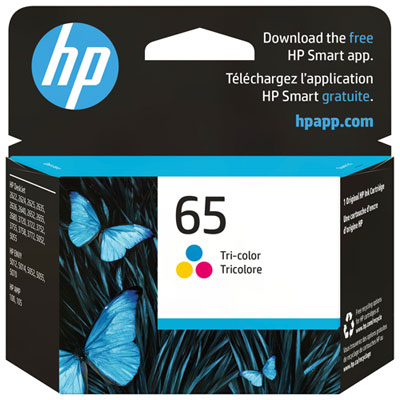
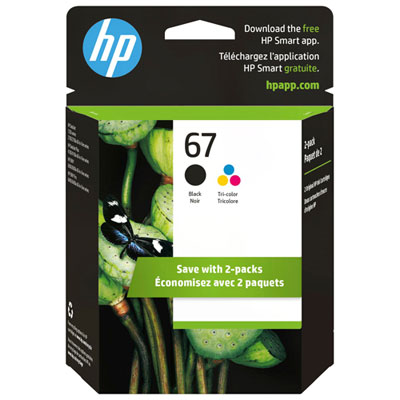
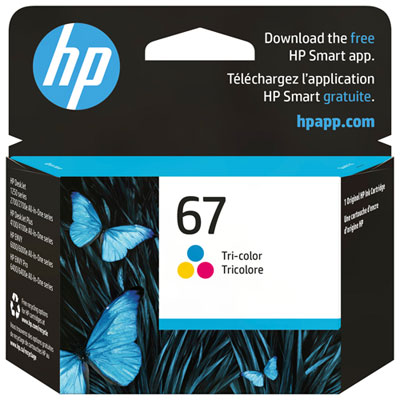
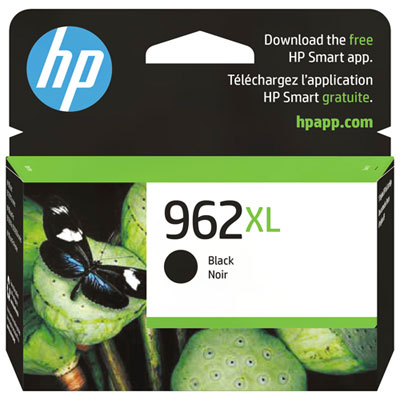
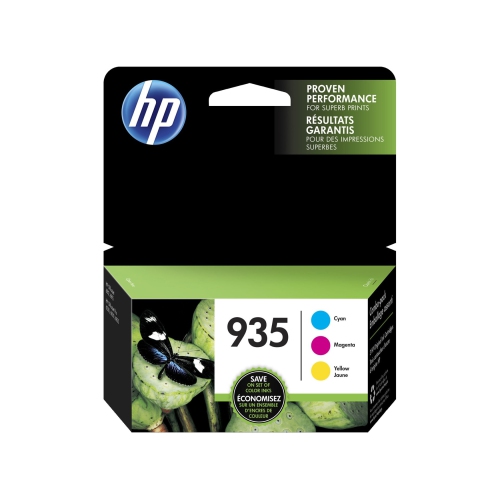
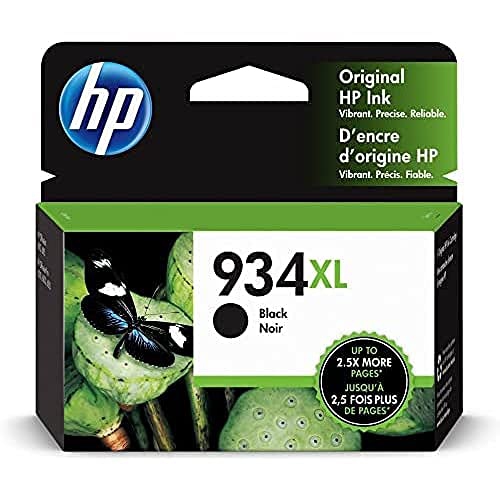
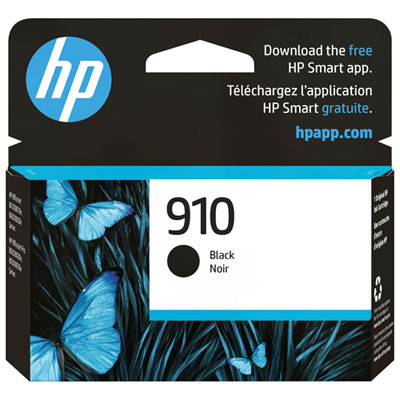
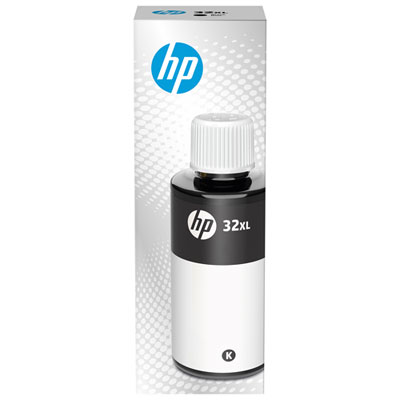
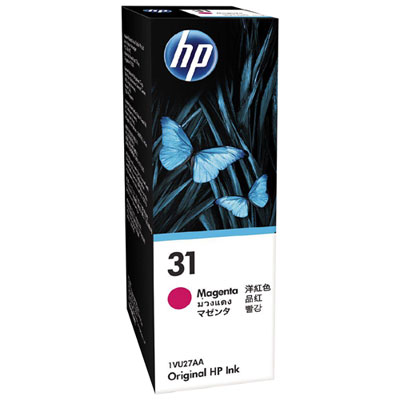
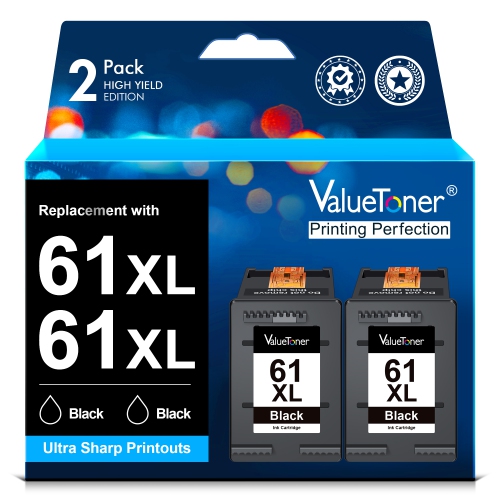
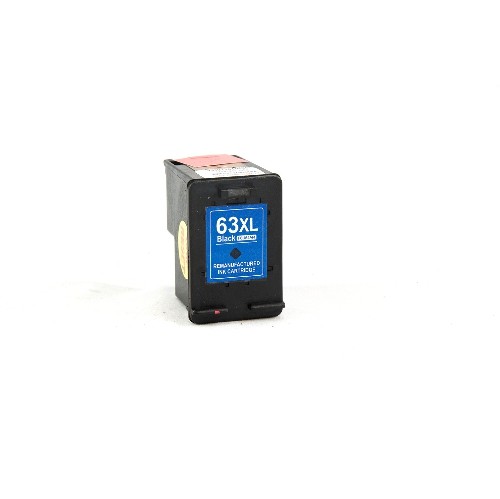
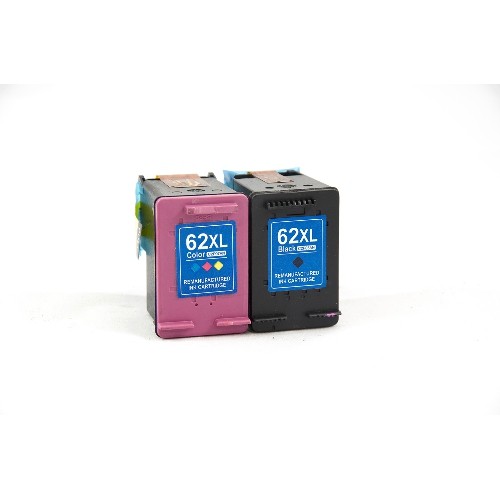
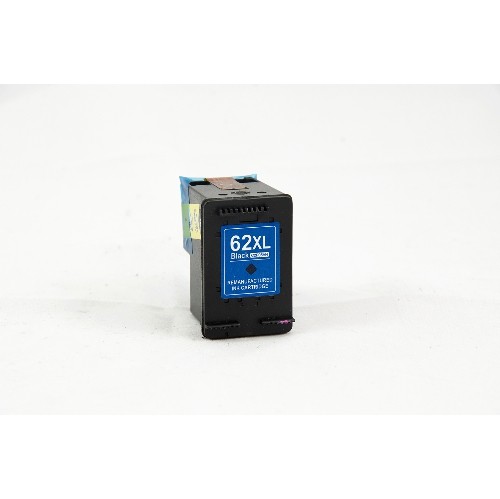
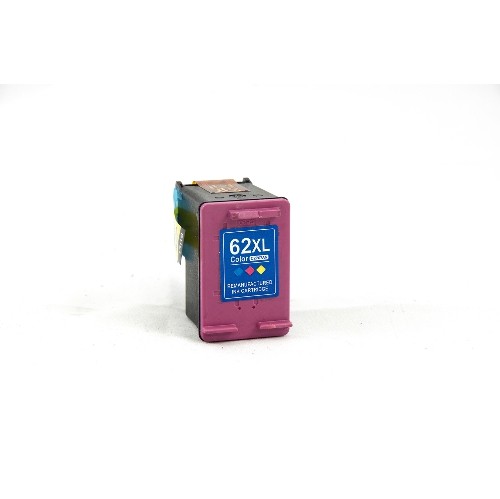
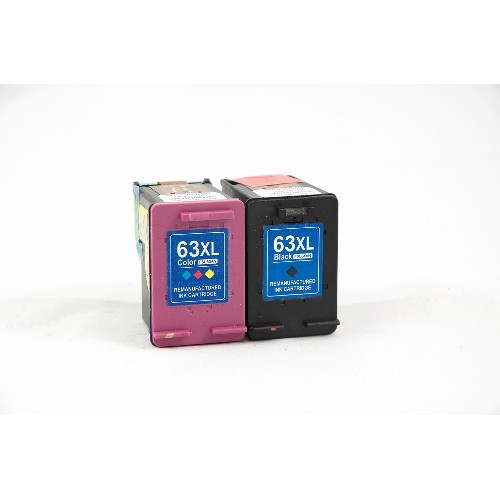
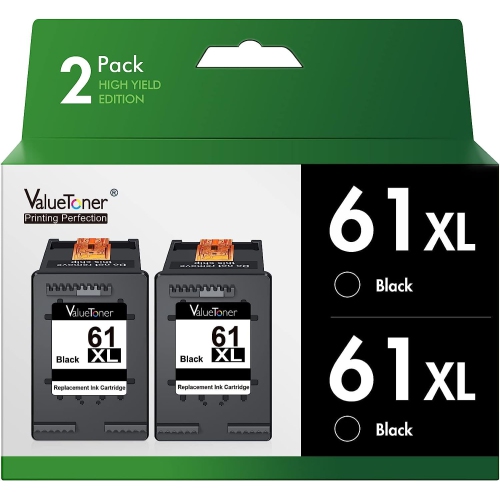
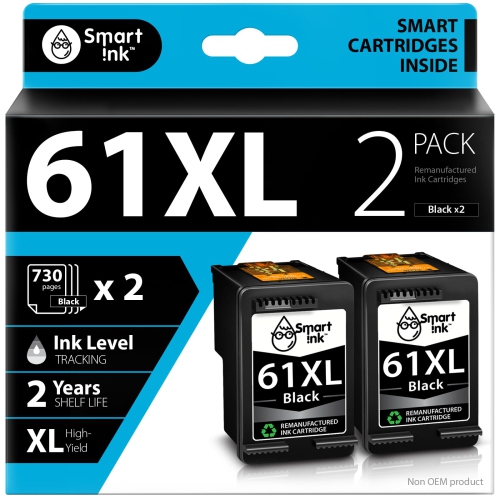
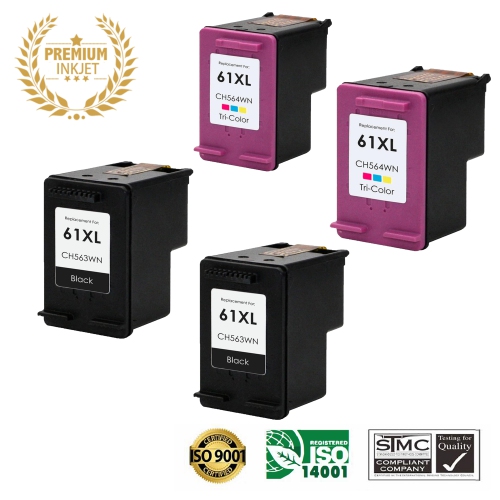
![BESTONER [High Yield] 2Bk Remanufactured Ink Cartridge Replacement for HP 61Xl for HP Envy 4500 5530 Deskjet 1000 1050 1512 1513 2540 2542 2549 3510](https://multimedia.bbycastatic.ca/multimedia/products/500x500/198/19820/19820962.jpeg)
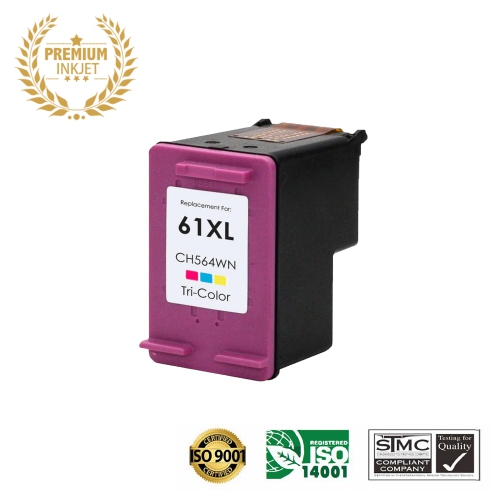
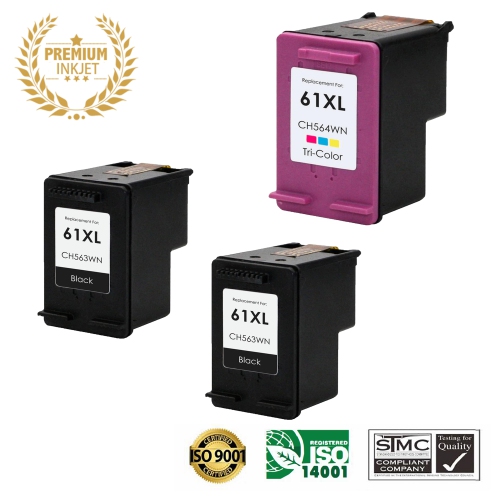

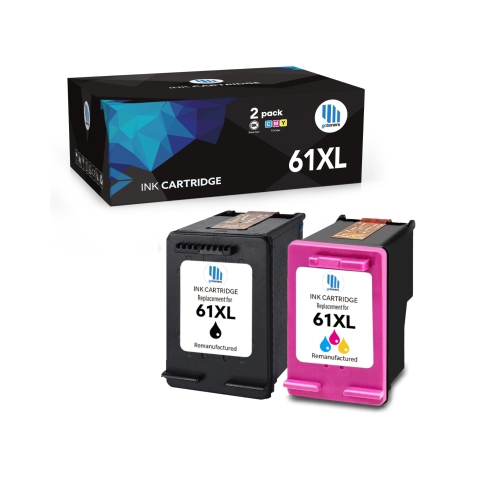
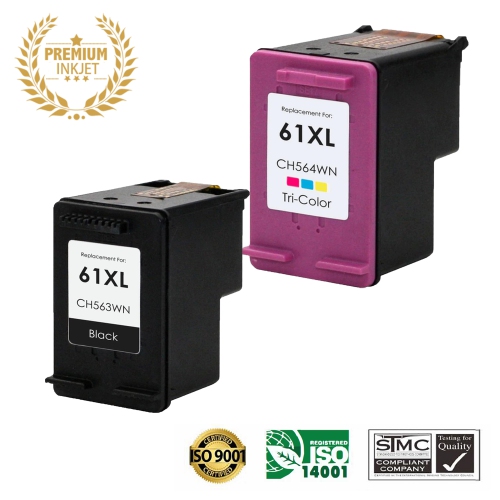
![BESTONER [High Yield] 1 Set Remanufactured Ink Cartridge Replacement for HP 61Xl for HP Envy 4500 5530 Deskjet 1000 1050 1512 1513 2540 2542 2549](https://multimedia.bbycastatic.ca/multimedia/products/500x500/177/17702/17702624.jpeg)
![BESTONER [High Yield] 1 Set Remanufactured Ink Cartridge Replacement for HP 62Xl HP62 Ink - HP Envy 5540 5640 5660, 7640 Series, HP Officejet 5740](https://multimedia.bbycastatic.ca/multimedia/products/500x500/177/17702/17702629.jpeg)

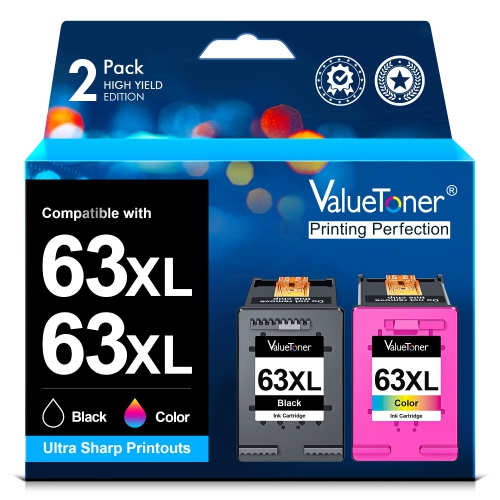
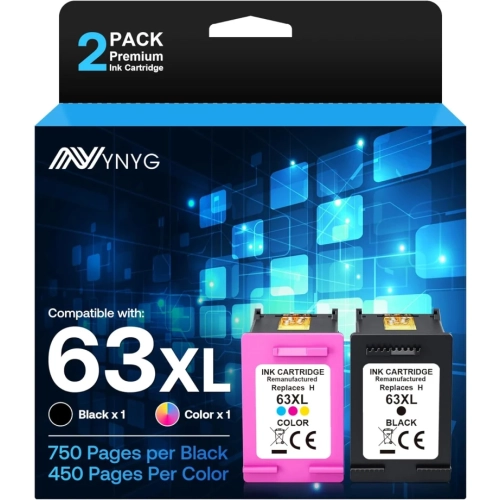
![BESTONER [High Yield] 2Bk Remanufactured Ink Cartridge Replacement for HP 63Xl HP63 Ink - HP Deskjet 1110 1112 2130 3630 3632 Envy 4510 4516 4520](https://multimedia.bbycastatic.ca/multimedia/products/500x500/189/18904/18904514.jpeg)
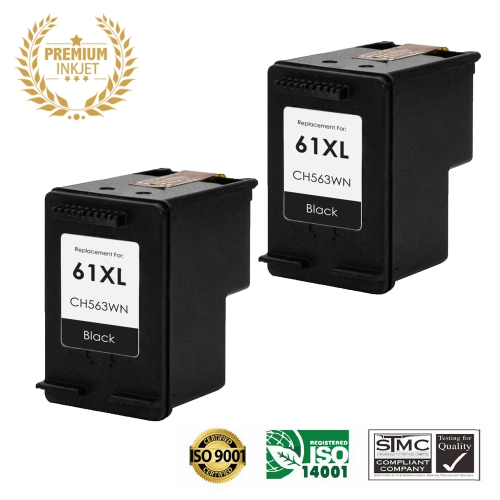
![BESTONER [High Yield] 1 Set Remanufactured Ink Cartridge Replacement for HP 63Xl HP63 Ink - HP Deskjet 1110 1112 2130 3630 3632 Envy 4510 4516 4520](https://multimedia.bbycastatic.ca/multimedia/products/500x500/189/18904/18904513.jpeg)

![BESTONER [High Yield] 2Bk Remanufactured Ink Cartridge Replacement for HP 62Xl HP62 Ink- HP Envy 5540, 5640, 5660, 7640 Series, HP Officejet 5740](https://multimedia.bbycastatic.ca/multimedia/products/500x500/177/17702/17702628.jpeg)

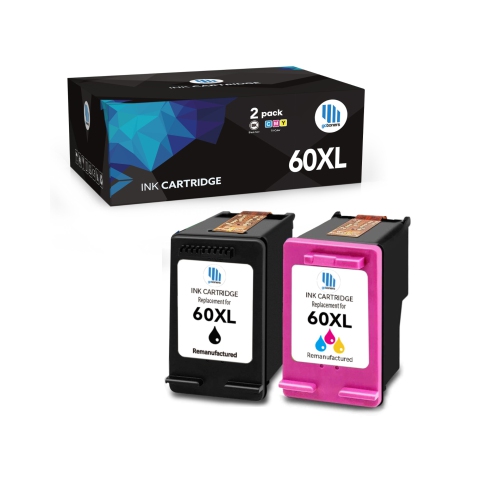
Why cartridge fit matters as much as ink capacity
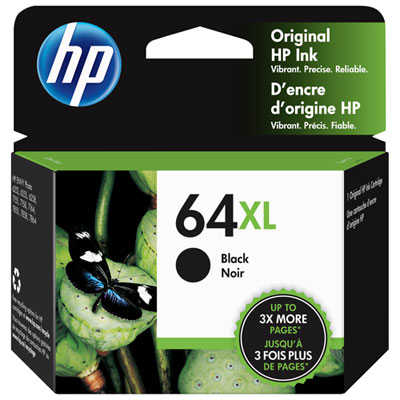
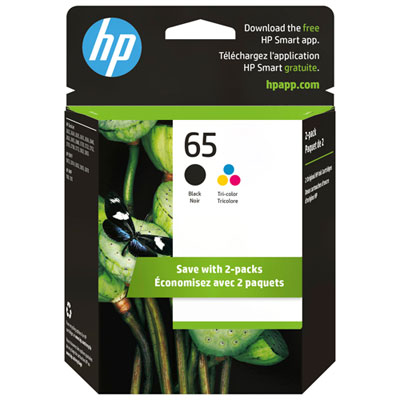
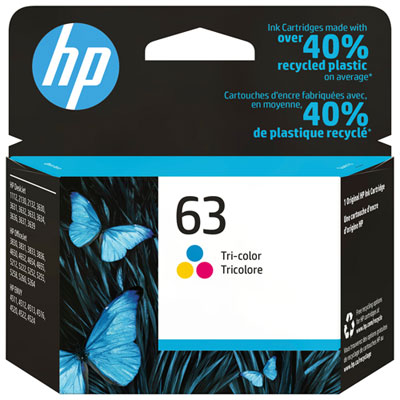
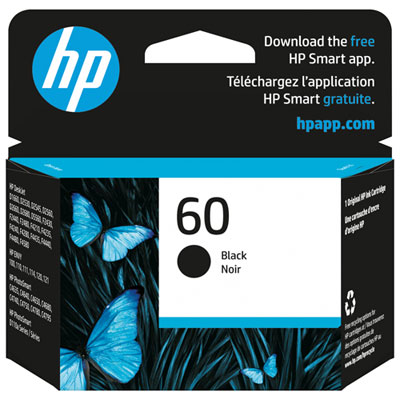
Ink for this all-in-one inkjet printer comes in black and tri-colour cartridges, with standard-capacity and high-yield formats suited to different printing habits. The black cartridge supplies the dark text used in letters, school assignments, shipping labels, and everyday paperwork, while the tri-colour cartridge combines cyan, magenta, and yellow for graphics and photographs. Together, these cartridges support the mix of document and image printing common in a home office or shared family workspace. A page of crisp text calls for different ink coverage than a full-page photograph, so the kind of material being printed matters as much as the number of pages. Standard-capacity cartridges can suit occasional documents and smaller projects; high-yield versions hold more ink and can extend the interval between replacements for regular use. The difference is capacity rather than a larger physical cartridge or an automatic improvement in print quality. Exact printer compatibility remains the most important consideration, since cartridges that look alike can have different contacts, identification features, or ink delivery requirements. A matching printer family name alone is not enough to establish fit: the supported model and cartridge designation need to agree with the printer’s documentation. That distinction is particularly useful in households with more than one printer, where a cartridge intended for one machine can easily be mistaken for another. Black-only packages, tri-colour packages, and combination packs also serve different needs. Someone printing mostly forms may replace black ink more often, while a household producing illustrated homework, greeting cards, and family photos may use both cartridges more evenly. A combination pack groups the two cartridge types together, but each cartridge still occupies its own position in the printer. The practical appeal of the right ink is straightforward: readable text, useful colour detail, and dependable output for the documents and images that need to leave the screen.
Cartridge construction helps explain why fit and handling have such a noticeable effect on results. The rigid plastic housing holds the ink supply, while electrical contacts allow communication with the printer and the printhead releases tiny droplets onto the page. Protective packaging keeps these sensitive parts covered before installation. Original-manufacturer cartridges are designed for the supported printer, while third-party compatible and remanufactured options can differ in construction, testing, ink formulation, and recognition by the machine. Remanufactured cartridges use previously used housings that have been prepared and refilled, though the extent of inspection and component replacement varies by supplier. Clear compatibility information and support details are more useful than a visual resemblance to an existing cartridge. Page-yield figures provide another point of comparison, but they describe output under defined test conditions rather than a fixed result for every household. Dense text, large colour blocks, borderless photographs, and printhead maintenance all affect how quickly ink is used. A student printing lightly illustrated notes will have a different replacement pattern from someone producing colourful invitations or image-heavy project pages. With a combined tri-colour cartridge, one heavily used colour can be depleted before the others, requiring replacement even when some ink remains in the other chambers. This makes the balance of everyday printing especially relevant when choosing capacity. Paper contributes just as much to the finished appearance: smooth inkjet-compatible office paper supports legible documents, while suitable coated photo paper helps control ink absorption and bring out image detail. Glossy finishes can give photographs a bright, polished look, whereas matte finishes reduce reflections and suit images intended to be viewed under varied lighting. The paper selected also needs to fall within the printer’s supported specifications. For keepsakes, portfolios, or cards, the combination of ink, paper, and print settings matters more than any one element on its own. High-yield ink does not compensate for unsuitable paper, and a photo-quality setting cannot restore detail missing from the original image. Matching these elements helps produce pages that feel appropriate to their purpose, whether that means a clean application form or a photograph ready for an album.
Everyday care supports consistent printing and helps keep cartridges ready for their intended use. Unopened cartridges are best kept in their protective packaging until needed, away from direct sunlight and places where they could be crushed or punctured. During installation, avoiding contact with the electrical contacts and ink nozzles helps prevent residue or damage that can interfere with communication or ink flow. Any protective tape needs to be removed as directed, and the cartridge should sit securely in its designated slot without being forced. The printer’s alignment and cleaning functions can help address uneven output, although repeated cleaning consumes ink and is not a substitute for identifying the cause of a persistent problem. Faint lines, missing colour, or streaking can reflect low ink, blocked nozzles, unsuitable settings, or paper issues rather than a single universal fault. For occasional users, printing periodically can help maintain ink flow, and using the printer’s normal power control allows it to complete its shutdown process. Freshly printed photos and pages with heavy colour coverage benefit from time to dry before stacking or handling; the paper manufacturer’s drying guidance is particularly useful for coated sheets. Finished prints also need care, since moisture, rubbing, and prolonged light exposure can affect their appearance. Important records are still worth keeping in a digital format alongside a printed copy. For students, remote workers, caregivers managing household paperwork, and people who enjoy making cards or printing photographs, the most suitable cartridge format reflects a familiar routine rather than the largest stated yield. Keeping track of the exact printer model makes repeat purchases simpler and reduces mix-ups when several devices share a workspace. Households checking supplies for another printer can also browse HP Envy 4500 Printer Ink, with compatibility confirmed separately for each machine. A well-matched ink supply supports the small but important tasks of daily life, from a clearly printed return label to a colour-coded study sheet or a favourite photograph shared with family.
Cartridge construction helps explain why fit and handling have such a noticeable effect on results. The rigid plastic housing holds the ink supply, while electrical contacts allow communication with the printer and the printhead releases tiny droplets onto the page. Protective packaging keeps these sensitive parts covered before installation. Original-manufacturer cartridges are designed for the supported printer, while third-party compatible and remanufactured options can differ in construction, testing, ink formulation, and recognition by the machine. Remanufactured cartridges use previously used housings that have been prepared and refilled, though the extent of inspection and component replacement varies by supplier. Clear compatibility information and support details are more useful than a visual resemblance to an existing cartridge. Page-yield figures provide another point of comparison, but they describe output under defined test conditions rather than a fixed result for every household. Dense text, large colour blocks, borderless photographs, and printhead maintenance all affect how quickly ink is used. A student printing lightly illustrated notes will have a different replacement pattern from someone producing colourful invitations or image-heavy project pages. With a combined tri-colour cartridge, one heavily used colour can be depleted before the others, requiring replacement even when some ink remains in the other chambers. This makes the balance of everyday printing especially relevant when choosing capacity. Paper contributes just as much to the finished appearance: smooth inkjet-compatible office paper supports legible documents, while suitable coated photo paper helps control ink absorption and bring out image detail. Glossy finishes can give photographs a bright, polished look, whereas matte finishes reduce reflections and suit images intended to be viewed under varied lighting. The paper selected also needs to fall within the printer’s supported specifications. For keepsakes, portfolios, or cards, the combination of ink, paper, and print settings matters more than any one element on its own. High-yield ink does not compensate for unsuitable paper, and a photo-quality setting cannot restore detail missing from the original image. Matching these elements helps produce pages that feel appropriate to their purpose, whether that means a clean application form or a photograph ready for an album.
Everyday care supports consistent printing and helps keep cartridges ready for their intended use. Unopened cartridges are best kept in their protective packaging until needed, away from direct sunlight and places where they could be crushed or punctured. During installation, avoiding contact with the electrical contacts and ink nozzles helps prevent residue or damage that can interfere with communication or ink flow. Any protective tape needs to be removed as directed, and the cartridge should sit securely in its designated slot without being forced. The printer’s alignment and cleaning functions can help address uneven output, although repeated cleaning consumes ink and is not a substitute for identifying the cause of a persistent problem. Faint lines, missing colour, or streaking can reflect low ink, blocked nozzles, unsuitable settings, or paper issues rather than a single universal fault. For occasional users, printing periodically can help maintain ink flow, and using the printer’s normal power control allows it to complete its shutdown process. Freshly printed photos and pages with heavy colour coverage benefit from time to dry before stacking or handling; the paper manufacturer’s drying guidance is particularly useful for coated sheets. Finished prints also need care, since moisture, rubbing, and prolonged light exposure can affect their appearance. Important records are still worth keeping in a digital format alongside a printed copy. For students, remote workers, caregivers managing household paperwork, and people who enjoy making cards or printing photographs, the most suitable cartridge format reflects a familiar routine rather than the largest stated yield. Keeping track of the exact printer model makes repeat purchases simpler and reduces mix-ups when several devices share a workspace. Households checking supplies for another printer can also browse HP Envy 4500 Printer Ink, with compatibility confirmed separately for each machine. A well-matched ink supply supports the small but important tasks of daily life, from a clearly printed return label to a colour-coded study sheet or a favourite photograph shared with family.
Top selling and popular products
-
 Your price for this item is $109.99
 -
 Your price for this item is $40.99
 -
 Your price for this item is $101.99
 -
 Your price for this item is $129.99
 -
 Your price for this item is $109.99
 -
 Your price for this item is $89.99
 -
 Your price for this item is $90.99
 -
 Your price for this item is $57.99
Discover more categories related to HP Envy 5530 Printer Ink
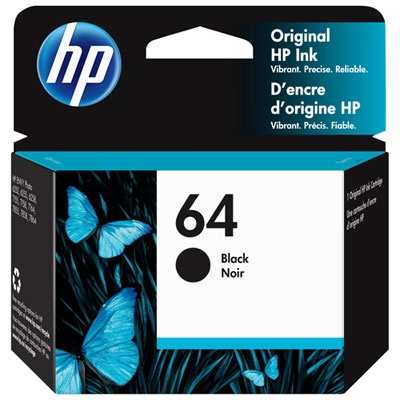
Top Collections:
Pokemon Centers, Kindle Devices, Best Budget Office Chairs, Apple iPhones 16, Best Laptops for Writers, iPhone 15 Apple, Canon G7X Cameras, Refurbished Apple Laptops, Alarm Clock, Motorola Razr Phones
Some products may be subject to Environmental Handling Fees
(EHF) depending on your province.
Learn more about EHFs.