HP Envy 4500 Printer Ink
HP Envy 4500 Printer Ink is a set of ink cartridges that are designed to work with the HP Envy 4500 printer. The ink cartridges come in a set of three and are available in black, cyan, and magenta. The ink cartridges are designed to provide crisp, clear prints with accurate color reproduction. Here is the perfect ink for your HP Envy 4500 printer.
Sort
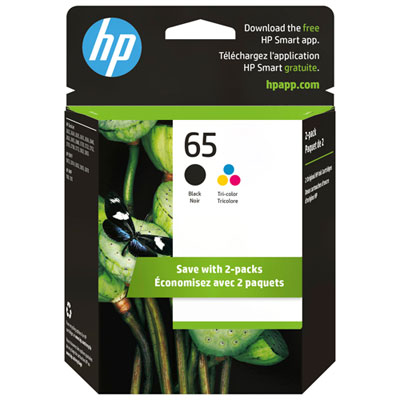
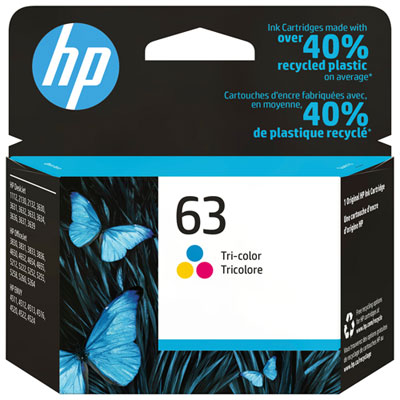
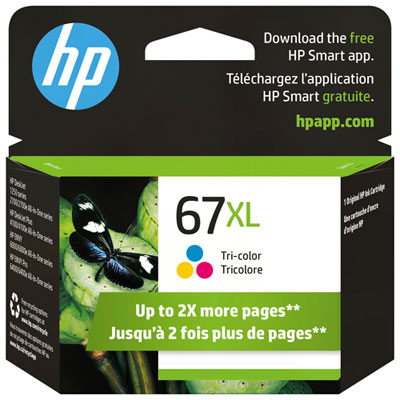
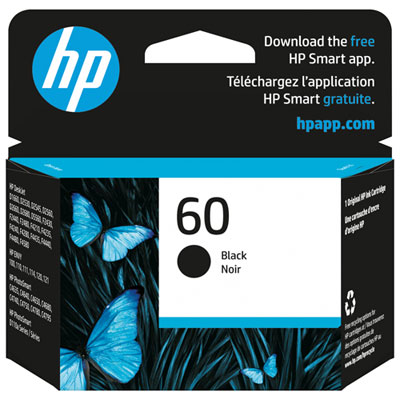
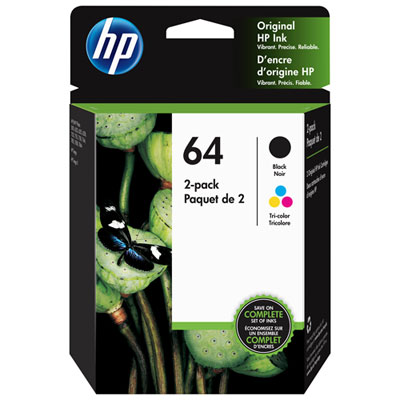
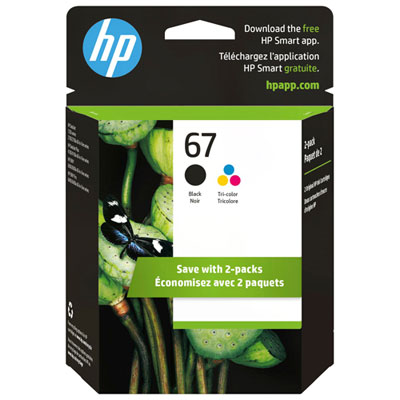
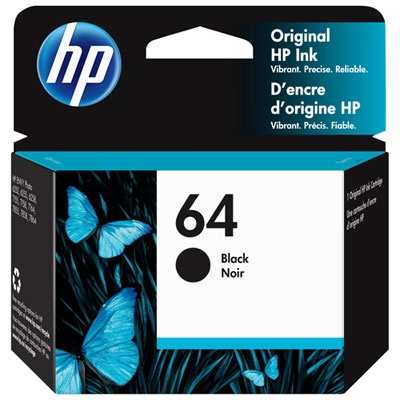
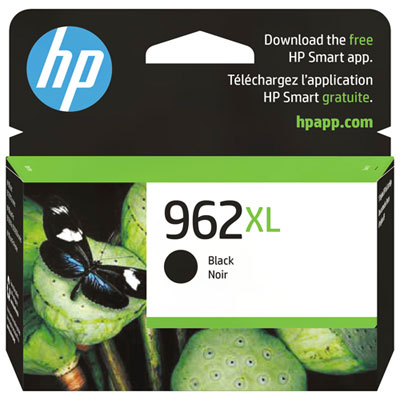
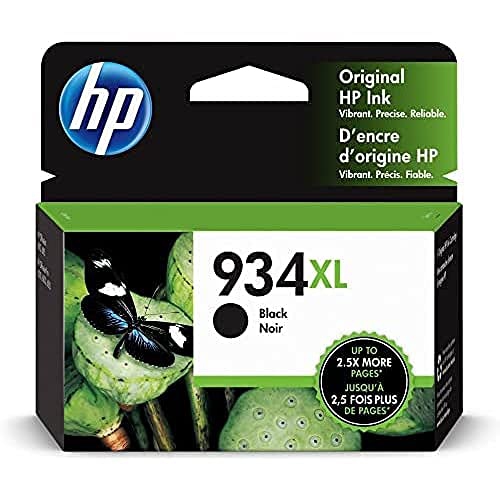
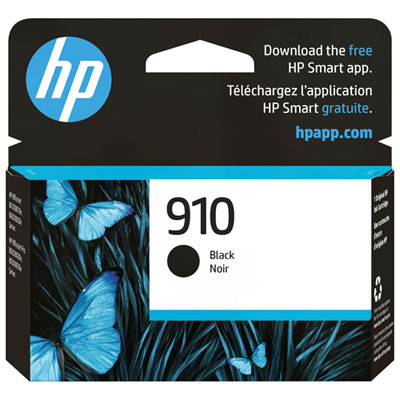
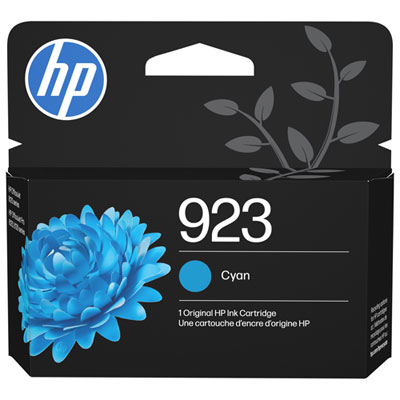
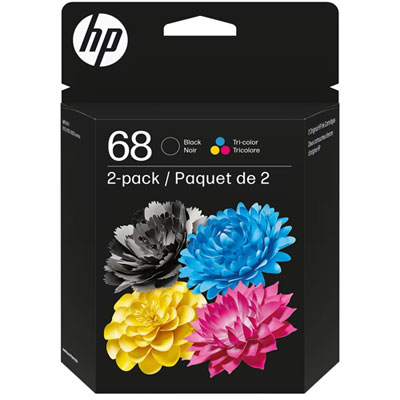
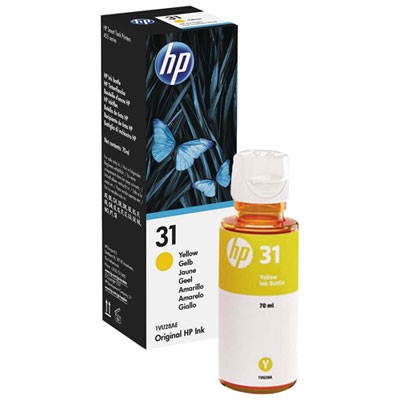
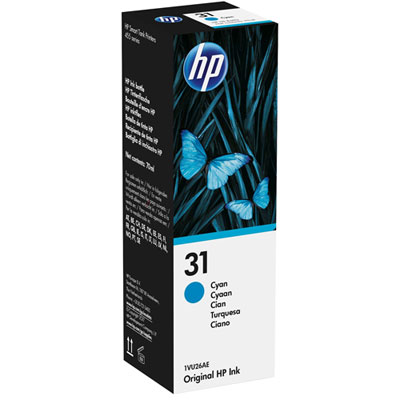
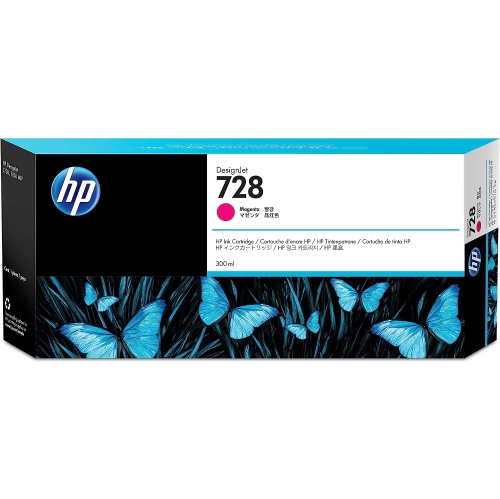
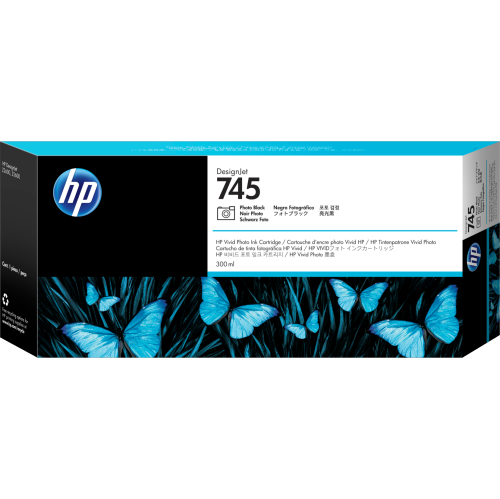
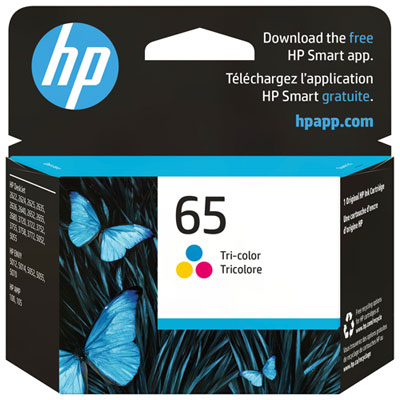

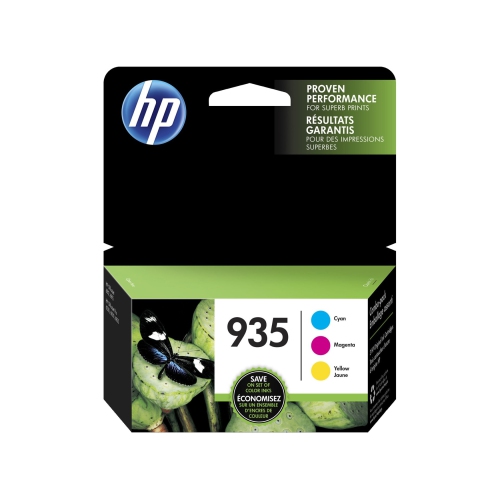
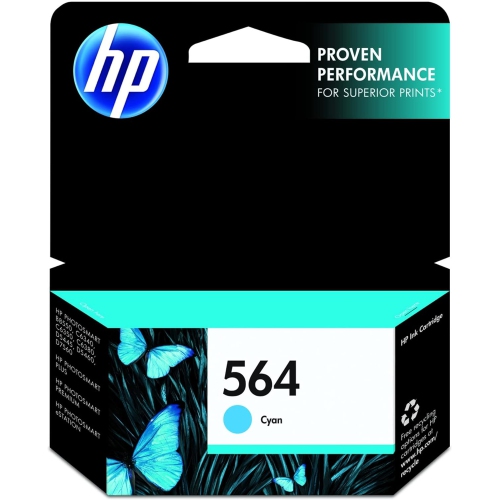
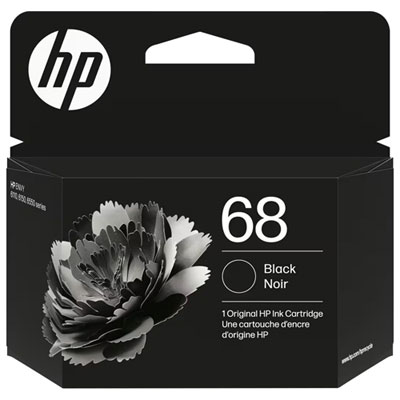
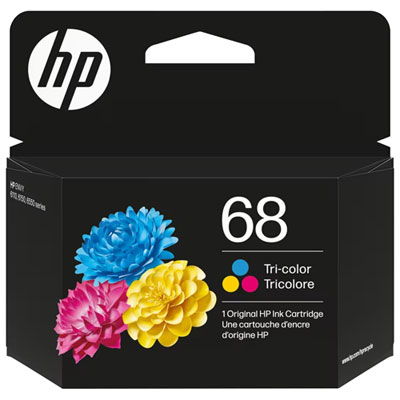
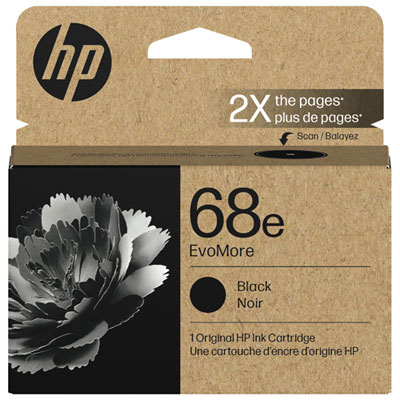
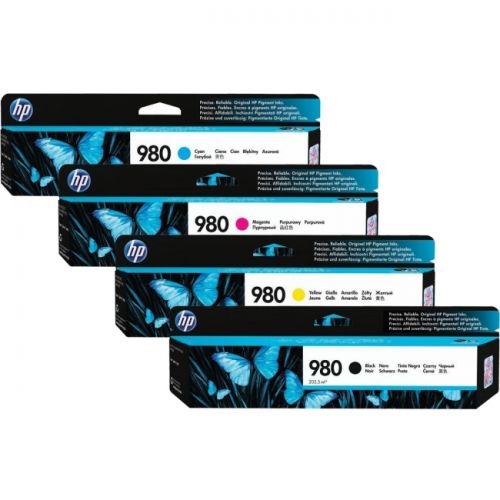
HP 61 options for standard and high-yield printing
Finding the right HP Envy 4500 printer ink starts with matching the cartridge number to the printer series. This all-in-one printer uses HP 61 ink cartridges, including the standard HP 61 black cartridge and the HP 61 tri-colour cartridge, as well as HP 61XL high-yield options. The printer requires one black cartridge for text and one tri-colour cartridge for colour printing, so checking the cartridge label before ordering can help prevent an inconvenient mismatch. Standard cartridges are a practical choice for occasional printing, such as a return label, recipe, school form, short letter, or a few pages of notes. They are also useful when you want to replace only the colour or black cartridge that has run out. High-yield HP 61XL cartridges hold more ink and can print more pages between replacements, making them well suited to busy home offices, students, families, and anyone who prints frequently. Think about the kind of pages that usually collect beside your printer: crisp black text for applications and invoices, bright colour pages for children’s projects, travel documents, recipes, or photographs. If most of your printing is text-heavy, a black cartridge may need replacing more often. If you regularly print charts, invitations, worksheets, or images, the tri-colour cartridge may be the one that runs low first. Keeping a spare of the cartridge you use most can make a noticeable difference when an important document is needed at the end of a long day. For a dependable fit, look for the HP Envy 4500 model in the compatibility information and confirm whether the listing is for black, tri-colour, standard-capacity, or high-yield ink. It is also worth checking whether you need one cartridge or a multipack, particularly if both cartridges are nearing the end of their service life. A multipack can be convenient for households that share one printer, while purchasing a single cartridge makes sense when only one colour type needs attention. Proper storage helps protect unused ink: keep cartridges sealed in their original packaging until they are needed, store them upright in a cool, dry place, and avoid leaving them in direct sunlight or near a heat source. These small habits can help preserve print quality and keep the cartridge ready for the next stack of pages.
Replacing HP Envy 4500 printer ink is designed to be a straightforward task that can be completed at home without special tools. Turn on the printer, open the scanner lid, and open the inner cartridge access door. Wait for the carriage to stop moving before reaching inside, since the cartridges need to be positioned safely for removal. Press up gently on the tab of the empty cartridge, then lift it out and set it aside. Before installing the replacement, remove the protective plastic tape without touching the copper contacts or the ink nozzles. Slide the new cartridge into the matching slot and press it down until it clicks securely into place. The black cartridge belongs in its designated position, while the tri-colour cartridge fits in the colour position; the shape and labels help identify each location. Close the access door and scanner lid, then allow the printer to complete any alignment process it may start. If text looks faint, colours appear uneven, or lines are missing, an alignment or printhead-cleaning cycle from the printer menu may help. Avoid repeatedly running cleaning cycles, as they use ink; first check that the cartridge is seated correctly and that all protective tape has been removed. For pages that need to look polished, select the appropriate paper setting and use clean, dry paper that is suited to the type of printing. Ordinary documents generally need less ink than full-page colour images, and letting printed pages dry briefly can reduce smudging when pages are handled immediately. HP Envy 4500 printer ink is a useful practical purchase for students heading into a busy study season, remote workers preparing forms and reports, families organizing household paperwork, and anyone who prefers having a home printer ready for unexpected tasks. It can also be a thoughtful addition to a printer-related gift for a new homeowner, university student, or family member setting up a home office, especially when paired with paper or other everyday office essentials. If you are comparing supplies for a nearby printer series, you can also browse HP Envy 5000 Printer Ink. Before completing your purchase, review the printer model, cartridge number, colour type, page-yield preference, and quantity in the listing. Taking a moment to confirm those details helps ensure the new cartridge is ready when the printer needs it, whether you are printing a single form during the warmer season or preparing a larger batch of documents during the cooler months.
Replacing HP Envy 4500 printer ink is designed to be a straightforward task that can be completed at home without special tools. Turn on the printer, open the scanner lid, and open the inner cartridge access door. Wait for the carriage to stop moving before reaching inside, since the cartridges need to be positioned safely for removal. Press up gently on the tab of the empty cartridge, then lift it out and set it aside. Before installing the replacement, remove the protective plastic tape without touching the copper contacts or the ink nozzles. Slide the new cartridge into the matching slot and press it down until it clicks securely into place. The black cartridge belongs in its designated position, while the tri-colour cartridge fits in the colour position; the shape and labels help identify each location. Close the access door and scanner lid, then allow the printer to complete any alignment process it may start. If text looks faint, colours appear uneven, or lines are missing, an alignment or printhead-cleaning cycle from the printer menu may help. Avoid repeatedly running cleaning cycles, as they use ink; first check that the cartridge is seated correctly and that all protective tape has been removed. For pages that need to look polished, select the appropriate paper setting and use clean, dry paper that is suited to the type of printing. Ordinary documents generally need less ink than full-page colour images, and letting printed pages dry briefly can reduce smudging when pages are handled immediately. HP Envy 4500 printer ink is a useful practical purchase for students heading into a busy study season, remote workers preparing forms and reports, families organizing household paperwork, and anyone who prefers having a home printer ready for unexpected tasks. It can also be a thoughtful addition to a printer-related gift for a new homeowner, university student, or family member setting up a home office, especially when paired with paper or other everyday office essentials. If you are comparing supplies for a nearby printer series, you can also browse HP Envy 5000 Printer Ink. Before completing your purchase, review the printer model, cartridge number, colour type, page-yield preference, and quantity in the listing. Taking a moment to confirm those details helps ensure the new cartridge is ready when the printer needs it, whether you are printing a single form during the warmer season or preparing a larger batch of documents during the cooler months.
Top selling and popular products
-
 Your price for this item is $109.99
 -
 Your price for this item is $40.99
 -
 Your price for this item is $101.99
 -
 Your price for this item is $129.99
 -
 Your price for this item is $109.99
 -
 Your price for this item is $89.99
 -
 Your price for this item is $90.99
 -
 Your price for this item is $57.99
Discover more categories related to HP Envy 4500 Printer Ink
Top Collections:
Pokemon Centers, Kindle Devices, Best Budget Office Chairs, Apple iPhones 16, Best Laptops for Writers, iPhone 15 Apple, Canon G7X Cameras, Refurbished Apple Laptops, Alarm Clock, Motorola Razr Phones
Some products may be subject to Environmental Handling Fees
(EHF) depending on your province.
Learn more about EHFs.