Hp Officejet 6830 Cartridges
Looking to keep your Hp Officejet 6830 printer running smoothly? Look no further! Our wide selection of cartridges is here to ensure you never run out of ink when you need it most. Whether you're printing important documents for work or vibrant photos for personal projects, we have the perfect cartridges to suit your needs. With reliable performance and high-quality results, you can trust our cartridges to deliver crisp and clear prints every time. Explore our range of compatible options and find the right cartridges for your Hp Officejet 6830 printer today!
Sort
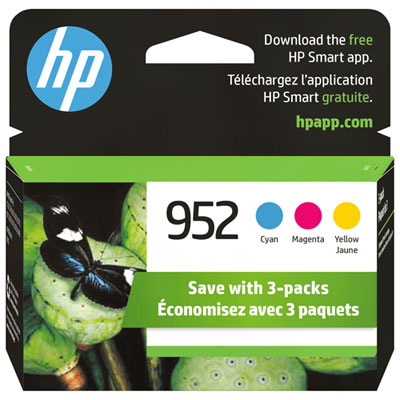

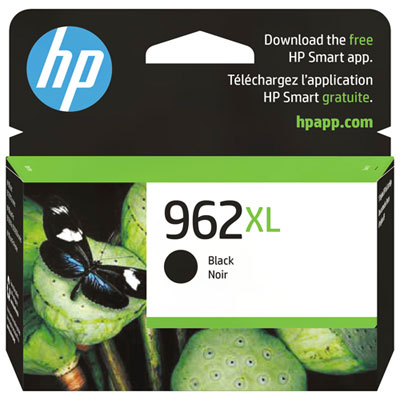
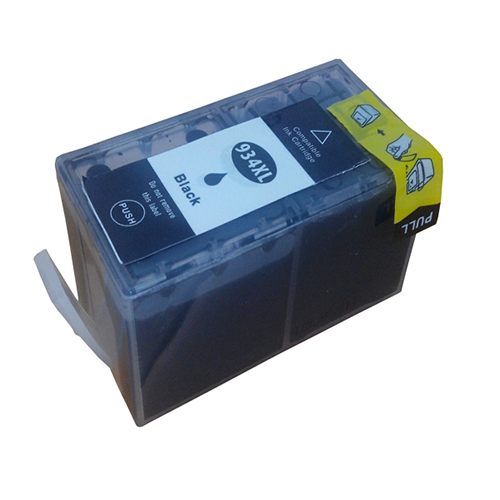
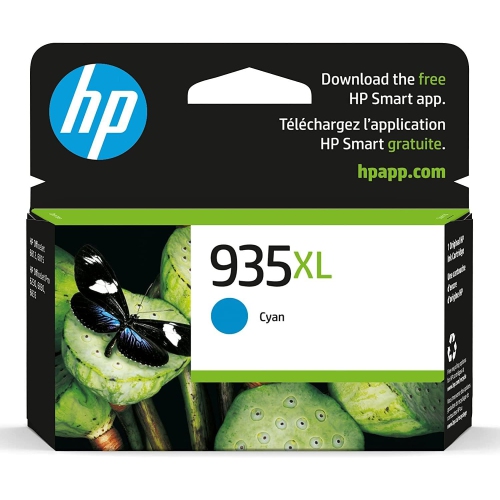
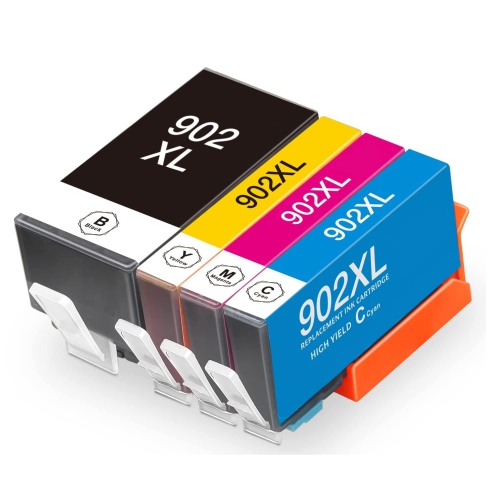
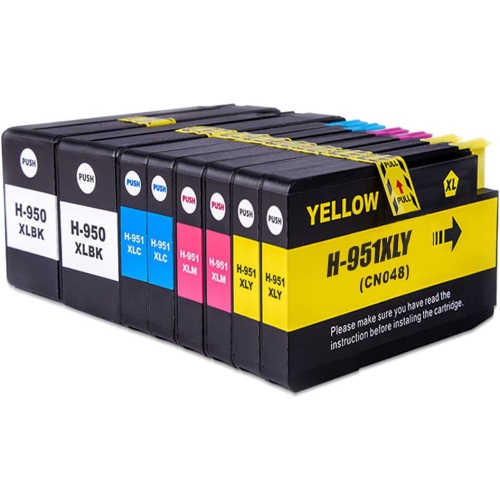

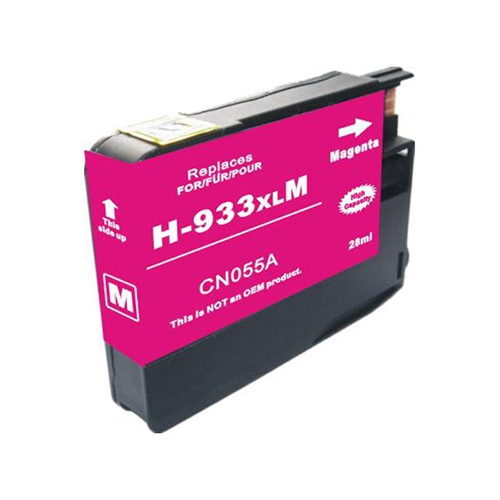
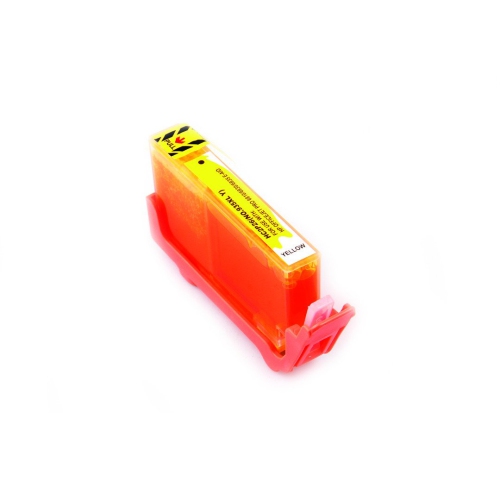
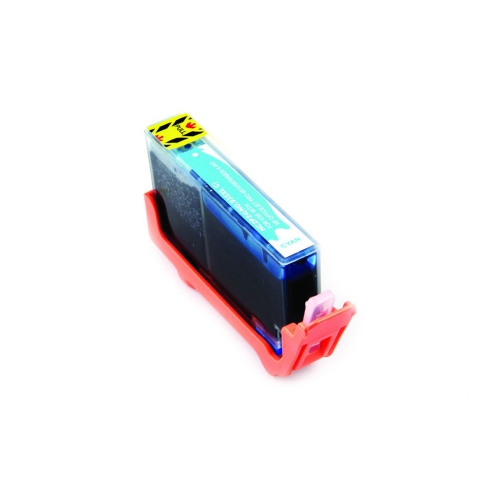
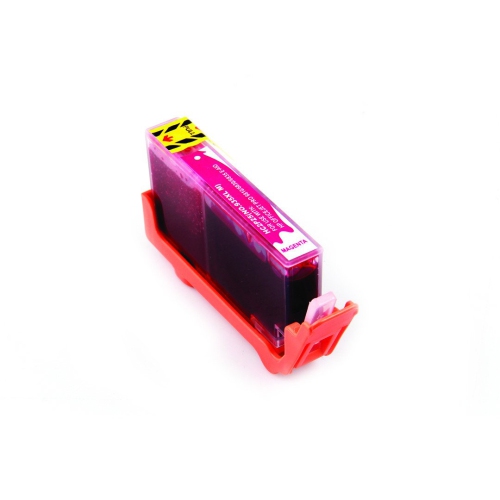
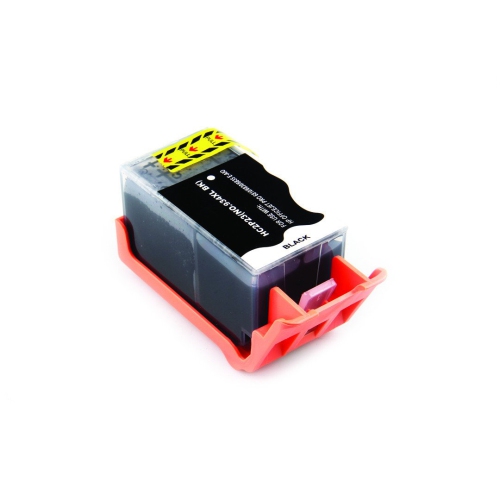
![BESTONER [New Chip] 2 Set Compatible HP 902 Xl Ink Cartridges 902Xl High Yield - HP Officejet](https://multimedia.bbycastatic.ca/multimedia/products/500x500/171/17168/17168599.jpeg)
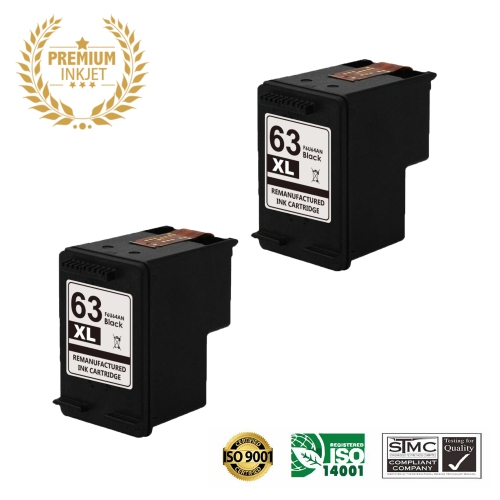
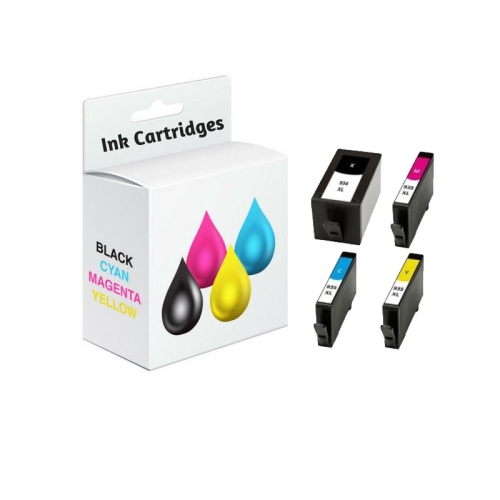
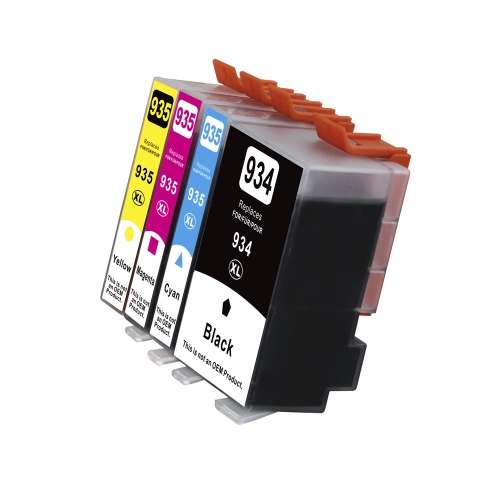
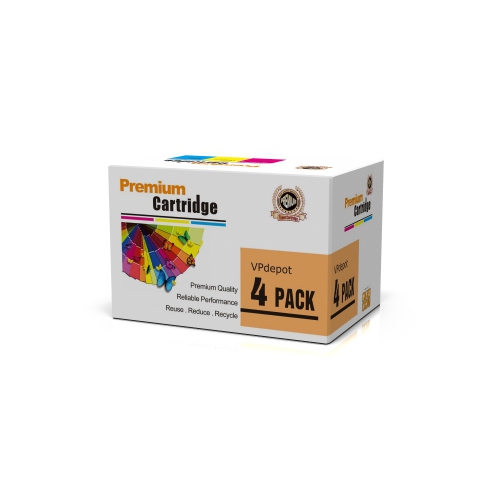
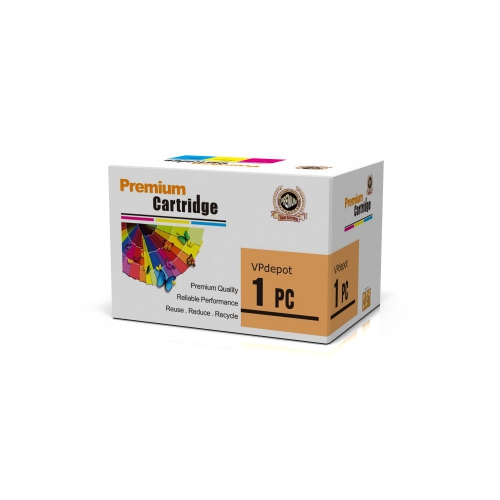
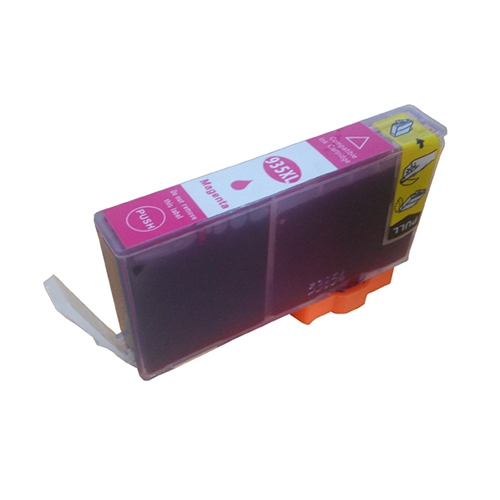
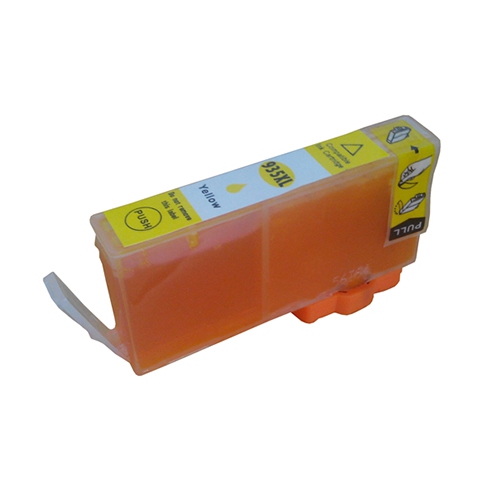
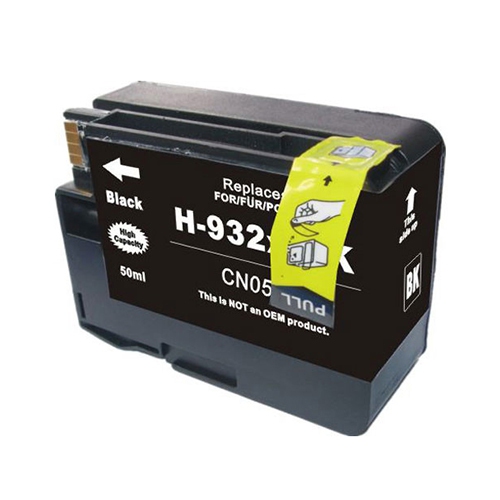
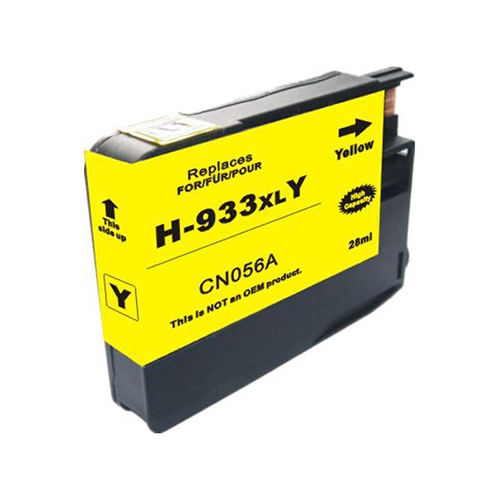
![BESTONER [New Chip] 2 Compatible HP 902 Xl Ink Cartridges 902Xl High Yield - HP Officejet](https://multimedia.bbycastatic.ca/multimedia/products/500x500/171/17168/17168601.jpeg)
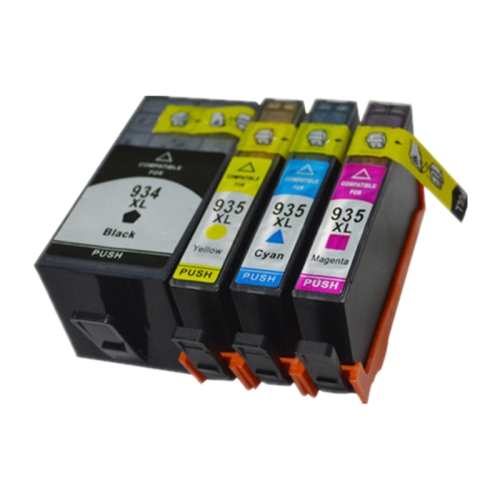
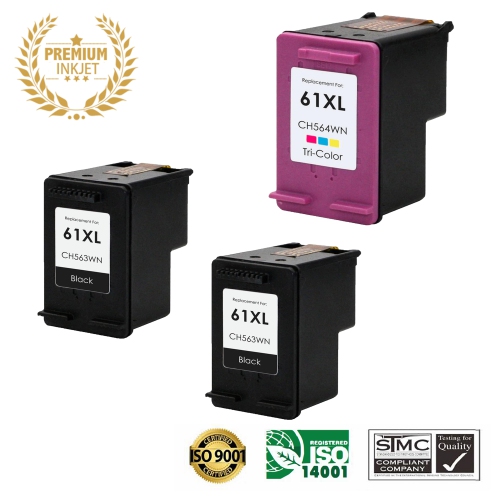
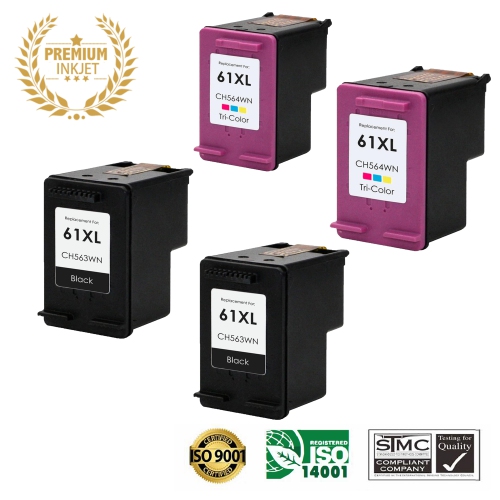
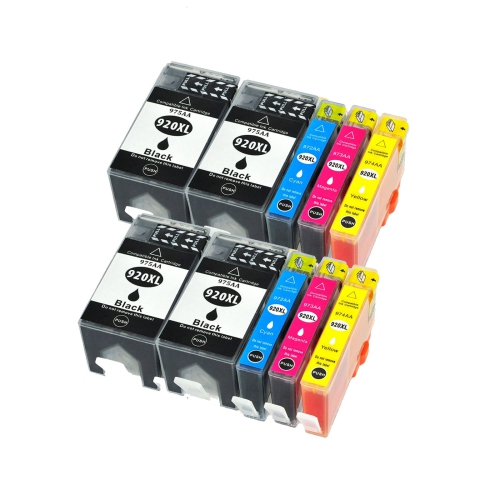
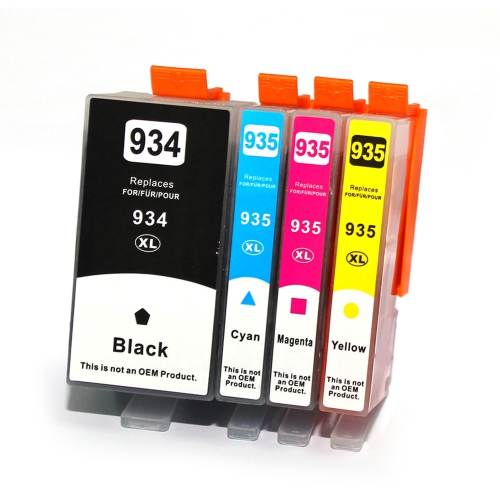

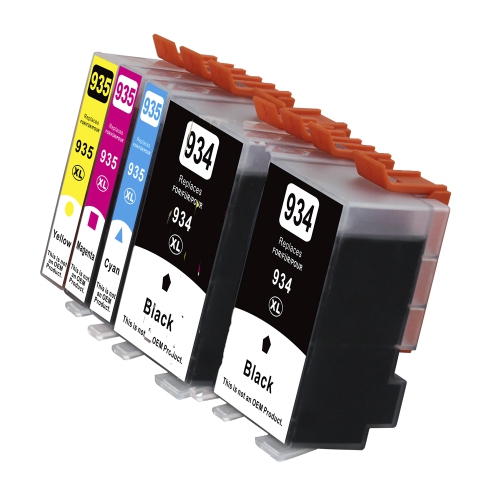
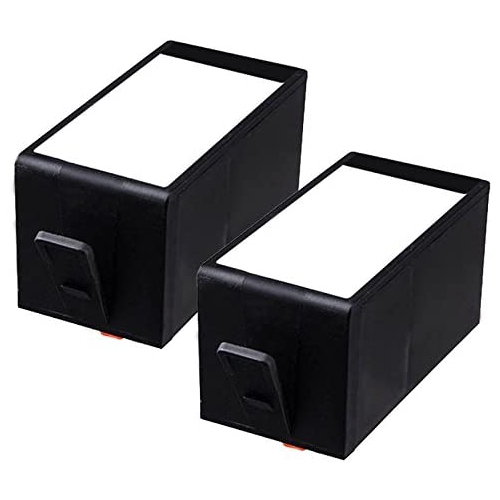
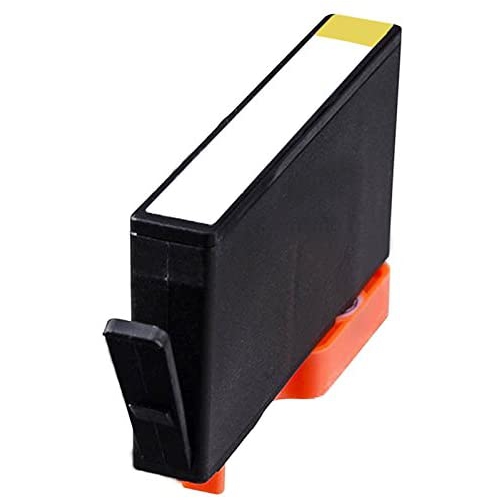
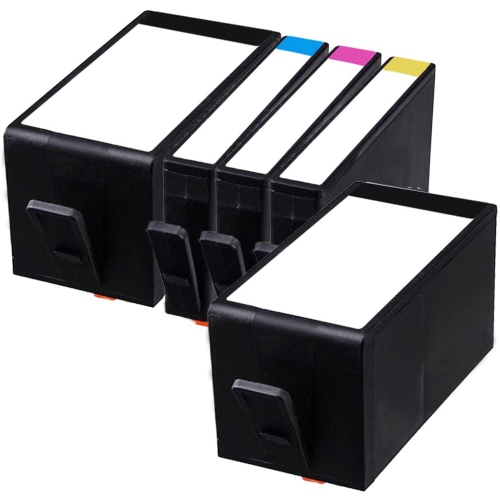
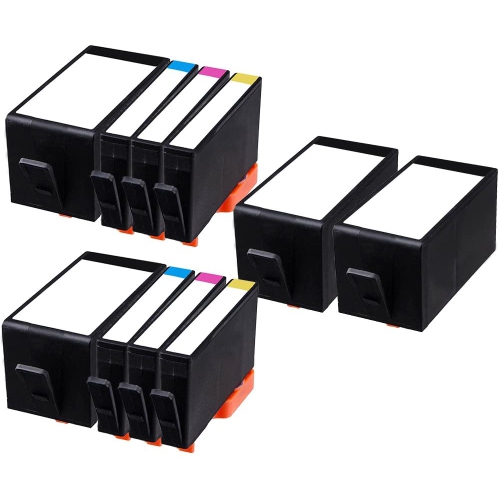
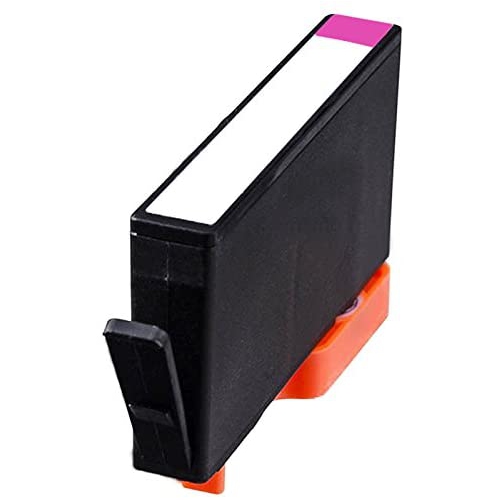
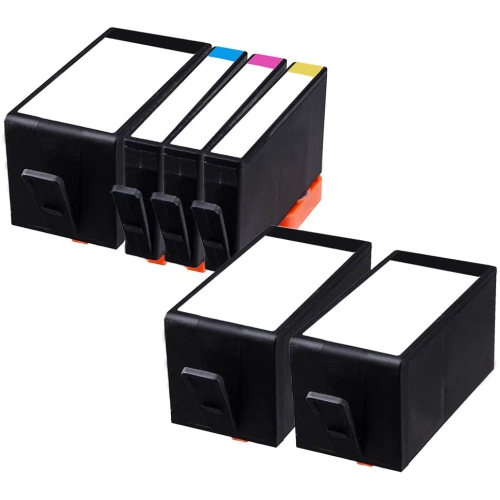
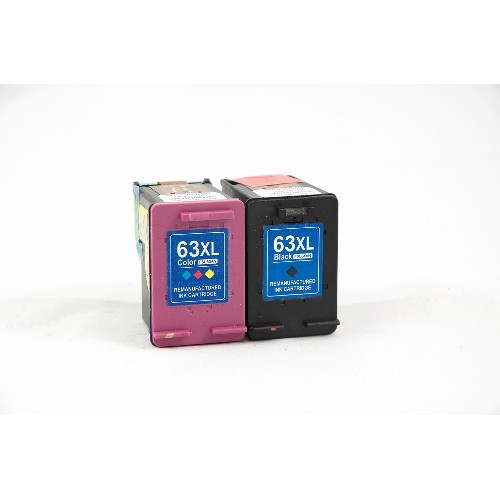
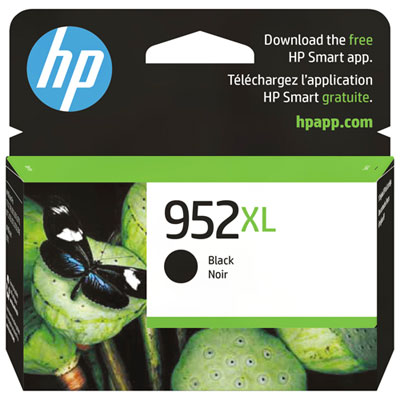
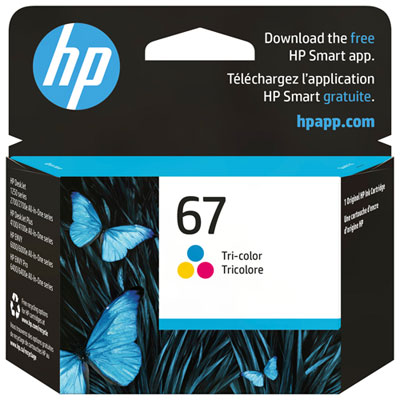
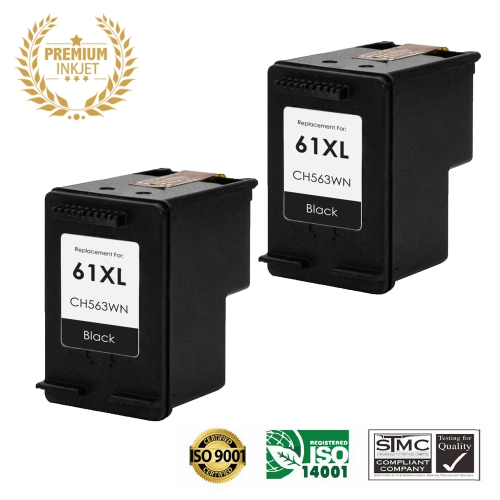
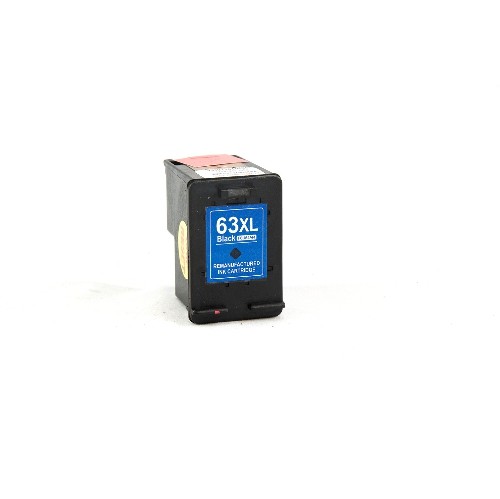
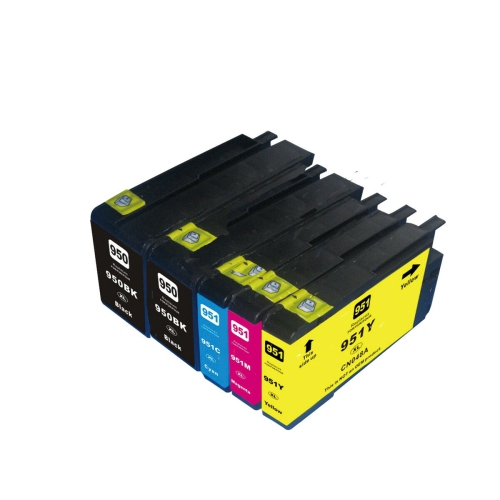
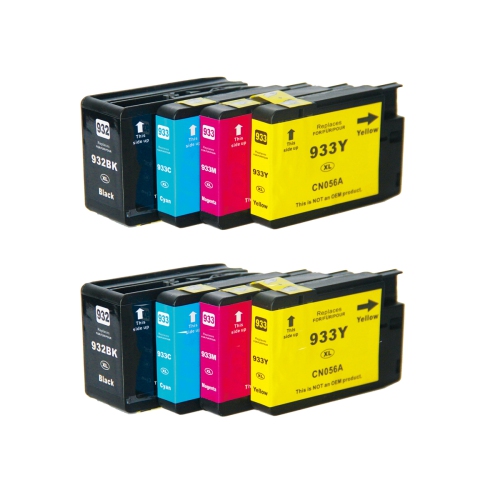

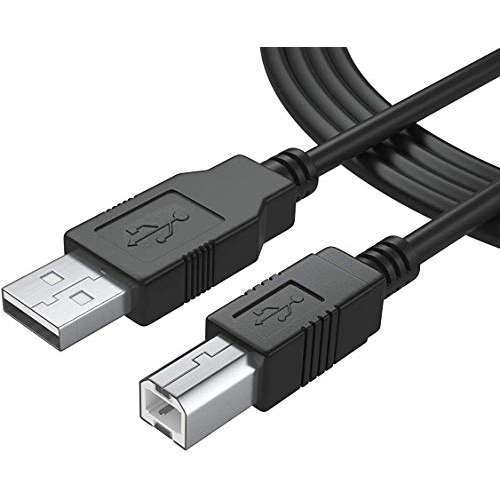
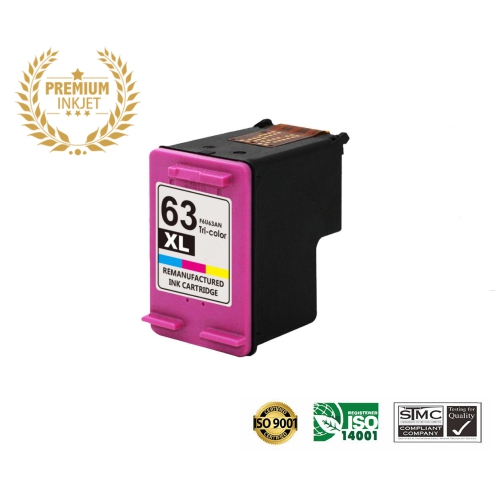
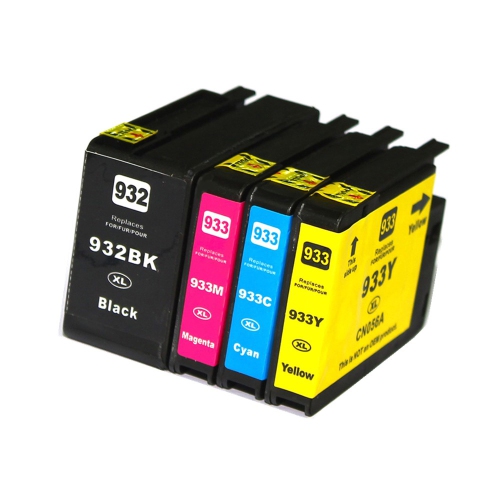
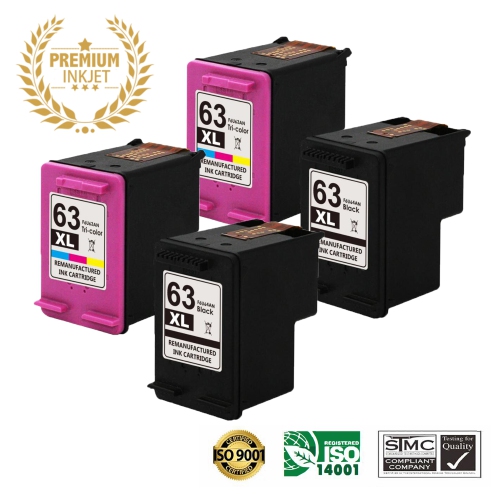
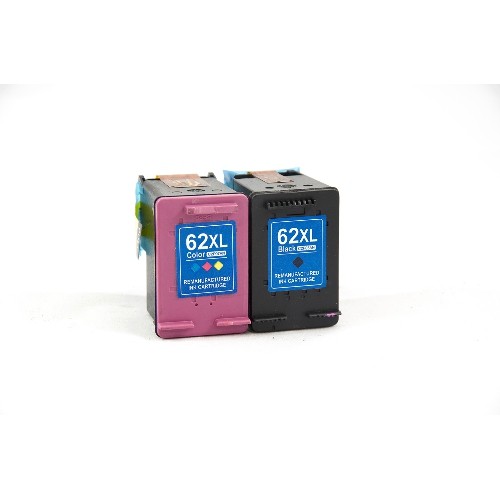
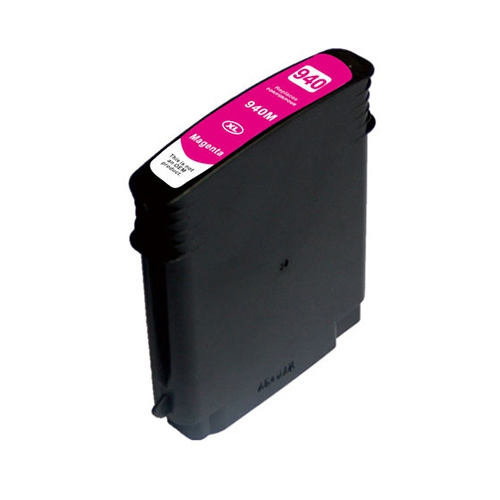
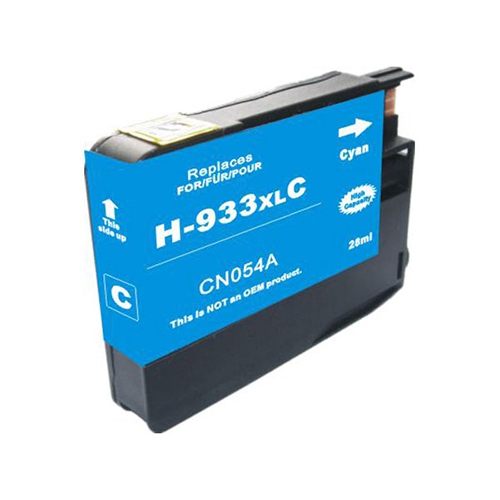
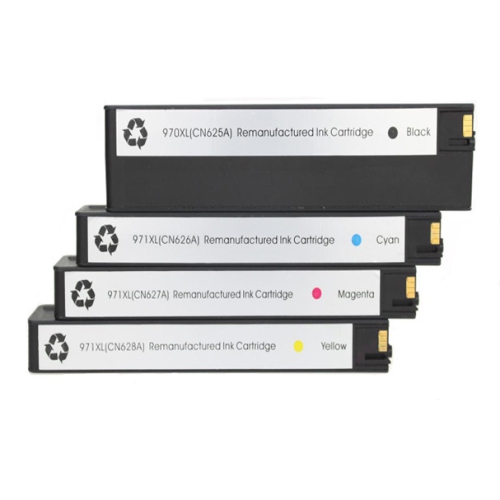

Why cartridge compatibility matters as much as ink capacity
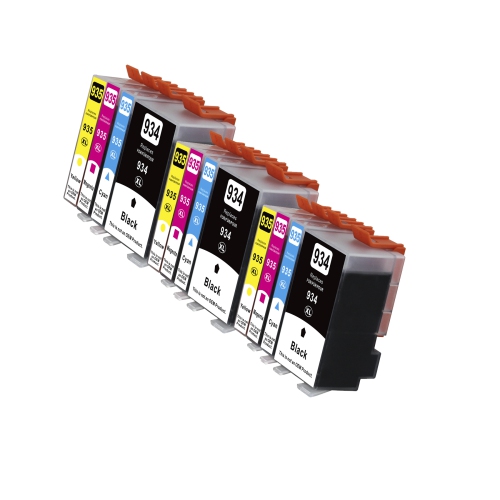
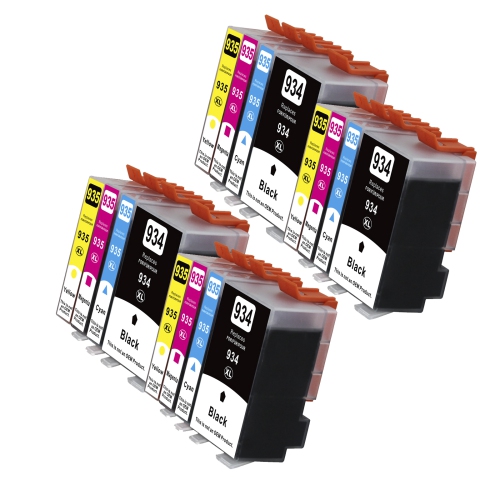
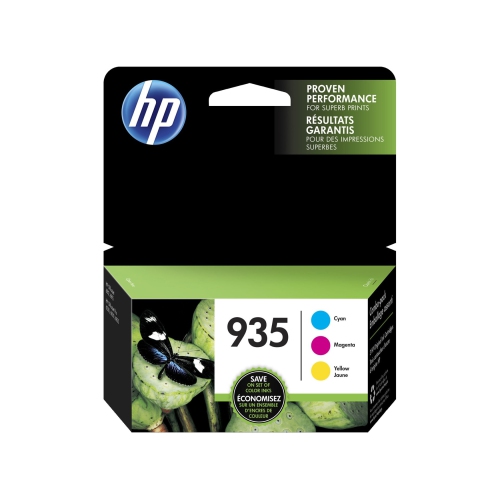
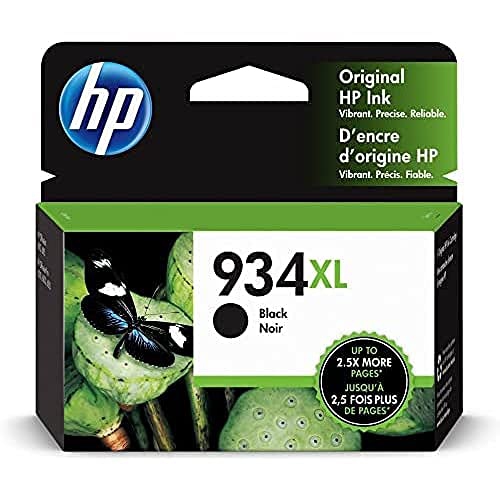
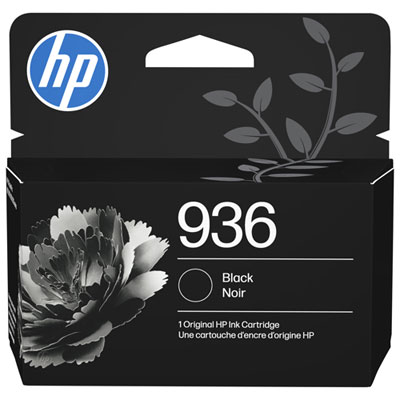
Office inkjet cartridges support the everyday printing that keeps a home office, small business, or shared workspace organized, from crisp invoices and shipping labels to colour charts and presentation handouts. In a four-colour inkjet system, black, cyan, magenta, and yellow occupy separate positions, allowing each colour to be replaced individually when needed. Black ink carries most of the detail in text-heavy documents, while the three colours combine to reproduce graphics, illustrations, and photographs. That separation is useful for different printing habits: a bookkeeper may produce mostly black text, while a teacher printing activity sheets may use considerably more colour. Compatibility is the starting point for any replacement, because cartridges that look alike can have different shapes, electronic contacts, ink formulations, or printer requirements. The full printer model and the cartridge family listed in its documentation are more reliable than appearance alone. A shared manufacturer name or similar printer model number does not establish that two machines use the same ink. Standard-yield and high-yield cartridges describe different ink capacities within a compatible cartridge family, rather than different levels of print resolution. Standard capacity can suit occasional forms, letters, and household paperwork, while a higher-capacity option can mean fewer replacements for someone printing regularly. An XL designation generally identifies a higher-yield version, but the printer must support that particular cartridge. Published page yields provide a useful comparison when they are measured using the same testing method; they are not a promise of an exact number of pages in every setting. A page with a few lines of text uses much less ink than a full-page photograph or a densely shaded worksheet. Print settings, maintenance cycles, and the balance between black and colour content also affect how long a cartridge lasts. For a desk that handles both business documents and family printing, the most practical fit depends on what goes onto the page, not simply how often the printer is switched on.
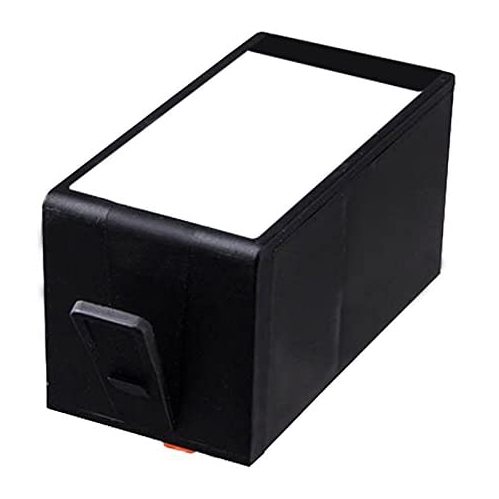
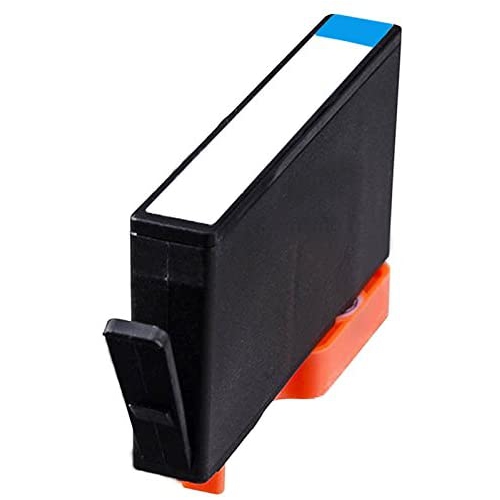
Print quality comes from the interaction between ink, paper, printer settings, and the condition of the printing system. Cartridge housings are typically made from moulded plastic, with seals, an ink outlet, and electronic contacts or a chip that helps the printer recognize the cartridge. Those components need to fit correctly so ink can feed as intended without leakage or interrupted printing. The ink formulation matters just as much as the physical housing. Pigment-based inks contain fine colour particles and are often used for office documents because they can produce sharp text and good resistance to smudging on suitable paper. Dye-based formulations have different characteristics, and neither type should be substituted unless it is explicitly intended for the printer. Document durability also depends on the paper and the conditions in which the finished print is handled or stored; no cartridge alone makes every print waterproof or fade-proof. For everyday correspondence, a smooth paper designed for inkjet use helps keep small lettering and thin lines clear. Heavier graphics and photographs benefit from media matched to the printer and the intended finish, with the correct paper type selected in the print settings. A client proposal with fine grey rules and a small colour logo places different demands on the printer than a draft checklist. Draft mode can be suitable for internal notes, while a higher-quality setting may better suit finished handouts, though it can use more ink. Original-manufacturer and third-party compatible cartridges also differ in their construction, ink formulation, testing, and support. A compatible cartridge should explicitly identify the supported printer rather than rely on a broad claim that it works with office inkjets. Electronic recognition can be affected by cartridge design and printer firmware, so compatibility information should cover more than physical fit. Clear documentation about supported models, installation, and cartridge-related support is especially useful in a shared workspace, where several people may depend on the same printer throughout the day.
Cartridge format and care are worth considering alongside capacity. An individual cartridge suits a printer with one depleted colour and usable ink remaining in the other positions, while a multipack groups several replacements together. Pack contents vary, so a colour set should not be assumed to include black, and a mixed pack should not be assumed to contain the same capacity for every colour. This distinction matters for a small office that prints long text documents with only occasional graphics: equal numbers of cartridges do not necessarily match unequal ink use. Keeping a replacement sealed in its original packaging until installation helps protect the ink outlet and contacts from contamination. Storage should follow the package directions, away from direct sunlight and in a clean, dry place. During installation, only the protective materials identified in the instructions should be removed; touching the contacts or ink outlet can interfere with reliable operation. A cartridge should seat securely in its designated colour position without being forced. Alignment or a print-quality check may be appropriate after replacement if the printer requests it. Missing lines, streaks, or an unexpected colour cast do not always mean a cartridge is empty, since blocked nozzles, unsuitable settings, or paper issues can produce similar results. Built-in diagnostic tools help distinguish these causes, while repeated unnecessary cleaning cycles consume ink. Some inkjet printers also require usable ink in every position even when a document is set to print in black, making the condition of the full set relevant to routine use. For households or businesses managing more than one machine, keeping replacements clearly labelled by printer model helps prevent mix-ups. A separate printer may need a different cartridge family, as reflected in the dedicated selection of HP Officejet Pro 8210 Cartridges; similar model names should never be taken as confirmation of interchangeability. Matching the correct cartridge family, capacity, and colour combination to the printer’s workload helps keep routine printing straightforward, whether the next job is a signed contract, a school assignment, or a stack of meeting agendas.
Print quality comes from the interaction between ink, paper, printer settings, and the condition of the printing system. Cartridge housings are typically made from moulded plastic, with seals, an ink outlet, and electronic contacts or a chip that helps the printer recognize the cartridge. Those components need to fit correctly so ink can feed as intended without leakage or interrupted printing. The ink formulation matters just as much as the physical housing. Pigment-based inks contain fine colour particles and are often used for office documents because they can produce sharp text and good resistance to smudging on suitable paper. Dye-based formulations have different characteristics, and neither type should be substituted unless it is explicitly intended for the printer. Document durability also depends on the paper and the conditions in which the finished print is handled or stored; no cartridge alone makes every print waterproof or fade-proof. For everyday correspondence, a smooth paper designed for inkjet use helps keep small lettering and thin lines clear. Heavier graphics and photographs benefit from media matched to the printer and the intended finish, with the correct paper type selected in the print settings. A client proposal with fine grey rules and a small colour logo places different demands on the printer than a draft checklist. Draft mode can be suitable for internal notes, while a higher-quality setting may better suit finished handouts, though it can use more ink. Original-manufacturer and third-party compatible cartridges also differ in their construction, ink formulation, testing, and support. A compatible cartridge should explicitly identify the supported printer rather than rely on a broad claim that it works with office inkjets. Electronic recognition can be affected by cartridge design and printer firmware, so compatibility information should cover more than physical fit. Clear documentation about supported models, installation, and cartridge-related support is especially useful in a shared workspace, where several people may depend on the same printer throughout the day.
Cartridge format and care are worth considering alongside capacity. An individual cartridge suits a printer with one depleted colour and usable ink remaining in the other positions, while a multipack groups several replacements together. Pack contents vary, so a colour set should not be assumed to include black, and a mixed pack should not be assumed to contain the same capacity for every colour. This distinction matters for a small office that prints long text documents with only occasional graphics: equal numbers of cartridges do not necessarily match unequal ink use. Keeping a replacement sealed in its original packaging until installation helps protect the ink outlet and contacts from contamination. Storage should follow the package directions, away from direct sunlight and in a clean, dry place. During installation, only the protective materials identified in the instructions should be removed; touching the contacts or ink outlet can interfere with reliable operation. A cartridge should seat securely in its designated colour position without being forced. Alignment or a print-quality check may be appropriate after replacement if the printer requests it. Missing lines, streaks, or an unexpected colour cast do not always mean a cartridge is empty, since blocked nozzles, unsuitable settings, or paper issues can produce similar results. Built-in diagnostic tools help distinguish these causes, while repeated unnecessary cleaning cycles consume ink. Some inkjet printers also require usable ink in every position even when a document is set to print in black, making the condition of the full set relevant to routine use. For households or businesses managing more than one machine, keeping replacements clearly labelled by printer model helps prevent mix-ups. A separate printer may need a different cartridge family, as reflected in the dedicated selection of HP Officejet Pro 8210 Cartridges; similar model names should never be taken as confirmation of interchangeability. Matching the correct cartridge family, capacity, and colour combination to the printer’s workload helps keep routine printing straightforward, whether the next job is a signed contract, a school assignment, or a stack of meeting agendas.
Top selling and popular products
-
 Your price for this item is $109.99
 -
 Your price for this item is $40.99
 -
 Your price for this item is $101.99
 -
 Your price for this item is $129.99
 -
 Your price for this item is $109.99
 -
 Your price for this item is $89.99
 -
 Your price for this item is $90.99
 -
 Your price for this item is $57.99
Discover more categories related to Hp Officejet 6830 Cartridges
Top Collections:
Pokemon Centers, Kindle Devices, Best Budget Office Chairs, Apple iPhones 16, Canon G7X Cameras, iPhone 15 Apple, Alarm Clock, Refurbished Apple Laptops, Flip Phones, Best Laptops for Writers
Some products may be subject to Environmental Handling Fees
(EHF) depending on your province.
Learn more about EHFs.