HP Officejet Pro 8600 Cartridges
If you're looking for high-quality ink cartridges for your HP Officejet Pro 8600 printer, look no further! This wide selection of cartridges is designed to deliver exceptional print quality and reliability, ensuring that your documents and photos always look their best. Whether you need black ink, color ink, or a combination of both, we have the cartridges you need to keep your printer running smoothly. With easy installation and long-lasting performance, these HP Officejet Pro 8600 cartridges are the perfect choice for all your printing needs.
Sort


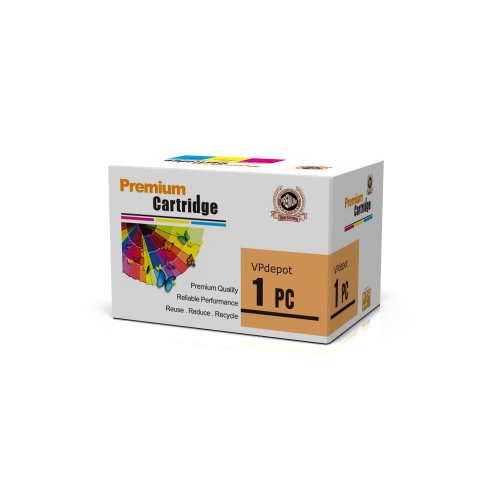
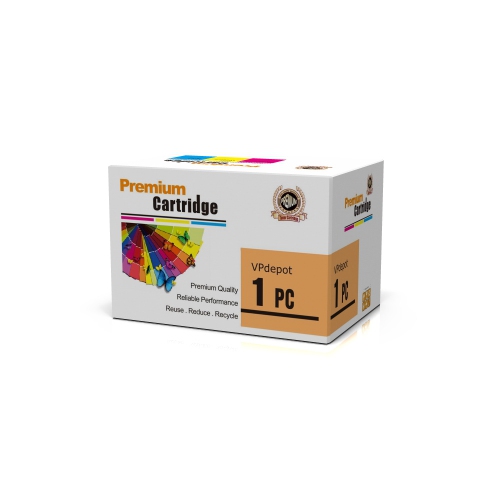

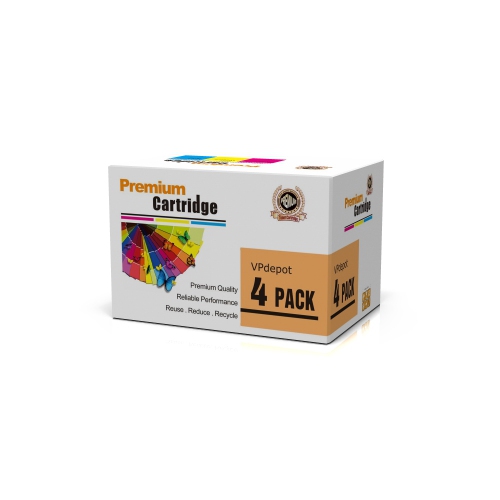
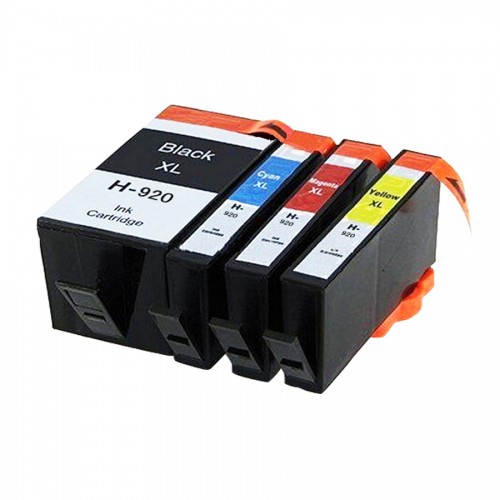


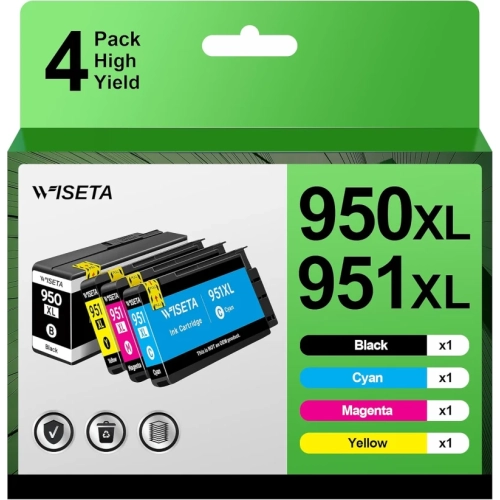
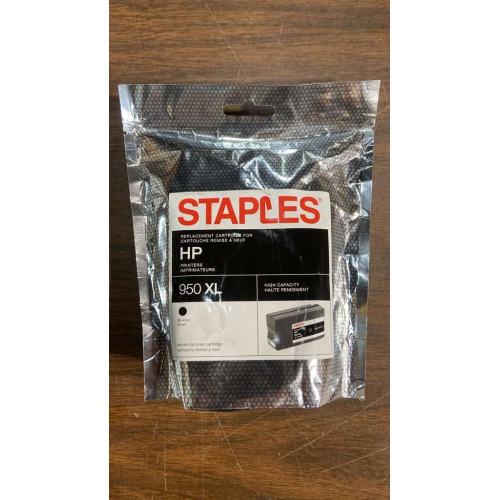

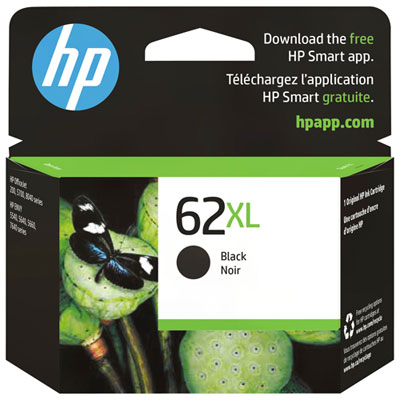
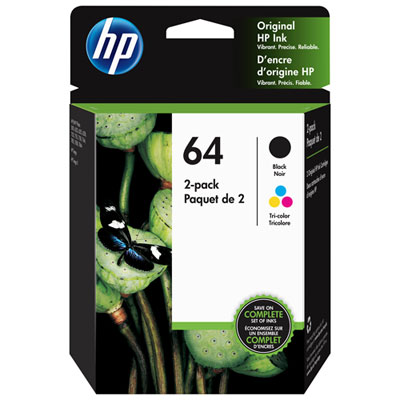



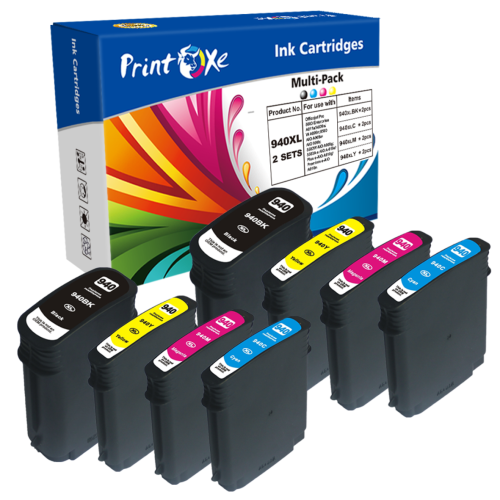
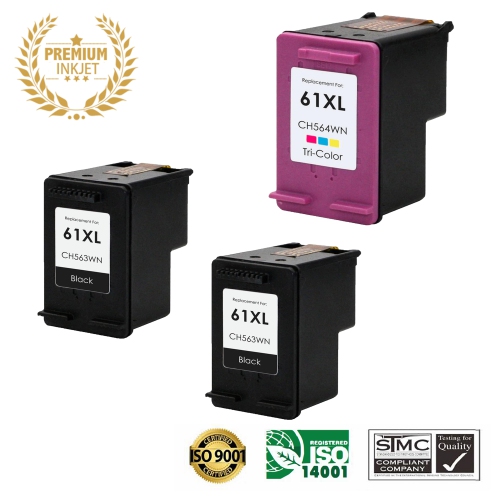
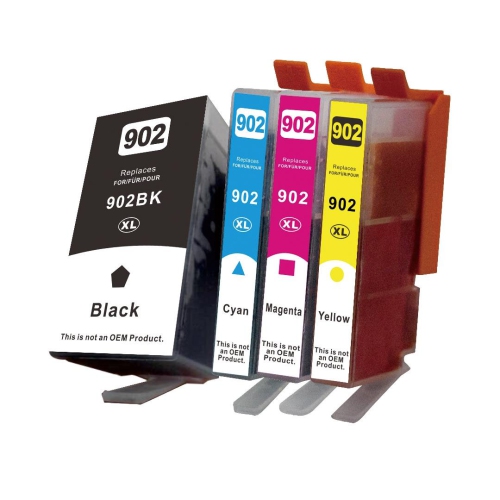
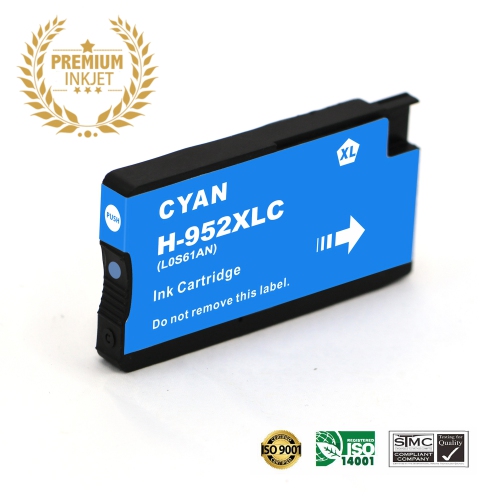
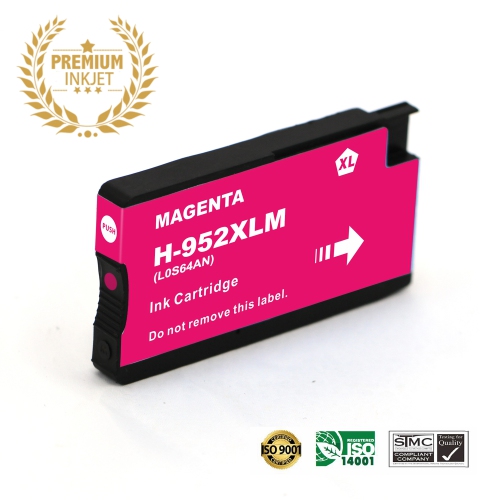
Why each ink colour has its own cartridge
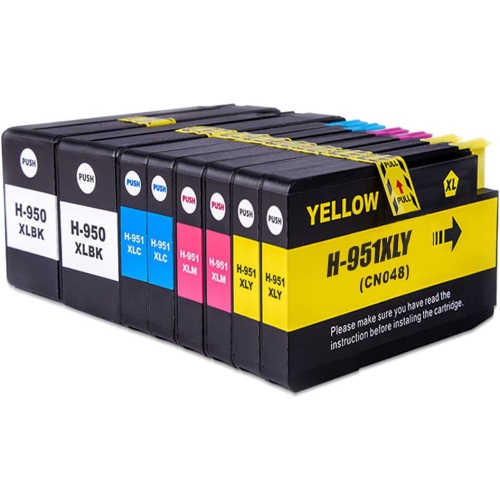
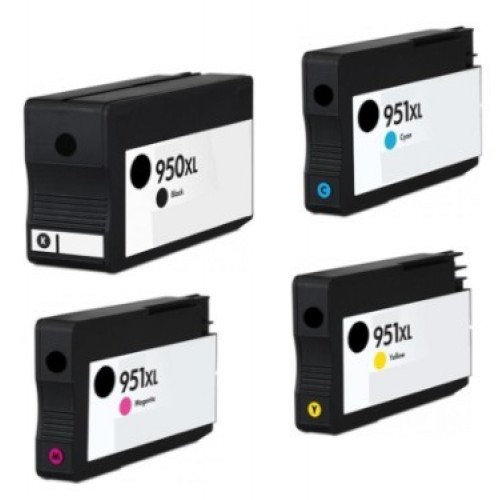
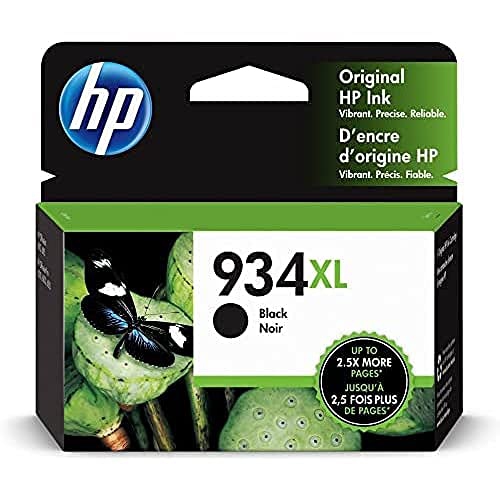
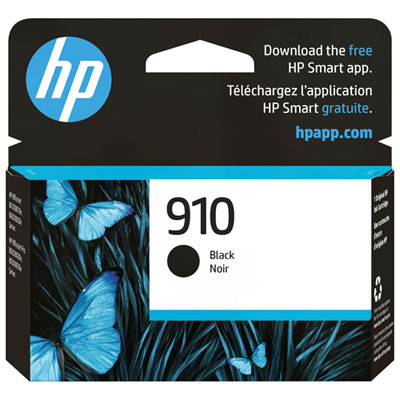
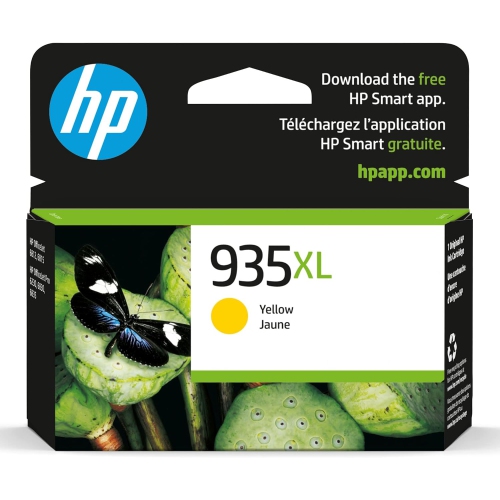
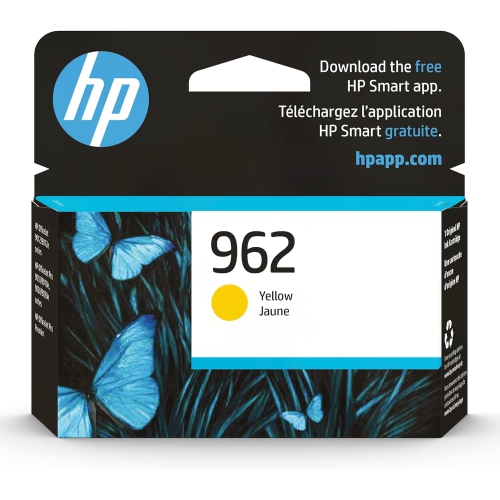
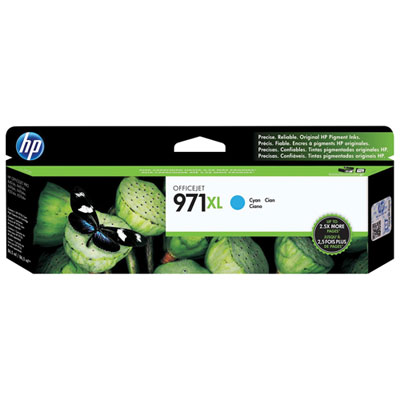
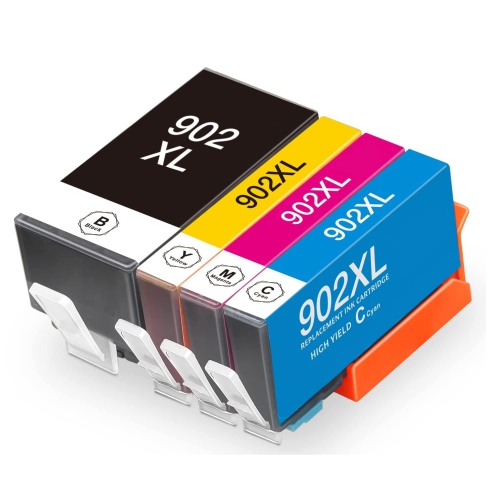
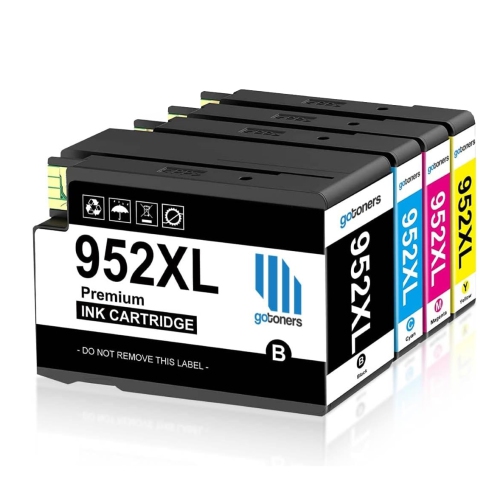
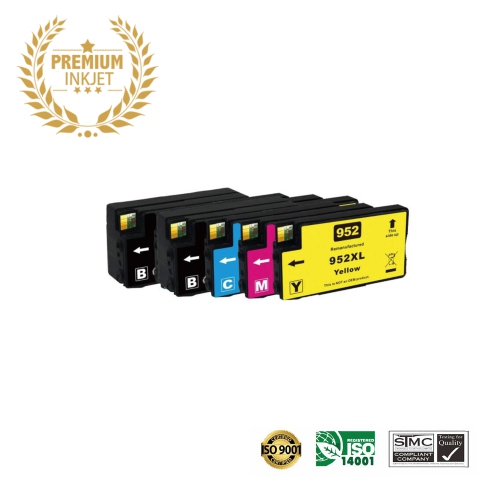
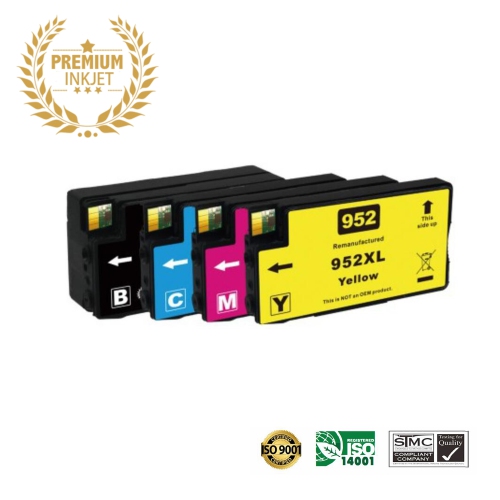
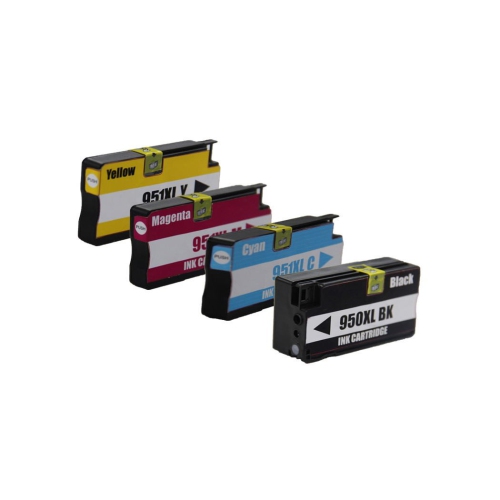
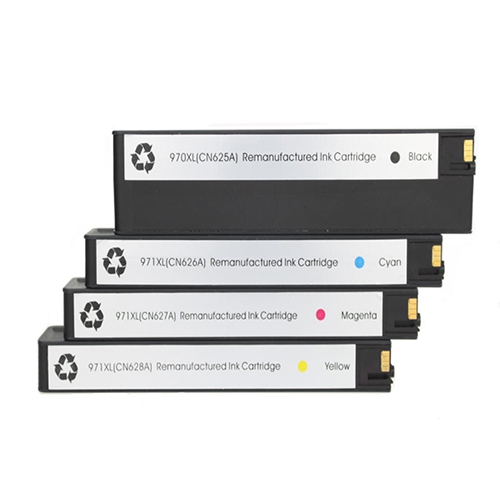
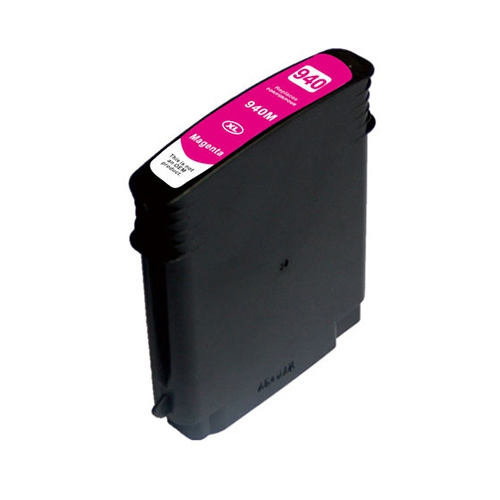
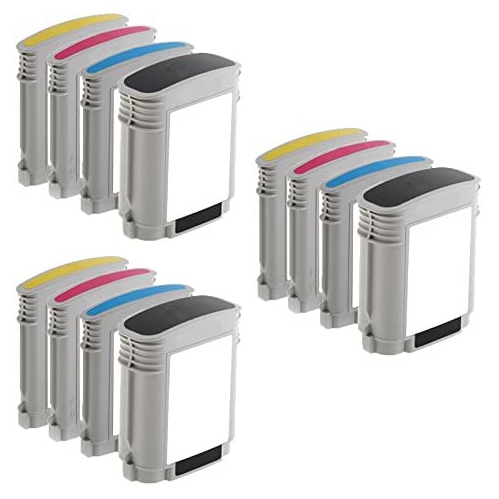
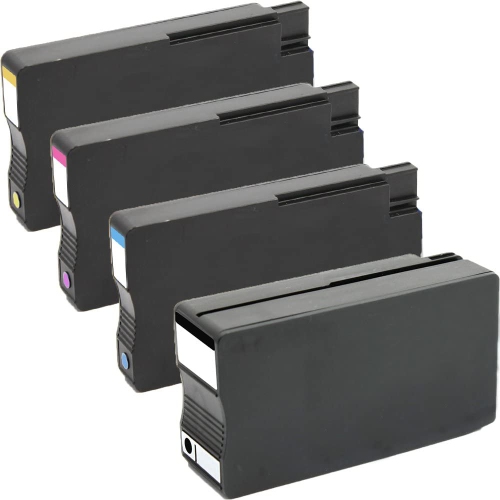
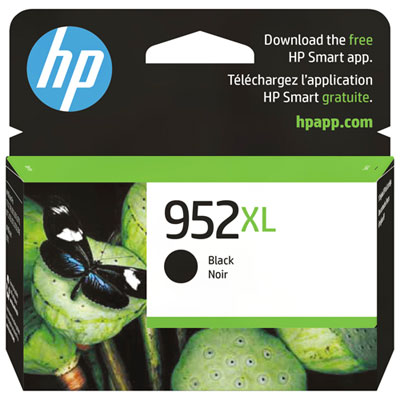
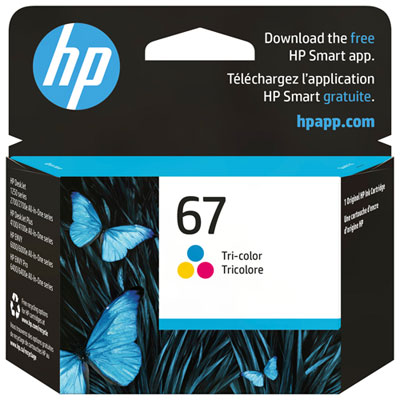
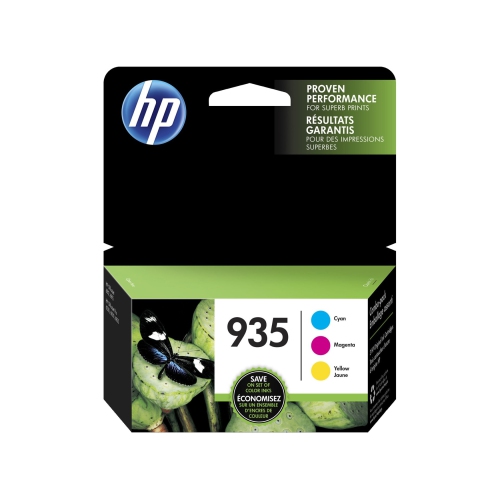
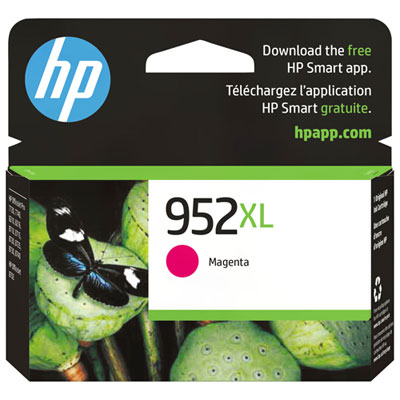
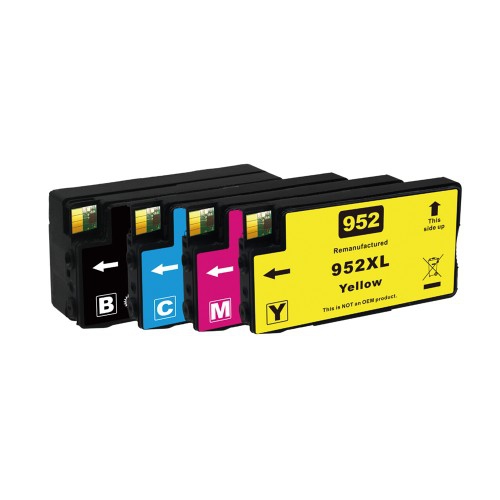
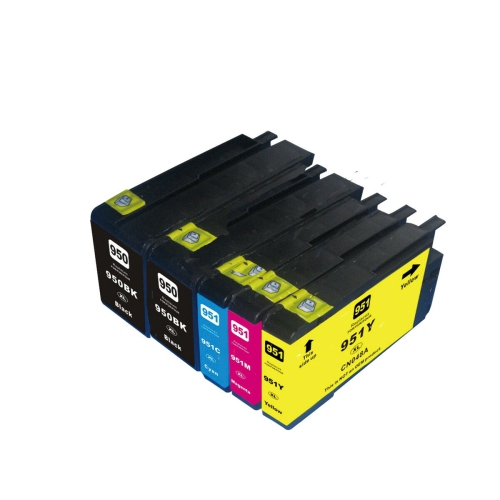
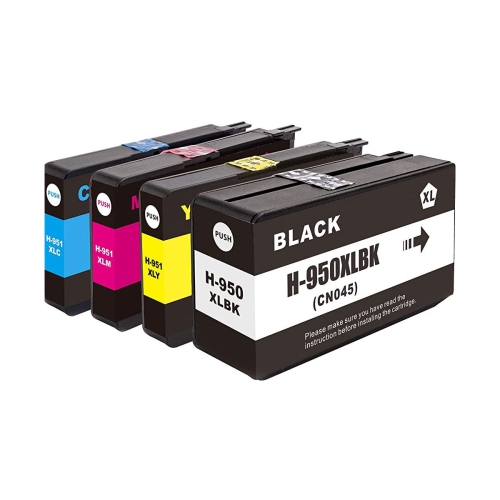
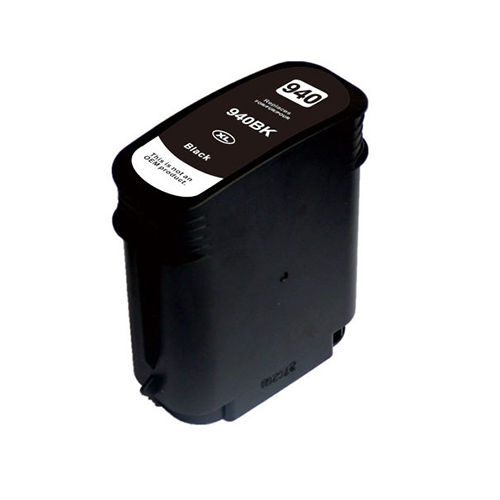
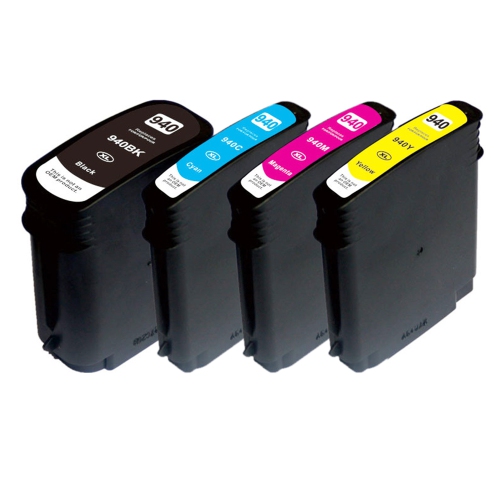
Ink cartridges for office inkjet printers support the everyday work that happens on paper: a clearly printed invoice, a signed permission form, a presentation with readable charts, or a set of instructions shared across a busy workplace. For this all-in-one printer series, the cartridge system uses separate black, cyan, magenta, and yellow supplies rather than a single combined colour cartridge. That arrangement allows each colour to be replaced individually as it runs low, which is useful when printing habits draw heavily on one shade. A business that prints blue letterheads, for example, may use cyan at a different rate from yellow, while a home office producing mostly correspondence will generally draw more heavily on black. Cartridges are model-specific components, so the printer’s full model designation and the compatibility information on the cartridge packaging matter more than its appearance. A cartridge that looks similar, shares a colour designation, or belongs to a nearby printer family is not necessarily a suitable fit. The cartridge housing, ink delivery connection, and electronic contacts all need to match the intended machine. These supplies are designed for inkjet printing, not laser printers, which use toner rather than liquid ink. Their intended role is particularly practical for small businesses, home offices, students, and households that regularly print documents containing a mixture of text and colour graphics. Sharp lettering helps small invoice details remain readable, while consistent colour makes spreadsheet highlights, diagrams, and presentation handouts easier to interpret. Ink formulation also matters: pigment-based inks are commonly used in business inkjet systems for defined text and durable document output, although performance depends on the particular cartridge, paper, and print settings. Resistance to smearing or moisture should be judged against the stated specifications rather than assumed. For records that need to remain legible after filing, copying, or frequent handling, the combination of compatible ink and appropriate paper is as important as the printer itself.
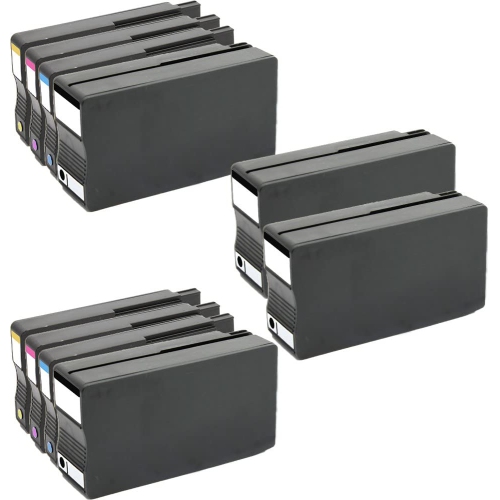
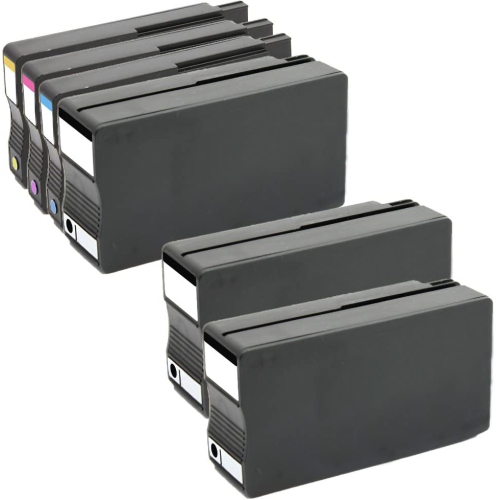
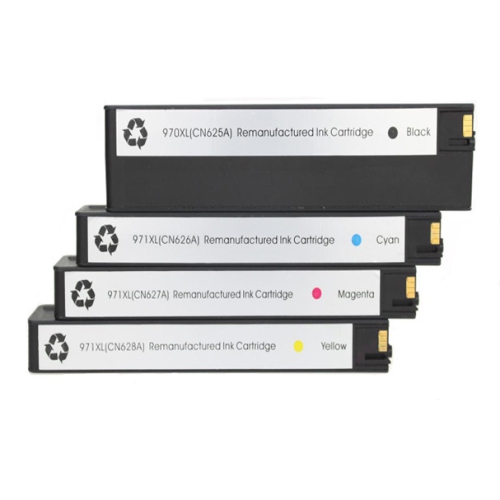
Cartridge capacity is another meaningful distinction within this category. Standard-yield cartridges suit lighter printing routines, such as occasional forms, school assignments, and short batches of correspondence. High-yield versions hold more ink and can reduce the frequency of replacement for people producing longer reports, recurring client paperwork, or regular sets of meeting materials. Where both capacities are listed as compatible with the same printer, a high-yield designation generally describes greater ink capacity rather than a need for a different machine. It does not, on its own, indicate sharper text or more vivid colour. Published page yields provide a useful basis for comparing capacity, but they are estimates measured under specified test conditions, not a promise that every user will print the same number of pages. A page of short paragraphs uses ink differently from a full-page colour illustration, and maintenance cycles also consume some ink. Someone printing dense training manuals may therefore replace cartridges sooner than someone printing the same number of pages with only a few lines of text. Individual cartridges make sense when only one colour needs replacement; multipacks group several supplies together, though their contents should be checked because not every pack includes the same colours or capacities. Original-manufacturer and third-party cartridges may also differ in their ink formulation, electronic components, testing, and support. Remanufactured cartridges typically reuse a cartridge body that has been processed and refilled, but the details of that work vary by supplier. Compatibility claims deserve close attention, especially where printer firmware and cartridge recognition are concerned. A stated match to the exact printer model is more useful than a broad description such as “for office printers.” For work involving client-facing documents, consistent results across repeated print runs can matter just as much as capacity. A ten-page proposal should look coherent from the first sheet to the last, without unexpectedly faded headings or missing colour in a chart. Where a cartridge carries a performance claim, the supporting specifications offer a clearer picture than its packaging style alone.
The way cartridges are stored, installed, and used can affect how reliably they perform over time. Their rigid housings protect the ink supply, while seals and protective packaging help keep the contents contained before installation. Unopened cartridges are best left in their original packaging until needed and stored according to the manufacturer’s directions, away from direct sunlight. Keeping protective materials intact also reduces the chance of ink reaching a desk, drawer, or other supplies. During replacement, the printer’s on-screen prompts and cartridge instructions identify the correct slot and any shipping tab or seal that must be removed. Electrical contacts and ink outlets are working surfaces rather than convenient gripping points; unnecessary handling can leave residue or cause a mess. A properly matched cartridge should seat as directed without being forced. Once installed, any requested alignment or setup process helps the printer prepare for normal use. If text develops gaps or a colour appears uneven, the machine’s built-in print-quality tools can help identify whether cleaning or another maintenance step is appropriate. Repeated cleaning without checking the underlying issue can consume ink without resolving the problem. Paper choice deserves similar attention. Everyday office paper suits routine correspondence, while heavier presentation sheets can give charts and handouts a more substantial feel when they fall within the printer’s supported media specifications. Matching the print setting to the paper helps manage ink placement and drying; freshly printed pages should have time to dry before highlighting, stacking tightly, or sliding into document sleeves. Black-only printing behaviour varies by machine, and some inkjet printers require usable colour cartridges even when the document contains only black text. That makes the condition of the full cartridge set relevant to an otherwise monochrome workflow. In a household or workplace with more than one printer, separate model-specific supplies help prevent confusion. For a different machine, HP Officejet Pro 8210 Cartridges belong to a separate model-specific category, not an assumption of interchangeability. Exact fit, suitable capacity, and careful handling together support dependable printing for the documents that keep daily tasks moving.
Cartridge capacity is another meaningful distinction within this category. Standard-yield cartridges suit lighter printing routines, such as occasional forms, school assignments, and short batches of correspondence. High-yield versions hold more ink and can reduce the frequency of replacement for people producing longer reports, recurring client paperwork, or regular sets of meeting materials. Where both capacities are listed as compatible with the same printer, a high-yield designation generally describes greater ink capacity rather than a need for a different machine. It does not, on its own, indicate sharper text or more vivid colour. Published page yields provide a useful basis for comparing capacity, but they are estimates measured under specified test conditions, not a promise that every user will print the same number of pages. A page of short paragraphs uses ink differently from a full-page colour illustration, and maintenance cycles also consume some ink. Someone printing dense training manuals may therefore replace cartridges sooner than someone printing the same number of pages with only a few lines of text. Individual cartridges make sense when only one colour needs replacement; multipacks group several supplies together, though their contents should be checked because not every pack includes the same colours or capacities. Original-manufacturer and third-party cartridges may also differ in their ink formulation, electronic components, testing, and support. Remanufactured cartridges typically reuse a cartridge body that has been processed and refilled, but the details of that work vary by supplier. Compatibility claims deserve close attention, especially where printer firmware and cartridge recognition are concerned. A stated match to the exact printer model is more useful than a broad description such as “for office printers.” For work involving client-facing documents, consistent results across repeated print runs can matter just as much as capacity. A ten-page proposal should look coherent from the first sheet to the last, without unexpectedly faded headings or missing colour in a chart. Where a cartridge carries a performance claim, the supporting specifications offer a clearer picture than its packaging style alone.
The way cartridges are stored, installed, and used can affect how reliably they perform over time. Their rigid housings protect the ink supply, while seals and protective packaging help keep the contents contained before installation. Unopened cartridges are best left in their original packaging until needed and stored according to the manufacturer’s directions, away from direct sunlight. Keeping protective materials intact also reduces the chance of ink reaching a desk, drawer, or other supplies. During replacement, the printer’s on-screen prompts and cartridge instructions identify the correct slot and any shipping tab or seal that must be removed. Electrical contacts and ink outlets are working surfaces rather than convenient gripping points; unnecessary handling can leave residue or cause a mess. A properly matched cartridge should seat as directed without being forced. Once installed, any requested alignment or setup process helps the printer prepare for normal use. If text develops gaps or a colour appears uneven, the machine’s built-in print-quality tools can help identify whether cleaning or another maintenance step is appropriate. Repeated cleaning without checking the underlying issue can consume ink without resolving the problem. Paper choice deserves similar attention. Everyday office paper suits routine correspondence, while heavier presentation sheets can give charts and handouts a more substantial feel when they fall within the printer’s supported media specifications. Matching the print setting to the paper helps manage ink placement and drying; freshly printed pages should have time to dry before highlighting, stacking tightly, or sliding into document sleeves. Black-only printing behaviour varies by machine, and some inkjet printers require usable colour cartridges even when the document contains only black text. That makes the condition of the full cartridge set relevant to an otherwise monochrome workflow. In a household or workplace with more than one printer, separate model-specific supplies help prevent confusion. For a different machine, HP Officejet Pro 8210 Cartridges belong to a separate model-specific category, not an assumption of interchangeability. Exact fit, suitable capacity, and careful handling together support dependable printing for the documents that keep daily tasks moving.
Top selling and popular products
-
 Your price for this item is $109.99
 -
 Your price for this item is $40.99
 -
 Your price for this item is $101.99
 -
 Your price for this item is $129.99
 -
 Your price for this item is $109.99
 -
 Your price for this item is $89.99
 -
 Your price for this item is $90.99
 -
 Your price for this item is $57.99
Discover more categories related to HP Officejet Pro 8600 Cartridges
Top Collections:
Pokemon Centers, Kindle Devices, Best Budget Office Chairs, Apple iPhones 16, Best Laptops for Writers, iPhone 15 Apple, Canon G7X Cameras, Refurbished Apple Laptops, Alarm Clock, Motorola Razr Phones
Some products may be subject to Environmental Handling Fees
(EHF) depending on your province.
Learn more about EHFs.