Hp Officejet Pro 7740 Cartridges
Looking for high-quality ink cartridges for your Hp Officejet Pro 7740 printer? Look no further! Our extensive collection of ink cartridges is designed to deliver exceptional print quality and reliability, ensuring that your documents and photos always look their best. Whether you need black or color cartridges, we have got you covered. With easy installation and long-lasting performance, our ink cartridges are the perfect choice for all your printing needs. Explore our range of compatible cartridges and experience hassle-free printing today!
Sort


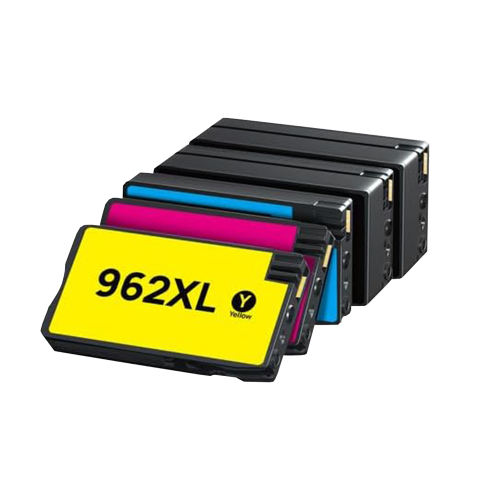

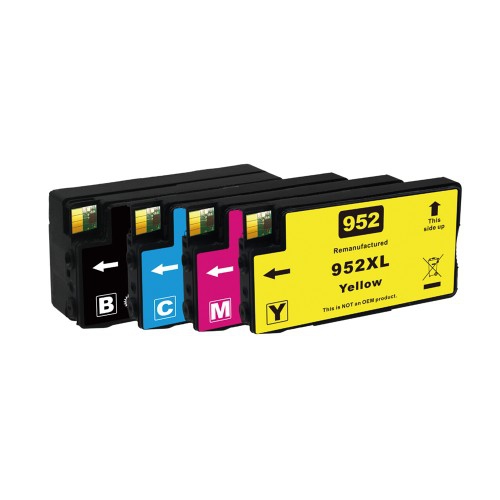

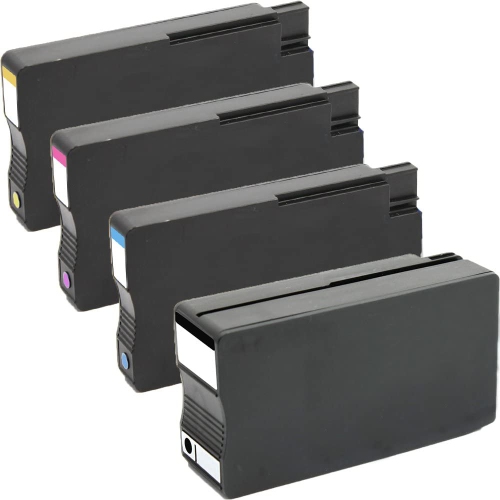
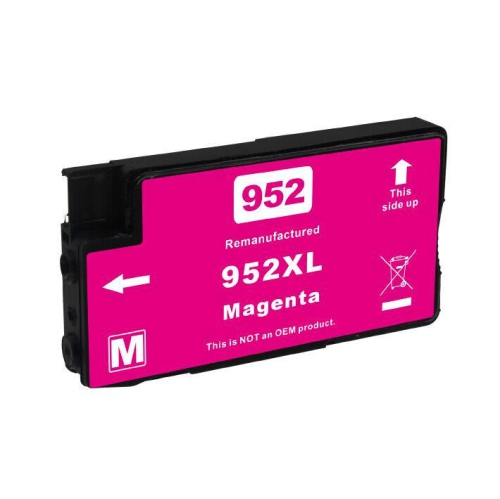
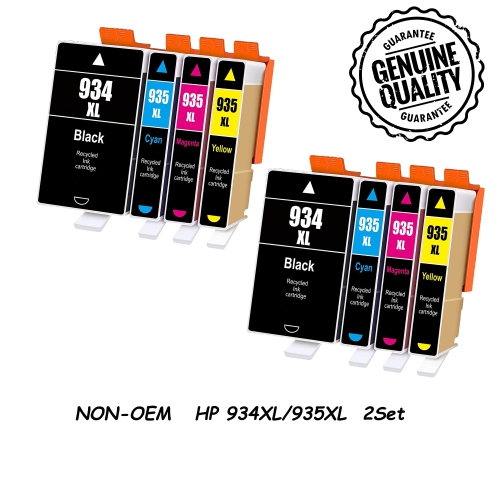
![BESTONER [New Chip] 2 Compatible HP 952 Xl Ink Cartridges 952Xl High Yield - HP Officejet 8702 7740 8715 8210 8216 7720 7730 7745 8730 8710 8727](https://multimedia.bbycastatic.ca/multimedia/products/500x500/171/17168/17168598.jpeg)
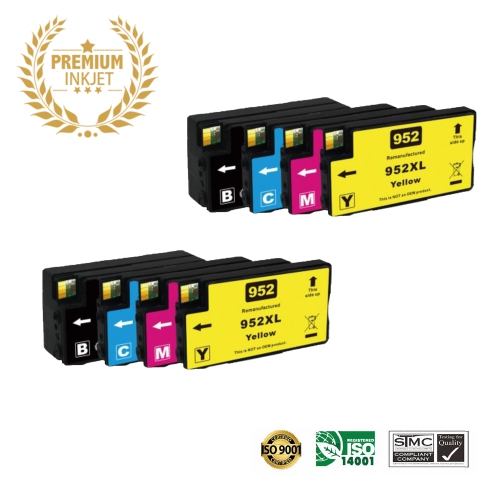
![BESTONER [New Chip] 2 Set Compatible HP 952 Xl Ink Cartridges 952Xl High Yield - HP Officejet 8702 7740 8715 8210 8216 7720 7730 7745 8730 8710 8727](https://multimedia.bbycastatic.ca/multimedia/products/500x500/171/17168/17168597.jpeg)
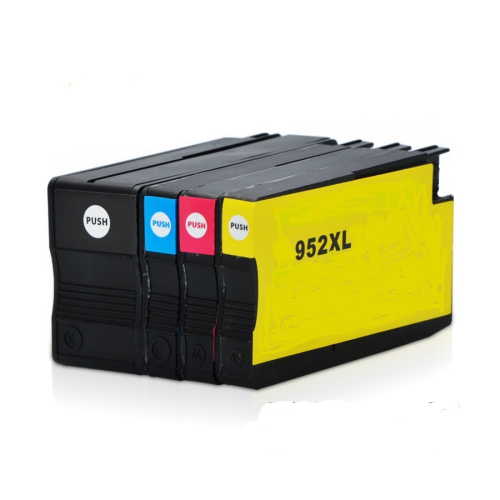

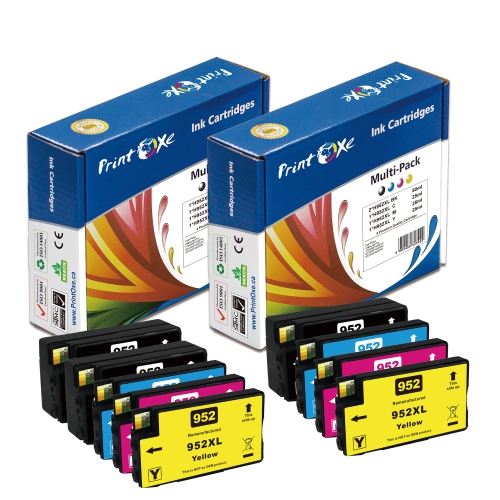
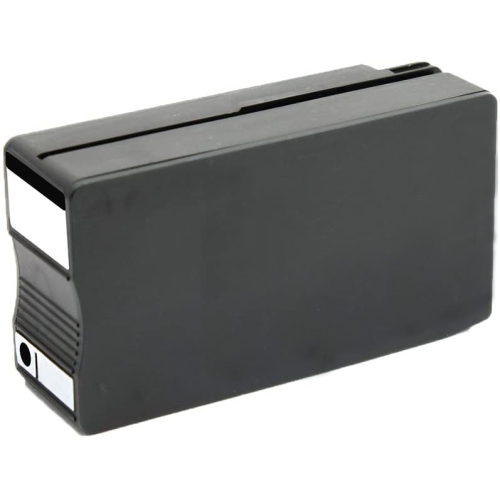
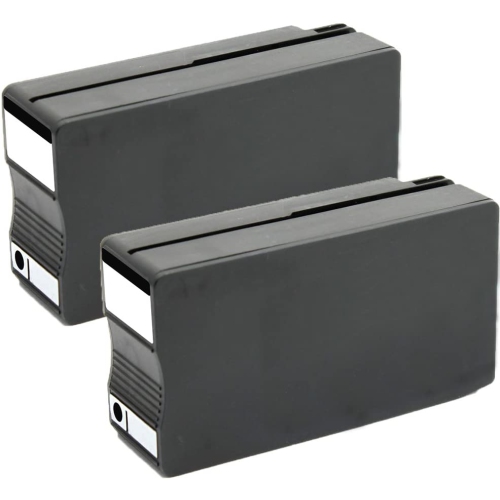
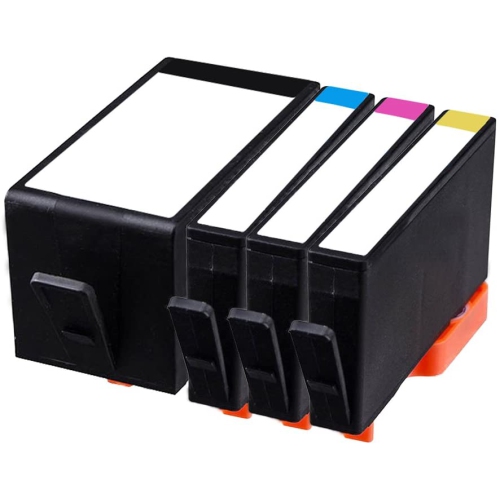
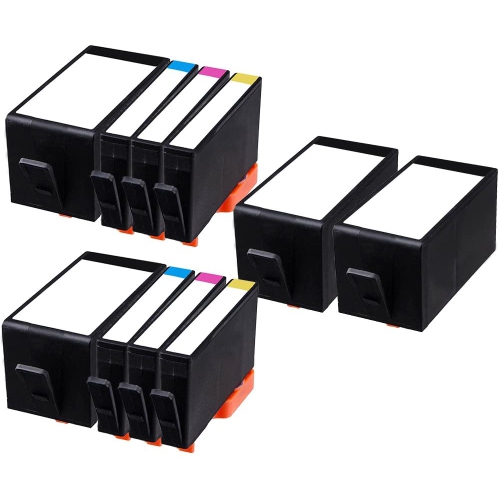
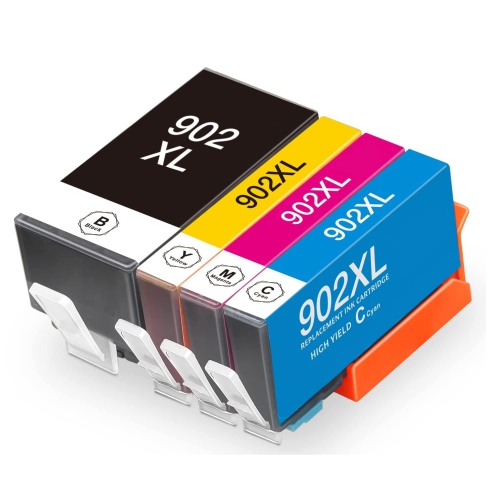



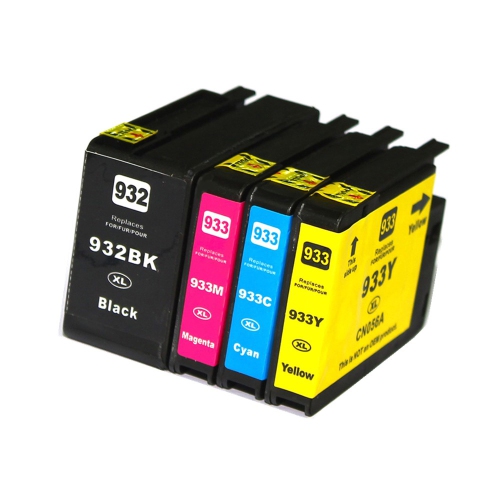
![BESTONER [New Chip] 2 Compatible HP 902 Xl Ink Cartridges 902Xl High Yield - HP Officejet](https://multimedia.bbycastatic.ca/multimedia/products/500x500/171/17168/17168601.jpeg)
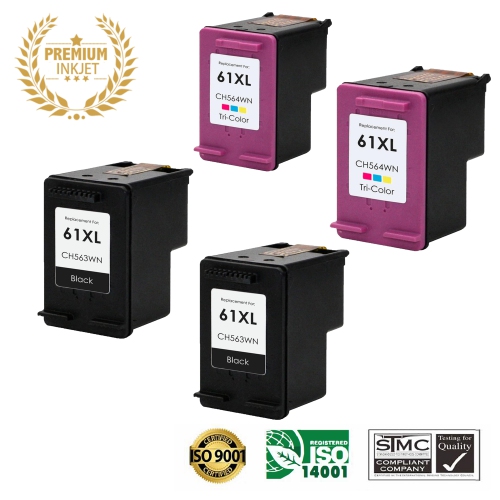
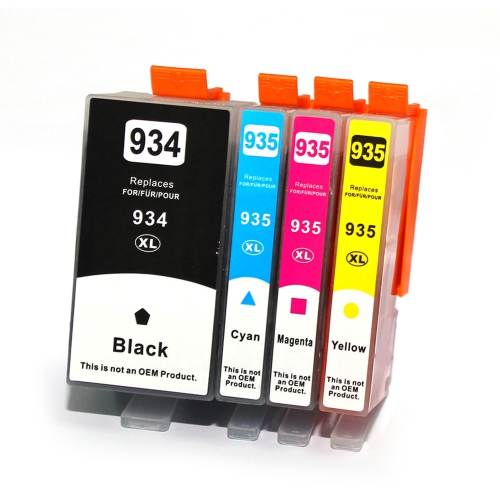

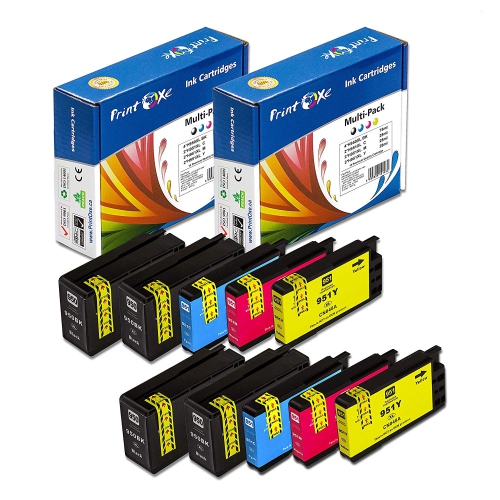
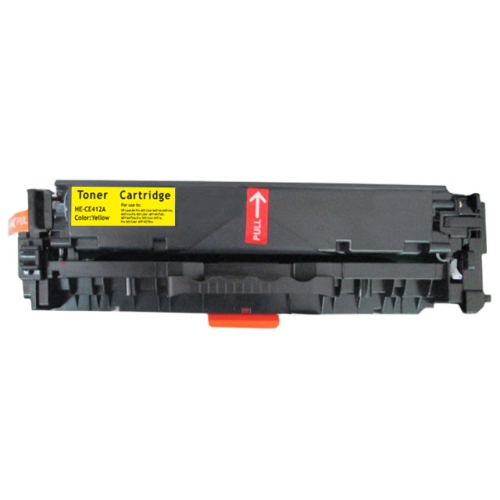
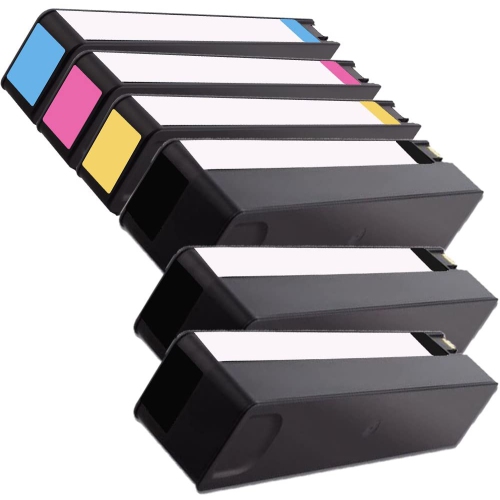
Understand HP 952 and 952XL cartridge options
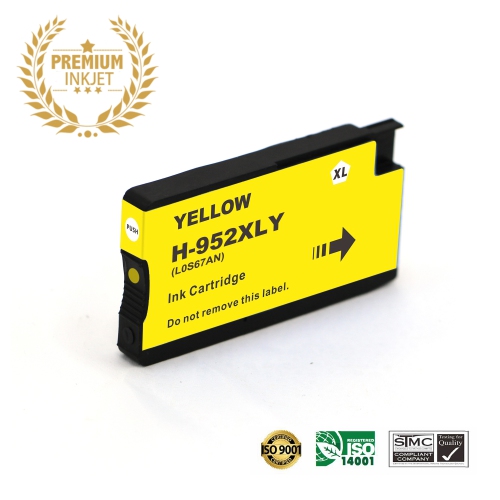
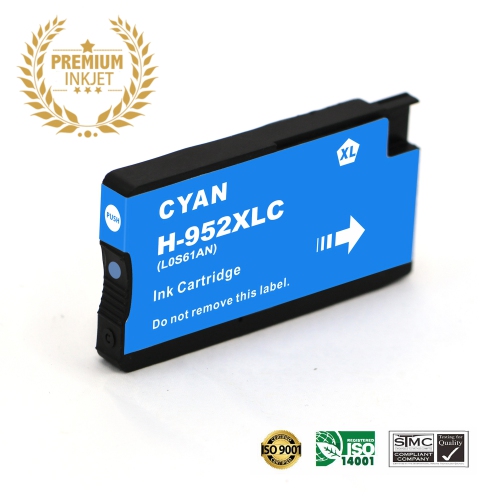
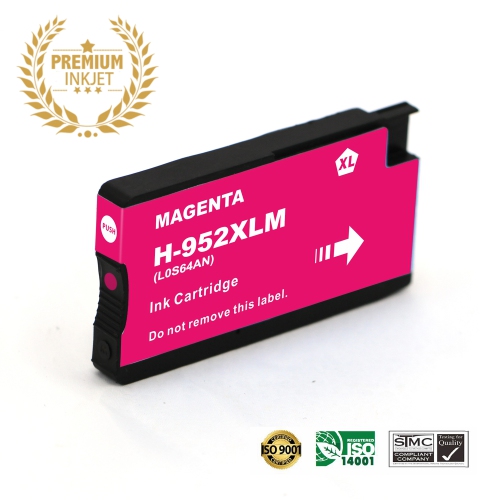
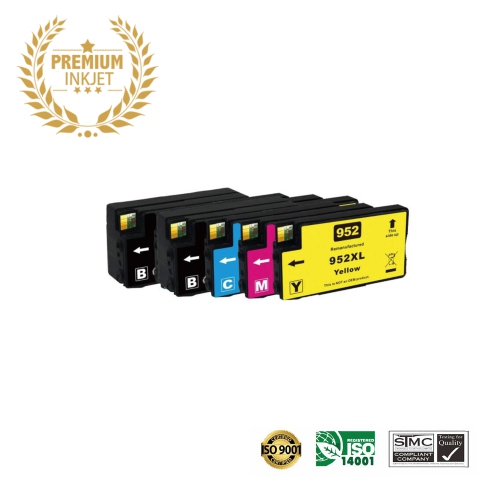
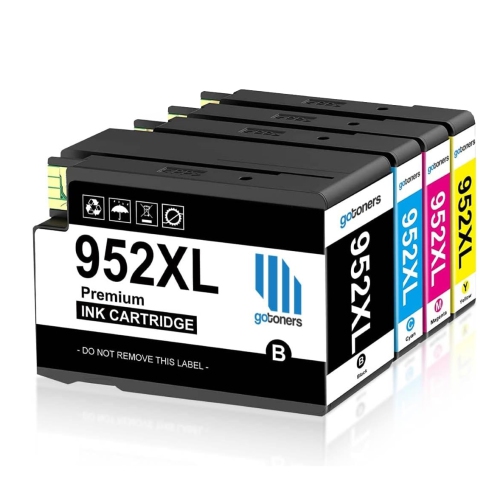
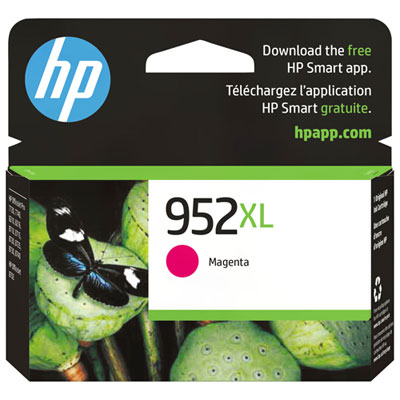
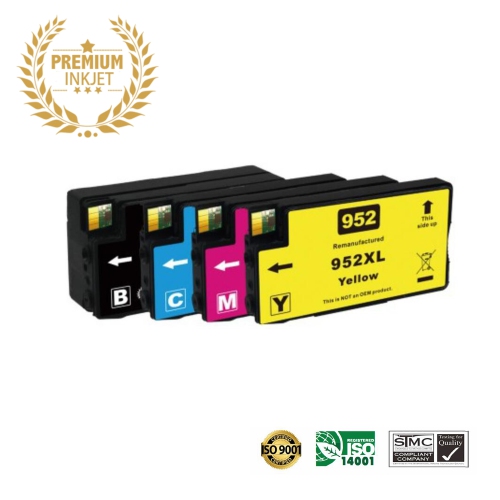
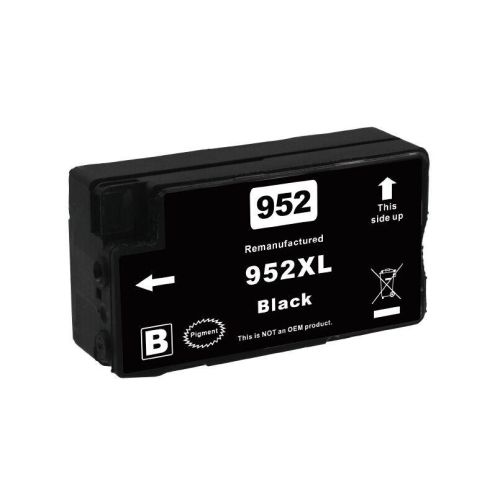
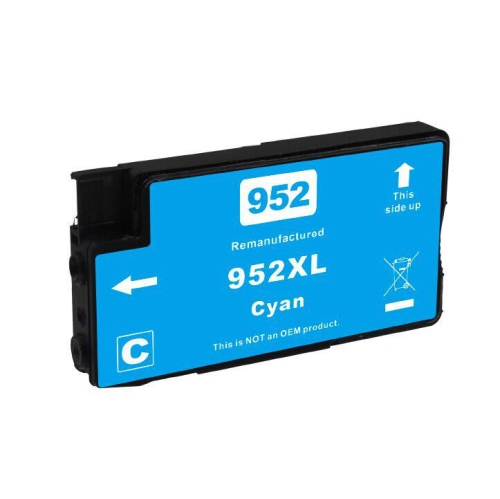
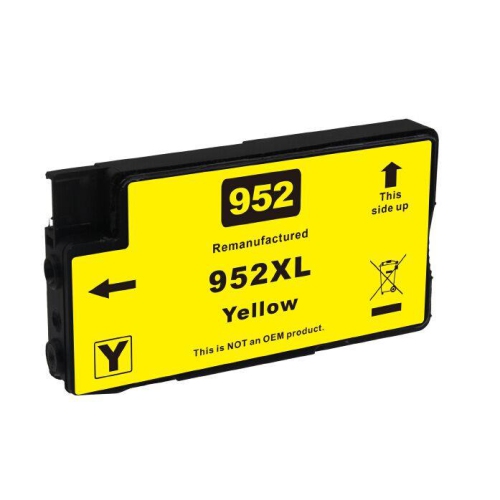
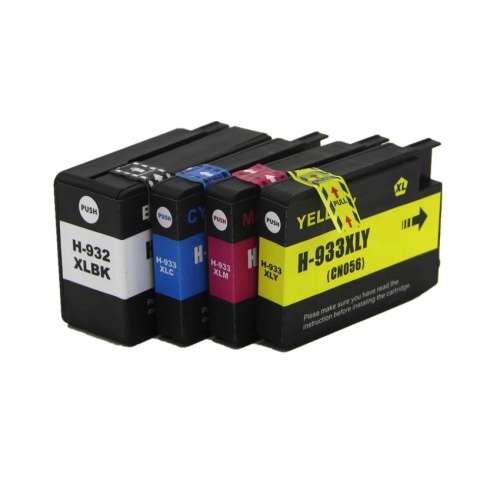
Finding the right HP OfficeJet Pro 7740 cartridges starts with confirming the cartridge family made for this wide-format all-in-one printer. In North America, the HP OfficeJet Pro 7740 uses HP 952 standard-yield ink cartridges or HP 952XL high-yield ink cartridges. These cartridges are available in black, cyan, magenta, and yellow, allowing you to replace only the colour that has run low or choose a multipack for a more complete refresh. Black ink is commonly used for letters, invoices, forms, reports, labels, and other everyday documents, while the colour cartridges work together to produce charts, presentations, photographs, school projects, marketing materials, and other vivid prints. Standard-yield cartridges can be a practical choice for occasional printing, a home office with a moderate workload, or anyone who prefers to keep a smaller supply on hand. High-yield XL cartridges are designed for heavier print routines and can reduce how often cartridges need to be changed. For reference, HP 952 black cartridges are commonly rated at approximately 700 to 1,000 pages, while HP 952XL black cartridges can reach roughly 2,000 pages. Colour HP 952 cartridges are commonly rated at about 630 pages, and HP 952XL colour cartridges can produce approximately 1,600 pages, although actual results vary according to document type, coverage, image content, print settings, and other conditions. Pages filled with dense graphics or full-colour photos generally use more ink than lightly formatted text documents, so published page yields work best as a comparison point rather than a guarantee for every household or workplace.
When choosing HP OfficeJet Pro 7740 ink, consider how and where the printer is used. A family that prints occasional permission forms, recipes, homework, travel documents, and return labels may find individual standard-yield cartridges convenient, especially when one colour runs out before the others. A small business, home office, real estate workspace, classroom, or community organisation may benefit from a high-yield multipack because regular printing can quickly use black ink along with the three colour cartridges. Keeping a spare black cartridge nearby is useful for deadline-driven work, while a complete colour set can help prevent interruptions when preparing brochures, menus, presentation handouts, or seasonal notices. Individual cartridges also make sense when your printer indicates that only cyan, magenta, yellow, or black needs replacement. Before ordering, check the cartridge number printed on the existing supply, the printer’s on-screen message, and the product specifications to confirm compatibility. The “XL” designation refers to a higher ink capacity, not a different printer model, and the standard and high-yield options should not be treated as interchangeable with cartridges from unrelated printer families. It is also worth checking whether you need original or compatible supplies, reviewing the package contents, and confirming whether a listing contains one cartridge or a multipack. These details are easy to overlook when a cartridge is needed quickly, particularly during a busy stretch of report preparation or when cooler weather brings more indoor paperwork, home study, and administrative tasks.
Replacing cartridges is generally straightforward: turn on the printer, open the access area, allow the carriage to move into position, and follow the display instructions for removing the empty cartridge and installing its replacement. Handle each cartridge by its sides, avoid touching the ink outlet or electrical contacts, and remove protective packaging only when you are ready to install it. Once fitted, the printer may complete a brief alignment or recognition process; allowing that cycle to finish can help maintain clear text and consistent colour. Store unopened cartridges in their original packaging in a dry indoor location away from excessive heat, cold, and direct sunlight. If a printed page shows missing lines, uneven colour, or streaks, the printer’s maintenance menu may offer printhead cleaning or alignment tools, though repeated cleaning cycles can use additional ink. For people setting up a first home office, refreshing a shared family printer, or giving practical supplies to a student, freelancer, teacher, or small-business owner, a correctly matched cartridge set is a useful addition to an organised workspace. Those comparing supplies for a related printer model can also browse Hp Officejet Pro 8720 Cartridges, while keeping in mind that compatibility numbers differ between printer series. Selecting the correct HP 952 or HP 952XL option for the OfficeJet Pro 7740 helps keep routine printing dependable, whether the next task is a crisp black-and-white form, a colourful presentation, or a stack of documents prepared for the week ahead.
When choosing HP OfficeJet Pro 7740 ink, consider how and where the printer is used. A family that prints occasional permission forms, recipes, homework, travel documents, and return labels may find individual standard-yield cartridges convenient, especially when one colour runs out before the others. A small business, home office, real estate workspace, classroom, or community organisation may benefit from a high-yield multipack because regular printing can quickly use black ink along with the three colour cartridges. Keeping a spare black cartridge nearby is useful for deadline-driven work, while a complete colour set can help prevent interruptions when preparing brochures, menus, presentation handouts, or seasonal notices. Individual cartridges also make sense when your printer indicates that only cyan, magenta, yellow, or black needs replacement. Before ordering, check the cartridge number printed on the existing supply, the printer’s on-screen message, and the product specifications to confirm compatibility. The “XL” designation refers to a higher ink capacity, not a different printer model, and the standard and high-yield options should not be treated as interchangeable with cartridges from unrelated printer families. It is also worth checking whether you need original or compatible supplies, reviewing the package contents, and confirming whether a listing contains one cartridge or a multipack. These details are easy to overlook when a cartridge is needed quickly, particularly during a busy stretch of report preparation or when cooler weather brings more indoor paperwork, home study, and administrative tasks.
Replacing cartridges is generally straightforward: turn on the printer, open the access area, allow the carriage to move into position, and follow the display instructions for removing the empty cartridge and installing its replacement. Handle each cartridge by its sides, avoid touching the ink outlet or electrical contacts, and remove protective packaging only when you are ready to install it. Once fitted, the printer may complete a brief alignment or recognition process; allowing that cycle to finish can help maintain clear text and consistent colour. Store unopened cartridges in their original packaging in a dry indoor location away from excessive heat, cold, and direct sunlight. If a printed page shows missing lines, uneven colour, or streaks, the printer’s maintenance menu may offer printhead cleaning or alignment tools, though repeated cleaning cycles can use additional ink. For people setting up a first home office, refreshing a shared family printer, or giving practical supplies to a student, freelancer, teacher, or small-business owner, a correctly matched cartridge set is a useful addition to an organised workspace. Those comparing supplies for a related printer model can also browse Hp Officejet Pro 8720 Cartridges, while keeping in mind that compatibility numbers differ between printer series. Selecting the correct HP 952 or HP 952XL option for the OfficeJet Pro 7740 helps keep routine printing dependable, whether the next task is a crisp black-and-white form, a colourful presentation, or a stack of documents prepared for the week ahead.
Top selling and popular products
-
 Your price for this item is $109.99
 -
 Your price for this item is $40.99
 -
 Your price for this item is $101.99
 -
 Your price for this item is $129.99
 -
 Your price for this item is $109.99
 -
 Your price for this item is $89.99
 -
 Your price for this item is $90.99
 -
 Your price for this item is $57.99
Discover more categories related to Hp Officejet Pro 7740 Cartridges
Top Collections:
Pokemon Centers, Kindle Devices, Best Budget Office Chairs, Apple iPhones 16, Canon G7X Cameras, iPhone 15 Apple, Alarm Clock, Refurbished Apple Laptops, Flip Phones, Best Laptops for Writers
Some products may be subject to Environmental Handling Fees
(EHF) depending on your province.
Learn more about EHFs.