HP OfficeJet Pro 8740 Ink Cartridges
HP OfficeJet Pro 8740 Ink Cartridges are designed to keep your printer running smoothly and efficiently, ensuring crisp documents and vibrant images with every print. Whether you’re working from home or managing a busy office, having the right ink cartridges on hand helps minimize interruptions and maintain productivity. Explore a wide selection of HP OfficeJet Pro 8740 Ink Cartridges to find the perfect fit for your printing needs.
Sort


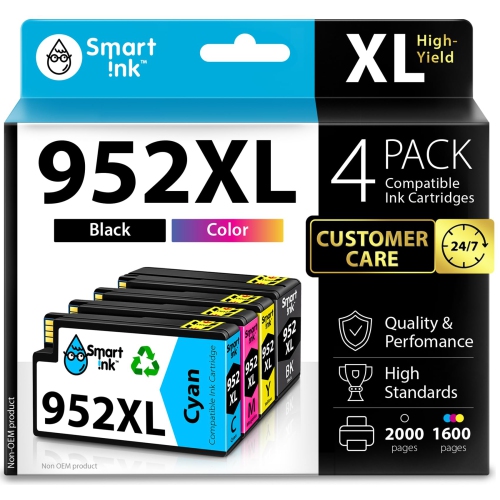
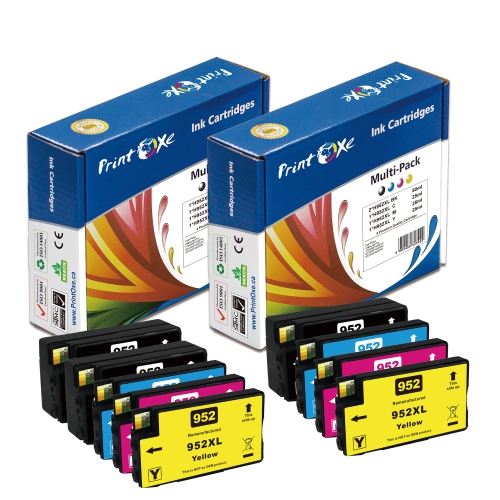
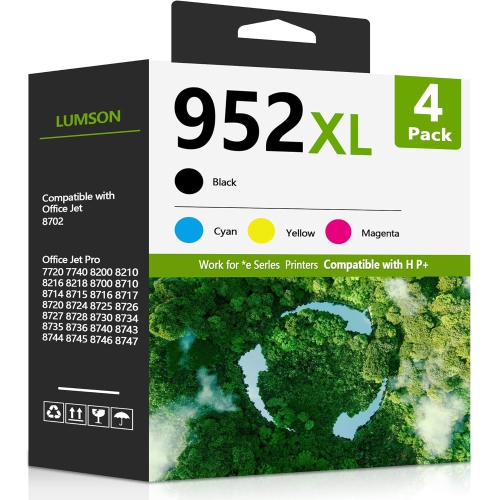
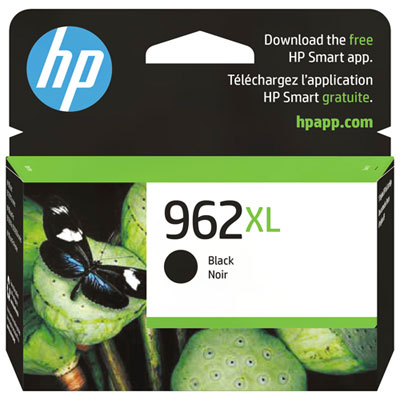
Why cartridge fit matters more than familiar packaging
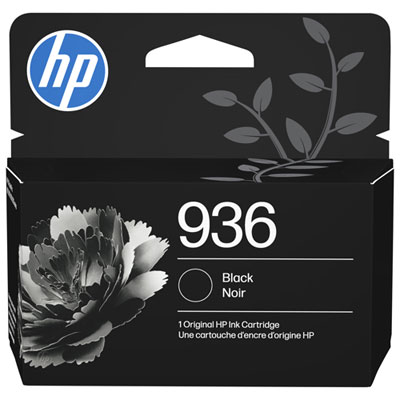
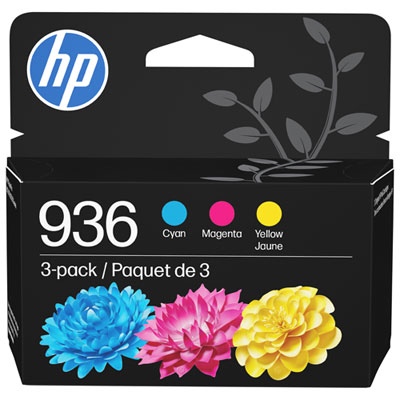
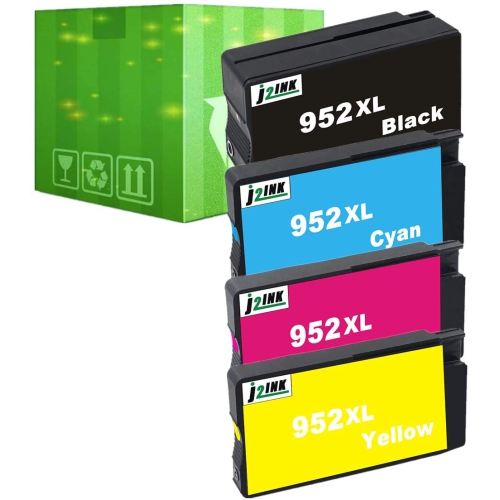
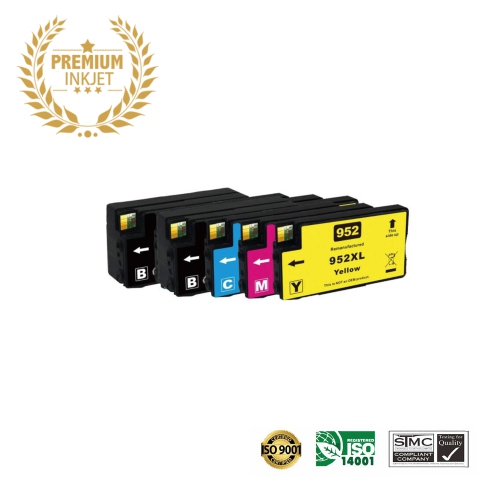
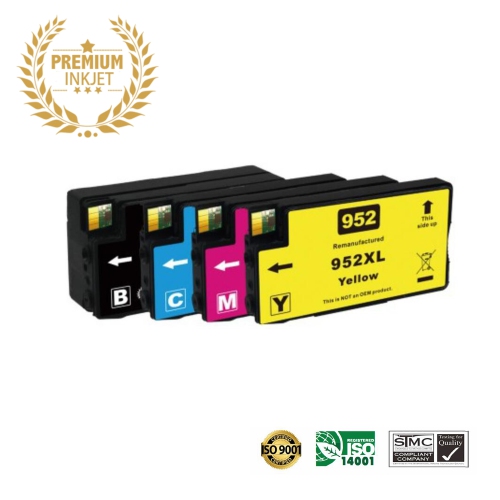
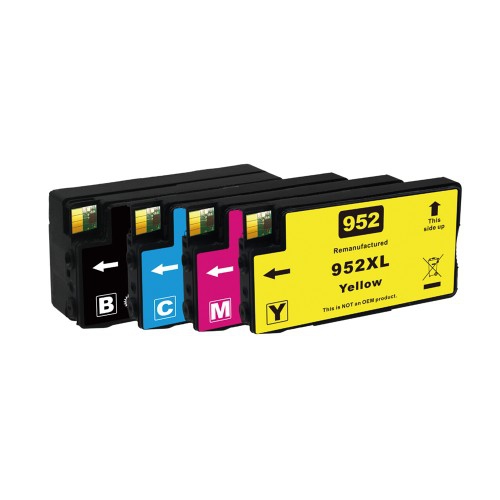
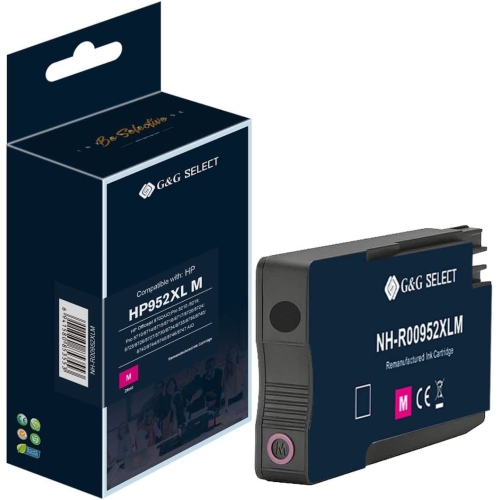
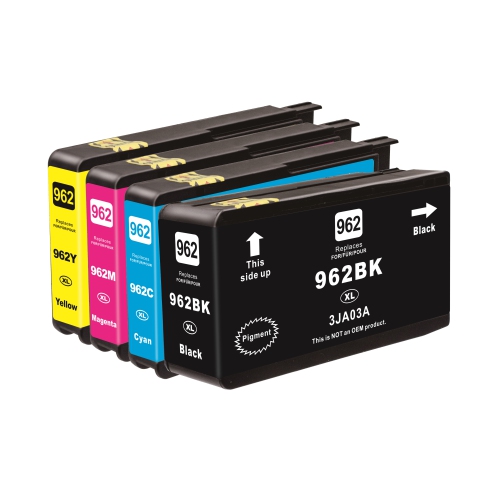
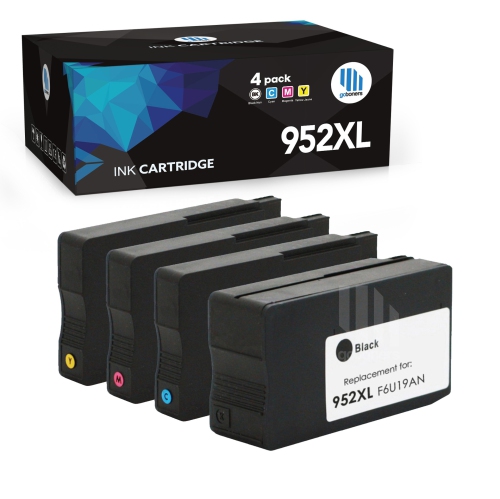
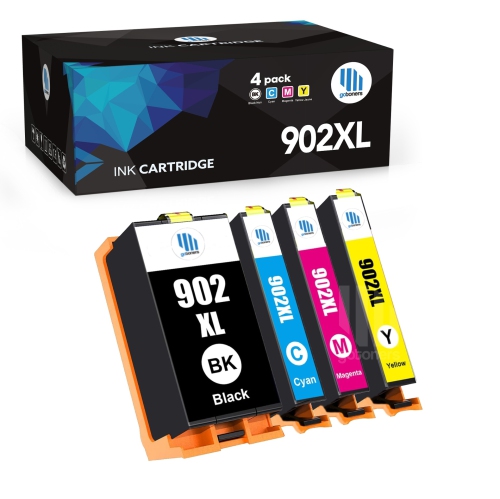
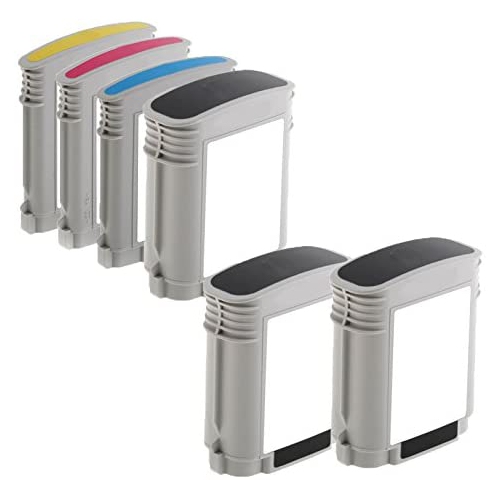
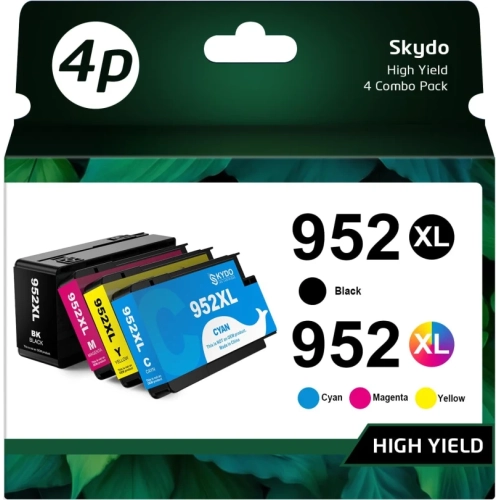
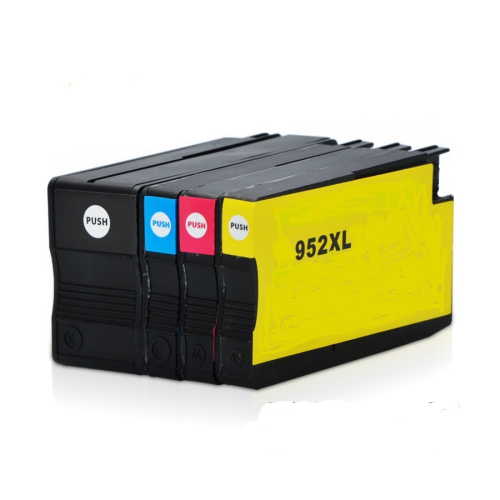
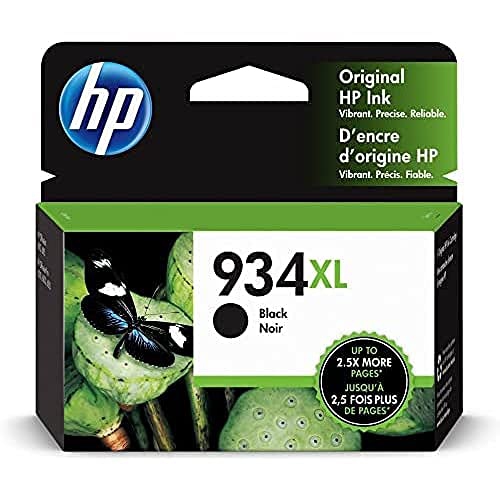
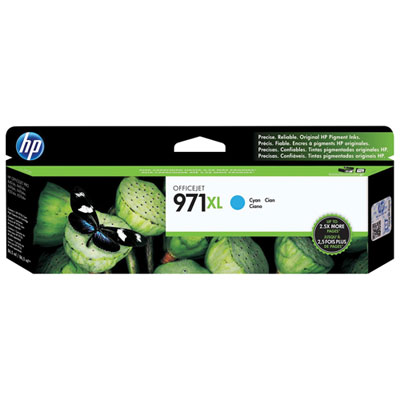
Replacement ink cartridges keep a busy office inkjet printer ready for everyday documents, from a single signed form to a full set of colour presentation handouts. A four-colour system uses separate black, cyan, magenta, and yellow cartridges, allowing each colour to be replaced individually as it runs low. Black ink carries much of the work in correspondence, invoices, shipping labels, and text-heavy reports, while the three colour inks combine to produce charts, illustrations, logos, and highlighted details. That separation is useful in workplaces where printing habits are uneven: an administrator may produce mostly black text, while a sales team may regularly print brochures with large blocks of colour. The right cartridge fit depends on the printer’s exact model and the cartridge family specified for it, rather than on the appearance of the packaging or the general description “office ink.” Similar-looking cartridges can have different connections, recognition chips, and ink delivery requirements, so a matching shape alone does not establish compatibility. The printer model shown on the machine and the compatibility information on the cartridge packaging are the most useful reference points. Regional compatibility can also matter, making Canadian-market compatibility worth checking when replacing supplies in a printer purchased elsewhere. For households or offices with another machine, the related selection of HP OfficeJet Pro 7740 cartridges provides a separate place to browse; compatibility should still be confirmed for each printer rather than assumed from a similar model name. These supplies suit home offices, small businesses, reception desks, and shared workspaces that need readable text and clear colour without sending routine documents elsewhere for printing. Their practical value lies in keeping familiar tasks moving, whether that means preparing appointment sheets before opening, printing a classroom handout, or producing a neatly formatted proposal for a client meeting. For these uses, dependable fit and the appropriate colour matter more than choosing a cartridge simply because its packaging looks familiar.
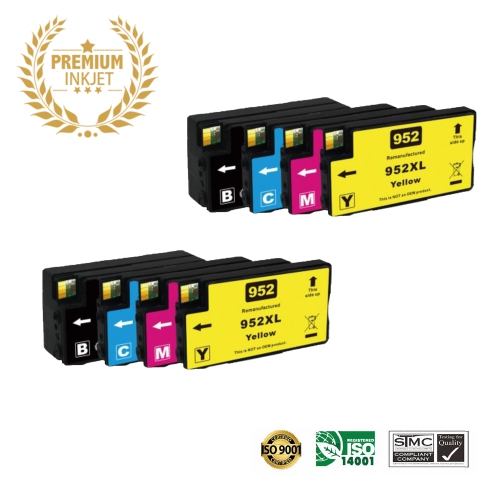
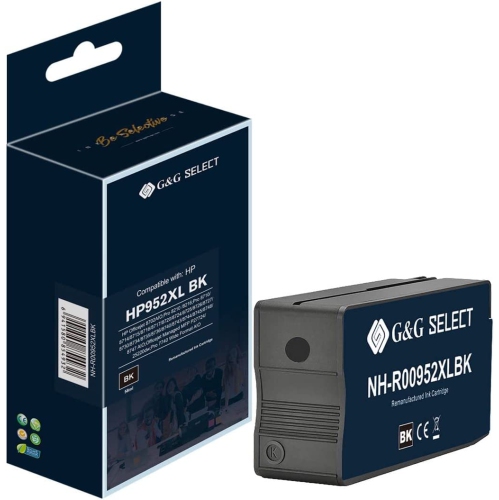
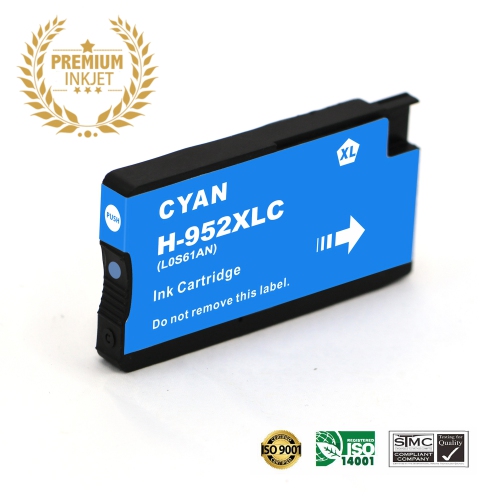
Cartridge capacity is another important distinction within a compatible range. Standard-yield cartridges contain enough ink for a stated estimated output, while high-yield versions are designed to print more pages before replacement under comparable test conditions. Extra-high-yield options may also exist for certain cartridge positions, but the printer’s supported cartridge list remains the deciding reference. Labels such as XL describe capacity within a particular cartridge family; they do not make a cartridge universally compatible with other printers. Page-yield figures are estimates based on standardized testing, not a promise that every document will use the same amount of ink. A page containing a short letter is a different task from a full-page colour flyer, a dense spreadsheet, or a report with shaded tables and photographs. Print quality settings, the balance of text and graphics, and ink used during maintenance can all affect actual output. For occasional paperwork, standard capacity may suit a modest printing routine. For a shared office producing documents throughout the day, higher capacity can mean fewer cartridge changes during longer jobs. Where the printer supports it, standard- and high-yield cartridges can generally be used together, allowing black capacity to match heavy text use without requiring every colour to have the same yield. Individual cartridges are useful when one colour needs replacing, while multipacks group several cartridges together; the listed contents determine whether a pack includes black, the three colours, or another combination. Original-manufacturer and third-party cartridges also deserve a close look at their stated compatibility. Some printers use cartridge authentication or other security features that can affect whether certain third-party supplies are accepted, including after firmware changes. A clear compatibility statement, applicable support terms, and accurate cartridge identification help distinguish a suitable replacement from one that merely resembles it. Matching capacity to actual document habits is more useful than relying only on the largest printed yield figure, especially when one colour does far more work than the others.
Print quality also depends on the relationship between the ink formulation, the cartridge construction, the paper, and the printer’s settings. Office ink cartridges typically use a moulded housing with seals, an ink outlet, and electronic contacts or a recognition chip, all designed to work with a particular delivery system. Many business inkjet systems use pigment-based inks for sharp text and clear document graphics, although the formulation should be verified in the cartridge details. Water resistance, resistance to highlighting, and resistance to fading vary with the ink and paper combination; none should be assumed solely because a cartridge is intended for office use. A contract that will be marked with a highlighter has different handling needs from a colourful notice placed on a reception desk. Plain office paper is well suited to many everyday text jobs, while compatible presentation paper can give graphics a more finished appearance. Selecting the matching paper type in the print settings helps the printer apply ink appropriately, and allowing printed sheets to dry before stacking or marking them helps prevent smearing. Cartridge care is mostly about protecting the parts that control ink flow and recognition. Unopened replacements are best kept in their original sealed packaging until needed, following the storage directions on the label. During installation, only the protective materials identified in the cartridge instructions should be removed; touching contacts or the ink outlet can introduce residue or interfere with operation. A cartridge should seat in its designated colour position without being forced. Keeping the printer in regular use and following its maintenance prompts can help maintain print quality, while repeated cleaning cycles may consume ink without resolving an underlying fault. If a page develops streaks or missing colour, the printer’s diagnostic information can help distinguish an ink issue from a paper or printhead problem. For long-term document storage, verified ink performance and suitable paper are more meaningful than broad durability claims. Well-matched cartridges support the small details that make everyday paperwork easier to use: legible fine print, distinct chart colours, crisp table borders, and consistent pages across a multi-page document.
Cartridge capacity is another important distinction within a compatible range. Standard-yield cartridges contain enough ink for a stated estimated output, while high-yield versions are designed to print more pages before replacement under comparable test conditions. Extra-high-yield options may also exist for certain cartridge positions, but the printer’s supported cartridge list remains the deciding reference. Labels such as XL describe capacity within a particular cartridge family; they do not make a cartridge universally compatible with other printers. Page-yield figures are estimates based on standardized testing, not a promise that every document will use the same amount of ink. A page containing a short letter is a different task from a full-page colour flyer, a dense spreadsheet, or a report with shaded tables and photographs. Print quality settings, the balance of text and graphics, and ink used during maintenance can all affect actual output. For occasional paperwork, standard capacity may suit a modest printing routine. For a shared office producing documents throughout the day, higher capacity can mean fewer cartridge changes during longer jobs. Where the printer supports it, standard- and high-yield cartridges can generally be used together, allowing black capacity to match heavy text use without requiring every colour to have the same yield. Individual cartridges are useful when one colour needs replacing, while multipacks group several cartridges together; the listed contents determine whether a pack includes black, the three colours, or another combination. Original-manufacturer and third-party cartridges also deserve a close look at their stated compatibility. Some printers use cartridge authentication or other security features that can affect whether certain third-party supplies are accepted, including after firmware changes. A clear compatibility statement, applicable support terms, and accurate cartridge identification help distinguish a suitable replacement from one that merely resembles it. Matching capacity to actual document habits is more useful than relying only on the largest printed yield figure, especially when one colour does far more work than the others.
Print quality also depends on the relationship between the ink formulation, the cartridge construction, the paper, and the printer’s settings. Office ink cartridges typically use a moulded housing with seals, an ink outlet, and electronic contacts or a recognition chip, all designed to work with a particular delivery system. Many business inkjet systems use pigment-based inks for sharp text and clear document graphics, although the formulation should be verified in the cartridge details. Water resistance, resistance to highlighting, and resistance to fading vary with the ink and paper combination; none should be assumed solely because a cartridge is intended for office use. A contract that will be marked with a highlighter has different handling needs from a colourful notice placed on a reception desk. Plain office paper is well suited to many everyday text jobs, while compatible presentation paper can give graphics a more finished appearance. Selecting the matching paper type in the print settings helps the printer apply ink appropriately, and allowing printed sheets to dry before stacking or marking them helps prevent smearing. Cartridge care is mostly about protecting the parts that control ink flow and recognition. Unopened replacements are best kept in their original sealed packaging until needed, following the storage directions on the label. During installation, only the protective materials identified in the cartridge instructions should be removed; touching contacts or the ink outlet can introduce residue or interfere with operation. A cartridge should seat in its designated colour position without being forced. Keeping the printer in regular use and following its maintenance prompts can help maintain print quality, while repeated cleaning cycles may consume ink without resolving an underlying fault. If a page develops streaks or missing colour, the printer’s diagnostic information can help distinguish an ink issue from a paper or printhead problem. For long-term document storage, verified ink performance and suitable paper are more meaningful than broad durability claims. Well-matched cartridges support the small details that make everyday paperwork easier to use: legible fine print, distinct chart colours, crisp table borders, and consistent pages across a multi-page document.
Top selling and popular products
-
 Your price for this item is $109.99
 -
 Your price for this item is $40.99
 -
 Your price for this item is $101.99
 -
 Your price for this item is $129.99
 -
 Your price for this item is $109.99
 -
 Your price for this item is $89.99
 -
 Your price for this item is $90.99
 -
 Your price for this item is $57.99
Discover more categories related to HP OfficeJet Pro 8740 Ink Cartridges
Top Collections:
Pokemon Centers, Kindle Devices, Best Budget Office Chairs, Apple iPhones 16, Canon G7X Cameras, iPhone 15 Apple, Alarm Clock, Refurbished Apple Laptops, Flip Phones, Best Laptops for Writers
Some products may be subject to Environmental Handling Fees
(EHF) depending on your province.
Learn more about EHFs.