HP OfficeJet Pro 8720
The HP OfficeJet Pro 8720 is designed to streamline your workspace and help you tackle everyday tasks with ease. Perfect for home offices and small businesses, this versatile printer offers reliable performance and professional-quality results. Explore a range of options for the HP OfficeJet Pro 8720 to find the right fit for your printing, scanning, and copying needs. Enhance your productivity and keep your workflow running smoothly with this dependable choice.
Sort


All-in-one printing that earns its space in your office
Office all-in-one colour inkjet printers bring printing, copying, scanning, and faxing together in a single machine, making them a practical fit for small businesses, home offices, and households with a steady flow of paperwork. Their appeal is straightforward: the same device can produce a crisp invoice, copy a signed agreement, scan receipts into a digital folder, and add colour to a presentation. For someone working at a desk beside the kitchen or sharing a compact office with a few colleagues, that combination saves the space otherwise needed for separate machines. When comparing printers in this class, look beyond the headline print speed to the tasks that fill an ordinary working day. A fast first page matters when you are printing one shipping label before heading out, while sustained speed is more useful for a stack of client handouts. Speeds measured using an ISO standard provide a more consistent basis for comparison, although photographs, detailed graphics, and higher quality settings can take longer to print. Automatic two-sided printing is useful for contracts and longer reports, while a generous input tray means fewer interruptions during larger jobs. An automatic document feeder lets you process several loose pages without placing each one on the scanner glass. Check whether it supports two-sided scanning as well as two-sided copying; automatic duplex printing alone does not guarantee either feature. A flatbed scanner remains handy for bound pages, small receipts, and originals that should not pass through a feeder. Colour output can help distinguish chart sections, highlight notes, or give a customer-facing document a polished finish, but sharp black text is just as important for everyday correspondence. The best match is a printer whose everyday strengths suit your workload, whether that means a handful of school forms and invoices or regular batches of office documents.
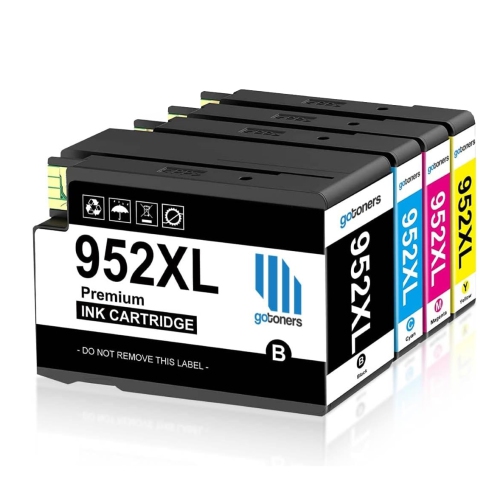
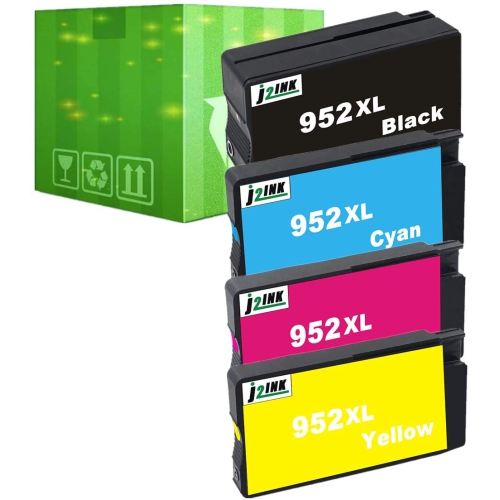
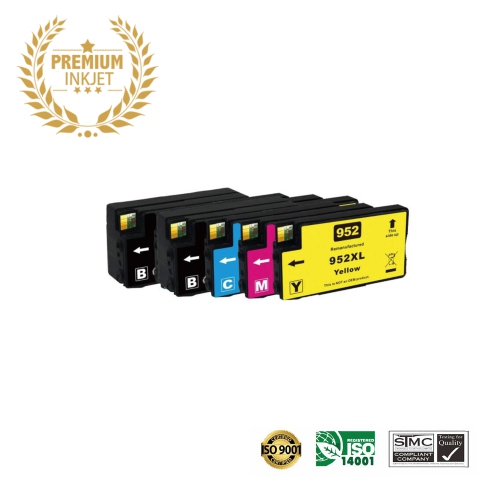
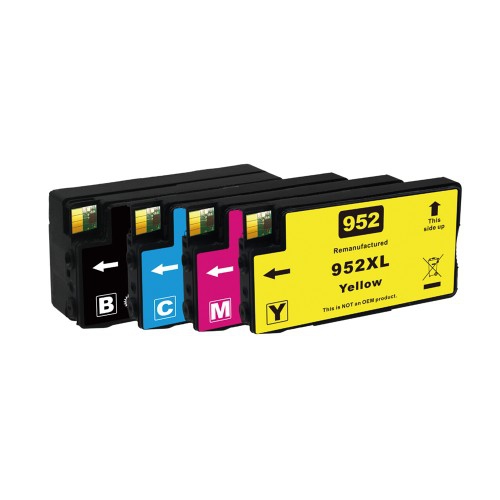
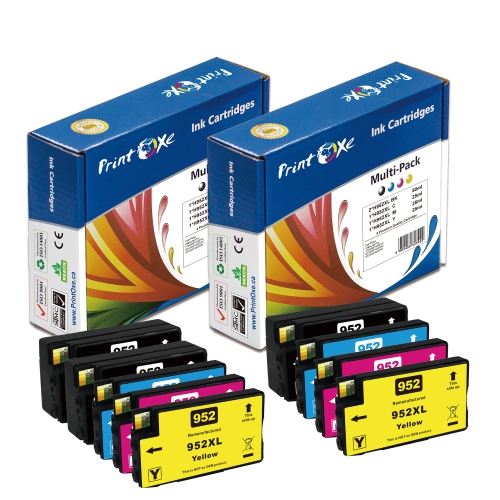
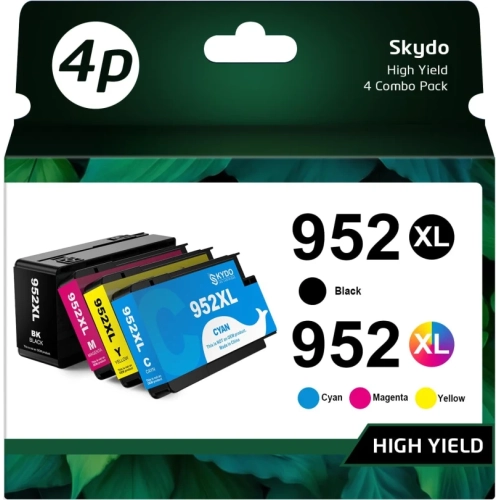
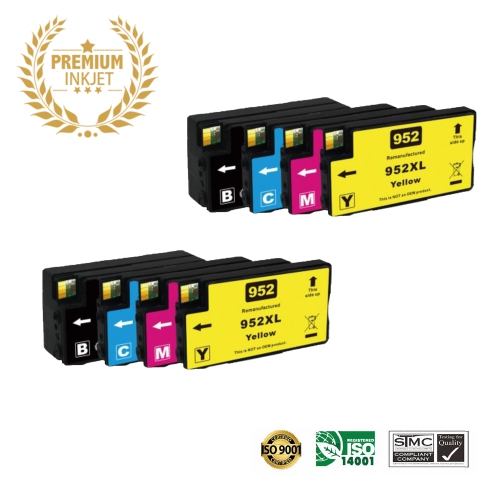
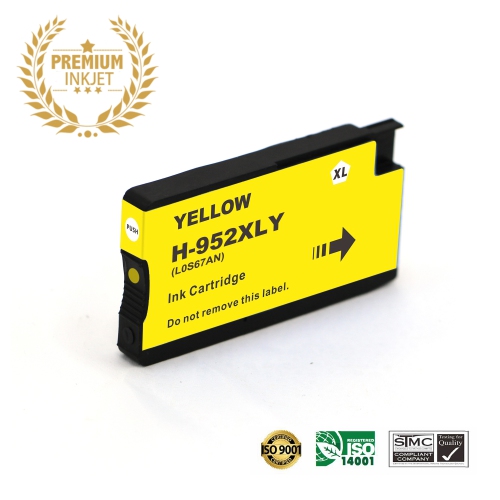
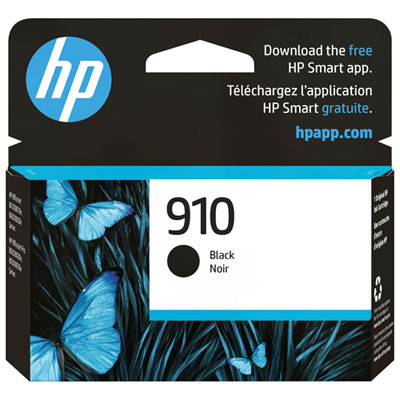
Replacement ink is an equally important part of owning an office inkjet printer, particularly when you already have a machine that meets your needs. Cartridge compatibility should be checked against the complete printer model and the supported cartridge number, not just the family name or the appearance of the cartridge. Closely related printers may share supplies, but a similar model number is not proof of a match. Regional compatibility can also matter, so Canadian-market listings and the printer’s own documentation are useful references. For a related cartridge search, HP Officejet Pro 8725 Ink Cartridges provides another place to check listings, with compatibility still worth confirming for your exact machine before ordering. Standard-yield cartridges can suit lighter use, while high-yield versions may offer a lower cost per page for someone printing frequently. Compare both the purchase price and the stated page yield rather than assuming that a larger cartridge is always the better value. Published yields are based on standardised testing; actual results vary with page coverage, print settings, and the mix of text and images. A page of brief meeting notes uses ink differently from a full-colour flyer. Printers with separate colour cartridges allow individual colours to be replaced as needed, which can be convenient when your documents use one colour more heavily than the others. Multipacks may suit offices that use several colours regularly, while individual cartridges offer more control over what you keep on hand. If you print mostly in black, check the machine’s requirements before assuming it will operate with an empty colour cartridge. Original and third-party supplies can differ in compatibility, support, and how they interact with printer firmware, so read the listing details carefully. Keeping an unopened spare of a frequently used cartridge can prevent a half-finished proposal from becoming an unexpected errand, but it is sensible to buy quantities that reflect your actual printing habits.
Connectivity, physical size, and ongoing support help determine how comfortably a printer fits into your routine. Wi-Fi can make it easier to share a printer across a household or small team without running a cable to every computer. Ethernet is useful where a wired network connection is preferred, and USB can suit a printer used mainly with one workstation. Mobile printing depends on the printer, your device, and the supported app or printing service, so check compatibility with the phones, tablets, and computers you use. For scanning, consider where files need to go: saving to a computer, sending to a network folder, and using email features may involve different setup requirements. Faxing also needs attention if it remains part of your workflow, since telephone service compatibility can vary. At home, measure the intended spot with room for open trays, the scanner lid, and access to the cartridges—not just the printer’s closed dimensions. A substantial office machine is often more comfortable on a sturdy cabinet than on the corner of a crowded desk. Paper choice matters too. Plain office paper suits routine documents, while heavier presentation stock, envelopes, and specialist media should fall within the printer’s supported sizes and weights. For older or discontinued equipment, verify driver availability for your operating system, access to support information, and the availability of compatible ink before buying. If a listing is refurbished or previously owned, review its condition, warranty, return terms, and included accessories; cables and usable ink should not be assumed. These details are especially important for students managing assignments, self-employed professionals preparing client paperwork, and families sharing one printer during the cooler months, when school projects and indoor work often overlap. A printer can also be a thoughtful contribution to a new home office, provided the recipient has space for it and is comfortable with the ongoing supply costs. Whether you are replacing a machine or keeping a familiar one running, matching the hardware and supplies to your real workload makes everyday printing far less disruptive.
Replacement ink is an equally important part of owning an office inkjet printer, particularly when you already have a machine that meets your needs. Cartridge compatibility should be checked against the complete printer model and the supported cartridge number, not just the family name or the appearance of the cartridge. Closely related printers may share supplies, but a similar model number is not proof of a match. Regional compatibility can also matter, so Canadian-market listings and the printer’s own documentation are useful references. For a related cartridge search, HP Officejet Pro 8725 Ink Cartridges provides another place to check listings, with compatibility still worth confirming for your exact machine before ordering. Standard-yield cartridges can suit lighter use, while high-yield versions may offer a lower cost per page for someone printing frequently. Compare both the purchase price and the stated page yield rather than assuming that a larger cartridge is always the better value. Published yields are based on standardised testing; actual results vary with page coverage, print settings, and the mix of text and images. A page of brief meeting notes uses ink differently from a full-colour flyer. Printers with separate colour cartridges allow individual colours to be replaced as needed, which can be convenient when your documents use one colour more heavily than the others. Multipacks may suit offices that use several colours regularly, while individual cartridges offer more control over what you keep on hand. If you print mostly in black, check the machine’s requirements before assuming it will operate with an empty colour cartridge. Original and third-party supplies can differ in compatibility, support, and how they interact with printer firmware, so read the listing details carefully. Keeping an unopened spare of a frequently used cartridge can prevent a half-finished proposal from becoming an unexpected errand, but it is sensible to buy quantities that reflect your actual printing habits.
Connectivity, physical size, and ongoing support help determine how comfortably a printer fits into your routine. Wi-Fi can make it easier to share a printer across a household or small team without running a cable to every computer. Ethernet is useful where a wired network connection is preferred, and USB can suit a printer used mainly with one workstation. Mobile printing depends on the printer, your device, and the supported app or printing service, so check compatibility with the phones, tablets, and computers you use. For scanning, consider where files need to go: saving to a computer, sending to a network folder, and using email features may involve different setup requirements. Faxing also needs attention if it remains part of your workflow, since telephone service compatibility can vary. At home, measure the intended spot with room for open trays, the scanner lid, and access to the cartridges—not just the printer’s closed dimensions. A substantial office machine is often more comfortable on a sturdy cabinet than on the corner of a crowded desk. Paper choice matters too. Plain office paper suits routine documents, while heavier presentation stock, envelopes, and specialist media should fall within the printer’s supported sizes and weights. For older or discontinued equipment, verify driver availability for your operating system, access to support information, and the availability of compatible ink before buying. If a listing is refurbished or previously owned, review its condition, warranty, return terms, and included accessories; cables and usable ink should not be assumed. These details are especially important for students managing assignments, self-employed professionals preparing client paperwork, and families sharing one printer during the cooler months, when school projects and indoor work often overlap. A printer can also be a thoughtful contribution to a new home office, provided the recipient has space for it and is comfortable with the ongoing supply costs. Whether you are replacing a machine or keeping a familiar one running, matching the hardware and supplies to your real workload makes everyday printing far less disruptive.
Top selling and popular products
-
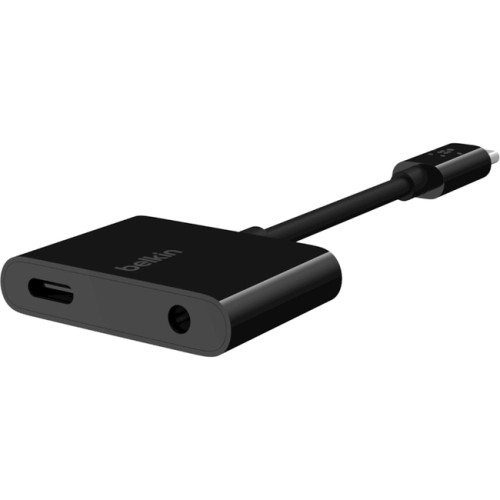 Your price for this item is $95.68
 -
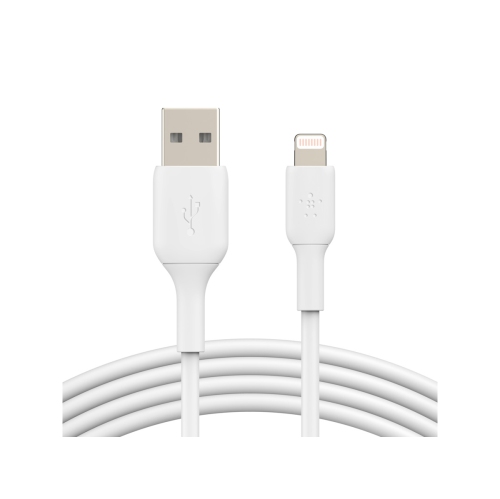 Your price for this item is $33.99
 -
 Your price for this item is $48.99
 -
 Your price for this item is $30.99
 -
 Your price for this item is $61.68
 -
 Your price for this item is $78.99
 -
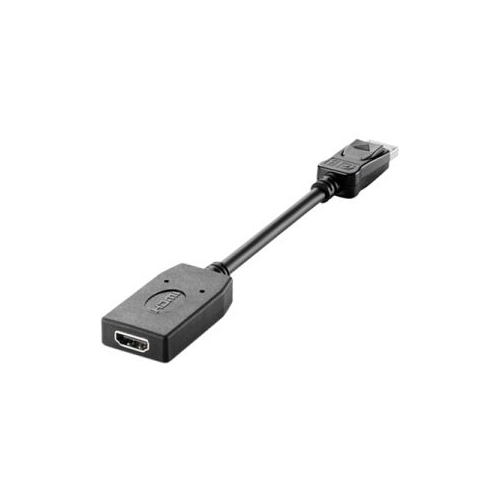 Your price for this item is $42.68
 -
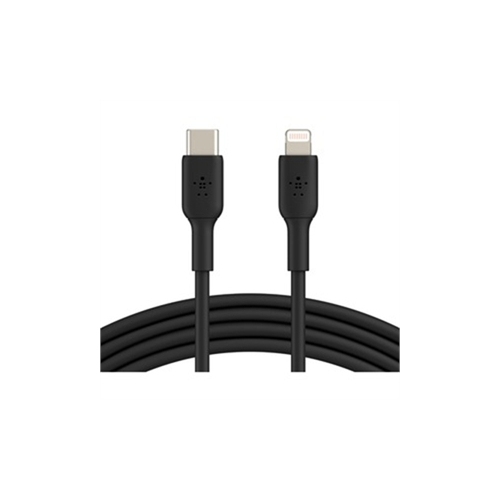 Your price for this item is $65.86
Discover more categories related to HP OfficeJet Pro 8720


Top Collections:
Pokemon Centers, Kindle Devices, Best Budget Office Chairs, Apple iPhones 16, Best Laptops for Writers, iPhone 15 Apple, Canon G7X Cameras, Refurbished Apple Laptops, Alarm Clock, Motorola Razr Phones
Some products may be subject to Environmental Handling Fees
(EHF) depending on your province.
Learn more about EHFs.