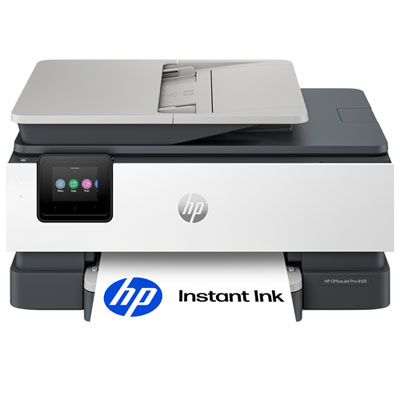
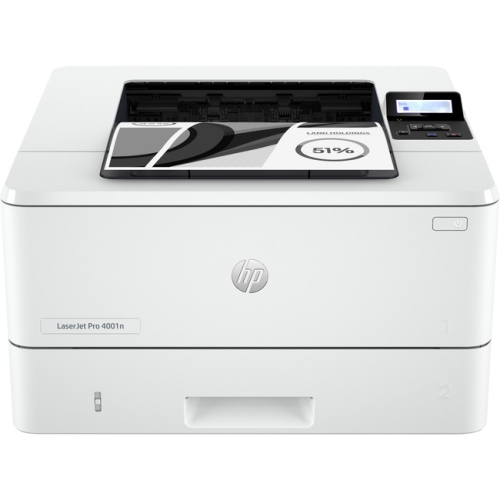
HP Officejet Pro
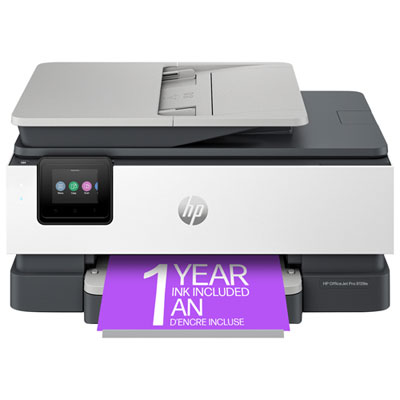
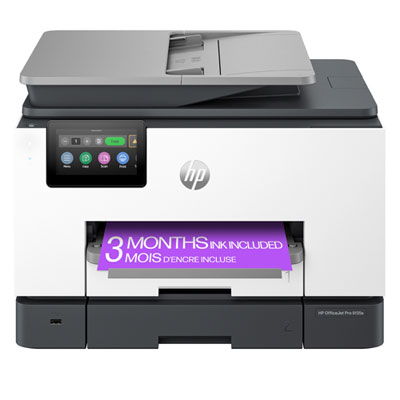
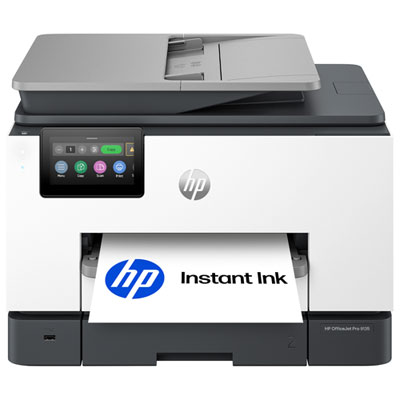
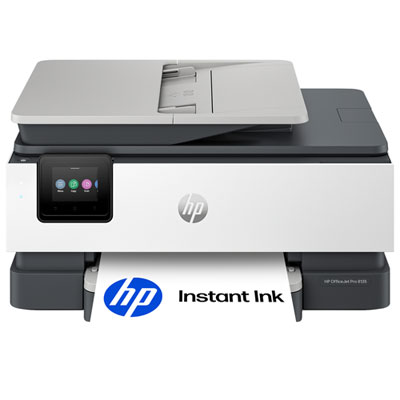
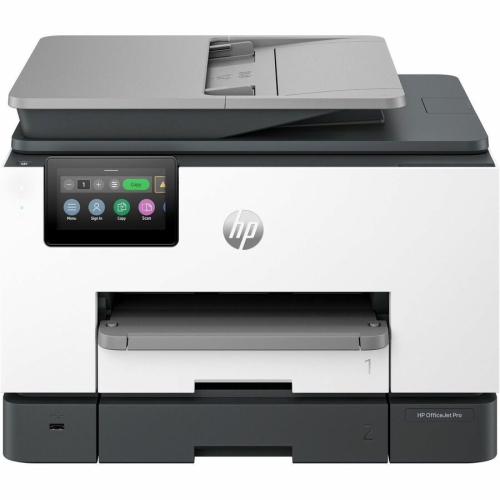
Elevate your productivity with a high-performance all-in-one HP Officejet Pro printer designed for both home offices and small businesses. Experience seamless printing, scanning, copying, and faxing capabilities that cater to your everyday needs with ease and efficiency. Whether you're preparing important documents or creating vibrant marketing materials, this versatile device ensures professional-quality results while optimizing your workflow. With user-friendly features and connectivity options, it integrates effortlessly into any workspace, making it an essential tool for those who demand reliability and precision in their daily operations. Discover how this powerhouse can transform the way you work by combining functionality with cutting-edge technology.


![BESTONER [New Chip] 2 Set Compatible HP 902 Xl Ink Cartridges 902Xl High Yield - HP Officejet](https://multimedia.bbycastatic.ca/multimedia/products/500x500/171/17168/17168599.jpeg)

Practical printing support for home offices and small businesses
The most important starting point is your expected print volume. A compact unit may be a comfortable fit for occasional household printing, a student desk, or a home office that produces correspondence and short reports, while a higher-capacity model is better suited to a small business, shared workspace, or busy family that prints throughout the week. Consider how many pages you normally produce in a month, along with the busiest periods you can reasonably expect. A printer that handles routine forms with ease may feel less convenient if it is regularly asked to produce large proposals, invoices, classroom packages, or event materials. Print speed, input-tray capacity, and the size of the automatic document feeder can make a noticeable difference when several people rely on the same machine. Colour quality matters as well: text should be sharp and easy to read, while charts, logos, photographs, and presentation graphics benefit from even colour and clear detail. If your work involves larger layouts, check whether you need wide-format printing for 11-by-17-inch pages, since not every all-in-one printer supports paper beyond standard letter and legal sizes. It is also worth confirming whether faxing is included if your work depends on sending signed forms or receiving documents through a traditional fax line. For many users, the ideal arrangement includes automatic duplex printing, wireless networking, a clear touchscreen, and straightforward controls that do not require a manual every time a new task comes up. Think about the physical space around the printer, too. Leave enough room to open paper trays, lift the scanner lid, replace ink cartridges, and remove printed pages without bumping into nearby monitors or shelving. A quiet, well-organized corner can turn printing from an interruption into a smooth part of the workday.
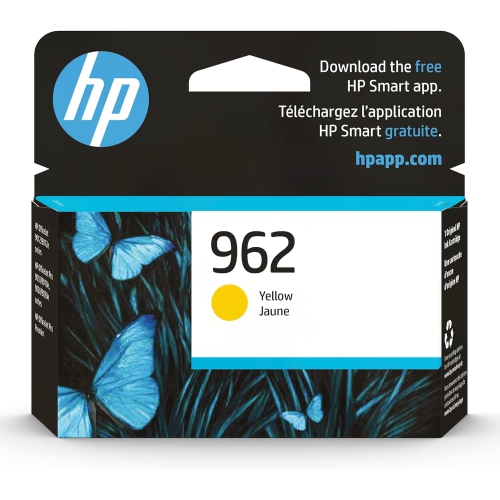
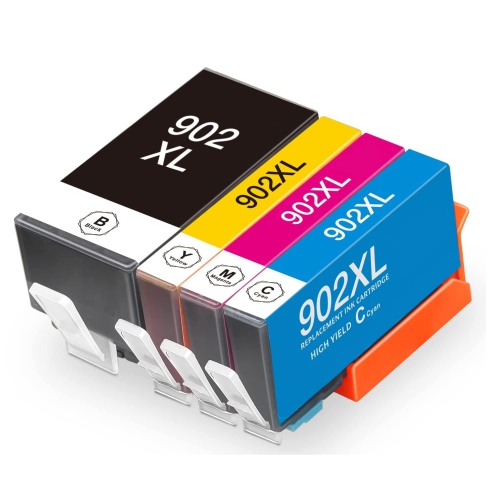
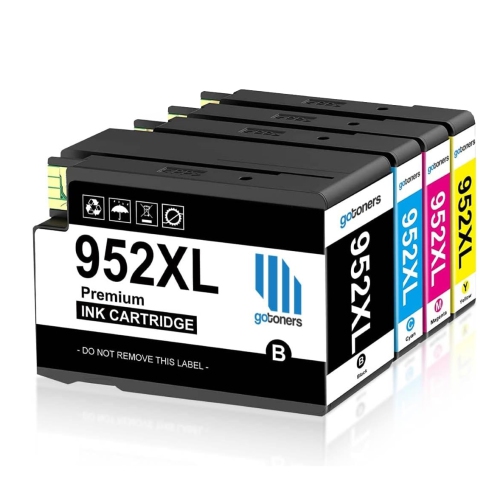
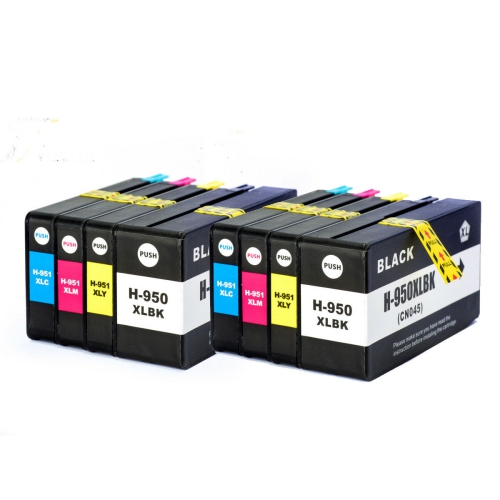
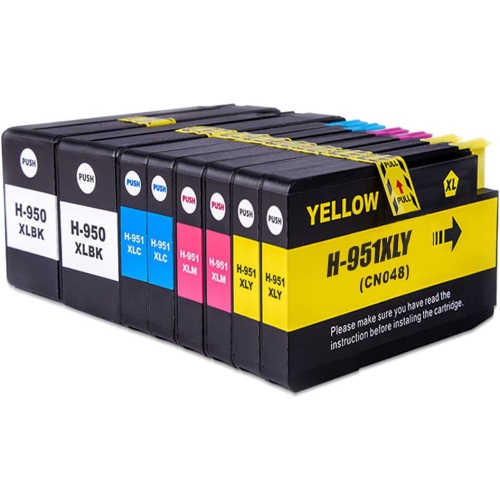
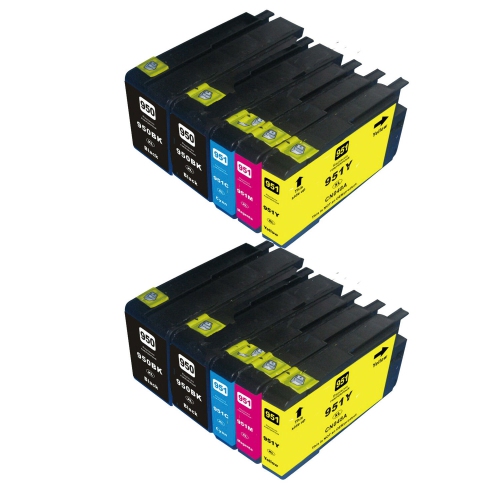
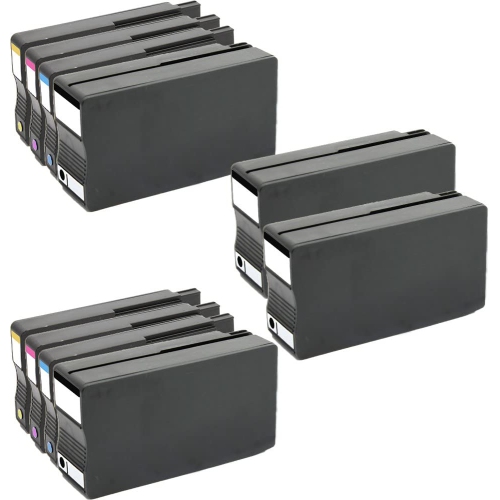
Ink management should be part of the purchase decision, particularly for anyone printing frequently. Look at the cost and availability of replacement cartridges, the estimated page yield, and whether the printer uses separate cartridges for each colour. Individual colour cartridges can be convenient because you may replace only the colour that has run low rather than changing every cartridge at once. Some eligible printers also support automatic ink delivery subscriptions, which can arrange replacement supplies based on usage; this may suit a busy office that cannot afford an unexpected pause, though occasional users may prefer buying cartridges as needed. Features such as automatic low-ink alerts, print-quality maintenance, and easy cartridge access are small conveniences that become valuable over time. Security and sharing deserve attention in a workplace or connected household: use a protected wireless network, review the available privacy settings, and place the printer where confidential documents will not sit unattended in the output tray. These printers can be useful gifts for a university student moving into a first apartment, a family member working from home, or someone starting a small service business that needs professional-looking paperwork without visiting a print shop. They are equally helpful for households managing school projects, travel forms, recipes, receipts, and personal records. Before choosing, compare the intended monthly volume, preferred paper sizes, colour requirements, scanning needs, fax requirements, connectivity options, and available desk space. Matching those everyday details to the printer’s capabilities is the best way to find an OfficeJet Pro solution that feels responsive during a quick single-page task and capable when a full stack of documents needs attention.
Top selling and popular products
-
 Your price for this item is $109.99
 -
 Your price for this item is $40.99
 -
 Your price for this item is $101.99
 -
 Your price for this item is $129.99
 -
 Your price for this item is $109.99
 -
 Your price for this item is $89.99
 -
 Your price for this item is $90.99
 -
 Your price for this item is $57.99