Inkjet Papers
When it comes to printing vibrant photos, detailed graphics, or professional documents, having the right inkjet paper can make all the difference. Inkjet paper is specifically designed to work with inkjet printers, ensuring crisp and clear printouts every time. Whether you're a photography enthusiast looking to showcase your latest shots or a business professional in need of high-quality prints for presentations, choosing the right inkjet paper is essential. Explore our selection of inkjet paper to find the perfect match for your printing needs.
Sort
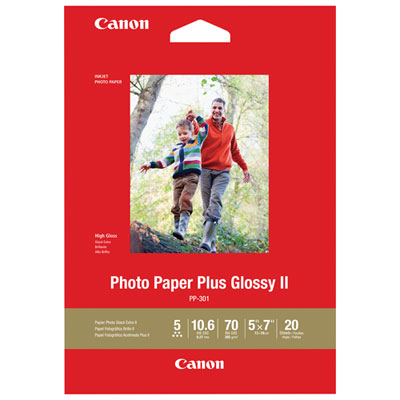

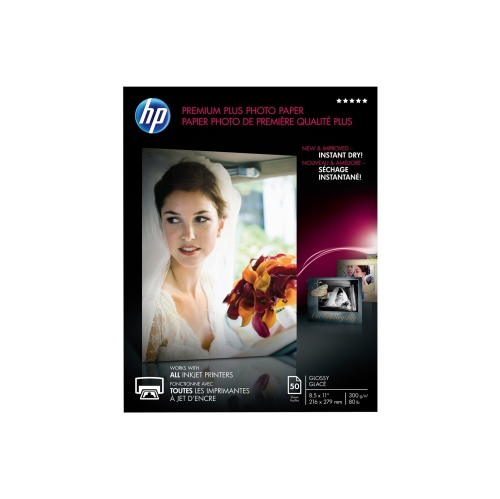
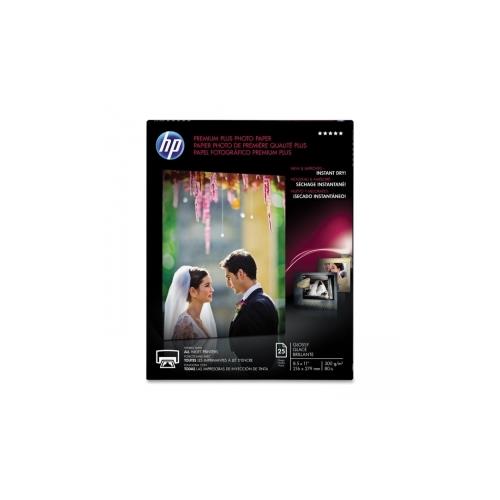

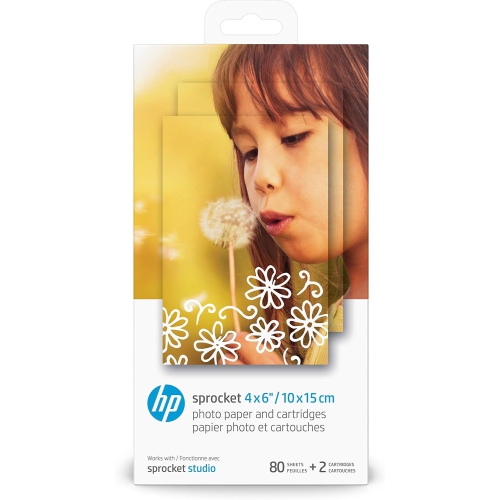
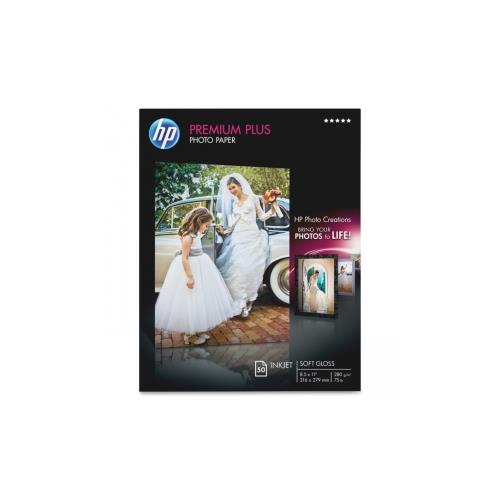


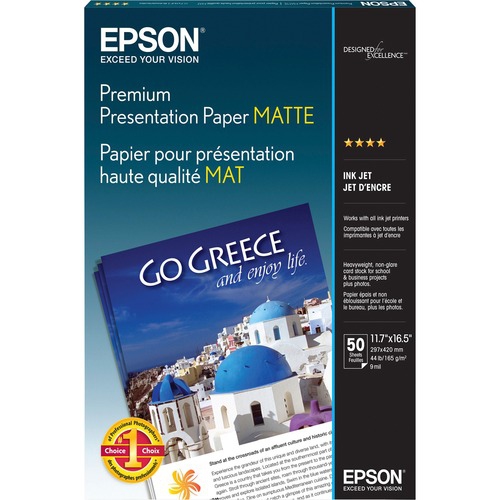

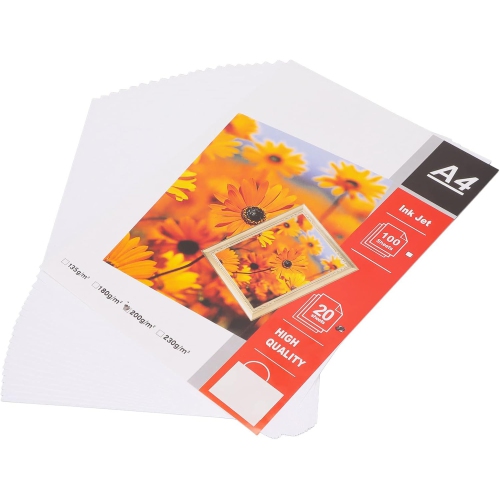
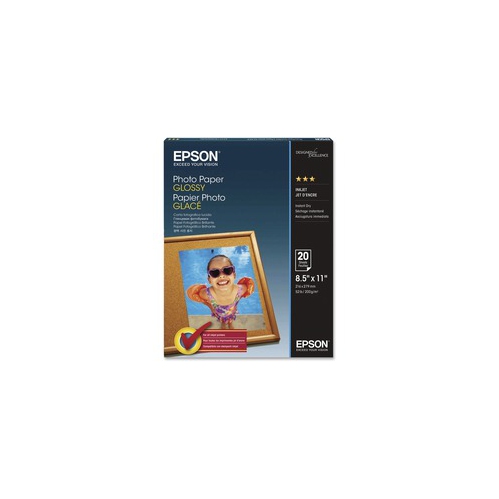

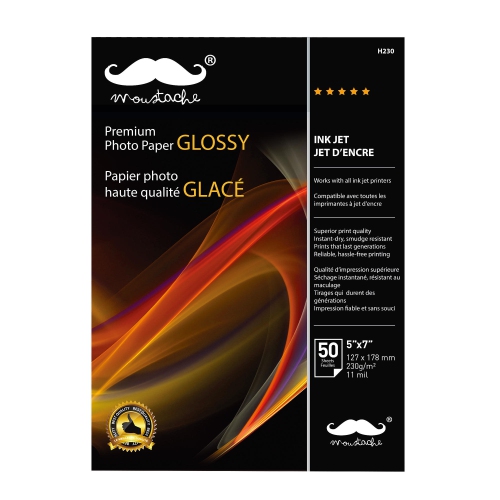


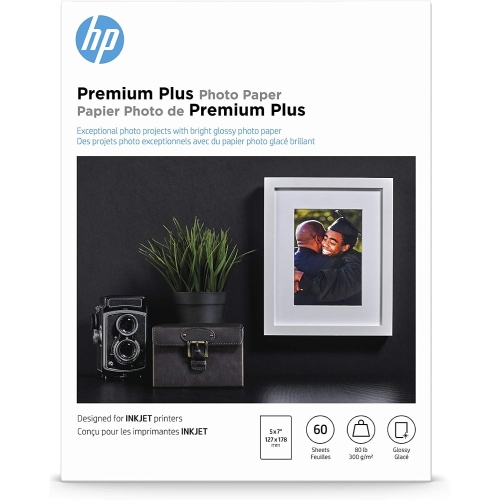


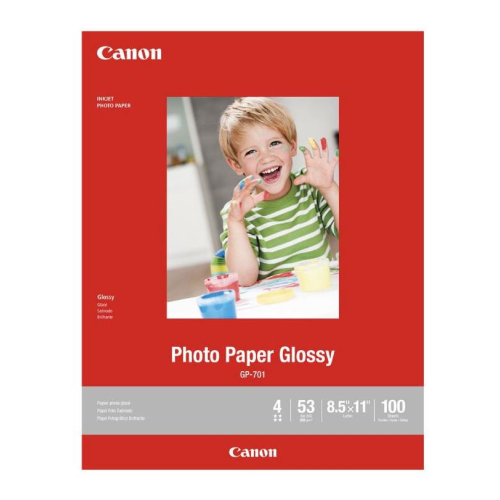
Why sharper prints start with the paper surface
Inkjet papers are designed to work with the liquid inks used in inkjet printers, helping text, graphics, and photographs appear clear and well defined. Their surface treatment or coating controls how ink spreads and absorbs, reducing the fuzzy edges known as feathering and helping neighbouring colours stay distinct. Not every sheet has the same construction: everyday inkjet-compatible paper may have a relatively simple treatment, while photo and presentation papers typically have specialized coatings suited to heavier ink coverage. The difference becomes noticeable when a page contains more than text. A school report with charts, a restaurant menu with colour illustrations, or a family photograph with deep shadows can each benefit from a surface matched to the content. Everyday paper suits correspondence, worksheets, drafts, and other documents handled frequently. Presentation paper offers a more substantial feel for proposals, portfolios, handouts, and graphics that need to remain easy to read. Photo paper is intended for images where colour depth, fine detail, and smooth tonal transitions matter. The range of Inkjet Printer Papers includes different formats and finishes for these distinct tasks, so the most useful choice depends on what the finished page needs to do. A document meant for handwritten notes calls for different qualities than a print intended for a frame. Paper colour also affects the result: a bright white surface can make text and colours appear more striking, while a warmer white can give portraits or artwork a softer appearance. Brightness and whiteness are related but different measurements, so a higher brightness figure alone does not guarantee a better-looking photograph. Opacity matters for documents printed on both sides because it helps prevent text and images on the reverse from showing through. For home offices, classrooms, creative workspaces, and small businesses, matching these qualities to the task makes the printed result more predictable and useful.
Surface finish shapes both the appearance of an inkjet print and the way it feels in the hand. Matte inkjet paper has little surface glare, making it well suited to text-heavy layouts, diagrams, illustrated presentations, and artwork viewed under direct lighting. It can also provide a softer photographic look, particularly where an image relies on delicate tones rather than a reflective sheen. Glossy photo paper has a smooth, shiny surface that can emphasize colour saturation, contrast, and deep blacks, making it a familiar choice for snapshots and detailed photographs. That shine can also reveal fingerprints and reflect nearby lights. Satin, semi-gloss, and lustre finishes offer varying degrees of sheen between matte and high gloss; their exact texture differs by paper range. A lightly textured surface can make handling marks less noticeable while retaining much of the richness associated with photo printing. Beyond finish, paper weight and thickness influence how a sheet feeds, folds, and holds its shape. Weight is often expressed in grams per square metre, or gsm, and sometimes in pounds. Pound ratings can refer to different paper categories, so they are not always directly comparable; gsm provides a more consistent basis for comparing sheet weight. Thickness is a separate specification and is especially important when checking a printer’s media limits. A heavier sheet may feel better suited to a certificate or display print, but it is not automatically compatible with every paper tray or feed path. Letter-size paper in the 8.5 x 11 inch format is useful for everyday documents, while smaller photo formats suit albums, framed snapshots, and picture gifts. Larger sheets can accommodate portfolios or artwork when the printer supports them. For folded cards, brochures, and double-sided layouts, the paper also needs the appropriate printable surfaces. A sheet coated on one side should not be assumed to produce the same result on its reverse, even when both sides look white.
Printer compatibility is as important as the paper’s appearance. Inkjet and laser papers are not interchangeable by default: laser printing uses heat to fuse toner, while inkjet printing places liquid ink onto the sheet. A paper labelled for one process should only be used in the other when the manufacturer explicitly supports both. Within inkjet printing, compatibility can also depend on the printer model, ink type, supported sheet dimensions, and maximum media thickness. Some photographic and fine art papers are designed for particular dye-based or pigment-based ink systems, and those differences can affect colour, surface appearance, and print longevity. The paper-type setting in the print menu matters because it helps the printer adjust ink delivery and other handling parameters. A glossy sheet printed with a plain-paper setting may not deliver its intended image quality, while an unsuitable setting can leave excess ink on the surface. For colour-sensitive photographs and artwork, a paper-specific colour profile, when supplied and supported, can help produce more consistent results. Good handling protects that result after printing. Clean, dry hands and contact at the edges help keep oils and marks off coated surfaces. Fresh prints may feel dry before they are ready for stacking, framing, or placing in album sleeves, so the paper manufacturer’s drying guidance remains important. Unused sheets are best kept flat in their original packaging, away from moisture and direct sunlight, to help limit curling and surface damage. For keepsakes, acid-free paper and suitable storage materials can support longer-term preservation, although fading resistance also depends on the ink, light exposure, and display conditions. A photo-paper coating does not automatically make a print waterproof. Whether the finished piece is a student portfolio, a client presentation, a family album, or a framed gift, a suitable combination of paper, printer settings, and handling helps preserve the details that made it worth printing.
Surface finish shapes both the appearance of an inkjet print and the way it feels in the hand. Matte inkjet paper has little surface glare, making it well suited to text-heavy layouts, diagrams, illustrated presentations, and artwork viewed under direct lighting. It can also provide a softer photographic look, particularly where an image relies on delicate tones rather than a reflective sheen. Glossy photo paper has a smooth, shiny surface that can emphasize colour saturation, contrast, and deep blacks, making it a familiar choice for snapshots and detailed photographs. That shine can also reveal fingerprints and reflect nearby lights. Satin, semi-gloss, and lustre finishes offer varying degrees of sheen between matte and high gloss; their exact texture differs by paper range. A lightly textured surface can make handling marks less noticeable while retaining much of the richness associated with photo printing. Beyond finish, paper weight and thickness influence how a sheet feeds, folds, and holds its shape. Weight is often expressed in grams per square metre, or gsm, and sometimes in pounds. Pound ratings can refer to different paper categories, so they are not always directly comparable; gsm provides a more consistent basis for comparing sheet weight. Thickness is a separate specification and is especially important when checking a printer’s media limits. A heavier sheet may feel better suited to a certificate or display print, but it is not automatically compatible with every paper tray or feed path. Letter-size paper in the 8.5 x 11 inch format is useful for everyday documents, while smaller photo formats suit albums, framed snapshots, and picture gifts. Larger sheets can accommodate portfolios or artwork when the printer supports them. For folded cards, brochures, and double-sided layouts, the paper also needs the appropriate printable surfaces. A sheet coated on one side should not be assumed to produce the same result on its reverse, even when both sides look white.
Printer compatibility is as important as the paper’s appearance. Inkjet and laser papers are not interchangeable by default: laser printing uses heat to fuse toner, while inkjet printing places liquid ink onto the sheet. A paper labelled for one process should only be used in the other when the manufacturer explicitly supports both. Within inkjet printing, compatibility can also depend on the printer model, ink type, supported sheet dimensions, and maximum media thickness. Some photographic and fine art papers are designed for particular dye-based or pigment-based ink systems, and those differences can affect colour, surface appearance, and print longevity. The paper-type setting in the print menu matters because it helps the printer adjust ink delivery and other handling parameters. A glossy sheet printed with a plain-paper setting may not deliver its intended image quality, while an unsuitable setting can leave excess ink on the surface. For colour-sensitive photographs and artwork, a paper-specific colour profile, when supplied and supported, can help produce more consistent results. Good handling protects that result after printing. Clean, dry hands and contact at the edges help keep oils and marks off coated surfaces. Fresh prints may feel dry before they are ready for stacking, framing, or placing in album sleeves, so the paper manufacturer’s drying guidance remains important. Unused sheets are best kept flat in their original packaging, away from moisture and direct sunlight, to help limit curling and surface damage. For keepsakes, acid-free paper and suitable storage materials can support longer-term preservation, although fading resistance also depends on the ink, light exposure, and display conditions. A photo-paper coating does not automatically make a print waterproof. Whether the finished piece is a student portfolio, a client presentation, a family album, or a framed gift, a suitable combination of paper, printer settings, and handling helps preserve the details that made it worth printing.
Top selling and popular products
-
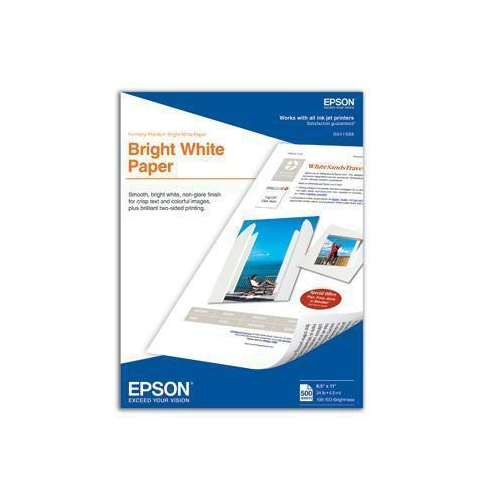 Your price for this item is $33.37
-
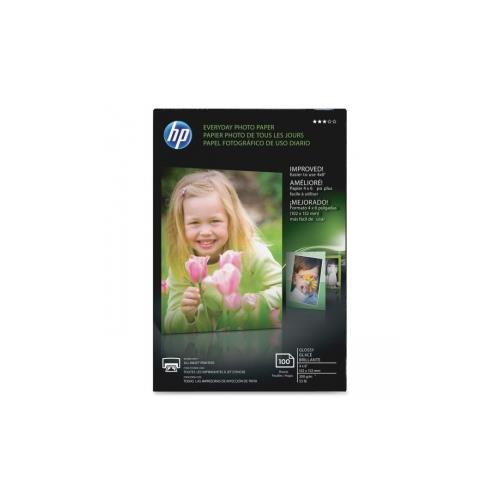 Your price for this item is $24.68
-
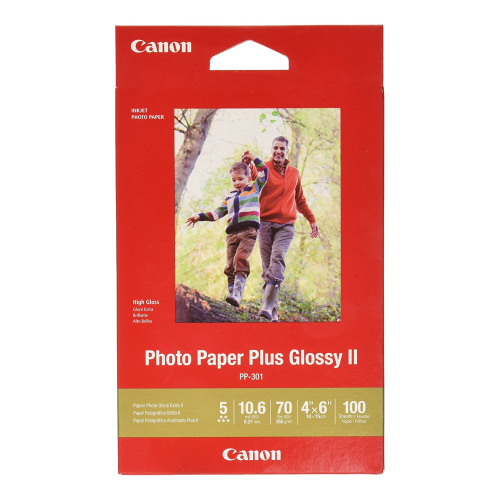 Your price for this item is $43.79
-
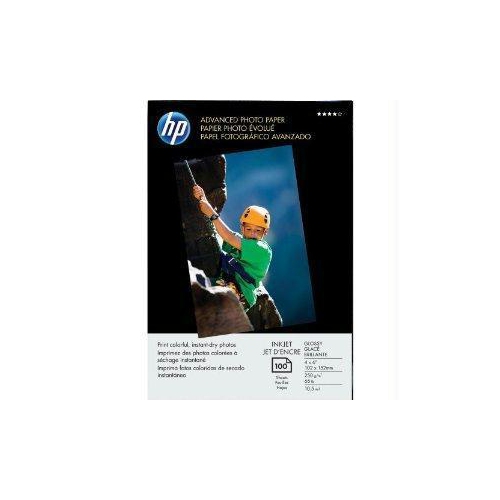 Your price for this item is $31.68
-
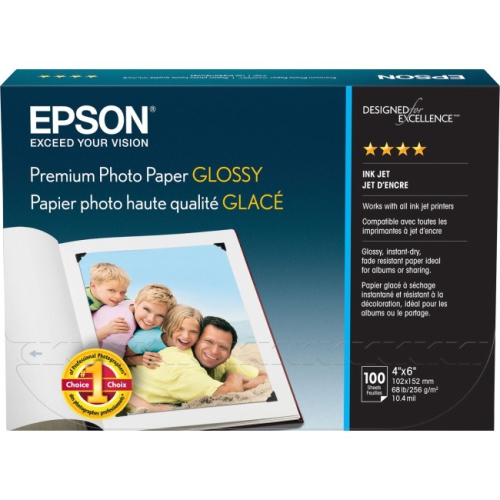 Your price for this item is $24.68
-
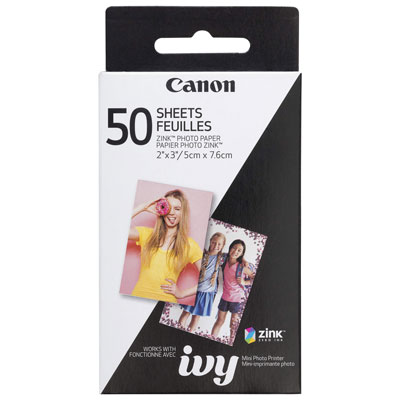 Your price for this item is $39.99
-
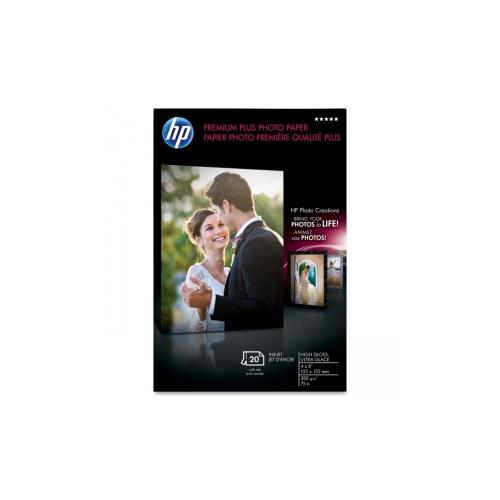 Your price for this item is $28.99
-
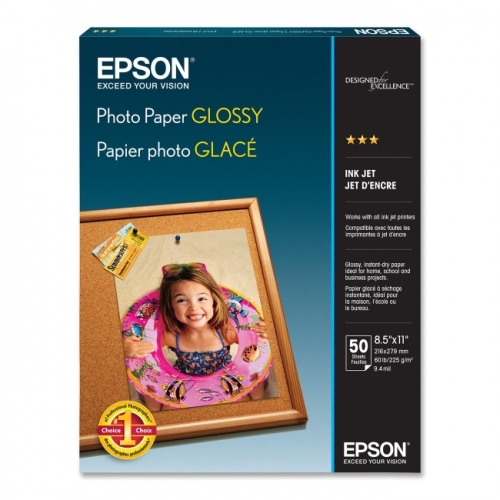 Your price for this item is $65.68
Discover more categories related to Inkjet Papers


Top Collections:
Best Black Friday Deals This Year, Best Black Friday Deals On Electronics, Kindle Devices, Pokemon Centers, Best Black Friday Deals On Apple Products, Best Cameras for Sports Photography, Dyson Airwrap, Pokémon 30th Celebration Cards, Apple iPhone 17 Pro, Canon G7X Cameras
Some products may be subject to Environmental Handling Fees
(EHF) depending on your province.
Learn more about EHFs.