Laser Printer Mailing Labels
Laser printer mailing labels offer a convenient solution for organizing, addressing, and streamlining your mailing tasks. Designed for compatibility with laser printers, these labels provide a professional look for envelopes, packages, and files. Whether you’re preparing bulk mailings or managing everyday correspondence, laser printer mailing labels help ensure clear, crisp results every time. Explore a wide selection to find the right size and quantity for your home office or business needs.
Sort
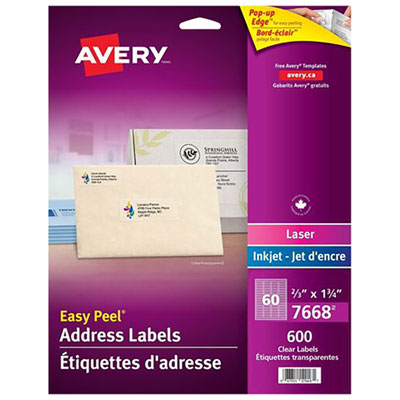
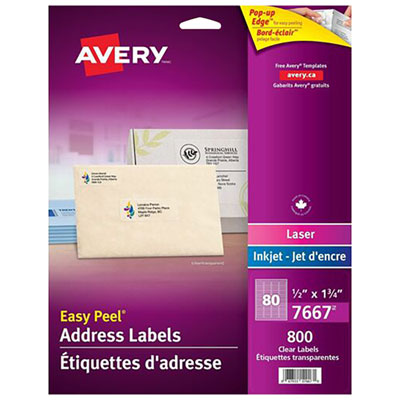

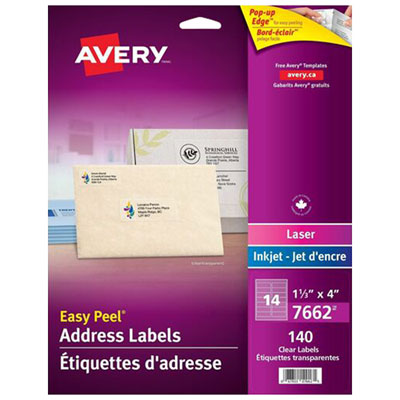
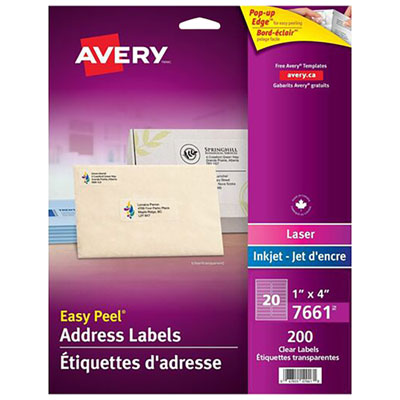


Tips for accurate printing, sizing and secure application
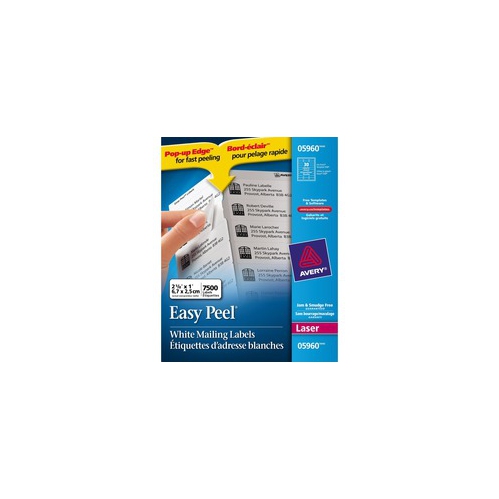
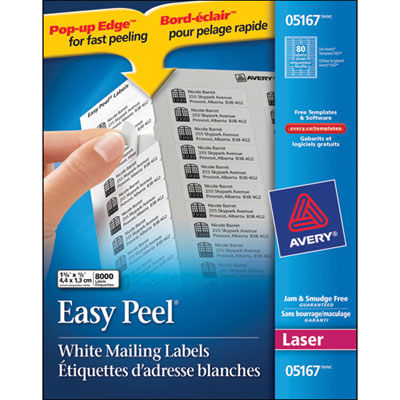
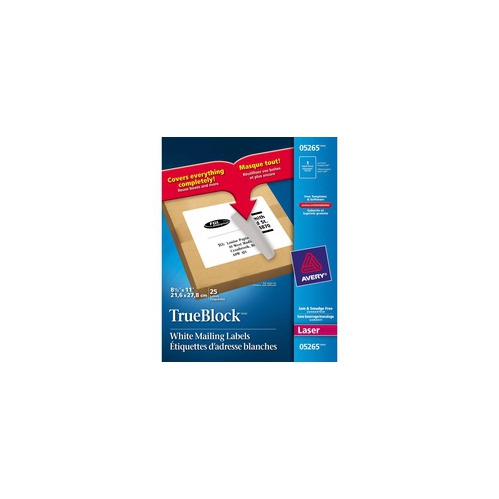
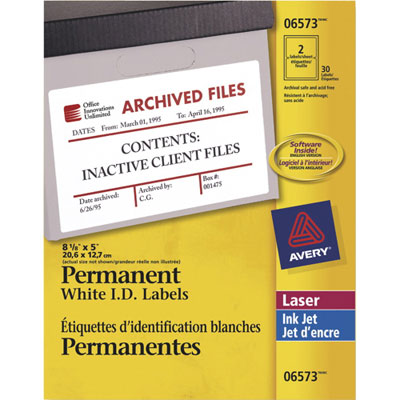
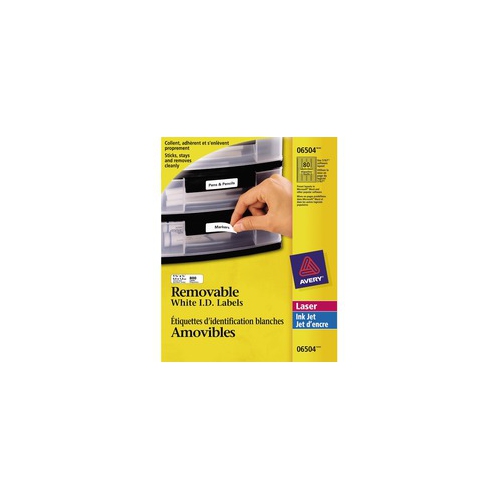
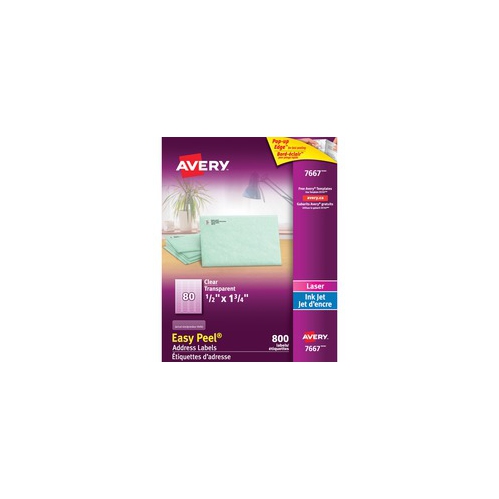
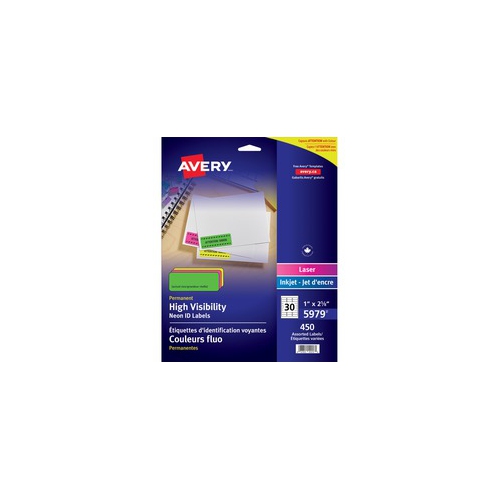
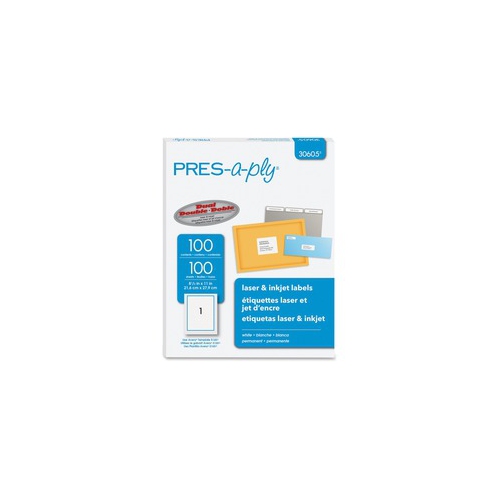
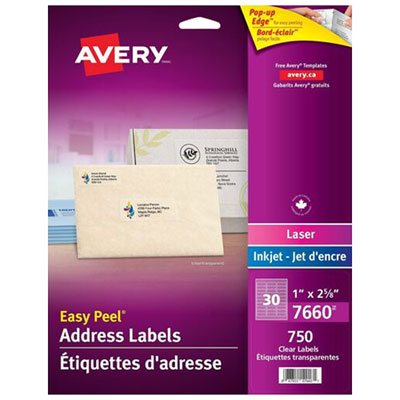
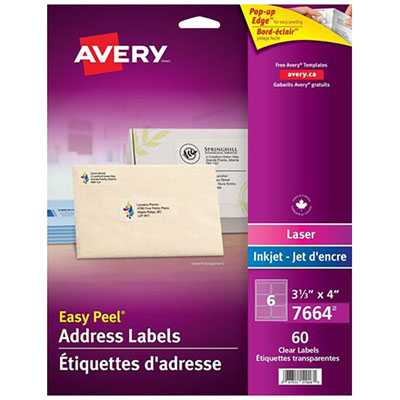
Laser printer mailing labels are a practical choice for organizing outgoing letters, parcels, invitations, return mail and office correspondence with a clean, consistent finish. Designed for use with laser printers, these adhesive sheets allow text, addresses, barcodes and simple graphics to be printed directly onto labels rather than handwritten one envelope at a time. They can be useful in a home office, small business, classroom, community group or busy household where several pieces of mail need to be prepared together. A neat address label can also make a thoughtful addition to a stationery set or home-office gift, especially for someone who enjoys sending cards, managing a side business or keeping family correspondence organized. Before choosing a pack, consider the type of mail you send most often. Standard address labels are commonly around 1 inch by 2-5/8 inches and often provide 30 labels per sheet, making them suitable for envelopes, small parcels and return addresses. Larger shipping labels, often around 2 inches by 4 inches or 4 inches by 2 inches, provide more room for delivery addresses, tracking details and barcodes on boxes or padded mailers. Smaller formats can work well for return addresses or brief sender information, while larger formats are easier to read at a glance and better suited to packages that may be handled several times during delivery. Clear address labels can offer a subtle, polished appearance when you want the envelope or packaging to remain visible, and you can explore Clear Address Labels for Laser Printers when that finish suits your mailing project. Check the label dimensions against your printer software and envelope size before ordering, since a template intended for one sheet layout may not line up correctly with another.
The quantity in a pack is another important consideration. A smaller pack can be a sensible fit for occasional household mailing, seasonal cards, school projects or personal paperwork, while a larger pack is more convenient for businesses, clubs, online sellers and anyone who prints labels regularly. Buying the correct format in a suitable quantity helps keep your workspace ready for routine tasks without interrupting a mailing session to search for more supplies. Look for sheets with a smooth, printer-friendly surface and an adhesive designed for envelopes, paper mailers, boxes or other compatible materials. The labels should lift cleanly from their backing and remain securely attached once applied, without curling at the edges or obscuring key information. For a professional-looking result, use a label template that matches the product’s sheet layout and leave enough margin around text, logos and barcodes. Dark, legible type generally scans and reads more easily than very light or decorative lettering, while a simple font and clear spacing can be especially helpful for older recipients, busy mailrooms and delivery personnel. When printing a full sheet, start with a test page on regular paper. Place the test page behind the label sheet and hold both up to a light source to check whether the text sits inside each label’s borders. This quick step can prevent a page of addresses from being printed too high, too low or across the spaces between labels. It is also worth confirming that the address data is complete, including apartment or unit numbers, postal codes and any additional delivery instructions required for the destination.
For dependable results, adjust the printer settings before sending the final job. Select a paper type such as “labels,” “heavy” or “cardstock” when that option is available, as the appropriate setting can help the printer handle the sheet correctly and allow the laser printing process to bond properly to the label surface. If the printer includes a manual feed or multipurpose tray, it may provide a straighter path through the machine and reduce the chance of jams, particularly with thicker sheets. Feed labels according to the printer’s instructions, and avoid sending a sheet through multiple times after it has already passed through the printer, since heat and pressure can affect the adhesive. Store unused sheets flat in their original packaging, away from excessive heat, moisture and direct sunlight, so they remain smooth and ready to feed. Applying labels to clean, dry, flat surfaces will also help them stay in place. For envelopes, position the label evenly and press across the centre and edges; for parcels, avoid seams, folds, rough fabric or areas covered with tape. Laser printer mailing labels are especially useful during the cooler months, when households may be preparing greeting cards, returning purchases, organizing paperwork or sending care packages, and they remain just as useful for everyday business mail throughout the year. With the right size, finish, quantity and printer settings, they can turn a crowded stack of envelopes or parcels into an orderly mailing station with less handwriting, fewer alignment errors and a more polished presentation.
The quantity in a pack is another important consideration. A smaller pack can be a sensible fit for occasional household mailing, seasonal cards, school projects or personal paperwork, while a larger pack is more convenient for businesses, clubs, online sellers and anyone who prints labels regularly. Buying the correct format in a suitable quantity helps keep your workspace ready for routine tasks without interrupting a mailing session to search for more supplies. Look for sheets with a smooth, printer-friendly surface and an adhesive designed for envelopes, paper mailers, boxes or other compatible materials. The labels should lift cleanly from their backing and remain securely attached once applied, without curling at the edges or obscuring key information. For a professional-looking result, use a label template that matches the product’s sheet layout and leave enough margin around text, logos and barcodes. Dark, legible type generally scans and reads more easily than very light or decorative lettering, while a simple font and clear spacing can be especially helpful for older recipients, busy mailrooms and delivery personnel. When printing a full sheet, start with a test page on regular paper. Place the test page behind the label sheet and hold both up to a light source to check whether the text sits inside each label’s borders. This quick step can prevent a page of addresses from being printed too high, too low or across the spaces between labels. It is also worth confirming that the address data is complete, including apartment or unit numbers, postal codes and any additional delivery instructions required for the destination.
For dependable results, adjust the printer settings before sending the final job. Select a paper type such as “labels,” “heavy” or “cardstock” when that option is available, as the appropriate setting can help the printer handle the sheet correctly and allow the laser printing process to bond properly to the label surface. If the printer includes a manual feed or multipurpose tray, it may provide a straighter path through the machine and reduce the chance of jams, particularly with thicker sheets. Feed labels according to the printer’s instructions, and avoid sending a sheet through multiple times after it has already passed through the printer, since heat and pressure can affect the adhesive. Store unused sheets flat in their original packaging, away from excessive heat, moisture and direct sunlight, so they remain smooth and ready to feed. Applying labels to clean, dry, flat surfaces will also help them stay in place. For envelopes, position the label evenly and press across the centre and edges; for parcels, avoid seams, folds, rough fabric or areas covered with tape. Laser printer mailing labels are especially useful during the cooler months, when households may be preparing greeting cards, returning purchases, organizing paperwork or sending care packages, and they remain just as useful for everyday business mail throughout the year. With the right size, finish, quantity and printer settings, they can turn a crowded stack of envelopes or parcels into an orderly mailing station with less handwriting, fewer alignment errors and a more polished presentation.
Top selling and popular products
-
 Your price for this item is $26.68
 -
 Your price for this item is $70.99
 -
 Your price for this item is $70.99
 -
 Your price for this item is $64.99
 -
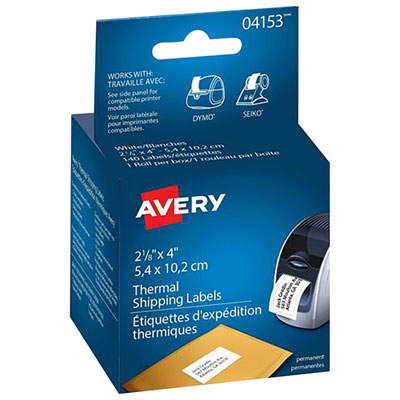 Your price for this item is $30.99
 -
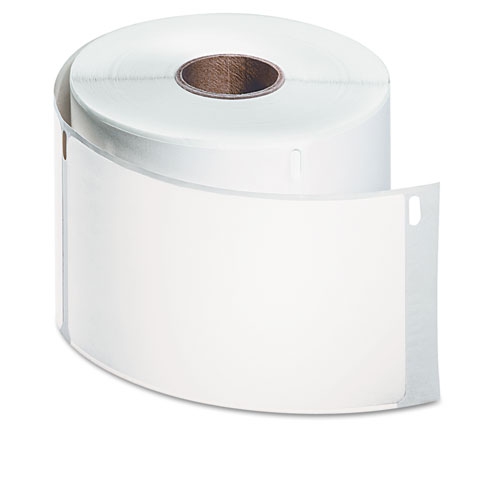 Your price for this item is $26.99
 -
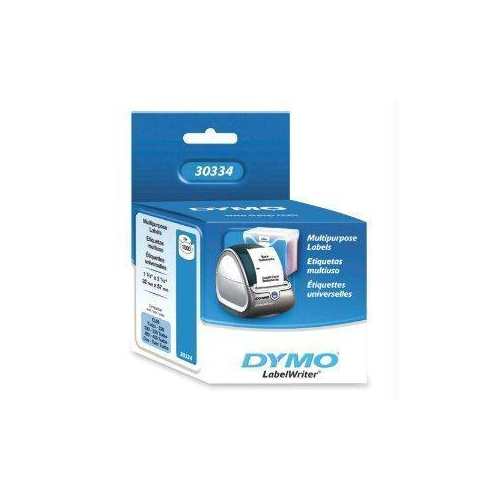 Your price for this item is $76.68
 -
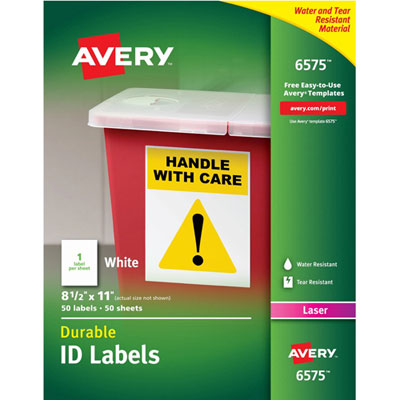 Your price for this item is $70.99
Discover more categories related to Laser Printer Mailing Labels
Top Collections:
Pokemon Centers, Kindle Devices, Best Budget Office Chairs, Apple iPhones 16, Best Laptops for Writers, iPhone 15 Apple, Canon G7X Cameras, Refurbished Apple Laptops, Alarm Clock, Motorola Razr Phones
Some products may be subject to Environmental Handling Fees
(EHF) depending on your province.
Learn more about EHFs.