Lecture Recorders
Capture every word with precision and clarity using high-quality lecture recorders, perfect for students, professionals, or anyone who wants to ensure they never miss a moment. Whether you're attending a lecture, conducting an interview, or participating in a meeting, these devices are designed to deliver exceptional audio performance in various settings. With user-friendly features and compact designs, lecture recorders offer the convenience of portability without compromising on sound quality. Explore a range of options that cater to different needs and preferences, making it easier than ever to stay organized and efficient in your note-taking endeavors.
Sort
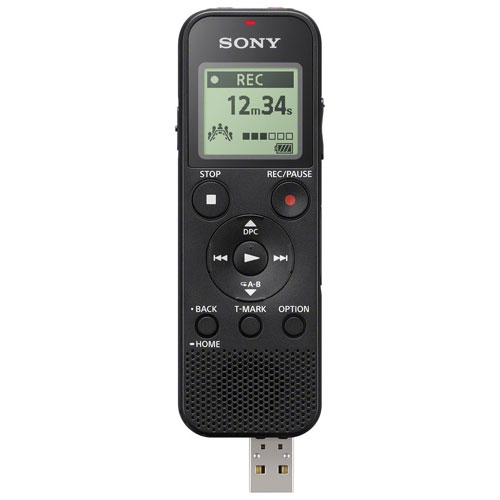
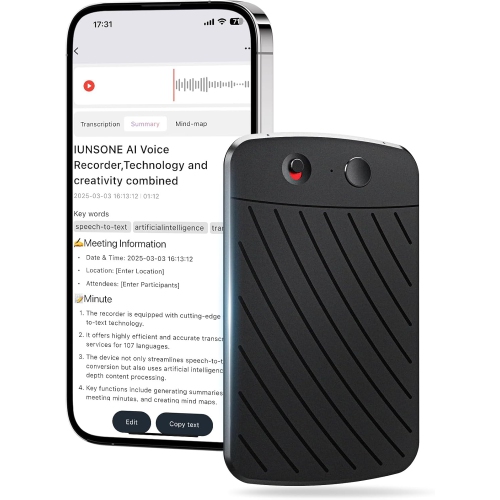
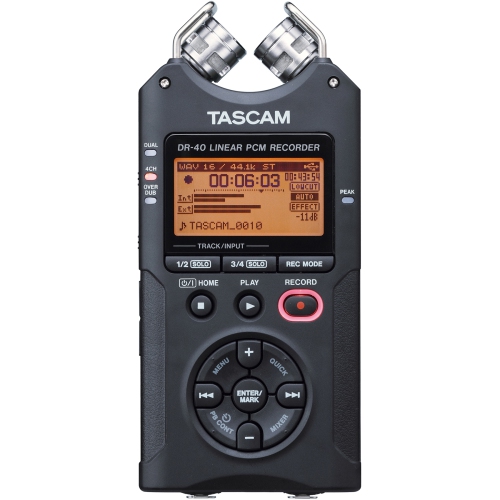
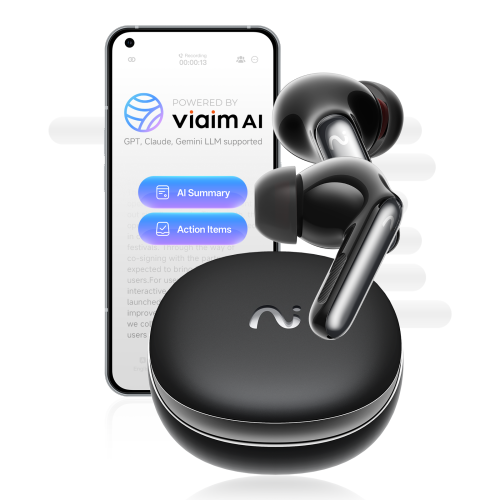
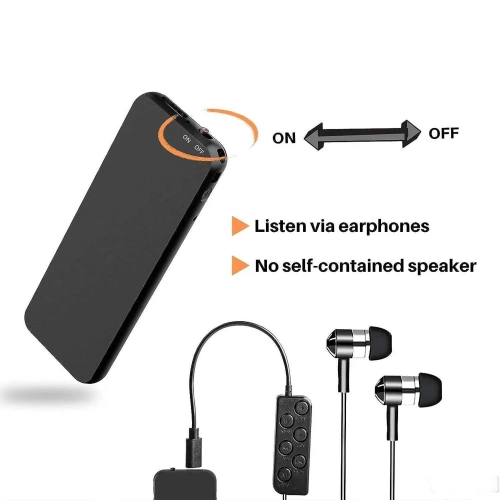
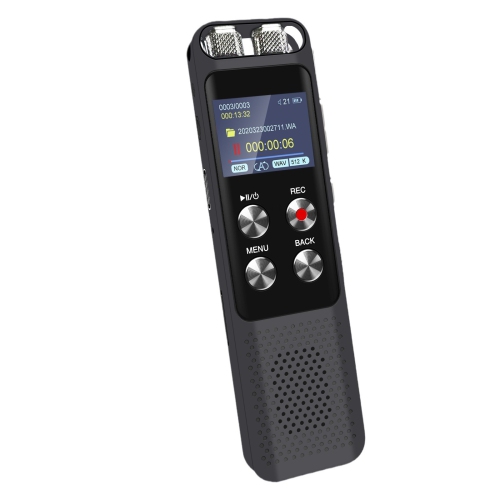
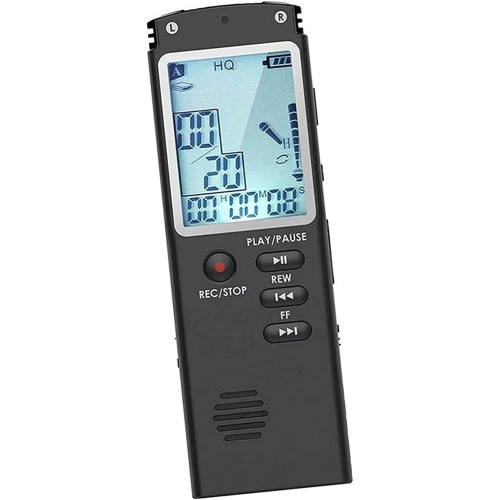
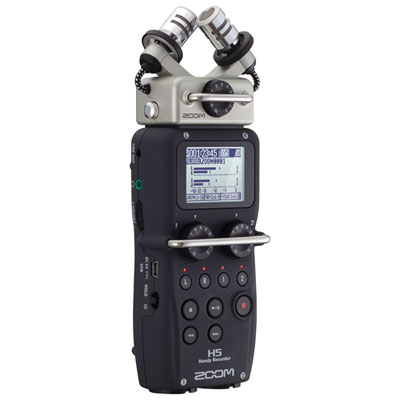
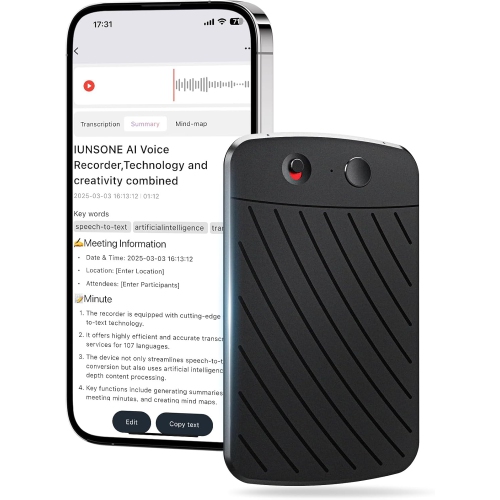
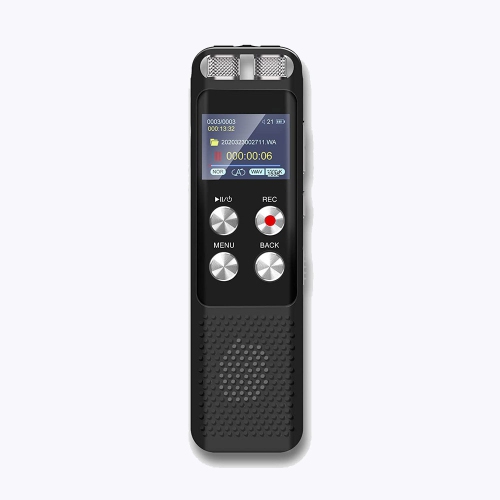
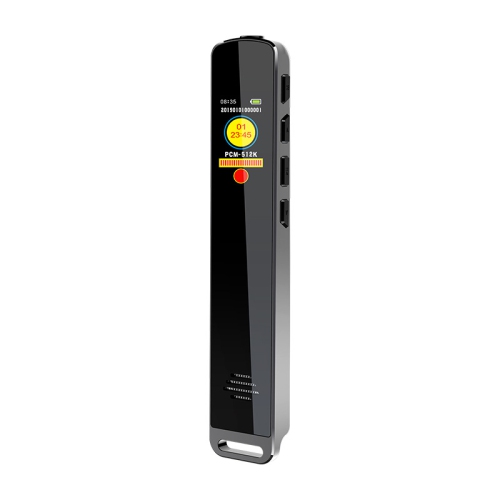
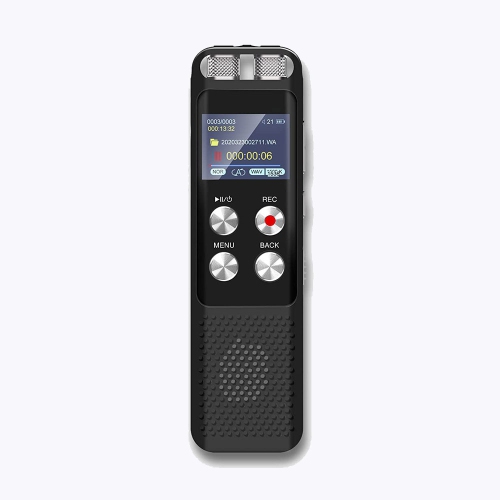


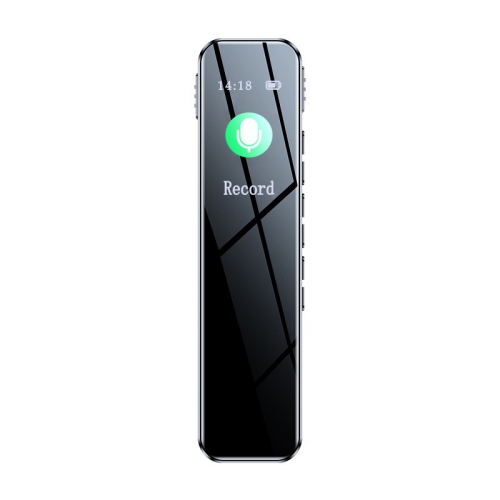
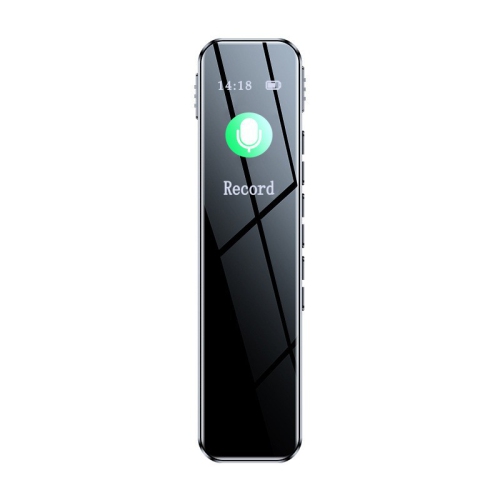
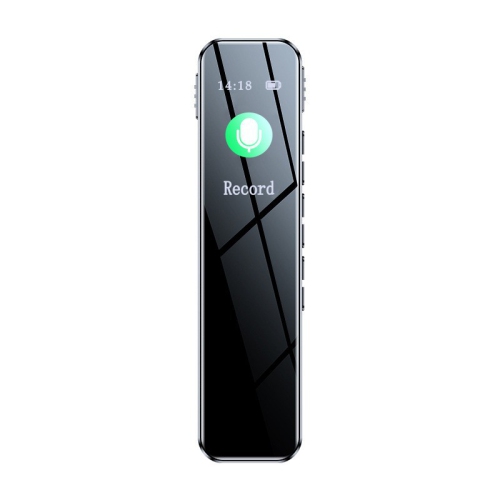
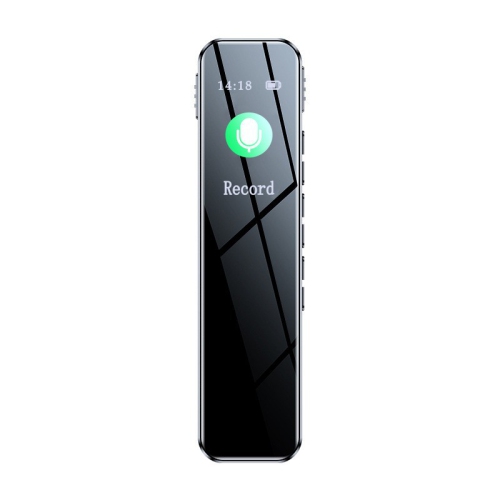
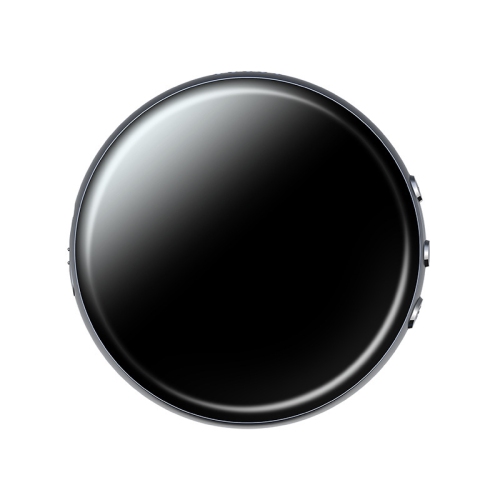
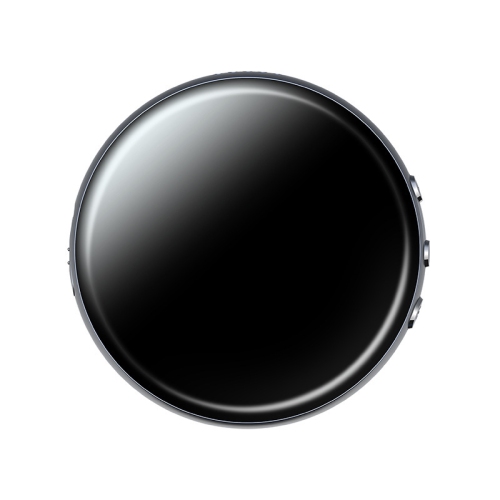
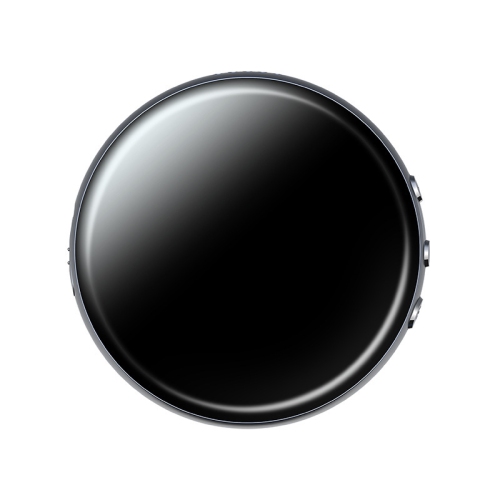
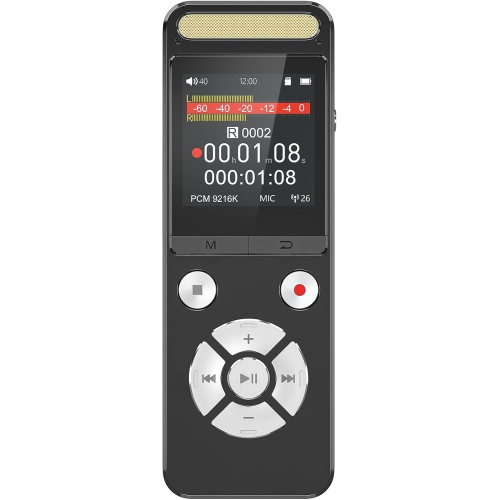
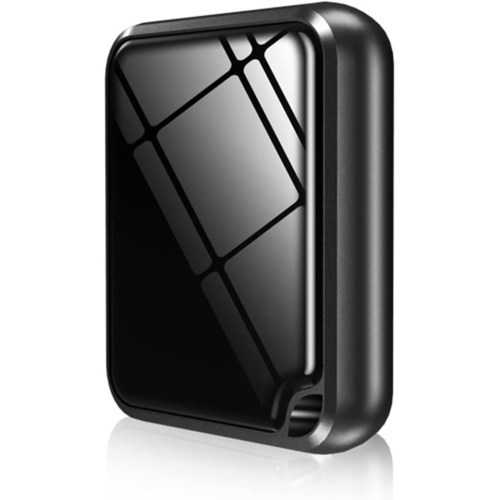
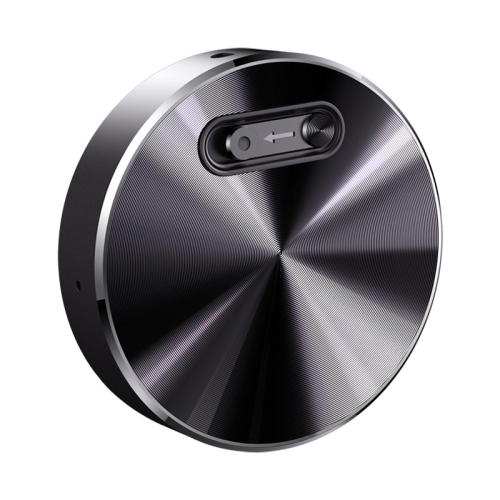
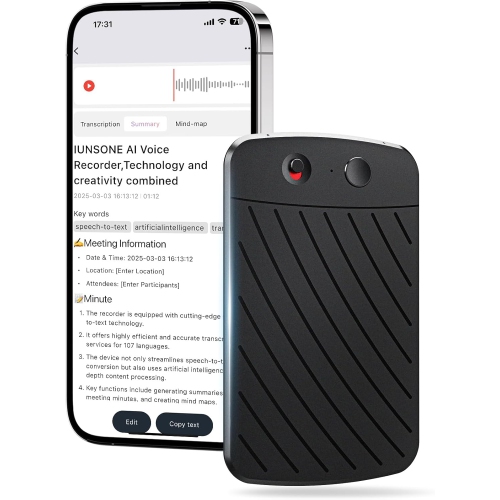
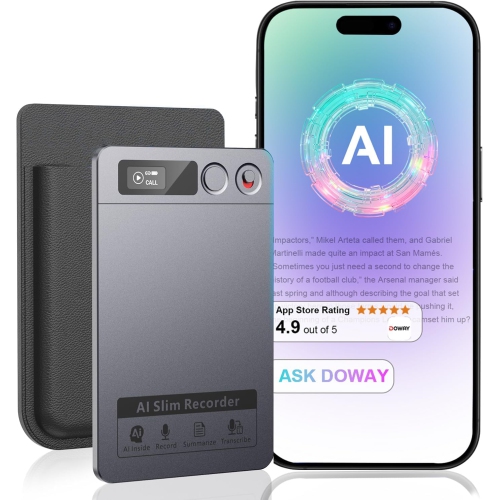
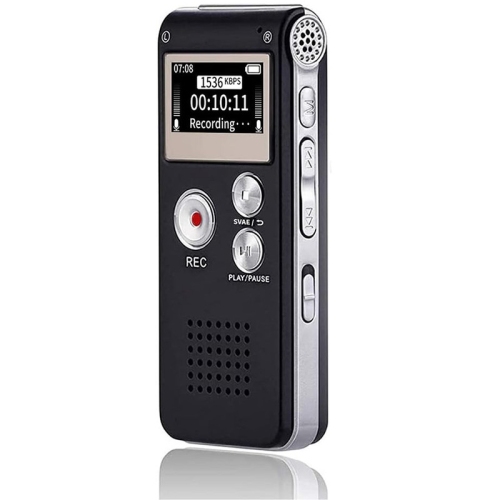
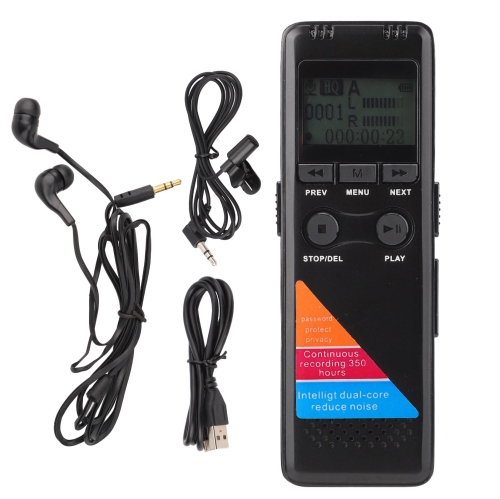
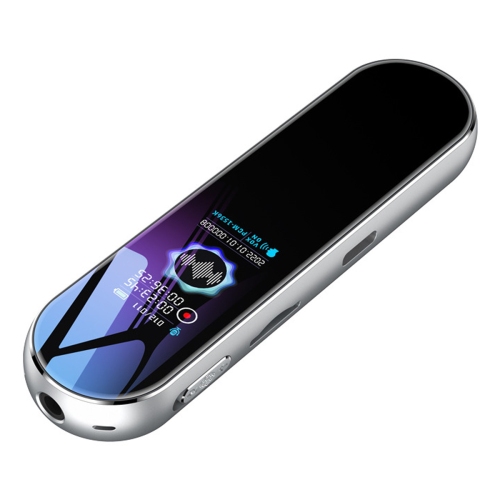
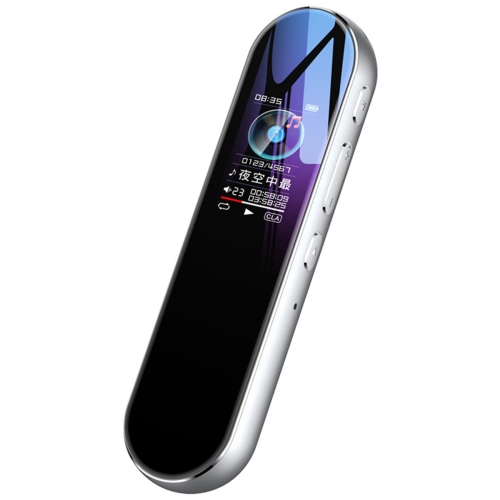
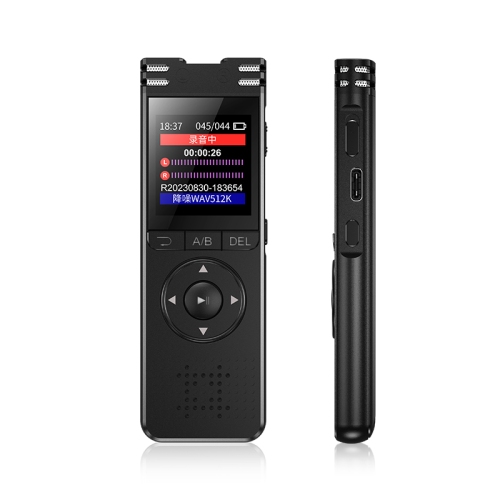
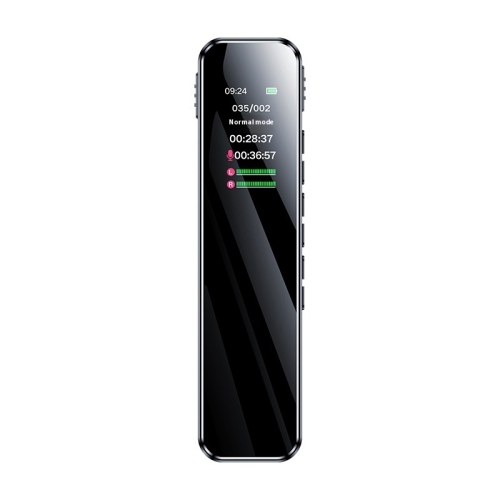
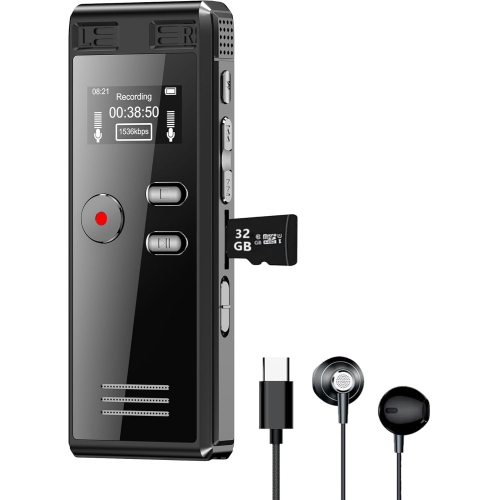
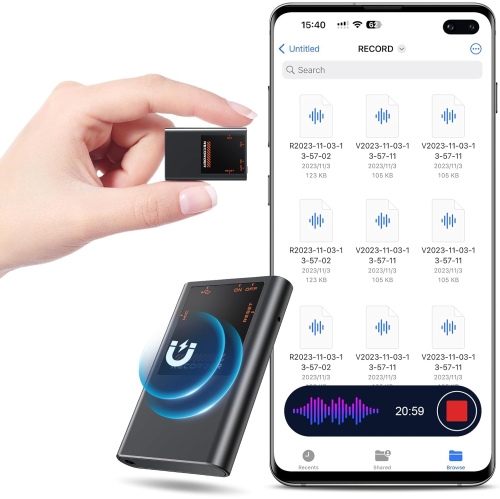
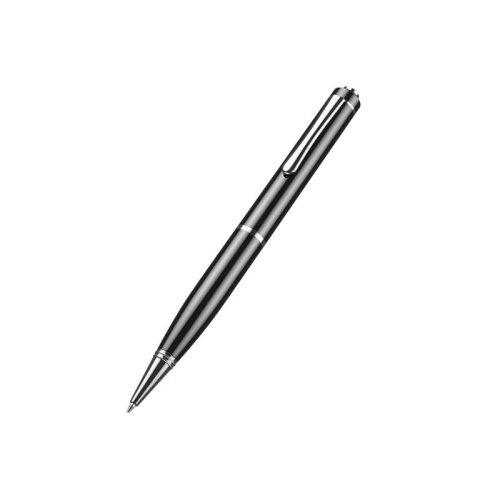
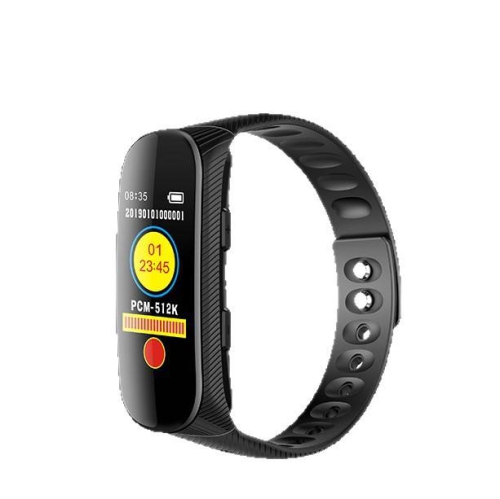
![GREEN SCENIC [512GB] HD 4K Mini Video Recorder Video Recorder Noise Reduction Sports Camera Mini Video Recorder Mini Dv Conference Video Recorder](https://multimedia.bbycastatic.ca/multimedia/products/500x500/192/19283/19283886.jpeg)
![GREEN SCENIC [64GB] HD 4K Mini Video Recorder Video Recorder Noise Reduction Sports Camera Mini Video Recorder Mini Dv Conference Video Recorder 0.66](https://multimedia.bbycastatic.ca/multimedia/products/500x500/192/19283/19283867.jpeg)
![GREEN SCENIC [256GB] HD 4K Mini Video Recorder Video Recorder Noise Reduction Sports Camera Mini Video Recorder Mini Dv Conference Video Recorder](https://multimedia.bbycastatic.ca/multimedia/products/500x500/192/19283/19283845.jpeg)
![GREEN SCENIC [32GB] HD 4K Mini Video Recorder Video Recorder Noise Reduction Sports Camera Mini Video Recorder Mini Dv Conference Video Recorder 0.66](https://multimedia.bbycastatic.ca/multimedia/products/500x500/192/19283/19283909.jpeg)
![GREEN SCENIC [128GB] HD 4K Mini Video Recorder Video Recorder Noise Reduction Sports Camera Mini Video Recorder Mini Dv Conference Video Recorder](https://multimedia.bbycastatic.ca/multimedia/products/500x500/192/19283/19283919.jpeg)
Class notes gain context when you can listen again
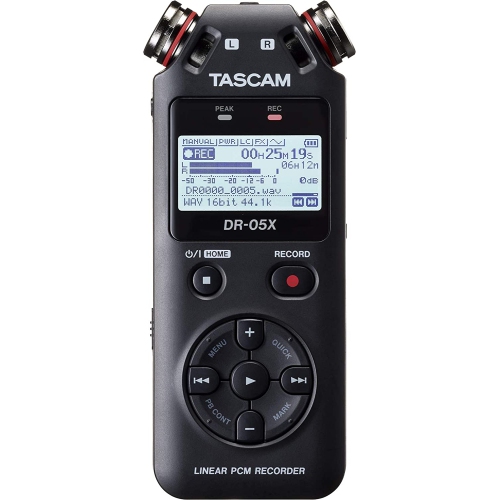
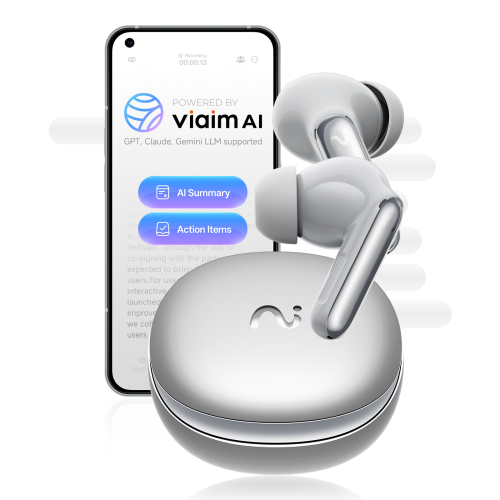
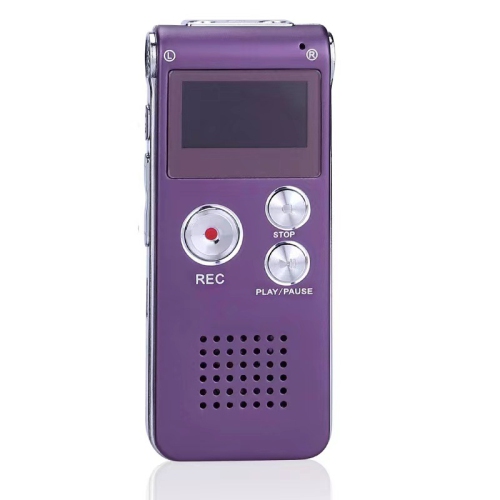
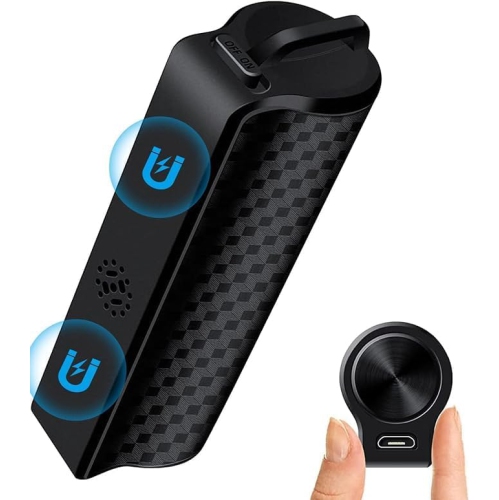
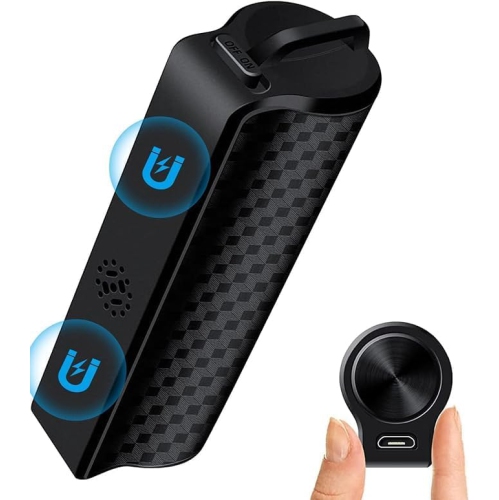
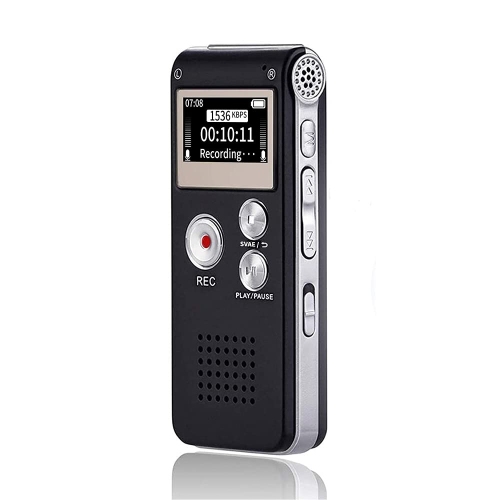
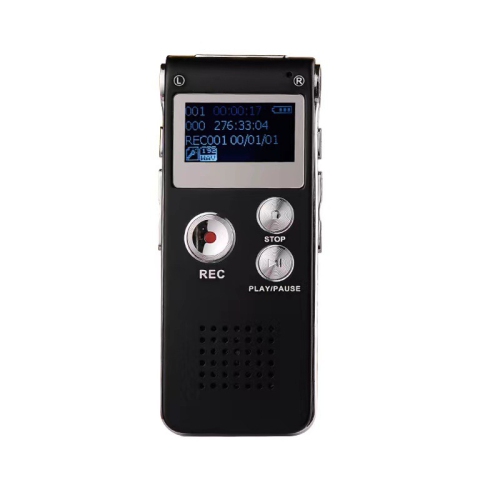
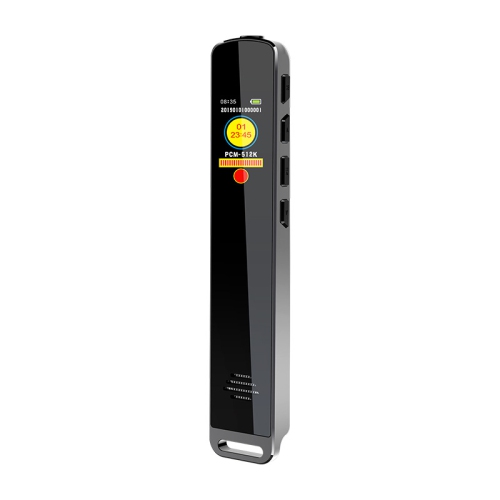
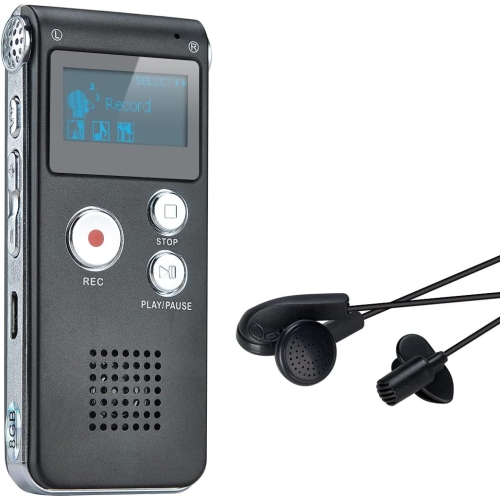
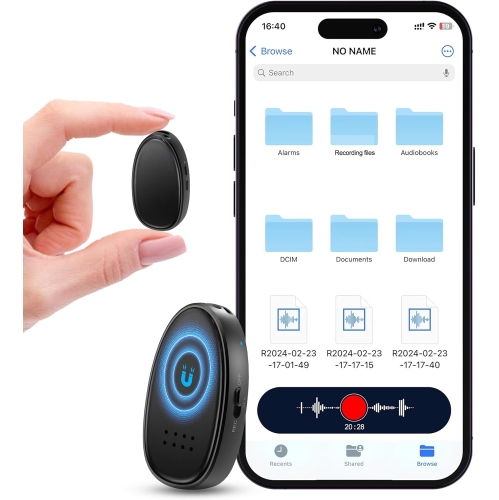
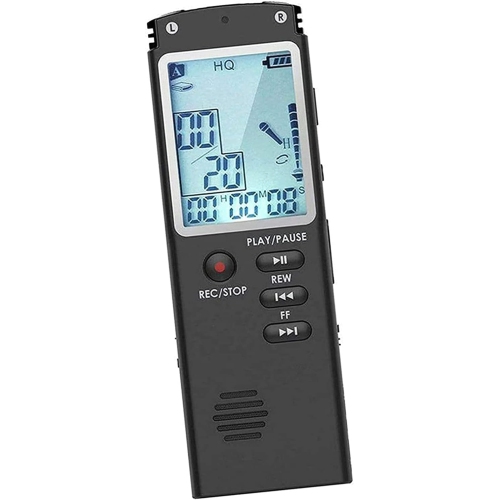
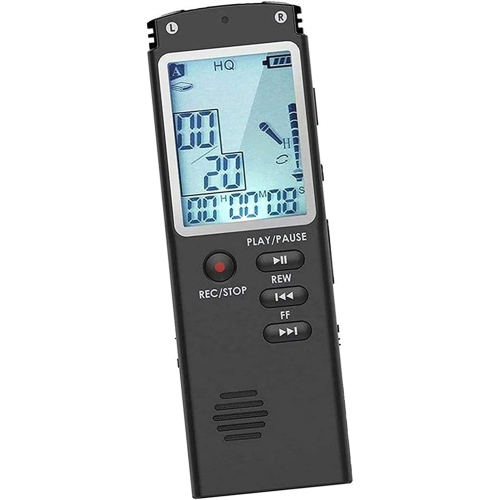
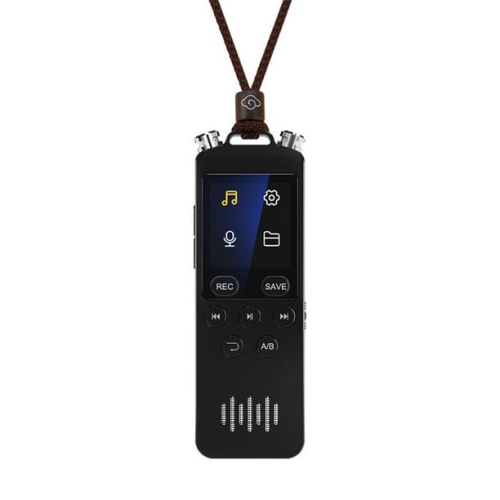
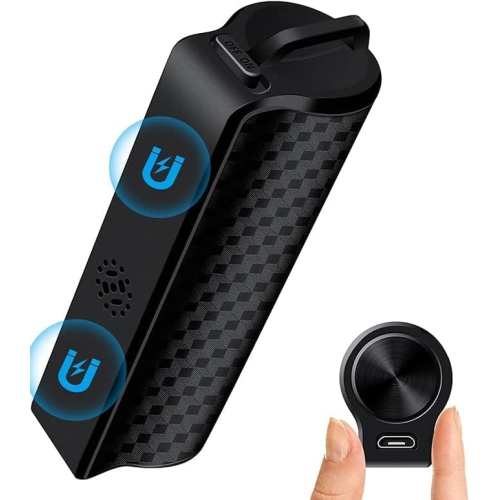
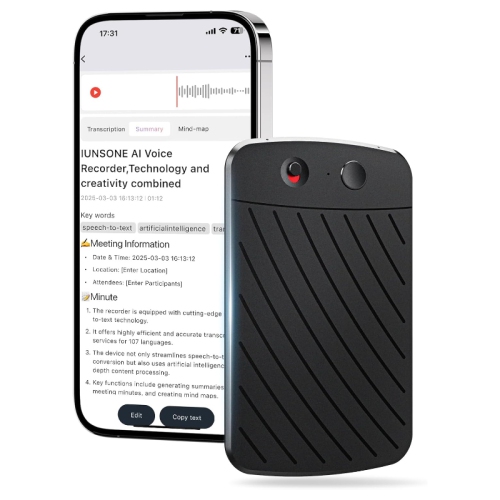
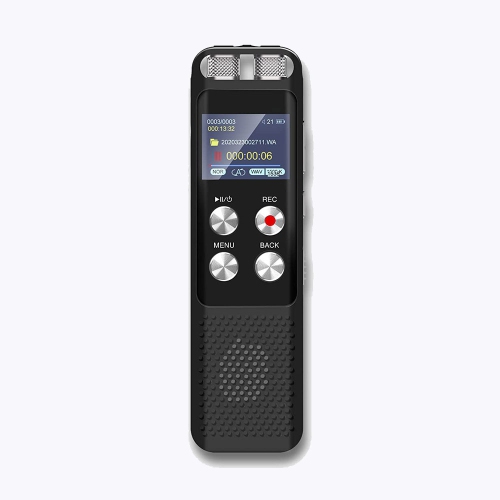
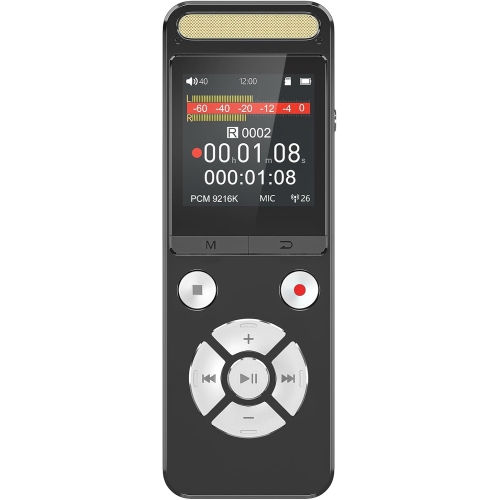
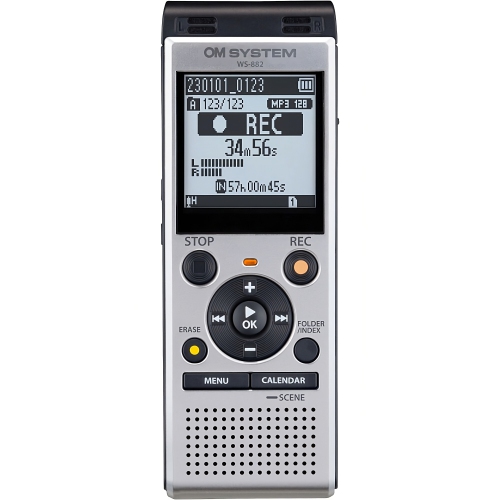
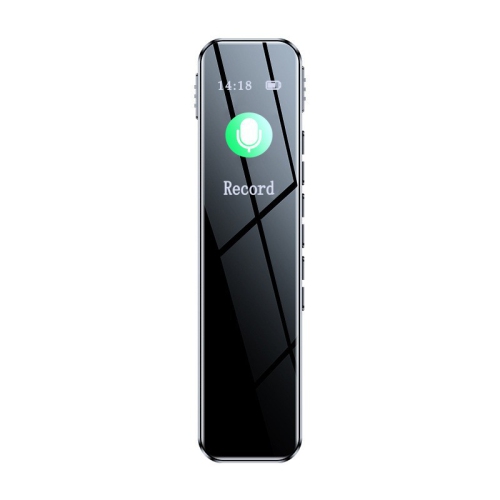
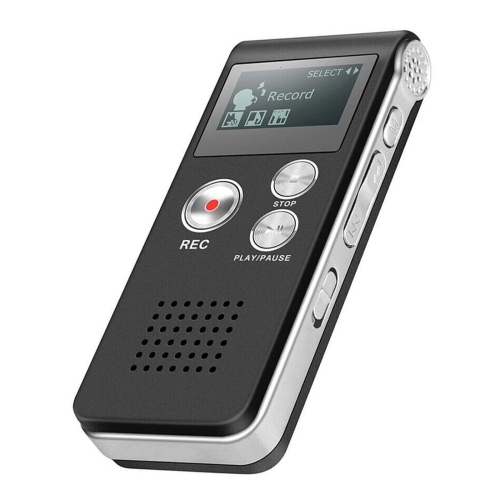
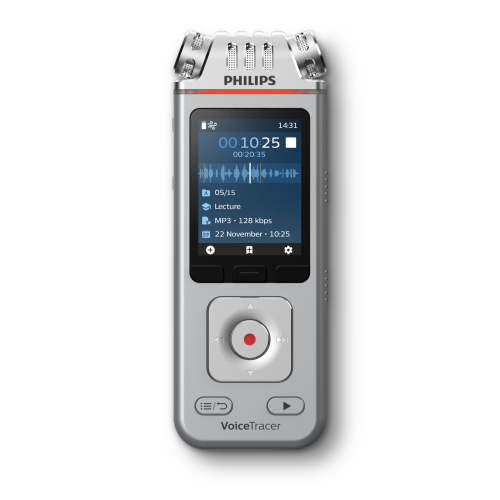
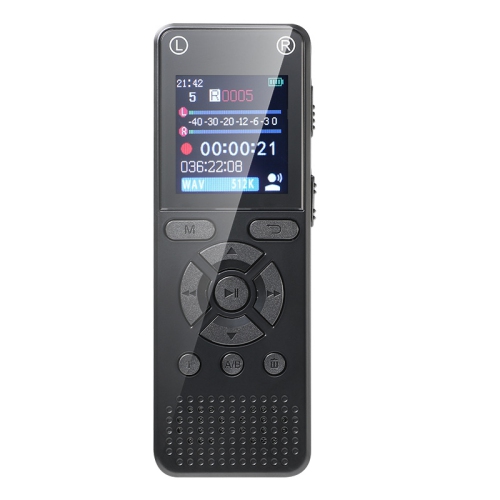
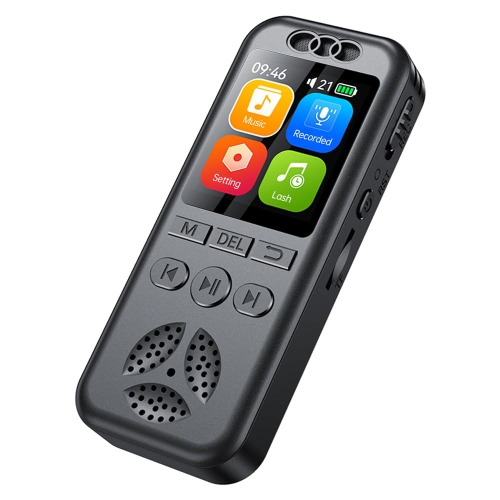
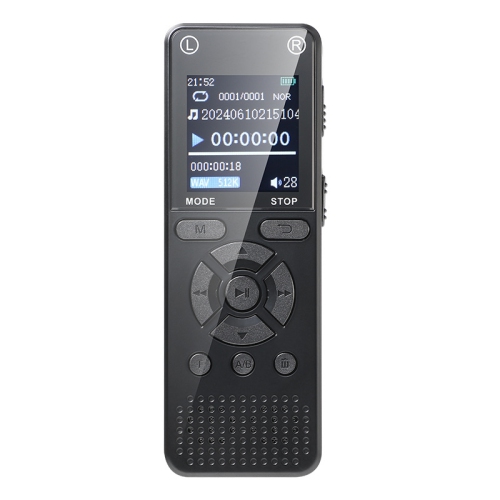
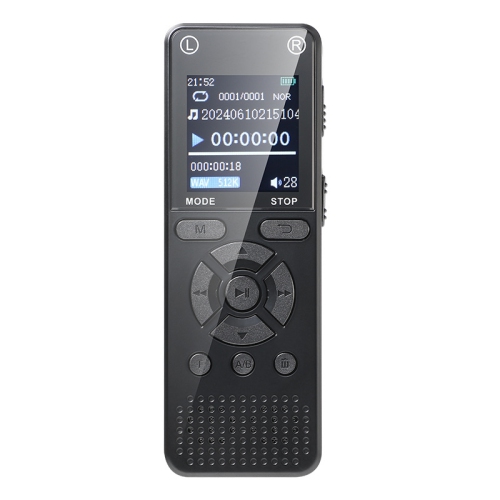
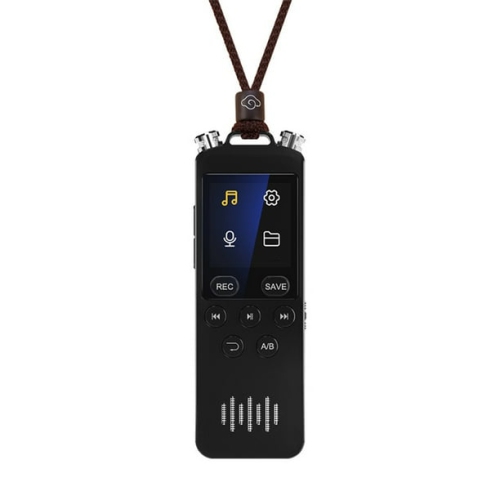
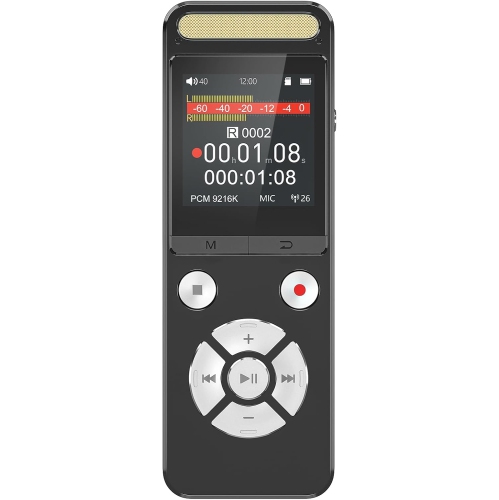
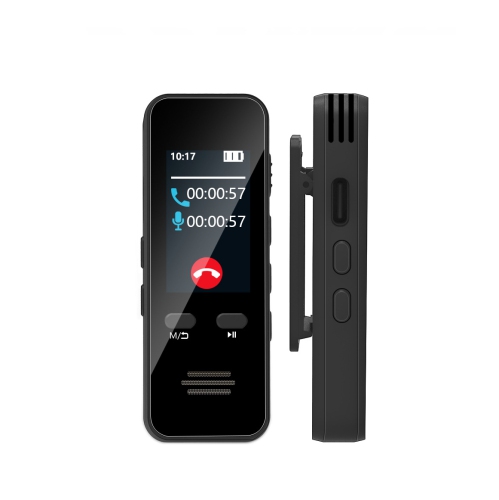
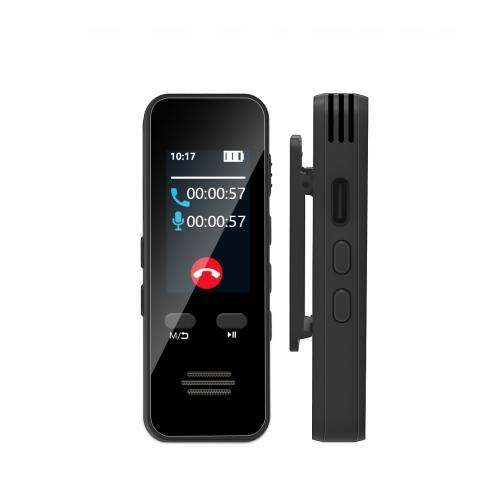
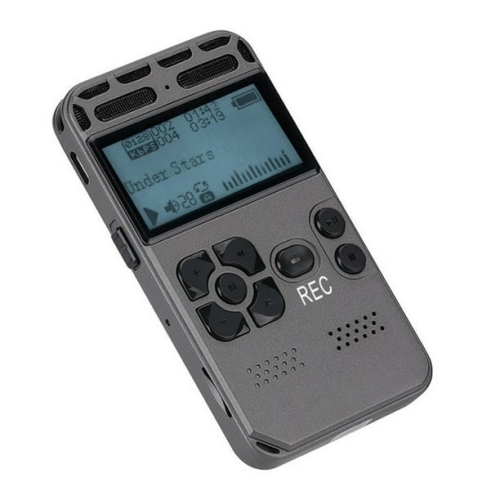
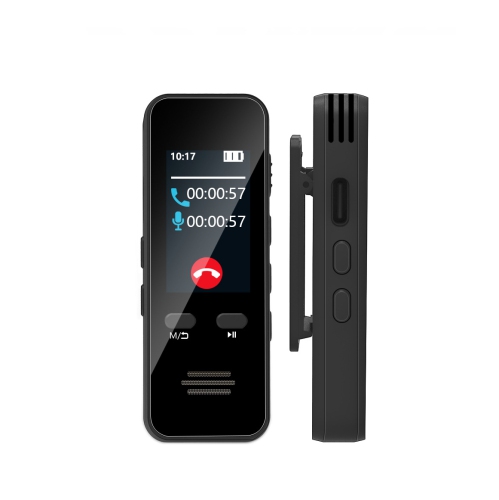
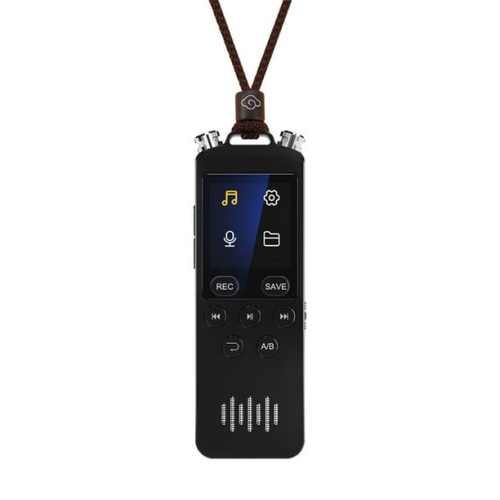
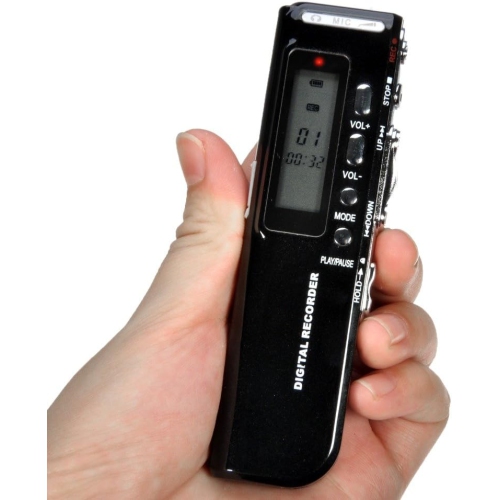
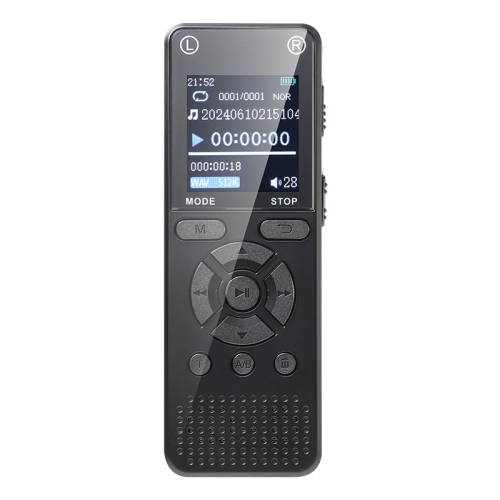
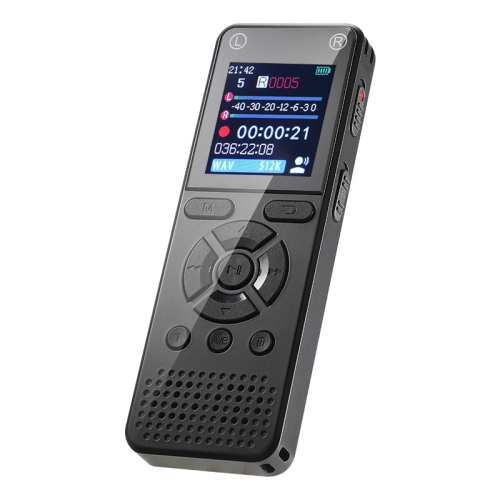
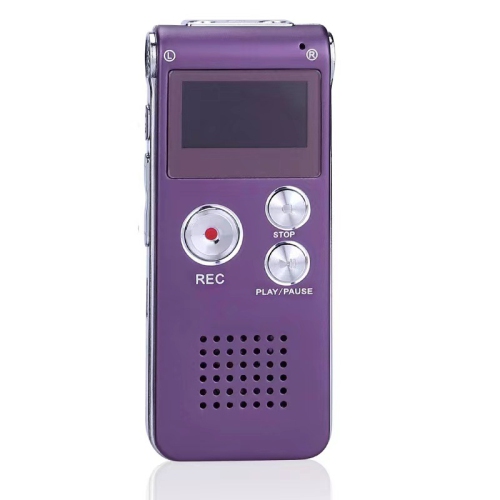
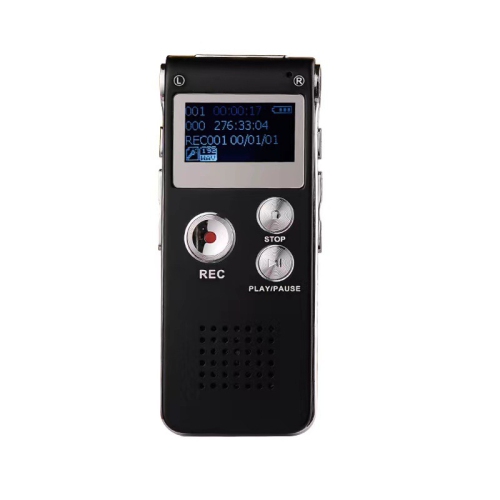
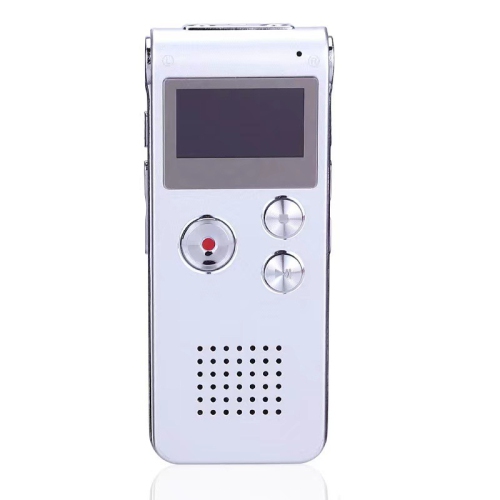
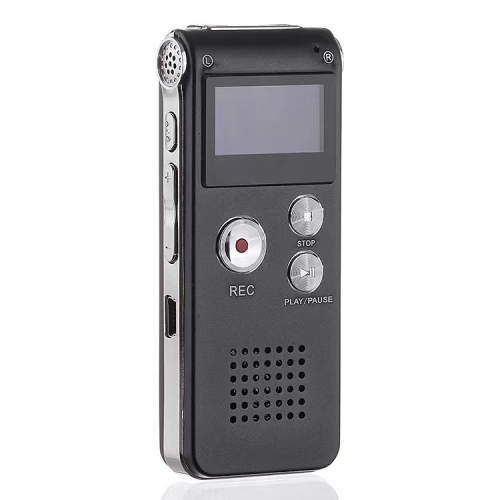
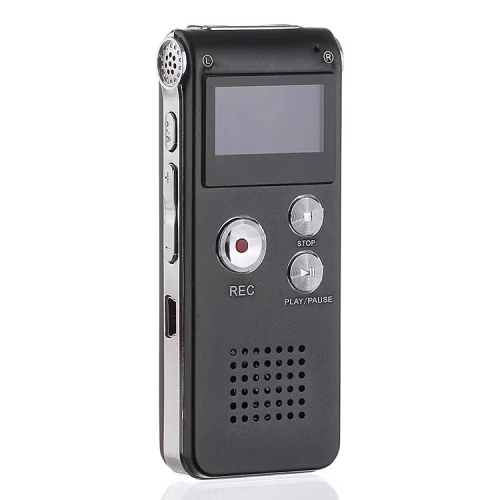
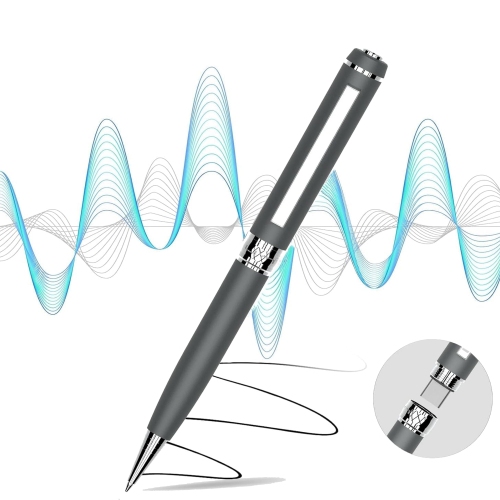
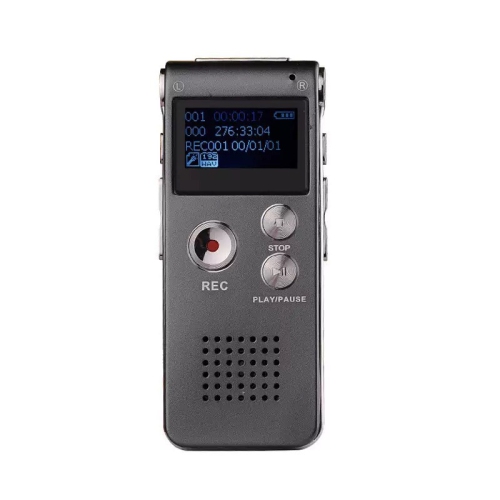
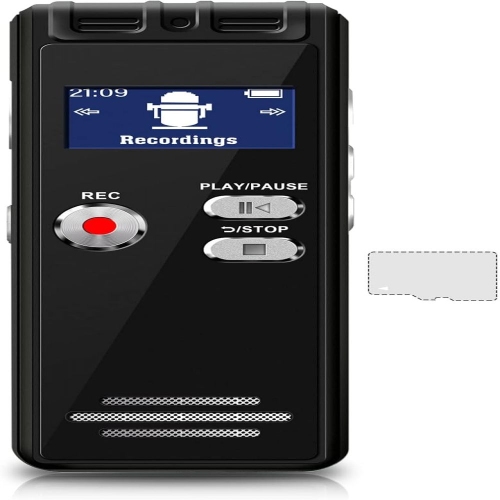
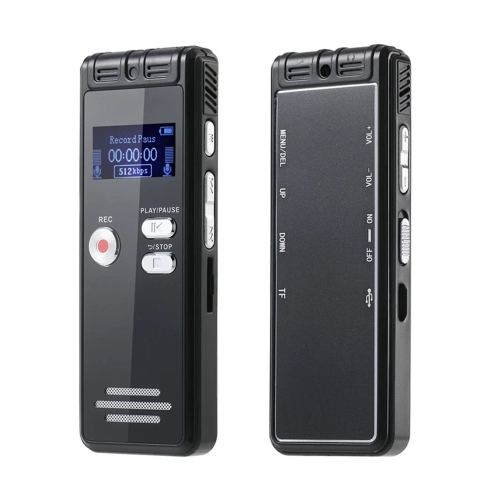
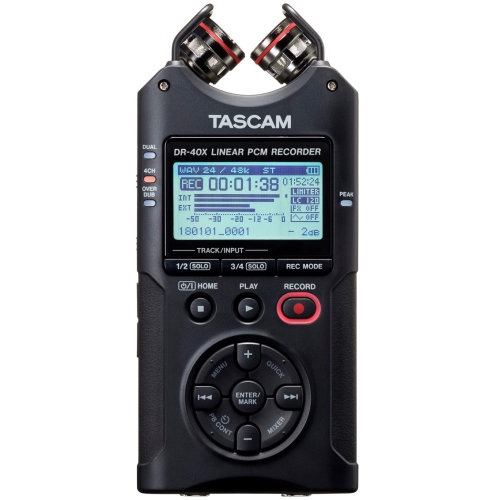
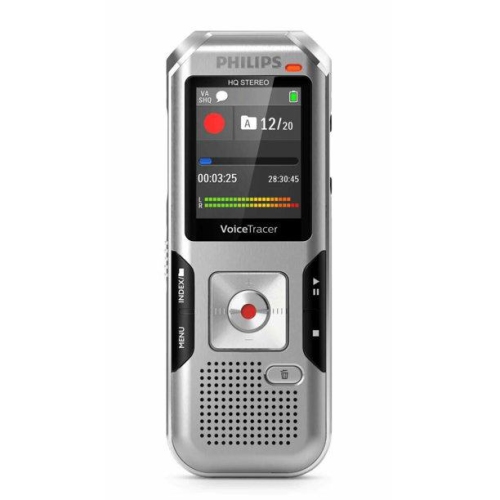
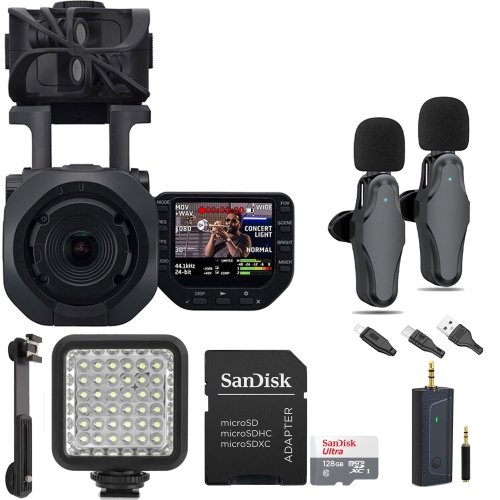
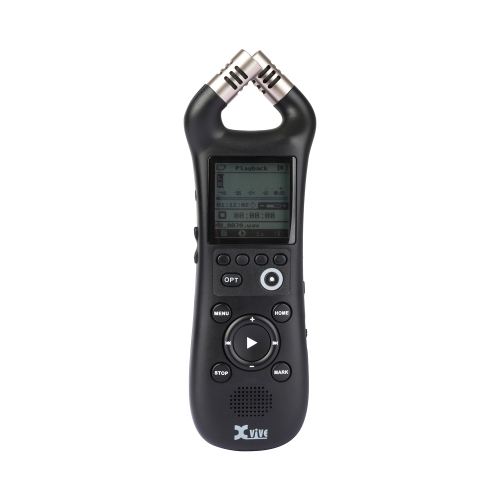
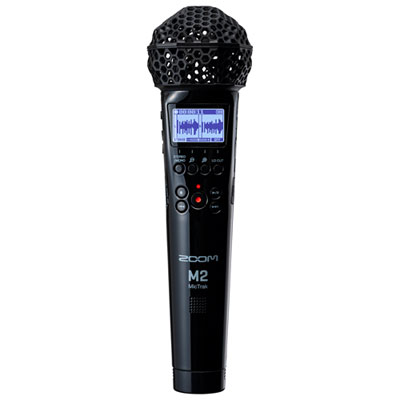
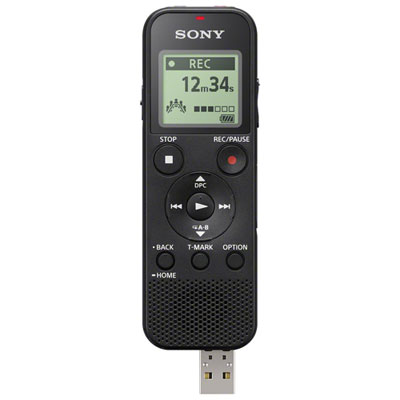
Lecture recorders are portable audio devices that capture spoken lessons, presentations, and discussions for playback after class. They give students a way to revisit an explanation, check a detail missed while taking notes, or listen again to a complicated sequence of ideas. Unlike a written outline, a recording preserves the speaker’s phrasing and the context around it, which can be helpful when a short note no longer makes sense a few days later. Dedicated digital voice recorders usually combine built-in microphones, audio storage, and playback controls in a compact handheld body. Some support external microphones, while others connect to a phone or computer for file management and additional features. Certain devices work with compatible software to produce transcripts or summaries, but those functions depend on the device, supported language, and associated service. Audio recording and transcription are separate capabilities: a recorder can capture a complete lecture without automatically turning it into text. For university and college students, the practical appeal is being able to concentrate on the lecturer rather than trying to write down every sentence. Adult learners, people attending professional training, and students who benefit from hearing material more than once may find the same approach useful. A recording can support handwritten or typed notes rather than replace them, especially when a lesson includes diagrams, equations, or demonstrations that audio alone cannot explain. For campus-focused study needs, University Lecture Recording Devices brings together the same emphasis on capturing speech for later review. The most useful format depends on how recordings will fit into a routine: a compact device for a single seminar, a recorder with enough battery capacity for several classes, or a connected option that makes transferring files straightforward. A clearly labelled recording paired with a few page references can make the difference between a searchable study resource and a folder of audio that is difficult to navigate.
Speech clarity depends on microphone quality, placement, recording settings, and the room itself. A small tutorial with one person speaking nearby presents a different challenge from a large lecture hall with distant voices and audience questions. Built-in stereo microphones may capture a broader sense of the room, while a directional microphone can help emphasize sound from a particular direction; neither guarantees clear speech at any distance. Microphone sensitivity controls and speech-focused recording modes, where included, offer ways to adapt to different spaces. Noise reduction may soften steady background sounds, but it cannot reliably recover words lost beneath loud conversation or a microphone rubbing against fabric. Even a capable recorder can capture more keyboard tapping than teaching if it sits directly beside a busy laptop. A stable position on a desk, with microphone openings unobstructed and away from rustling papers, often matters more than adding extra processing afterwards. An external microphone input can provide more placement flexibility when classroom rules and the device’s connections allow it. For group discussions, recording everyone evenly may be more important than isolating a single voice. Storage capacity also needs to match the intended use. Compressed audio formats generally keep spoken-word files smaller, while uncompressed formats require more space and may suit users who plan to edit the sound. Higher recording quality usually reduces the number of hours that fit in the same amount of memory, so advertised recording times need to be understood alongside their quality settings. Built-in storage keeps the setup simple; supported memory cards can add flexibility for longer recording schedules. Battery specifications deserve similar context, since operating time can change with microphone settings, wireless functions, playback, and other features. Rechargeable batteries can suit a regular charging routine, while replaceable batteries may appeal to someone who spends long stretches away from a charging point. Clear battery and storage indicators, a visible recording status, and a hold switch that prevents accidental button presses are useful details when a class begins quickly and there is little time to check the device.
Everyday usability extends beyond pressing record. Physical buttons that are easy to distinguish, a readable display, and a comfortable grip can make a lecture recorder easier to operate without distracting from the lesson. Lightweight plastic housings keep bulk down, while metal-bodied designs may offer a more substantial feel; construction quality, protected connections, and secure battery or card covers matter more than appearance alone. A recorder should fit comfortably in a bag compartment without its microphones or controls being squeezed against other belongings. A protective case helps limit scratches and keeps loose objects away from ports, while a soft, dry cloth is generally suitable for wiping the exterior according to the manufacturer’s care instructions. Liquids and cleaning sprays should stay away from microphone openings and connections. During review, adjustable playback speed can shorten the time spent revisiting familiar material or slow down dense explanations. Track marks, bookmarks, and repeat functions, when supported, make it easier to return to a definition or replay a passage while completing notes. A headphone connection offers private listening in a shared study space. File transfer is just as important: USB connections, compatible wireless transfers, and supported audio formats determine how easily recordings move to a computer or another device. Transcription-enabled options may add searchable text, but technical vocabulary, overlapping speakers, and accents can affect accuracy, so important details still need checking against the audio. Features that send recordings to an online service also deserve attention to account requirements, data handling, and institutional rules. Permission from the instructor and compliance with classroom policies are essential before recording; approval to capture a lesson does not necessarily include permission to share it. Local storage may suit learners who prefer to keep files on their own devices, with backups secured separately. For a student receiving a recorder as a gift, simple controls and compatibility with existing study tools can be more useful than a long feature list. The strongest fit is a device that captures intelligible speech, stays dependable through regular use, and makes review manageable.
Speech clarity depends on microphone quality, placement, recording settings, and the room itself. A small tutorial with one person speaking nearby presents a different challenge from a large lecture hall with distant voices and audience questions. Built-in stereo microphones may capture a broader sense of the room, while a directional microphone can help emphasize sound from a particular direction; neither guarantees clear speech at any distance. Microphone sensitivity controls and speech-focused recording modes, where included, offer ways to adapt to different spaces. Noise reduction may soften steady background sounds, but it cannot reliably recover words lost beneath loud conversation or a microphone rubbing against fabric. Even a capable recorder can capture more keyboard tapping than teaching if it sits directly beside a busy laptop. A stable position on a desk, with microphone openings unobstructed and away from rustling papers, often matters more than adding extra processing afterwards. An external microphone input can provide more placement flexibility when classroom rules and the device’s connections allow it. For group discussions, recording everyone evenly may be more important than isolating a single voice. Storage capacity also needs to match the intended use. Compressed audio formats generally keep spoken-word files smaller, while uncompressed formats require more space and may suit users who plan to edit the sound. Higher recording quality usually reduces the number of hours that fit in the same amount of memory, so advertised recording times need to be understood alongside their quality settings. Built-in storage keeps the setup simple; supported memory cards can add flexibility for longer recording schedules. Battery specifications deserve similar context, since operating time can change with microphone settings, wireless functions, playback, and other features. Rechargeable batteries can suit a regular charging routine, while replaceable batteries may appeal to someone who spends long stretches away from a charging point. Clear battery and storage indicators, a visible recording status, and a hold switch that prevents accidental button presses are useful details when a class begins quickly and there is little time to check the device.
Everyday usability extends beyond pressing record. Physical buttons that are easy to distinguish, a readable display, and a comfortable grip can make a lecture recorder easier to operate without distracting from the lesson. Lightweight plastic housings keep bulk down, while metal-bodied designs may offer a more substantial feel; construction quality, protected connections, and secure battery or card covers matter more than appearance alone. A recorder should fit comfortably in a bag compartment without its microphones or controls being squeezed against other belongings. A protective case helps limit scratches and keeps loose objects away from ports, while a soft, dry cloth is generally suitable for wiping the exterior according to the manufacturer’s care instructions. Liquids and cleaning sprays should stay away from microphone openings and connections. During review, adjustable playback speed can shorten the time spent revisiting familiar material or slow down dense explanations. Track marks, bookmarks, and repeat functions, when supported, make it easier to return to a definition or replay a passage while completing notes. A headphone connection offers private listening in a shared study space. File transfer is just as important: USB connections, compatible wireless transfers, and supported audio formats determine how easily recordings move to a computer or another device. Transcription-enabled options may add searchable text, but technical vocabulary, overlapping speakers, and accents can affect accuracy, so important details still need checking against the audio. Features that send recordings to an online service also deserve attention to account requirements, data handling, and institutional rules. Permission from the instructor and compliance with classroom policies are essential before recording; approval to capture a lesson does not necessarily include permission to share it. Local storage may suit learners who prefer to keep files on their own devices, with backups secured separately. For a student receiving a recorder as a gift, simple controls and compatibility with existing study tools can be more useful than a long feature list. The strongest fit is a device that captures intelligible speech, stays dependable through regular use, and makes review manageable.
Top selling and popular products
-
 Your price for this item is $99.99
 -
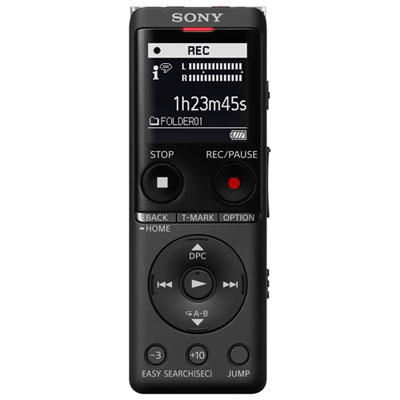 Your price for this item is $179.99
 -
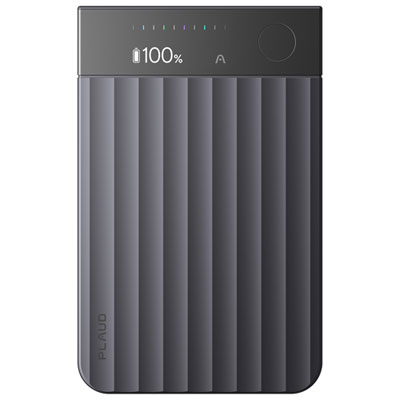 Your price for this item is $259.99
 -
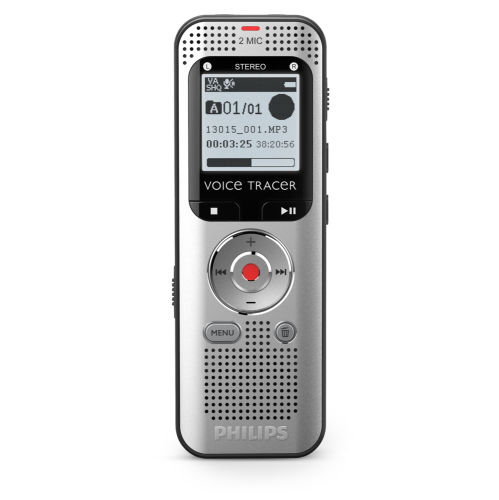 Your price for this item is $93.99
 -
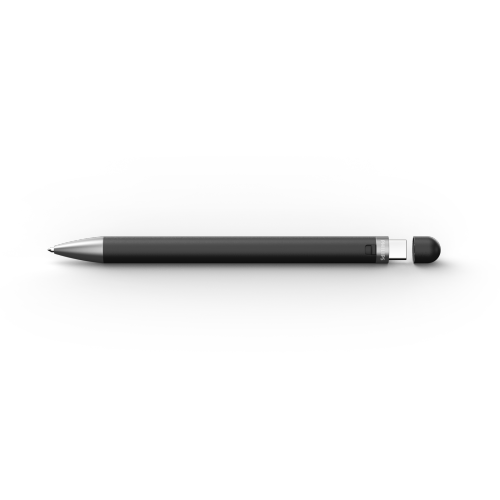 Your price for this item is $99.99
 -
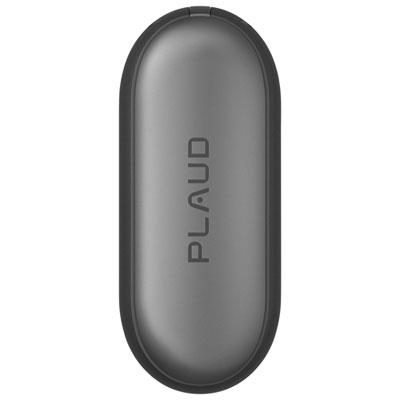 Your price for this item is $249.99
 -
 Your price for this item is $35.99
 -
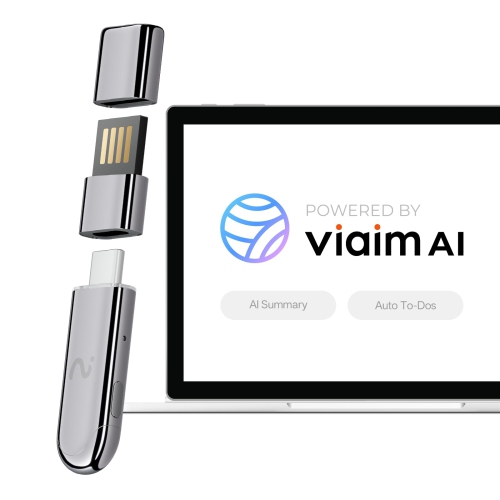 Your price for this item is $109.99
Discover more categories related to Lecture Recorders
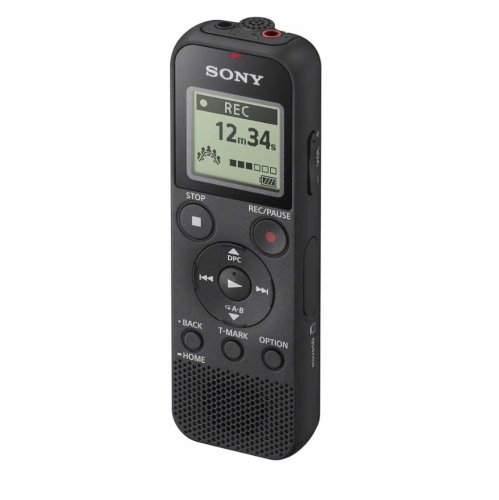
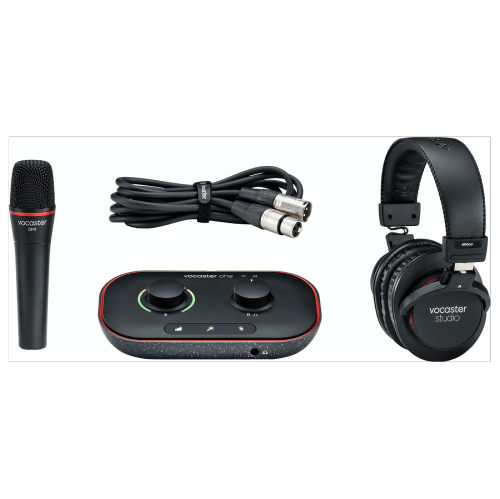
Top Collections:
Pokemon Centers, Kindle Devices, Best Budget Office Chairs, Apple iPhones 16, Best Laptops for Writers, iPhone 15 Apple, Canon G7X Cameras, Refurbished Apple Laptops, Alarm Clock, Motorola Razr Phones
Some products may be subject to Environmental Handling Fees
(EHF) depending on your province.
Learn more about EHFs.