Polycom Phones
Polycom Phones deliver reliable communication solutions for businesses and home offices alike. Explore a wide selection designed to support your connectivity needs, whether you're upgrading your workspace or expanding your team. With Polycom Phones, you can find the right option to streamline calls and enhance collaboration. Discover models that fit various setups, from executive desks to conference rooms, and enjoy seamless integration into your daily workflow.
Sort
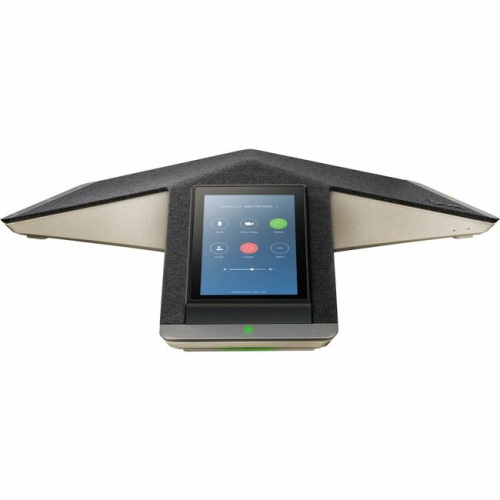
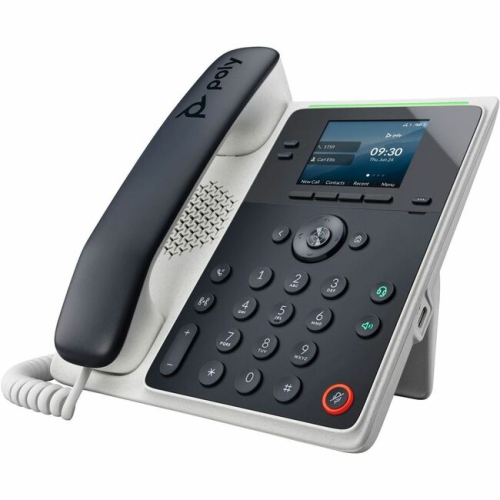
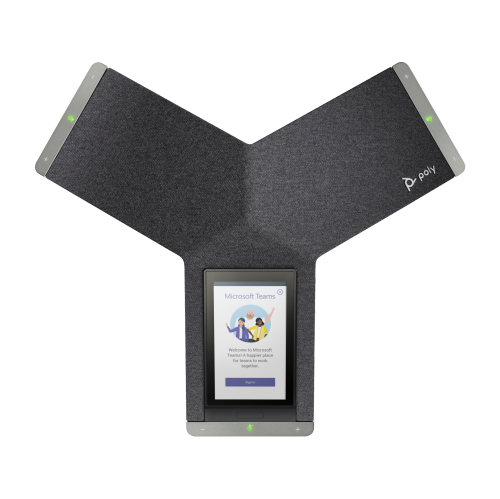
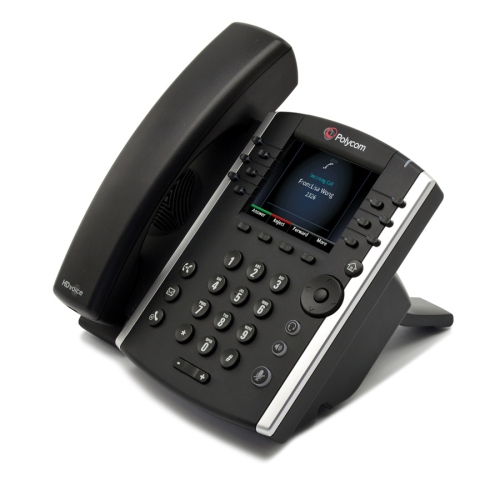
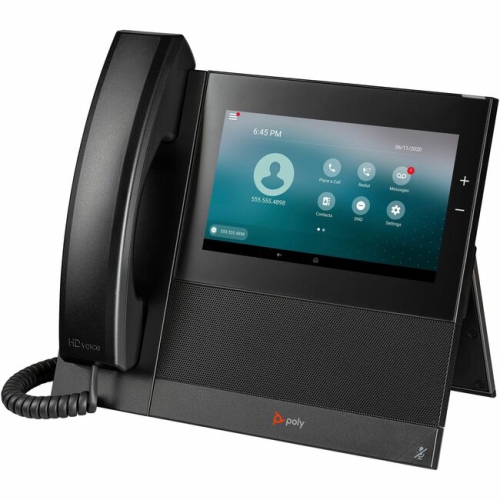

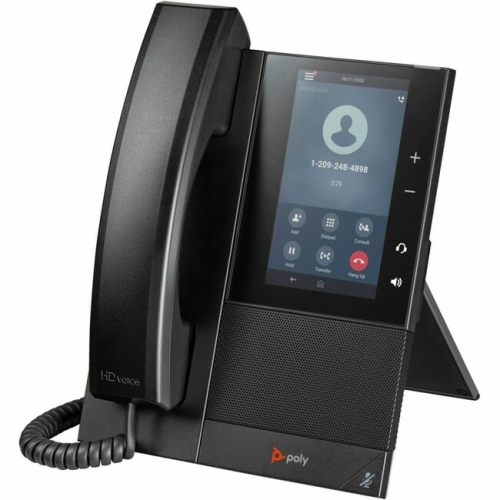
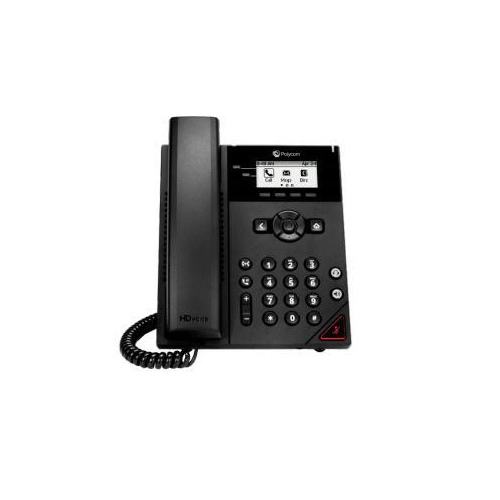

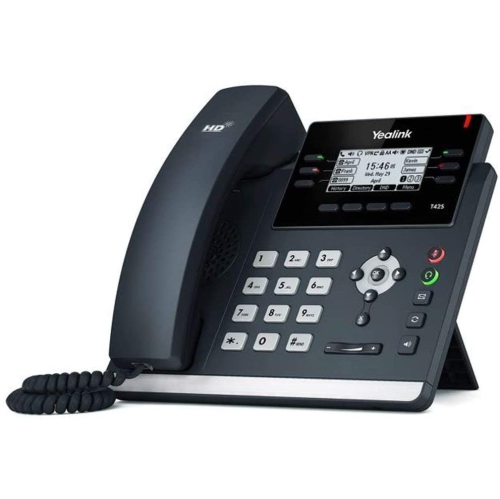

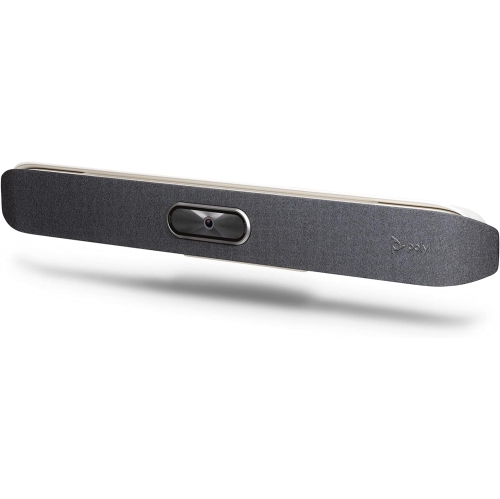

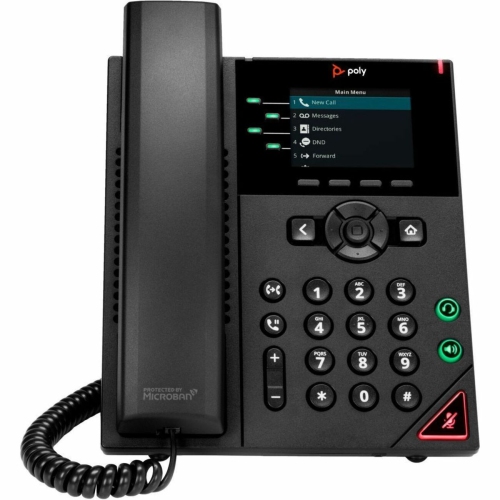
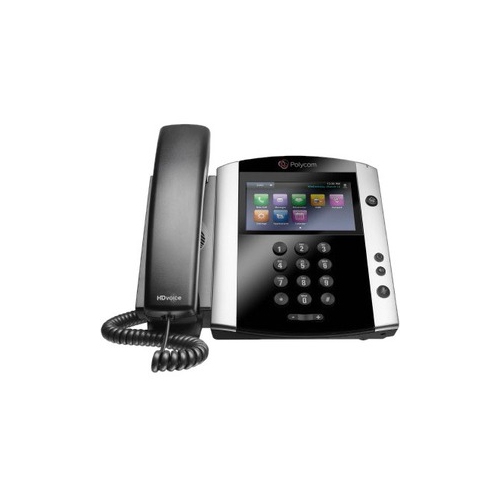
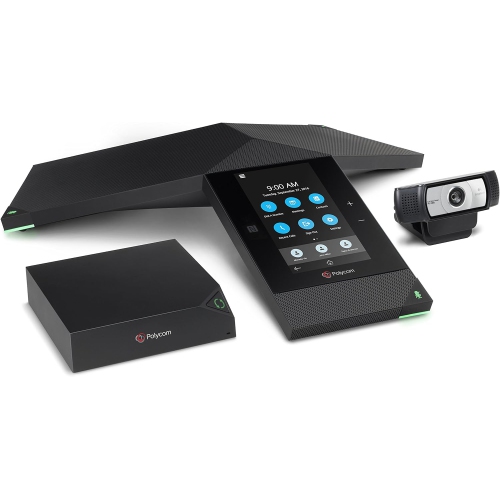
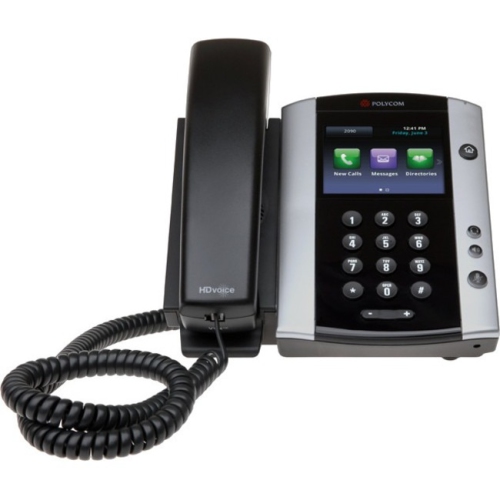
Business IP phones for clearer, more efficient workplace communication
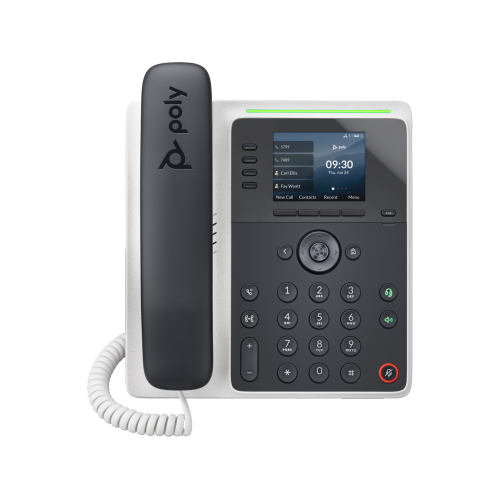
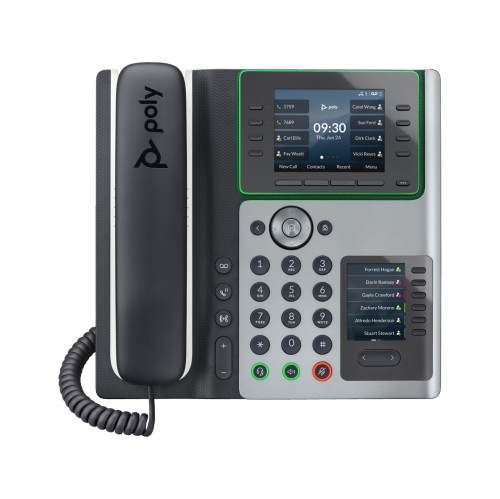
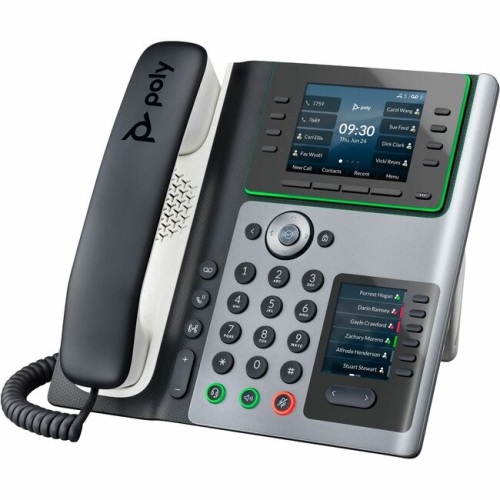
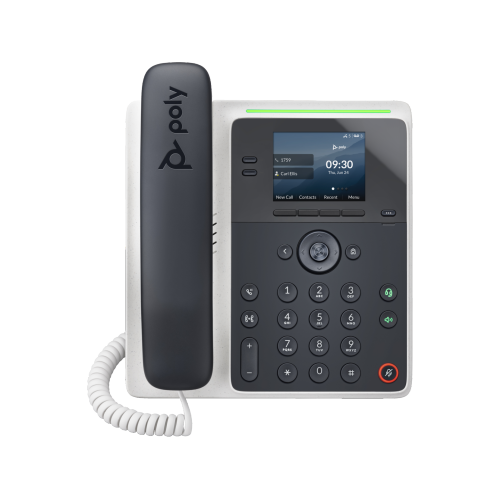
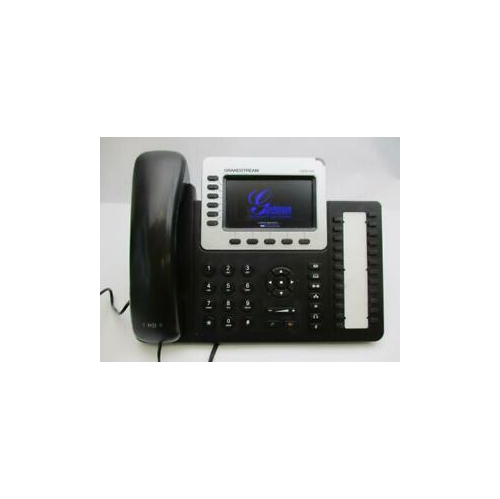
Business IP phones are designed to bring dependable, clear communication to reception desks, private offices, customer service counters and shared workspaces. Unlike a basic home telephone, these devices connect through an internet-based phone system and are built around the needs of daily business conversations. Depending on the model, users may find multiple line keys, programmable buttons, a speakerphone, voicemail access, call transfer controls, caller identification and support for several active calls. Some phones use traditional physical buttons that are easy to locate by touch, while others feature colour displays and touchscreen menus for a more modern experience. Choosing between the two often comes down to the pace of the workplace and the habits of the people using the phone. A receptionist who routes calls throughout the day may appreciate dedicated line and transfer keys, while a small business owner may prefer a simpler layout that keeps common functions close at hand. Look for a display that is easy to read from a seated position, controls that feel responsive, and a handset shaped comfortably for longer conversations. Clear audio is equally important, particularly in offices with printers, conversations and other background noise. Noise-reduction features can help voices sound more distinct, while wideband or high-definition audio can make a conversation feel less distant. It is also worth checking whether the phone requires Power over Ethernet, a separate power adapter or a particular network setup, since these details can affect installation at a desk or reception area.
Compatibility should be considered before selecting a business phone, especially when an organization already has a phone service or unified communications platform in place. Many internet-connected office phones use the Session Initiation Protocol, commonly called SIP, to register with a compatible private branch exchange or hosted voice service. This can make them suitable for systems used by small businesses, professional offices and larger organizations, but the exact features available depend on the service provider and configuration. Confirm that the phone supports the required number of lines, extensions, codecs and provisioning tools, and check whether it is certified or optimized for the communication platform your workplace uses. A phone may handle basic calling successfully while lacking convenient access to presence indicators, directory contacts, video meetings or one-touch conference controls. Network requirements also deserve attention. A model with an integrated network pass-through port can allow a computer and phone to share one wall connection, which may be useful in a compact office, though an information technology professional should confirm that the network can support voice traffic properly. Security features, firmware support and administrative controls can matter just as much as the appearance of the handset when phones are deployed across several desks. For meeting areas, a dedicated conference device can be a better fit than a standard desk phone, providing microphones that capture voices around a table and a speaker designed for room-wide listening. Explore VoIP Conference Room Phones when the main requirement is hands-free group communication in a boardroom, training room or shared project space.
Different types of users may benefit from different phone designs. A busy front desk can make good use of a phone with a broad display, programmable keys and quick access to transfer, hold and park functions, helping calls move smoothly from one person to another. A sales or service professional who spends much of the day speaking with customers may value a comfortable handset, adjustable volume and a dependable speakerphone for taking notes during a call. A home office user can choose a smaller model with the essential calling controls, while a growing business may want a scalable option that can be configured consistently across multiple workstations. Conference phones are useful for scheduled meetings, remote consultations and collaborative sessions where several people need to speak without passing a handset around. They can also be practical in quieter rooms during the cooler months, when more work and planning take place indoors. Before buying, consider where the phone will sit, how many people will use it, whether a headset should be connected, and how often calls are placed or transferred. A larger display may be worthwhile for someone who checks directories and call histories frequently, whereas tactile buttons may be more convenient for users who need to operate the phone without looking away from paperwork or a computer screen. Businesses replacing older equipment should also review their existing cabling, network ports and phone service so the new devices can be installed with minimal interruption. With the right combination of compatibility, audio quality, controls and room-appropriate design, business IP phones can provide a practical communication hub for everyday calls, client conversations, internal coordination and group meetings.
Compatibility should be considered before selecting a business phone, especially when an organization already has a phone service or unified communications platform in place. Many internet-connected office phones use the Session Initiation Protocol, commonly called SIP, to register with a compatible private branch exchange or hosted voice service. This can make them suitable for systems used by small businesses, professional offices and larger organizations, but the exact features available depend on the service provider and configuration. Confirm that the phone supports the required number of lines, extensions, codecs and provisioning tools, and check whether it is certified or optimized for the communication platform your workplace uses. A phone may handle basic calling successfully while lacking convenient access to presence indicators, directory contacts, video meetings or one-touch conference controls. Network requirements also deserve attention. A model with an integrated network pass-through port can allow a computer and phone to share one wall connection, which may be useful in a compact office, though an information technology professional should confirm that the network can support voice traffic properly. Security features, firmware support and administrative controls can matter just as much as the appearance of the handset when phones are deployed across several desks. For meeting areas, a dedicated conference device can be a better fit than a standard desk phone, providing microphones that capture voices around a table and a speaker designed for room-wide listening. Explore VoIP Conference Room Phones when the main requirement is hands-free group communication in a boardroom, training room or shared project space.
Different types of users may benefit from different phone designs. A busy front desk can make good use of a phone with a broad display, programmable keys and quick access to transfer, hold and park functions, helping calls move smoothly from one person to another. A sales or service professional who spends much of the day speaking with customers may value a comfortable handset, adjustable volume and a dependable speakerphone for taking notes during a call. A home office user can choose a smaller model with the essential calling controls, while a growing business may want a scalable option that can be configured consistently across multiple workstations. Conference phones are useful for scheduled meetings, remote consultations and collaborative sessions where several people need to speak without passing a handset around. They can also be practical in quieter rooms during the cooler months, when more work and planning take place indoors. Before buying, consider where the phone will sit, how many people will use it, whether a headset should be connected, and how often calls are placed or transferred. A larger display may be worthwhile for someone who checks directories and call histories frequently, whereas tactile buttons may be more convenient for users who need to operate the phone without looking away from paperwork or a computer screen. Businesses replacing older equipment should also review their existing cabling, network ports and phone service so the new devices can be installed with minimal interruption. With the right combination of compatibility, audio quality, controls and room-appropriate design, business IP phones can provide a practical communication hub for everyday calls, client conversations, internal coordination and group meetings.
Top selling and popular products
-
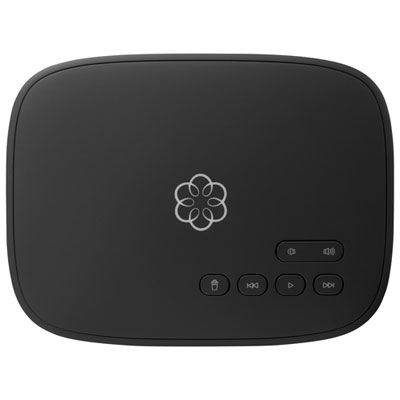 Your price for this item is $99.99
 -
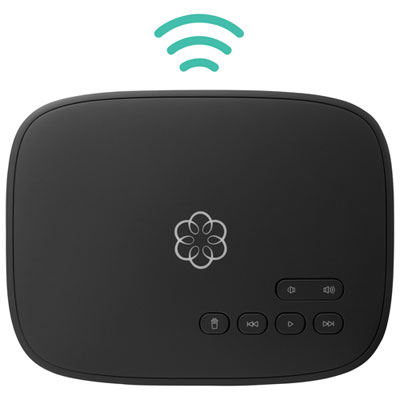 Your price for this item is $109.99
 -
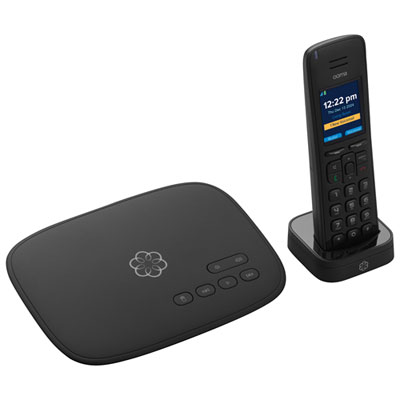 Your price for this item is $109.99
 -
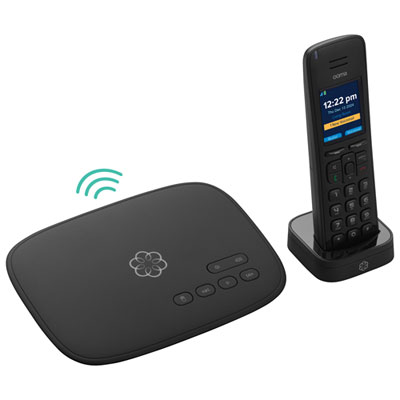 Your price for this item is $159.99
 -
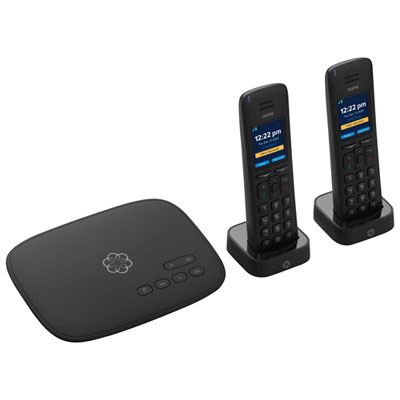 Your price for this item is $147.98
 -
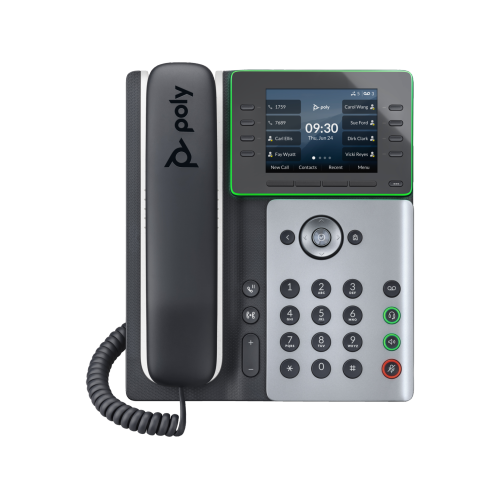 Your price for this item is $236.99
 -
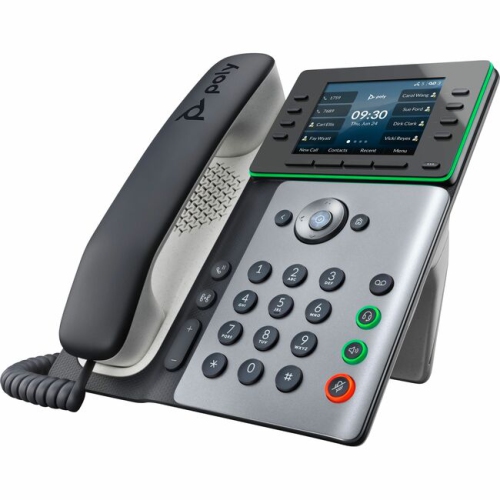 Your price for this item is $290.55
 -
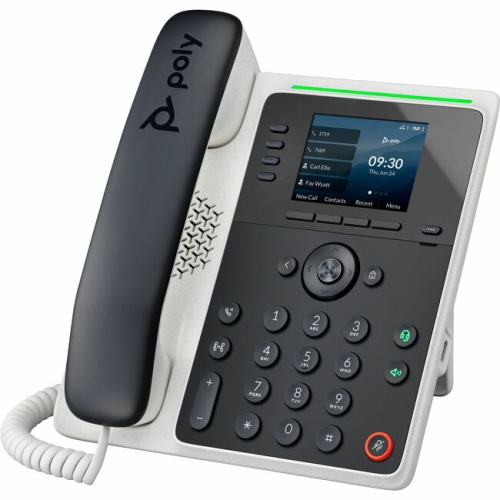 Your price for this item is $211.74
Discover more categories related to Polycom Phones
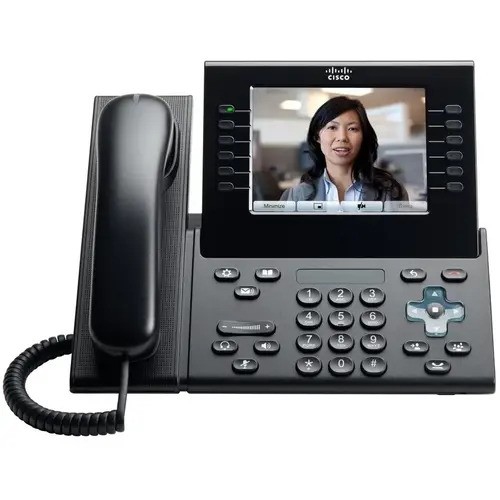
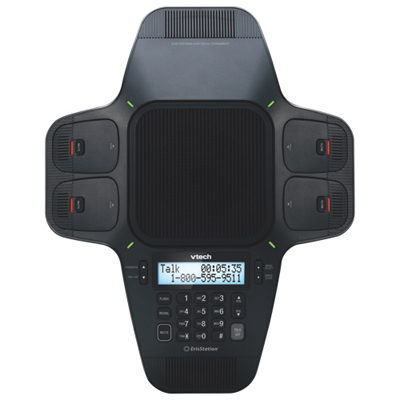
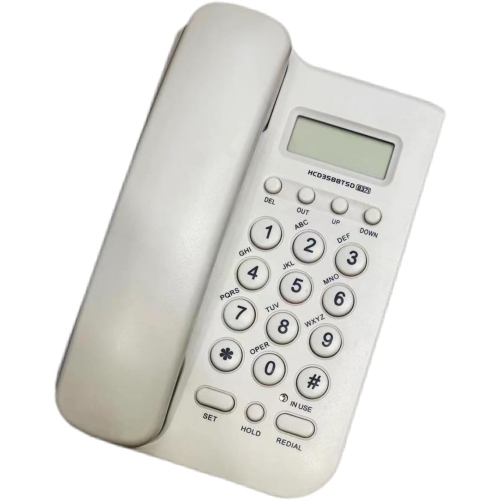
Top Collections:
Pokemon Centers, Budget 4K TVs, Best Budget Office Chairs, Kindle Devices, Canon G7X Cameras, Apple iPhones 16, iPhone 15 Apple, Laptops for Business Work, Xiaomi Phones, Flip Phones
Some products may be subject to Environmental Handling Fees
(EHF) depending on your province.
Learn more about EHFs.