VoIP Conference Room Phones
VoIP Conference Room Phones are essential tools for modern businesses looking to streamline communication and collaboration. Designed to deliver clear audio and reliable connectivity, these phones help ensure that every participant can be heard during important meetings. With a variety of options to suit different room sizes and setups, VoIP Conference Room Phones make it easy to connect teams, clients, and partners from anywhere. Explore the available selection to find the right solution for your conference room needs.
Sort












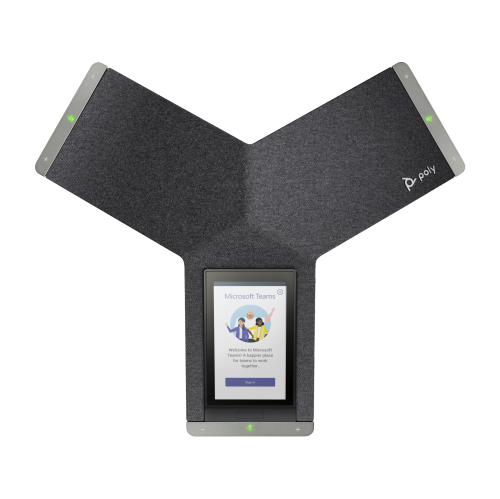
What makes group calls sound clear at both ends
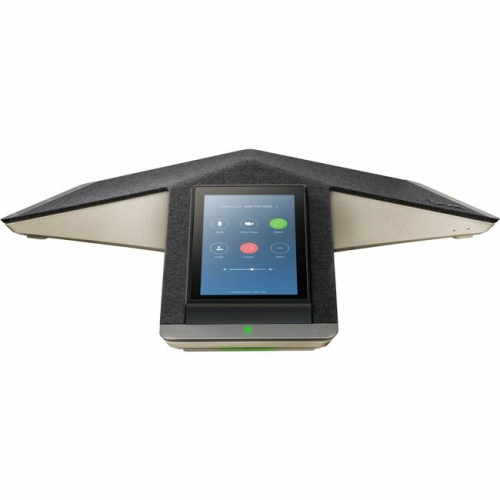
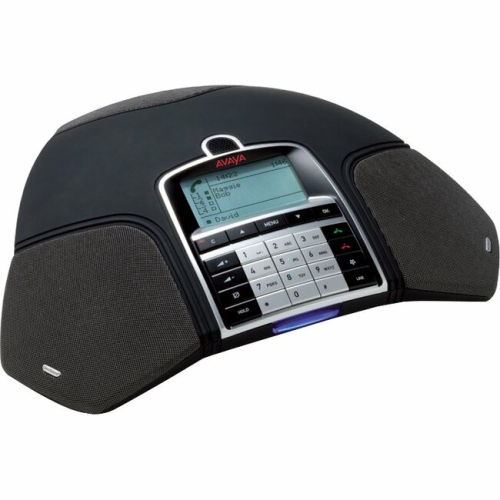
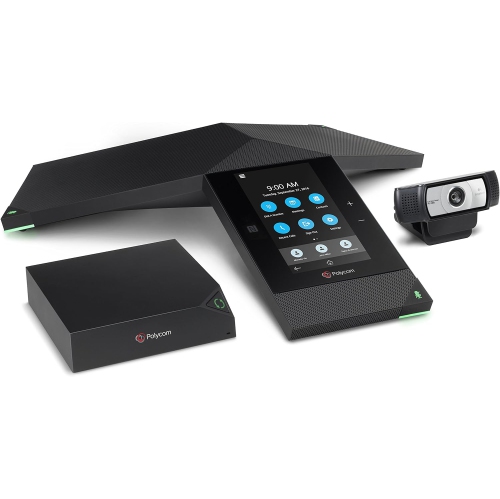
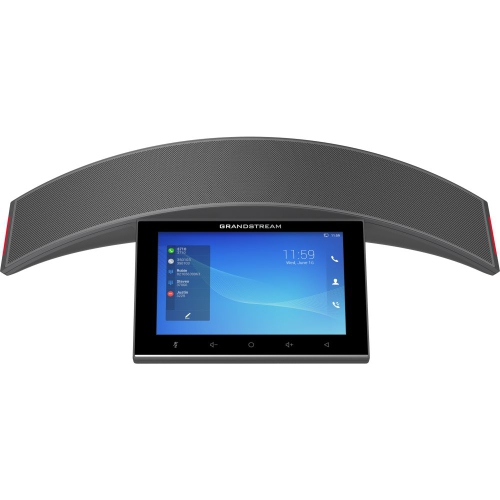
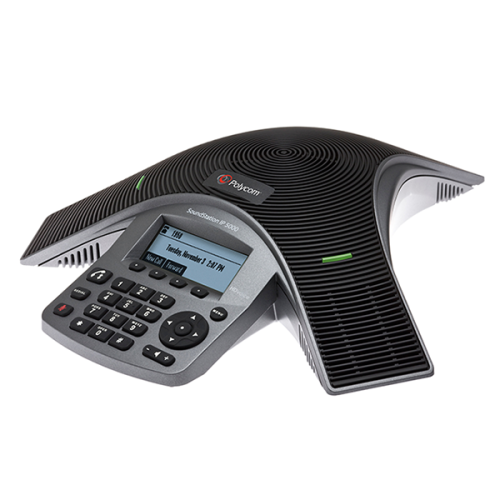
VoIP conference room phones are shared communication devices that carry group calls over an internet protocol network rather than a traditional analogue telephone line. They connect to compatible business phone systems through Session Initiation Protocol, commonly called SIP, or through a supported cloud calling service. Designed for several people seated around a table, these phones typically combine a loudspeaker, multiple microphones, and call controls in one central unit. Many models offer wideband audio, full-duplex conversation, and noise reduction to help speech sound clear at both ends of a call. Full-duplex audio allows people to speak and listen simultaneously, making brief acknowledgements and natural back-and-forth conversation easier than on systems that cut off one speaker when another begins talking. Acoustic echo cancellation helps prevent sound from the loudspeaker from returning to remote participants through the microphones. These features are especially useful during project updates, client discussions, interviews, and meetings that bring together colleagues from different locations. Performance still depends on the room and the complete calling setup: wideband sound requires support along the call path, while microphone coverage depends on seating distance, room acoustics, and the phone’s design. A compact meeting space may be well served by a central microphone array, whereas a long boardroom table may benefit from a model that supports compatible expansion microphones. Some designs provide pickup around the full circumference of the phone, helping participants remain audible without leaning towards the centre of the table. A quiet voice from the far end of a large room is harder to capture than speech from someone seated nearby, so stated pickup distances deserve attention alongside speaker output. Glass walls, bare floors, and high ceilings can make voices sound more distant or reverberant; furnishings that soften reflected sound can help. For hybrid teams, the practical benefit is straightforward: people joining remotely should be able to follow the discussion rather than hear only the person sitting closest to a laptop.
Within the broader selection of VoIP Phones, conference models are built around shared-room use rather than individual handset conversations. Compatibility with the organization’s calling service is a central distinction, because an Ethernet connection alone does not guarantee that a phone can register with a particular provider. Some devices support standard SIP accounts, while others require approval, licensing, or provisioning through a specific business communications platform. Supported services, account requirements, and administration options determine how easily a conference phone fits into an existing office setup. Wired Ethernet is common, providing a direct connection to the local network, and supported Power over Ethernet models can receive both data and electrical power through one cable when connected to suitable network equipment. Other configurations use a separate power adapter, while select phones include Wi-Fi for locations where running a network cable to the table is impractical. Power requirements still apply when the network connection is wireless. USB and Bluetooth connectivity can add flexibility on supported models, allowing the phone’s microphones and speaker to work with a computer or mobile device. That capability is distinct from standalone VoIP calling: a connected computer may still run the meeting application, manage participants, and handle video. A conference phone also does not replace a camera or display when a meeting includes shared visuals. Physical mute buttons, clear status lights, readable screens, and accessible volume controls make everyday use more comfortable, particularly when different teams share the same room. Touchscreens may simplify contact searches and meeting access, while dedicated buttons can make common actions easy to find during a conversation. Directory access, call history, speed dial, and supported calendar features can reduce time spent entering numbers or joining details. The number of callers who can participate may depend on the phone, the subscribed service, or a separate conference bridge. Network capacity and configuration matter too; congestion, delay, and packet loss can interrupt speech even when the room hardware is capable. Business networks that prioritize voice traffic can help maintain a more consistent calling experience.
The physical design of a VoIP conference room phone matters in a space used throughout the day. Low-profile housings leave sightlines open across the table, while a stable base helps keep the unit in place when someone reaches for a control. Many models use moulded plastic housings with protective grilles over the microphones and speaker; finishes, grille construction, and button design vary. A smaller footprint can suit a huddle room with notebooks and laptops crowding the tabletop, while larger spaces may need room for expansion microphones and their connecting cables. Cable routing affects both appearance and convenience, especially on tables with integrated connection panels or limited access to wall outlets. Connectors that remain under strain can be vulnerable to damage, so a layout with enough cable slack is useful in rooms where furniture moves regularly. Routine care generally involves a soft, dry cloth, with cleaning methods checked against the manufacturer’s recommendations. Liquids should not be sprayed into microphone openings, speaker grilles, ports, or seams, and abrasive cleaners can damage screens and finishes. Keeping the area around the microphones clear also helps avoid muffled pickup; a stack of folders pushed against the phone can interfere with speech capture. Durability includes ongoing software support as well as the housing itself. Firmware updates may address faults, improve compatibility, and provide security fixes, while centralized management can simplify maintenance across several meeting rooms. Features such as encrypted signalling and media can protect supported calls when the device, service, and network are configured appropriately. Shared-space functions, including access controls or options for clearing recent call details, may also matter where visitors use the room. From a small office holding weekly team check-ins to an organization connecting several branches, these phones provide a dedicated place for group conversations. The best fit combines suitable room coverage, confirmed calling-service compatibility, straightforward controls, and a practical installation, giving everyone at the table a dependable way to take part.
Within the broader selection of VoIP Phones, conference models are built around shared-room use rather than individual handset conversations. Compatibility with the organization’s calling service is a central distinction, because an Ethernet connection alone does not guarantee that a phone can register with a particular provider. Some devices support standard SIP accounts, while others require approval, licensing, or provisioning through a specific business communications platform. Supported services, account requirements, and administration options determine how easily a conference phone fits into an existing office setup. Wired Ethernet is common, providing a direct connection to the local network, and supported Power over Ethernet models can receive both data and electrical power through one cable when connected to suitable network equipment. Other configurations use a separate power adapter, while select phones include Wi-Fi for locations where running a network cable to the table is impractical. Power requirements still apply when the network connection is wireless. USB and Bluetooth connectivity can add flexibility on supported models, allowing the phone’s microphones and speaker to work with a computer or mobile device. That capability is distinct from standalone VoIP calling: a connected computer may still run the meeting application, manage participants, and handle video. A conference phone also does not replace a camera or display when a meeting includes shared visuals. Physical mute buttons, clear status lights, readable screens, and accessible volume controls make everyday use more comfortable, particularly when different teams share the same room. Touchscreens may simplify contact searches and meeting access, while dedicated buttons can make common actions easy to find during a conversation. Directory access, call history, speed dial, and supported calendar features can reduce time spent entering numbers or joining details. The number of callers who can participate may depend on the phone, the subscribed service, or a separate conference bridge. Network capacity and configuration matter too; congestion, delay, and packet loss can interrupt speech even when the room hardware is capable. Business networks that prioritize voice traffic can help maintain a more consistent calling experience.
The physical design of a VoIP conference room phone matters in a space used throughout the day. Low-profile housings leave sightlines open across the table, while a stable base helps keep the unit in place when someone reaches for a control. Many models use moulded plastic housings with protective grilles over the microphones and speaker; finishes, grille construction, and button design vary. A smaller footprint can suit a huddle room with notebooks and laptops crowding the tabletop, while larger spaces may need room for expansion microphones and their connecting cables. Cable routing affects both appearance and convenience, especially on tables with integrated connection panels or limited access to wall outlets. Connectors that remain under strain can be vulnerable to damage, so a layout with enough cable slack is useful in rooms where furniture moves regularly. Routine care generally involves a soft, dry cloth, with cleaning methods checked against the manufacturer’s recommendations. Liquids should not be sprayed into microphone openings, speaker grilles, ports, or seams, and abrasive cleaners can damage screens and finishes. Keeping the area around the microphones clear also helps avoid muffled pickup; a stack of folders pushed against the phone can interfere with speech capture. Durability includes ongoing software support as well as the housing itself. Firmware updates may address faults, improve compatibility, and provide security fixes, while centralized management can simplify maintenance across several meeting rooms. Features such as encrypted signalling and media can protect supported calls when the device, service, and network are configured appropriately. Shared-space functions, including access controls or options for clearing recent call details, may also matter where visitors use the room. From a small office holding weekly team check-ins to an organization connecting several branches, these phones provide a dedicated place for group conversations. The best fit combines suitable room coverage, confirmed calling-service compatibility, straightforward controls, and a practical installation, giving everyone at the table a dependable way to take part.
Top selling and popular products
-
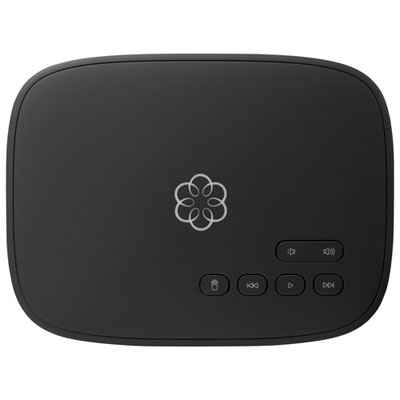 Your price for this item is $129.99
-
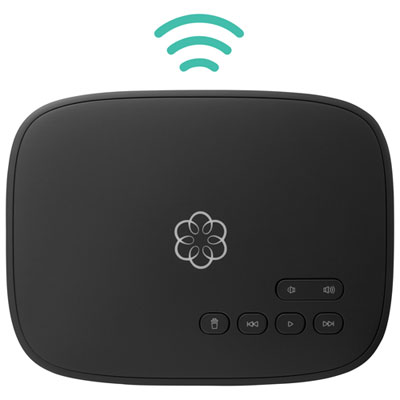 Your price for this item is $109.99
-
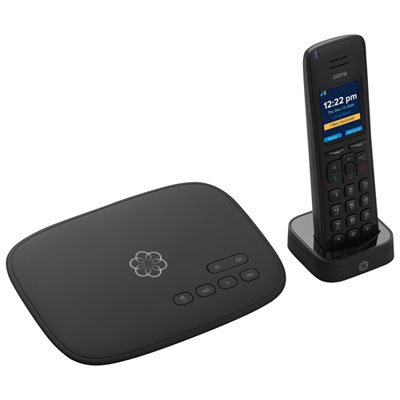 Your price for this item is $139.99
-
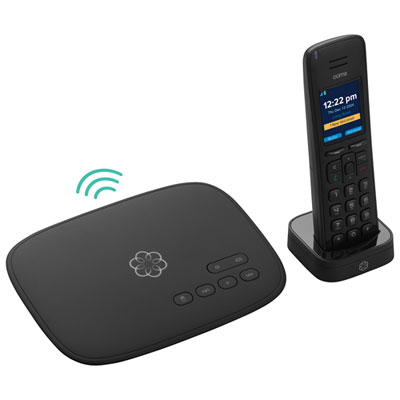 Your price for this item is $159.99
-
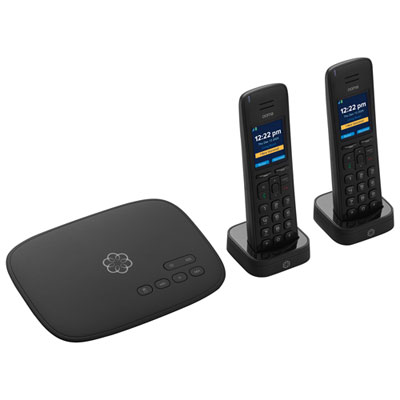 Your price for this item is $159.99
-
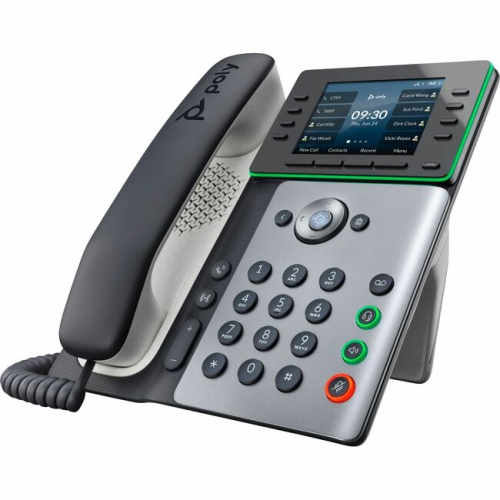 Your price for this item is $318.83
-
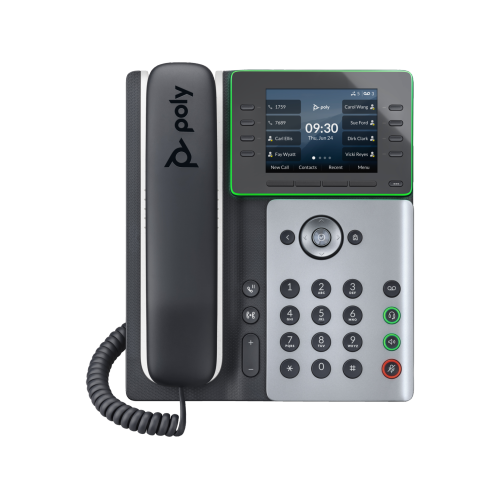 Your price for this item is $238.99
-
 Your price for this item is $59.99
Discover more categories related to VoIP Conference Room Phones

Top Collections:
Pokemon Centers, Pokémon 30th Celebration Cards, Best Budget Office Chairs, Kindle Devices, Best Cameras for Sports Photography, Canon G7X Cameras, Best Black Friday Deals On Electronics, Best Laptops for Writers, iPhone 15 Apple, Jackery Power Stations
Some products may be subject to Environmental Handling Fees
(EHF) depending on your province.
Learn more about EHFs.