Presentation Papers
Whether you're preparing for an important business presentation or looking to add a touch of creativity to your school project, these presentation papers have got you covered. With a wide range of options to choose from, you'll find the perfect paper that suits your needs and elevates your visual content. From vibrant colors to professional finishes, our selection offers exceptional quality and versatility to make your presentations stand out from the crowd.
Sort



Why paper finish and weight matter for polished documents
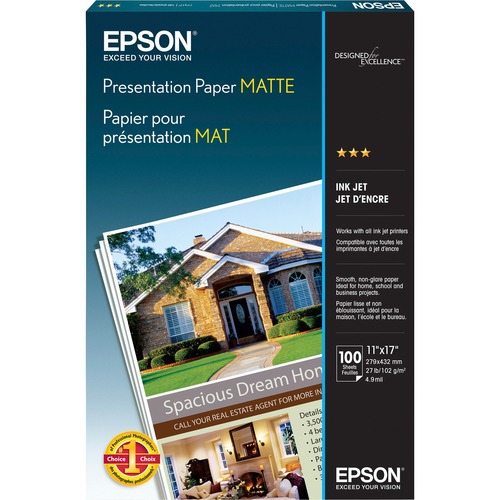
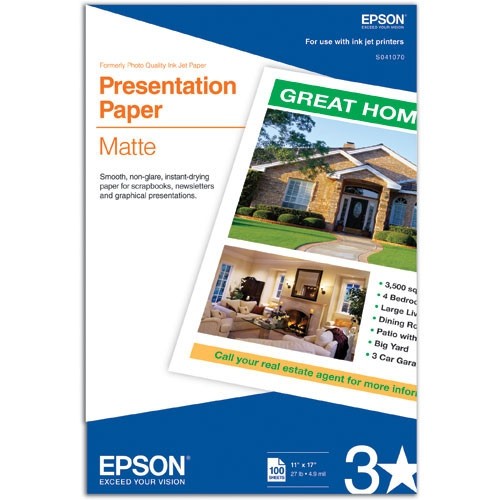
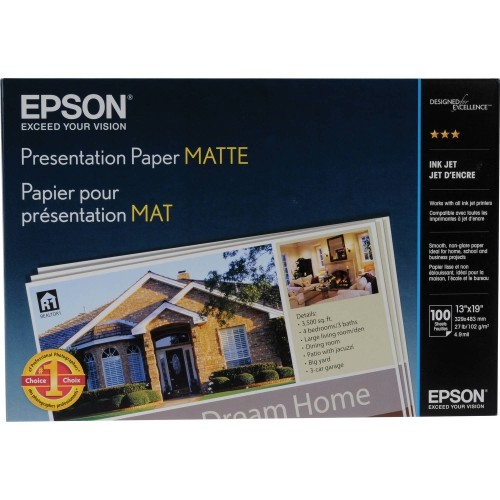
Presentation papers are printing papers designed to give reports, proposals, portfolios, and handouts a more polished appearance than everyday copy paper. Their appeal comes from a combination of surface finish, weight, opacity, and compatibility with the printer being used. A smooth, well-suited sheet can help small type stay crisp, give colour charts clearer definition, and make photographs look more detailed. For text-heavy handouts and documents that people will read under overhead lighting, matte presentation paper is often a practical choice because its low-reflection surface keeps the focus on the page. Glossy finishes can bring greater visual impact to photographs and image-led layouts, while satin or semi-gloss finishes offer a middle ground between a subdued matte surface and a stronger sheen. The best fit depends on what the document needs to communicate: a financial summary benefits from readable figures and distinct chart colours, while a design portfolio may place greater emphasis on image detail and tonal contrast. Paper weight also changes how a finished document feels. Expressed in grams per square metre, or gsm, it describes the mass of the sheet rather than its exact thickness. Higher-gsm papers generally feel more substantial, although stiffness and thickness also depend on the paper’s construction. A heavier sheet can give a single-page proposal or certificate a firm, substantial feel; a more flexible sheet may be easier to fold, staple, or use in a multipage handout. Opacity matters when printing on both sides, since a more opaque sheet helps limit distracting show-through from text and images on the reverse. Brightness and whiteness affect appearance, too. Brightness describes how much blue light paper reflects, while whiteness describes its overall white appearance. A bright white surface can create strong contrast with dark text, but the paper’s tone may also influence how photographs and subtle colours appear. Together, these characteristics help distinguish paper intended for a quick internal printout from paper chosen for a document that will be passed around a meeting table or kept for reference.
Printer compatibility is just as important as the finish. Inkjet presentation papers typically use a coating designed to receive liquid ink and control how it spreads across the surface. Laser-compatible papers must work with toner and the heat used during the printing process. These categories are not automatically interchangeable, and a paper described as suitable for one technology should not be assumed suitable for the other. Papers labelled for both offer another option, provided their size and weight fall within the printer’s supported range. For a colour proposal with fine lines, shaded tables, and a full-page cover image, matching the paper to the printer helps preserve the distinctions that make the layout readable. The printer’s supported media weight, feed path, and duplex capabilities all affect suitability, particularly with heavier or coated sheets. Some printers handle substantial paper through a manual or rear feed rather than the main tray, and automatic two-sided printing may have a narrower weight range than single-sided printing. Sheet size needs to suit both the document and its destination. An 8.5 x 11 inch letter-size sheet fits many office folders, binders, and standard document layouts, while other formats require matching printer support and storage accessories. Borderless layouts depend on the printer’s capabilities as well as the paper, so a full-page photograph may need different handling from a report with conventional margins. Single-sided and double-sided coatings are another meaningful distinction. A sheet coated on only one face may not produce the same colour density or sharpness on its reverse; paper intended for double-sided presentation printing is better suited to layouts that need a consistent finish on both faces. The appropriate media setting helps the printer manage ink delivery or toner application for the selected surface. A test print is useful for checking small text, skin tones, pale chart colours, and image shadows before producing multiple copies. Drying time varies with the coating, printer, ink coverage, and settings, so even a sheet that feels dry should be handled according to its packaging directions before stacking, folding, or binding.
The right presentation paper also needs to suit the way the finished document will be handled. Sales teams may use it for client proposals, teachers for classroom reference sheets, students for project submissions, and photographers or designers for printed samples of their work. A community group’s information packet has different demands from a compact portfolio: one may need easy page turning and clear two-sided text, while the other may benefit from a heavier surface that supports detailed images. Where readers are likely to add handwritten notes, an uncoated or suitable matte surface can be more practical than a glossy coating, although pen and pencil performance varies by paper. Folding and binding introduce further considerations. Thick coated sheets can resist a tight fold, and a scored fold may produce a neater result for covers or folded presentation pieces. Bulky paper also reduces the number of pages that can fit comfortably into a folder, report cover, or binding system. For documents that combine an everyday text section with a more substantial cover, presentation papers can complement the broader document materials found under Business Papers. Careful storage helps preserve the qualities that make these sheets useful. Paper kept flat in its original wrapping or a protective container is less exposed to dust, dampness, bent corners, and accidental marks. Clean, dry hands help prevent fingerprints on printable surfaces, especially when working with glossy finishes or large areas of dark colour. Finished pages benefit from enough drying or setting time before they are placed in sleeves or stacked under pressure. Greater weight can improve the feel of a document, but it does not by itself make paper waterproof, tear-resistant, or suitable for long-term display. Those uses depend on stated material and coating properties. For presentation materials that will be revisited, carried between meetings, or displayed in a portfolio, matching the finish, construction, and protection to the intended use helps the printed work remain clear and presentable.
Printer compatibility is just as important as the finish. Inkjet presentation papers typically use a coating designed to receive liquid ink and control how it spreads across the surface. Laser-compatible papers must work with toner and the heat used during the printing process. These categories are not automatically interchangeable, and a paper described as suitable for one technology should not be assumed suitable for the other. Papers labelled for both offer another option, provided their size and weight fall within the printer’s supported range. For a colour proposal with fine lines, shaded tables, and a full-page cover image, matching the paper to the printer helps preserve the distinctions that make the layout readable. The printer’s supported media weight, feed path, and duplex capabilities all affect suitability, particularly with heavier or coated sheets. Some printers handle substantial paper through a manual or rear feed rather than the main tray, and automatic two-sided printing may have a narrower weight range than single-sided printing. Sheet size needs to suit both the document and its destination. An 8.5 x 11 inch letter-size sheet fits many office folders, binders, and standard document layouts, while other formats require matching printer support and storage accessories. Borderless layouts depend on the printer’s capabilities as well as the paper, so a full-page photograph may need different handling from a report with conventional margins. Single-sided and double-sided coatings are another meaningful distinction. A sheet coated on only one face may not produce the same colour density or sharpness on its reverse; paper intended for double-sided presentation printing is better suited to layouts that need a consistent finish on both faces. The appropriate media setting helps the printer manage ink delivery or toner application for the selected surface. A test print is useful for checking small text, skin tones, pale chart colours, and image shadows before producing multiple copies. Drying time varies with the coating, printer, ink coverage, and settings, so even a sheet that feels dry should be handled according to its packaging directions before stacking, folding, or binding.
The right presentation paper also needs to suit the way the finished document will be handled. Sales teams may use it for client proposals, teachers for classroom reference sheets, students for project submissions, and photographers or designers for printed samples of their work. A community group’s information packet has different demands from a compact portfolio: one may need easy page turning and clear two-sided text, while the other may benefit from a heavier surface that supports detailed images. Where readers are likely to add handwritten notes, an uncoated or suitable matte surface can be more practical than a glossy coating, although pen and pencil performance varies by paper. Folding and binding introduce further considerations. Thick coated sheets can resist a tight fold, and a scored fold may produce a neater result for covers or folded presentation pieces. Bulky paper also reduces the number of pages that can fit comfortably into a folder, report cover, or binding system. For documents that combine an everyday text section with a more substantial cover, presentation papers can complement the broader document materials found under Business Papers. Careful storage helps preserve the qualities that make these sheets useful. Paper kept flat in its original wrapping or a protective container is less exposed to dust, dampness, bent corners, and accidental marks. Clean, dry hands help prevent fingerprints on printable surfaces, especially when working with glossy finishes or large areas of dark colour. Finished pages benefit from enough drying or setting time before they are placed in sleeves or stacked under pressure. Greater weight can improve the feel of a document, but it does not by itself make paper waterproof, tear-resistant, or suitable for long-term display. Those uses depend on stated material and coating properties. For presentation materials that will be revisited, carried between meetings, or displayed in a portfolio, matching the finish, construction, and protection to the intended use helps the printed work remain clear and presentable.
Top selling and popular products
-
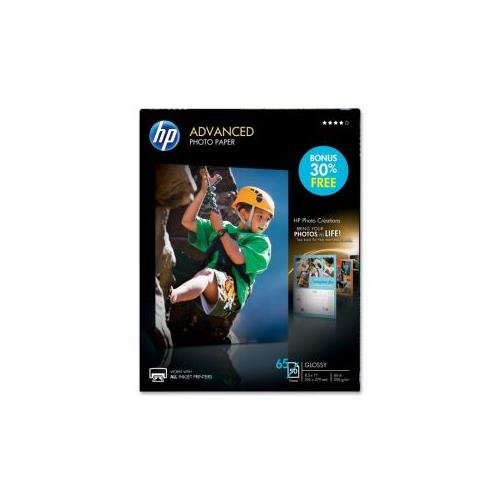 Your price for this item is $47.68
 -
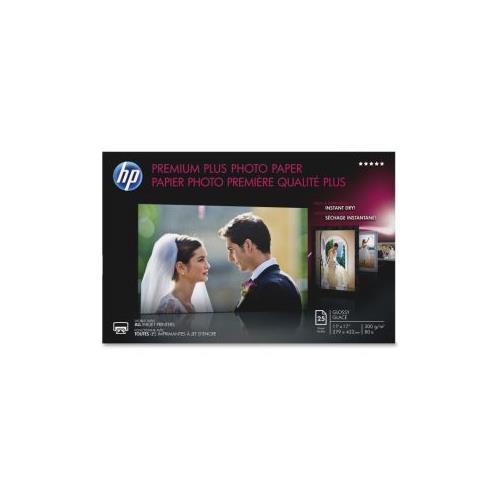 Your price for this item is $80.68
 -
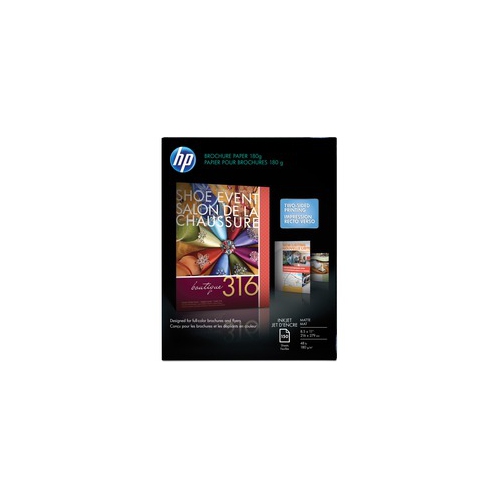 Your price for this item is $45.99
 -
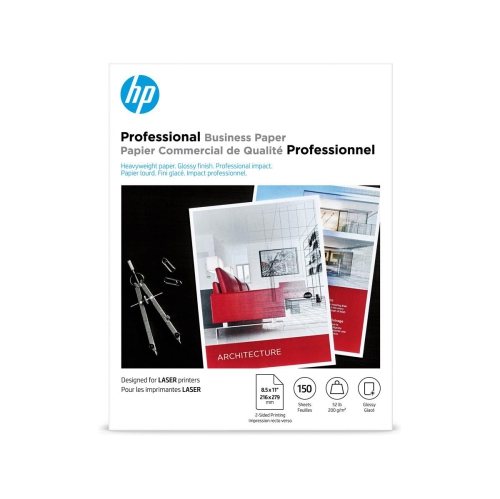 Your price for this item is $45.79
 -
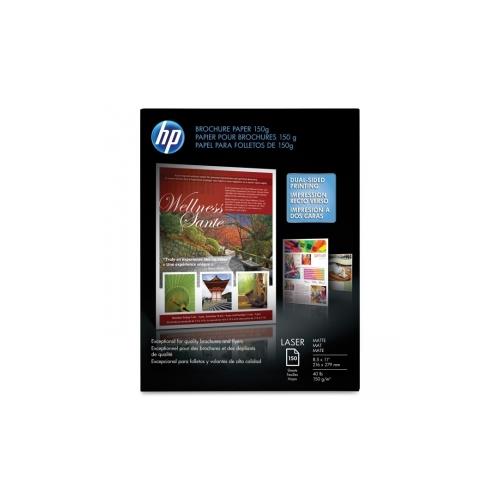 Your price for this item is $37.99
 -
 Your price for this item is $358.99
 -
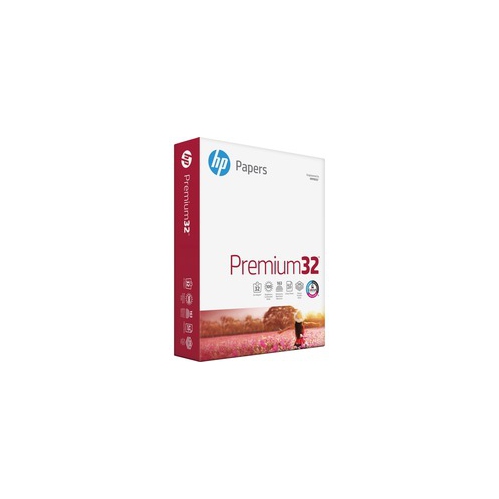 Your price for this item is $31.99
 -
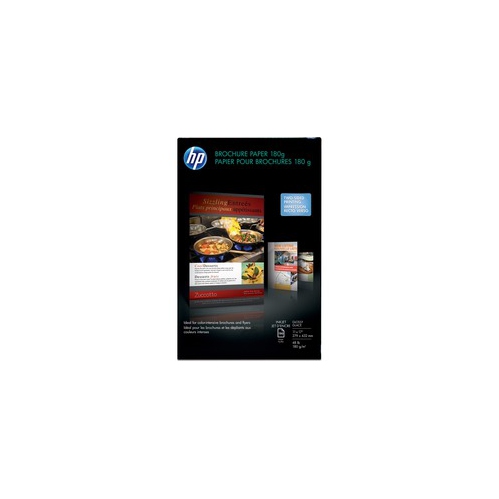 Your price for this item is $103.99
Discover more categories related to Presentation Papers



Top Collections:
Pokemon Centers, Kindle Devices, Best Budget Office Chairs, Apple iPhones 16, Best Laptops for Writers, iPhone 15 Apple, Canon G7X Cameras, Refurbished Apple Laptops, Alarm Clock, Motorola Razr Phones
Some products may be subject to Environmental Handling Fees
(EHF) depending on your province.
Learn more about EHFs.