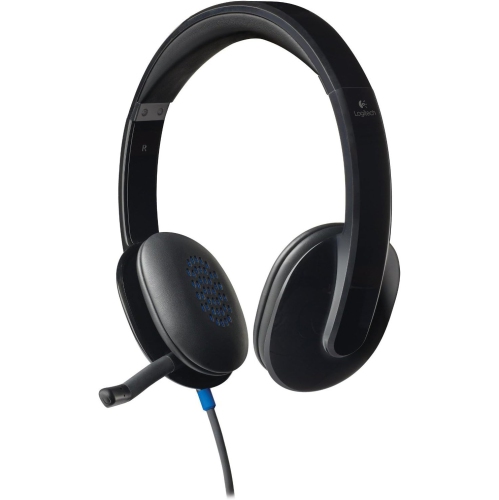
Yealink Headsets
Discover the perfect audio companion for your professional and personal needs with our selection of headsets designed to deliver exceptional sound quality and comfort. Ideal for remote work, virtual meetings, or simply enjoying your favorite tunes, these headsets offer a seamless blend of style and functionality. With features tailored to enhance clarity and reduce distractions, they ensure you stay connected and focused throughout your day. Explore options that cater to various preferences, whether you're looking for wired or wireless solutions, making it easy to find the headset that fits your lifestyle. Elevate your audio experience and stay ahead of the curve with cutting-edge technology that complements your everyday activities.
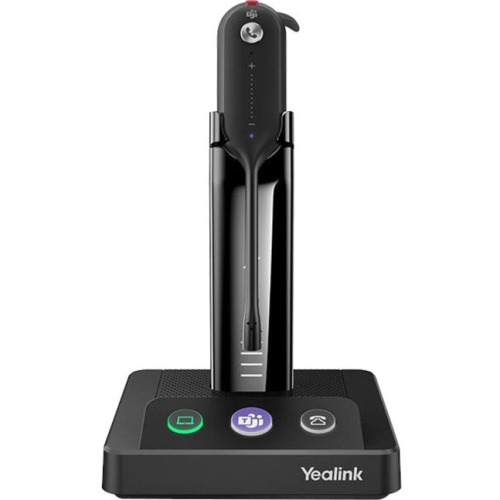
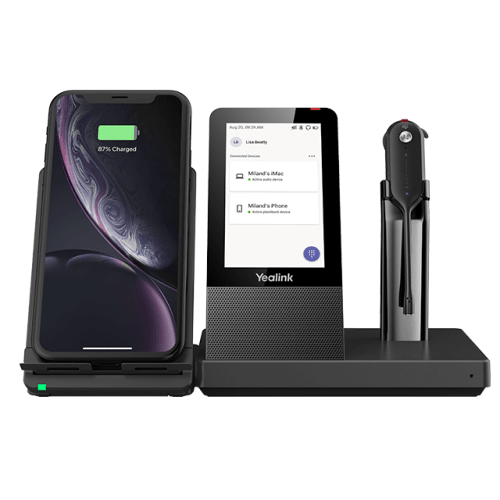
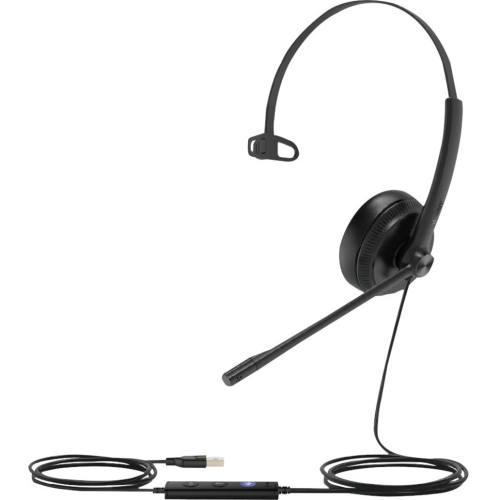
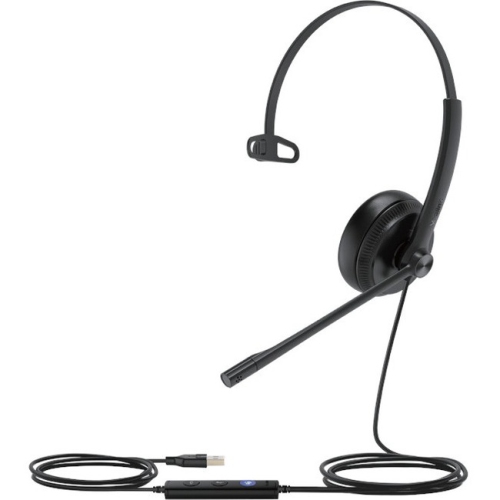
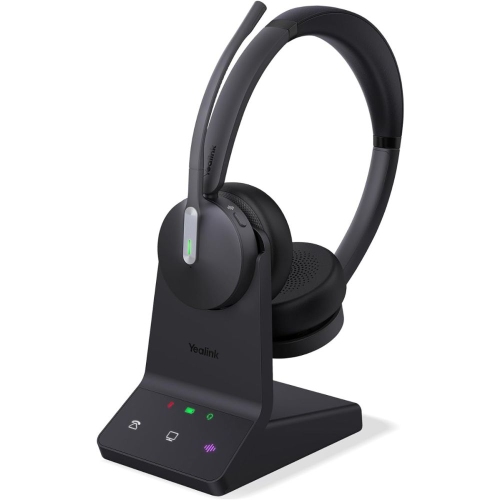
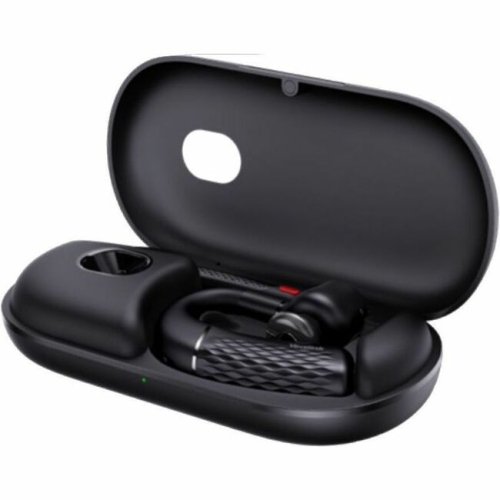
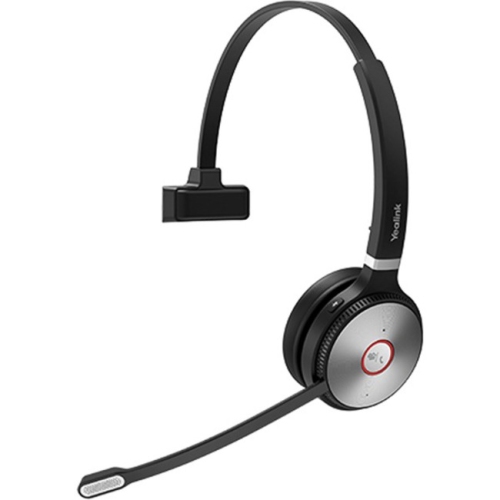
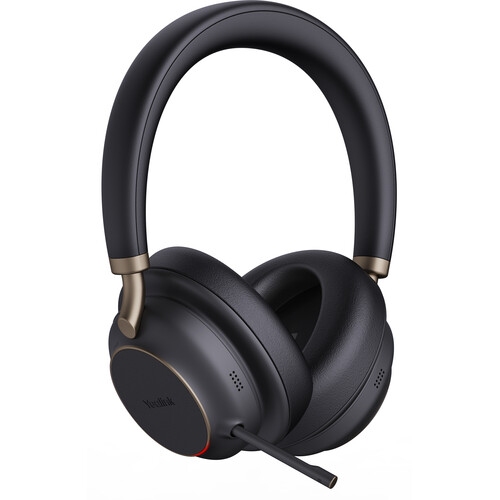
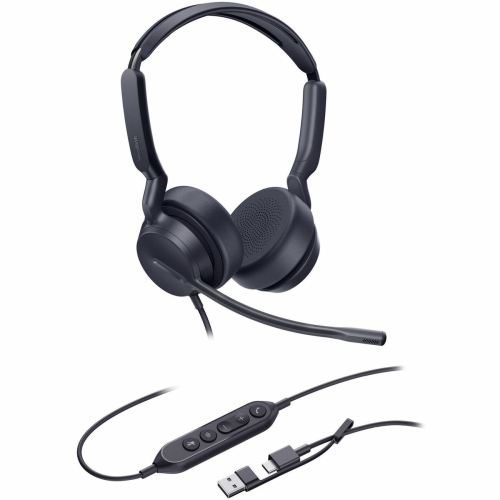
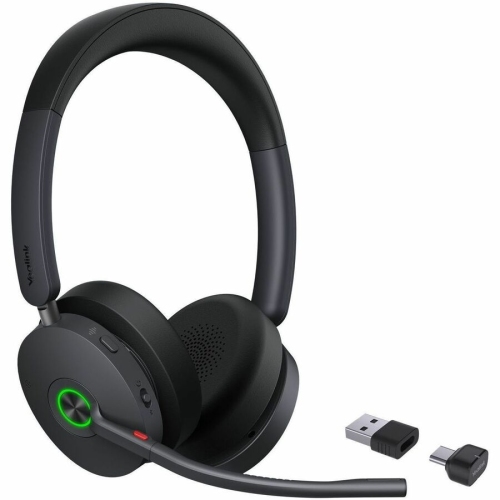
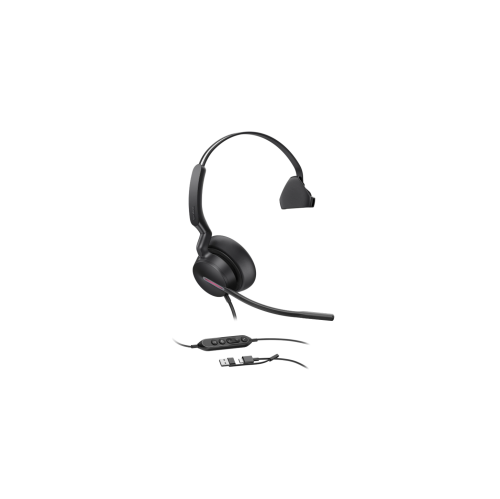
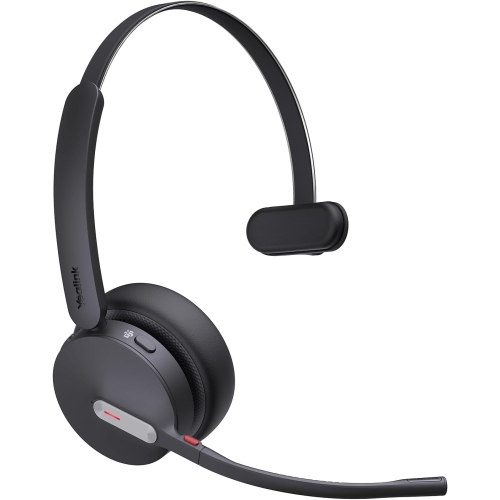
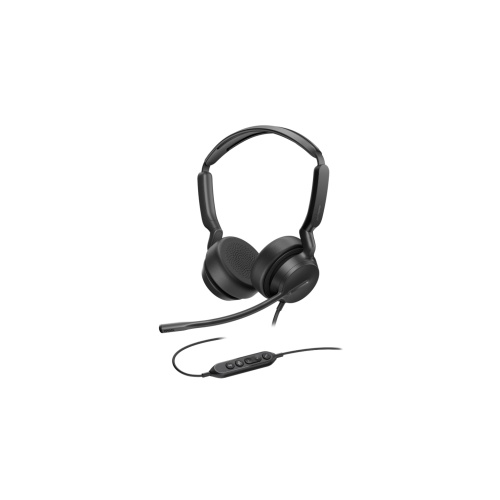
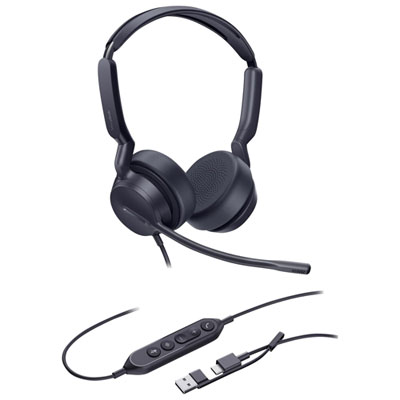
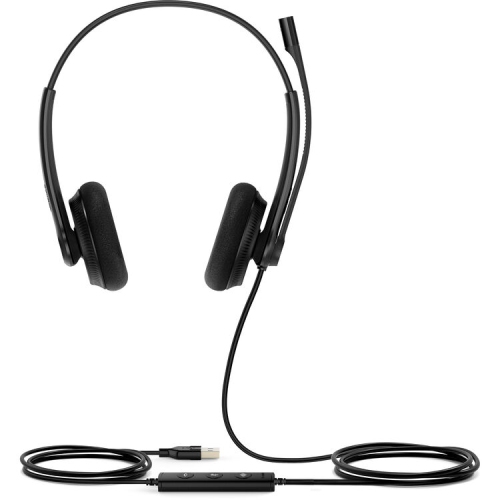
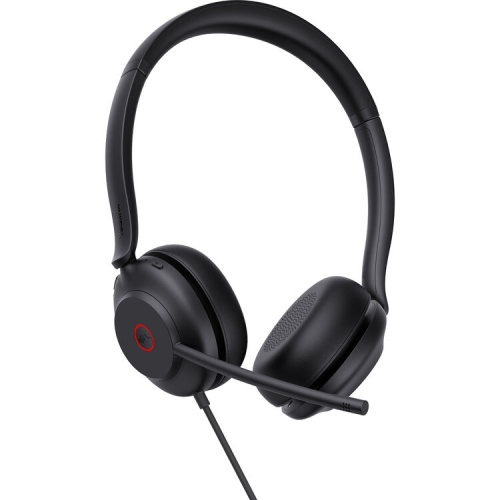
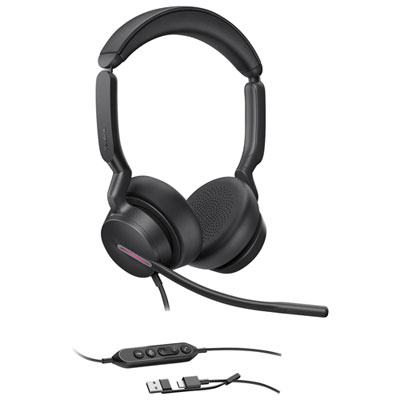
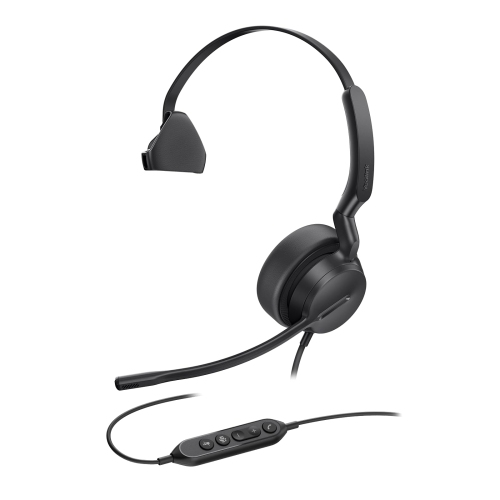
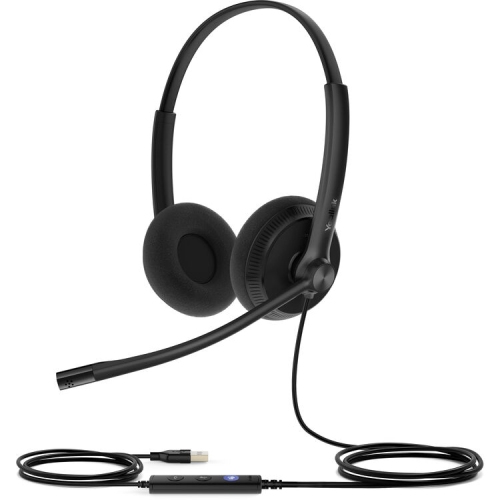
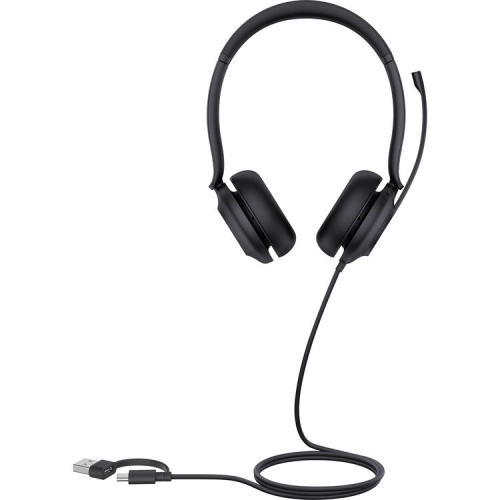
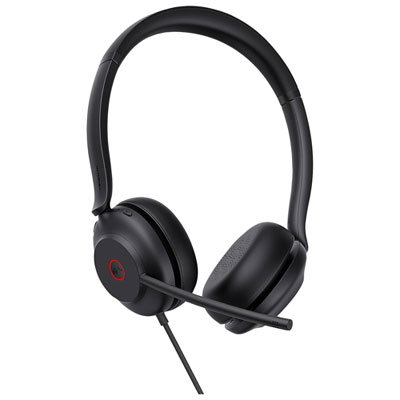
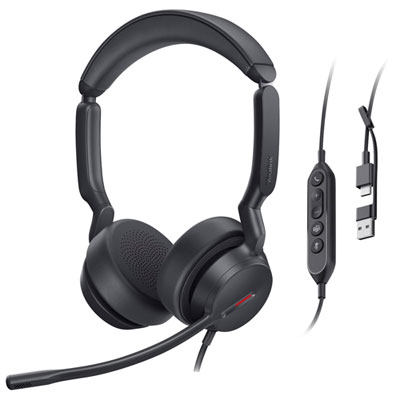
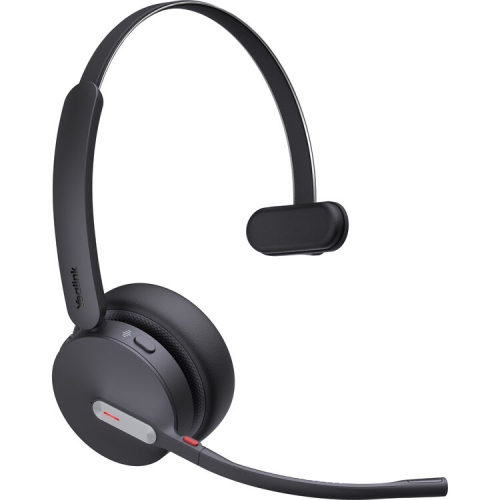
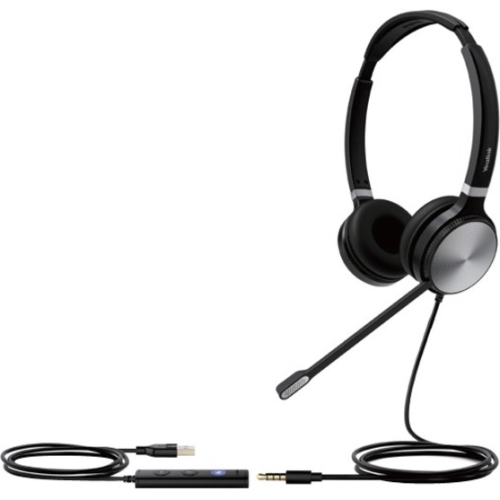
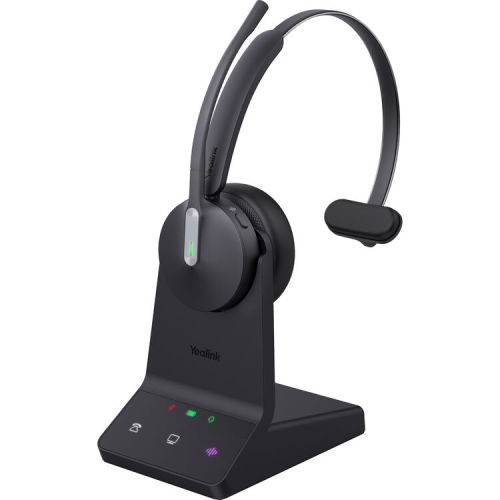
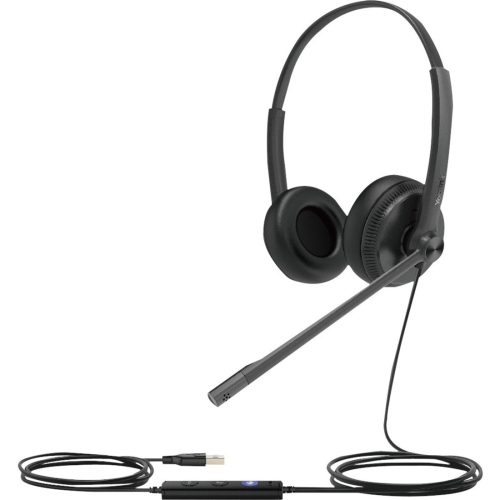
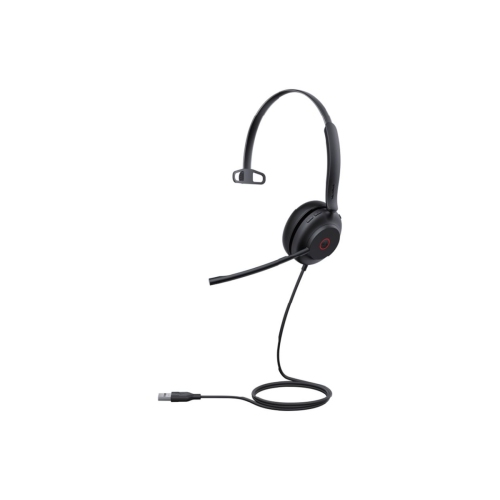




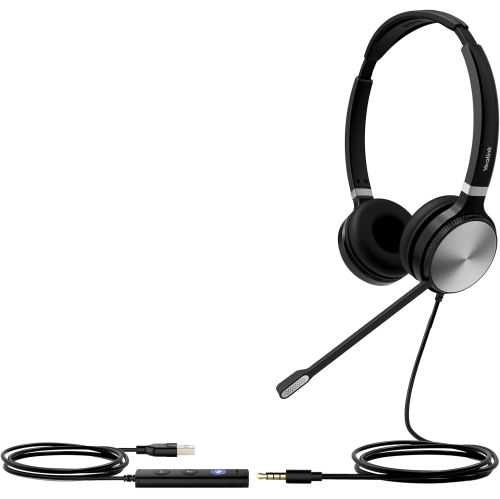
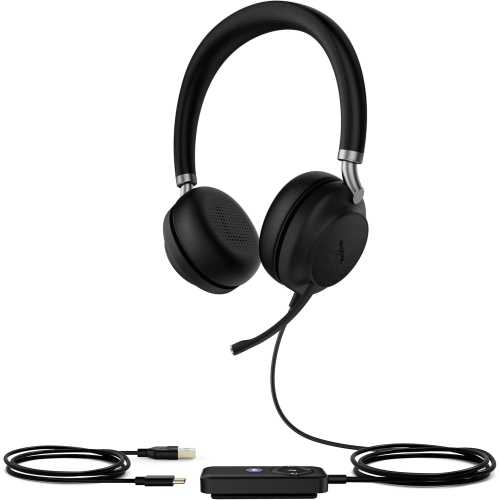
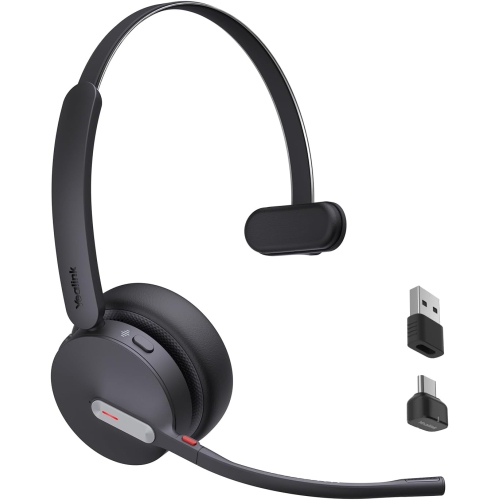
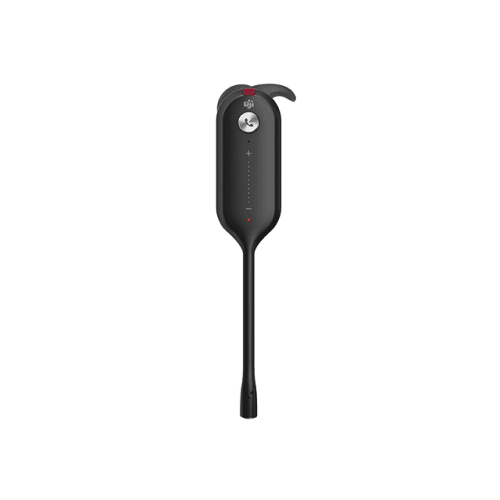


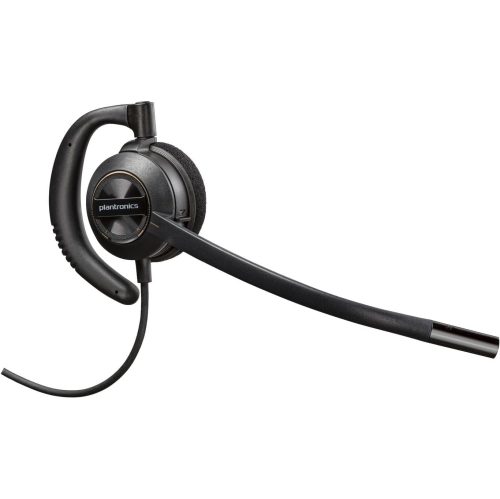
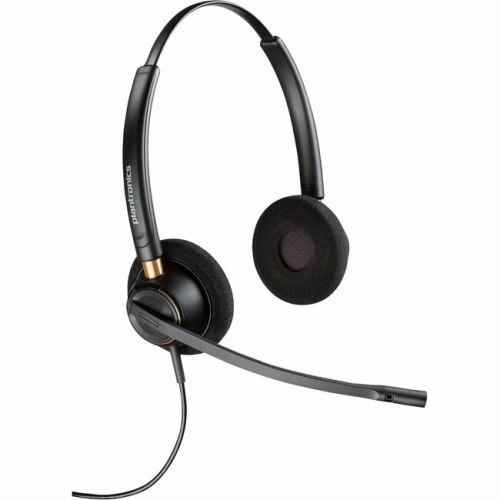
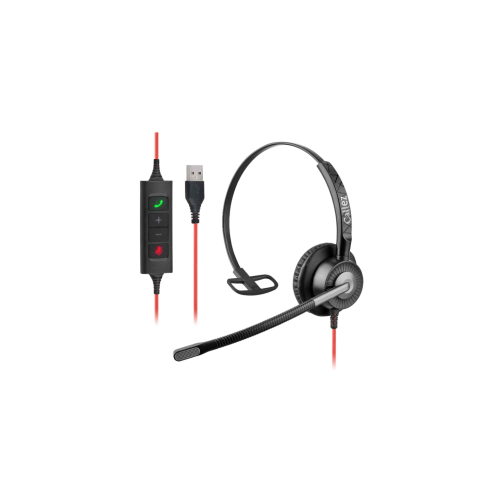
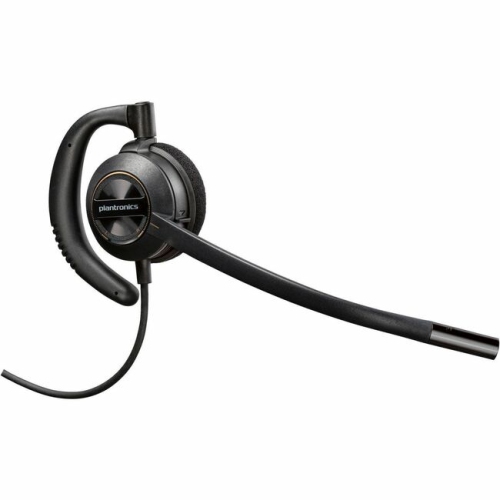
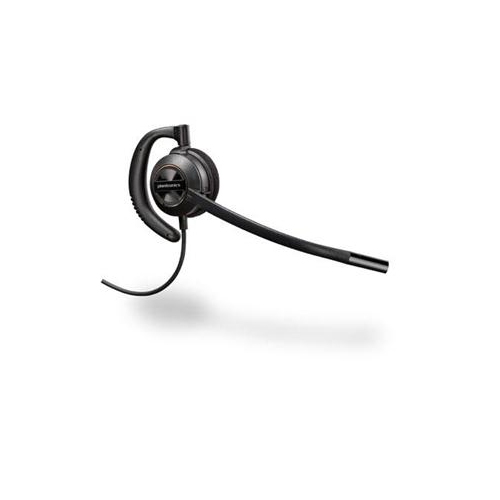
Small headset details that make busy workdays smoother
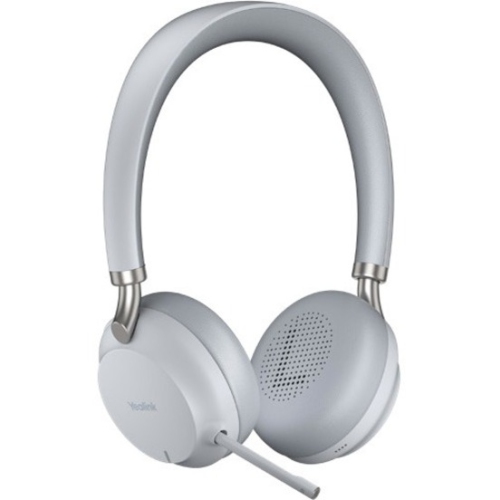
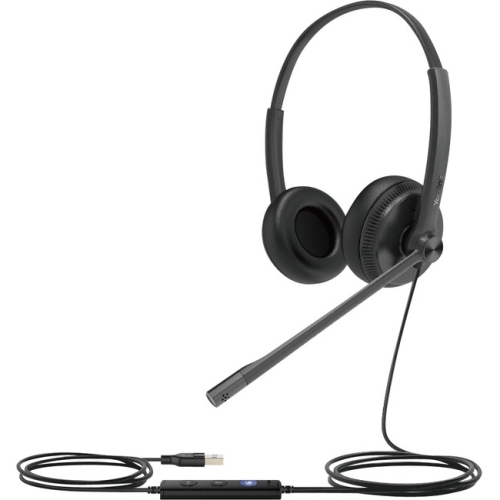
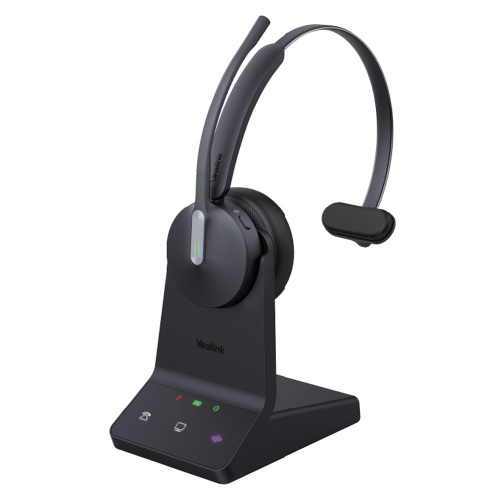
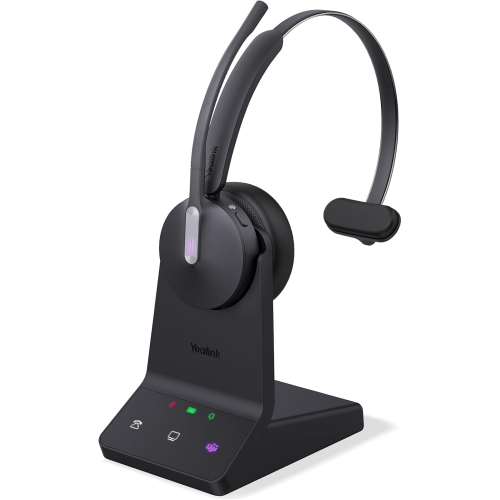
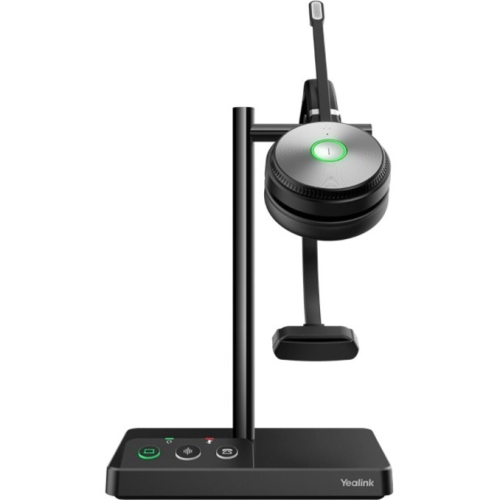
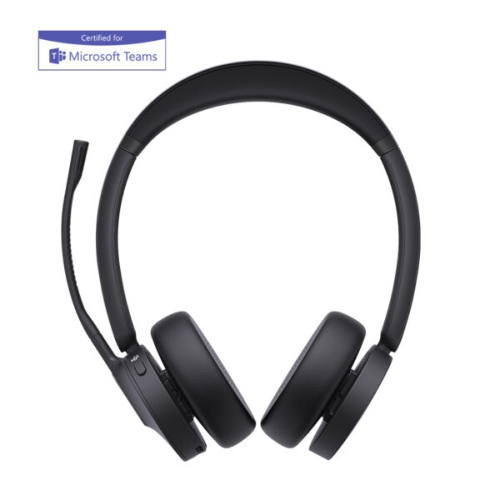
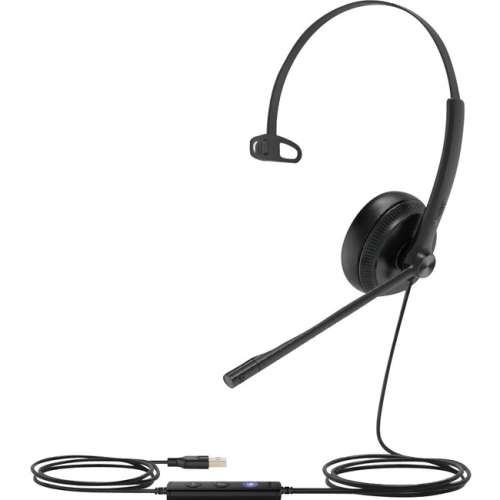
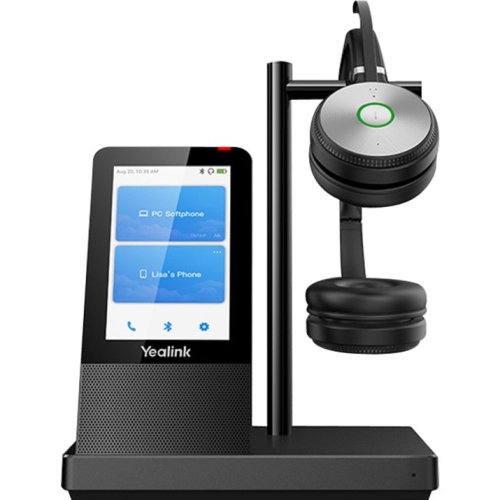
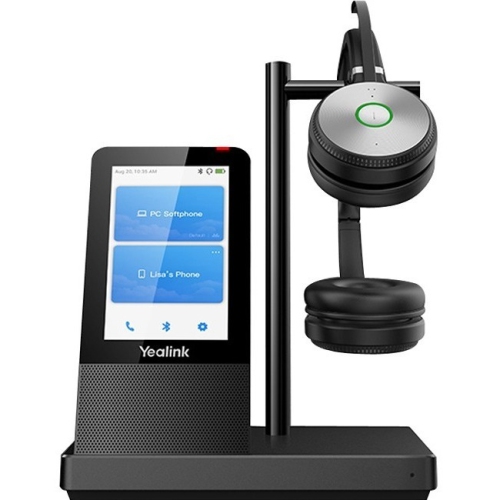
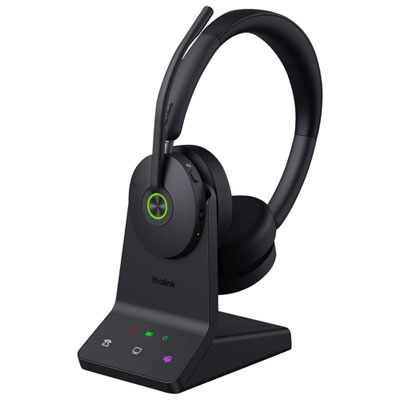
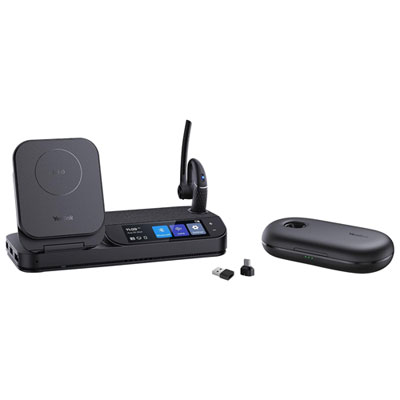
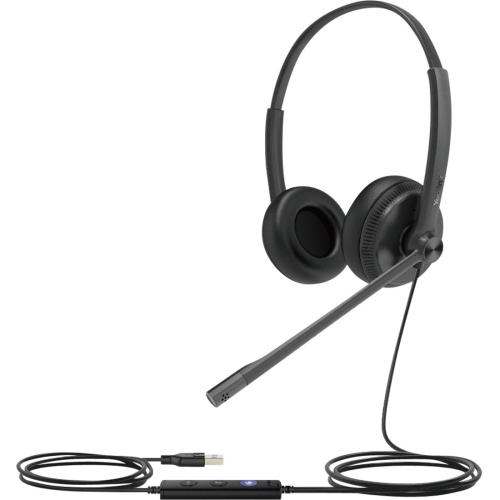
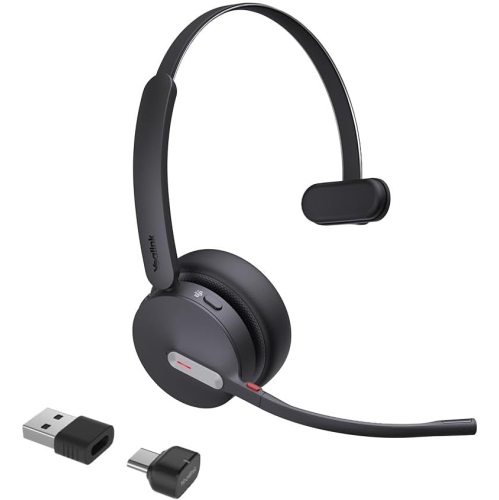
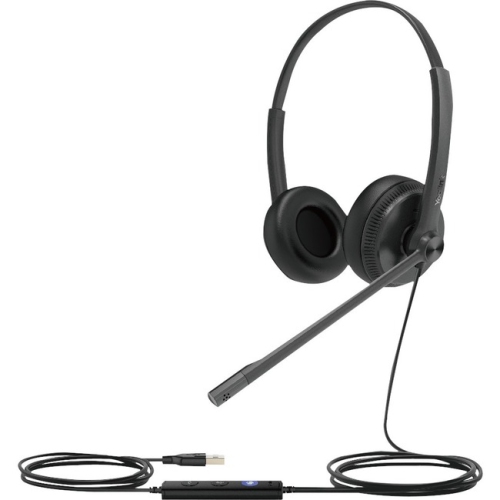
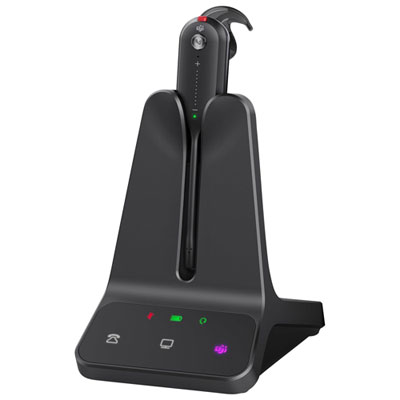
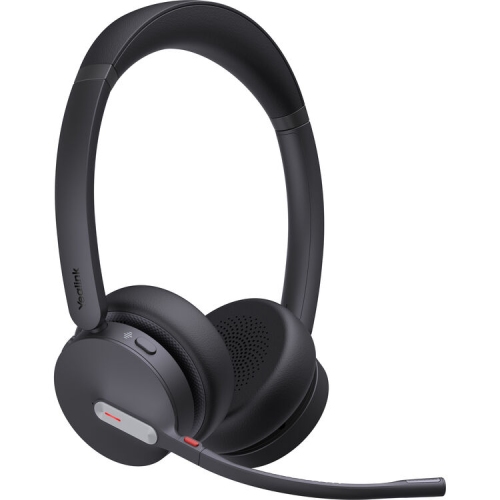
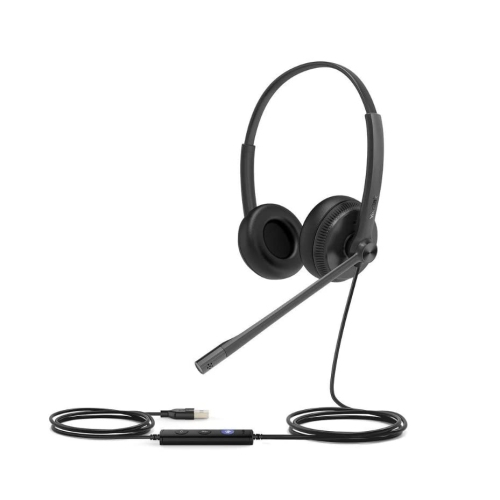
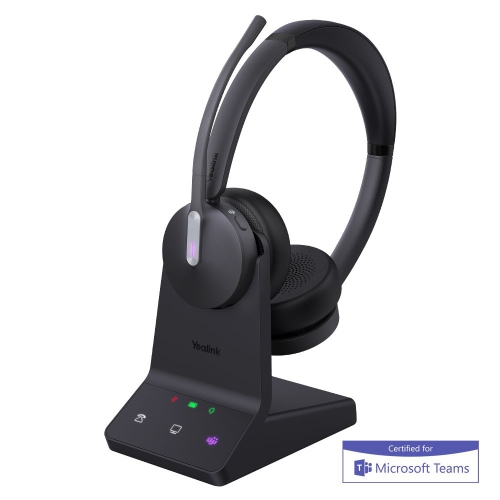
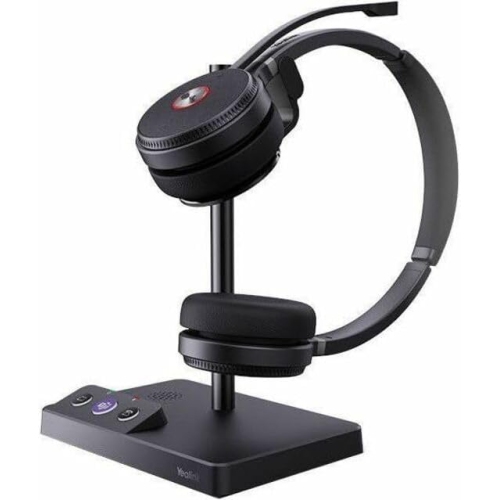
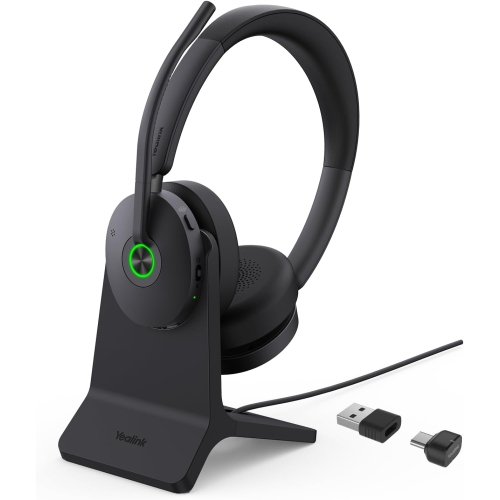
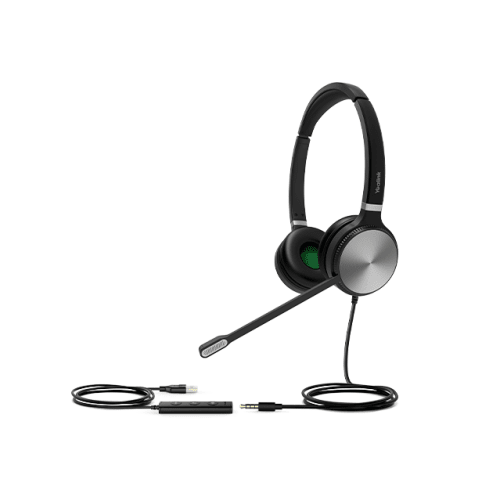
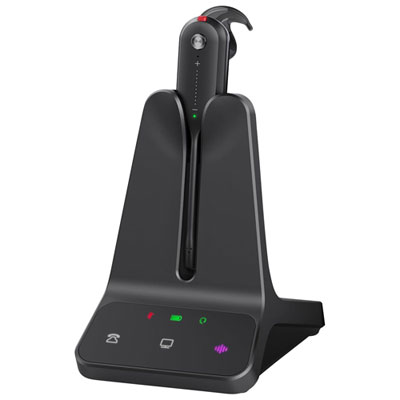
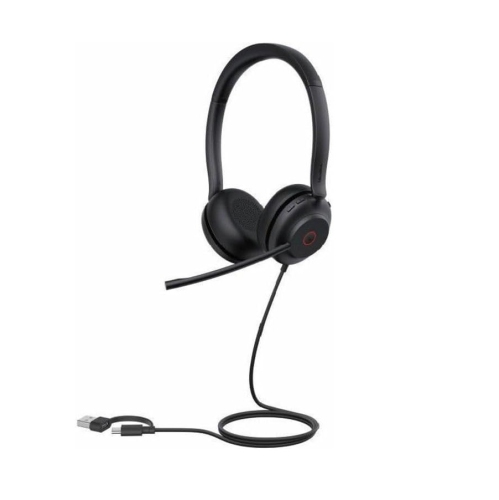
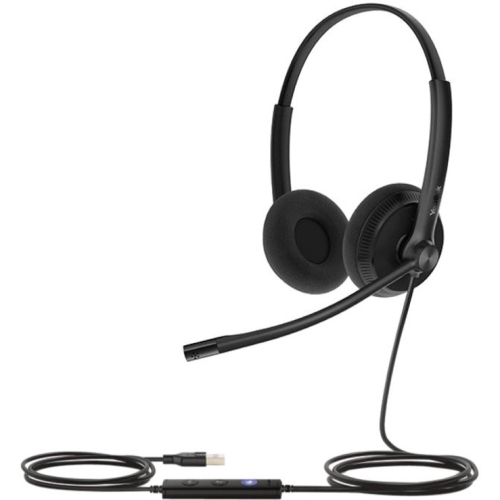
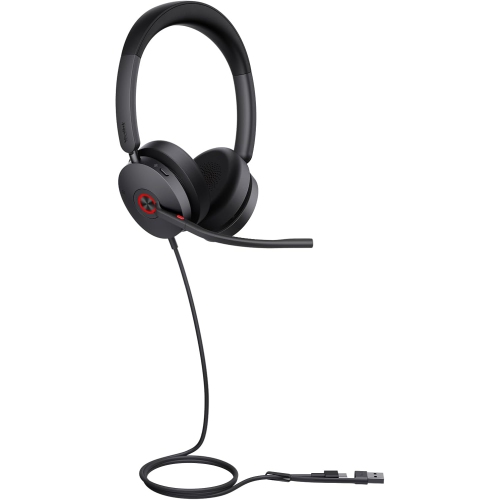
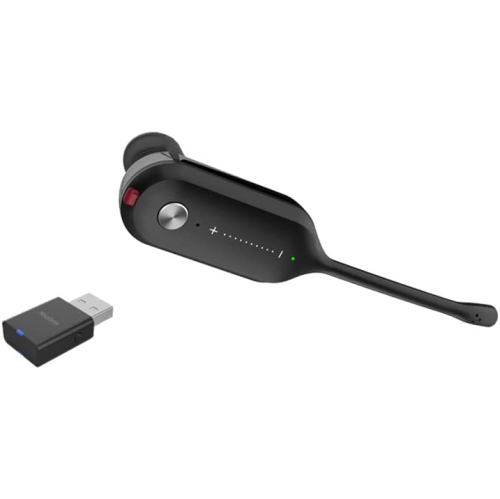
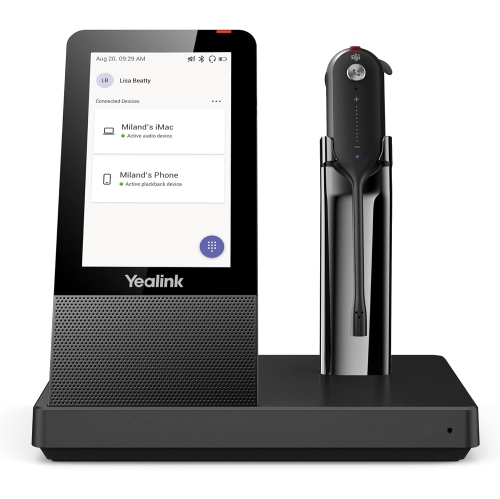
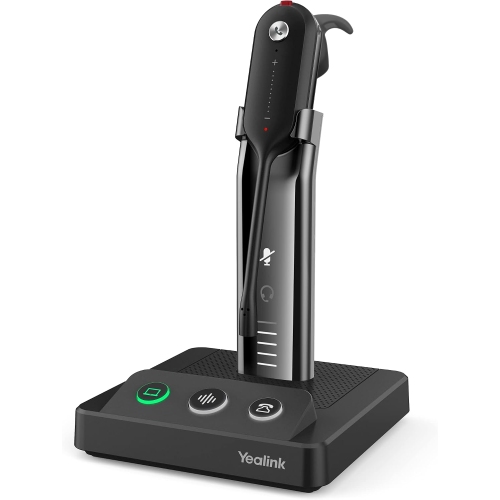
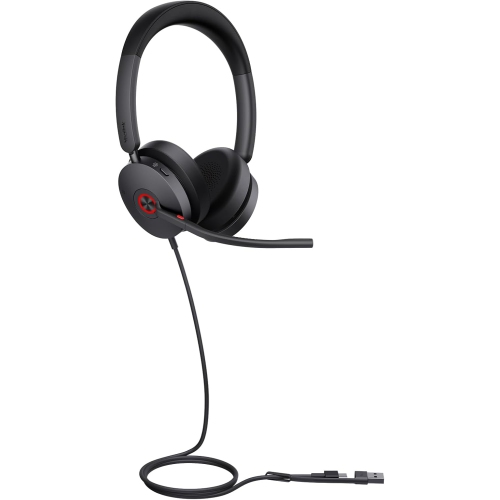
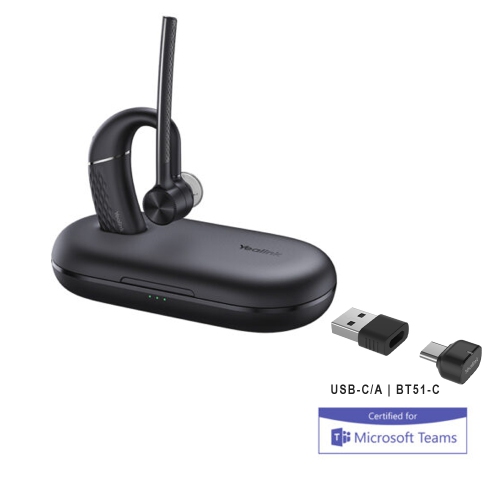
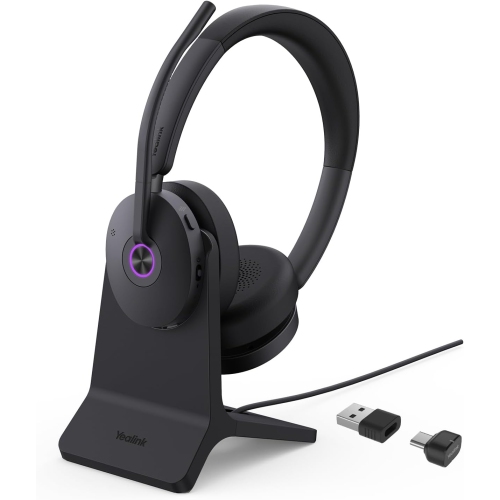
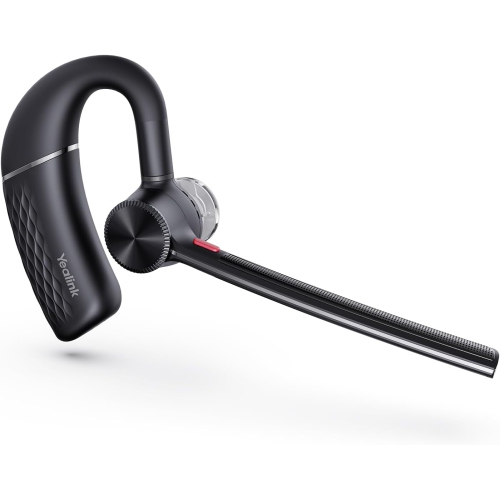
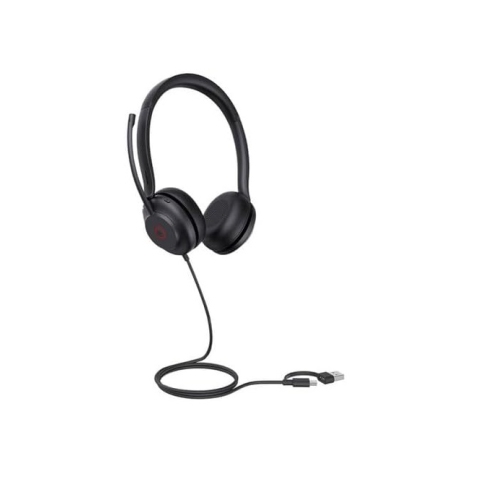
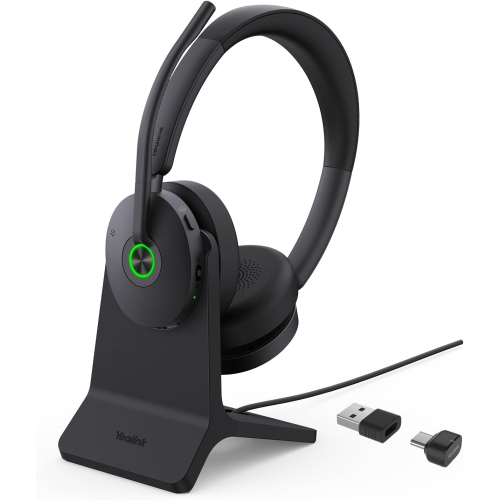
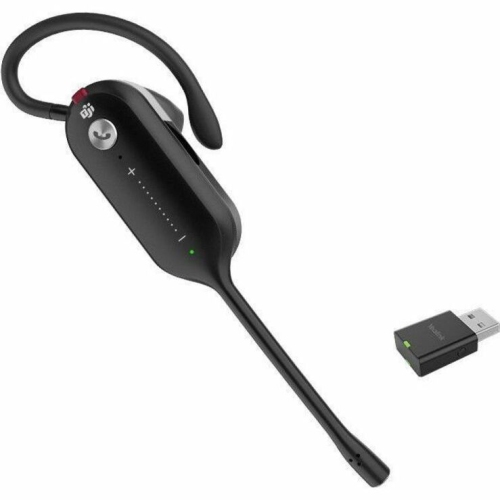
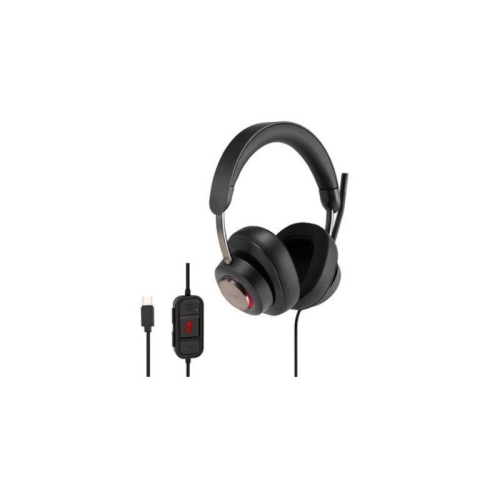
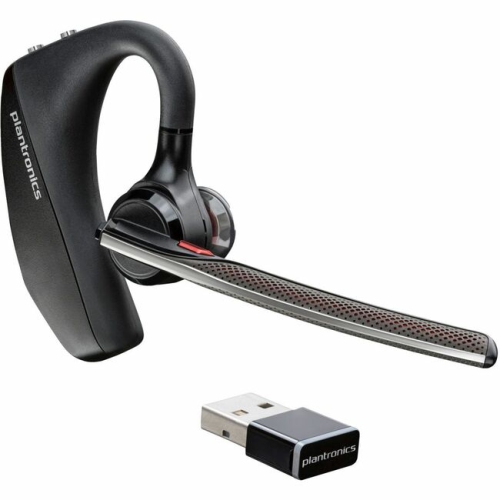
Connection type shapes how a headset fits into a workspace. A wired USB connection keeps setup straightforward on compatible computers and avoids the need to charge a headset battery, making it practical for a fixed workstation or a desk used by different people throughout the day. Connector shape still matters: USB-A and USB-C ports are different, and an adapter alone does not guarantee that every call-control function will work. Compatibility with the computer, desk phone, and calling application is worth confirming together, particularly when answering and ending calls from the headset is important. Wireless designs trade the physical cable for a charging routine and greater freedom of movement. Bluetooth can suit people who move between compatible computers and mobile phones, while support for simultaneous connections varies by design. Switching devices may also behave differently from handling two active calls, so those capabilities should not be assumed to be the same. For desk-based calling with room to move, DECT Headsets use a dedicated wireless connection between the headset and its base rather than relying on a computer’s built-in Bluetooth. Actual working range depends on the layout of the space, walls, interference, and the equipment involved; an open-floor distance rating may not reflect performance through several rooms. A charging base gives the headset a consistent place to rest between calls, though it also needs a suitable spot near the required power and device connections. Battery specifications deserve similar context, since talk time, listening time, and standby time describe different activities. A person spending most of the day in meetings has different needs from someone taking a few brief calls. Software compatibility and platform certification can also affect functions such as synchronized mute status, call answering, and meeting controls. In a workplace with managed computers, supported software and any installation requirements are part of the fit, alongside the physical connection and the way calls are handled.
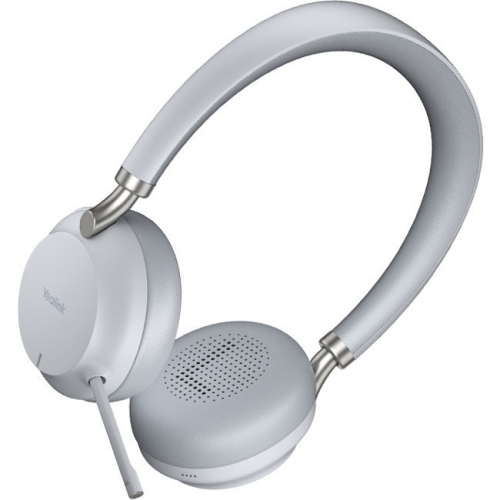
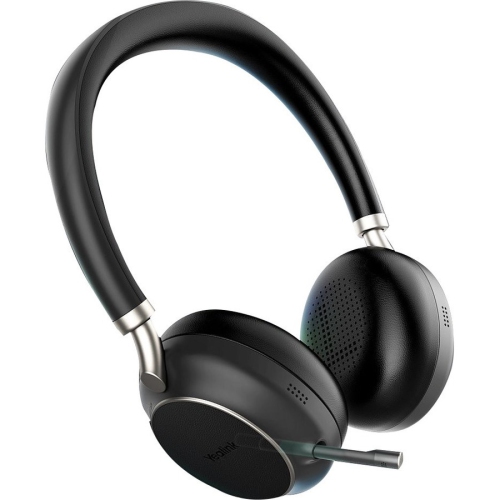
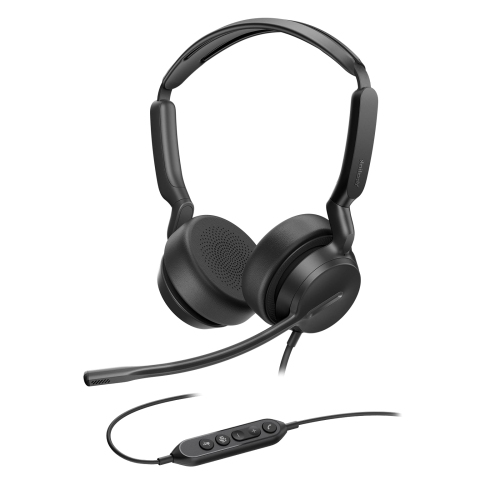
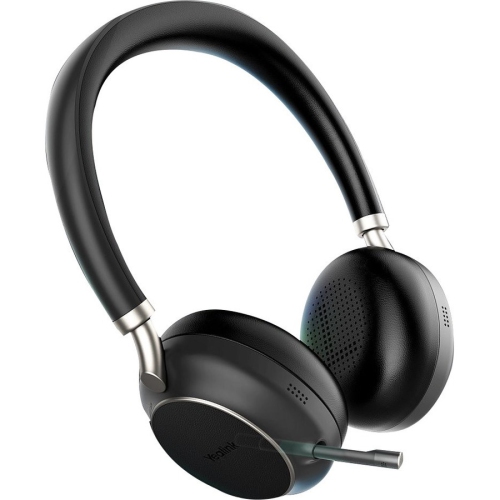
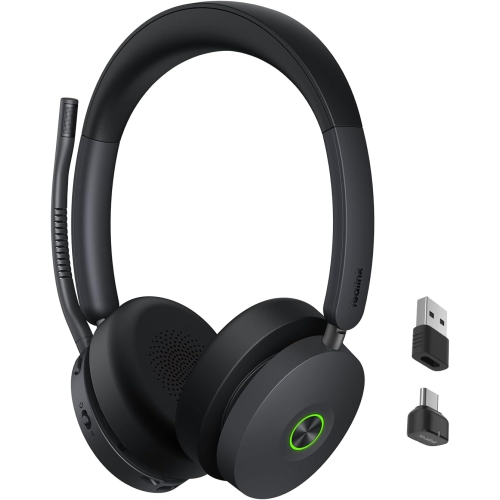
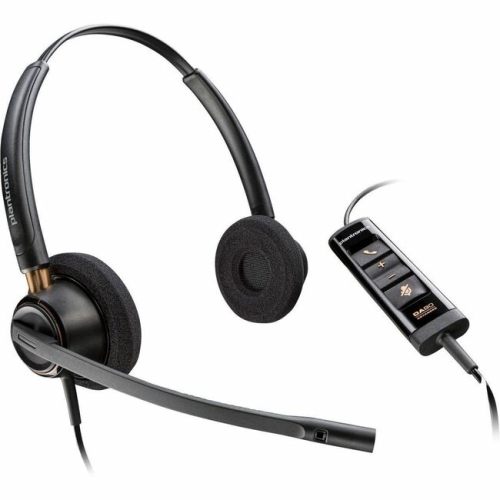
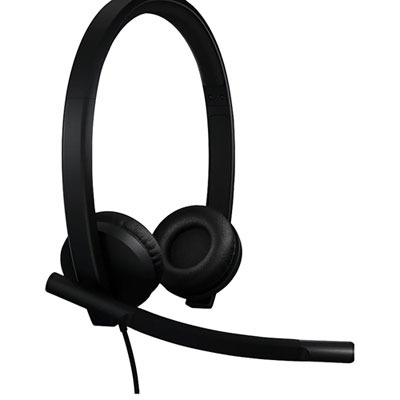
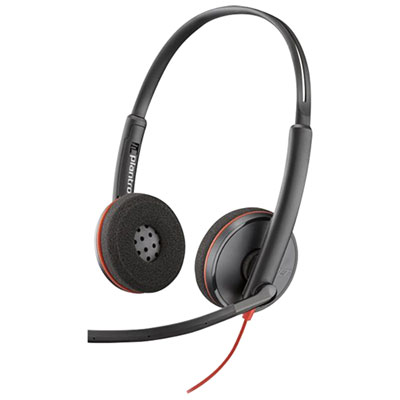
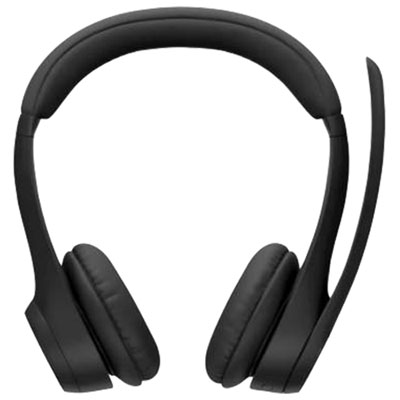
Comfort becomes more noticeable as a short check-in turns into an afternoon of back-to-back meetings. Headset weight, headband adjustment, earcup movement, and cushion shape all influence how pressure is distributed. On-ear cushions rest against the ears and often keep the design compact, while over-ear cushions surround the ears and may offer more separation from nearby activity, depending on their fit and construction. Glasses, earrings, hairstyle, and head size can change how either style feels over time. Soft foam cushions with fabric or leatherette coverings provide different surface textures: fabric can feel less sealed against the skin, while leatherette generally has a smoother surface that is easier to wipe, subject to the manufacturer’s care directions. Lightweight plastic housings help reduce the load on the head, and reinforced adjustment points can add sturdiness in areas that are moved frequently. Durability also depends on handling, especially around cable exits, microphone joints, and folding or rotating parts. A flexible boom allows the microphone to sit near the corner of the mouth without touching the face; positioning it directly in the path of each breath can introduce unwanted noise. For shared workstations, removable or replaceable cushions can make routine care more manageable when that option is supported. A soft, dry cloth is suitable for many exterior surfaces, but cleaning liquids, disinfectants, and cushion washing should follow the specific care instructions. Moisture should stay away from microphone openings, charging contacts, and connection ports. Keeping the headset on a stand or in a suitable case helps prevent cushions from being compressed beneath paperwork and cables from catching on chair arms. Regular listening breaks and a comfortable volume remain important, even with a well-fitted headset. For a student attending remote seminars, a family member establishing a home office, or a colleague who spends hours on calls, a business headset can also be a thoughtful practical gift when device compatibility and wearing preferences are known. Its lasting value comes from clear communication, dependable daily handling, and a fit that remains comfortable beyond the first conversation.
Top selling and popular products
-
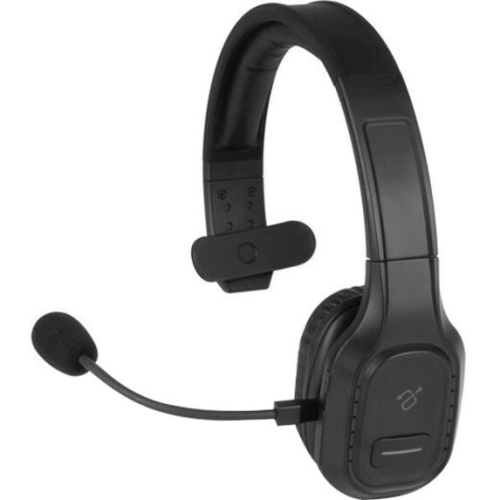 Your price for this item is $93.06
 -
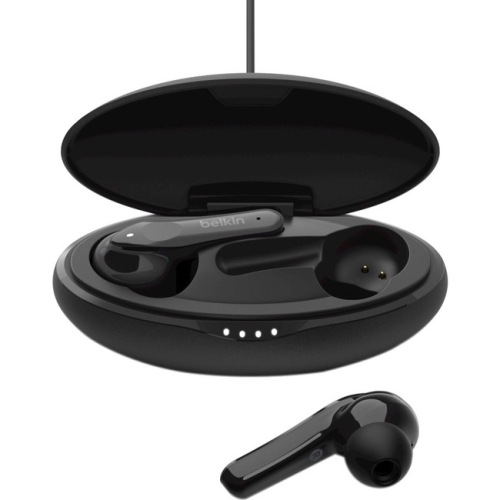 Your price for this item is $74.99
 -
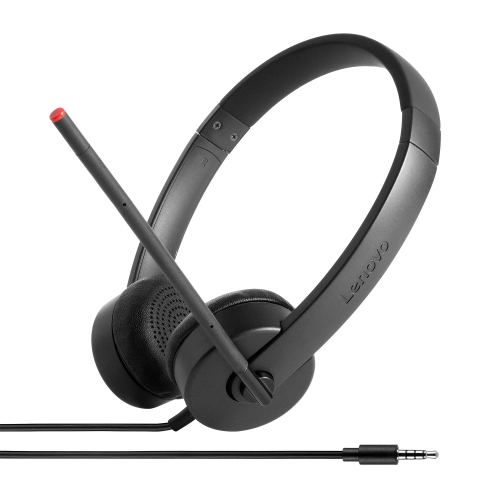 Your price for this item is $32.99
 -
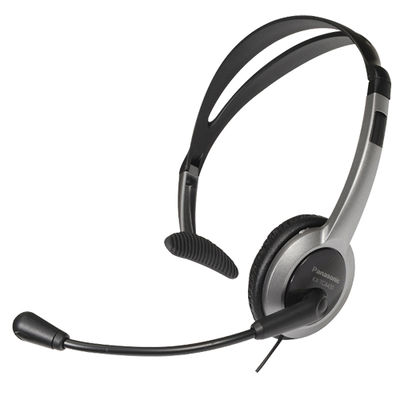 Your price for this item is $34.99
 -
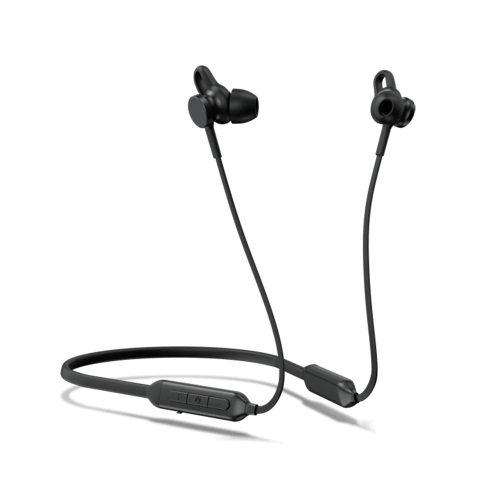 Your price for this item is $75.68
 -
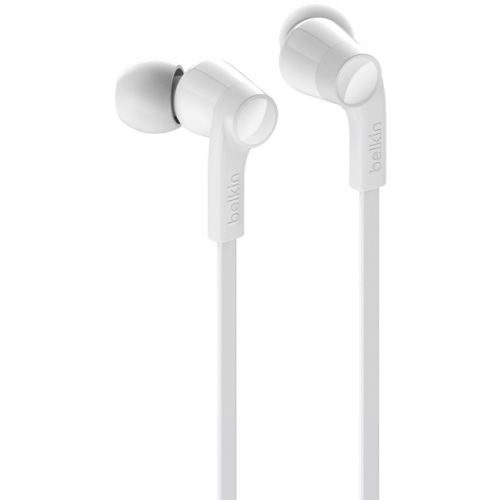 Your price for this item is $30.37
 -
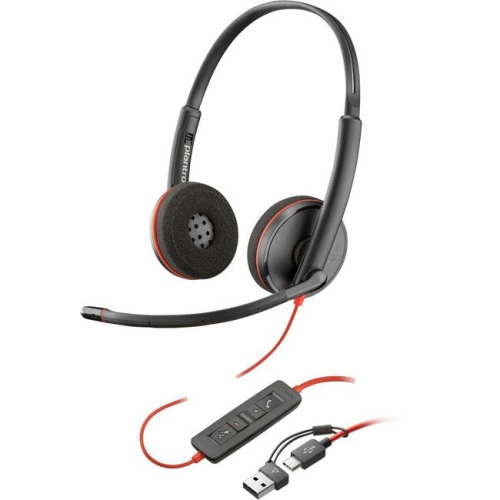 Your price for this item is $70.37
 -
 Your price for this item is $71.37