Top 10 Graphics Cards
Graphics cards are the workhorses of your computer. They process all the images you see on your screen, from the menus to the games themselves. If you're playing a game that requires lots of graphics processing, or if you're doing any sort of video editing, you'll want to make sure your graphics card is up to snuff.
Sort
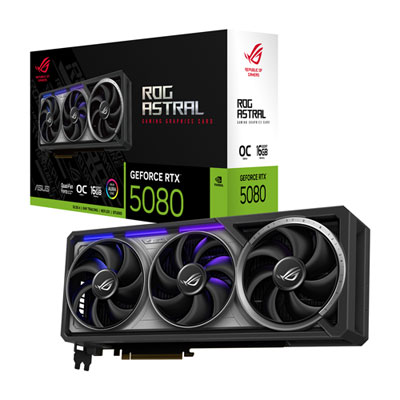
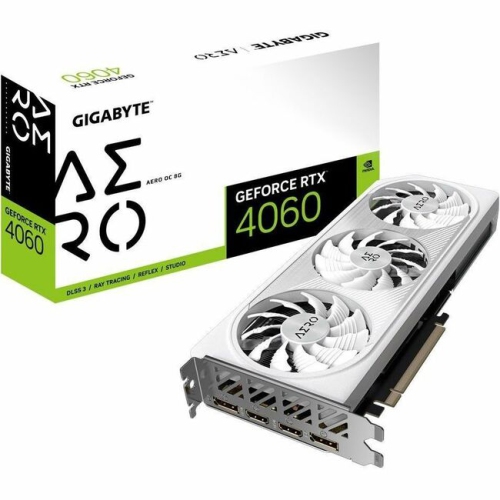
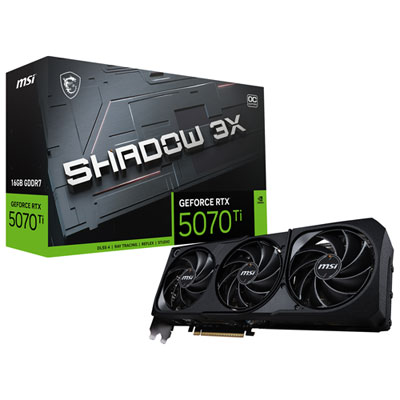
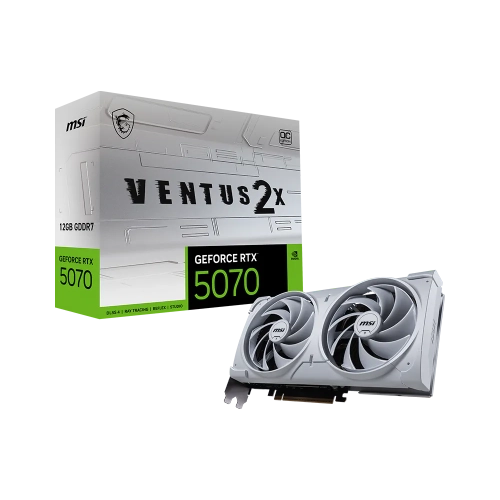
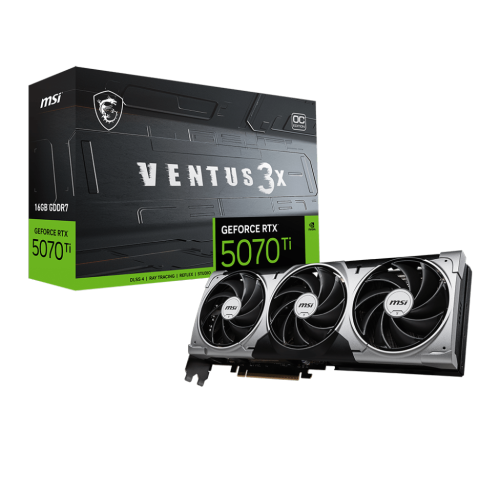
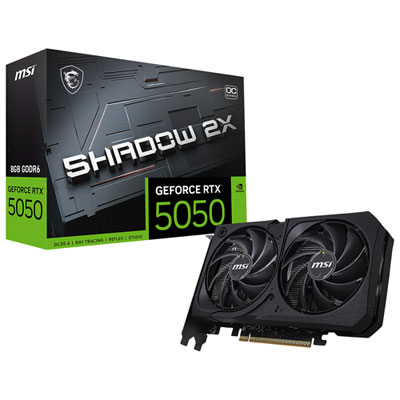
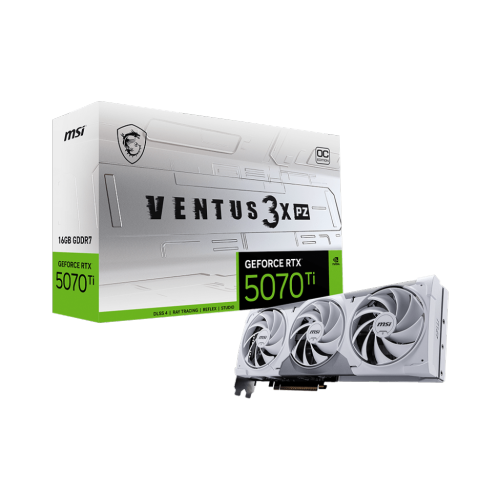
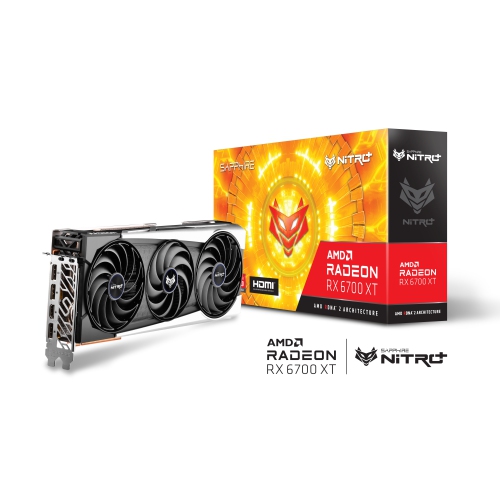

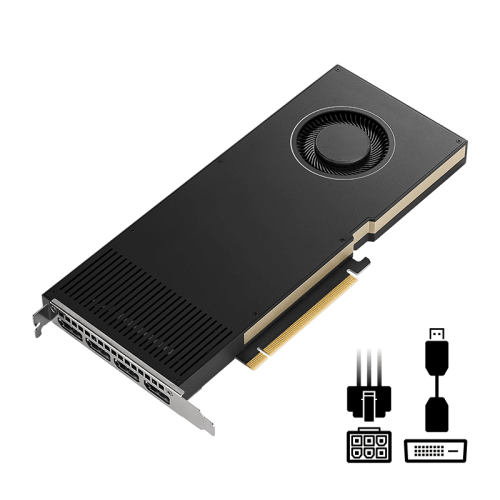
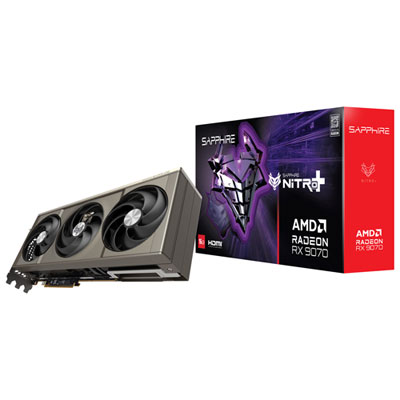
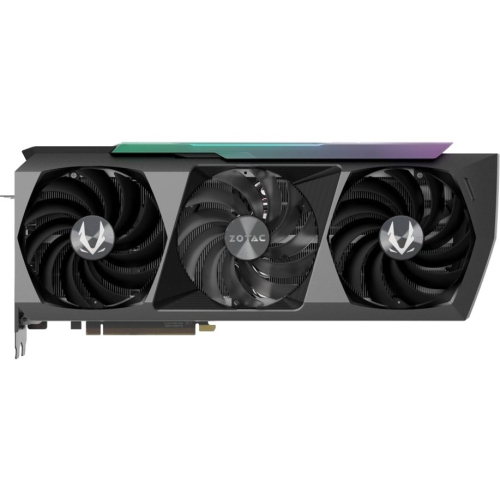
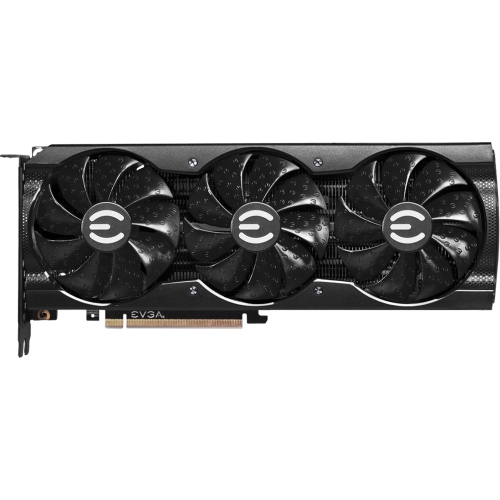
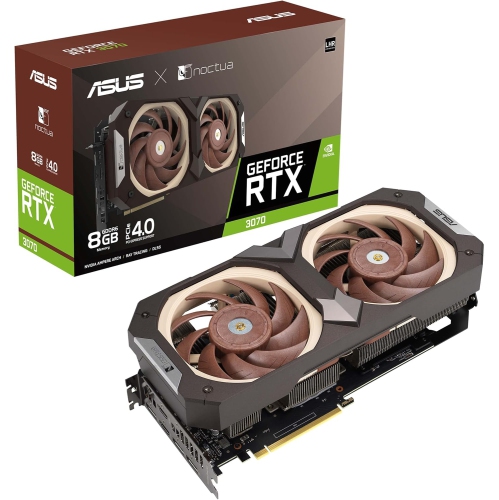
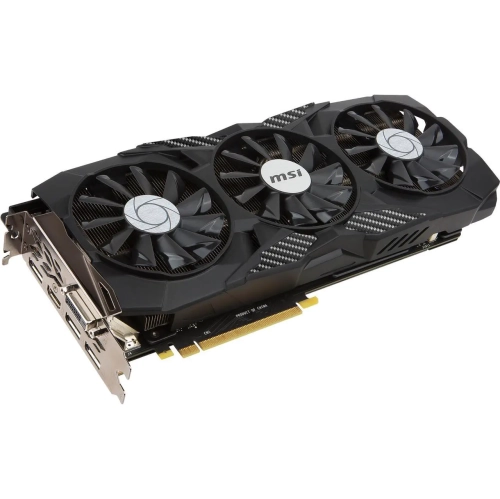
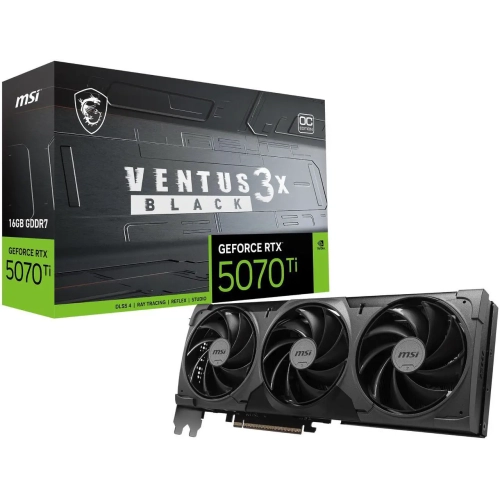
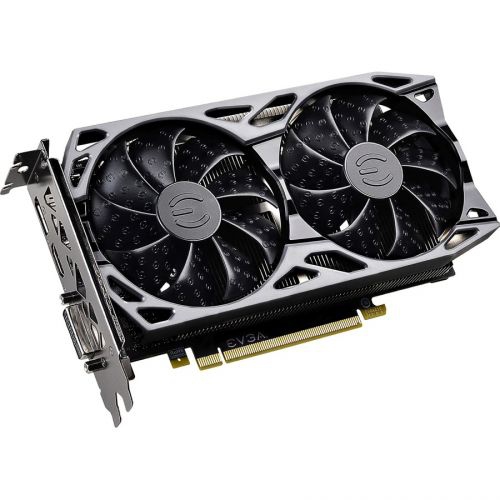
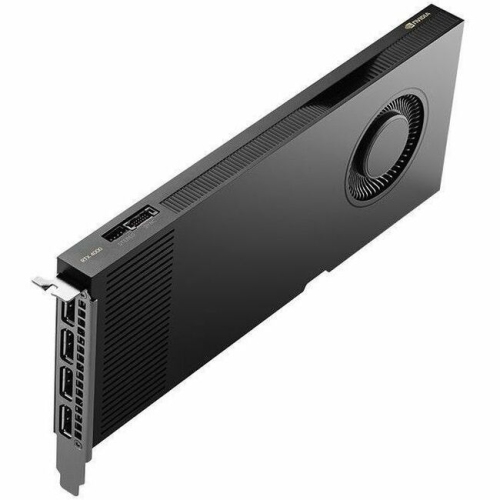
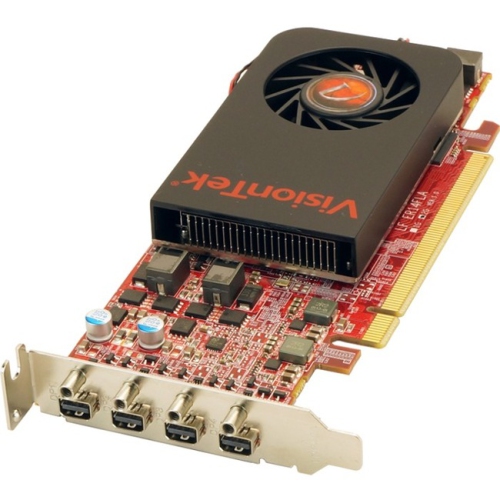
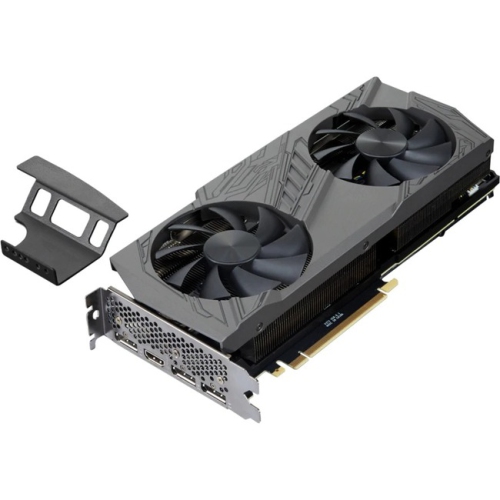
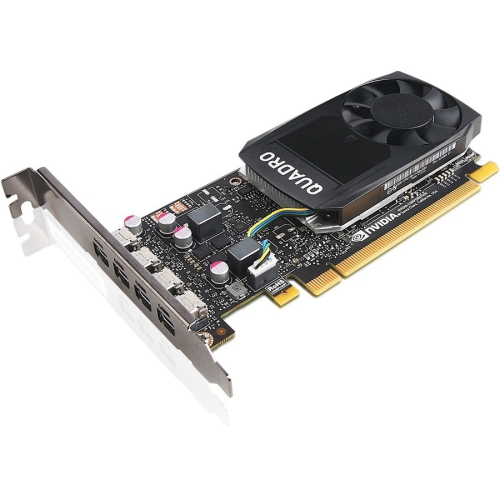
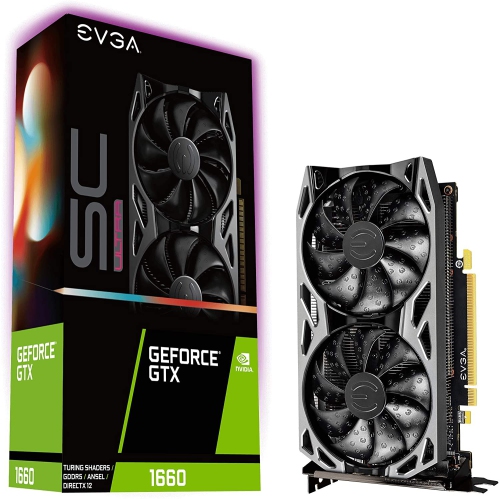

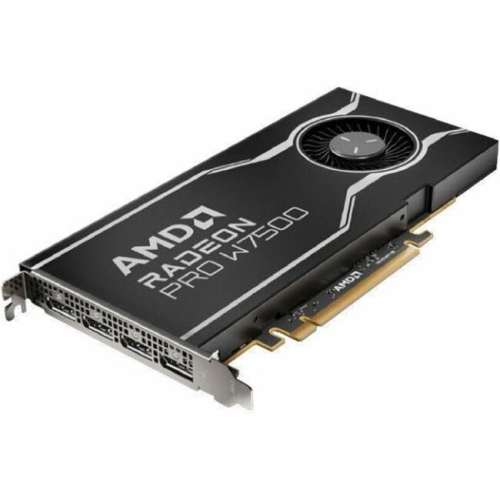

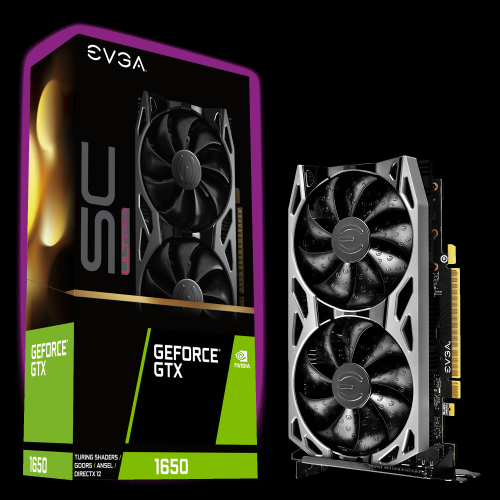
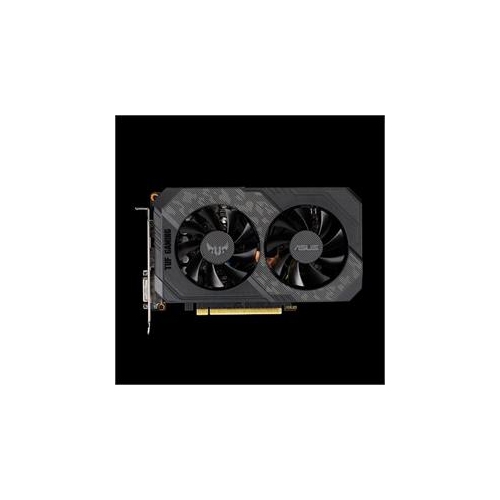
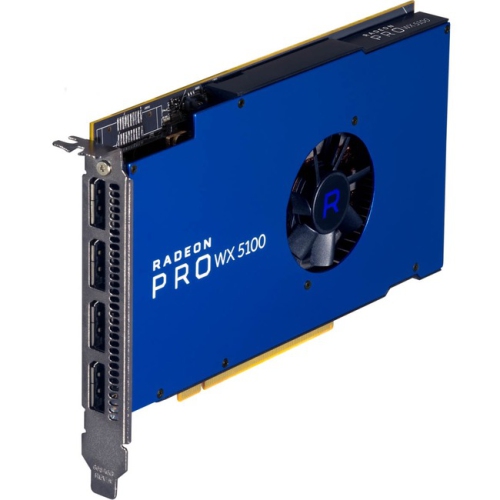
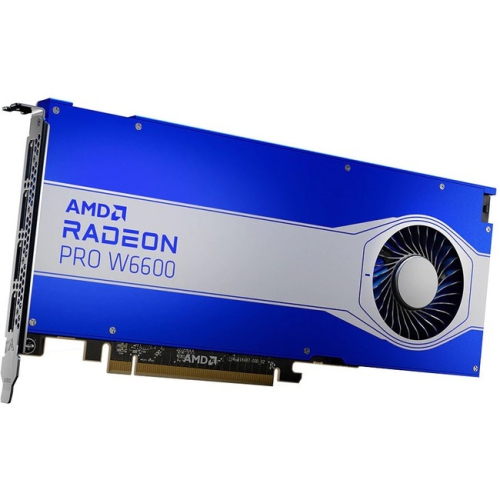
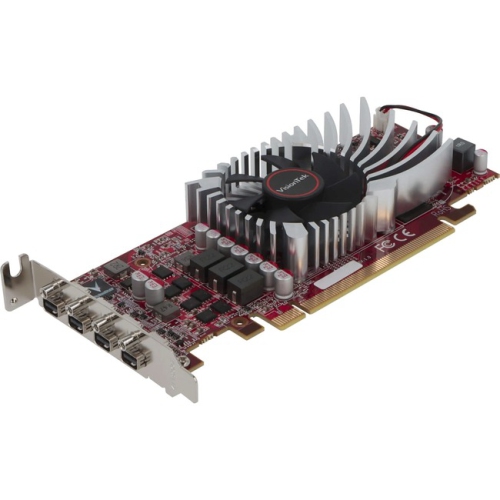
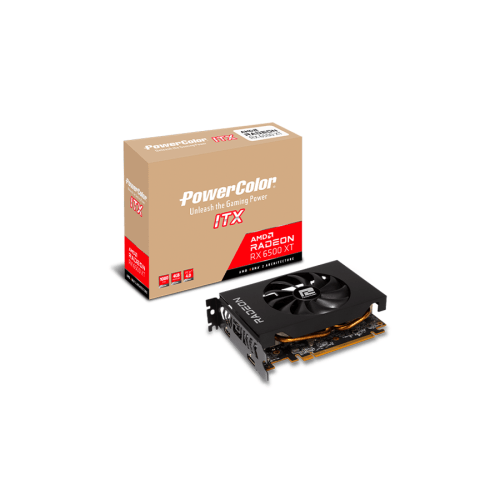
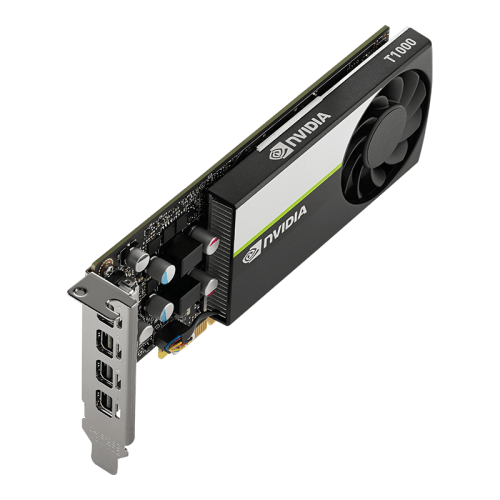
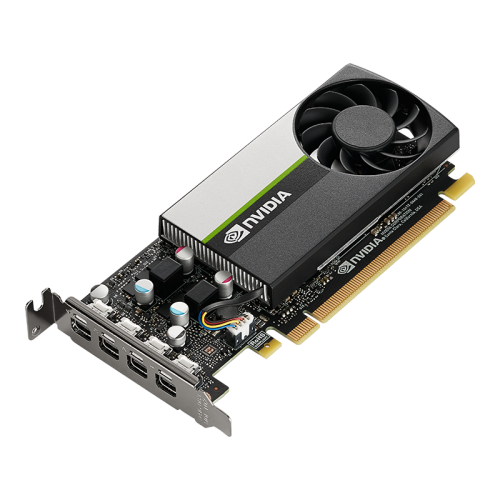
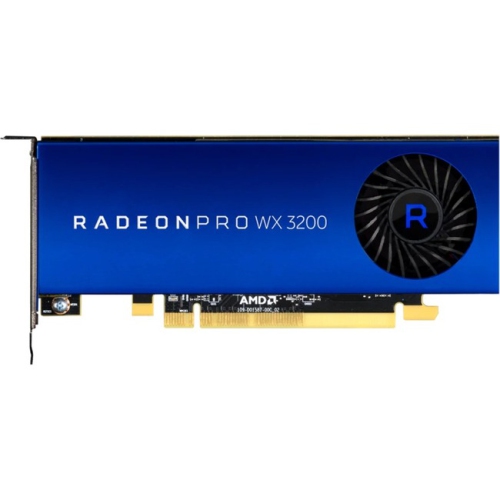
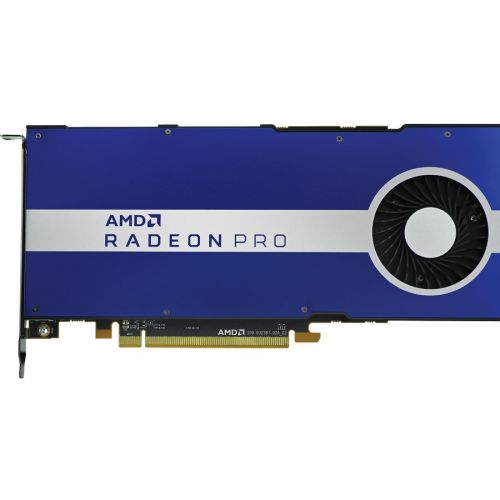
The right GPU balances resolution, performance and system compatibility
This selection of the Top 10 Graphics Cards brings together options for a wide range of PC users, from players building a high-refresh 1080p system to enthusiasts looking for smooth 4K gaming and demanding creative performance. A graphics card, also called a GPU or video card, is responsible for rendering the images, lighting, textures, video and visual effects that appear on a monitor. It can have a noticeable effect on game detail, frame rates, editing timelines and the responsiveness of graphics-heavy applications, making it one of the most important components in a desktop PC. The right choice depends on how you use your computer, the resolution of your display and the level of detail you expect. A mainstream card may be a sensible fit for competitive games, everyday entertainment and 1080p play, while a more powerful option can help drive high-refresh 1440p gaming, entry-level 4K setups or demanding creative software. For a broader selection, explore Top Video Cards. These cards can also make thoughtful gifts for someone assembling a first gaming PC, upgrading an older system or learning video production, 3D design, animation or game development. A graphics card often feels like the moment a familiar computer comes to life again: games look sharper, movement becomes more fluid and a large project that once made a system pause can feel much easier to manage.
Resolution is one of the clearest ways to narrow down a graphics card. A 1080p monitor generally places less demand on the GPU, which makes it possible to focus on consistent frame rates and value. Moving to 1440p adds visual clarity and is a popular choice for gaming desks because it offers a detailed image without requiring the same level of power as 4K. For 4K gaming, a stronger graphics card is usually preferred, particularly when high settings, complex lighting and fast refresh rates are part of the plan. Some users may also be interested in 8K output for specialized displays, large-format viewing or future-focused builds, although the demands of that resolution can be substantial. Pay attention to video memory, or VRAM, because it stores textures, geometry and other visual data while applications are running. More VRAM can be helpful for high-resolution gaming, detailed texture packs, creative projects and multi-monitor setups, but it should be considered alongside overall processing power rather than treated as the only measure of performance. Modern graphics cards may also support hardware-accelerated ray tracing, which can create more realistic reflections, shadows and lighting, as well as upscaling and frame-generation features that help improve smoothness while maintaining image quality. These technologies vary by card and by game or application, so checking software compatibility is worthwhile. For creative users, GPU acceleration can shorten video exports, improve real-time previews and make 3D scenes easier to navigate. For someone who spends an evening switching between a game, a livestream and a voice chat window, a capable card can help keep the entire experience feeling steady and responsive.
Before choosing a graphics card, confirm that it will fit comfortably in the computer and work with the rest of the system. Compare the card’s length, height and thickness with the available space inside the case, remembering that a larger cooling assembly may occupy two or more expansion slots. Check the recommended power supply capacity, the required power connectors and whether the case has enough airflow to move warm air away from the card. A graphics card cannot deliver its full potential if the processor, memory or power supply becomes a bottleneck, so balanced components are especially important in a new build. Display connections should match the monitor or television, and users planning a multi-display arrangement should verify the number and type of available outputs. Cooling design also matters: fans, heatsinks and airflow influence temperatures and noise, particularly during long gaming sessions or extended rendering tasks. A quieter setup can make a difference in a bedroom, shared office or recording space, while a compact card may be better suited to a smaller desktop. Consider the games and programs that will actually be used, the monitor already on the desk and the likelihood of future upgrades. Someone replacing a dated card may notice an immediate improvement in loading visual effects and frame consistency, while a first-time builder may appreciate choosing a card that leaves room to increase resolution or add a faster monitor later. During the warmer months and cooler months alike, matching the graphics card to the complete PC helps create a dependable experience for gaming, studying, editing, designing and enjoying digital entertainment.
Resolution is one of the clearest ways to narrow down a graphics card. A 1080p monitor generally places less demand on the GPU, which makes it possible to focus on consistent frame rates and value. Moving to 1440p adds visual clarity and is a popular choice for gaming desks because it offers a detailed image without requiring the same level of power as 4K. For 4K gaming, a stronger graphics card is usually preferred, particularly when high settings, complex lighting and fast refresh rates are part of the plan. Some users may also be interested in 8K output for specialized displays, large-format viewing or future-focused builds, although the demands of that resolution can be substantial. Pay attention to video memory, or VRAM, because it stores textures, geometry and other visual data while applications are running. More VRAM can be helpful for high-resolution gaming, detailed texture packs, creative projects and multi-monitor setups, but it should be considered alongside overall processing power rather than treated as the only measure of performance. Modern graphics cards may also support hardware-accelerated ray tracing, which can create more realistic reflections, shadows and lighting, as well as upscaling and frame-generation features that help improve smoothness while maintaining image quality. These technologies vary by card and by game or application, so checking software compatibility is worthwhile. For creative users, GPU acceleration can shorten video exports, improve real-time previews and make 3D scenes easier to navigate. For someone who spends an evening switching between a game, a livestream and a voice chat window, a capable card can help keep the entire experience feeling steady and responsive.
Before choosing a graphics card, confirm that it will fit comfortably in the computer and work with the rest of the system. Compare the card’s length, height and thickness with the available space inside the case, remembering that a larger cooling assembly may occupy two or more expansion slots. Check the recommended power supply capacity, the required power connectors and whether the case has enough airflow to move warm air away from the card. A graphics card cannot deliver its full potential if the processor, memory or power supply becomes a bottleneck, so balanced components are especially important in a new build. Display connections should match the monitor or television, and users planning a multi-display arrangement should verify the number and type of available outputs. Cooling design also matters: fans, heatsinks and airflow influence temperatures and noise, particularly during long gaming sessions or extended rendering tasks. A quieter setup can make a difference in a bedroom, shared office or recording space, while a compact card may be better suited to a smaller desktop. Consider the games and programs that will actually be used, the monitor already on the desk and the likelihood of future upgrades. Someone replacing a dated card may notice an immediate improvement in loading visual effects and frame consistency, while a first-time builder may appreciate choosing a card that leaves room to increase resolution or add a faster monitor later. During the warmer months and cooler months alike, matching the graphics card to the complete PC helps create a dependable experience for gaming, studying, editing, designing and enjoying digital entertainment.
Top selling and popular products
-
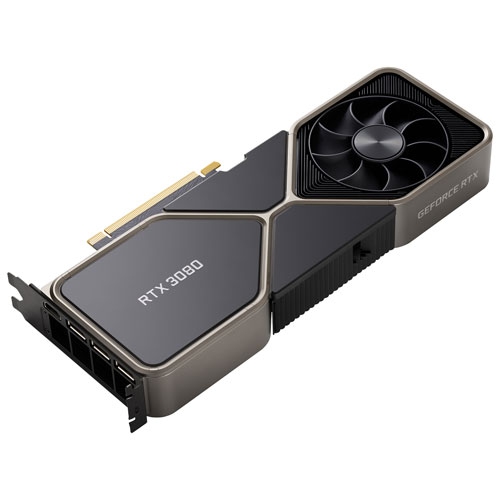 Your price for this item is $1399.99
 -
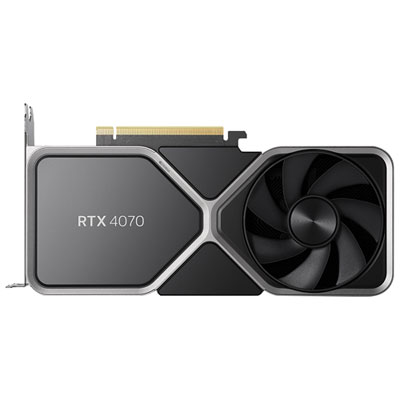 Your price for this item is $799.99
 -
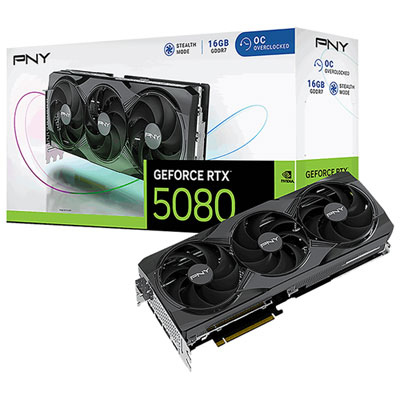 Your price for this item is $2399.99
 -
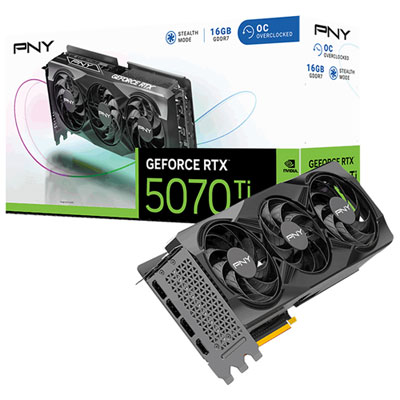 Your price for this item is $1769.99
 -
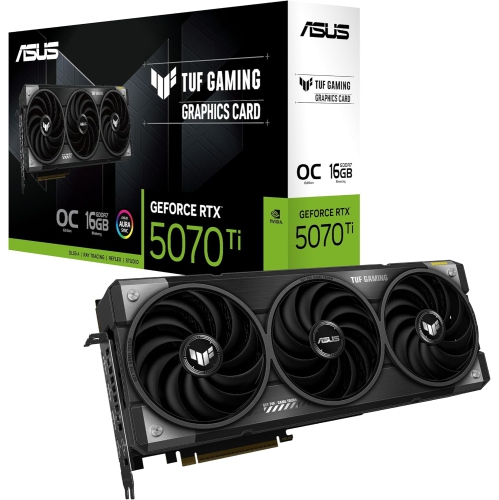 Your price for this item is $1799.99
 -
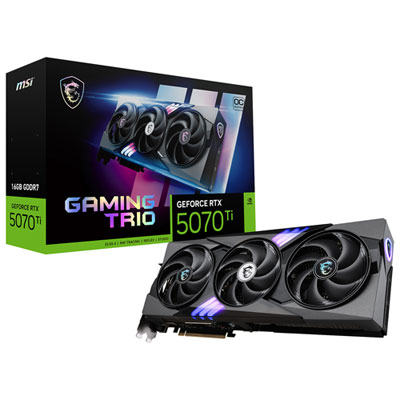 Your price for this item is $1799.99
 -
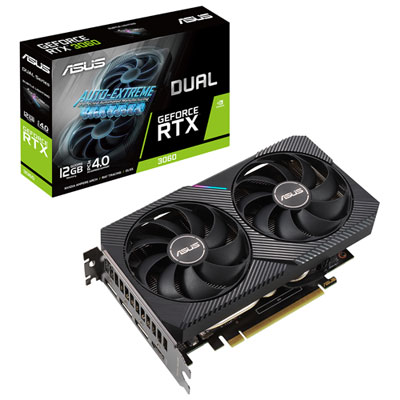 Your price for this item is $699.99
 -
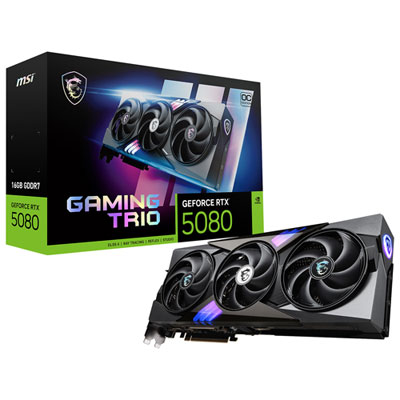 Your price for this item is $2749.99
Discover more categories related to Top 10 Graphics Cards
Top Collections:
Pokemon Centers, Kindle Devices, Best Budget Office Chairs, Apple iPhones 16, Canon G7X Cameras, iPhone 15 Apple, Alarm Clock, Refurbished Apple Laptops, Flip Phones, Best Laptops for Writers
Some products may be subject to Environmental Handling Fees
(EHF) depending on your province.
Learn more about EHFs.