Top Video Cards
Video cards are the workhorses of your computer's graphics department. They're the components that render all the images on your screen, from video games to spreadsheets. The best video cards can handle multiple monitors, play demanding games with ease, and even help you get more out of your computer's overall performance.
Sort
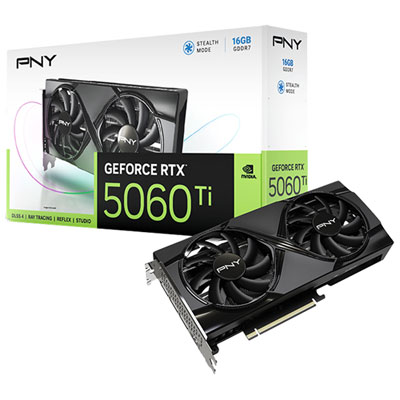
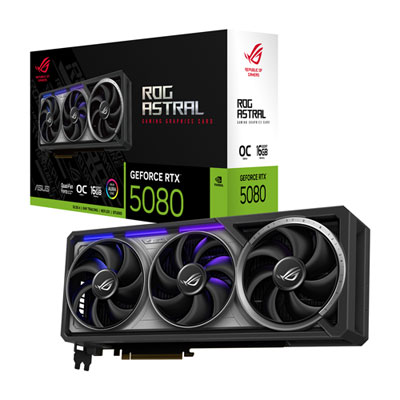
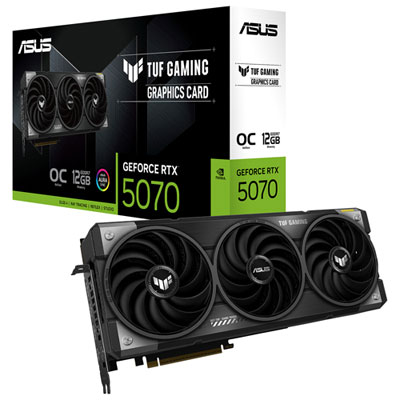
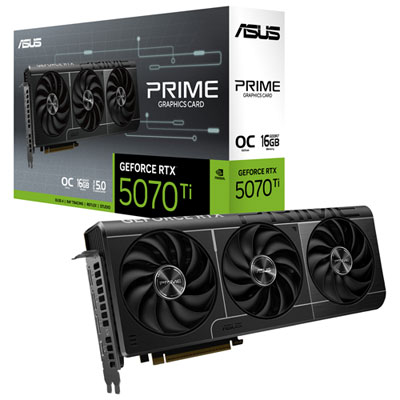
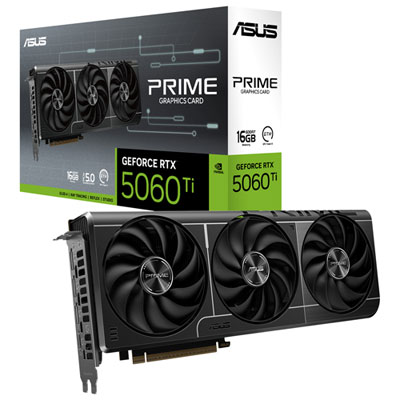
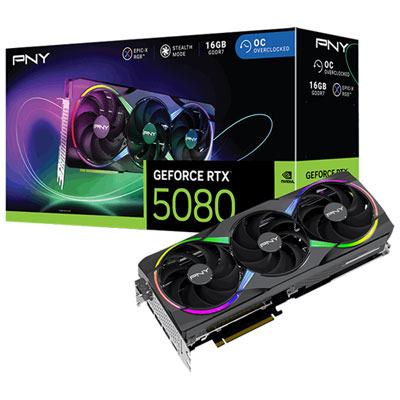
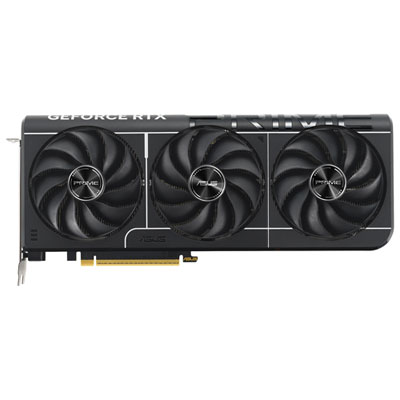
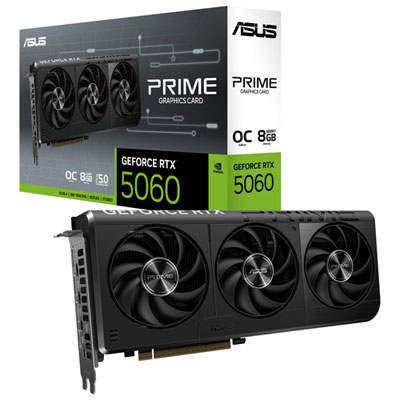
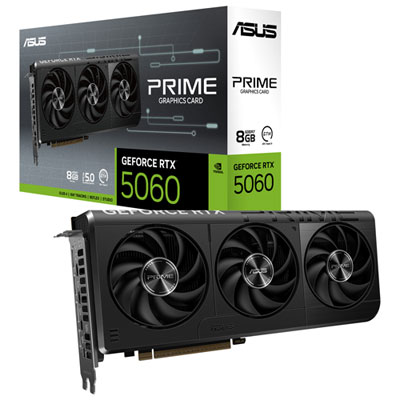
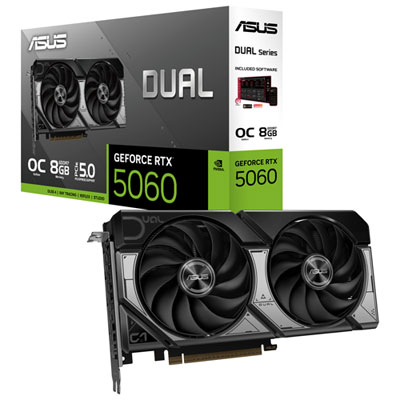
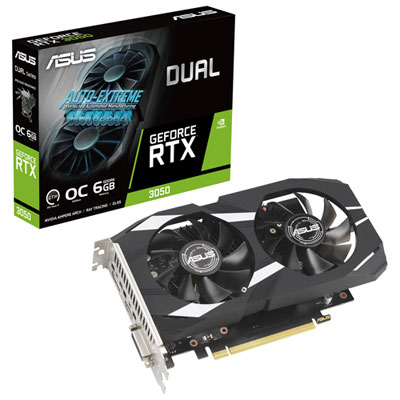
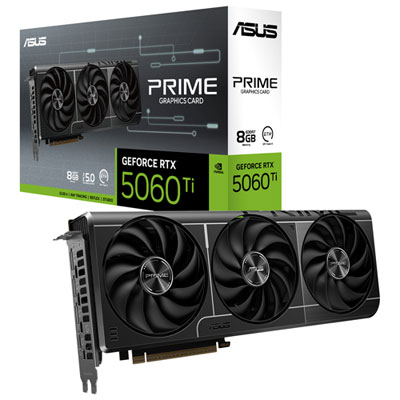
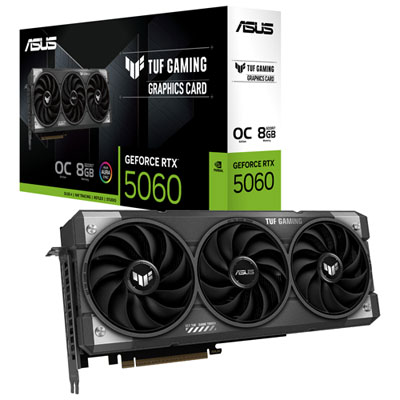
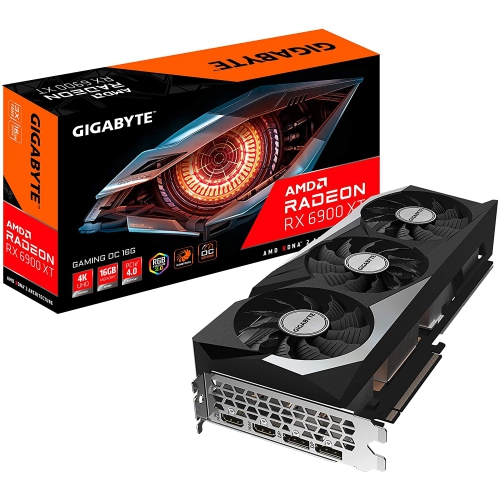
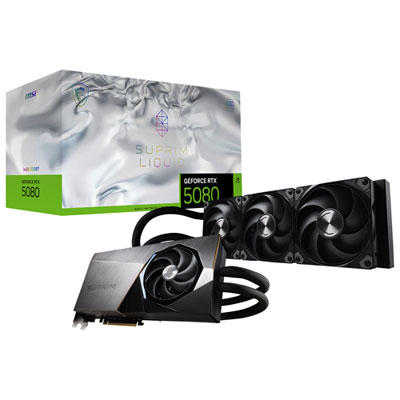
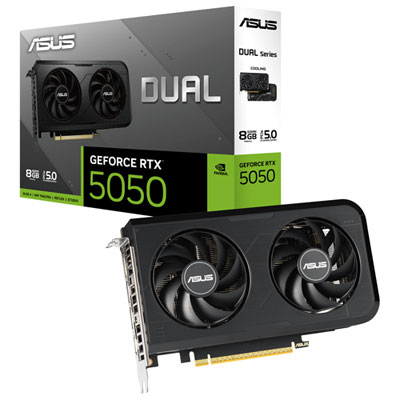
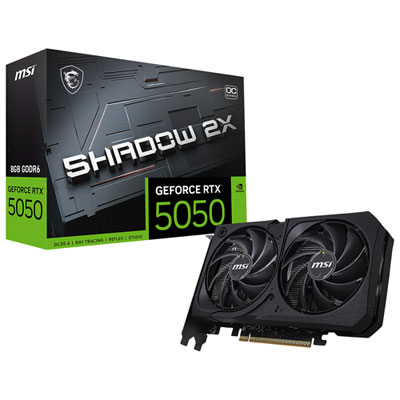
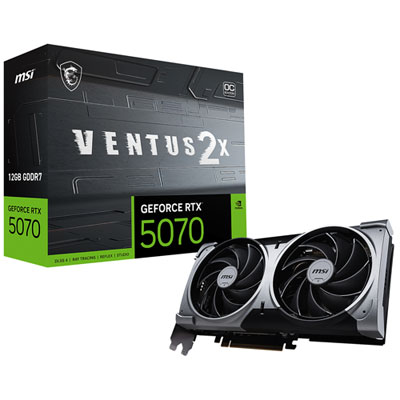

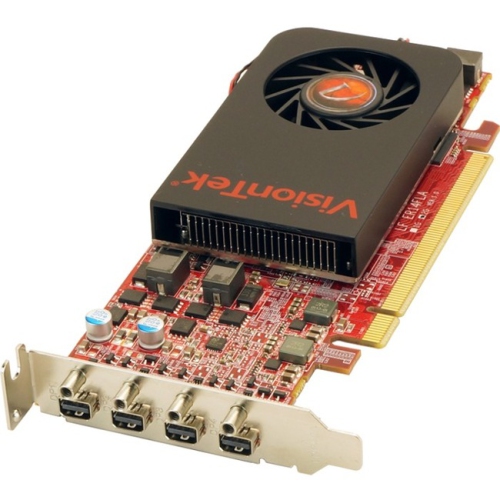

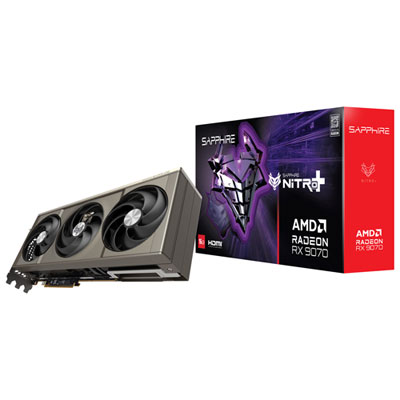
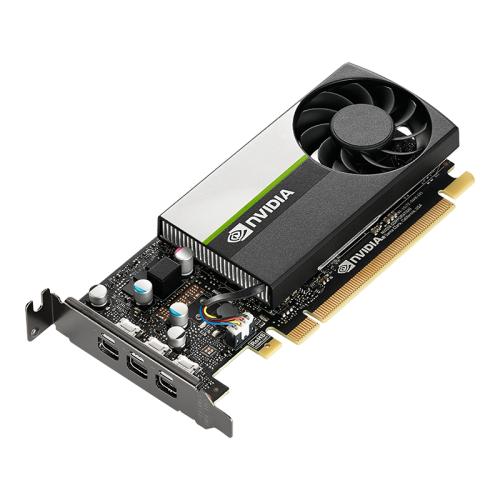
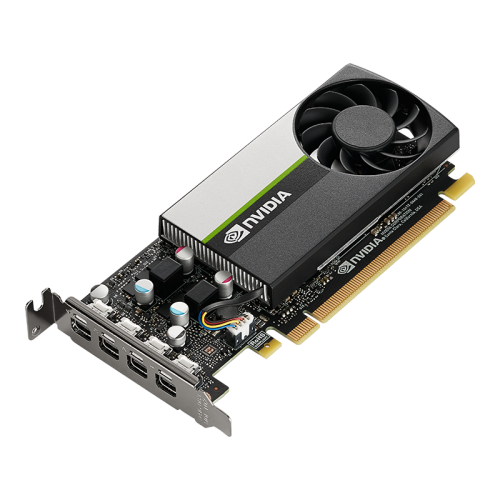
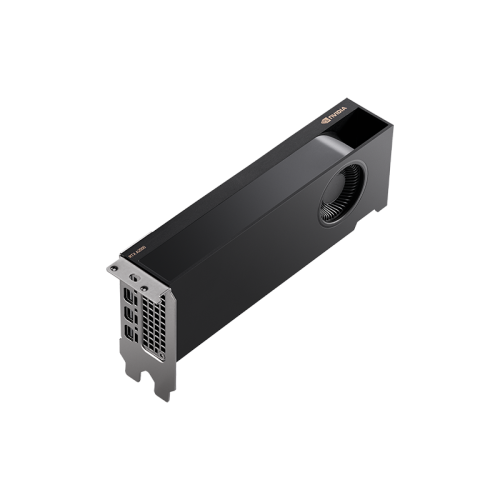

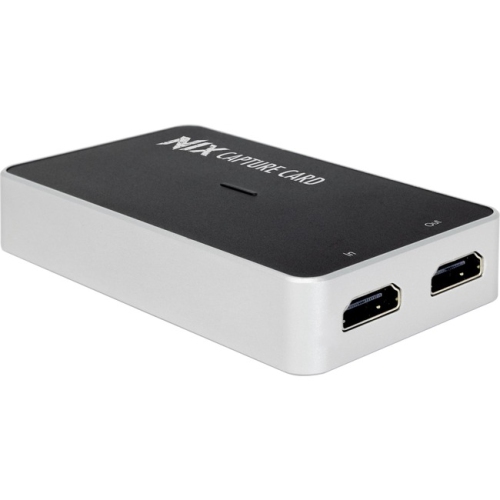
Graphics power for games, displays, and creative workloads
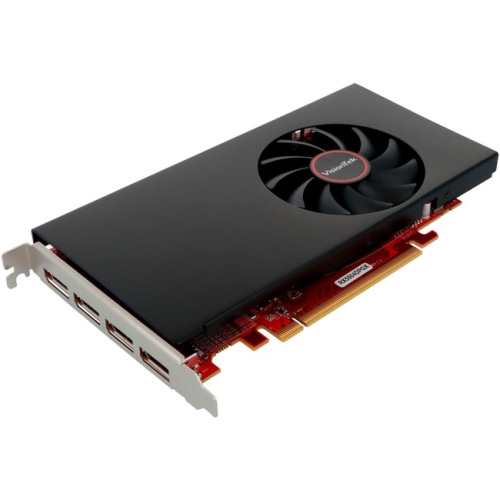
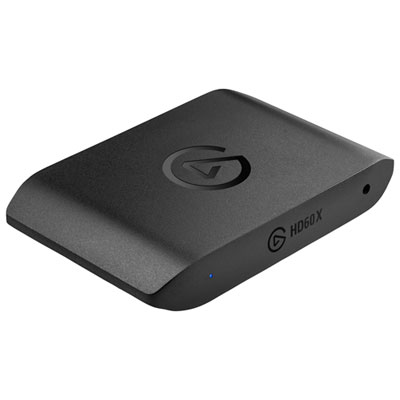
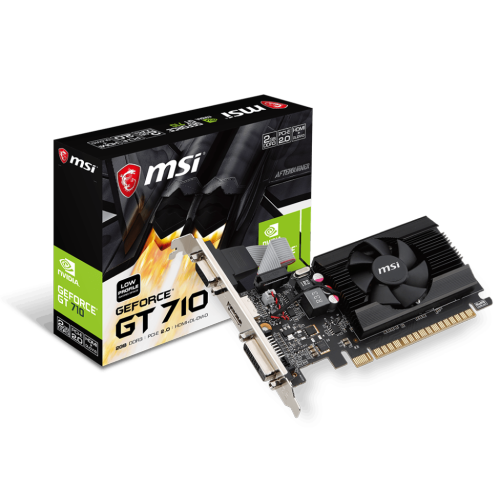
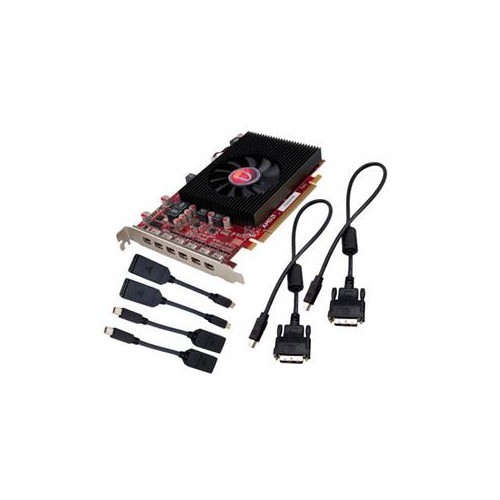
Top video cards can make a noticeable difference to the way a desktop computer handles games, creative applications, and demanding visual workloads. At their most basic, these components process and render images before sending them to your monitor, but modern video cards do much more than improve frame rates. They can help produce sharper details, smoother motion, more realistic lighting, faster video previews, and responsive performance when several visual tasks are running at once. Choosing the right card starts with the display you use and the kind of work you expect your computer to handle. A 1080p monitor may not need the same level of graphics power as a 1440p or 4K display, while higher refresh rates can increase the demand on the card even when the screen resolution stays the same. Gamers who enjoy fast-paced racing, competitive shooters, role-playing games, or richly detailed open-world titles may value a card that maintains steady frame rates without forcing them to reduce image quality. Video editors, 3D artists, streamers, and people working with demanding design or machine-learning applications may also benefit from strong graphics processing, particularly when handling large projects, high-resolution footage, complex effects, or multiple displays. The Top 10 Graphics Cards collection brings together options for different performance needs, budgets, and computer builds, making it easier to compare suitable choices in one place.
When comparing video cards, look beyond a single performance number. Graphics memory, often listed as VRAM, helps a card hold textures, frames, project files, and other visual data while applications are running. More memory can be helpful for high-resolution gaming, large creative files, detailed textures, and multiple monitors, although the best balance depends on the rest of the computer and the software being used. It is also worth checking support for features such as hardware-accelerated ray tracing, image upscaling, frame generation, video encoding, and decoding. These tools can improve lighting and reflections, increase apparent smoothness, or make it easier to record and stream gameplay without placing as much strain on the processor. Compatibility matters just as much as raw capability. Before buying, check the card’s physical length, height, thickness, power connectors, and recommended power supply output. A powerful card needs enough room inside the case, clear airflow around its fans, and a suitable connection from the power supply. Confirm that the motherboard has the appropriate expansion slot and that the monitor supports the connection and resolution you plan to use. If the computer is compact or already contains several expansion cards, measurements are especially important. Some builders prefer quieter cooling and lower operating temperatures, while others prioritize maximum performance and are comfortable with a larger card and more fan noise. Considering these details in advance can prevent an awkward installation and help the finished computer feel balanced rather than overburdened by one component.
Video cards can be a practical upgrade for someone whose current computer struggles with new games, high-resolution editing, or smooth playback on more than one screen. They can also be a thoughtful gift for a student building a first desktop, a family member assembling a gaming setup, or a creator who has begun taking on more demanding projects. The ideal choice depends on the recipient’s existing computer, monitor, preferred applications, and budget, so checking those details before purchasing is helpful. For a gaming-focused setup, match the card to the display resolution and refresh rate, then consider how much visual detail the player wants to keep enabled. A 1440p system often benefits from a different performance balance than a 1080p system, while 4K gaming typically calls for greater graphics power and ample memory. For editing and design, look for compatibility with the applications used most often, along with strong support for accelerated previews, exports, and playback. People who stream or create content may appreciate efficient encoding features and enough connections for a monitor, capture equipment, or other accessories. During the cooler months, a graphics upgrade can also refresh a desktop used for long evenings of gaming, creative work, or digital projects at home, though airflow and dust management remain important in every season. Whether the goal is a first build, a carefully planned upgrade, or a gift for someone who enjoys getting the most from their computer, comparing performance, memory, dimensions, power requirements, features, and overall system compatibility helps narrow the selection to a video card that feels right for the way it will actually be used.
When comparing video cards, look beyond a single performance number. Graphics memory, often listed as VRAM, helps a card hold textures, frames, project files, and other visual data while applications are running. More memory can be helpful for high-resolution gaming, large creative files, detailed textures, and multiple monitors, although the best balance depends on the rest of the computer and the software being used. It is also worth checking support for features such as hardware-accelerated ray tracing, image upscaling, frame generation, video encoding, and decoding. These tools can improve lighting and reflections, increase apparent smoothness, or make it easier to record and stream gameplay without placing as much strain on the processor. Compatibility matters just as much as raw capability. Before buying, check the card’s physical length, height, thickness, power connectors, and recommended power supply output. A powerful card needs enough room inside the case, clear airflow around its fans, and a suitable connection from the power supply. Confirm that the motherboard has the appropriate expansion slot and that the monitor supports the connection and resolution you plan to use. If the computer is compact or already contains several expansion cards, measurements are especially important. Some builders prefer quieter cooling and lower operating temperatures, while others prioritize maximum performance and are comfortable with a larger card and more fan noise. Considering these details in advance can prevent an awkward installation and help the finished computer feel balanced rather than overburdened by one component.
Video cards can be a practical upgrade for someone whose current computer struggles with new games, high-resolution editing, or smooth playback on more than one screen. They can also be a thoughtful gift for a student building a first desktop, a family member assembling a gaming setup, or a creator who has begun taking on more demanding projects. The ideal choice depends on the recipient’s existing computer, monitor, preferred applications, and budget, so checking those details before purchasing is helpful. For a gaming-focused setup, match the card to the display resolution and refresh rate, then consider how much visual detail the player wants to keep enabled. A 1440p system often benefits from a different performance balance than a 1080p system, while 4K gaming typically calls for greater graphics power and ample memory. For editing and design, look for compatibility with the applications used most often, along with strong support for accelerated previews, exports, and playback. People who stream or create content may appreciate efficient encoding features and enough connections for a monitor, capture equipment, or other accessories. During the cooler months, a graphics upgrade can also refresh a desktop used for long evenings of gaming, creative work, or digital projects at home, though airflow and dust management remain important in every season. Whether the goal is a first build, a carefully planned upgrade, or a gift for someone who enjoys getting the most from their computer, comparing performance, memory, dimensions, power requirements, features, and overall system compatibility helps narrow the selection to a video card that feels right for the way it will actually be used.
Top selling and popular products
-
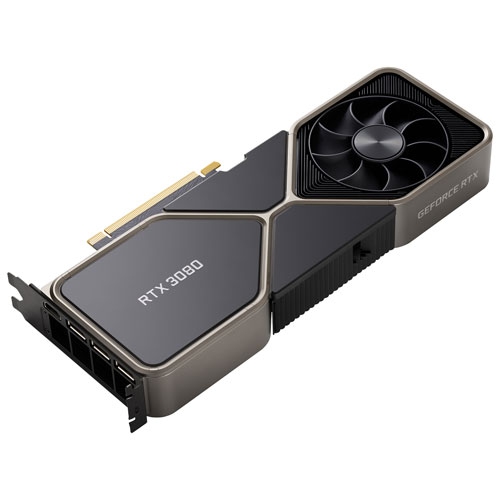 Your price for this item is $1399.99
 -
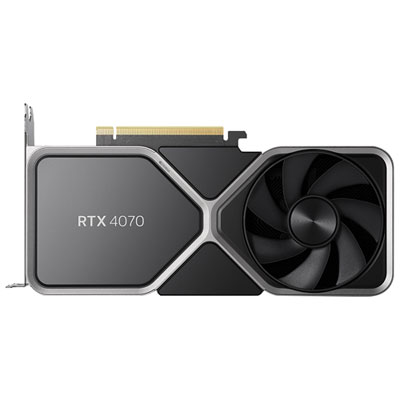 Your price for this item is $739.99
 -
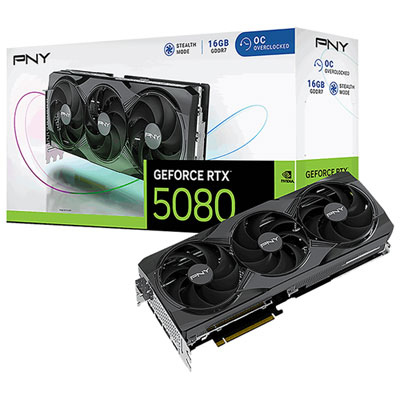 Your price for this item is $2399.99
 -
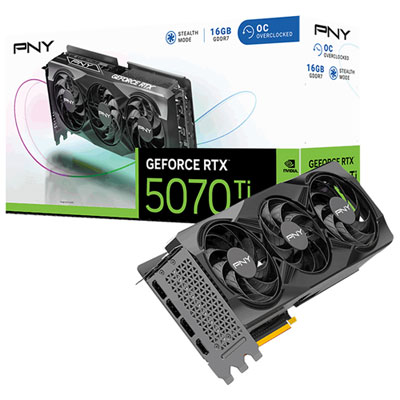 Your price for this item is $1769.99
 -
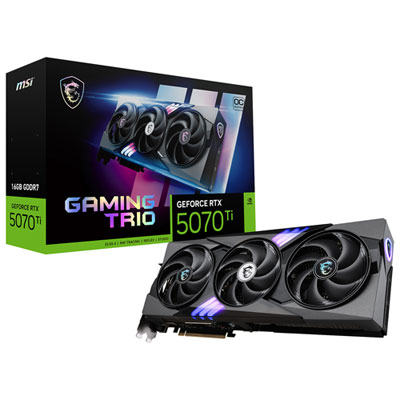 Your price for this item is $1799.99
 -
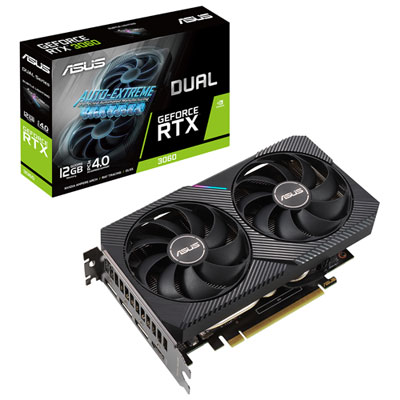 Your price for this item is $699.99
 -
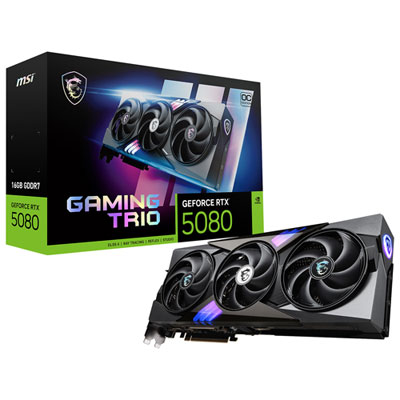 Your price for this item is $2749.99
 -
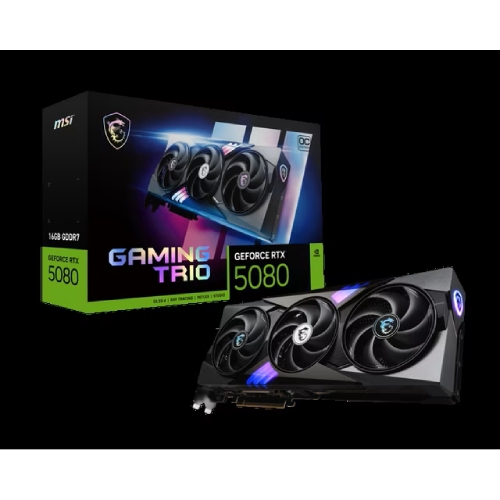 Your price for this item is $5699.99
Discover more categories related to Top Video Cards
Top Collections:
Pokemon Centers, Kindle Devices, Best Budget Office Chairs, Apple iPhones 16, Best Laptops for Writers, iPhone 15 Apple, Canon G7X Cameras, Refurbished Apple Laptops, Alarm Clock, Motorola Razr Phones
Some products may be subject to Environmental Handling Fees
(EHF) depending on your province.
Learn more about EHFs.