Charging Pads for Multiple Devices
If you're looking for a convenient and clutter-free way to charge multiple devices at once, look no further than these charging pads. With the best charging stations for multiple devices, you can say goodbye to tangled cords and hello to a streamlined charging experience. Whether you have a smartphone, tablet, smartwatch, or all of the above, these charging pads are designed to power up your devices efficiently and effortlessly. Explore our range of options and find the perfect charging pad to keep your devices juiced up and ready to go.
Sort
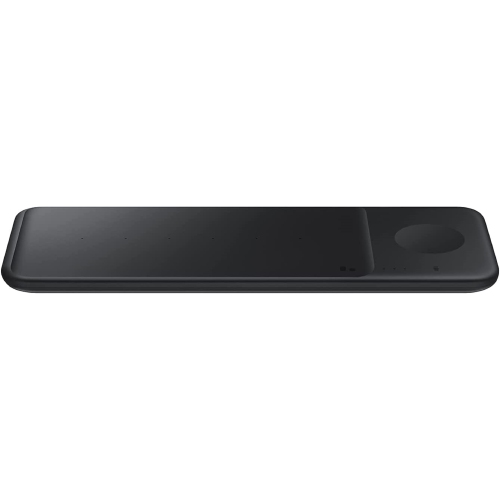
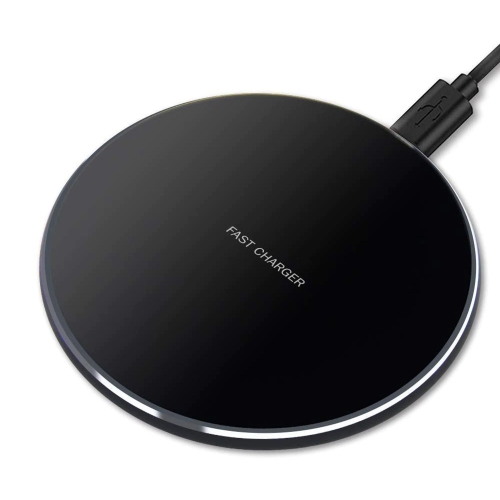

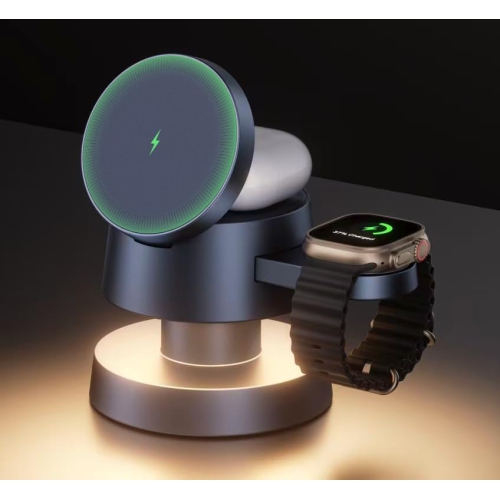
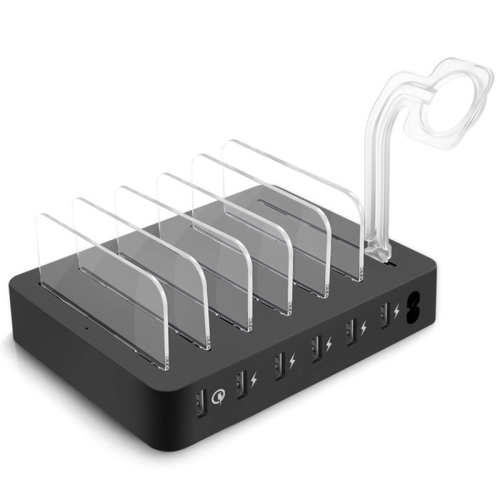
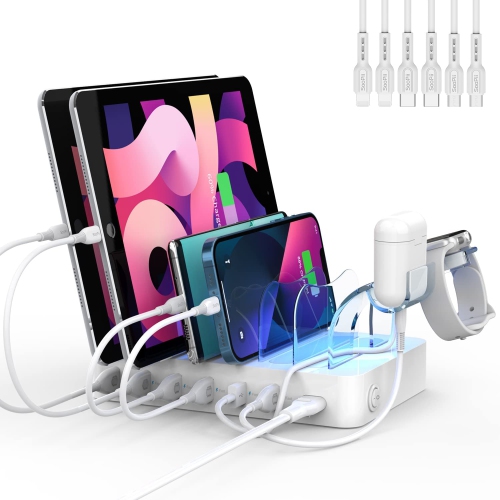
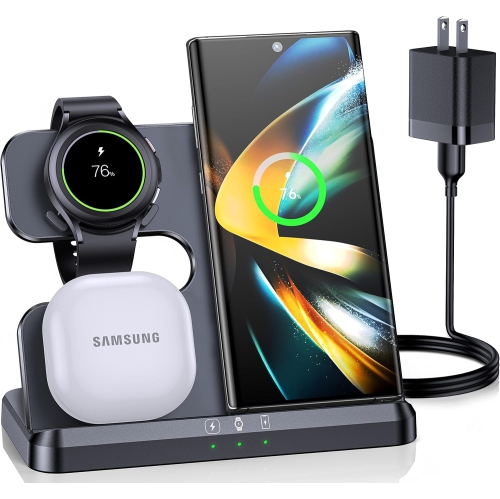
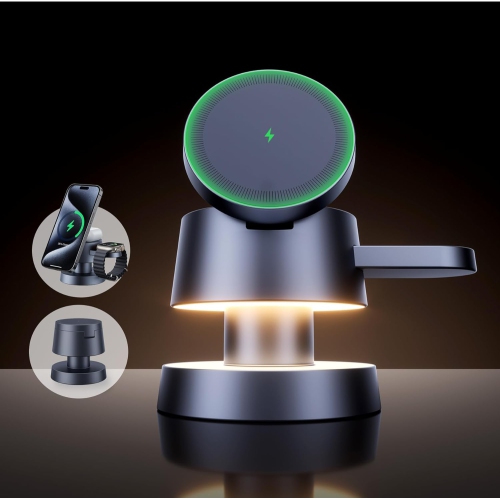
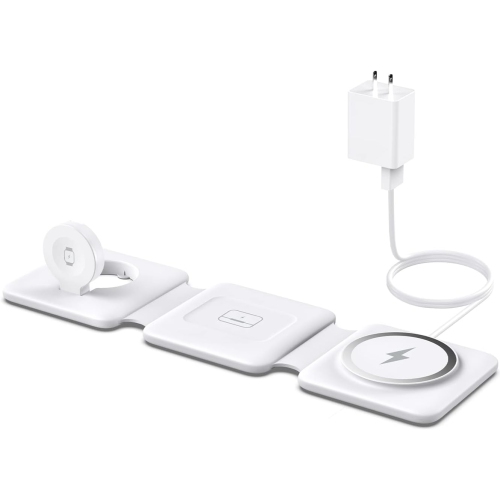
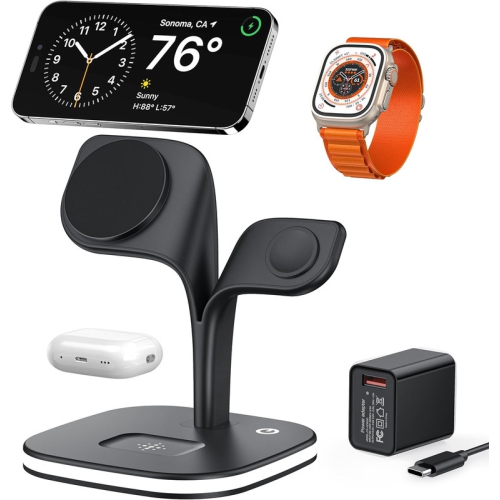
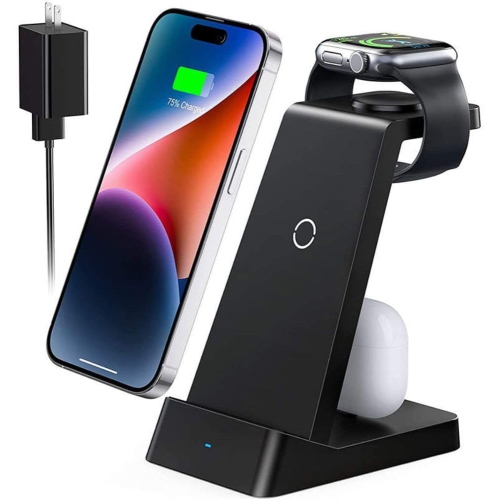
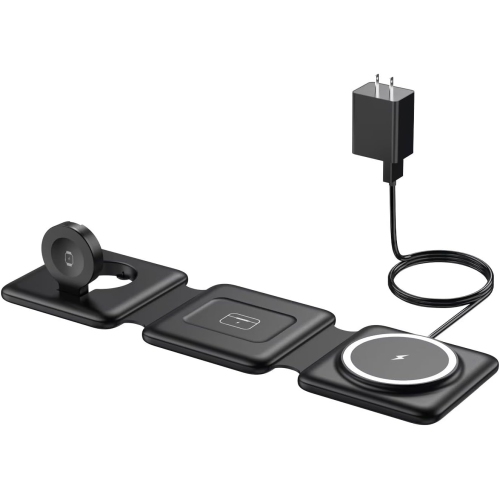

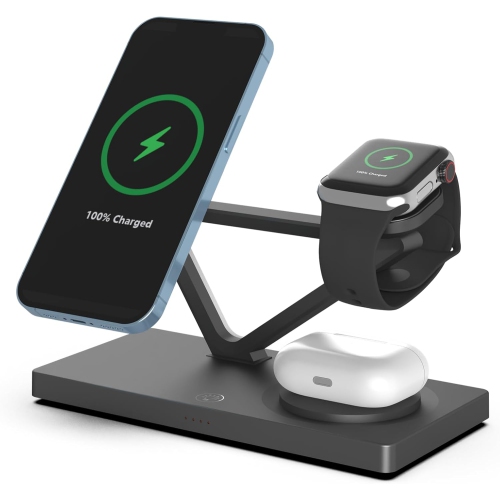
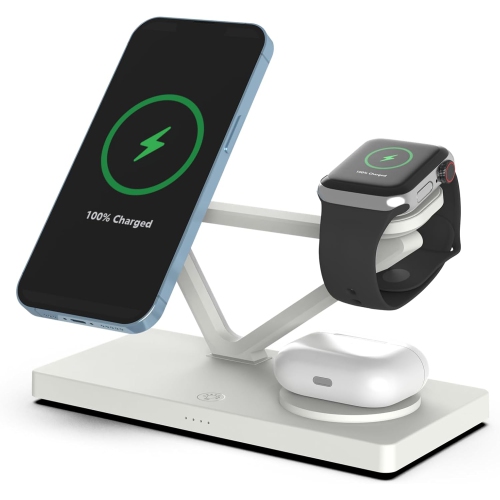
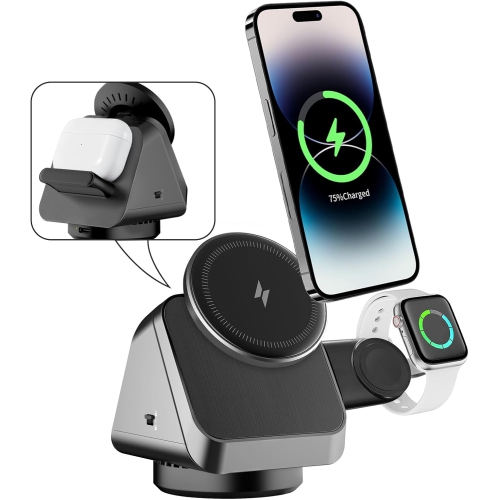
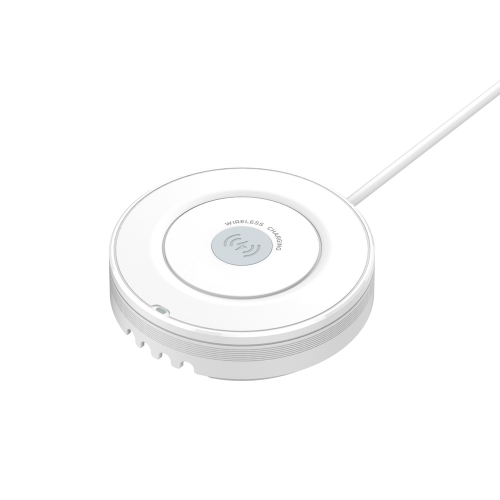
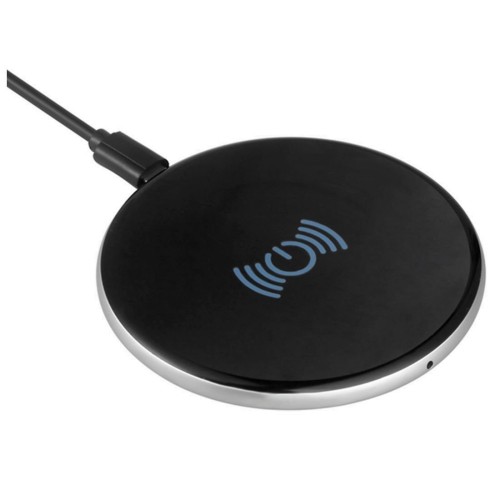
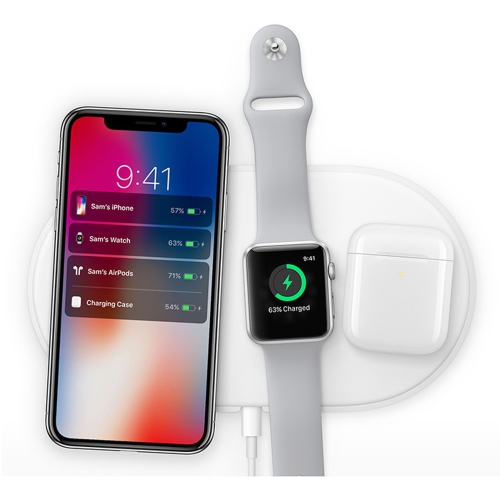
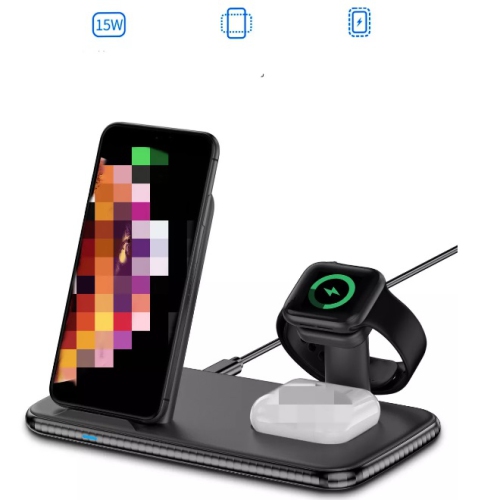
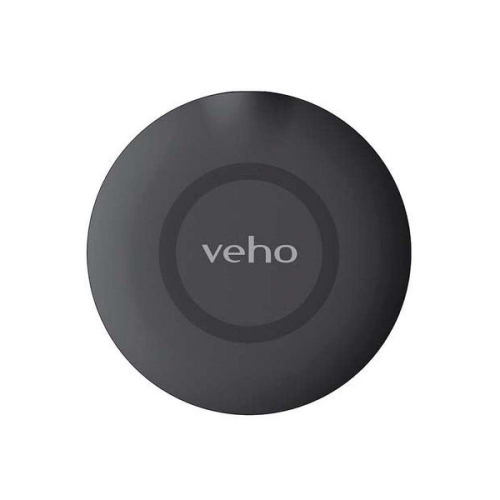
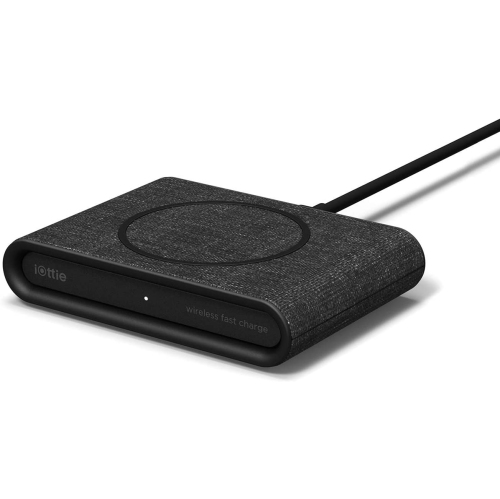

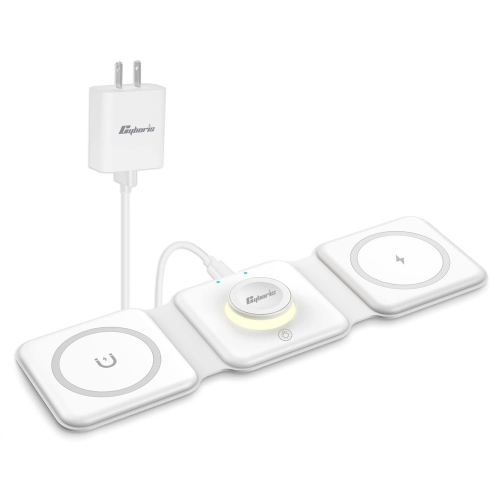
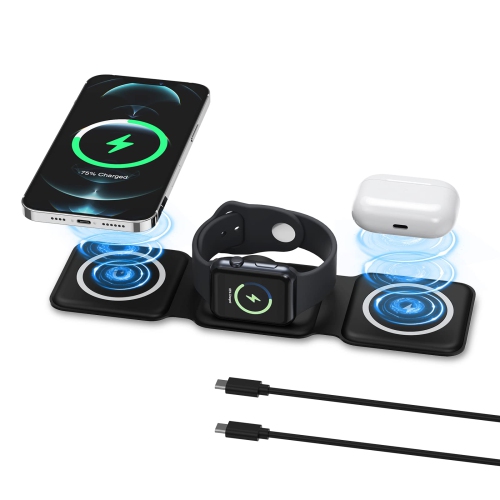
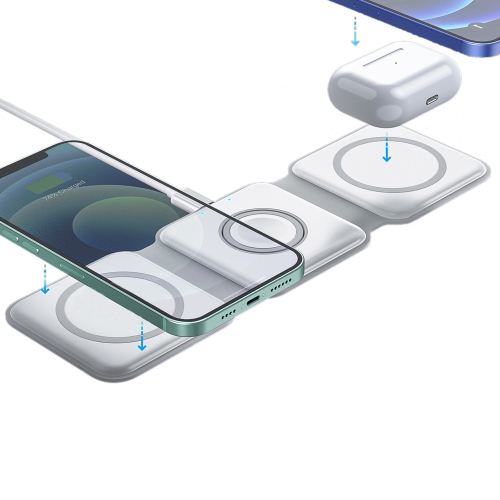
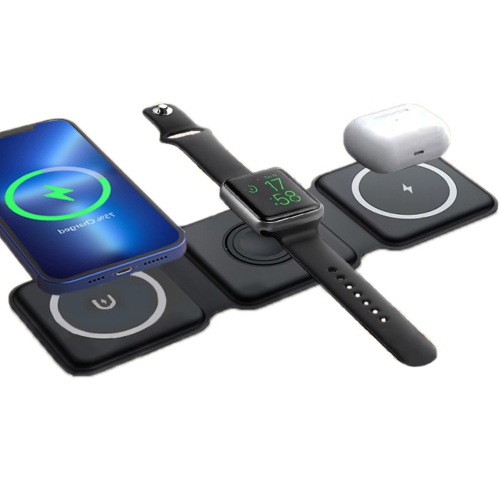
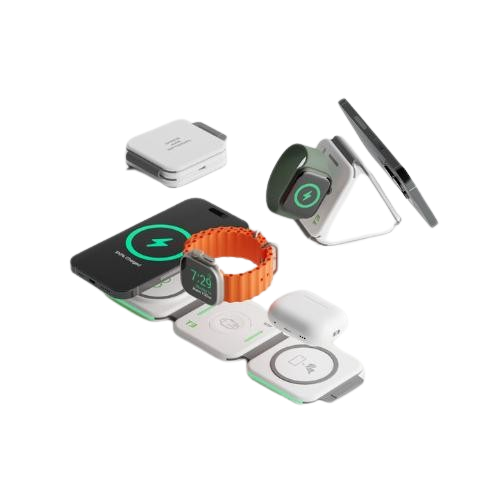
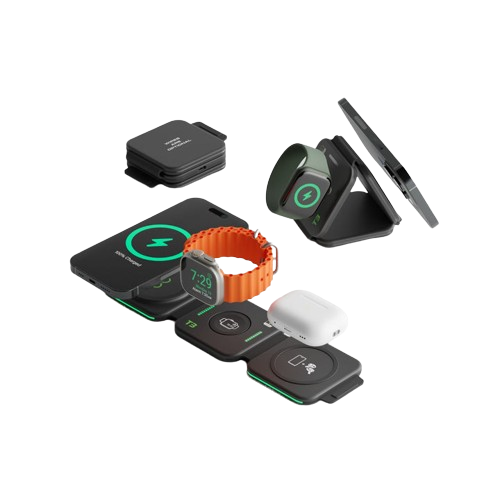
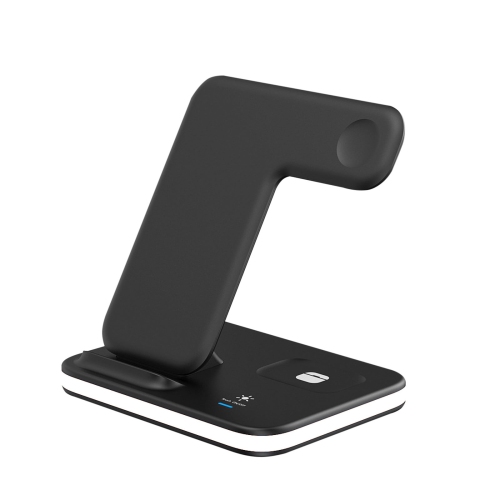
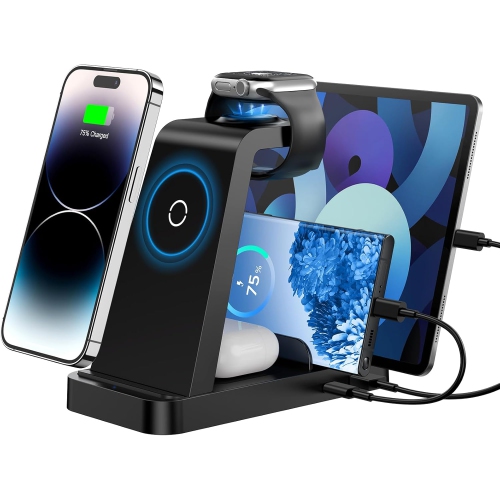
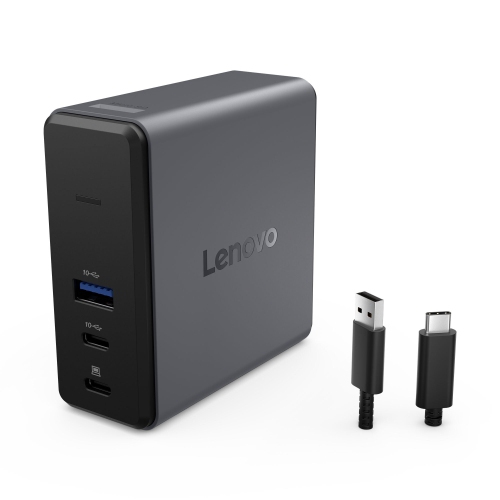
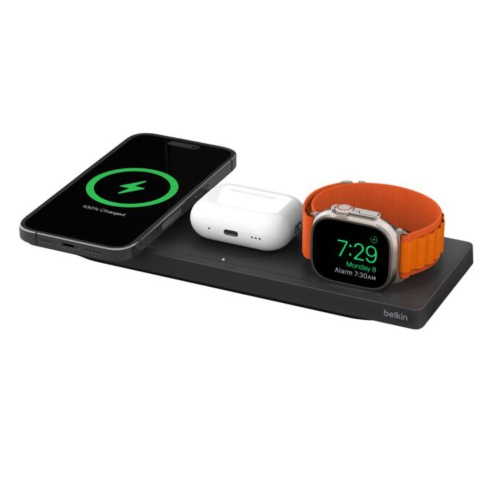
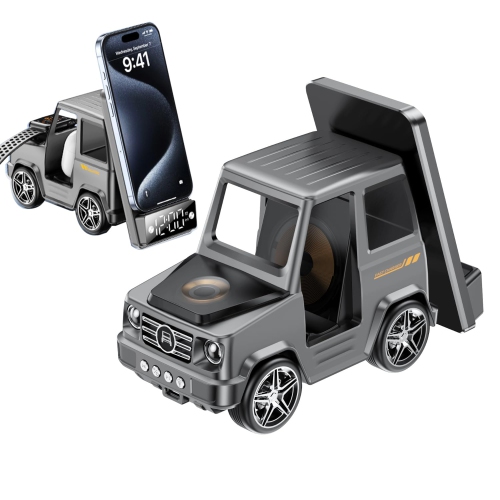
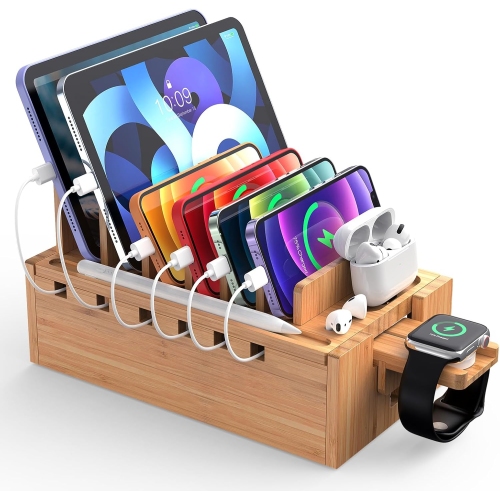
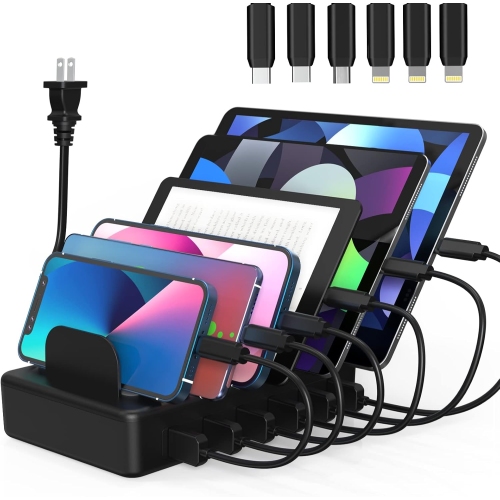
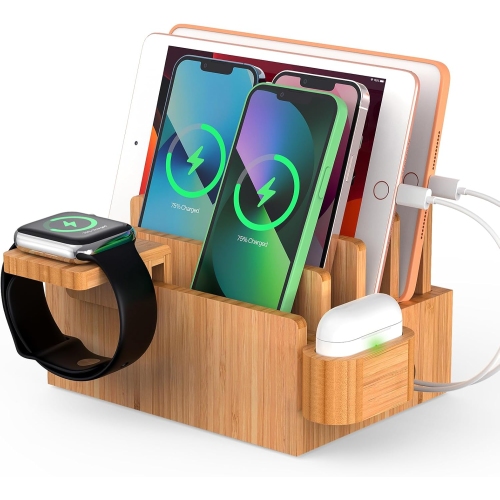
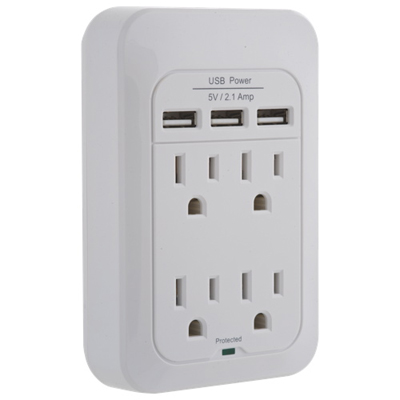

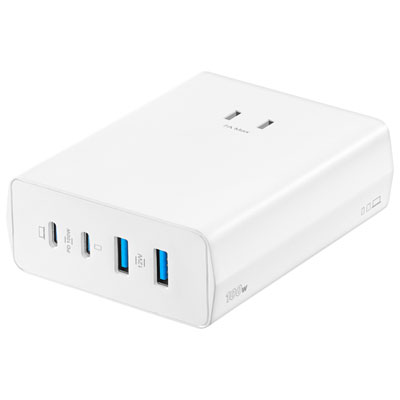
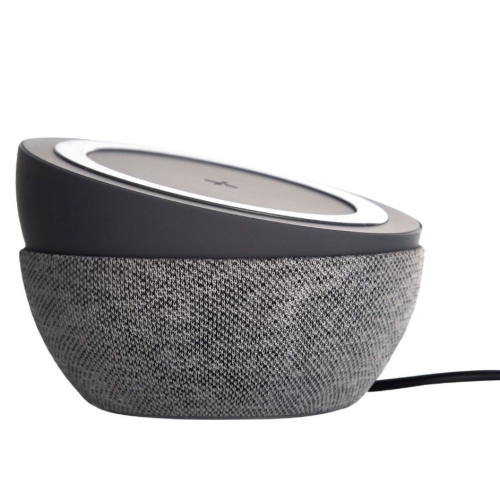
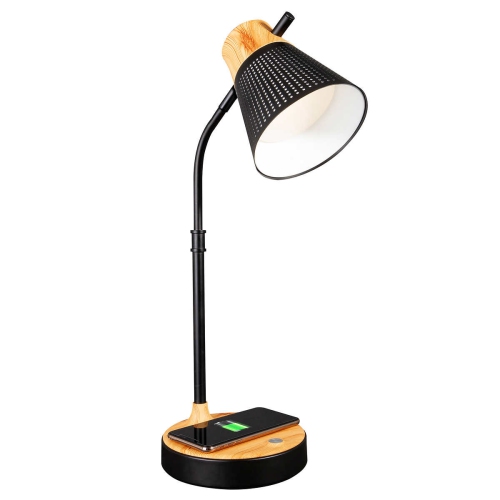
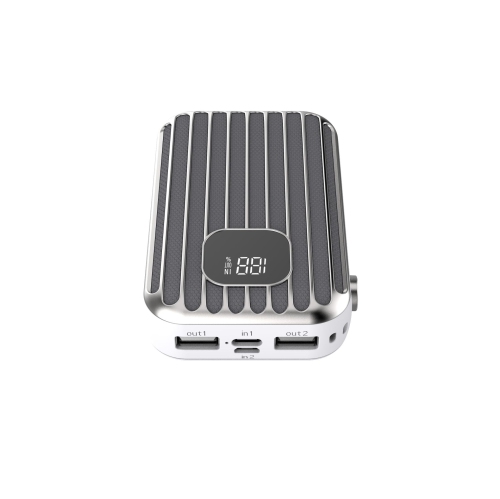
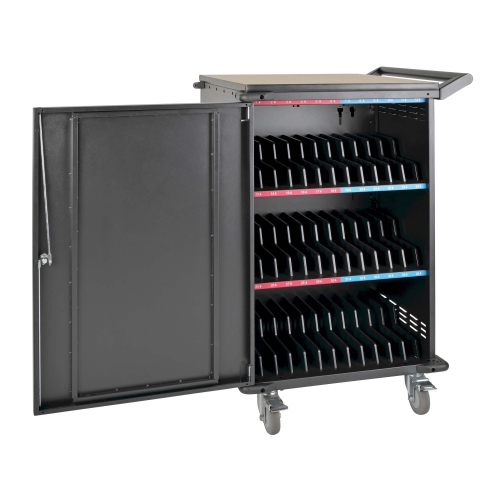
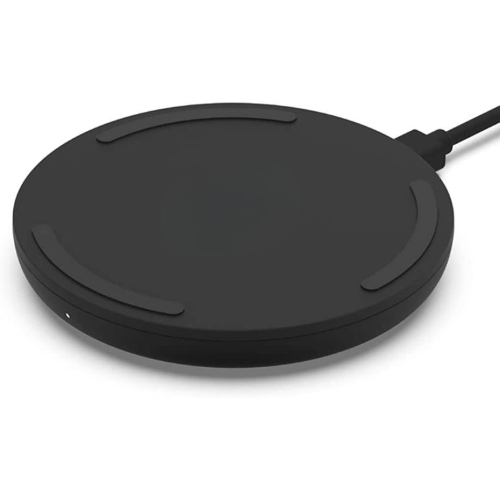
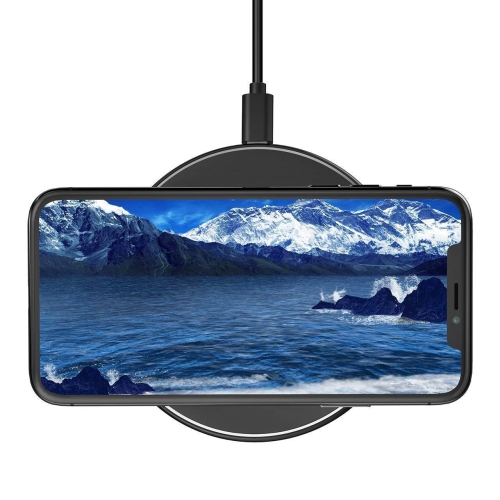
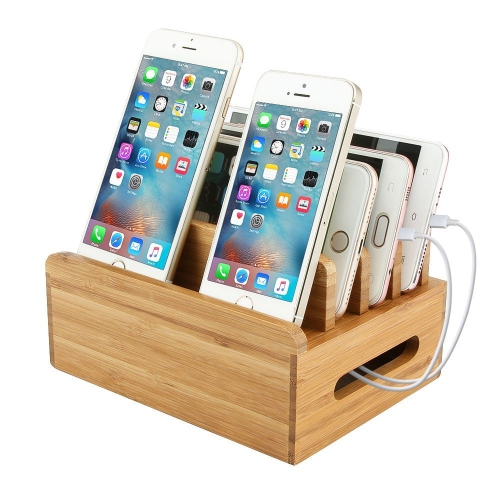
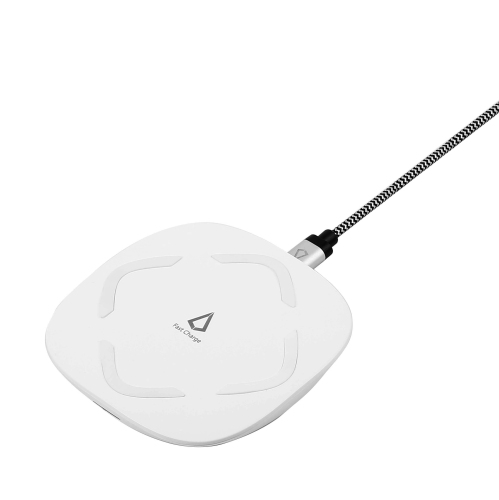
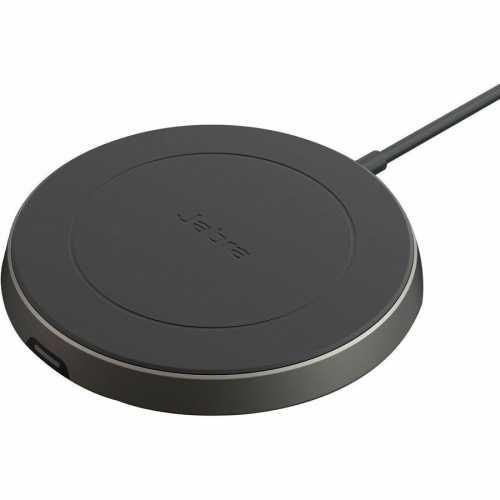
One organized charging surface for everyday devices
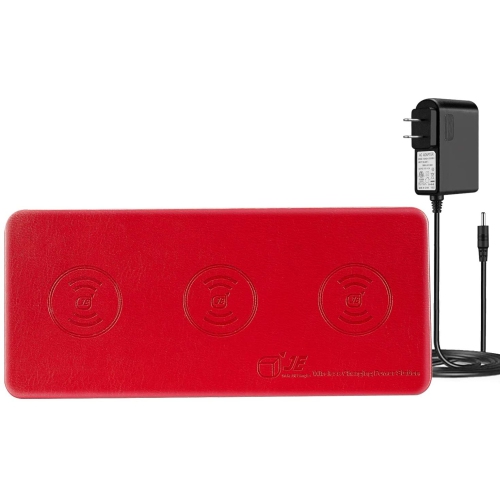
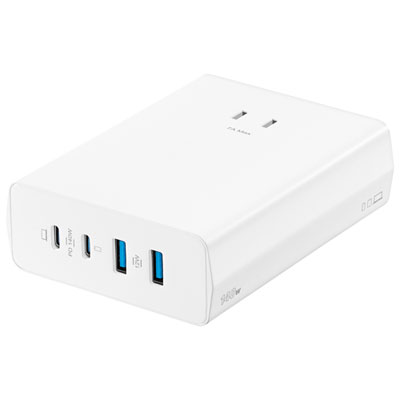
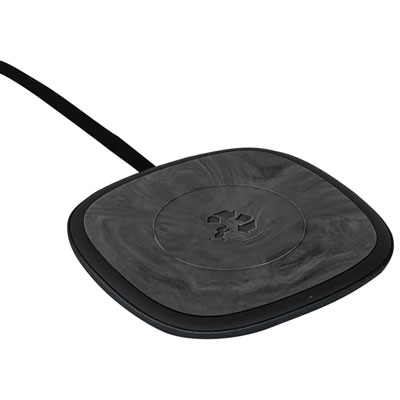
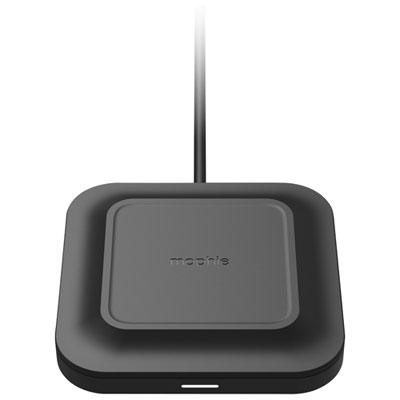
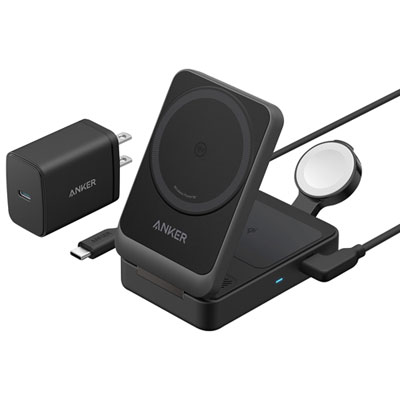
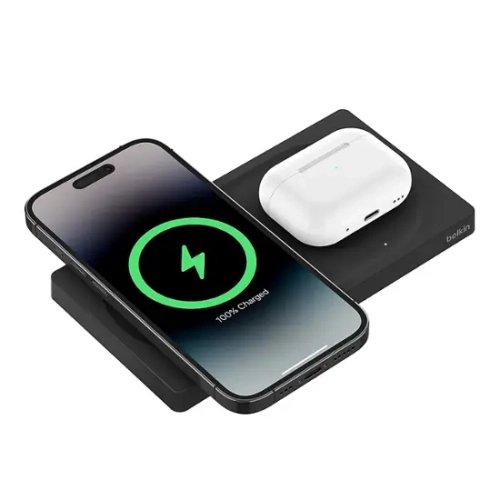
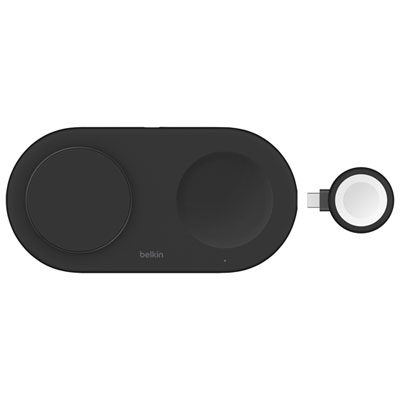
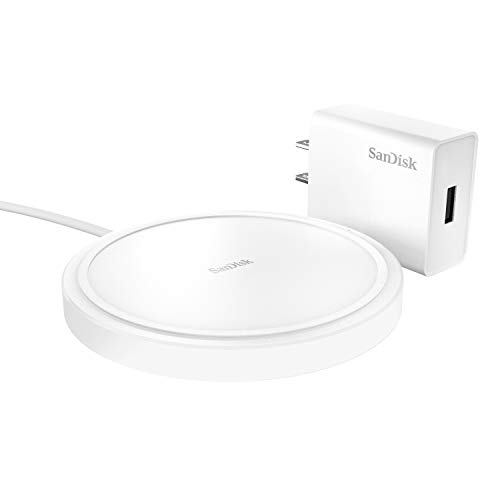
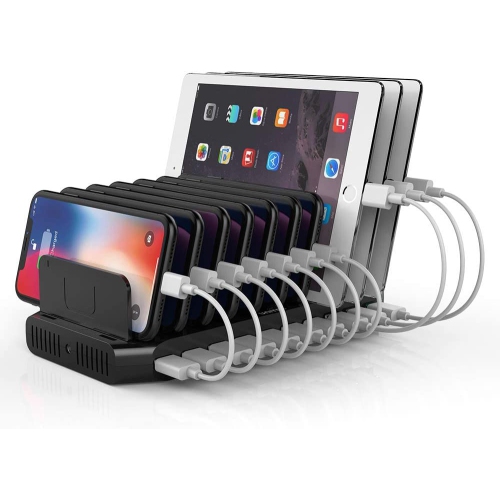
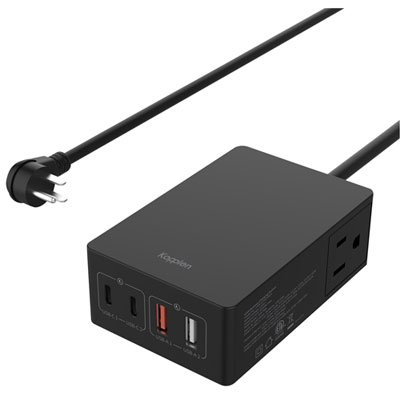
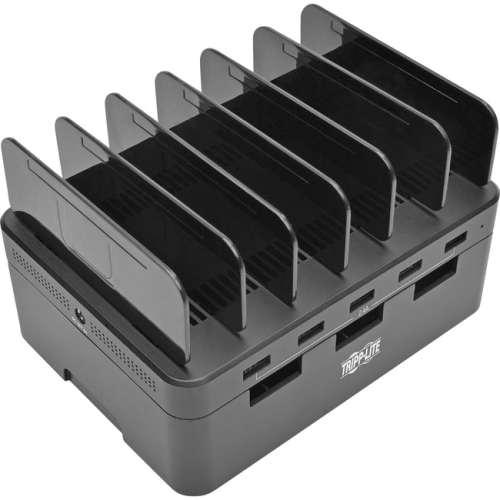
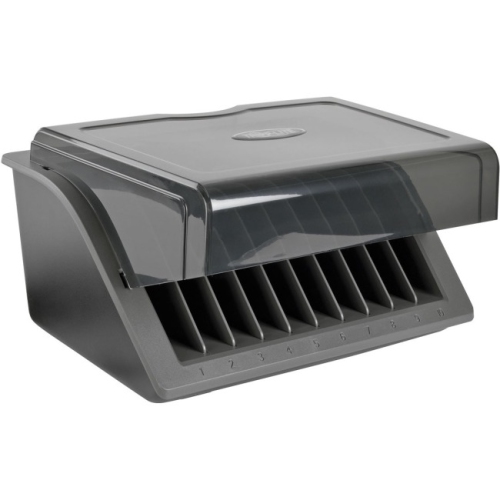
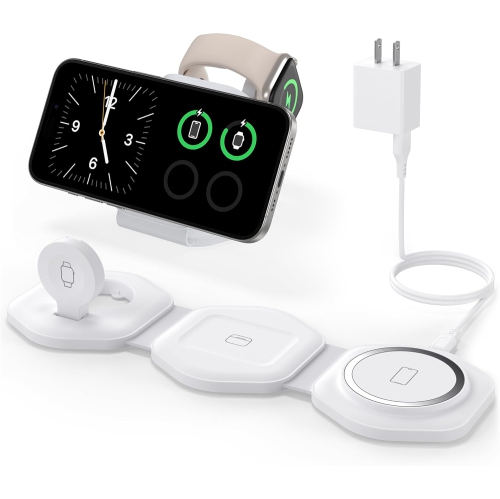
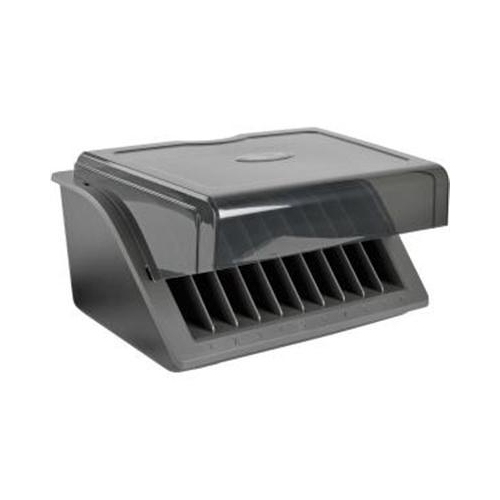
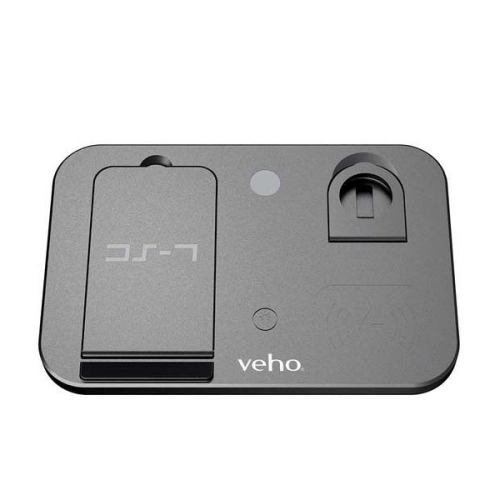
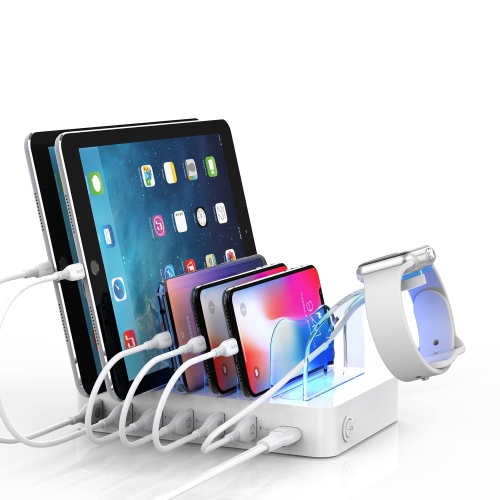
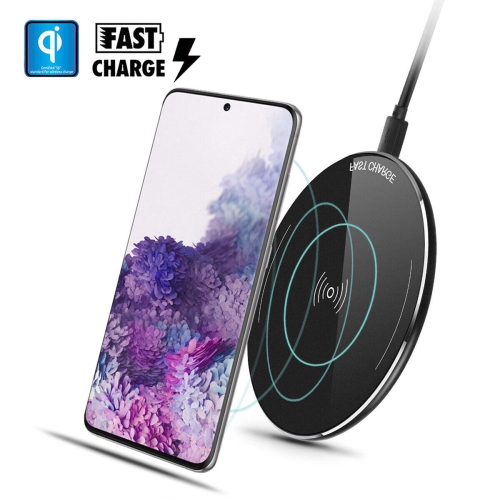
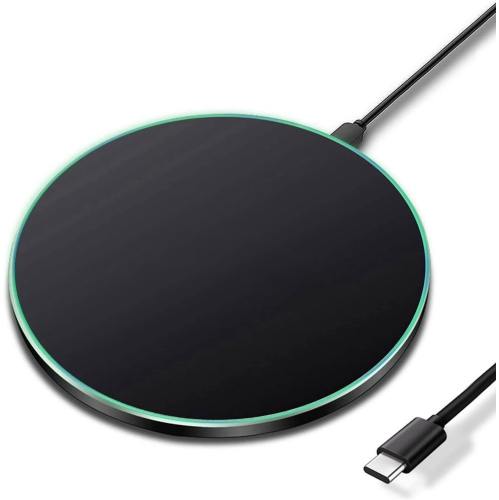
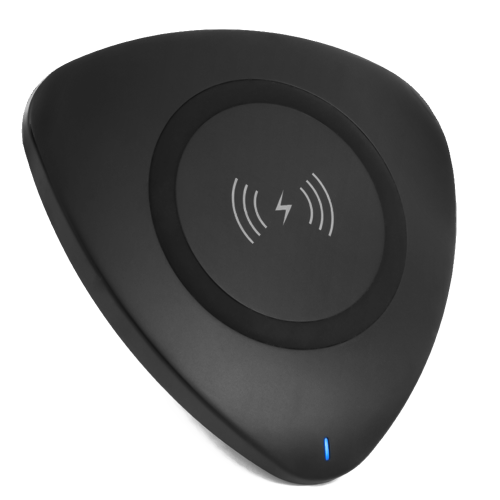
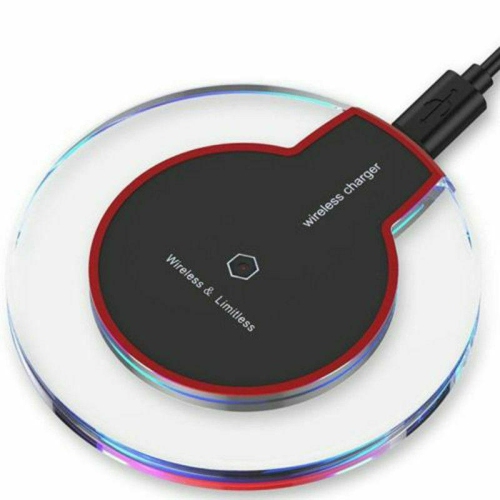
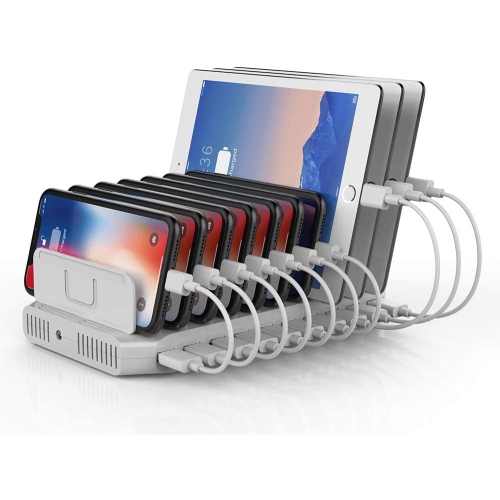
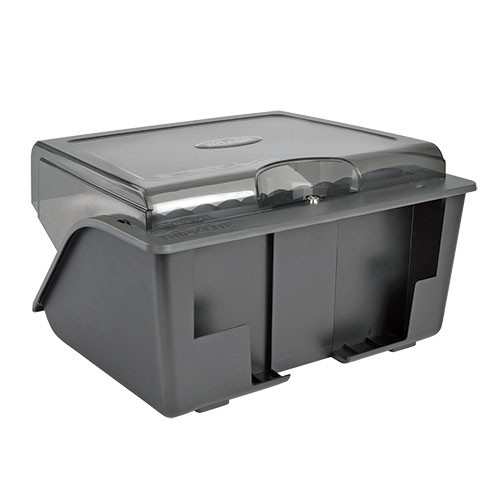
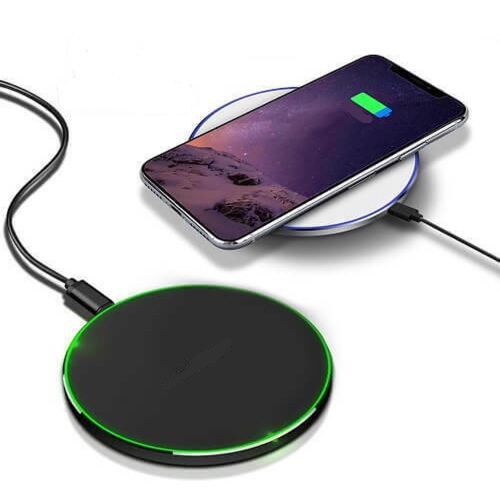
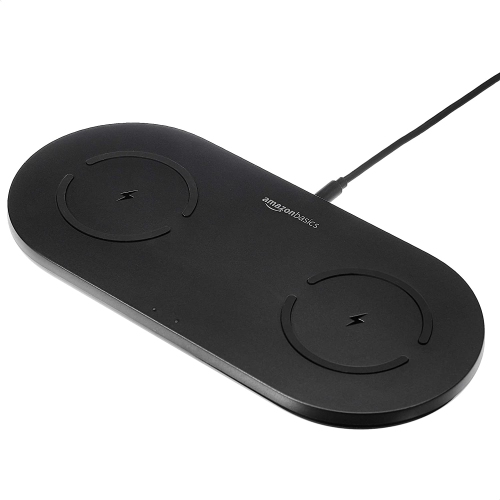
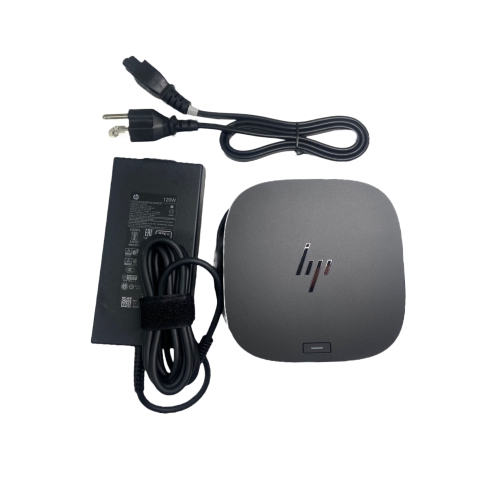
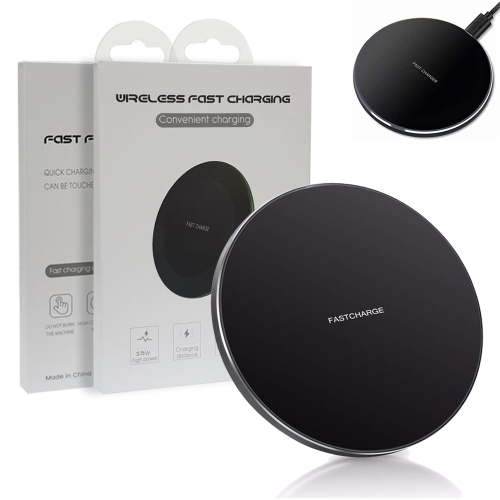
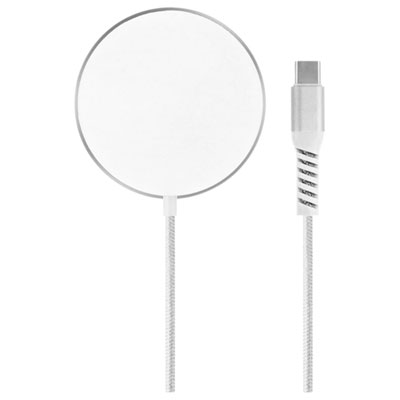
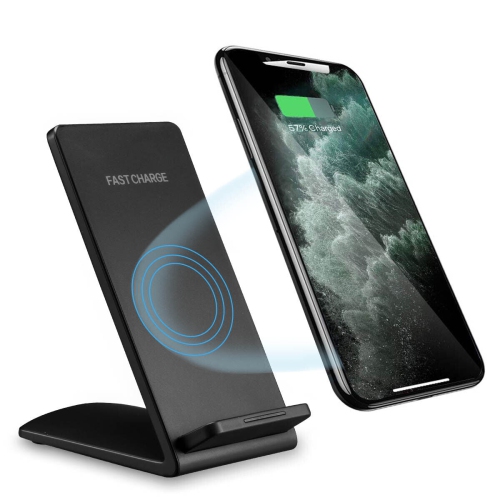
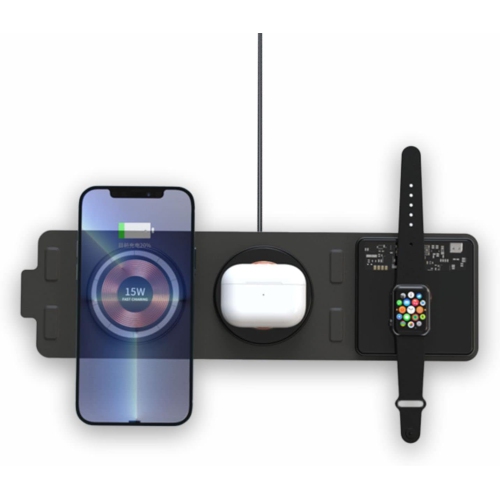
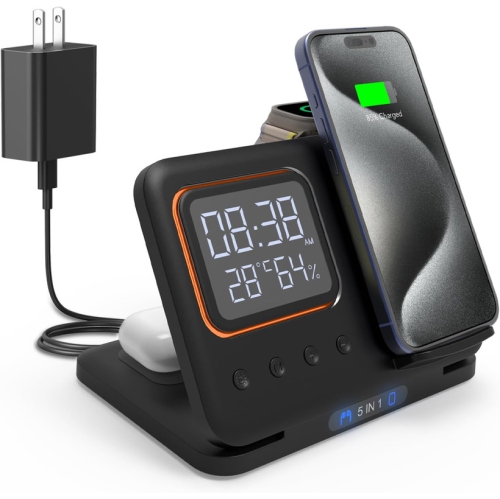
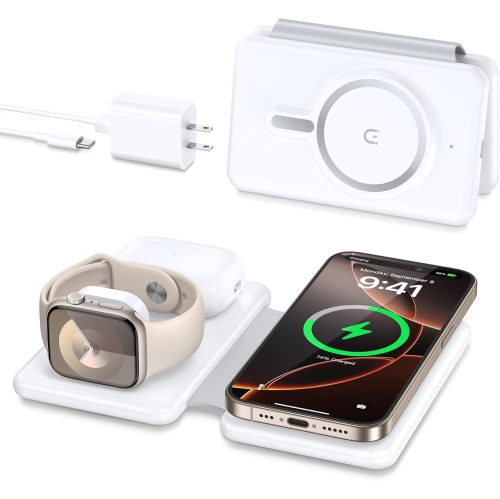
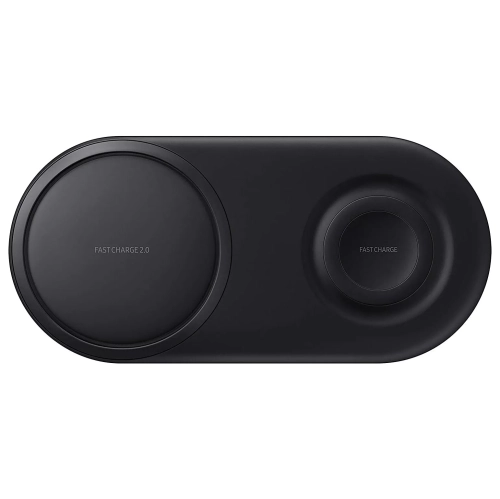
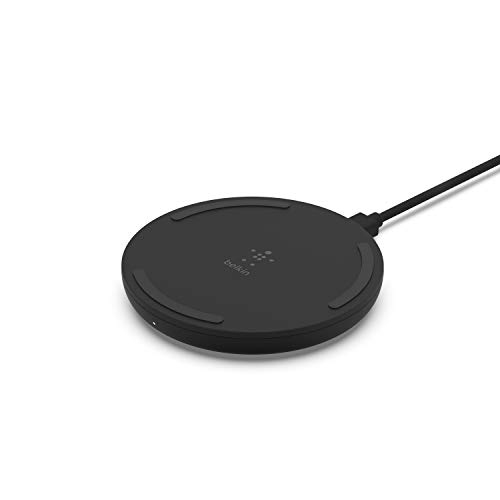
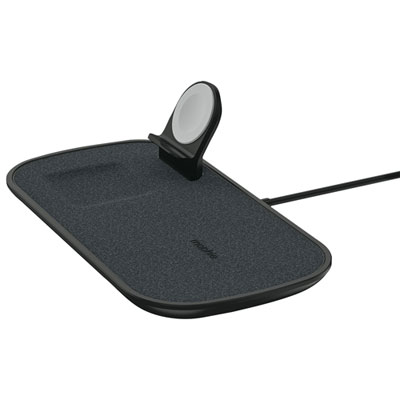
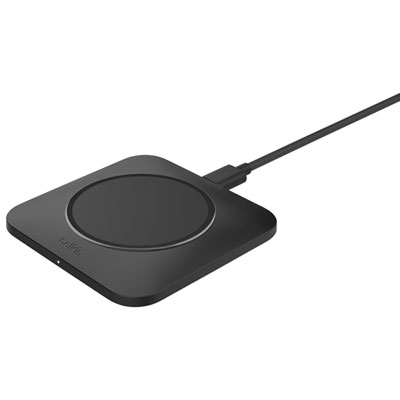
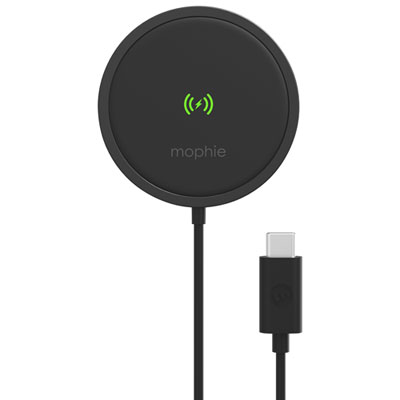
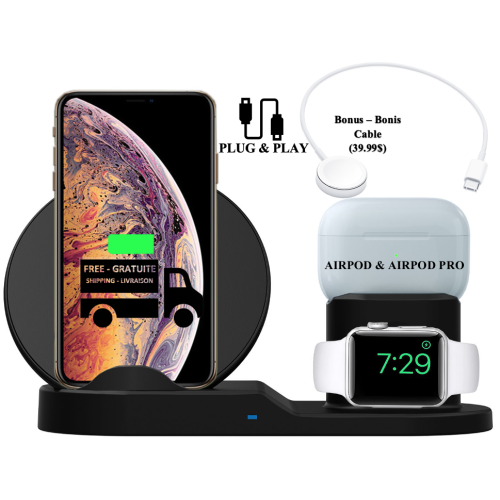
Charging pads for multiple devices provide a convenient way to power several everyday essentials from one organized surface. Instead of keeping separate cables for a smartphone, smartwatch and wireless earbuds, a multi-device charging pad can bring those charging points together on a desk, bedside table, kitchen counter or shared family station. Depending on the design, the pad may charge two or more devices wirelessly at once, while additional USB ports or upright slots can accommodate devices that charge by cable. Flat mats are useful when you want to place a phone down quickly without lining it up with a stand, while angled charging stations keep screens visible for notifications, calls or overnight alarms. Some models fold into a compact shape for travel, making them easy to pack in a carry-on or work bag when you need one charging solution in place of several separate accessories. To compare different formats and features, browse the Best Charging Stations for Multiple Devices selected for different setups and routines. When choosing a charging pad, start by listing the devices you expect to charge together. A phone, smartwatch and earbuds may need different charging areas, while a household with several smartphones may benefit more from a wide multi-phone mat or a station with multiple USB connections. Check whether each device supports Qi wireless charging, Qi2 or magnetic wireless charging, and confirm that the pad includes the right charging surfaces for your needs. Wireless compatibility is not always universal: a device may need a compatible case, magnetic ring or separate cable, and a watch may require a dedicated charging puck or cradle rather than a standard Qi pad.
Power specifications deserve close attention, particularly if you use newer smartphones that support faster wireless charging. The wattage listed for a charging pad describes the available output, but the actual charging speed depends on the device, the charging area, the power adapter and whether more than one device is connected. A pad may offer a higher maximum wattage to one device when used alone, then distribute power across several devices when the surface is occupied. Look for clear information about simultaneous charging, shared output and the required wall adapter. Some models include an adapter, while others rely on an existing USB-C power brick, so checking the box contents can prevent an unexpected extra purchase. Qi2 and magnetic charging systems can help a compatible phone align with the charging coil, which may make placement easier and improve consistency when the phone is used on a nightstand or desk. If you use a protective case, verify its thickness and compatibility with the charging system; bulky cases, metal plates, card holders and pop-out grips can interfere with wireless power transfer. Placement matters as well. Keep the charging surface clear of coins, keys and other metal objects, and avoid covering the pad with fabric or papers that could trap heat. Indicator lights are useful for confirming that charging has started, though a light that stays on through the night may be distracting in a dark bedroom. Non-slip surfaces, raised edges and a stable base can help keep devices in position, especially on a busy work surface. For a shared station, vertical dividers can make it easier to identify where each device belongs and reduce the tangle of cables that often gathers around a power outlet.
These charging pads suit a wide range of people and spaces. A remote or hybrid worker can keep a phone and earbuds powered beside a monitor without taking up much desk room, while a student can use a compact station in a residence room or shared apartment. Families may appreciate a central charging area near an entryway or kitchen, where devices can be placed at the end of the day instead of being left on different counters throughout the home. A multi-device pad can also make a practical gift for someone setting up a new office, moving into a home, travelling frequently or trying to simplify a crowded bedside table. During the cooler months, when more time is spent indoors and devices may be used for streaming, video calls, navigation and reading, having a reliable charging point close at hand can make daily routines feel less interrupted. For travel, a folding design with a protected hinge and a compact footprint can be easier to pack, but confirm that it charges all the devices you plan to bring and that its power requirements suit the destination. For a bedroom, a quiet, low-profile pad with an unobtrusive indicator may be preferable to a larger desktop dock. For a work area, an upright stand can keep the screen visible and leave more room for a keyboard, notebook or coffee mug. Also consider cable length, cord routing and the location of nearby outlets; a well-designed charging pad is most useful when it can sit naturally within reach rather than stretching across the room. Whether you need a compact travel-friendly charger, a bedside station for personal devices or a shared desktop solution for several people, matching the charging areas, output and physical layout to your devices will help you choose a pad that fits your routine and keeps everyday technology ready to use.
Power specifications deserve close attention, particularly if you use newer smartphones that support faster wireless charging. The wattage listed for a charging pad describes the available output, but the actual charging speed depends on the device, the charging area, the power adapter and whether more than one device is connected. A pad may offer a higher maximum wattage to one device when used alone, then distribute power across several devices when the surface is occupied. Look for clear information about simultaneous charging, shared output and the required wall adapter. Some models include an adapter, while others rely on an existing USB-C power brick, so checking the box contents can prevent an unexpected extra purchase. Qi2 and magnetic charging systems can help a compatible phone align with the charging coil, which may make placement easier and improve consistency when the phone is used on a nightstand or desk. If you use a protective case, verify its thickness and compatibility with the charging system; bulky cases, metal plates, card holders and pop-out grips can interfere with wireless power transfer. Placement matters as well. Keep the charging surface clear of coins, keys and other metal objects, and avoid covering the pad with fabric or papers that could trap heat. Indicator lights are useful for confirming that charging has started, though a light that stays on through the night may be distracting in a dark bedroom. Non-slip surfaces, raised edges and a stable base can help keep devices in position, especially on a busy work surface. For a shared station, vertical dividers can make it easier to identify where each device belongs and reduce the tangle of cables that often gathers around a power outlet.
These charging pads suit a wide range of people and spaces. A remote or hybrid worker can keep a phone and earbuds powered beside a monitor without taking up much desk room, while a student can use a compact station in a residence room or shared apartment. Families may appreciate a central charging area near an entryway or kitchen, where devices can be placed at the end of the day instead of being left on different counters throughout the home. A multi-device pad can also make a practical gift for someone setting up a new office, moving into a home, travelling frequently or trying to simplify a crowded bedside table. During the cooler months, when more time is spent indoors and devices may be used for streaming, video calls, navigation and reading, having a reliable charging point close at hand can make daily routines feel less interrupted. For travel, a folding design with a protected hinge and a compact footprint can be easier to pack, but confirm that it charges all the devices you plan to bring and that its power requirements suit the destination. For a bedroom, a quiet, low-profile pad with an unobtrusive indicator may be preferable to a larger desktop dock. For a work area, an upright stand can keep the screen visible and leave more room for a keyboard, notebook or coffee mug. Also consider cable length, cord routing and the location of nearby outlets; a well-designed charging pad is most useful when it can sit naturally within reach rather than stretching across the room. Whether you need a compact travel-friendly charger, a bedside station for personal devices or a shared desktop solution for several people, matching the charging areas, output and physical layout to your devices will help you choose a pad that fits your routine and keeps everyday technology ready to use.
Top selling and popular products
-
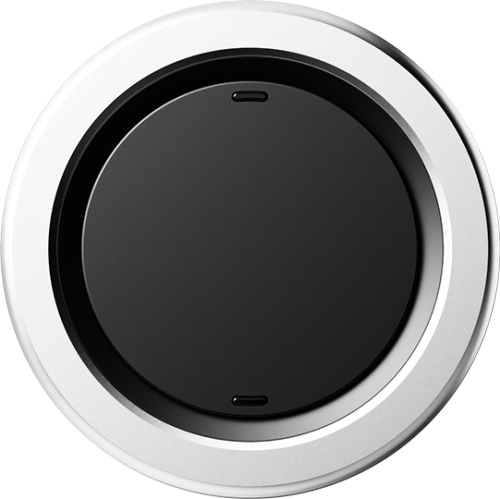 Your price for this item is $34.99
 -
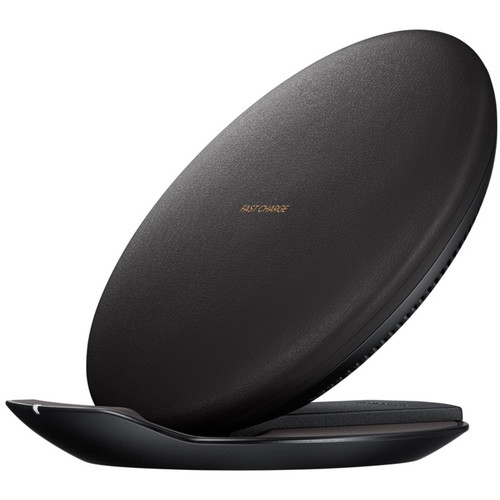 Your price for this item is $73.92
 -
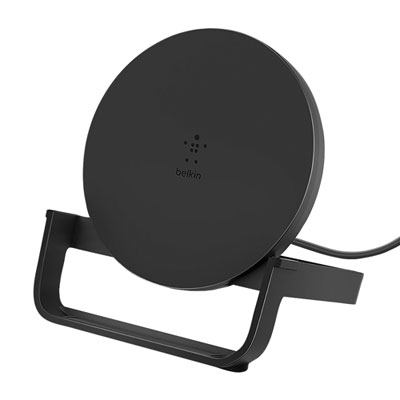 Your price for this item is $39.95
 -
 Your price for this item is $74.99
 -
 Your price for this item is $39.99
 -
 Your price for this item is $88.97
 -
 Your price for this item is $49.99
 -
 Your price for this item is $43.97
Discover more categories related to Charging Pads for Multiple Devices
Top Collections:
Pokemon Centers, Best Budget Office Chairs, Budget 4K TVs, Kindle Devices, Best Laptops for Writers, Canon G7X Cameras, Apple iPhones 16, iPhone 15 Apple, Laptops for Business Work, Xiaomi Phones
Some products may be subject to Environmental Handling Fees
(EHF) depending on your province.
Learn more about EHFs.