Best Bluetooth Speakers for Laptop
Upgrade your laptop’s sound with the best Bluetooth speakers for music, movies, video calls, and more. Whether you’re looking for a compact option for your desk or a portable speaker to take on the go, explore this selection ranked by customer review ratings to find a wireless audio companion that suits your setup.
What to look for in Bluetooth speakers for laptops
1. Laptop Compatibility
2. Sound Quality
3. Size and Power Options
4. Controls and Microphone Support
-
1
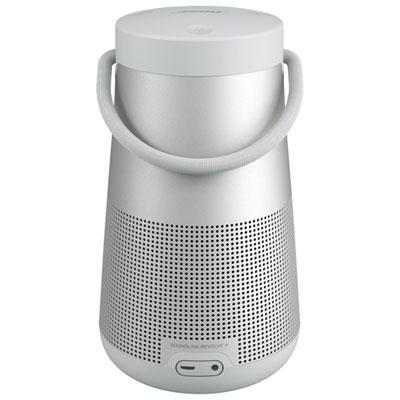
Bose SoundLink Revolve+ II Splashproof Bluetooth Wireless Speaker - Luxe Silver
About this product
A splashproof wireless speaker in luxe silver that delivers 360-degree rich, consistent sound indoors or outdoors.
What customers like
(642)$369.99 Your price for this item is $369.99 -
2
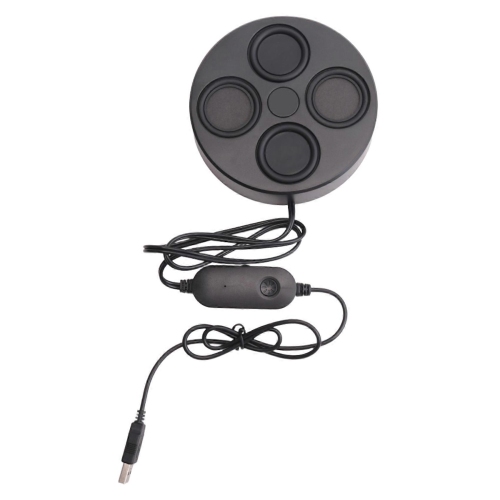
SLOWMOOSE USB Speakers With Bluetooth for PC 4.9 Inch Ultrathin 26MM Magnetic Stereo Surround Sound 6Ohm 6Wx2 for Laptop
About this product
A USB and Bluetooth stereo speaker system delivering surround sound through dual 6-watt drivers.
$36.99Your price for this item is $36.99SAVE $10 -
3
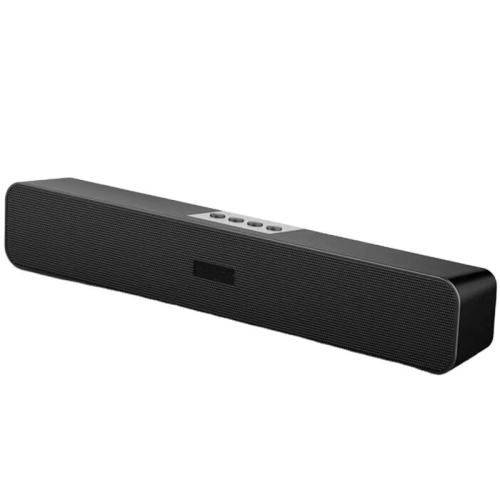
MYACUC PC Wireless Speakers Portable Blue-Tooth Speaker Sound Bar for Desktop, Laptop, Tablet
About this product
A blue wireless Bluetooth sound bar delivering 360° stereo audio for desktops, laptops, and tablets.
$58.99 Your price for this item is $58.99 -
4
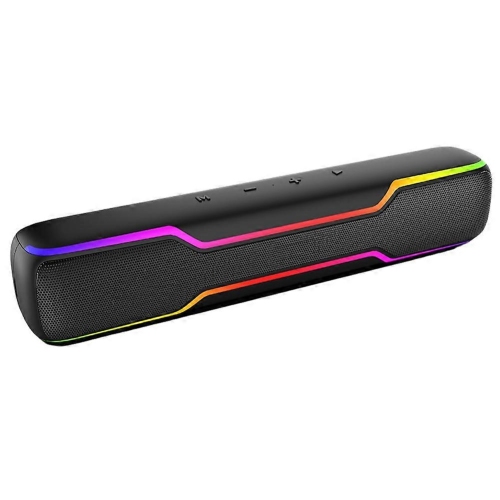
SLOWMOOSE Protable Wireless Bluetooth Speaker With RGB Light Soundbar Mini Speaker Soundbar Speaker for Desktop Laptop
About this product
A portable wireless Bluetooth mini soundbar featuring colourful RGB lighting for desktops, laptops, and home entertainment.
$70.99Your price for this item is $70.99SAVE $18 -
5
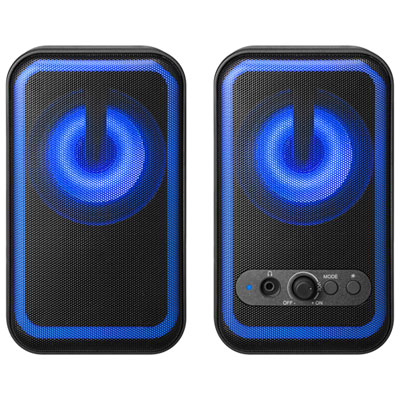
Insignia Bluetooth 2.0 RGB Computer Speaker System - Only at Best Buy
About this product
A black 2.0 channel speaker system with Bluetooth, aux input, and vibrant RGB lighting for dynamic sound.
(2)$49.99 Your price for this item is $49.99 -
6
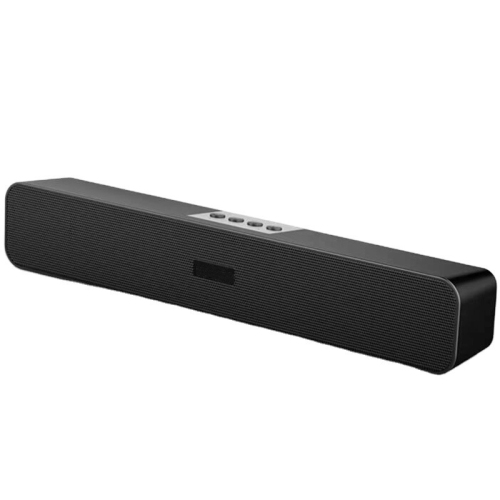
MYACUC PC Wireless Speakers Portable Blue-Tooth Speaker Sound Bar for Desktop, Laptop, Tablet
About this product
A blue wireless Bluetooth sound bar delivering immersive 360° stereo audio for desktops, laptops, and tablets.
$47.99 Your price for this item is $47.99 -
7
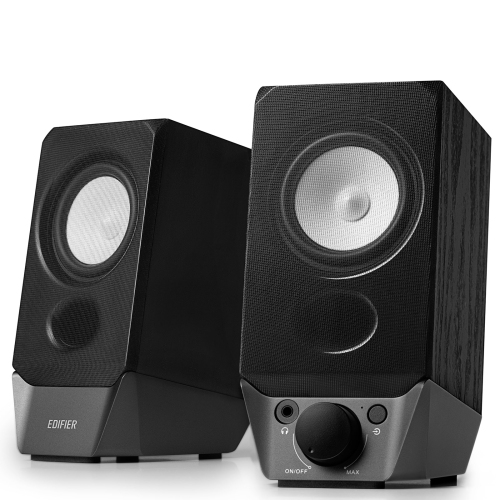
EDIFIER R19Bt USB Powered Computer Speaker System With Bluetooth
About this product
A USB-powered 2.0 speaker system with Bluetooth 5.3 for fast, stable wireless audio connections.
(18)$69.99 Your price for this item is $69.99 -
8
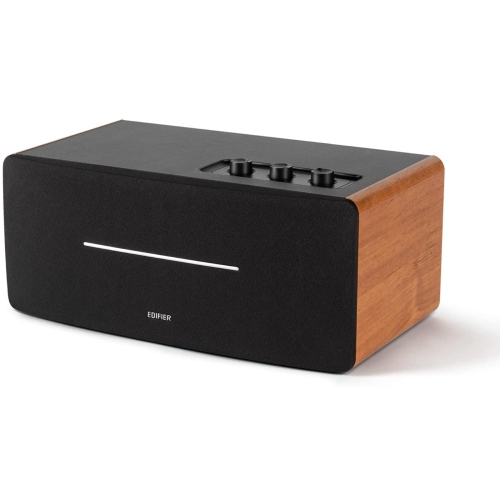
EDIFIER D12 Tabletop Speaker - Integrated Desktop Stereo Bluetooth Speaker - Wireless Computer Speaker
About this product
A wireless desktop stereo speaker with Bluetooth 5.0, RCA, AUX inputs, and 70W distortion-free output.
(4)$179.99 Your price for this item is $179.99 -
9
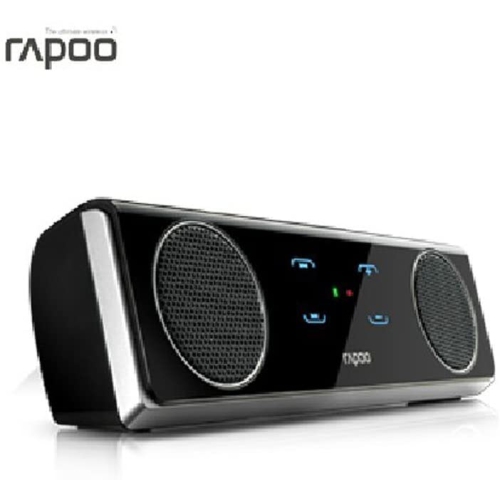
RAPOO A3020 Bluetooth Wireless Speaker, Touch Controlstereo Audio Music Sound Box for Smartphone PC
About this product
A portable Bluetooth wireless speaker with touch controls, delivering stereo audio for smartphones and PCs.
$28.00 Your price for this item is $28 -
10
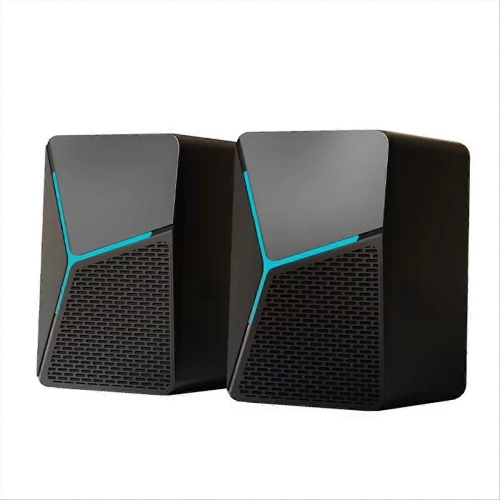
SLOWMOOSE Mini USB Powered Colorful RGB Wired Gaming Computer Bluetooth Speaker for Laptop Subwoofer Speaker
About this product
A USB-powered wired Bluetooth gaming speaker with colourful RGB lighting for laptops and computers.
$41.99Your price for this item is $41.99SAVE $11
FAQ
Turn on the speaker and activate pairing mode, then open your laptop’s Bluetooth settings. Enable Bluetooth, search for available devices and select the speaker. Once paired, choose it as the audio output in your laptop’s sound settings.
Bluetooth speakers generally work with Windows, macOS and ChromeOS laptops that support Bluetooth audio. Check the speaker’s compatibility details and your laptop’s Bluetooth support before choosing one. A laptop without built-in Bluetooth may require a compatible USB Bluetooth adapter.
Some Bluetooth speakers also have a 3.5 mm auxiliary input or support USB audio. For a wired connection, both the speaker and laptop must have compatible audio connections. Check the speaker’s specifications, as a USB port may be for charging only.
Speakers with Bluetooth multipoint can maintain connections with more than one compatible device, such as a laptop and a phone. Most play audio from only one source at a time. Models without multipoint may require you to disconnect one device before switching to another.
Select the Bluetooth speaker as your output device in your laptop’s sound settings, then choose your built-in or external microphone as the input device. Meeting and chat apps may have their own audio settings, so you may need to select the speaker and microphone within those apps as well.
Top selling and popular products
Discover more categories related to Best Bluetooth Speakers for Laptop
Some products may be subject to Environmental Handling Fees (EHF) depending on your province. Learn more about EHFs.