Professional Security Camera Systems
Explore professional security camera systems for monitoring business premises, commercial buildings, and larger properties. When comparing surveillance systems, consider the areas you need to cover, how footage will be recorded and accessed, and your installation requirements to find a setup suited to your space.

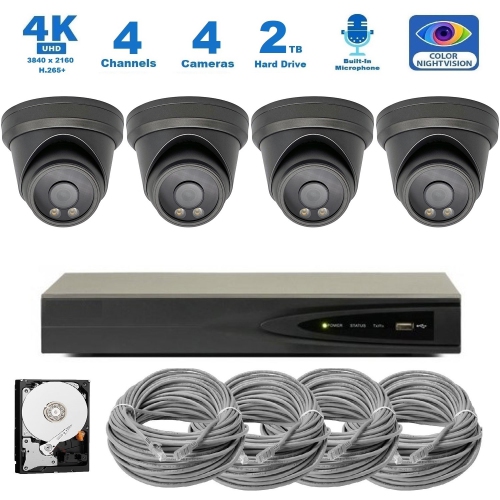
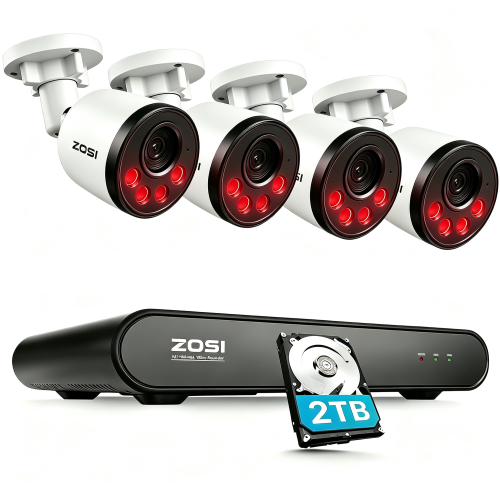
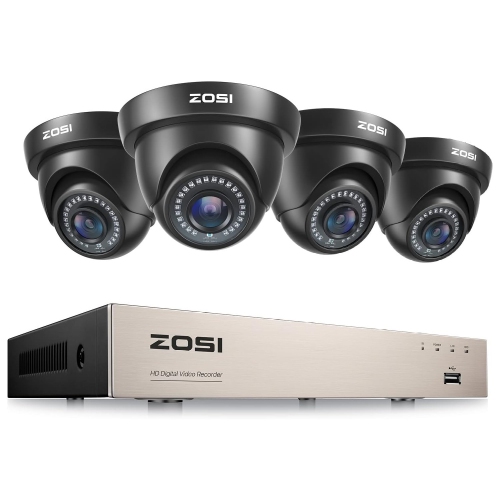
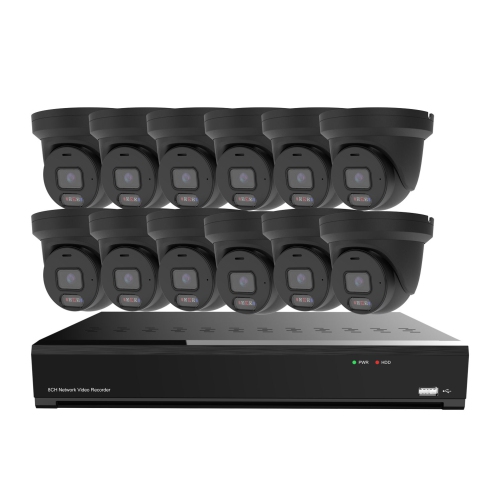

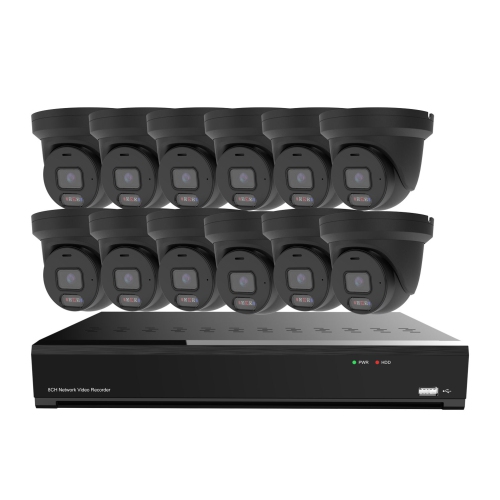
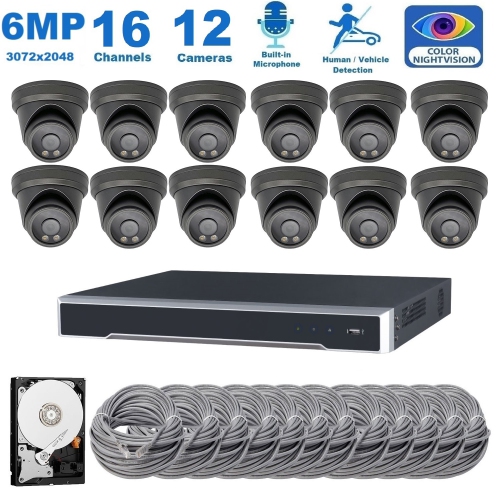
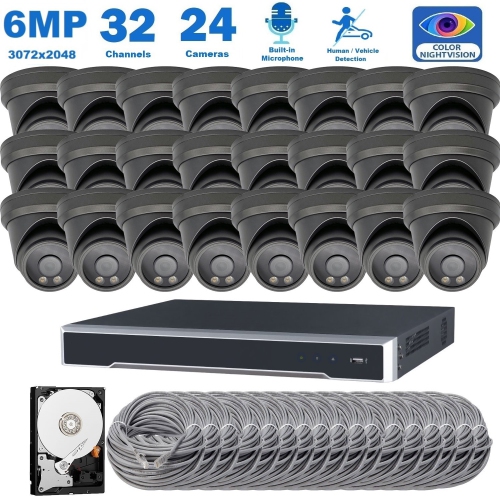
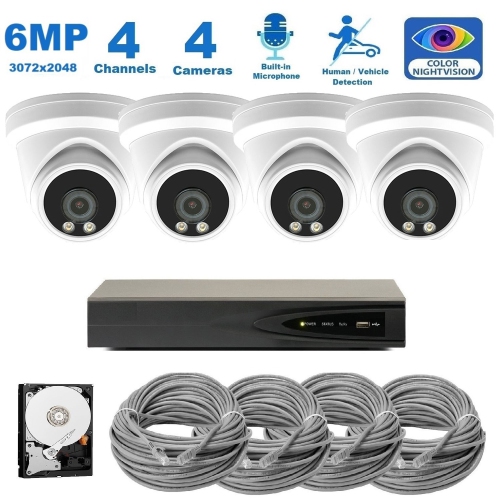

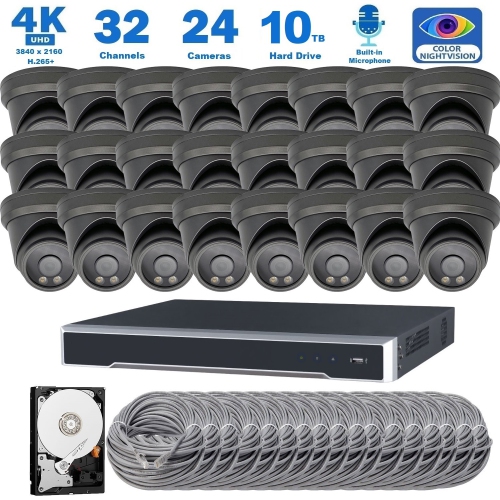
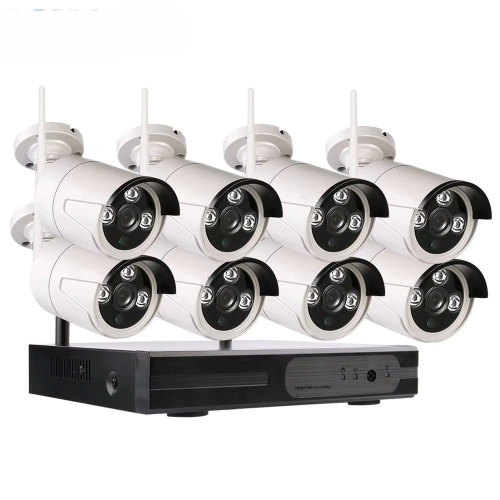
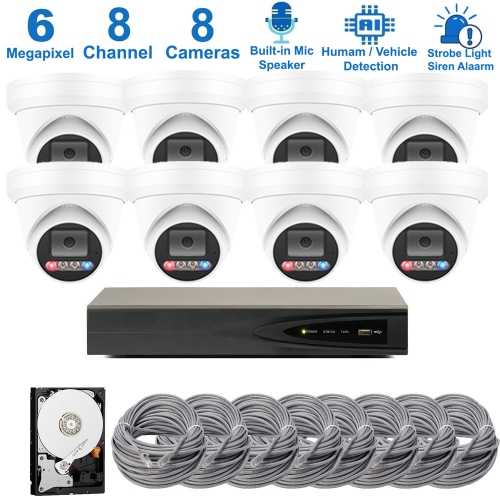
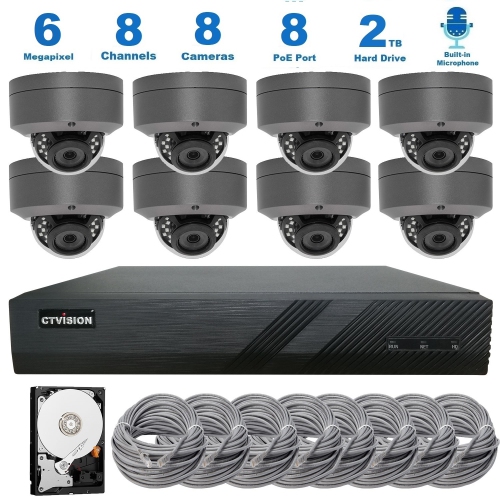
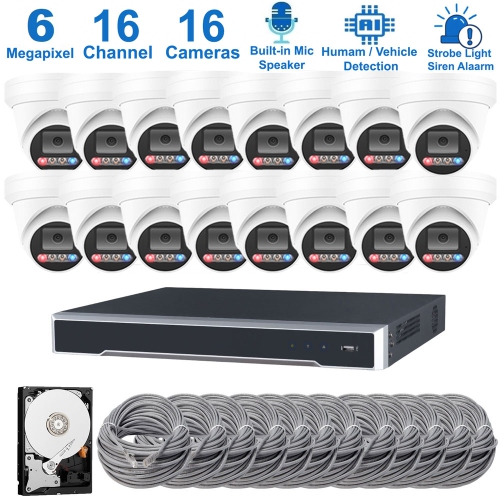
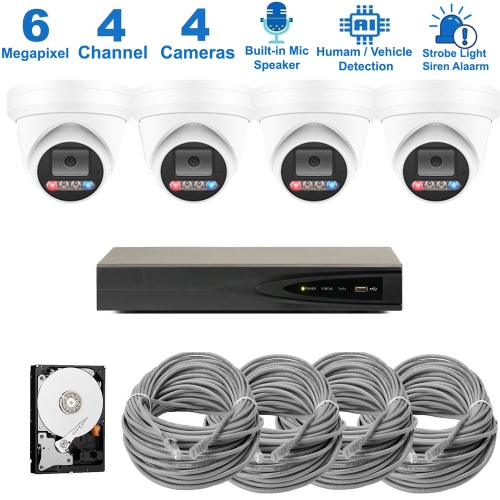
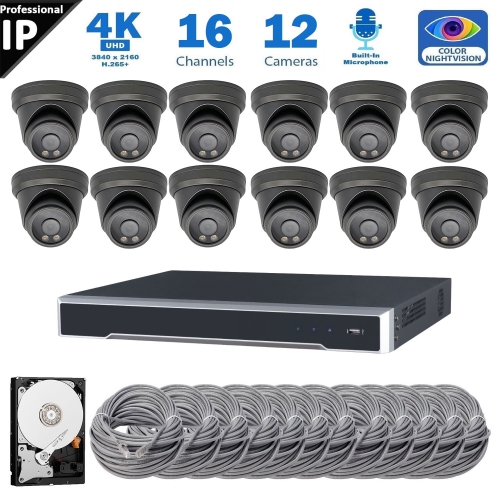
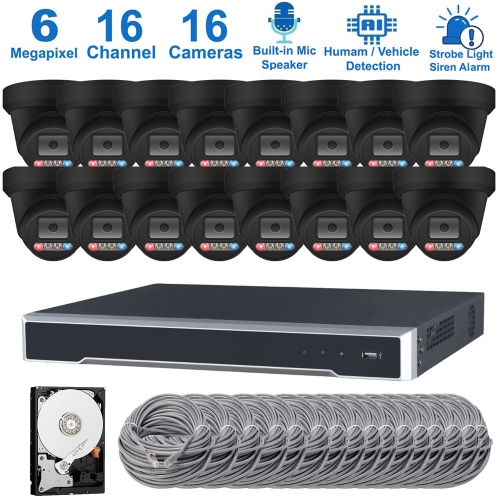
FAQ
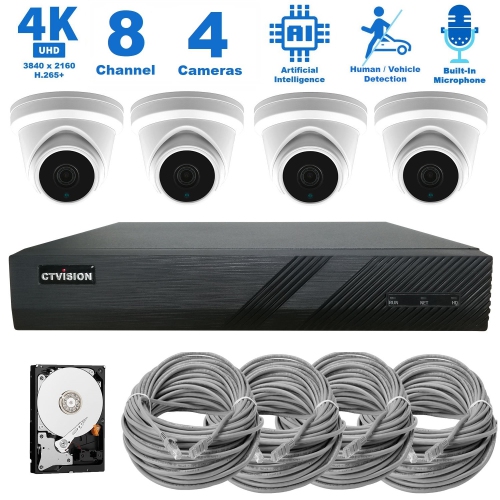
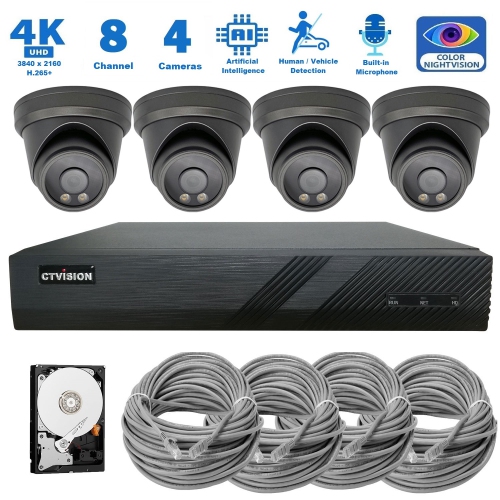
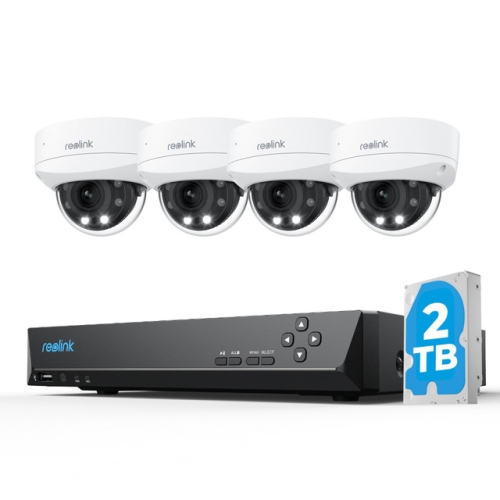
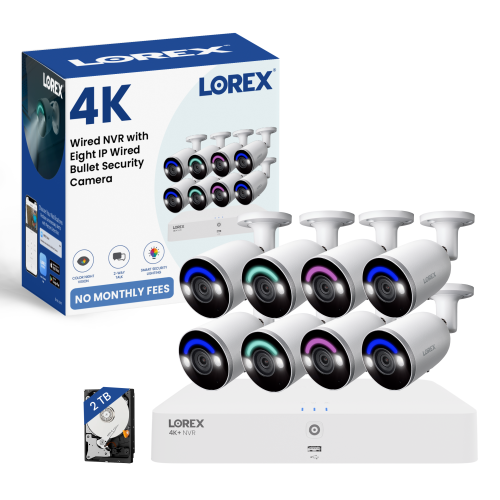
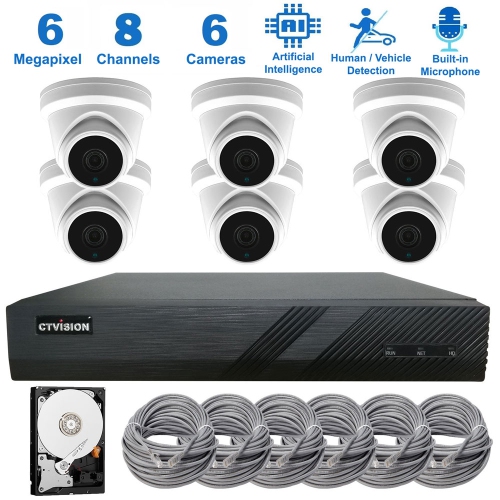
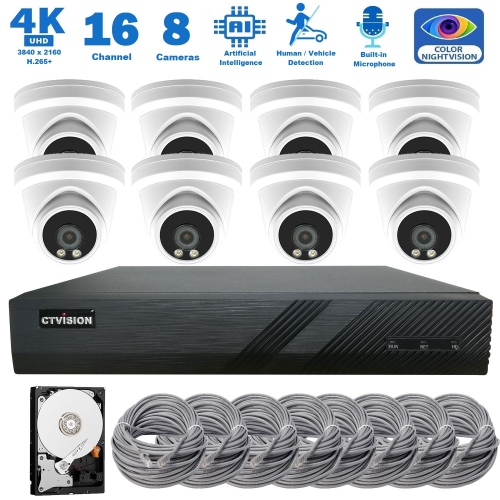
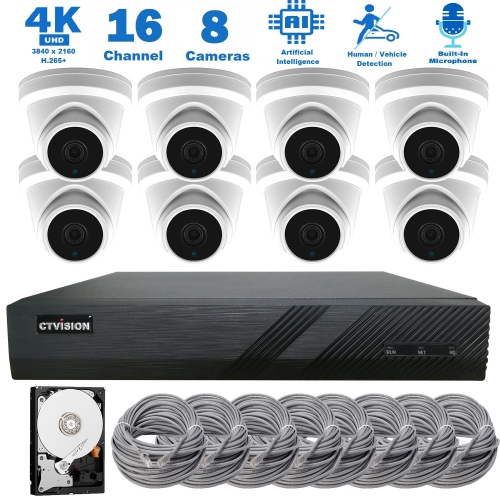
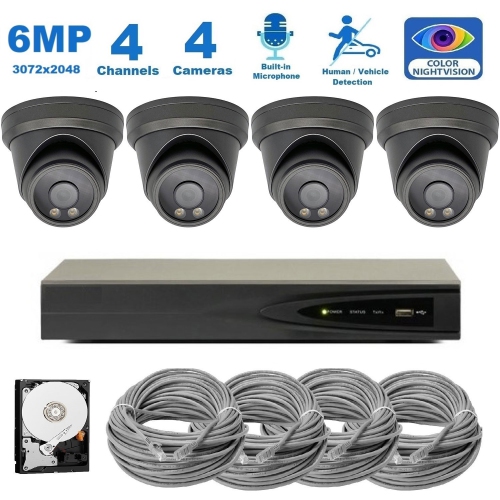
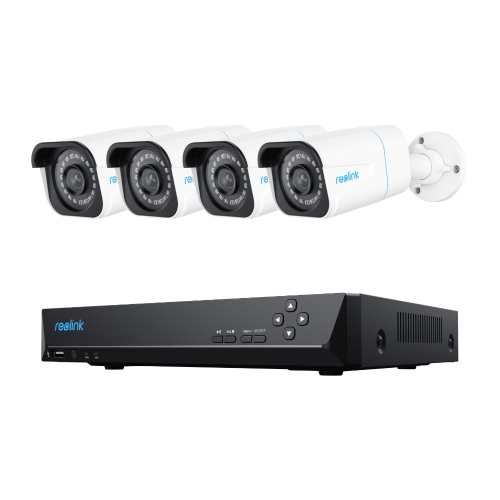
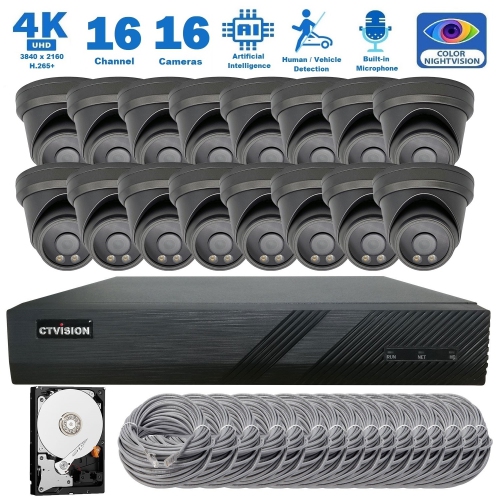
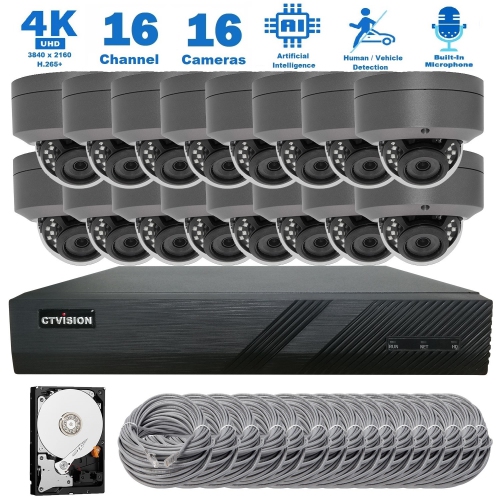
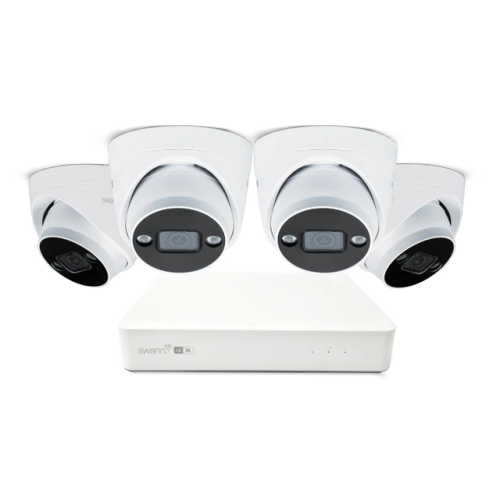
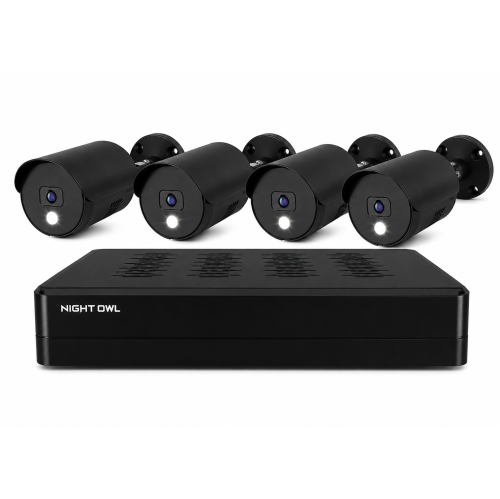
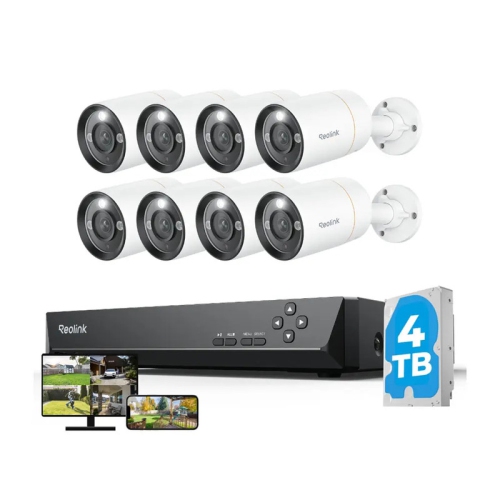
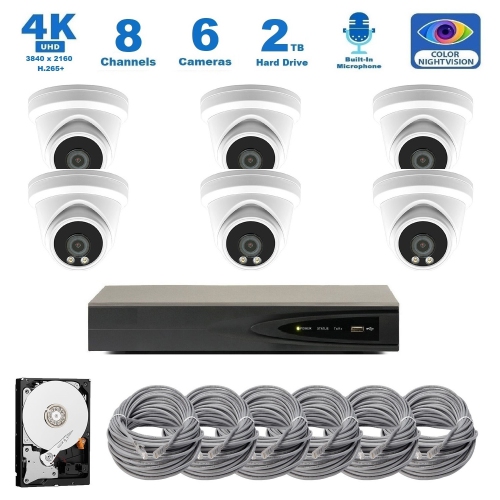
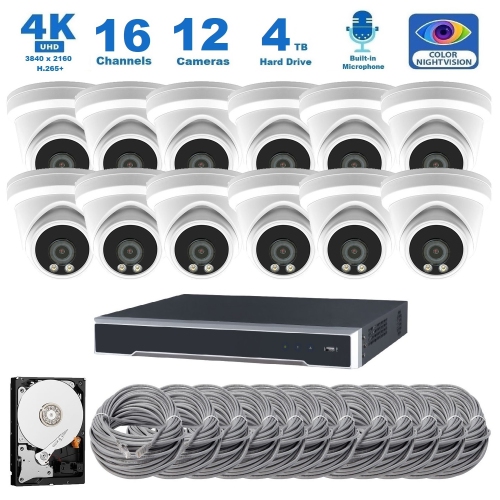
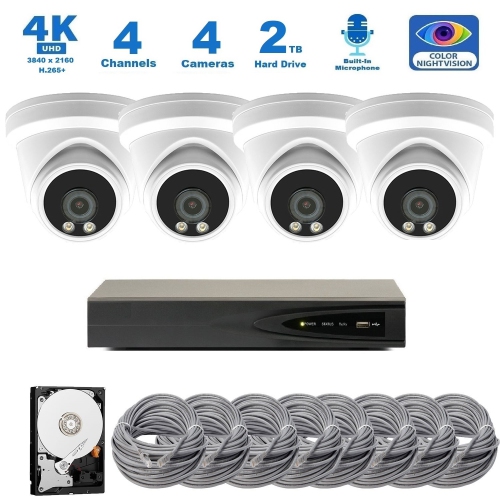
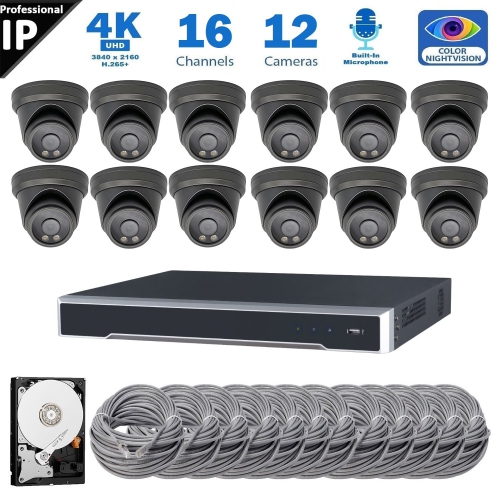
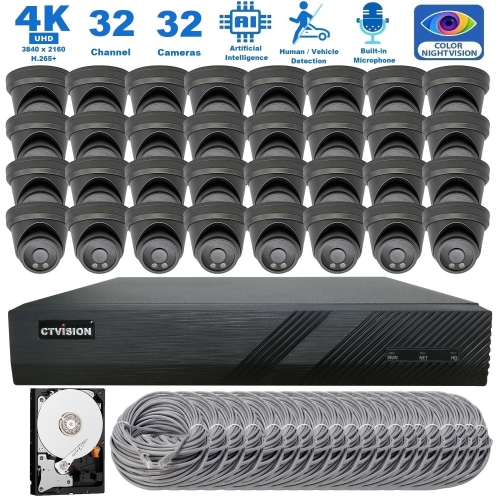
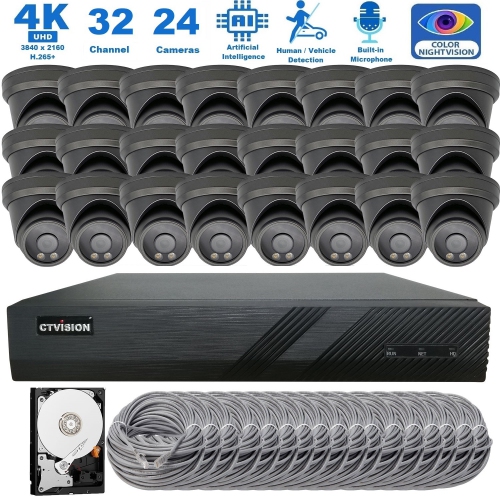
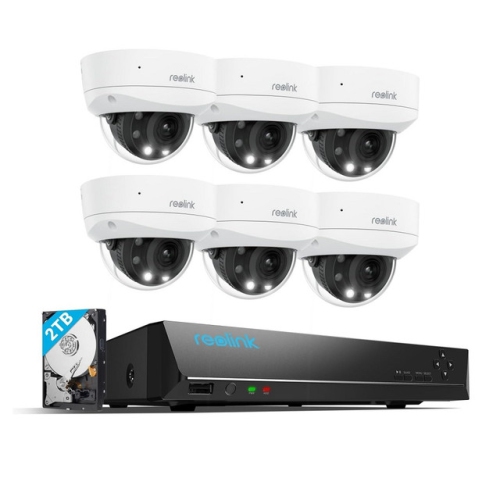
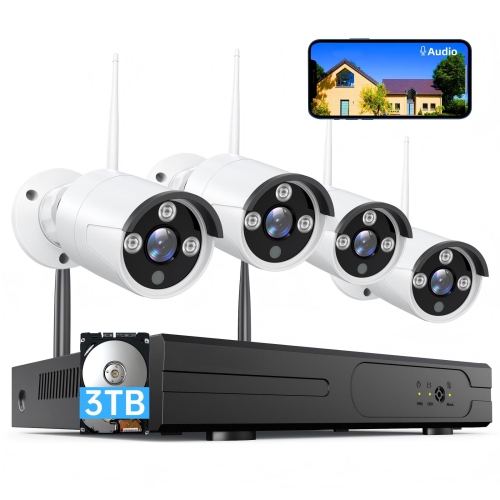
A professional security camera system typically includes cameras, recording hardware or software, and connections for power and video transmission. Depending on the setup, it may also use network switches, storage drives, and a monitor or app for viewing and managing footage.
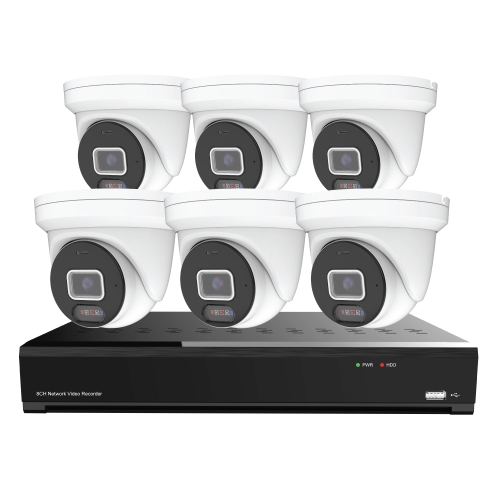
A network video recorder (NVR) receives video that has been processed by IP cameras and transmitted over a network. A digital video recorder (DVR) typically processes video from analogue cameras connected through coaxial cables. The recorder type should match the cameras and connection method used in the system.
Power over Ethernet (PoE) carries electrical power and data through a single Ethernet cable. Compatible IP cameras can connect to a PoE network switch, injector, or recorder with built-in PoE ports. The camera and power source must support compatible PoE standards.
Depending on the system, footage may be stored on a recorder, a compatible server, a camera’s memory card, or a cloud service. Recording modes can include continuous, scheduled, or event-triggered recording. Storage settings determine how long footage is retained and whether older recordings are automatically overwritten.
ONVIF is a set of standards that helps compatible cameras, recorders, and video management software from different manufacturers work together. Supported functions depend on the ONVIF profiles implemented by each device. Matching profiles and checking manufacturer compatibility information can help when planning a mixed-brand system.
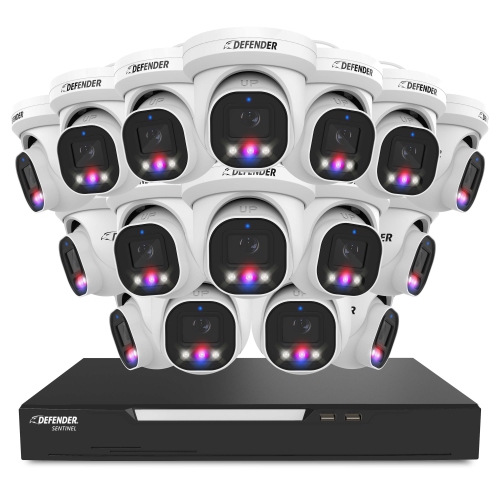
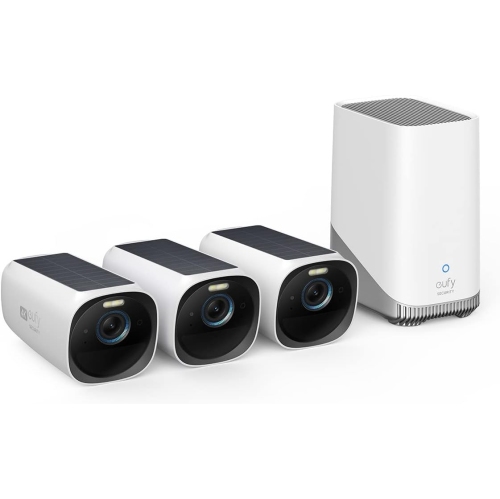
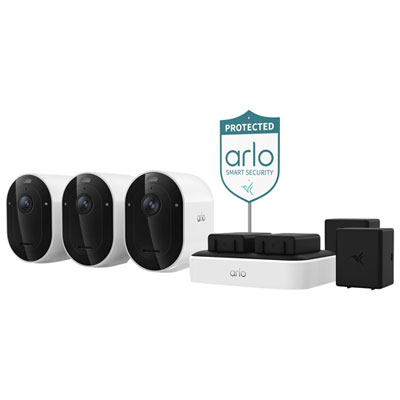
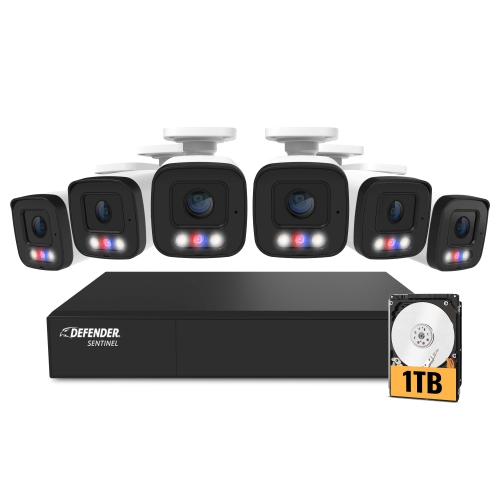
Top selling and popular products
Discover more categories related to Professional Security Camera Systems
Some products may be subject to Environmental Handling Fees (EHF) depending on your province. Learn more about EHFs.