Camera Security Systems for Business
Enhance the safety and security of your business with reliable camera security systems for business. These advanced surveillance solutions are designed to provide comprehensive monitoring, helping you keep a watchful eye on your premises around the clock. Whether you're looking to deter potential intruders, monitor employee activity, or ensure the safety of valuable assets, camera security systems for business offer an essential layer of protection. Explore a variety of options that cater to different needs and environments, ensuring that your business remains secure and well-protected at all times.
Sort
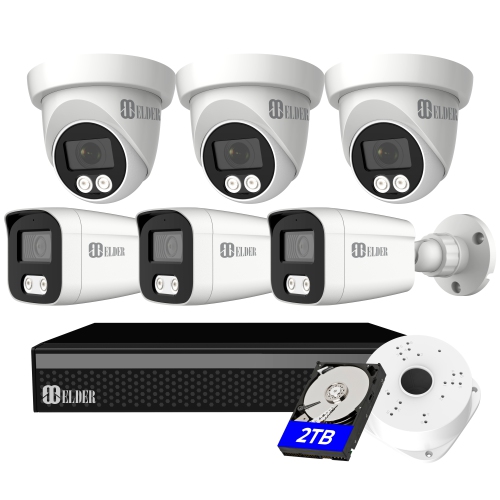
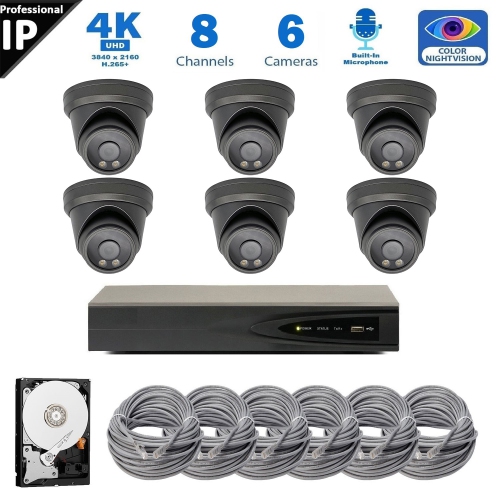
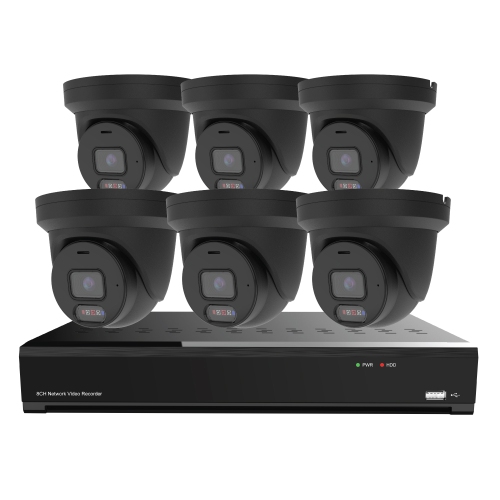
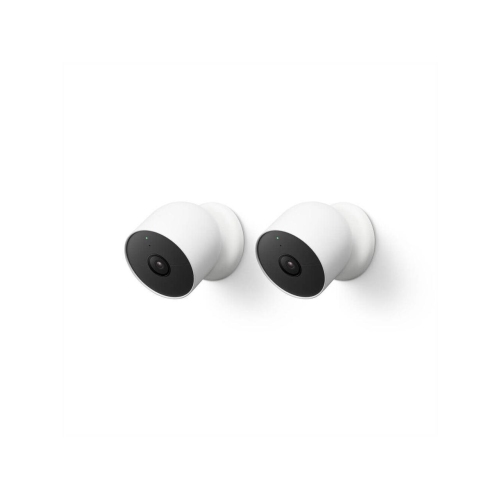
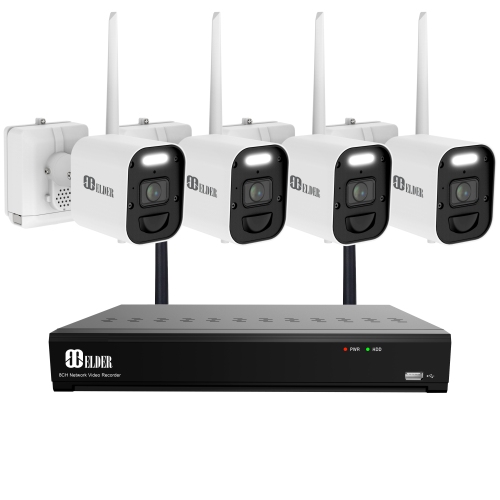
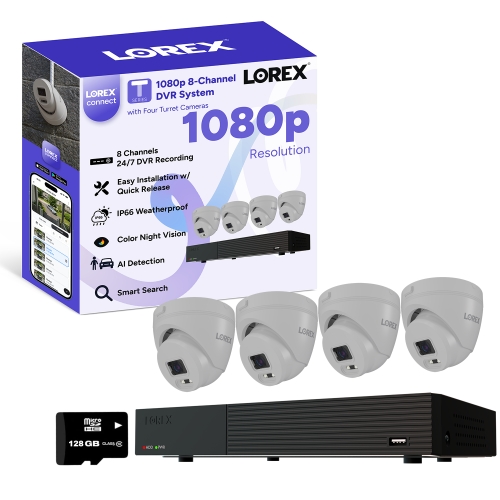
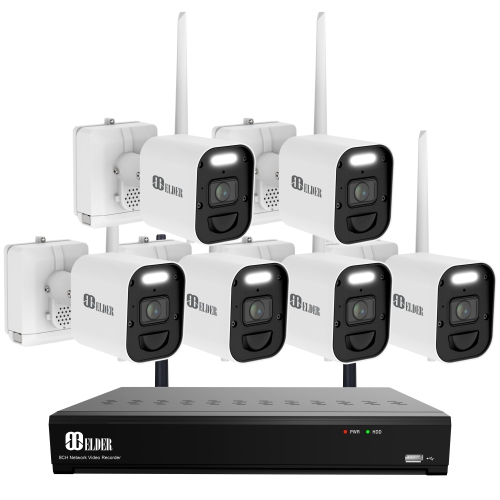
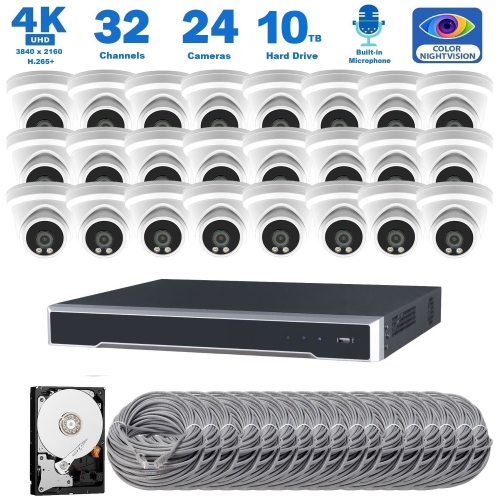
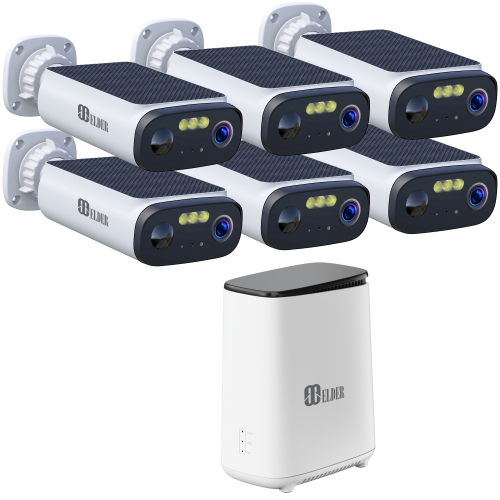
Useful footage starts with coverage that fits your premises
Camera security systems for business bring cameras, video storage, and monitoring tools together to help owners and managers keep track of entrances, work areas, and activity after closing. A well-matched system balances clear footage, dependable recording, useful alerts, and coverage suited to the layout of the premises. For a small shop, that might mean a clear view of the front door, checkout counter, and stockroom entrance; an office or warehouse may need several cameras covering reception, corridors, loading areas, and access points. Video resolutions such as 2K and 4K can capture more detail than lower-resolution footage, but resolution alone does not determine whether a face or transaction will be clear. Lens choice, camera distance, lighting, and recording settings all affect the result. A wide-angle camera can show much of a sales floor, while a narrower view may be better suited to a doorway where identifying details matter. Camera placement also makes a difference: an overhead view can show where someone went without necessarily capturing a useful view of their face. Dome and turret designs offer compact mounting options, while bullet-style cameras can provide a more visible security presence. Adjustable mounts help direct the view towards the area that matters without including unnecessary space. In a reception area with bright glass doors and darker seating, wide dynamic range can help retain detail across contrasting light levels. Infrared night vision supports visibility in darkness, although nearby glass and reflective surfaces can create glare. Colour footage in low light depends on the camera’s capabilities and the light available at the location. Frame rate matters where movement is frequent, such as a busy checkout or loading bay, because smoother footage can make actions easier to follow. These details help distinguish a system that simply shows a room from one that captures useful information about what happened there. They also help match coverage to the daily routines of staff, customers, and delivery teams.
Connectivity and recording options shape how a business camera system works day to day. Wired systems can suit premises where consistent connections and multiple camera locations are priorities. Power over Ethernet, or PoE, carries power and data through a compatible network cable, reducing the need for a separate power connection at each camera. Analogue camera systems typically use a digital video recorder, while IP camera systems commonly connect to a network video recorder or another compatible recording platform. Cameras, recorders, and software need to support one another; matching connectors alone does not establish compatibility. Wi-Fi cameras can offer more flexibility where running network cable is difficult, but they still need an appropriate power source or battery arrangement, along with a reliable wireless signal. Shelving, walls, and distance can affect that connection, especially in larger premises. Local storage keeps footage on a recorder or memory device at the site, while cloud storage sends recordings to an online service. Some systems support both, giving businesses another way to access footage if one recording location becomes inaccessible. Internet access is generally needed for off-site viewing and cloud features, even when local recording can continue without it. Retention depends on storage capacity, camera count, resolution, compression, and whether recording is continuous or triggered by activity. A warehouse recording several cameras around the clock has different storage needs from an office capturing movement near an entrance outside working hours. Continuous recording provides broader context, while motion-based recording can reduce the amount of footage to review. Detection zones and person or vehicle alerts, where supported, help focus notifications on relevant activity rather than every movement within view. A searchable timeline and straightforward clip export can make a practical difference when checking a delivery or reviewing an incident. For growing businesses, recorder channel capacity, network capacity, and support for additional cameras influence how easily coverage can expand. Higher-resolution recording also increases storage and data demands, so the clearest image setting is most useful when the rest of the system can support it consistently.
The physical construction and everyday management of a business security camera system matter as much as its video specifications. Metal housings, tamper-resistant designs, secure mounting hardware, and protected cable routes can be useful in busy commercial spaces or locations where equipment is within reach. Indoor and outdoor installation ratings should match the intended mounting location, and compatibility with the wall, ceiling, or mounting surface helps support a secure fit. Cameras positioned above a stockroom aisle need enough clearance to avoid being blocked when shelving fills up; a view of a rear entrance should remain useful when the door opens or a delivery trolley passes through. Accessible connections and a sensible cable layout also make maintenance easier. Dust, fingerprints, and smudges can soften images or interfere with night vision, so lens covers need gentle cleaning with materials permitted by the manufacturer. Periodic checks of camera alignment, recording status, date and time settings, and sample playback help confirm that footage is being captured as expected. Storage drives and backup power equipment also need attention according to their maintenance requirements. Remote access can help a manager check an alert without travelling to the premises, but access controls deserve equal care. Unique passwords, multi-factor authentication where supported, software updates, and separate staff permissions help limit access to footage and system settings. Cameras belong in appropriate business areas, with placement, signage, audio settings, and footage handling consistent with applicable privacy requirements. Keeping recordings only as long as needed and restricting exports can support responsible day-to-day use. Video monitoring can also complement Security Alarm Systems for Business: cameras provide visual context, while compatible alarm equipment can signal events such as an opened door or detected movement. Integration varies, so shared controls and linked alerts depend on the equipment and services involved. Together with clear staff procedures and well-maintained entry points, thoughtfully matched cameras and recording tools can support a more informed response when something needs attention.
Top selling and popular products
-
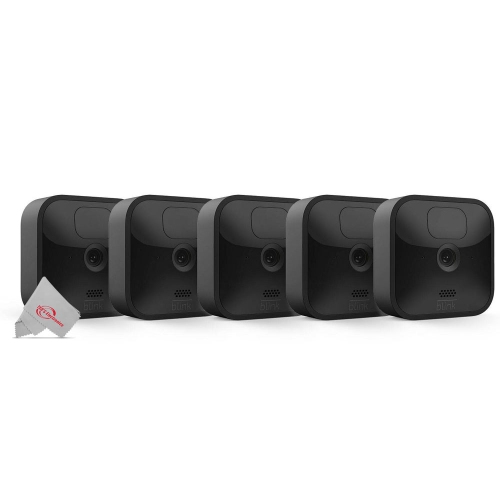 Your price for this item is $659.99
-
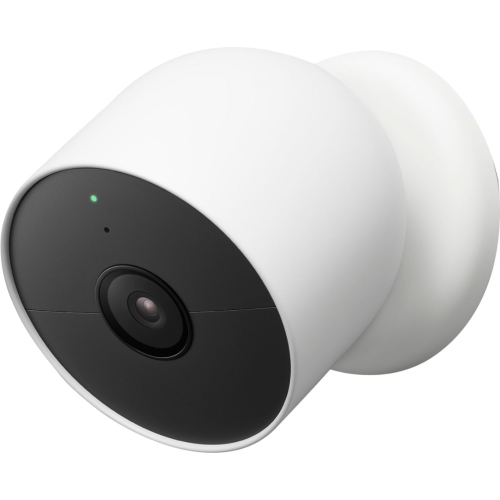 Your price for this item is $199.99
-
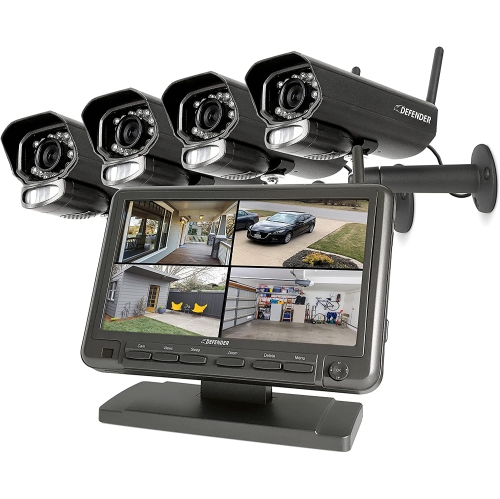 Your price for this item is $449.99
-
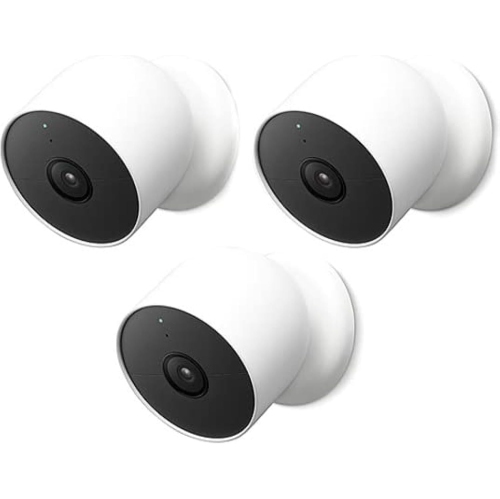 Your price for this item is $519.19
-
 Your price for this item is $199.99
-
 Your price for this item is $369.99
-
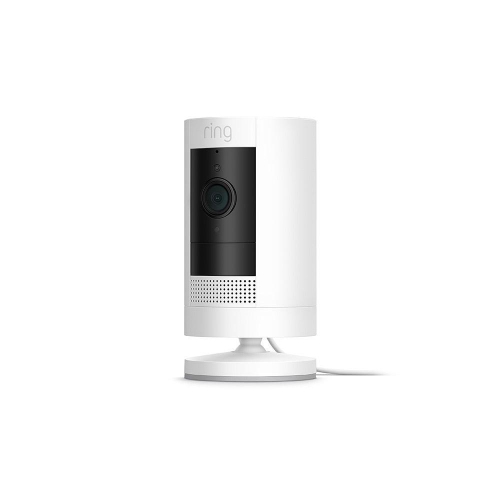 Your price for this item is $129
-
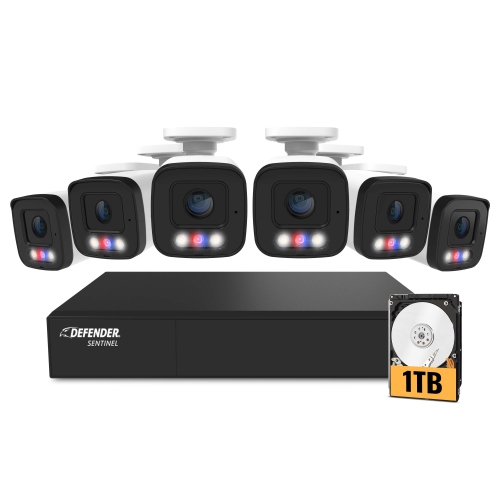 Your price for this item is $449.99
Discover more categories related to Camera Security Systems for Business
Top Collections:
Best Black Friday Deals This Year, Best Black Friday Deals On Electronics, Kindle Devices, Pokemon Centers, Best Black Friday Deals On Apple Products, Best Cameras for Sports Photography, Dyson Airwrap, Pokémon 30th Celebration Cards, Apple iPhone 17 Pro, Canon G7X Cameras
Some products may be subject to Environmental Handling Fees
(EHF) depending on your province.
Learn more about EHFs.