Best External Memory for PS5
Make room for more games with the best external memory for PS5, ranked by user review ratings. External storage lets you keep PS5 games ready to transfer back to your console’s internal storage and play compatible PS4 games directly from the drive. Compare storage capacities, transfer speeds, and player feedback to find the right fit for your game library.
What to look for in external drives for PS5
1. PS5 Compatibility
2. Playable Game Types
3. Storage Capacity
4. Drive Type and Speed
-
1
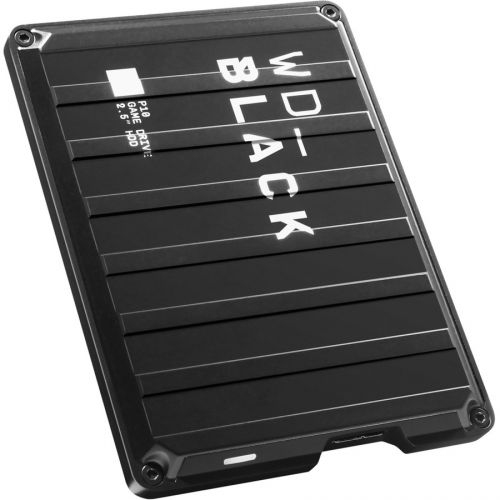
WESTERN DIGITAL Wd P10 Wdba3A0040Bbk 4 Tb Hard Drive - 2.5" Drive - External - Portable - In Black
About this product
A portable external hard drive in black with 4TB capacity and fast USB 3.2 connectivity.
What customers like
(1,155)$438.68Your price for this item is $438.68SAVE $10 -
2
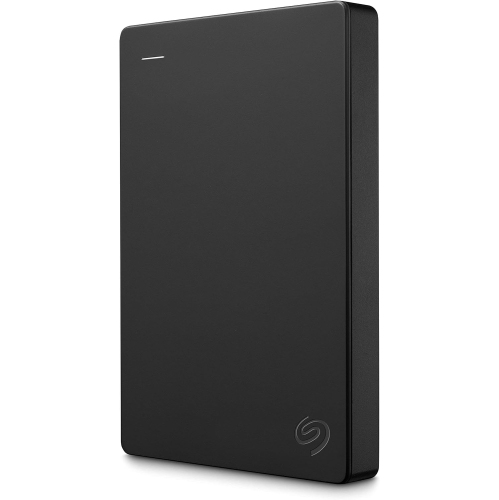
SEAGATE Portable 1Tb External Hard Drive HDD – USB 3.0 for PC, Mac, Ps4, & Xbox, 1-Year Rescue Service (Stgx1000400) In Black
About this product
A portable black external hard drive offering 1TB storage and USB 3.0 connectivity for multiple devices.
What customers like
(53)$196.99Your price for this item is $196.99SAVE $46 -
3
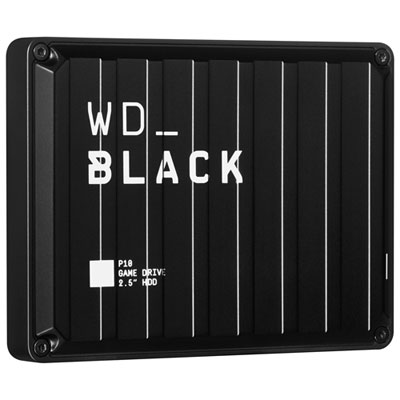
WD_BLACK P10 Game Drive 5TB USB 3.2 Portable External Hard Drive (WDBA3A0050BBK-WESN)
About this product
A high-performance black portable hard drive offering 5TB storage for expanded gaming on console or PC.
What customers like
(537)$414.99 Your price for this item is $414.99 -
4
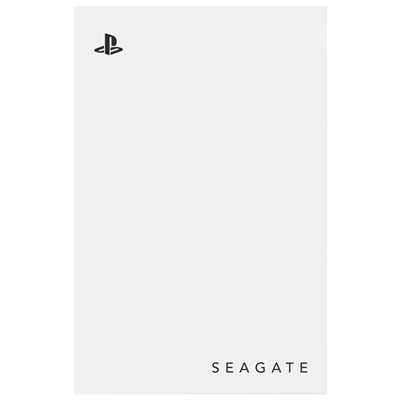
Seagate 5TB USB 3.0 External Hard Drive for PlayStation (STLV5000100) - White
About this product
A white external hard drive offering 5TB of USB 3.0 storage, officially licensed for PlayStation consoles.
What customers like
(546)$304.99 Your price for this item is $304.99
FAQ
PS5 supports compatible USB external solid-state drives (SSDs) and hard disk drives (HDDs) as USB extended storage. Choose a drive that meets Sony’s PS5 USB extended storage requirements and connect it directly to a compatible SuperSpeed USB port on the console, rather than through a USB hub.
No. You can store PS5 games on a compatible USB external drive, but you must copy them back to the console’s internal storage or an installed compatible M.2 SSD before playing. USB extended storage lets you keep games without downloading them again.
Yes. Supported PS4 games can be installed and played directly from compatible USB extended storage connected to your PS5. You can also set your console to install PS4 games to USB extended storage by default.
A drive being set up for game storage needs to be formatted as USB extended storage through the PS5 storage settings. Formatting erases existing data on the drive. If a drive is already formatted as USB extended storage for a PS4, you can generally use it on a PS5 without reformatting.
Connect your configured USB extended storage drive, then open Settings > Storage > Console Storage > Games and Apps. Select the games you want to move and choose the option to move them to USB extended storage. PS4 games can be played from the external drive, while PS5 games must be copied back to playable storage first.
Top selling and popular products
Discover more categories related to Best External Memory for PS5
Some products may be subject to Environmental Handling Fees (EHF) depending on your province. Learn more about EHFs.