Best NVMe SSD for PS5
Expand your console’s storage with the best NVMe SSDs for PS5, ranked by user review ratings. Whether you’re making room for new releases or keeping your favourite games ready to play, compare storage capacities, read speeds, and cooling options to find the right fit. Before choosing, check that the drive and its heatsink meet PS5 compatibility requirements.
What to look for in NVMe SSDs for PS5
1. PS5 Compatibility
2. Read Speed
3. Storage Capacity
4. Heatsink and Fit
-
1
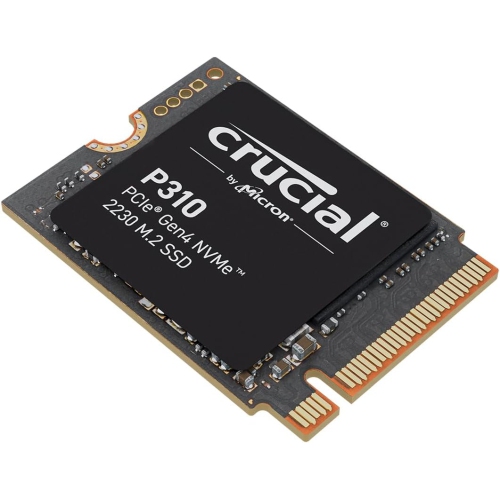
CRUCIAL New 2024 P310 1Tb PCie Gen4 2230 Nvme M.2 SSD - Up to 7, 100 Mb/s - Uplevel Your Console - Internal Solid State Drive (PC) - Ct1000P310SSD2
About this product
A high-speed PCIe Gen4 NVMe M.2 SSD delivering up to 7,100 MB/s for enhanced gaming performance.
(4)$391.21Your price for this item is $391.21SAVE $261 -
2
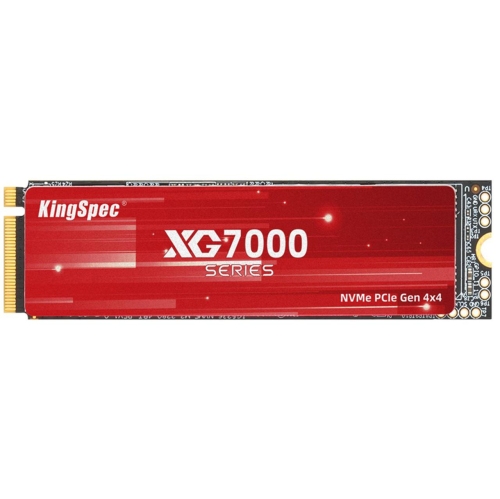
KINGSPEC Xg 7000 1Tb M.2 2280 PCie Gen 4.0X4 Nvme 1.4 Speed Up to 7400Mb/s Write Speed Up to 6600Mb/s Internal Solid State Drive for Ps5 PC Desktop
About this product
A PCIe Gen 4.0x4 NVMe SSD offering up to 7400MB/s read and 6600MB/s write speeds.
(2)$252.99Your price for this item is $252.99SAVE $30 -
3
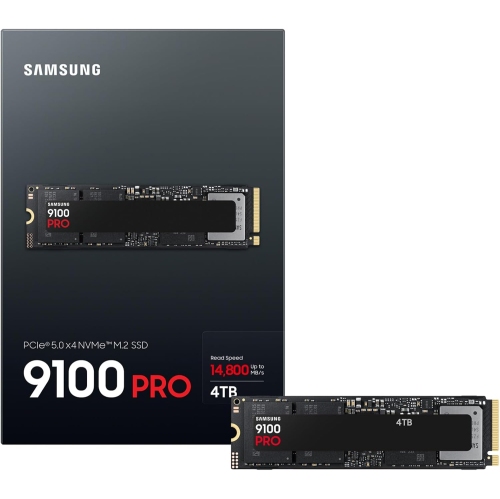
SAMSUNG 9100 Pro 4Tb PCie 5.0 X4 Nvme M.2 Internal SSD
About this product
A high-speed internal SSD with 4TB capacity and PCIe 5.0 x4 NVMe M.2 interface.
(1)$1,590.99Your price for this item is $1590.99SAVE $1061 -
4
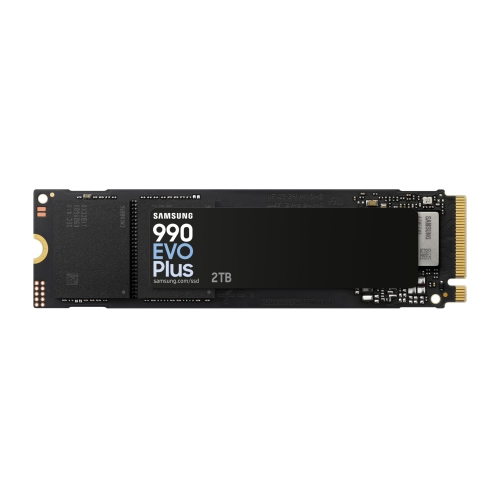
SAMSUNG 990 Evo Plus Nvme M.2 SSD 2Tb, PCie 4.0 X4 / PCie 5.0 X2, Nvme 2.0 (2280), 7250Mb/s Read, 6300Mb/s Write, Internal SSD for Gaming And
About this product
A high-speed internal NVMe M.2 SSD with PCIe 4.0/5.0 support, ideal for gaming and graphics editing.
(1)$550.76Your price for this item is $550.76SAVE $367 -
5
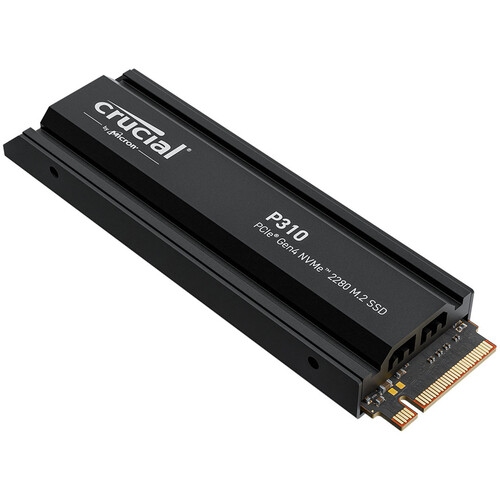
MICRON CRUCIAL Crucial P310 2280 1Tb PCie Gen4 Nvme Gaming Ps5 SSD w Heatsink, Up to 7, 100Mb/s, Playstation5, Laptop & Desktop (PC) Compatible
About this product
A high-speed 1TB NVMe PCIe 4.0 SSD with heatsink, ideal for gaming PCs, laptops, and PS5.
(1)$275.00 Your price for this item is $275 -
6
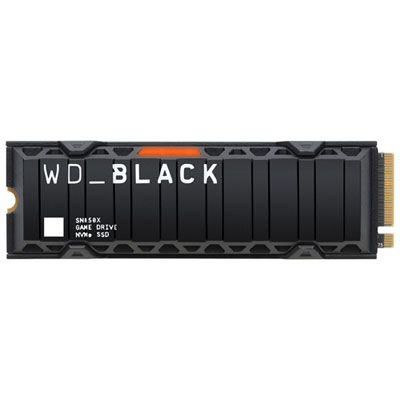
WD SN850X 2TB Internal SSD PCIe Gen 4 x4 NVMe with Heatsink for PS5 & Desktops
About this product
A high-speed 2TB NVMe SSD with heatsink, designed for smooth gaming on PS5 and desktops.
What customers like
(295)$764.99 Your price for this item is $764.99 -
7
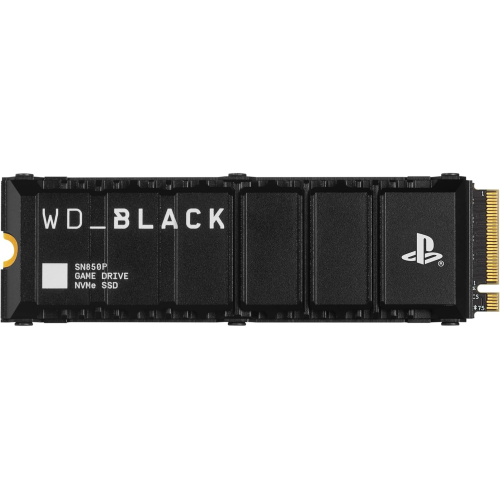
WD_BLACK 2Tb Sn850P Nvme M.2 SSD Officially Licensed Storage Expansion for Ps5 Consoles, Up to 7300Mb/s, With Heatsink - Wdbbyv0020Bnc-Wrsn
About this product
A high-speed NVMe M.2 SSD with heatsink, officially licensed for PS5 consoles, offering up to 7300MB/s.
What customers like
(1,987)$499.99Your price for this item is $499.99SAVE $500 -
8
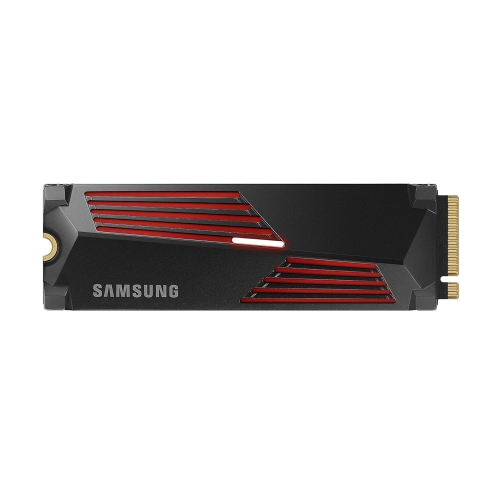
SAMSUNG 990 Pro 1Tb With Heatsink PCie 4.0 Nvme M.2 SSD R/w 7450/6900 Mb/s, for High End Computing, Ultra Fast Gaming, Compatible W/playstation 5
About this product
A high-performance PCIe 4.0 NVMe M.2 SSD with heatsink, delivering ultra-fast speeds for gaming and computing.
What customers like
(1,183)$440.00Your price for this item is $440SAVE $135 -
9
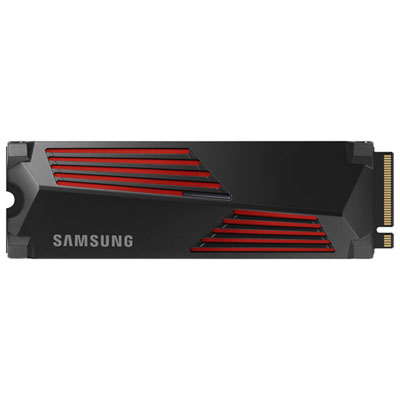
Samsung 990PRO 2TB NVMe PCI-e Internal Solid State Drive with Heatsink - Optimized for PS5
About this product
A high-performance black and red NVMe SSD with heatsink, offering 2TB storage and efficient thermal management.
What customers like
(1,895)$544.99Your price for this item is $544.99SAVE $370 -
10
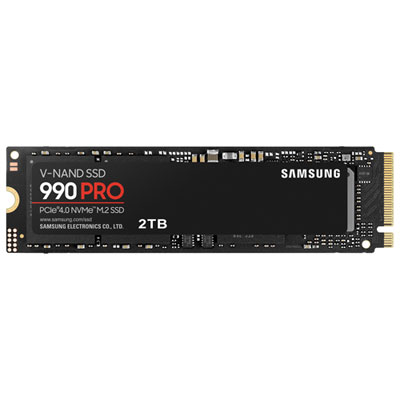
Samsung 990 Pro 2TB NVMe PCI-e Internal Solid State Drive (MZ-V9P2T0B/AM) - English
About this product
A high-performance black and red NVMe PCI-e SSD delivering fast speeds and smart heat control for demanding tasks.
What customers like
(3,972)$874.99 Your price for this item is $874.99
FAQ
PS5 supports PCIe Gen4 x4 M.2 NVMe SSDs that meet Sony’s expansion storage requirements. M.2 SATA SSDs are not compatible. Check that the drive and its heat sink meet Sony’s installation requirements, as not every NVMe SSD is suitable for PS5.
Yes. When PS5 first detects a newly installed M.2 SSD, it prompts you to format the drive. Formatting erases existing data, so back up anything you want to keep beforehand. Follow the console’s on-screen instructions to complete the process.
Update your PS5 system software, fully turn off the console and disconnect its cables. Follow Sony’s instructions for your console model to access the M.2 expansion slot, insert and secure the compatible SSD, and replace the covers. Reconnect the console and follow the on-screen formatting prompts.
Open Settings, select Storage, then go to Games and Apps in Console Storage. Select the games you want to move and choose the M.2 SSD as the destination. You can also set M.2 SSD Storage as the default installation location for new games.
A compatible internal M.2 NVMe SSD lets you install and play PS5 and PS4 games directly from the drive. USB extended storage lets you store PS5 games, but you must move them back to console storage or an installed M.2 SSD before playing. PS4 games can be played directly from USB extended storage.
Top selling and popular products
Discover more categories related to Best NVMe SSD for PS5
Some products may be subject to Environmental Handling Fees (EHF) depending on your province. Learn more about EHFs.