Reliable SSD For Business Use
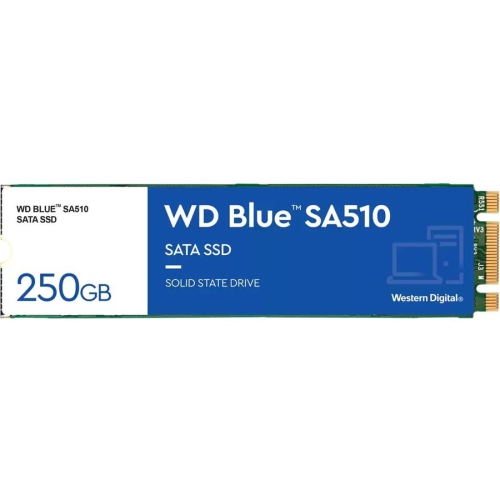
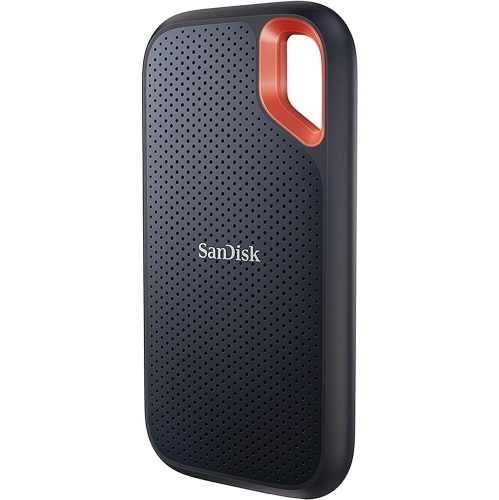
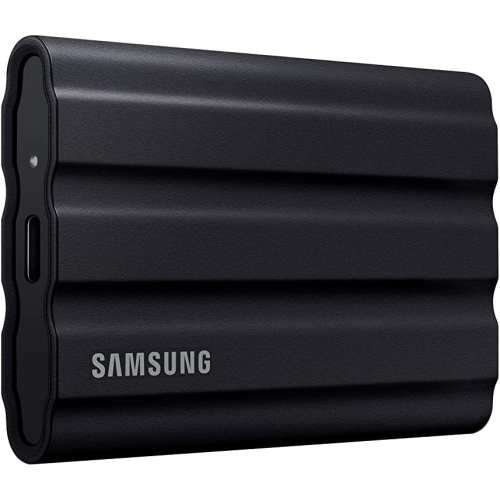
Reliable SSD For Business Use offers a selection of dependable storage solutions designed to meet the demands of today’s professional environments. Whether you’re upgrading office computers, expanding server capacity, or streamlining workflow efficiency, these solid state drives provide the performance and reliability businesses need. Find options suited for various capacities and form factors to help keep your data accessible and operations running smoothly. Explore top-rated choices that support productivity and help safeguard important business information.
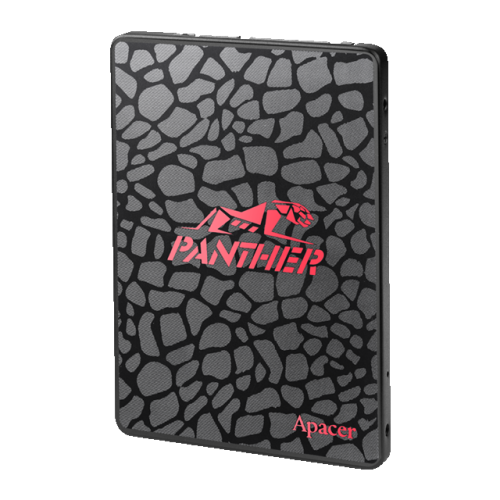
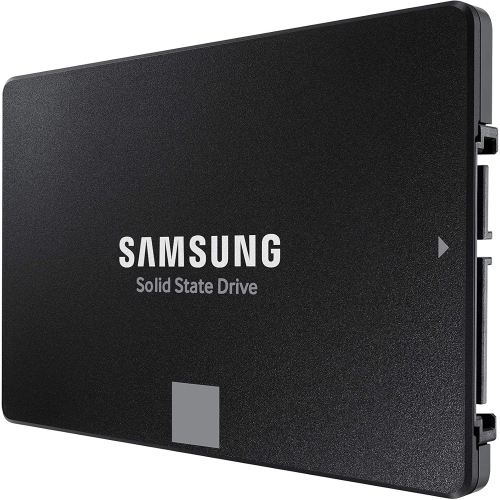
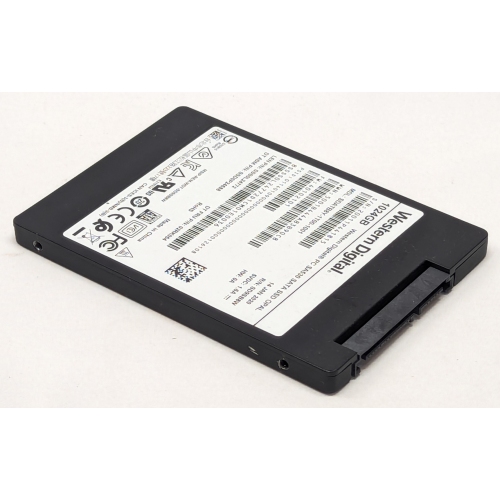
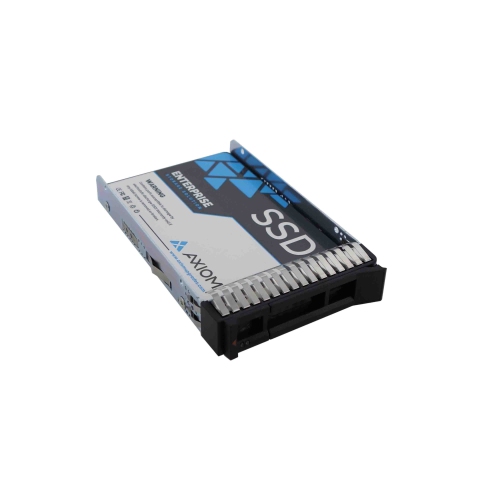
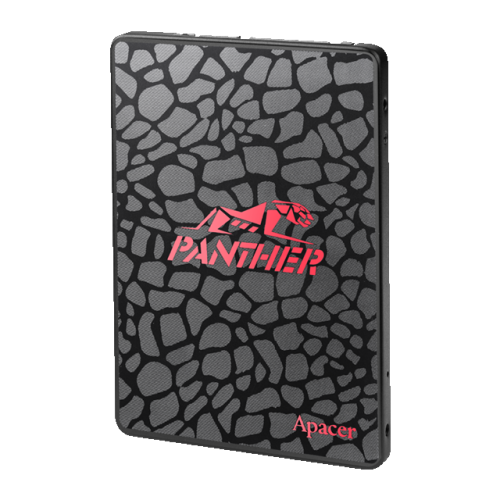
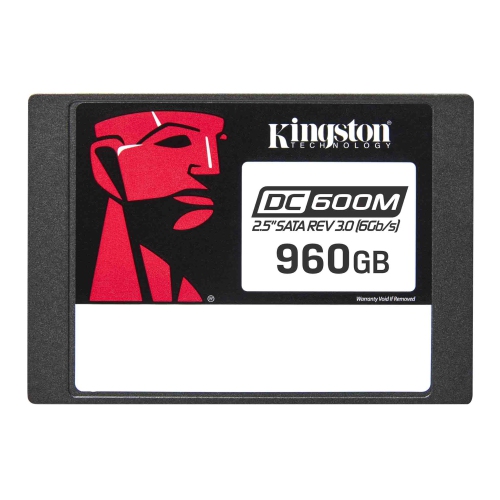
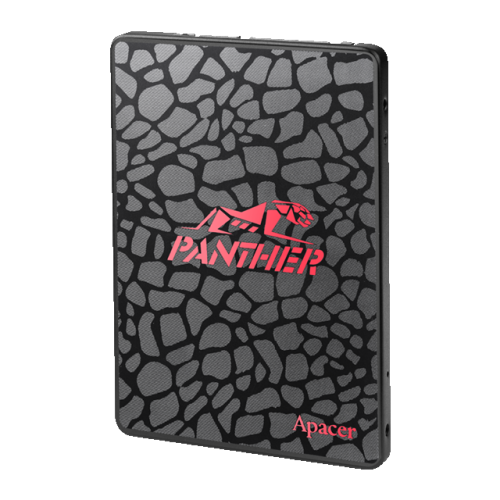
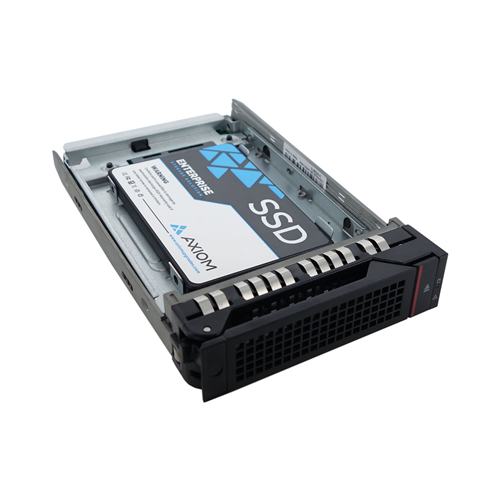
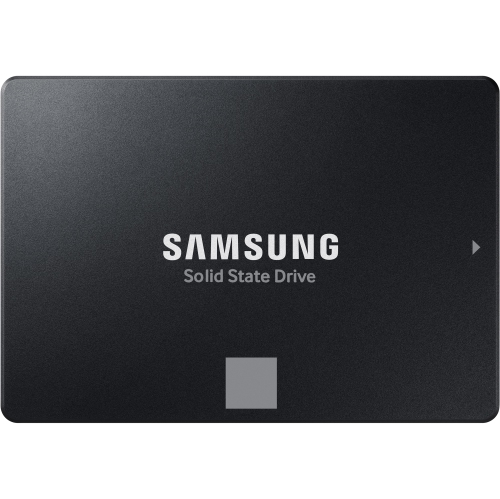
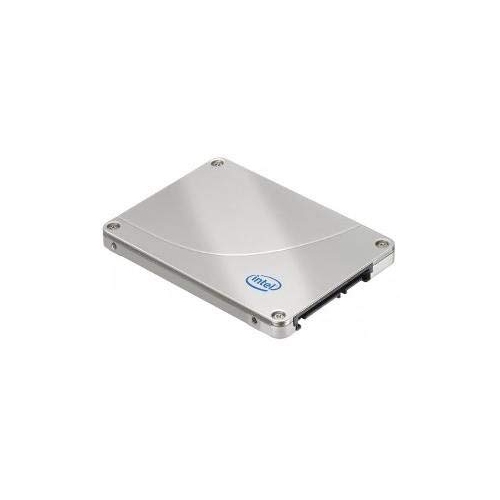
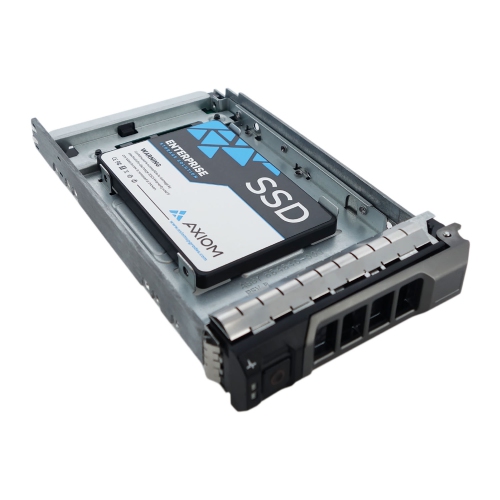
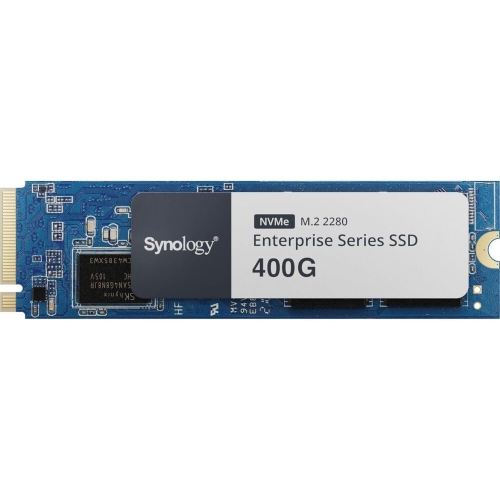
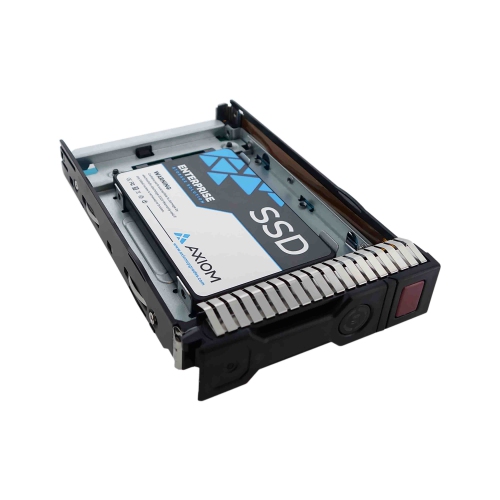
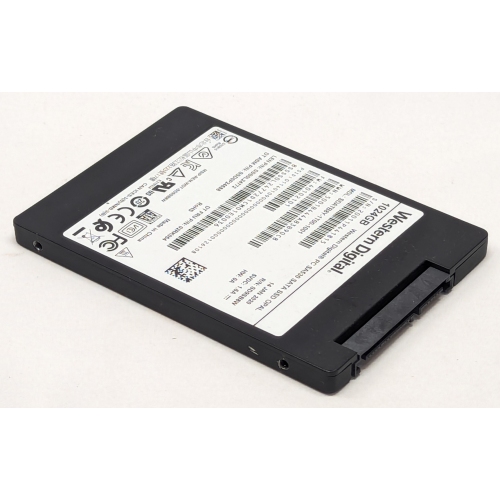
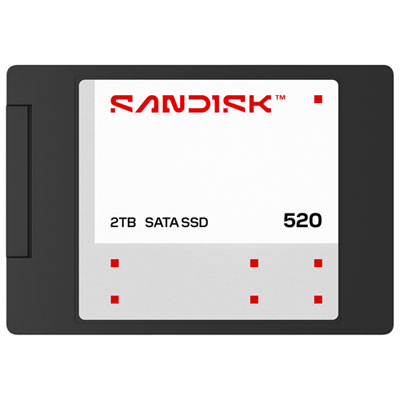
The features that support faster, safer business workloads
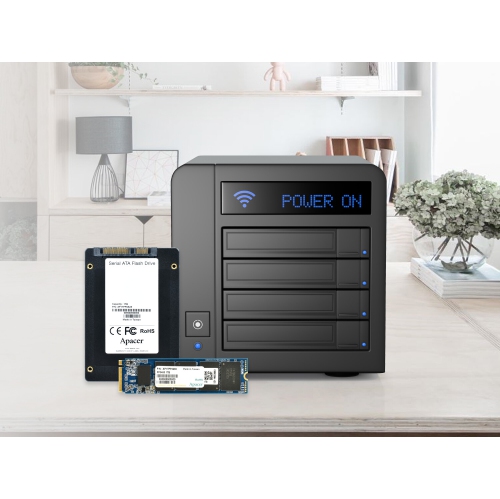
Choosing the right SSD for business use involves weighing several important factors. Storage capacity is a top consideration—do you need room for extensive databases, high-resolution images, or just the essentials? Speed is equally crucial, as faster read and write times translate to shorter wait times and smoother multitasking, especially when juggling multiple applications or large files. Security features, such as encryption and password protection, are often top of mind for professionals handling sensitive information. Reliability and endurance ratings matter too, since business data must be protected from unexpected failures. Many business users appreciate SSDs that offer robust warranties and proven track records for longevity, giving peace of mind that their investment will last through countless workdays, whether you’re working from your favourite café as the weather warms or powering through deadlines in the comfort of your home office during the cooler months. For those seeking further guidance or a curated list of top-performing options, the Most Reliable SSDs page is a great resource to explore dependable choices tailored to business needs. Selecting the right SSD isn’t just about keeping up with the pace of modern work—it’s about ensuring you have the confidence and flexibility to meet every challenge head-on, no matter where or when business takes you.
FAQ
What features should I look for in an SSD for business use?
When selecting an SSD for business use, consider features such as high endurance ratings, advanced error correction, power-loss protection, and support for encryption. These features help ensure data integrity, reliability, and security in demanding business environments.
How does an SSD improve productivity in a business setting?
SSDs offer faster data access and boot times compared to traditional hard drives. This speed enhances overall system performance, reduces downtime, and allows employees to work more efficiently with large files or applications.
Are enterprise-grade SSDs different from consumer SSDs?
Yes, enterprise-grade SSDs are designed for higher durability, longer lifespans, and consistent performance under heavy workloads. They often include additional features like enhanced error correction and better warranty terms tailored for business needs.
Can SSDs be used in servers and workstations?
Absolutely. SSDs are commonly used in servers and workstations to accelerate data processing, improve application responsiveness, and handle intensive tasks such as virtualization or database management.
What maintenance is required for business SSDs?
SSDs require minimal maintenance compared to traditional drives. However, it's important to keep firmware updated and monitor drive health using manufacturer-provided tools to ensure optimal performance and longevity.
Top selling and popular products
-
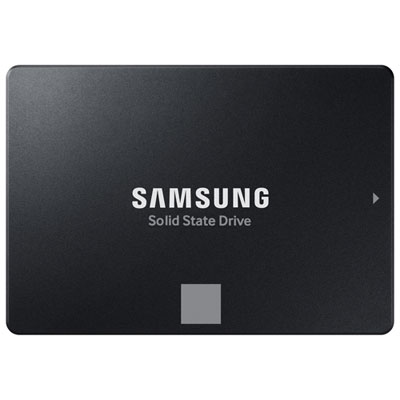 Your price for this item is $469.99
-
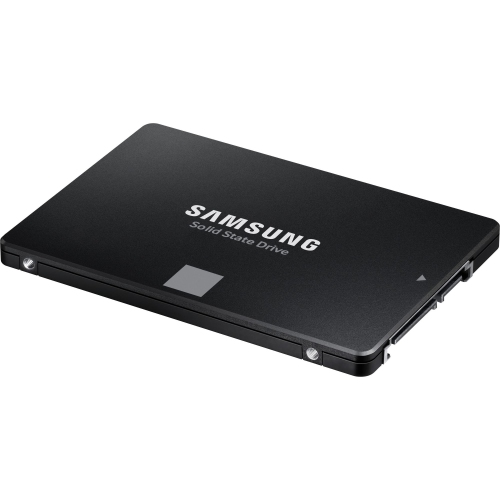 Your price for this item is $394.99
-
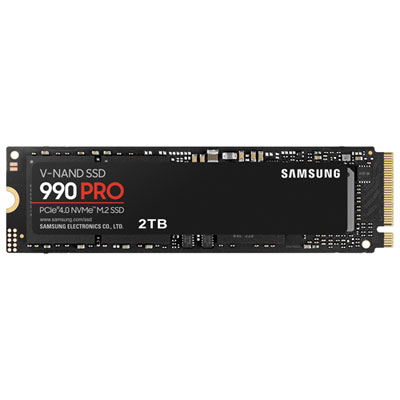 Your price for this item is $874.99
-
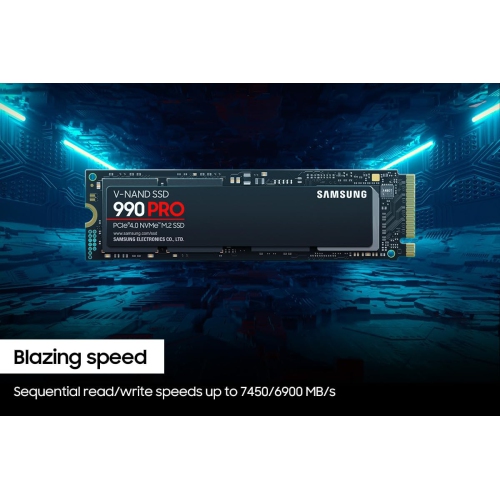 Your price for this item is $1471.99
-
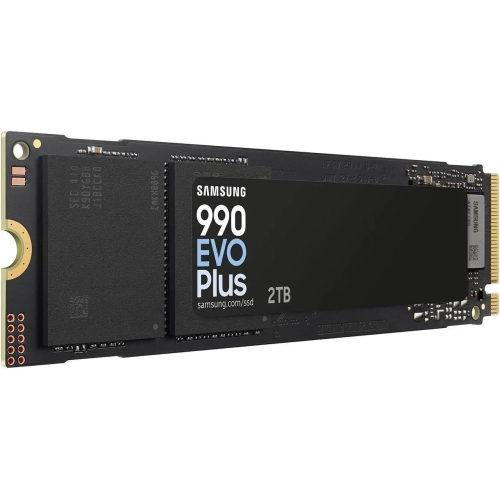 Your price for this item is $639.99
-
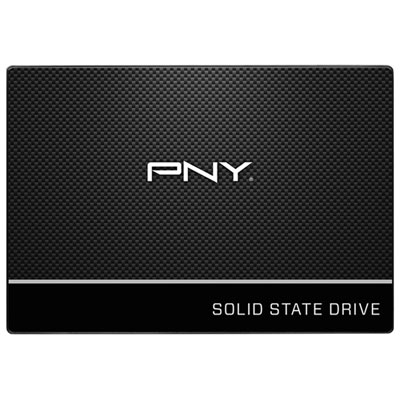 Your price for this item is $124.99
-
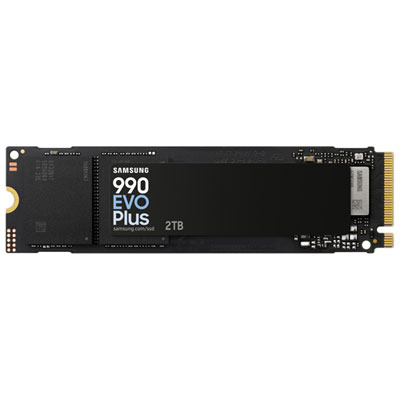 Your price for this item is $789.95
-
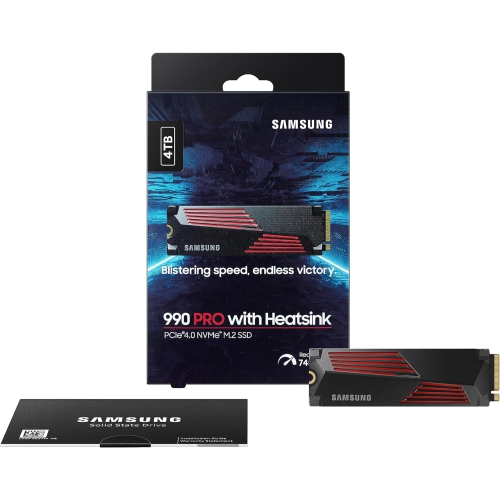 Your price for this item is $1449.99