Samsung 4-Door Family Hub Fridges
Explore Samsung 4-door Family Hub fridges to find a refrigerator that fits your kitchen and food storage needs. Compare dimensions, capacity and interior layouts, and check each model’s Family Hub features and installation requirements to narrow your choices.
FAQ
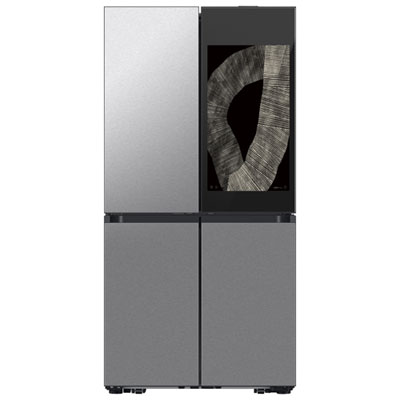
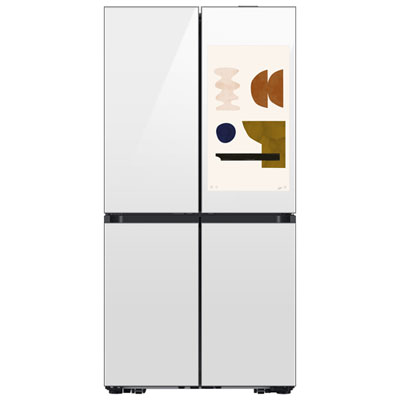
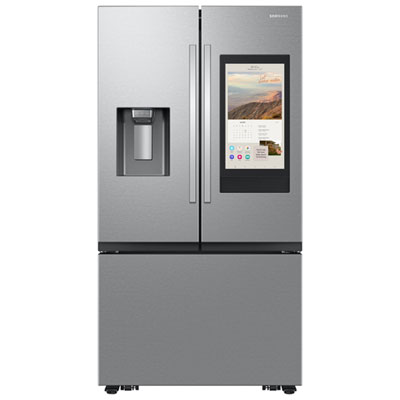
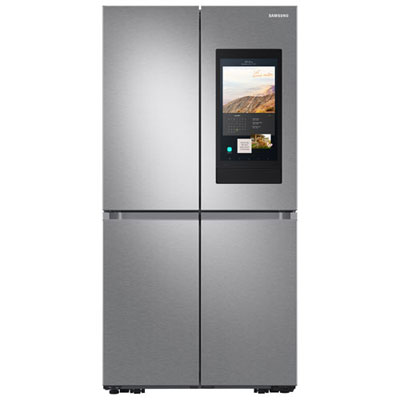
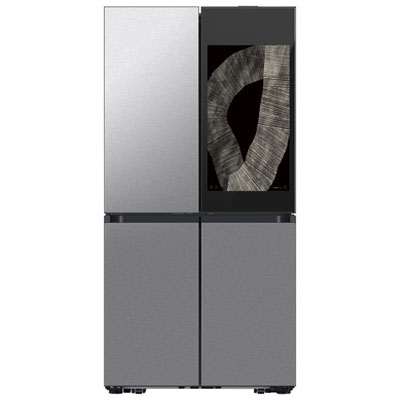
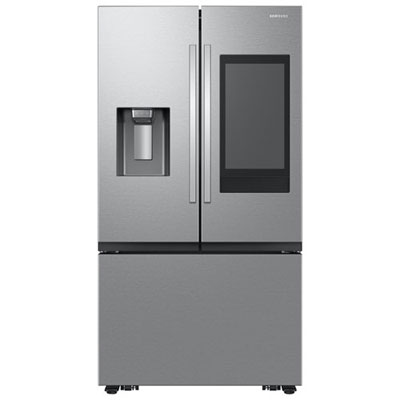
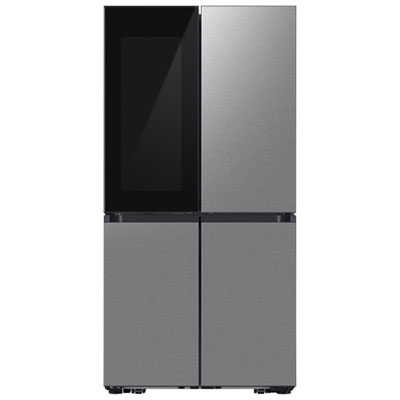
Family Hub is Samsung’s connected touchscreen platform built into select refrigerator doors. It brings features such as shared calendars, digital notes, photos, and supported apps to the kitchen. Available functions vary by model and software version.
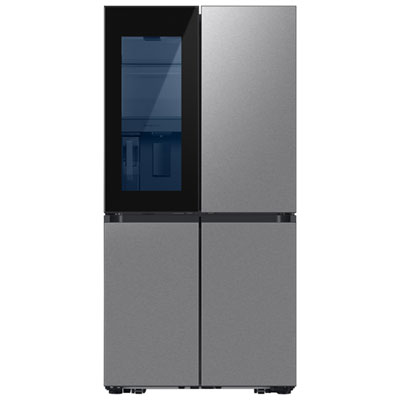
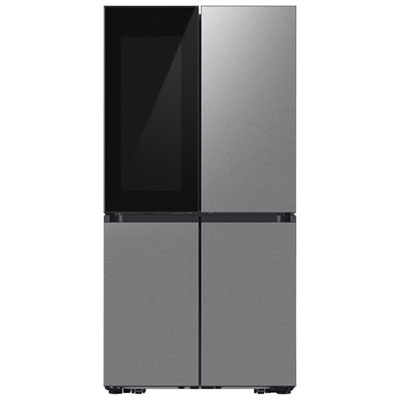
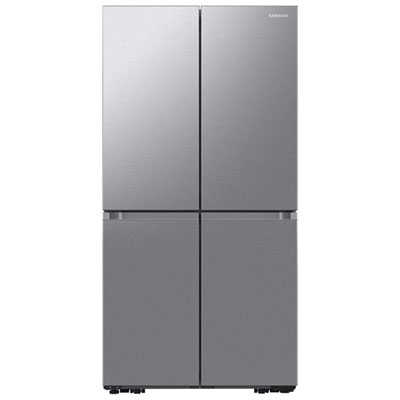
Samsung 4-door Family Hub fridges typically have two upper doors for the fresh-food compartment and two lower doors for additional food storage. Depending on the model, the lower sections may include freezer storage and a compartment with adjustable temperature settings.
On models equipped with this feature, a flexible-temperature compartment offers preset settings for different storage needs. Available modes may include settings for chilled foods, beverages, or frozen items. The temperature options and compartment configuration depend on the model.
Supported Family Hub features let household members display photos, leave digital notes, and view shared calendars on the fridge’s touchscreen. Personalization and calendar connection options vary by model, app support, and software version. Some features require Wi-Fi and a Samsung account.
Compatible models can connect with Samsung SmartThings to provide access to supported smart-home devices and connected appliance features. The available controls depend on the fridge, the connected devices, and regional app support. Wi-Fi, a Samsung account, and device setup may be required.
Top selling and popular products
Discover more categories related to Samsung 4-Door Family Hub Fridges

Some products may be subject to Environmental Handling Fees (EHF) depending on your province. Learn more about EHFs.