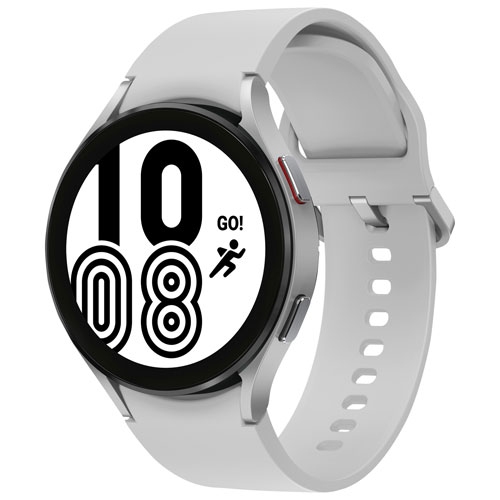
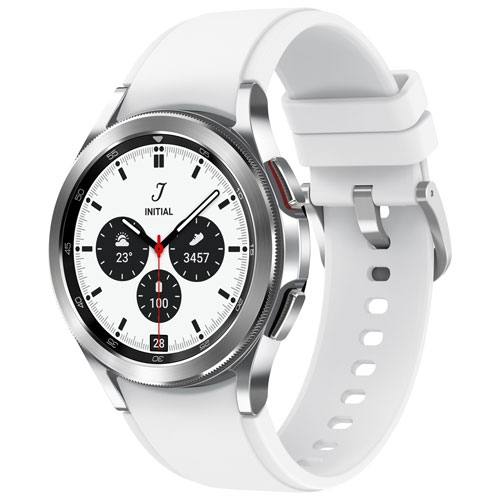
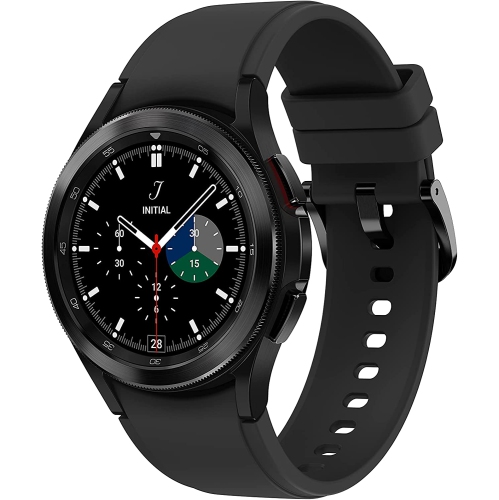
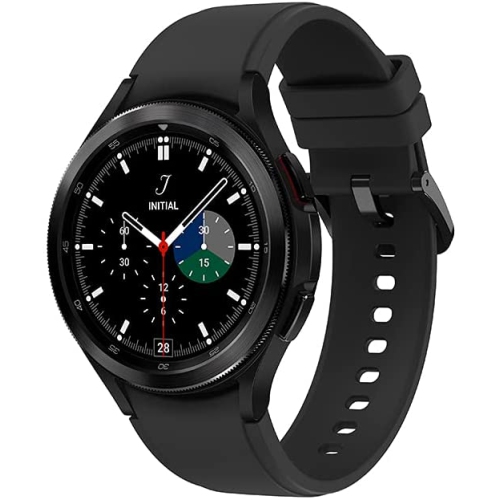
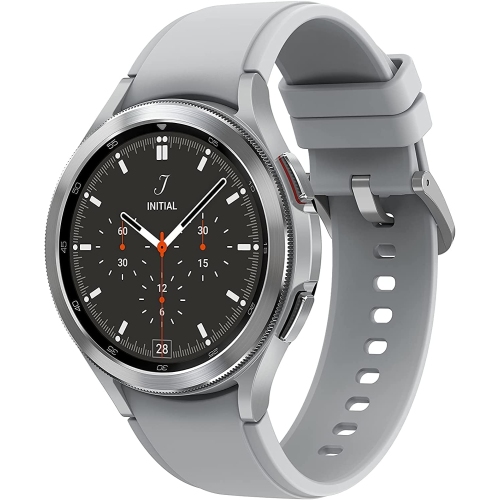
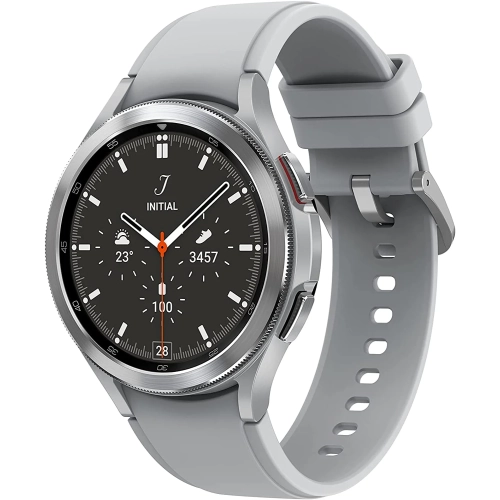
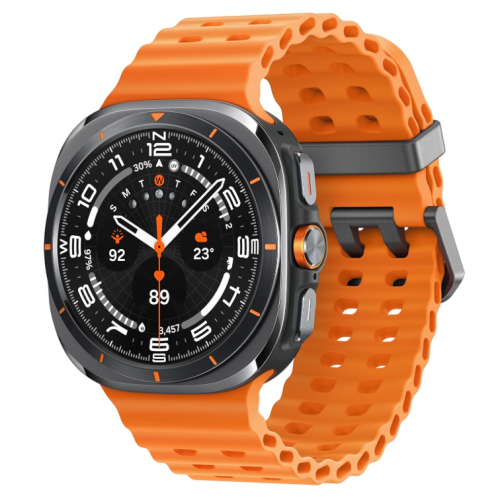
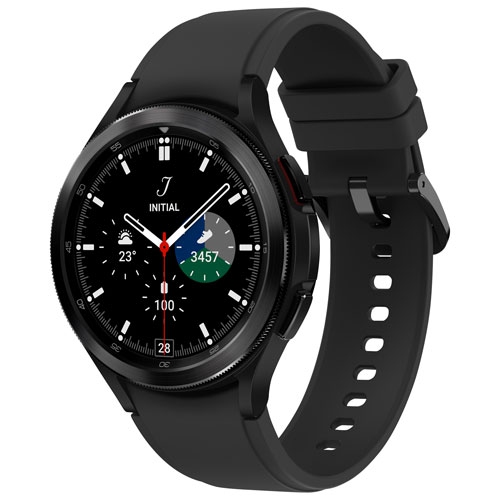
Samsung Electronics Galaxy Watch 4

Shop Samsung Galaxy Watch 4 smartwatches and compare available listings by case size, connectivity, and phone compatibility. Check each listing’s specifications and included items to find the right match for your wrist and everyday use.
Sort

Phone compatibility shapes what your smartwatch can do

Android-compatible smartwatches bring everyday phone functions to the wrist, making it easier to read a message between meetings, check a calendar before leaving home, or control music without reaching into a pocket. A round touchscreen and physical side buttons combine the familiar shape of a wristwatch with tools for communication, activity tracking, and personal organization. Models running Wear OS can support downloadable apps and customizable watch faces, although the experience depends on the watch’s software, hardware, and paired phone. Compatibility deserves particular attention with an older generation: an Android requirement does not mean every Android phone supports every function, and some features depend on the phone manufacturer, operating system version, or regional requirements. Notification replies, contact syncing, and certain health tools may have different requirements from basic Bluetooth pairing. Bluetooth and Wi-Fi connections also serve different purposes from cellular connectivity. A Bluetooth-connected watch generally relies on a nearby phone for many communication functions, while a cellular-capable version can handle some tasks away from the phone when activated with a compatible carrier and plan. Built-in GPS can record an outdoor route without requiring the phone to provide location data, but that does not automatically give the watch independent calling or messaging. For older-generation smartwatches, the installed software version and the manufacturer’s published update information are important considerations. App requirements can change, so ongoing compatibility should not be assumed simply because the hardware still works. Someone interested in comparing generations can also explore the Samsung Galaxy Watch 7 40mm page, with attention to case dimensions, phone requirements, and supported functions rather than appearance alone. The most useful comparison starts with everyday habits: discreet message checks at work, music controls during a walk, or navigation prompts while exploring an unfamiliar neighbourhood. Those routines help distinguish useful wrist-based functions from features that are unlikely to become part of daily life.

Fit has a noticeable effect on both comfort and usability, especially when a smartwatch stays on through a workday, a workout, and overnight sleep tracking. Case diameter is only one measurement to consider; thickness, weight, and the distance between the strap attachments also influence how the watch sits. A case that looks compact from above can still feel bulky beneath a close-fitting shirt cuff, while a wider display may make messages and touch controls easier to read. The back of the watch should rest against the skin without the strap digging in or leaving the case free to slide around. Consistent sensor contact matters during movement, but tightening the strap excessively is not a substitute for a suitable fit. Aluminium cases tend to feel lighter on the wrist, while stainless steel designs can have a more substantial feel. Glass displays still benefit from care around door frames, exercise equipment, and hard work surfaces; a durability rating does not make a watch immune to scratches or impacts. Strap material changes the wearing experience, too. Flexible silicone is practical for exercise and regular cleaning, while leather or metal can suit office clothing and dressier occasions, provided the attachment and dimensions match the watch. Replacement straps, charging accessories, and protective covers need compatibility checks beyond a similar-looking shape. Water-resistance claims should also be read carefully: a rating is not permission for every water activity, and resistance can diminish with wear or damage. Heat, soap, high-pressure water, and chemicals may require precautions even on a watch intended for some swimming activities. Routine care is straightforward: follow the manufacturer’s cleaning directions, remove residue from the case and strap, and dry everything thoroughly before wearing or charging. Keeping the underside clean supports comfortable skin contact, while allowing the wrist and strap to dry after exercise helps prevent moisture from remaining trapped against the skin.

Activity and wellness tracking give smartwatches another role beyond notifications. Step counts, workout records, movement reminders, and heart-rate trends can help make daily routines more visible, whether someone is returning to regular walks or balancing several types of exercise. Automatic workout detection is convenient for familiar activities, but manually starting a session can provide a clearer record when a specific route, duration, or exercise type matters. GPS tracking is especially useful for reviewing distance and pace, although buildings, tree cover, and satellite reception can affect the recorded route. Sleep tracking adds another perspective by showing patterns across multiple nights, but overnight comfort and a charging routine both matter if the watch is expected to stay on until morning. Heart-rate, blood oxygen, body-composition, and sleep measurements should be treated as personal wellness information rather than a diagnosis. Certain measurements have additional usage restrictions, and specialized health tools can depend on regional approval, compatible software, and the paired phone. Battery life is similarly tied to actual use: continuous location tracking, cellular connections, frequent notifications, and an always-on display can increase charging needs. An older battery may also hold less charge than it did when new. A short charging break while getting ready or working at a desk can fit more naturally into a routine than waiting until the battery is nearly empty. Notification controls are worth personalizing as well; allowing calls and important messages while silencing less useful alerts keeps the wrist from becoming another source of interruption. Security settings, a screen lock, and careful app permissions matter when a watch carries messages, location history, or payment credentials. As a gift, a smartwatch is best matched to the recipient’s phone, wrist size, preferred style, and willingness to charge another device. For regular use, the strongest fit is not necessarily the longest feature list, but a comfortable watch whose supported functions make familiar tasks simpler.

FAQ

Some products may be subject to Environmental Handling Fees (EHF) depending on your province. Learn more about EHFs.