Samsung External Hard Disks
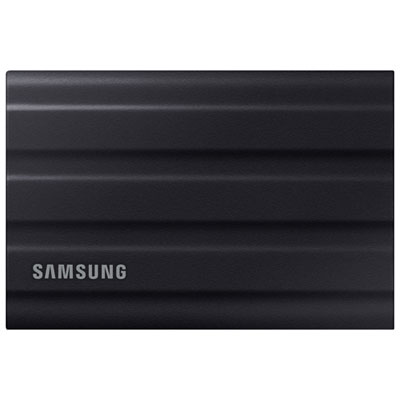
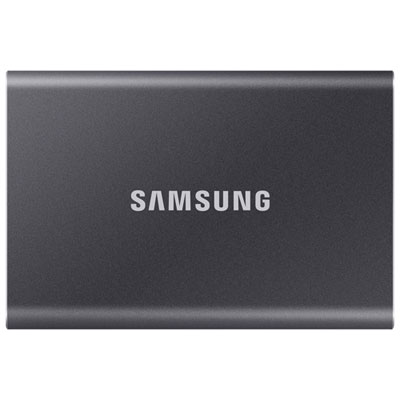
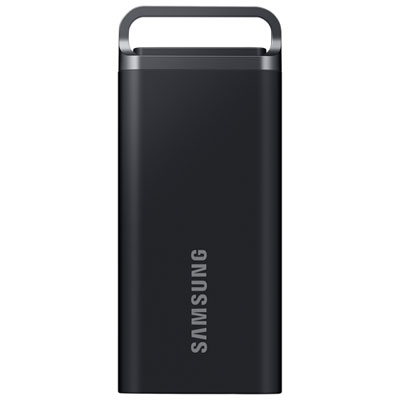
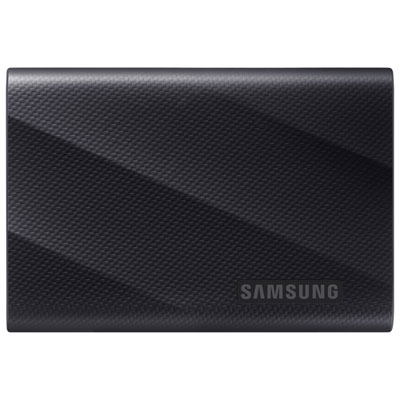
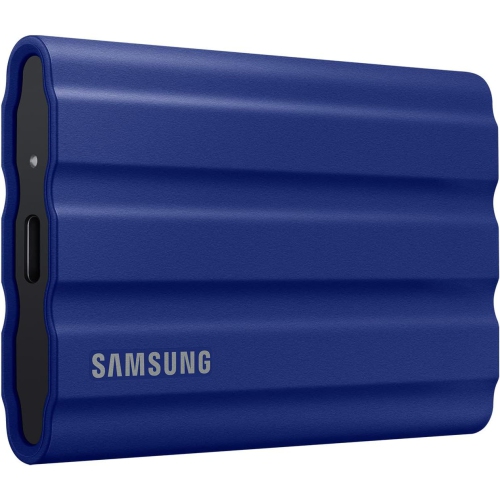
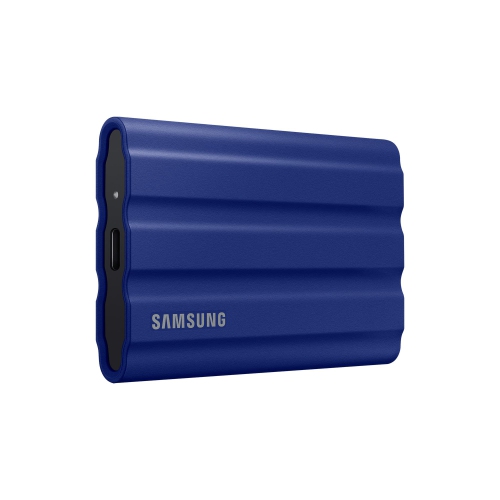
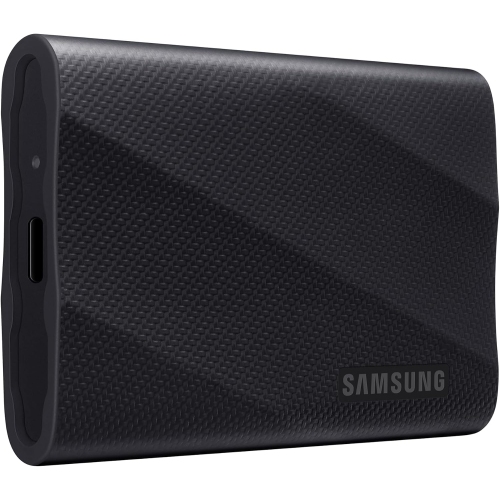
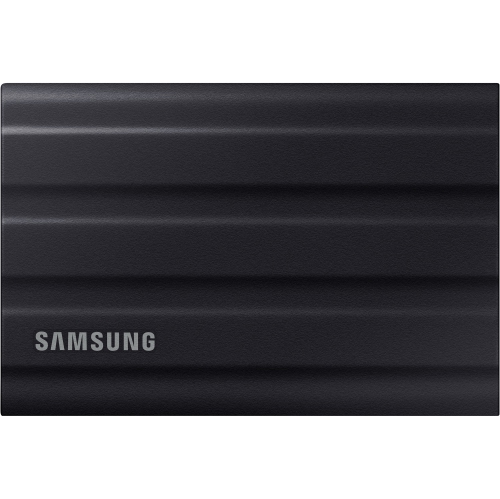
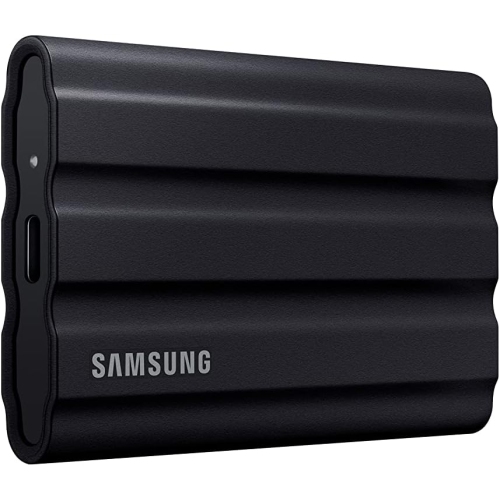
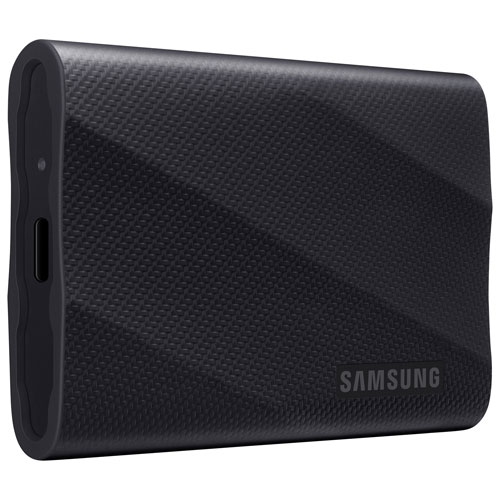
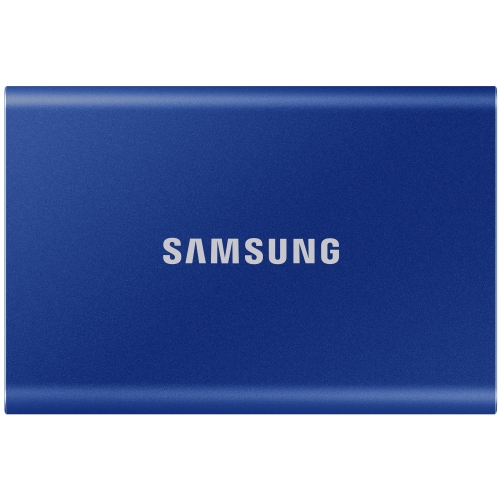
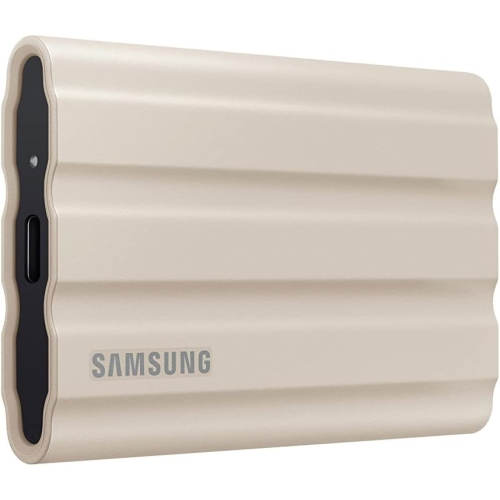
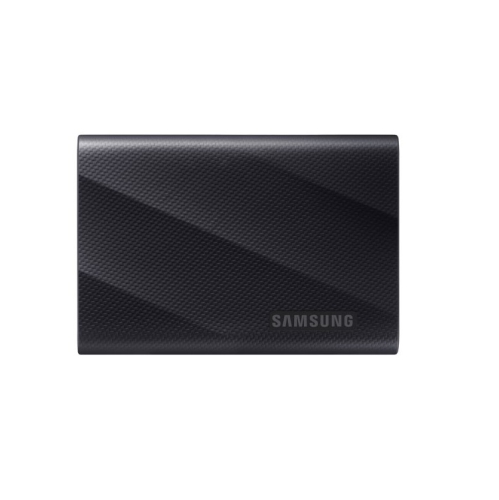
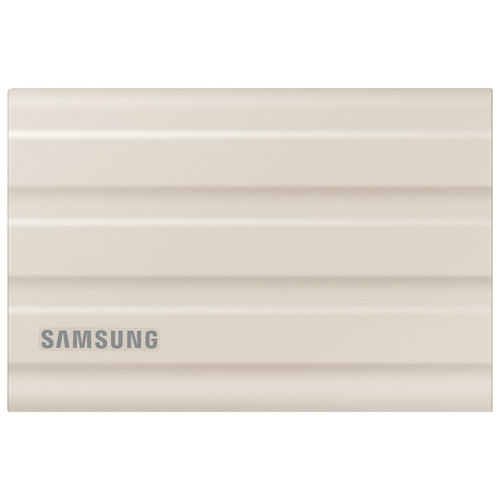
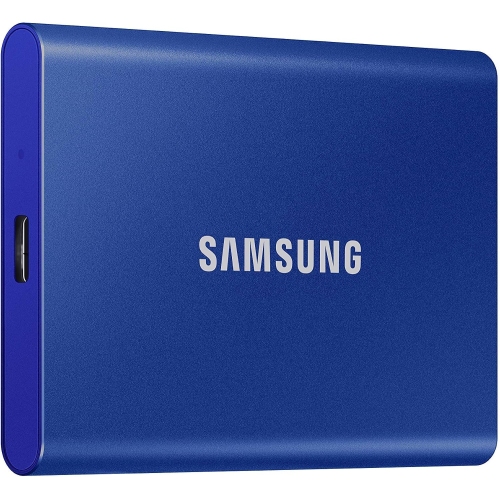
Shop Samsung external hard disks for extra space to store photos, videos, documents, and backups. Compare external drives by storage capacity, connection type, and compatibility with your computer to find an option that fits your files and setup.
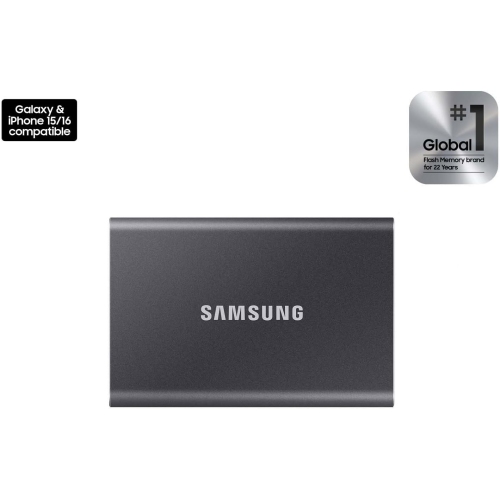
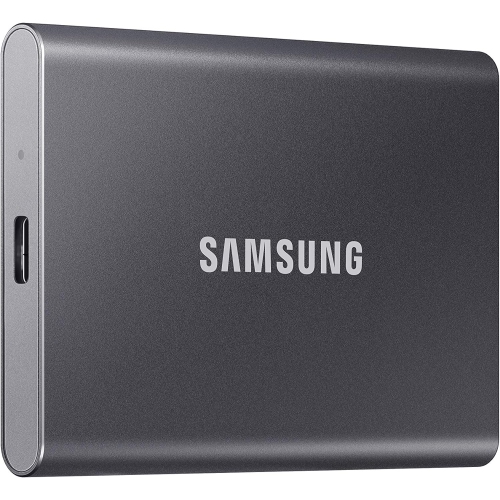
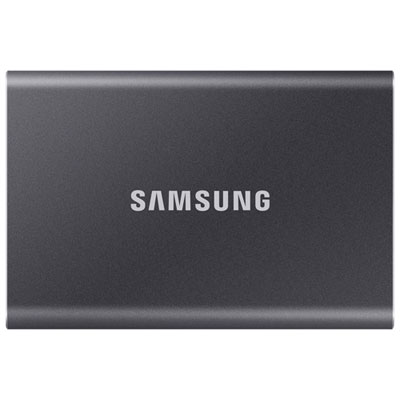
![SAMSUNG T7 Portable SSD - Mu-PC1T0T/am - USB 3.2 (Gen2, 10GBps) External SSD - 1Tb - [Open Box] In Grey](https://multimedia.bbycastatic.ca/multimedia/products/500x500/164/16485/16485307.jpeg)
FAQ
An external hard disk drive (HDD) stores data on spinning disks, while a portable solid-state drive (SSD) uses flash memory. Both are types of external storage. When browsing Samsung external storage, check whether the drive is labelled as an HDD or SSD.
External drives typically connect through USB. Check the drive’s connection specifications and your computer’s ports to determine which cable or adapter is needed. USB-A and USB-C describe connector types, so check the supported USB standard separately.
Common file systems include exFAT, NTFS and APFS. exFAT supports file sharing between Windows and macOS, while NTFS is commonly used with Windows and APFS with macOS. Check the drive’s current format and your operating system’s support before making changes, as formatting erases existing files.
Once the drive appears in File Explorer on Windows or Finder on macOS, you can copy files and create folders as you would on your computer. Folders grouped by project, date or file type can help keep documents, photos and videos organized.
External storage keeps files on a physical drive connected to your device. Cloud storage keeps files on a provider’s servers and generally uses an internet connection to upload or download them. You can use either option or include both in your file storage routine.
Top selling and popular products
Discover more categories related to Samsung External Hard Disks
Some products may be subject to Environmental Handling Fees (EHF) depending on your province. Learn more about EHFs.