Samsung Hard Drives
Upgrade your storage solutions with a Samsung Hard Drive, designed to keep your important files, photos, and videos secure and easily accessible. Whether you need extra space for work, school, or entertainment, these hard drives offer reliable performance for any task. Explore a range of options to find the ideal Samsung Hard Drive that fits your data storage needs and helps you stay organized at home or on the go.
Sort
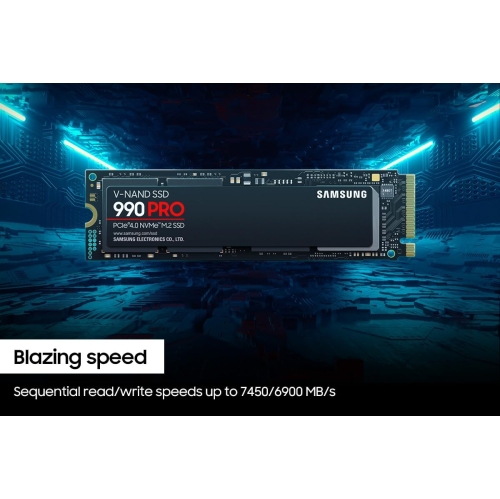
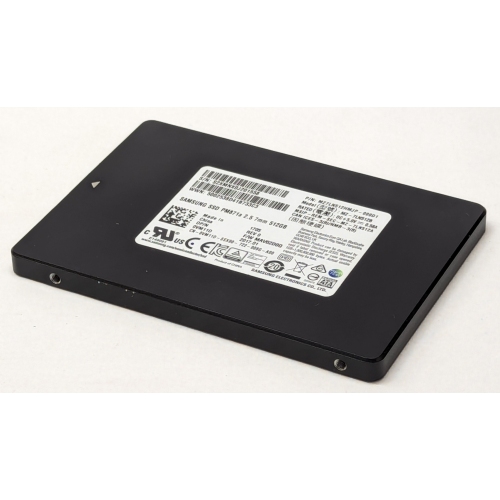
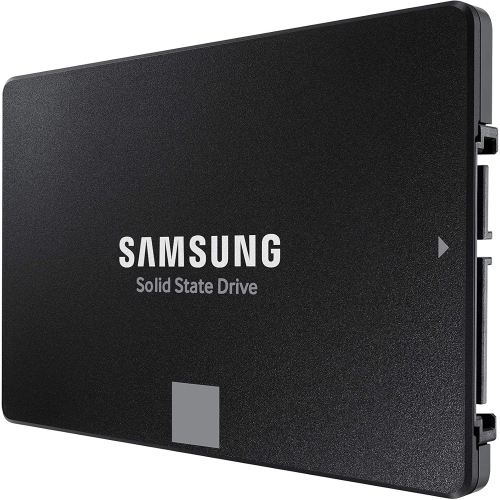
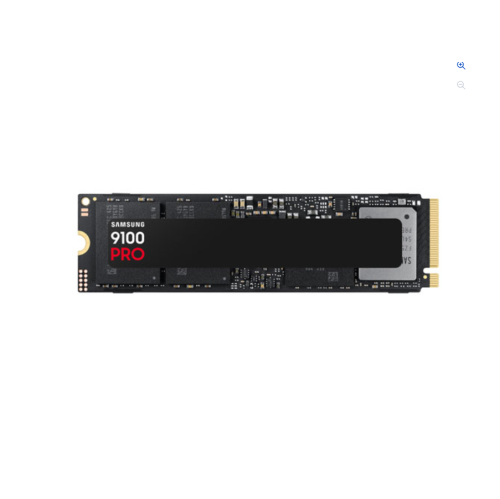

What sets solid-state storage apart from traditional drives
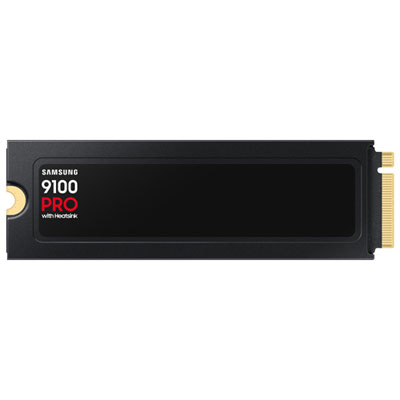
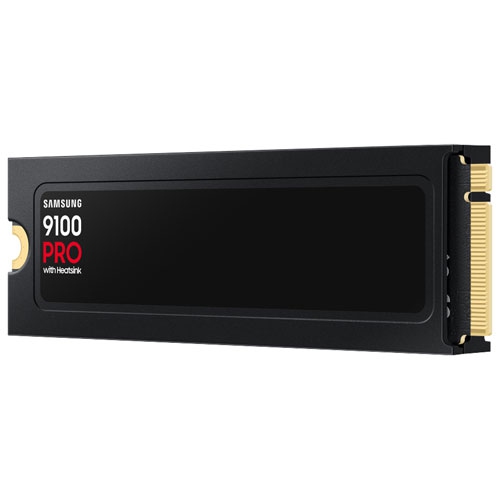
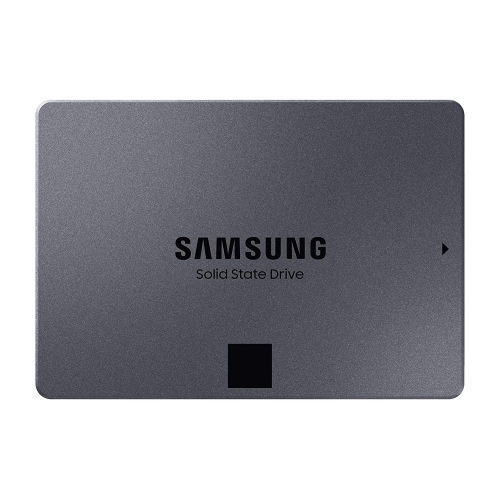
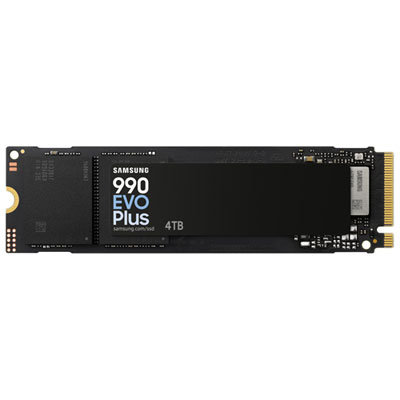
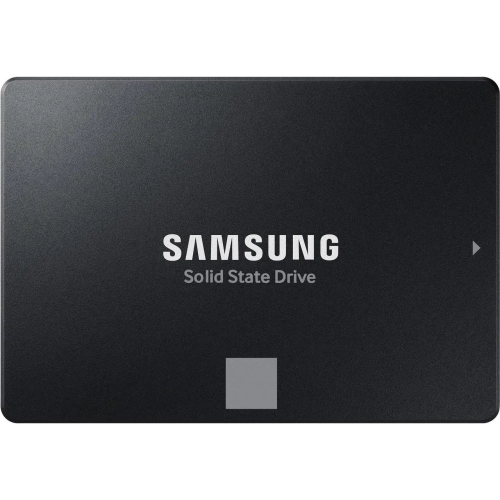
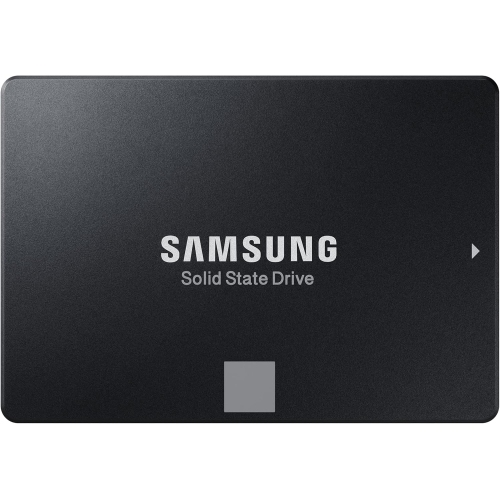
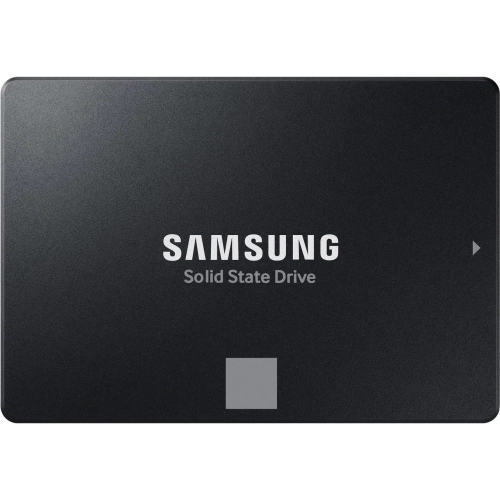
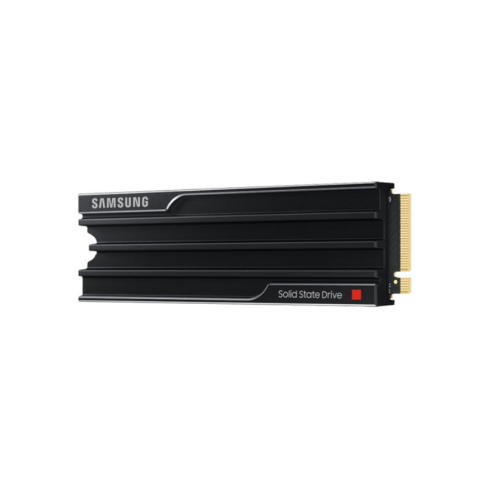
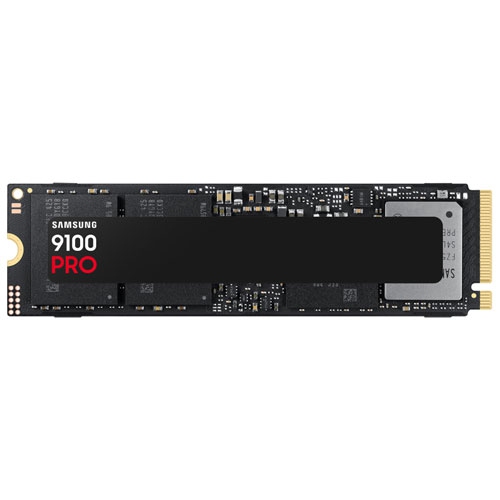
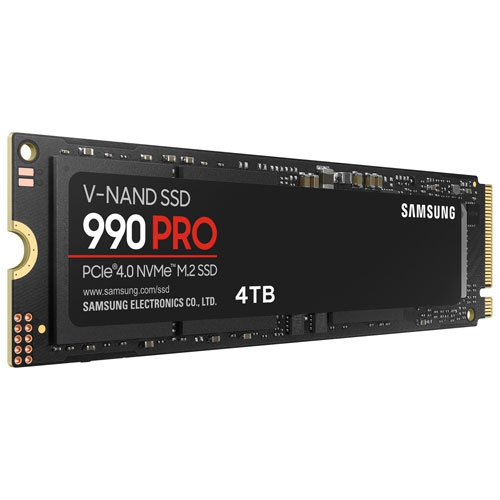
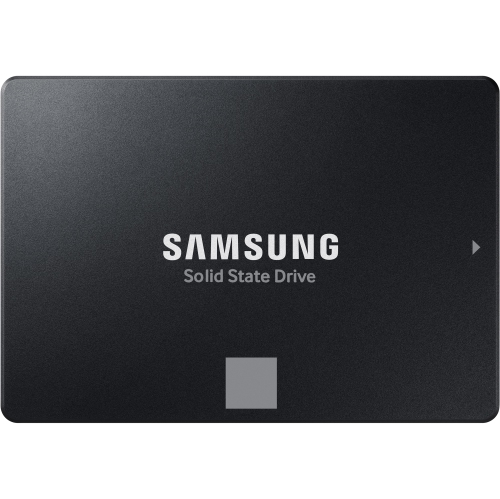
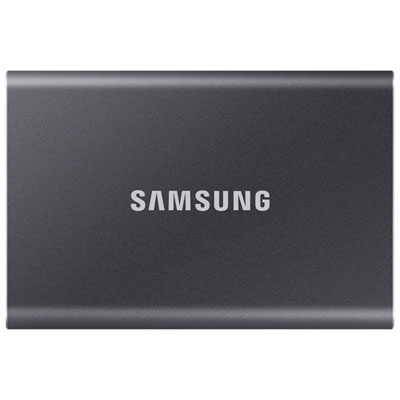
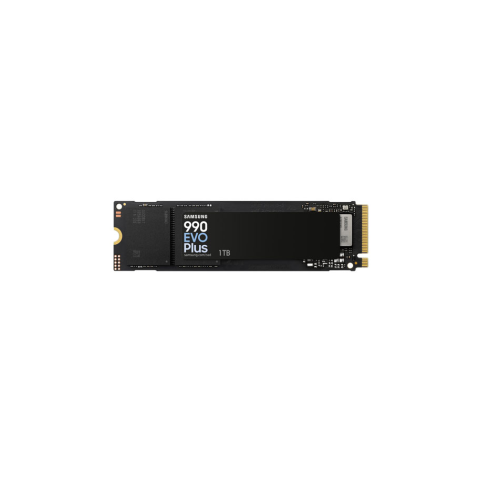
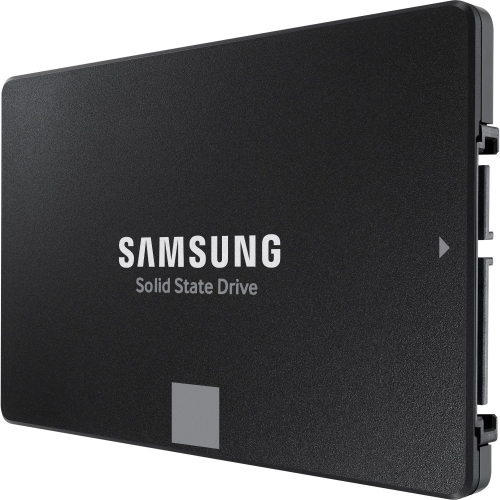
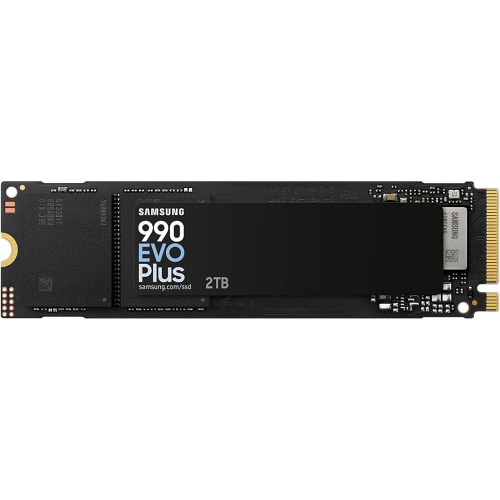
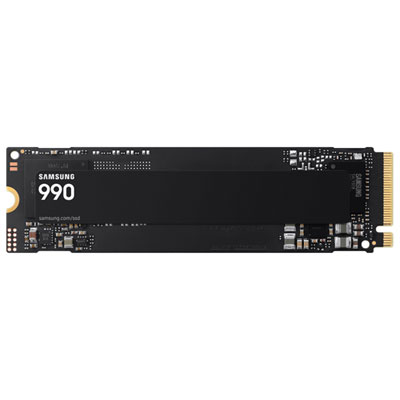
Modern storage in this category centres on solid-state drives (SSDs), rather than traditional mechanical hard disk drives (HDDs). Although “hard drive” remains a familiar name for computer storage, the technologies work differently: an SSD stores data on flash memory, while an HDD uses spinning magnetic platters and a moving read/write head. Older mechanical drives may still be found in legacy computers, but they should not be confused with newer solid-state storage. With no moving parts, SSDs operate quietly and can make everyday tasks feel more responsive, from starting a computer to opening a large photo library. Internal SSDs become part of the computer itself, holding the operating system, applications, games, and personal files. Portable external SSDs connect by cable and are useful for backups, shared projects, or extra space without opening a device. For an internal upgrade, compatibility matters as much as capacity. A 2.5-inch SATA SSD typically uses a drive bay and SATA connections, while an M.2 SSD mounts directly into a compatible slot. M.2 describes a physical format, not a guarantee of a particular connection type: M.2 drives can use SATA or PCIe-based NVMe technology, and the computer must support the drive being installed. Length, mounting position, supported interface, and clearance for a heatsink can all affect fit. A compact laptop may have very different requirements from a desktop tower, even when both support M.2 storage. Checking the device specifications helps distinguish a straightforward replacement from an upgrade that needs additional hardware or professional installation. For everyday browsing, schoolwork, and office applications, responsiveness and dependable capacity are often more useful considerations than the highest advertised transfer speed. Larger creative projects and frequent transfers of substantial files can benefit from faster compatible storage, although the rest of the computer still influences results. In games, an SSD can reduce loading times, but it does not automatically increase frame rates.
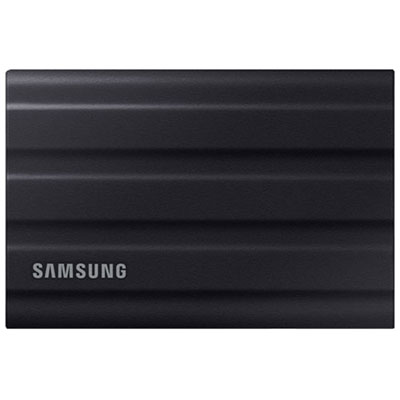
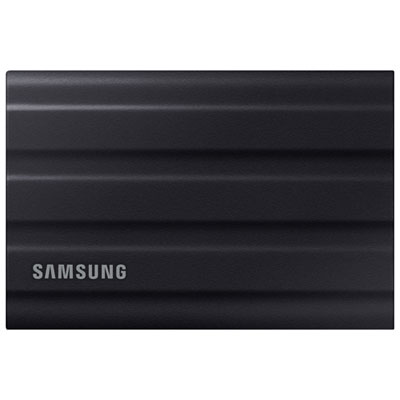
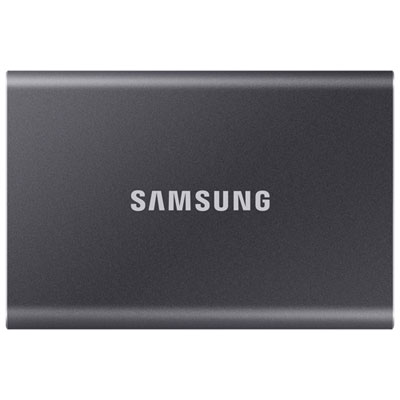
Portable drives, including the storage grouped under Samsung External Hard Disks, keep documents, media, and backups in a separate enclosure connected by cable. This format suits a student moving between study spaces, a photographer carrying image files, or someone who wants a backup drive that can be disconnected and stored separately. An external SSD does not require an internal drive bay, but its connection still needs attention. USB-C describes the connector shape; it does not, by itself, establish transfer speed or confirm every supported feature. The drive, cable, and computer port all contribute to performance, and an older connection can limit a faster drive. Advertised speeds usually reflect particular test conditions, so copying a folder containing thousands of small files can take longer than transferring one large video file of the same total size. Housing materials and construction also matter for daily handling. Metal and durable plastic enclosures offer different textures, weights, and levels of protection, while compact dimensions make a drive easier to carry in a laptop bag. A metal shell may help disperse heat, but enclosure material alone does not establish drop resistance or protection against water and dust. Those capabilities depend on the stated specifications of the individual drive. Solid-state construction removes the mechanical vulnerability of spinning platters, yet the connector, casing, and internal electronics can still be damaged. A protective pouch can keep a drive from rubbing against keys or loose accessories, and leaving slack in the cable helps prevent strain on the port. Keeping connectors clean and dry, avoiding sharp cable bends, and safely ejecting the drive before unplugging it support reliable everyday use. For a desk setup, a short cable can keep the workspace tidy; for use with several devices, the correct cable or adapter is more important than matching connector shapes alone. Compatibility with phones, tablets, and gaming consoles should be confirmed separately, since power, formatting, and software requirements vary.
Capacity is easiest to judge against the files the drive will actually hold. Documents and spreadsheets generally need much less room than high-resolution photographs, large game installations, or video projects with multiple source files. A household photo archive may grow gradually, while a video editor can fill storage quickly with footage, working files, and exported versions of the same project. Allowing room for that growth is more practical than choosing a capacity that barely accommodates today’s folders. The space shown after formatting will also be lower than the labelled capacity because of measurement conventions, formatting, and any reserved space. For an internal replacement, moving an existing system may involve cloning the old drive or installing the operating system again; the process depends on the computer and the software being used. For an external drive shared between different operating systems, the file system affects which devices can read and write files. Reformatting can resolve some compatibility issues, but it erases existing contents, so important data needs another safe location first. Security deserves similar attention. Password protection and encryption are not interchangeable features, and any included security software should be checked for compatibility with the intended devices. Keeping passwords and recovery information somewhere secure helps prevent a protected archive from becoming inaccessible. A durable drive is still only one part of protecting files: no storage device is immune to loss, accidental deletion, or hardware failure. A separate backup copy, ideally with another copy stored elsewhere, gives family photos, school assignments, and business records better protection than a single working drive. SSD endurance ratings and warranty terms can also help frame expectations for frequent writing, especially for demanding workloads. As a gift, storage can be practical for a student, gamer, photographer, or family archivist, provided its connection and intended use match the recipient’s equipment. The most suitable choice balances usable space, physical fit, connection requirements, and the way files are created, carried, and protected.
Top selling and popular products
-
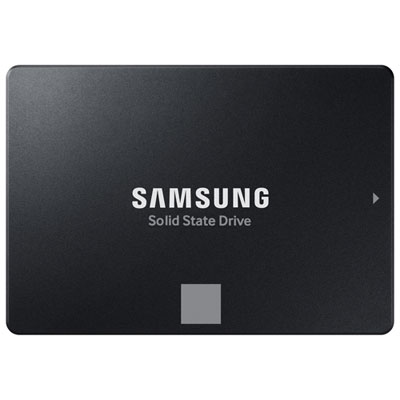 Your price for this item is $469.99
-
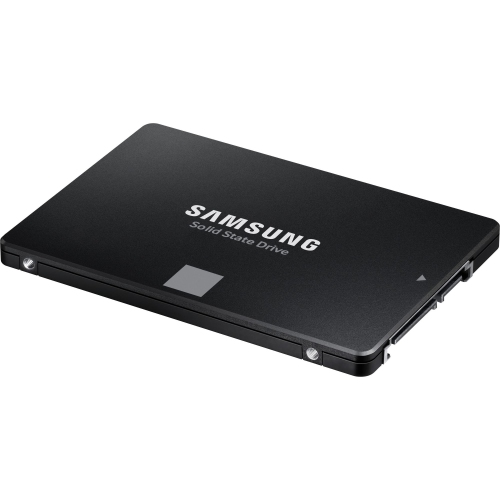 Your price for this item is $394.99
-
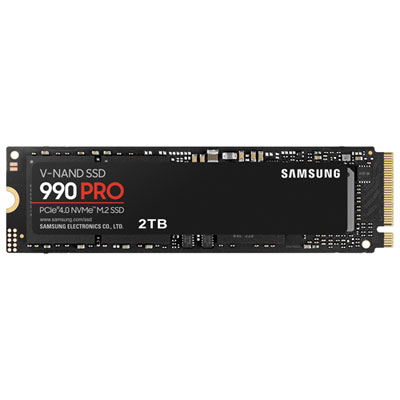 Your price for this item is $874.99
-
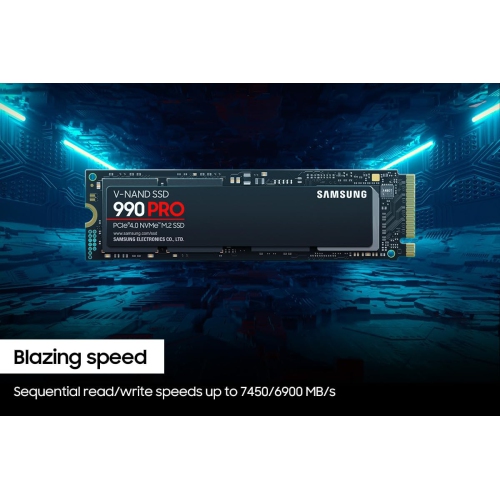 Your price for this item is $1471.99
-
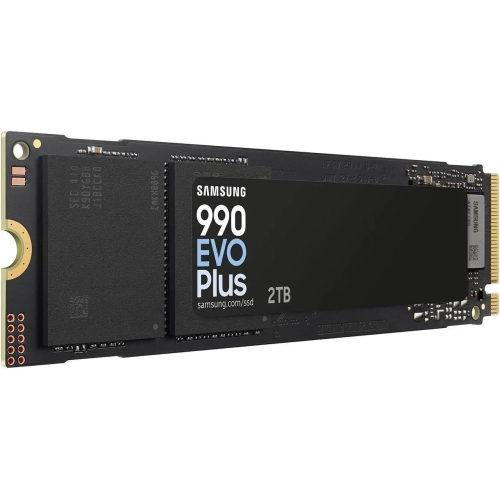 Your price for this item is $639.99
-
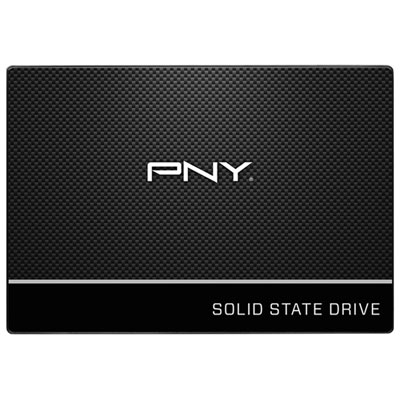 Your price for this item is $124.99
-
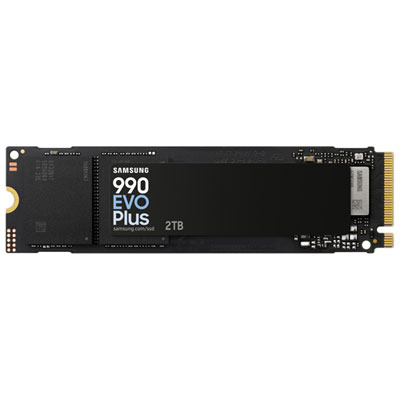 Your price for this item is $789.95
-
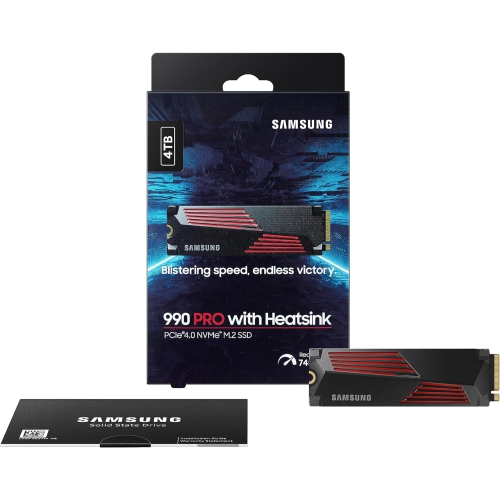 Your price for this item is $1449.99
Discover more categories related to Samsung Hard Drives
Top Collections:
Best Black Friday Deals This Year, Best Black Friday Deals On Electronics, Kindle Devices, Pokemon Centers, Best Black Friday Deals On Apple Products, Best Cameras for Sports Photography, Dyson Airwrap, Pokémon 30th Celebration Cards, Apple iPhone 17 Pro, Canon G7X Cameras
Some products may be subject to Environmental Handling Fees
(EHF) depending on your province.
Learn more about EHFs.